FUBAR
Resident Member
-
Joined
-
Last visited
Everything posted by FUBAR
-
It happened
-
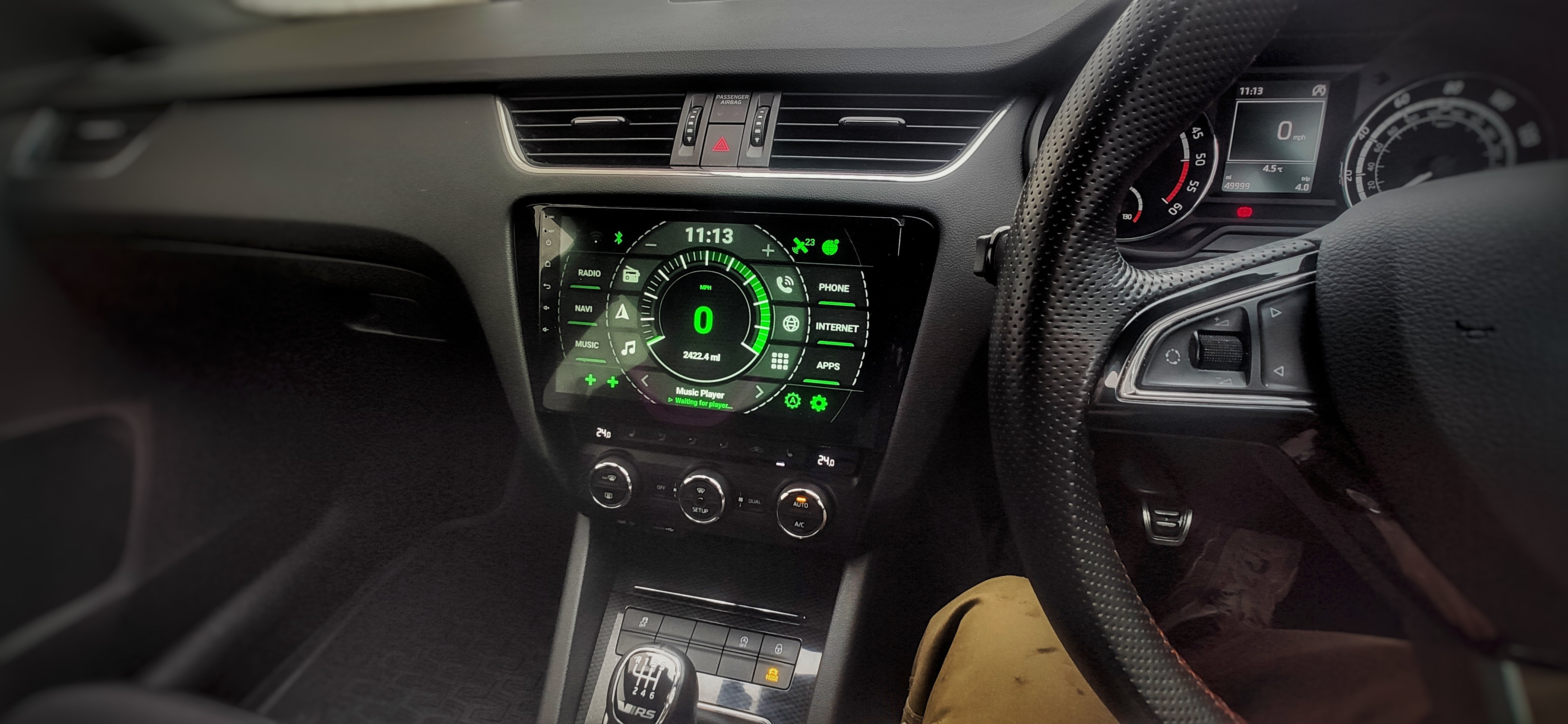
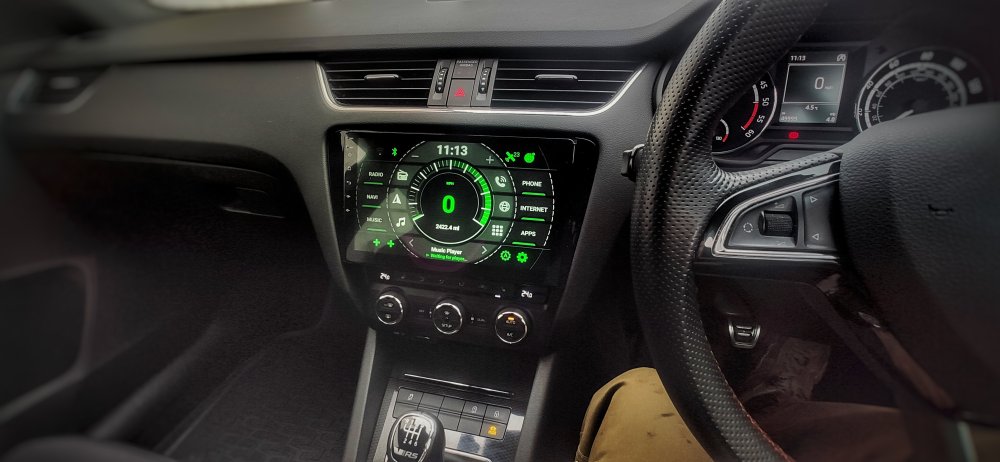
You'd think it wouldn't work well under there, but it works perfectly. Same was done on all the Mk2 Octavia's who didn't want to pay £2K for the Columbus (RNS510) from the factory and instead retrofitted it later, same cheap wee £10 GPS antenna as this fired under dash and worked a treat. No idea how but sure does.
-
-
If you click on the amazon link above there are 42,000 reviews and over 100 customer submitted pics
-
Got these last year were a bit cheaper for BlackFriday at £123.48. I like them, replaced the phillips ones from factory. Can't think there is a lot of difference between them when new and run in. https://www.amazon.co.uk/gp/product/B07FY78JBQ
-
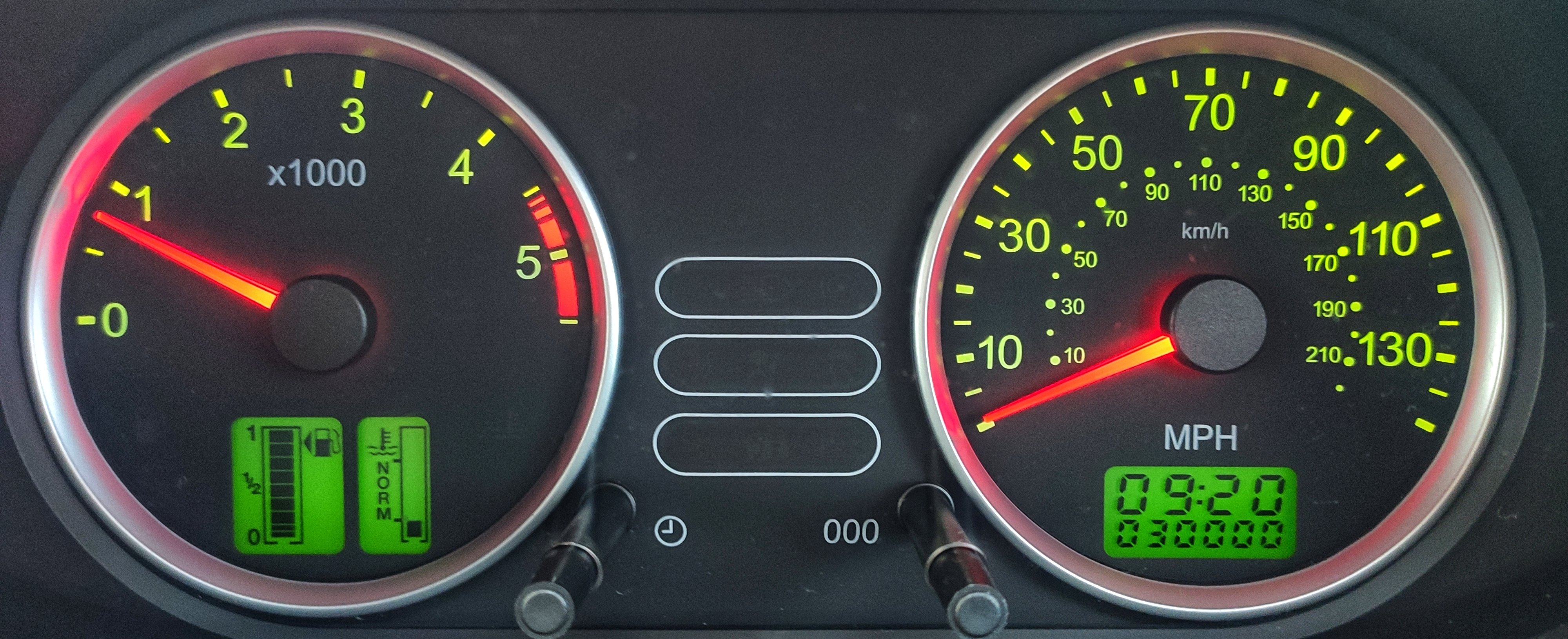
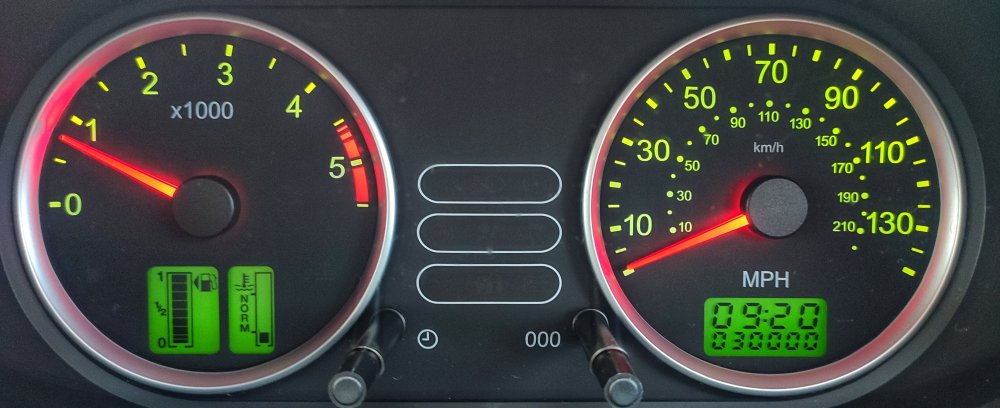
The Fiesta hit 30K Tuesday morning and has done some miles since as roads are filthy and I changed discs and pads at front so need bedding in. Slimer I just moved down the side of the house as roof getting de-mossed today (at some point), swapped the mats out for the winter ones too as I will be using it for back to work as of tomorrow and it's STILL on......
-
-
Yea auto dim with headlights etc. If your mobile service provider also allows unlimited tethering you can use your phone as a wifi hotspot and let the car connect to that for full connectivity. Sygic works very well on it. Just be sure to order the 4gb/64gb one or 6gb/128gb one and not the 2gb/32gb one
-
Also in case you didn't know, when you press the drive mode button in front of the gear stick and it brings up your modes on screen, you can keep pressing the drive mode button and it will scroll through them, whichever one you leave highlighted it will go to that one after a few seconds so you don't actually have to touch the screen with factory stereo etc.
-
-
Should be a little easier to install in LHD than in RHD as per the video near start of thread. Boot time I don't know I haven't timed it specifically, sub 30 seconds it's essentially a mobile phone or tablet being booted from fully off each time. Like any computer or android device it will boot into it's launcher then continue to load up stuff in background so for full speed smoothness of going through stuff a good 2 minutes, but can be used just a bit slower until it's done this. I run a custom launcher so that's running and booting in addition to it's factory one which adds a little to it. Rear camera is fine if you are happy with removing boot trim and feeding it through the grommet that goes from boot to cars body and routing it to front of car, then it's just plug into adapter that comes with stereo and connect to a power source (there is one on the stereo specifically for this which is handy, but can use anywhere. Near start I posted what I did instead of using the factory mic position as I really CBA with doing it and a mic open in the cabin with a boom would ultimately be the best for picking up the sound without spending silly money. You could stuff the same mic in place of the factory one against the grill, but I would think it likely less clear at picking up voice that way.
-
You can turn the onscreen heater control thing off totally in settings so it will not come up ever, that's about it. Realistically the physical controls you use to set and or adjust the climate control tell you everything themselves, so it's not really needed in first place. I have left mine on still as it doesn't come up that often, only really when you change settings and when it then gets to temp requested and backs down to maintain it etc.
-
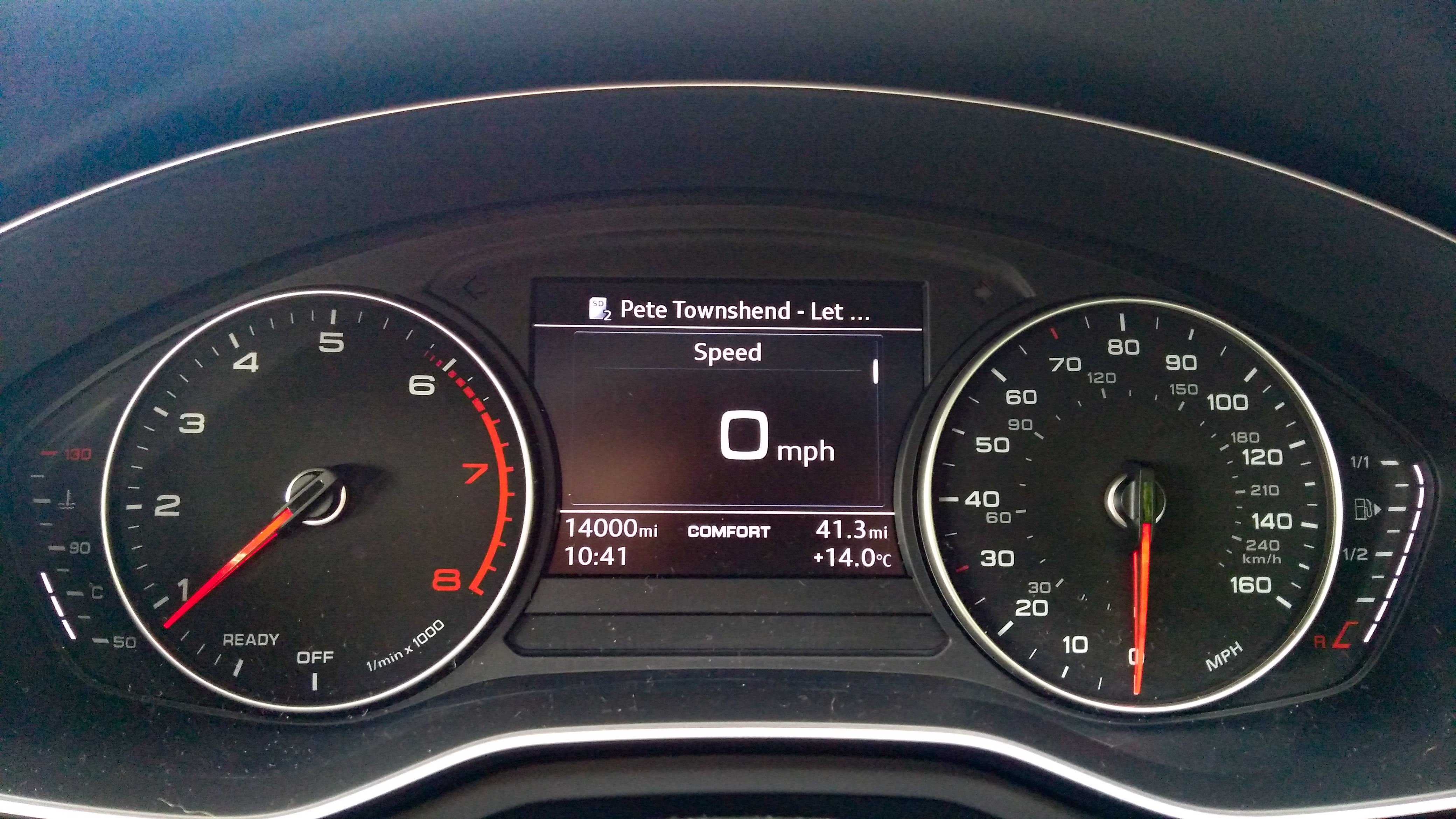
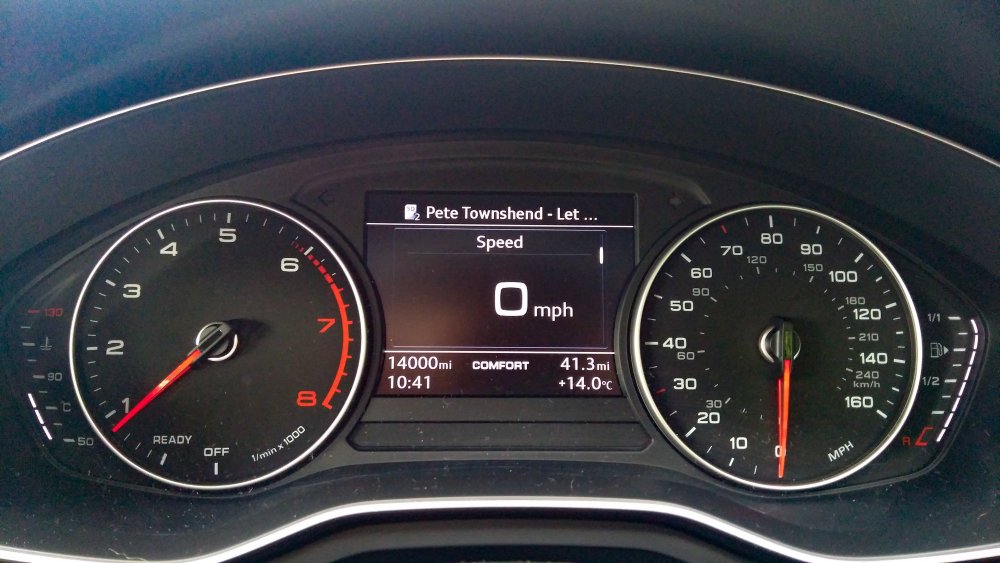
The 2006 Fiesta replaced the 2016 A4 as I didn't get the use out of it and didn't want to have to stomach the depreciation. The true irony that, had I kept it, it would have been worth more today..... FML!
-
One of my old posts in here
-
That's why we own Skoda's not Audi's in here #thrifty
-
I will have had the Ford for 3 years in Feb and i've only put 6,400 miles on it. Dead handy wee spare car £30 VED etc
-
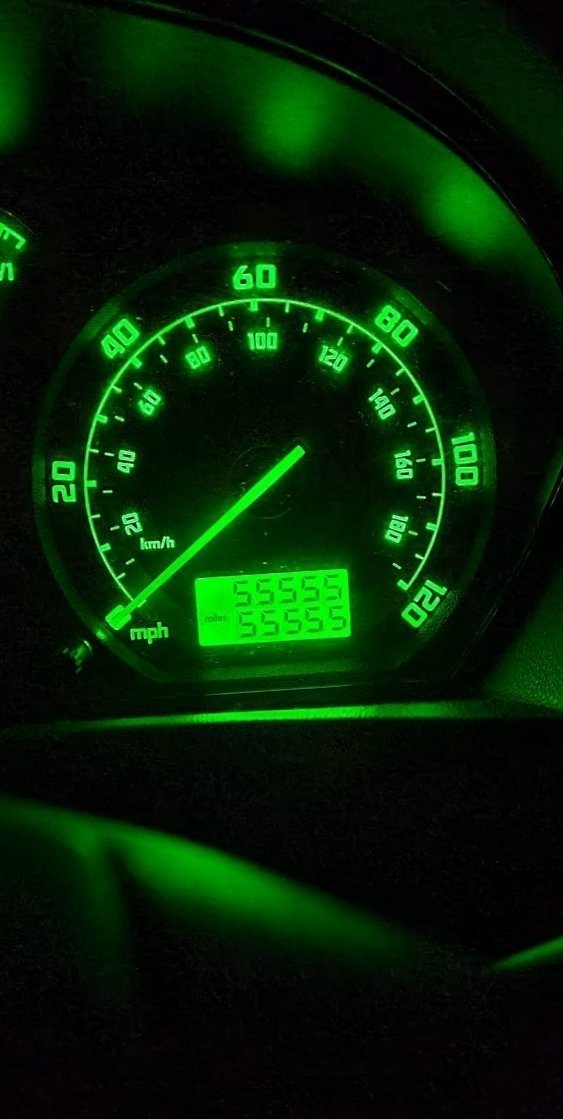
I'd say the 2006 1.4 TDCi Fiesta is a closer match for the Fabia. I remember once upon a time selling my first Mk1 Fabia at 35K miles, worst mistake ever!
-
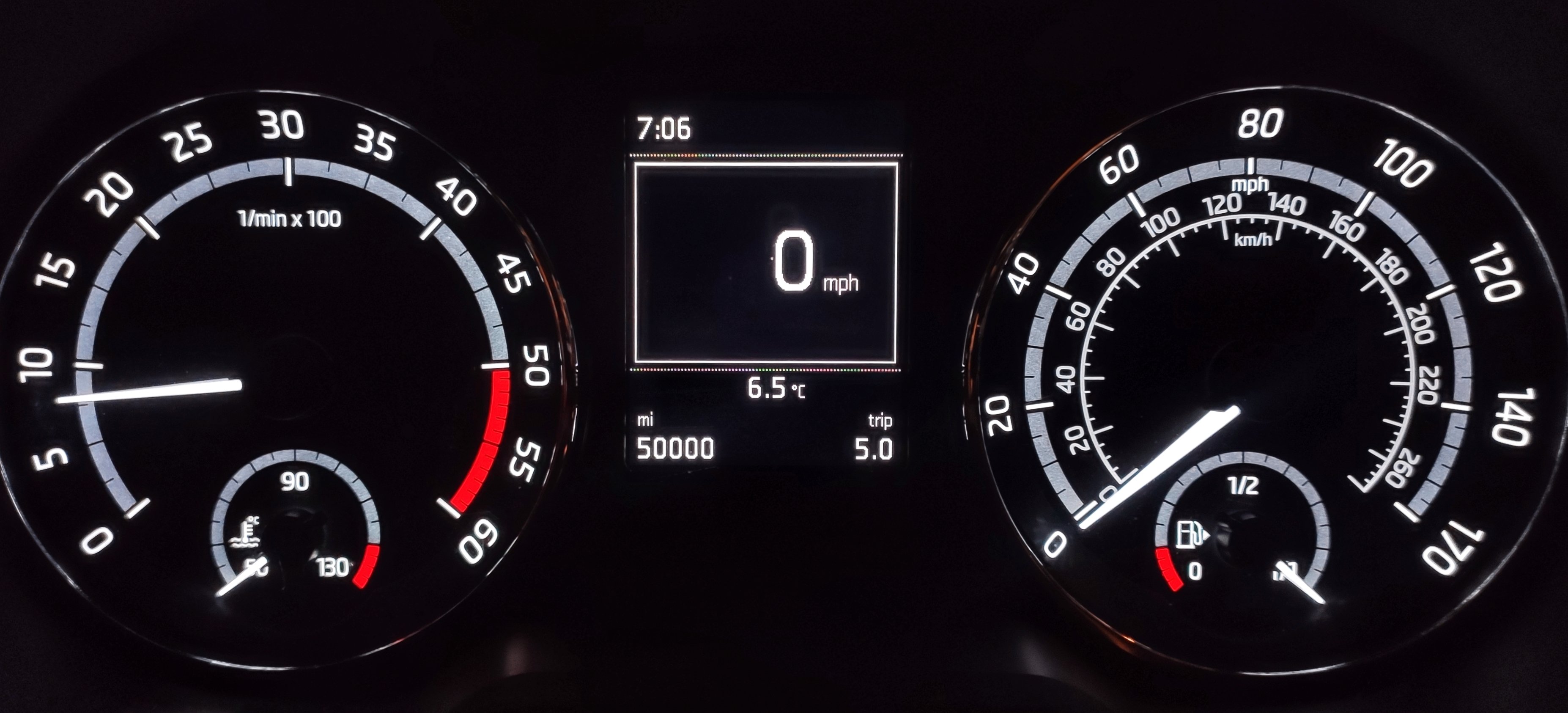
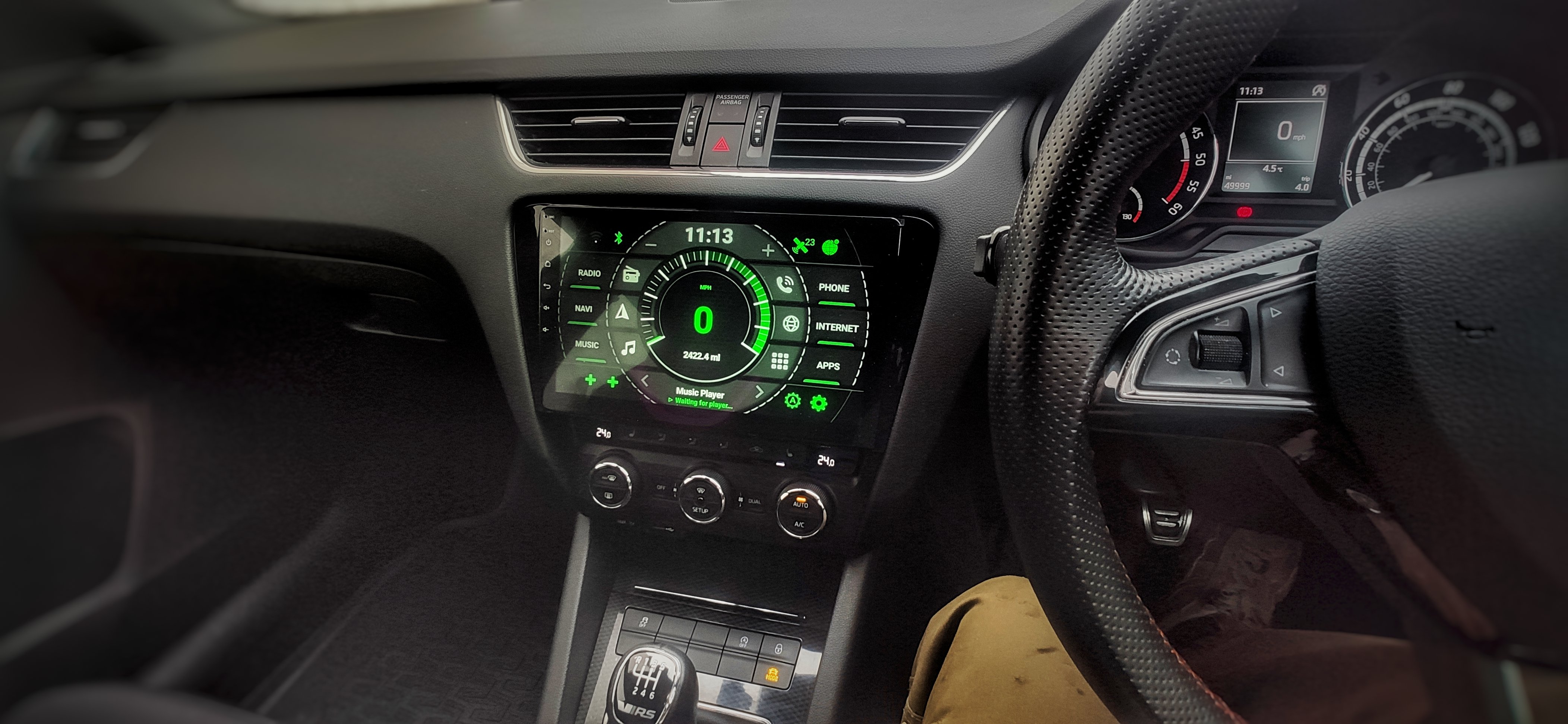
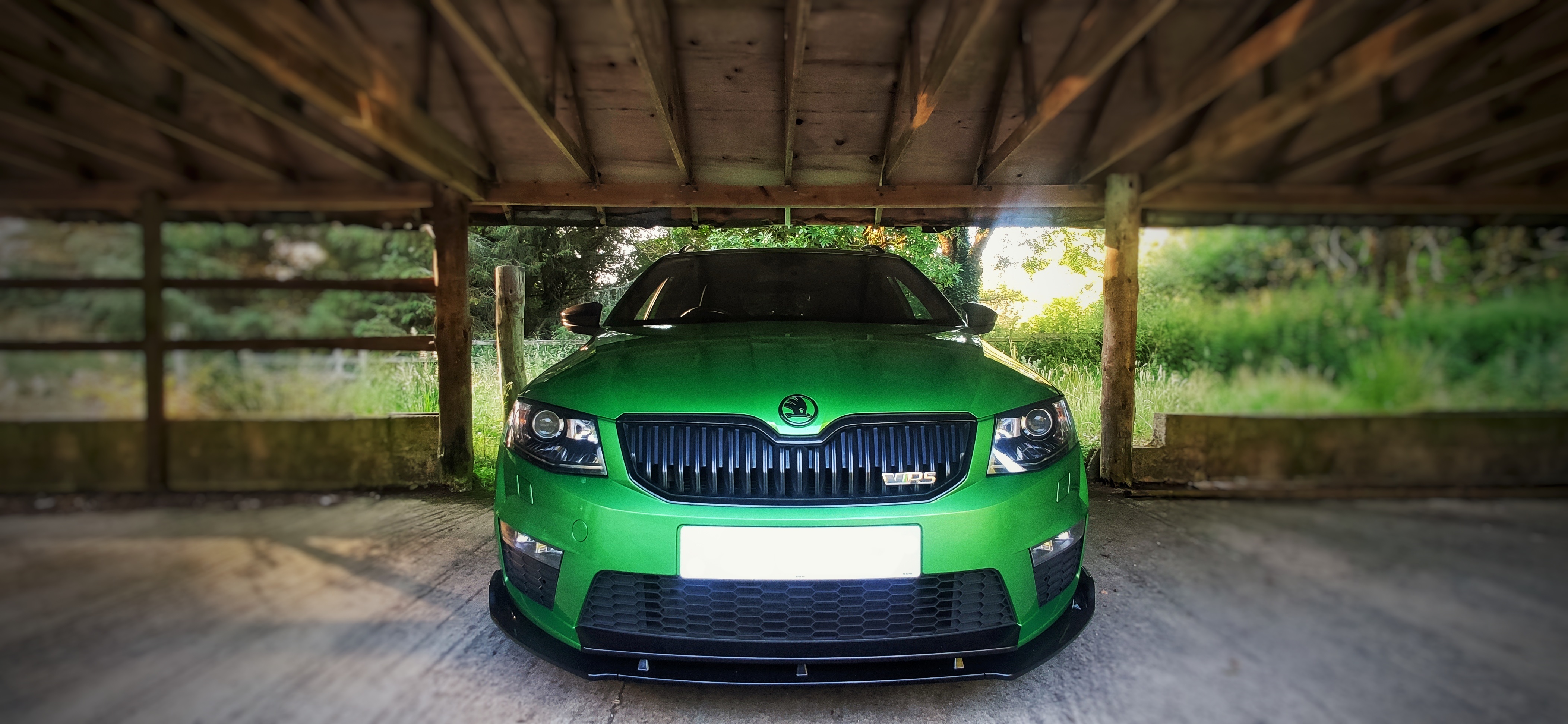
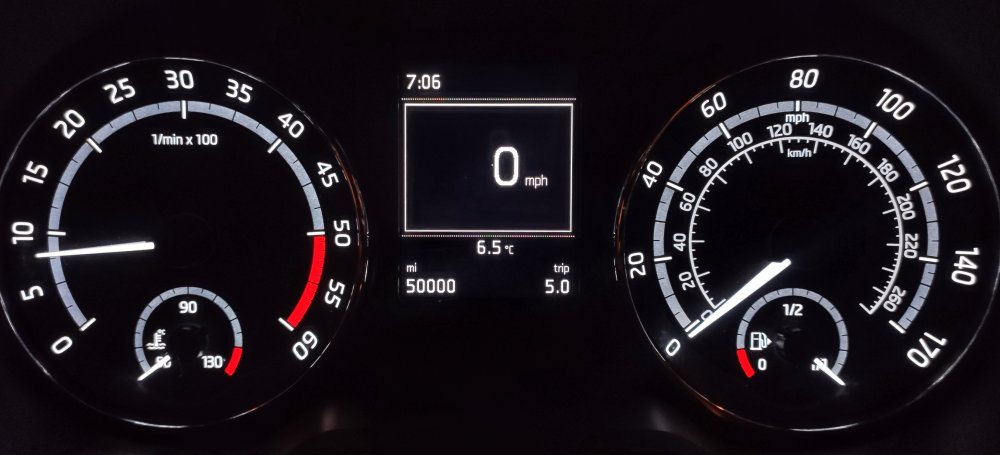
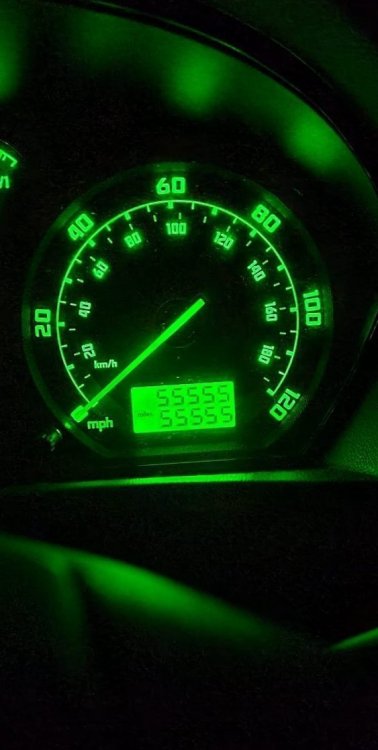
Been off work over a week now and and doing as little as possible, I have both cars on the drive threatening to turn high mileage, the Ford in 0.3miles and the Skoda in 0.8 miles But still amuses me to have them both on the edge at the same time!
-
-
-
-
The Ford has 47 miles to go to his 30K miles and the Octy less. Not moved either since Friday as I CBA and am off work.
-
-
Just think if no one had ever used the trip reset button from when it was built! 😝
-
Asking the wrong person 'how' lol...