singh946
Members
-
Joined
-
Last visited
Everything posted by singh946
-
@Brizoo from the diagram it looks like BCM (Body control module). It is situated just above the pedals. when I was retrofitting light sensor and MFSW I removed the driver seat and laid on my back and found it easier to access it. Otherwise you will twisting and turning to find the correct cabling etc.
-
The finished product @wirer thank you so lets hope the new module doesn't need adaptation. I really hope it works :( The wiring harness I bought from carsystems was the best. Everything worked from the start go
-
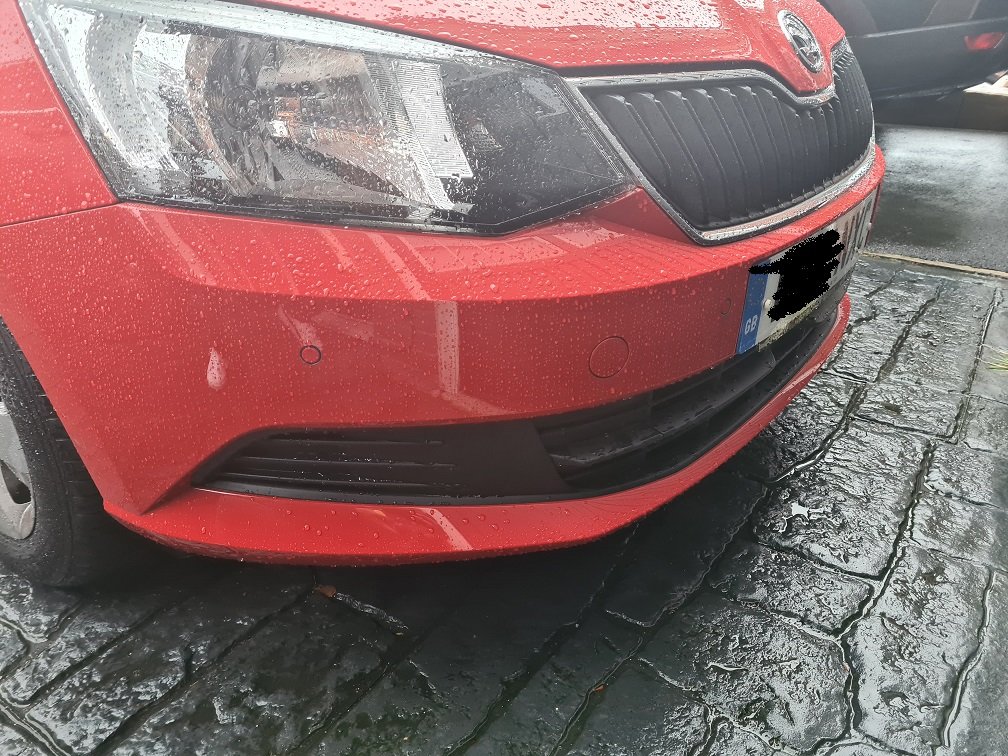
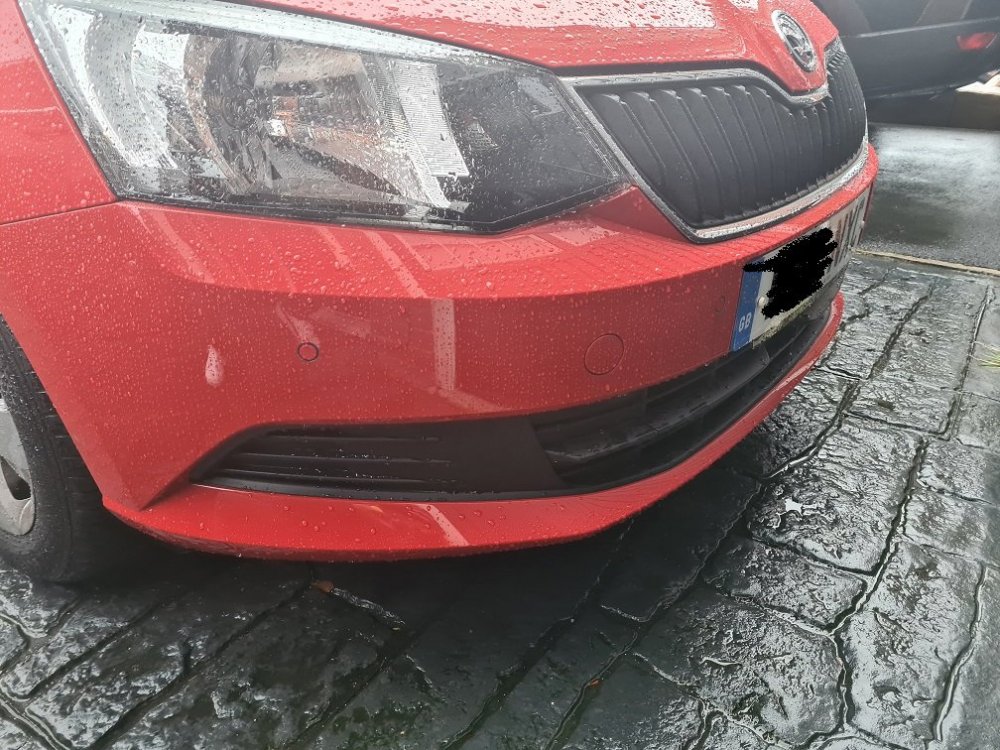
Well just to update, I finished installing the front sensors and put everything back together. The front sensors are working flawlessly as if it came standard from factory. I got shocking quotation from local ODIS users here to reprogram my PDC module as it came from a 2015 Golf and it would require re-parameterising to Skoda i.e. new DataSet. VCDS unfortunately cannot do this and would require either VCP or ODIS. Think I am going to invest in VCP for future use. Anyhow to save money on the build I have bought a 8K module which came from a 2016 Skoda Fabia so I am keeping my fingers crossed that it will work out of the box and if needed easily adapted with VCDS. Will keep you all posted!!!!
-
Hi Guys, Anybody here attempted on Front PDC retrofit on their Mk3 Fabia? I have the rears from factory and looking to get this retrofitted to my wife's Mk3. Wirer (I believe he is on this forum) has done a great write up https://wirer.sk/f3_pdc-predok/ Trying to do this on a budget...getting the switch and PDC module (8K) are no biggie as decently priced on ebay. Only big money is to get the wire harness. Kufatec do a kit..... Would like to know if anybody here done this mod successfully?