dave11
Finding my way
-
Joined
-
Last visited
-
I used these in the boot, and they are very bright, no need for the adaptor cable as they plugged into the existing connector: https://a.aliexpress.com/_BO0NBR For the footwell lights I used these, on the lowest setting they are a nice brightness. They were a tiny bit loose, so I added some cloth tape to 2 sides and now perfectly tight: https://a.aliexpress.com/_BSTVe9
-
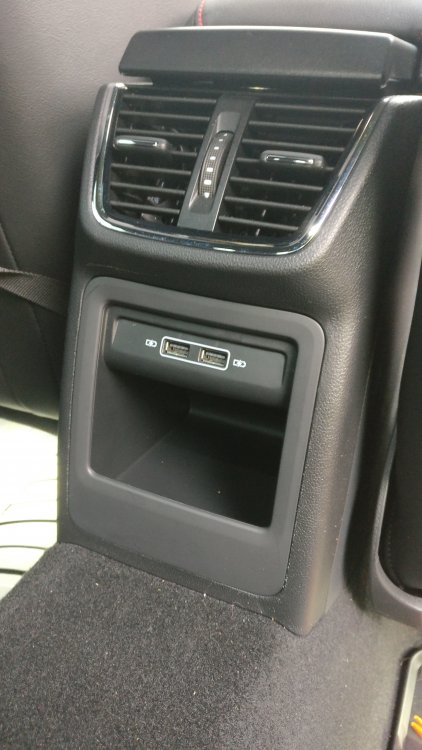
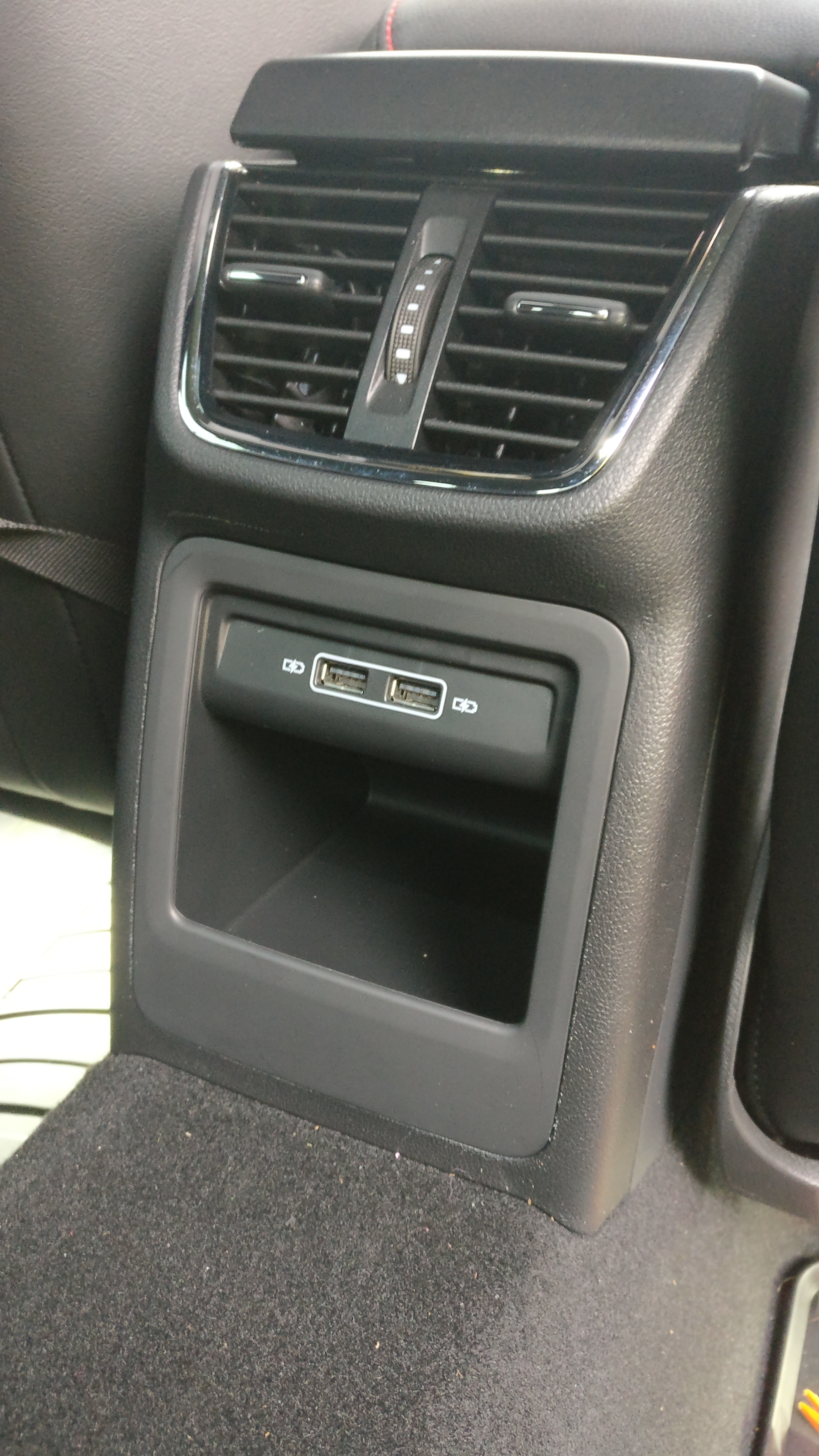
Got any pics? Did the plastic surround fit without modification?
-
This is the link to the kit. https://a.aliexpress.com/_BPw9fJ They sent the wrong connection cable, just got unlucky. So I ordered a new cable and usb pod thing. It's all fitted perfectly. I also managed to damage the cigarette gloss black surround with some scratches, and bent the cigarette socket a little, so being fussy I ordered a new cigarette socket and surround from Skoda-parts.com https://www.skoda-parts.com/catalog/octavia-2/spare-parts/electrical-equipment/interior-lighting-lighter-484.html The hardest bit was removing the cigarette socket to gain access to the plug. The rest was pull and unscrew.
-
Flushed with recent success using the wealth of information on this site, I've fitted 2 rear usb sockets. I got the car in March, and I started this in May, so it's taken a little while, but I ordered various parts in different attempts. Once I decided to go for the kit from AliExpress, and got all the parts it only took 10 mins to change over.