fergiet
Members
-
Joined
-
Last visited
Everything posted by fergiet
-
Instructions very handy, thought it had to be done via the main screen. Much appreciated 👍
-
That's interesting, didn't know you could do that.
-
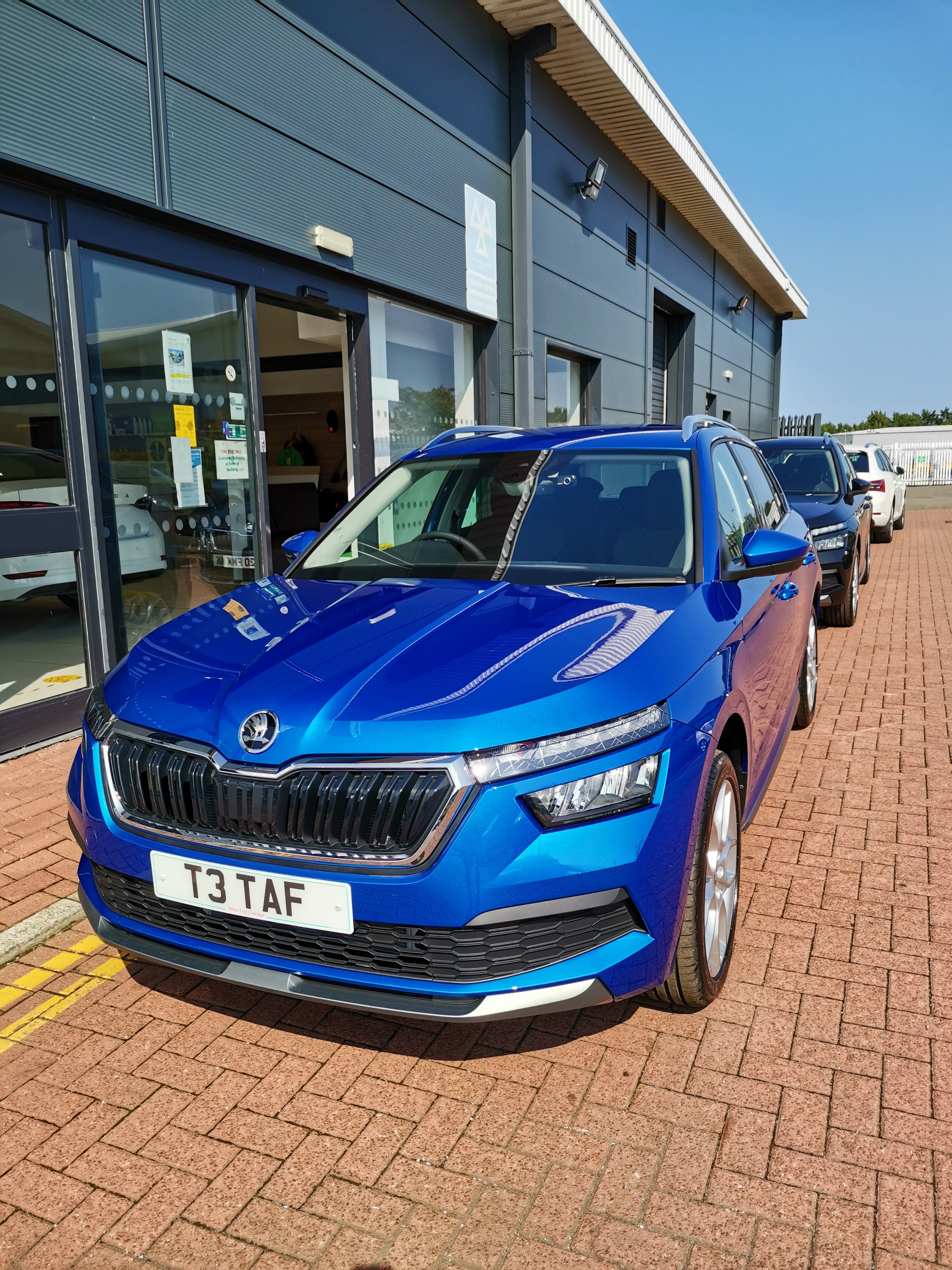
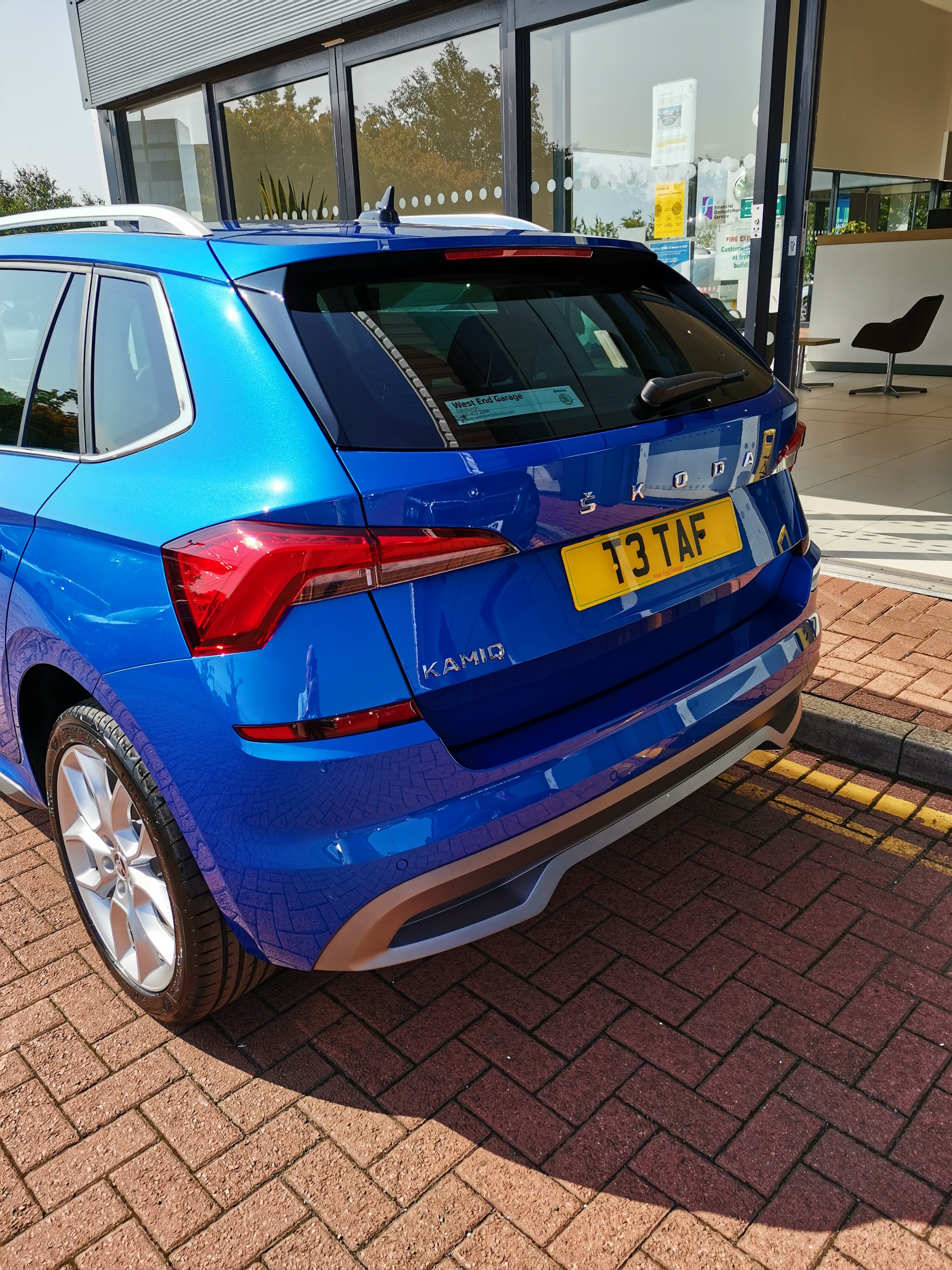
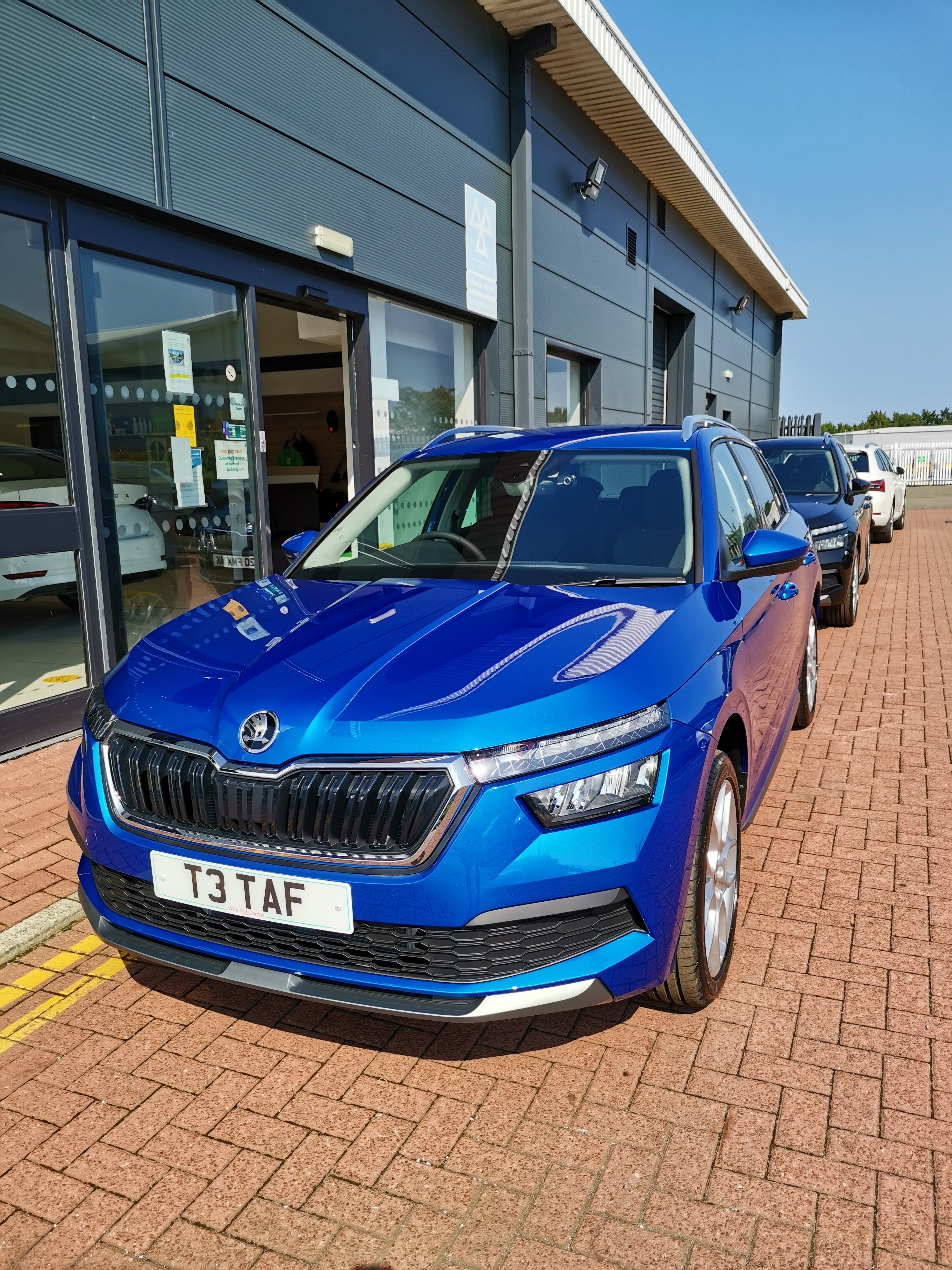
Ha ha, also bought mine pre-built so choose of options limited to what was on it. Came with heated seats and reversing camera. Heated sets I wanted anyway and camera is handy. The Race Blue is one of my favourite colours. Only issue was the time it took to get here because of Covid19. Sat at the German Port for ages
-
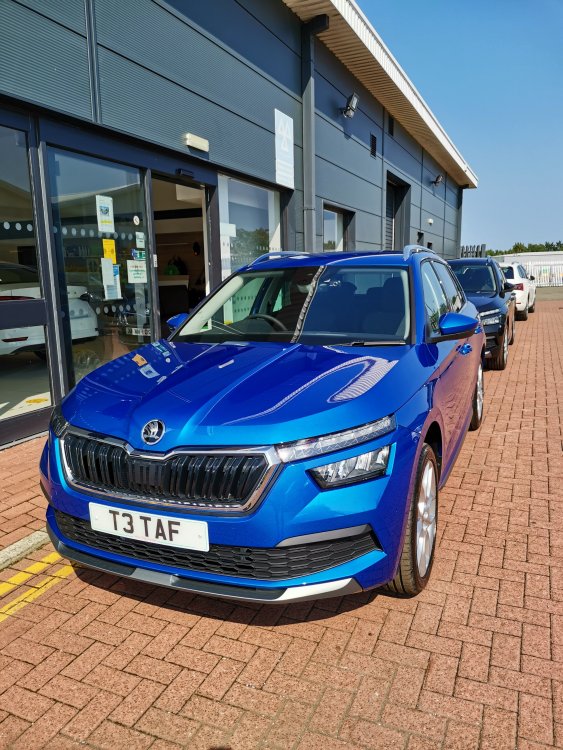
Colour is great in the flesh 👍
-
Great colour 👍
-
Mats are standard, the fip out door protectors are not. I would insist mud flaps fitted f.o.c. But if you are signed up then perhaps to late.
-
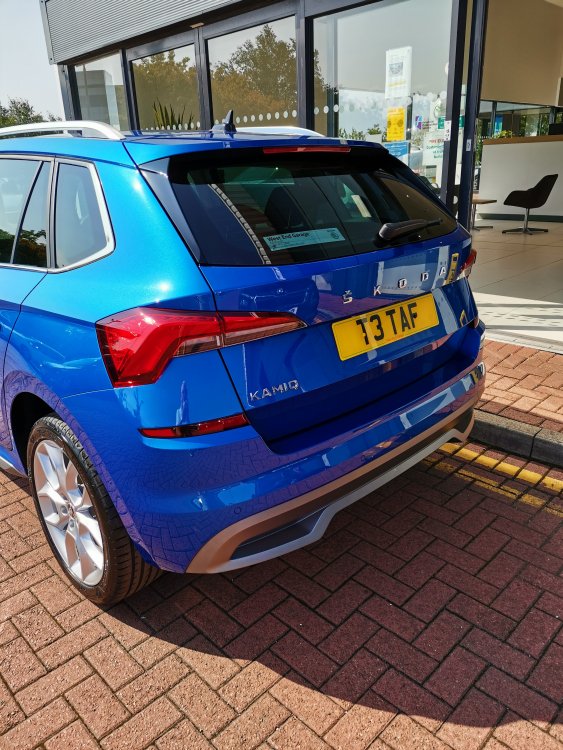
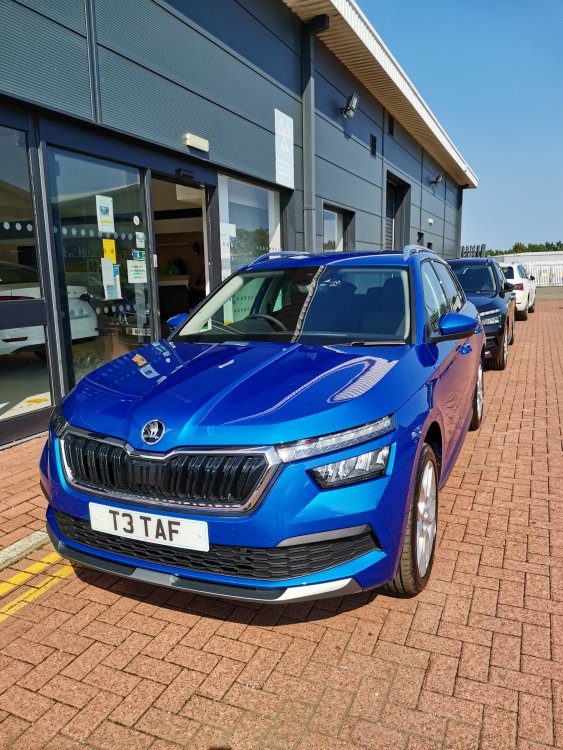
The best colour. I have a 1.5 dsg in SEL trim. Very happy so far. Last 3 cars were Octavias.
-
That's very odd. Speak to your dealer
-
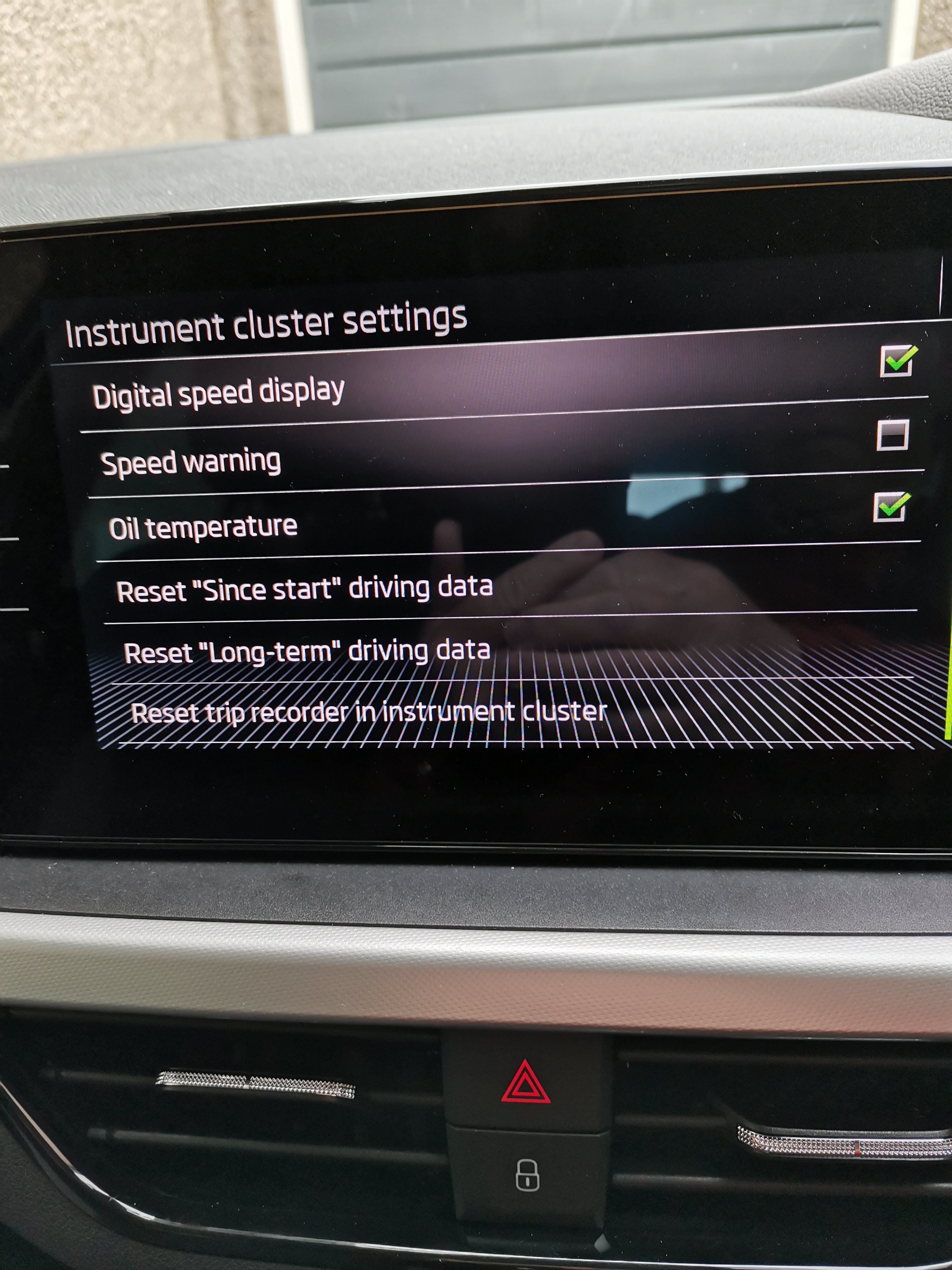
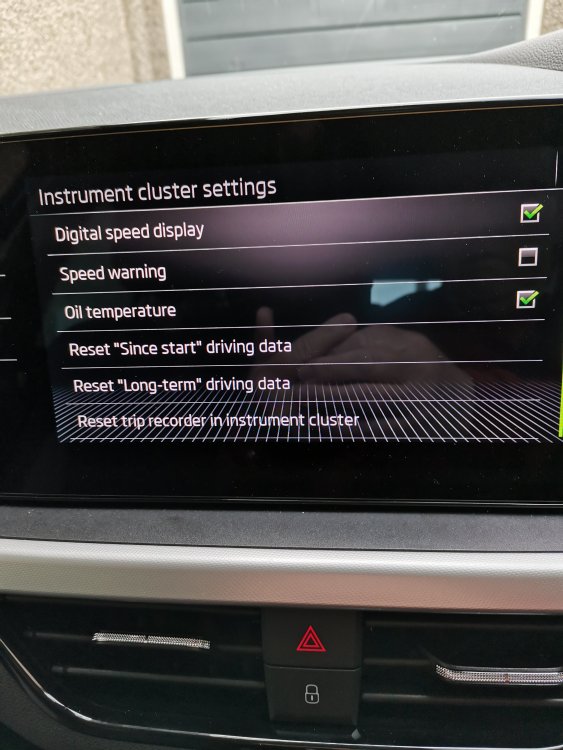
Choose Car/settings. It's at bottom, so scroll down. Tap reset Trip.
-
As far as can see on mine it's all or nothing. Happy to be corrected.
-
The user set up system is poor. Will not let me set up my better half as a user. My Octavia did easily via the keys. If I protect my settings with a pin then it asks for it all the time. Bloody nuisance, so I unset the pin. Phone favourites stay set ok though. I just feel the system needs a bit of refinement. The move to having fewer buttons is not necessarily a good thing. But enjoying the car even after 3 Octavias 👍
-
I cheated and got dealer to fit my dash cam f.o.c. Suggest you contact your dealer and ask the question.
-
My SEL has the 18 inch wheels. I was a bit worried the fide would be bad but to be honest it's been fine. Just don't understand why smaller wheels are no an option. I have 16 inch winters so for a few months it will run on them. Also don't understand why the option of "All Season" tyres is not available.
-
I understand lane assist is or is about to become compulsory on all new carts. It will on by default.
-
Thank for the replies. 👍
-
My Kamiq keeps telling me it's doing a software update. I have not used it much since picking it up last week. Anyone know how long it takes to do the update?
-
Only had my Kamiq a few days and not been anywhere yet so seats not really tested yet. Finding a few problems on the media side. Cannot get it to register a second user. Also got my car via West End Skoda and Ian was the person I dealt with.
-
Mine seems to have gone. Very odd. If it comes back I'll take it to the dealer.
-
Sorry, have to differ. Passenger airbag should be on. Only off if child car seat installed. We had driven about 10 miles before my wife noticed the warning by the mirror. Yes I should have seen it but I didn't.
-
Interesting indeed. Picked my new Kamiq up today, similar noise in mine too. I hate cars that squeek or rattle. Hope It is fixable. Took my better half out after I got home. "Why does it say Passenger Airbag off?" So much for pre delivery inspection. Otherwise car seems good. Time will tell........
-
-
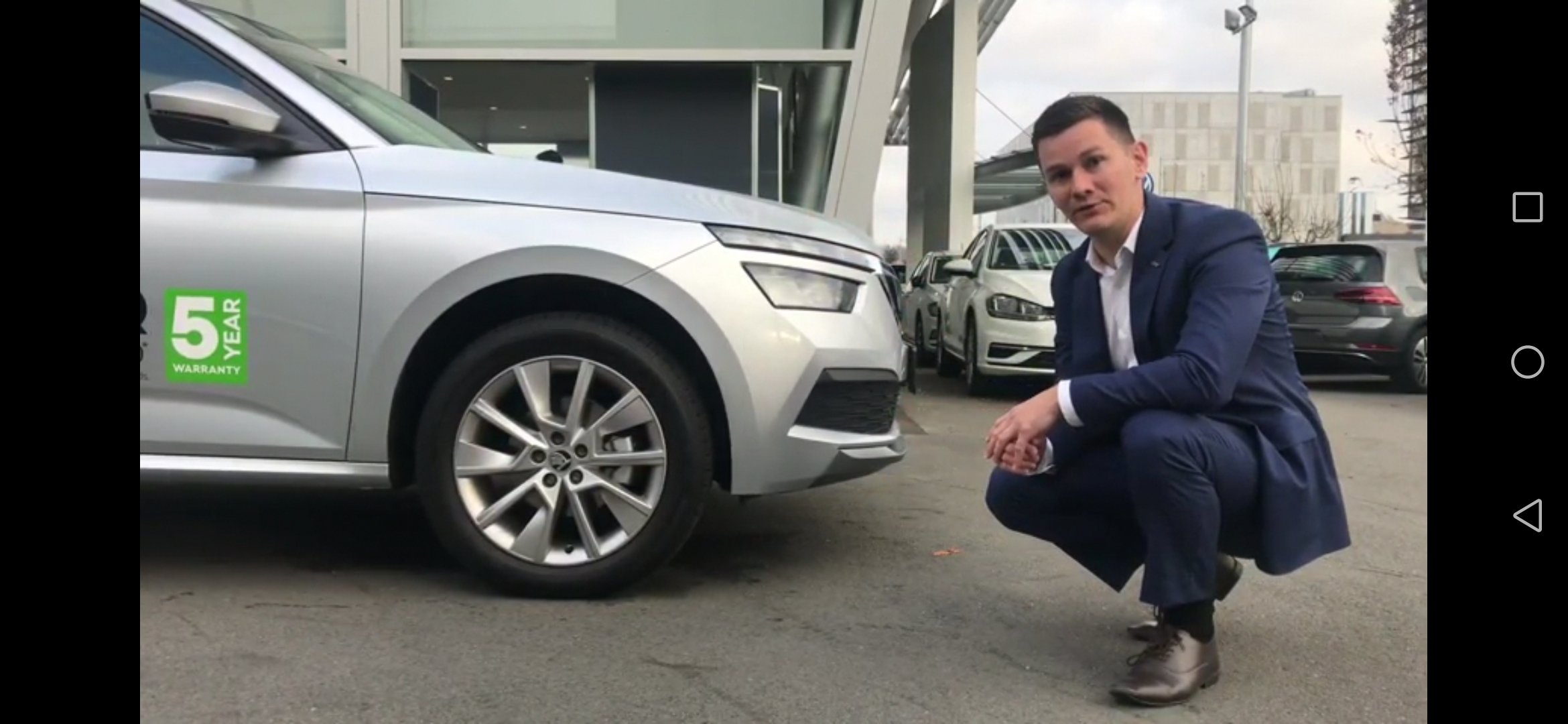
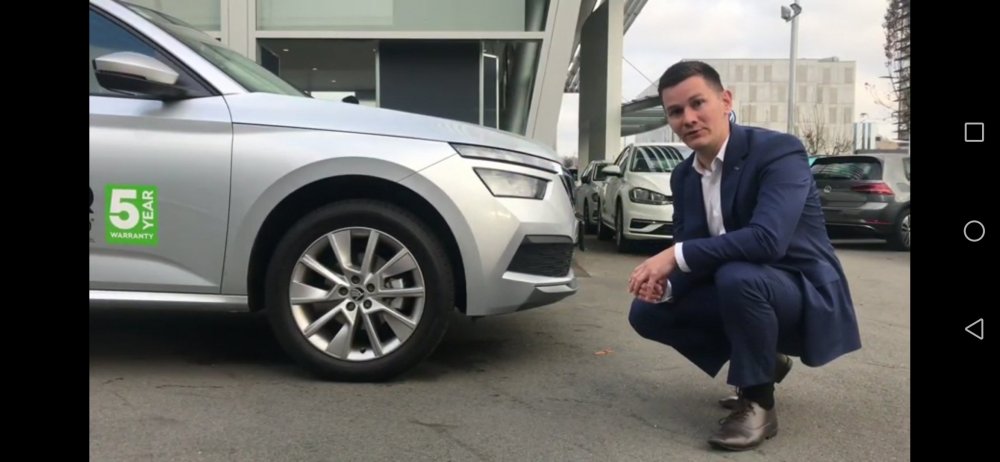
Looks like a 5 year warranty in NZ. Screen shot of a NZ sales video on YouTube.
-
Anyone know the correct size of a spare wheel for a Kamiq SEL with stupid 18" rims? Mine is still awaiting shipment from Germany. It's got a puncture inflation kit but no spare wheel. It is an "already built" car. I have a set of 16" steel winters. So is it essential to have an 18" spare?