
BillyJim
Members
-
Joined
-
Last visited
-
After reading about the issues others have mentioned here I had a sense of trepidation when I collected my 2025 Superb Hatch 265 PS L&K. After just a couple of weeks I got an amber warning "Fail: damper" and I thought 'oh, here we go'. After returning to the dealership it turned out to be a connector to a sensor had come loose. The sensor in question is one that ensures the car remains level under heavy braking or acceleration. They surmised the connector wasn't fully pushed home when the car was built. Other than that the car has behaved so far, though it's only a couple of months old and has only done short journeys. A trip to Germany next month should (hopefully not) reveal any other issues. A sunroof is only available as an option on the estate (panoramic). If by slat you mean the sliding storage hanger, I believe that is standard.
-
@Cedwing In addition to the driver's seat position, the mirror positions are also saved when you 'set' the seat position to one of the three seat switches. Assuming you've saved your electric seat position, press and briefly hold the relevant seat button (1, 2 or 3) and the dipped mirror will return to its preset position. This negates any need to faff around with the mirror control.
-
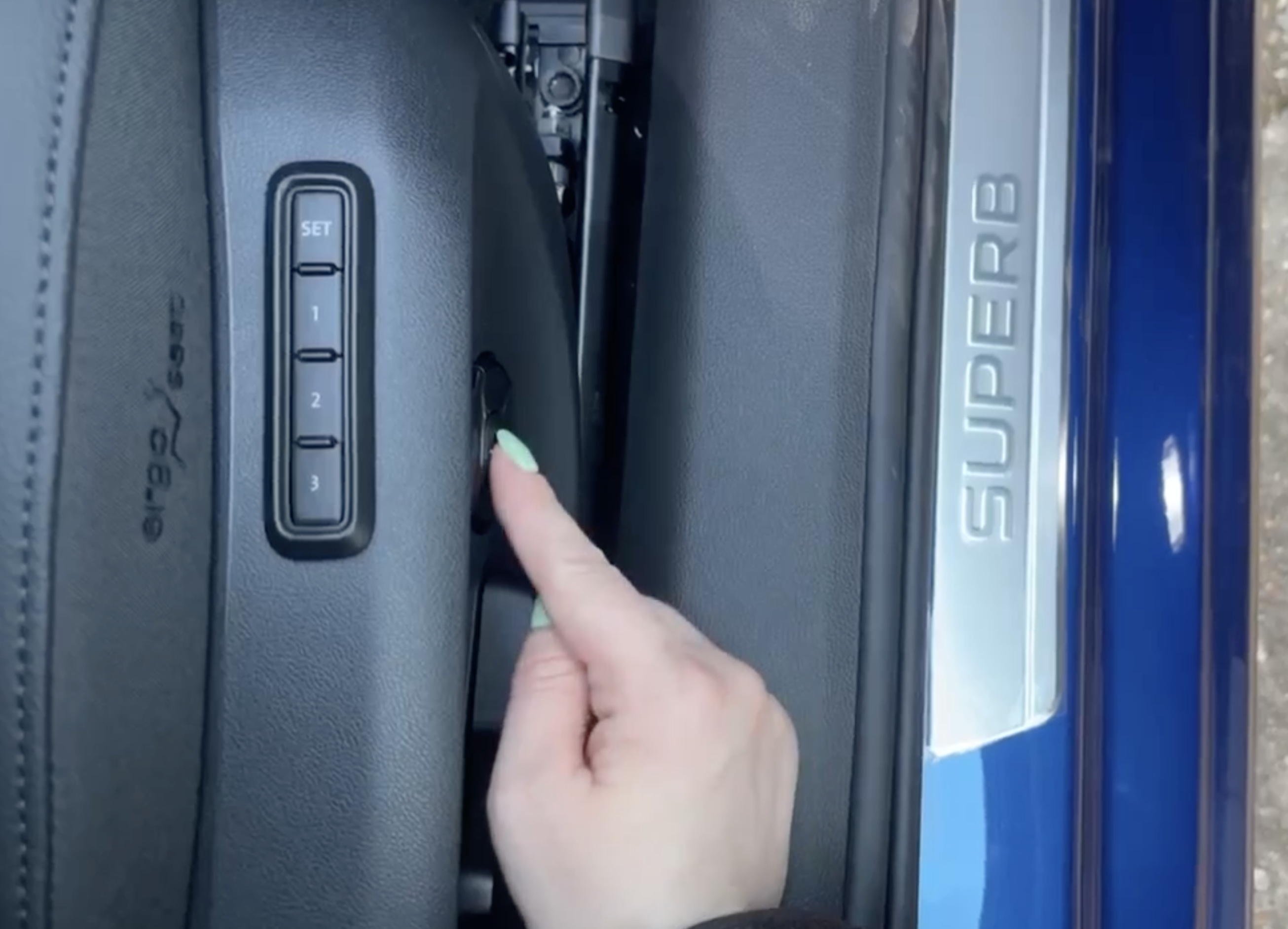
I was posted a video by my dealership to introduce me to my new car which I'm collecting tomorrow. In this screenshot from that video she has her finger on the button to turn on/off the massage function. I hope this helps. The type and frequency of massage can be selected in the infotainment.
-
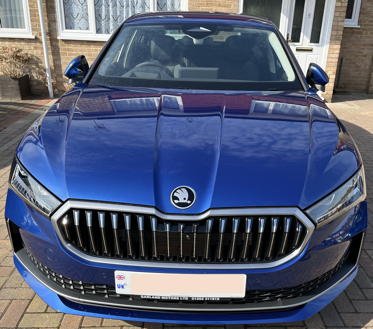
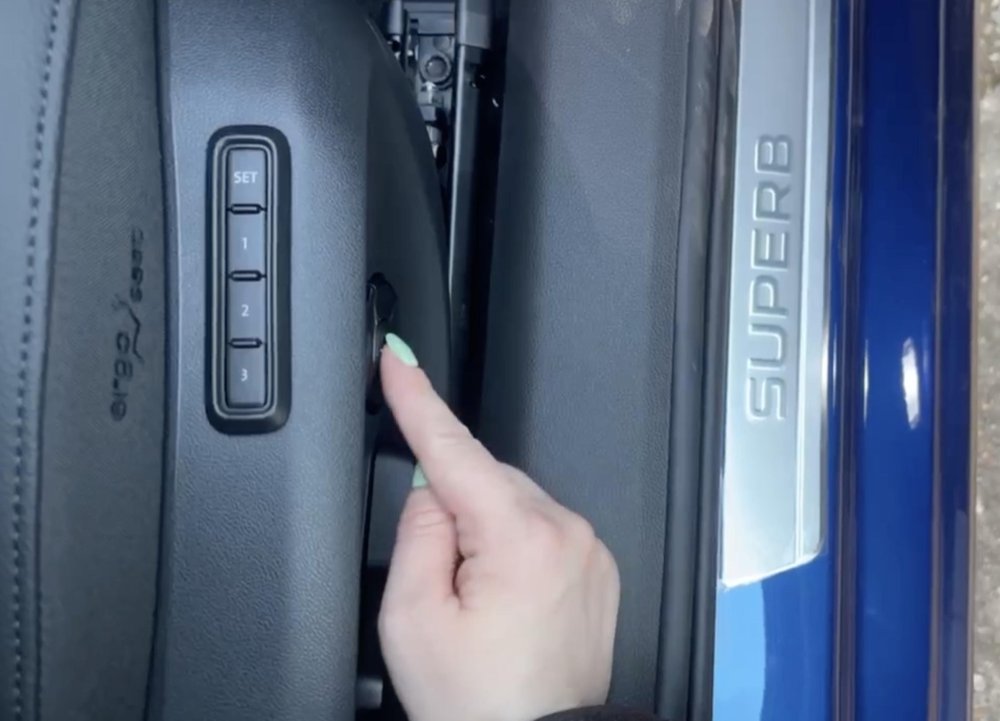
Superb L&K 2.0 TSI 4x4 Hatch cobalt blue. Manufacturer's options: Family Package, HUD, rear wiper. Dealership options: Lifeshine, 5 yr extended warranty, + a few accessories. Ordered 18/11/2024 Built 11/2/2025 Arrived at dealership (Aldershot) 28/2/2025 To be collected 7/3/2025 Dealership estimated delivery to be about 5-7 weeks but it was actually just a little over 2 weeks. For the UK it seems to be pot luck as to how long the vehicle remains at Emden, as it waits for a car carrier ship destined for the appropriate UK destination port (in my case Sheerness).
-
Might have helped if I included a link and not just the image! https://www.skoda-auto.com/_doc/c3451cd1-433c-4162-81c6-c8a7780f4479
-
Haven't got one as I've only recently ordered a new car but I ordered a reversible boot mat and protective film for the rear bumper at the same time as placing the order with my local dealership by quoting the part numbers I obtained from this brochure... .
-
There are several ways to check if it’s Amundsen or Columbus, so here’s just a couple... Select Media > Source. If you have an option of ‘Jukebox’ then it’s Columbus as that’s the music/video storage partition of the internal HDD (the same HDD that also stores the map data). Alternatively remove all SD cards and if you still have mapping in the Navigation mode and can select a destination then, again, you have Columbus.