



Leaderboard
copy2.JPG.0b0e707cc179e01715485e648e379055.JPG)




Popular Content
Showing content with the highest reputation on 20/07/20 in Posts
-
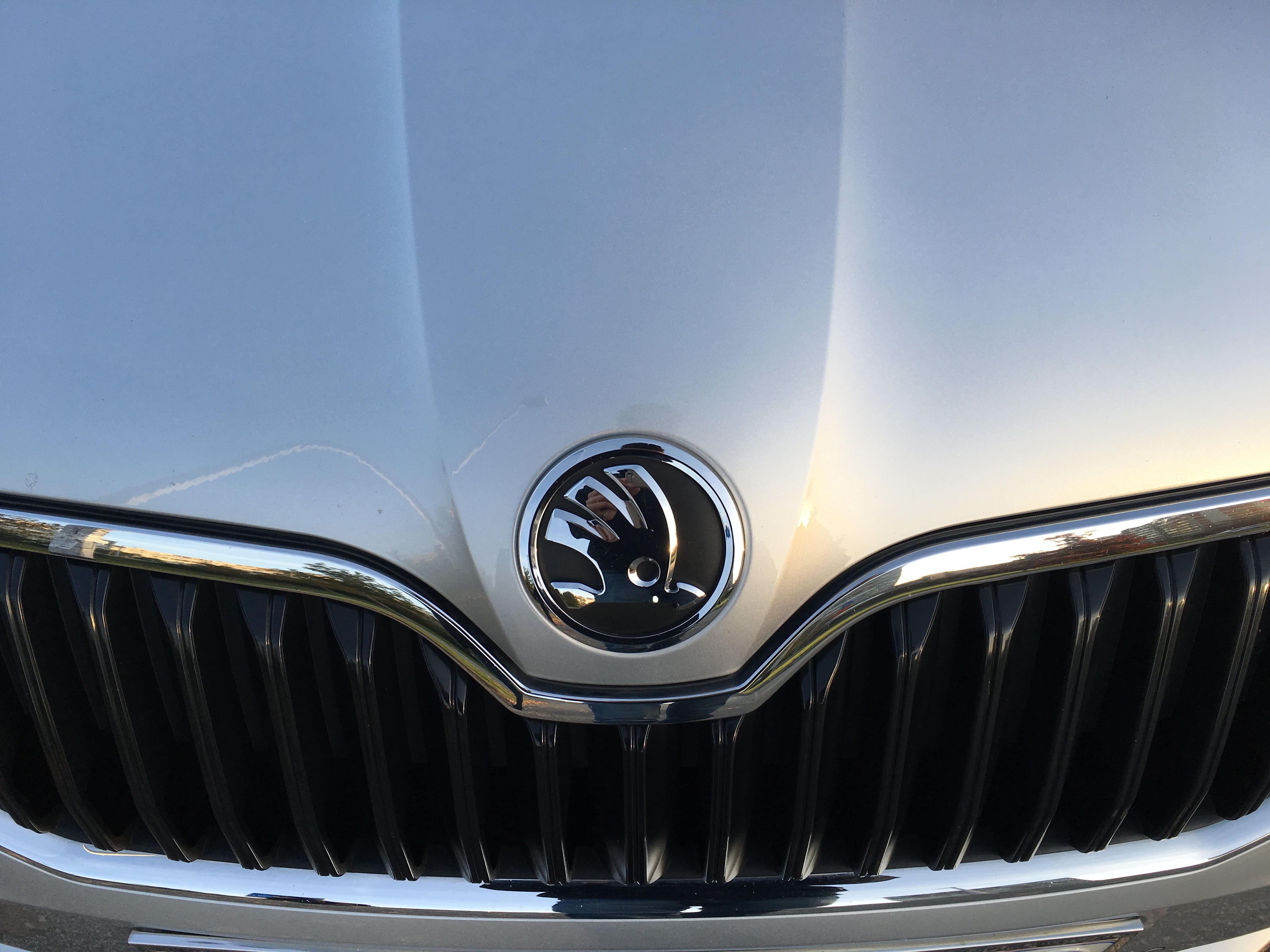
Hi Folks! First thread here. A week ago I bought the new Skoda Octavia mk4. Lava blue, 1.5 TSI and 6 speed manual. So far so good. The ride quality is excellent. A HUGE difference, compared to the previous model. The materials, sound insulation, everything is top notch. So...220 miles (100 highway :D) and I have two complaints: - The Start/Stop system stopped working yesterday evening. - That stupid Skoda Connect thing, I cannot figure it out and I have an advanced degree in IT. So clearly they are doing something wrong. So this Start/Stop system - the system displays that there is an error. It was working fine till yesterday. I start the car, nothing. No warnings nothing. I get driving, and after it warms up, and I get to a traffic light instead of turning the car off - it says "Error Start/Stop system" and on the infotainment - Sorry, this feature is currently unavailble. So, planning to reach my dealer tomorrow. I have had this car for a week, and I have to call the dealer? That is a shaky start. Thank god I bought the extended 5 years warranty I have read the forum topics here. I went for a long drive, but nothing. It didn't fix it. The fuel consumption is excellent though. 43MPG city driving with the A/C on and without the S/S system though not so heavy traffic. With heavy traffic I managed 38MPG (35*C, A/C on, bumper to bumper and Start/Stop ...working )1 point
