Hozz
Members
-
Joined
-
Last visited
Everything posted by Hozz
-
That is strange because I have a 2.0Tsi DSG(190bhp) which was finally delivered July 2021 and that has coasting.
-
Thanks for all the replies. Mine came on in heavy rain but once on a clear day too. Anyway the problem hasn't occurred again recently so will just get them to look at it when it is next serviced.
-
On mine if you set the driving data to actual mpg it will show “coasting” when the car is coasting both in Drive or Economy modes. What I don’t understand is why, when you take your foot off the accelerator it sometimes coasts and sometimes doesn’t in Drive mode. You can often encourage it into coast mode by blipping the accelerator though.
-
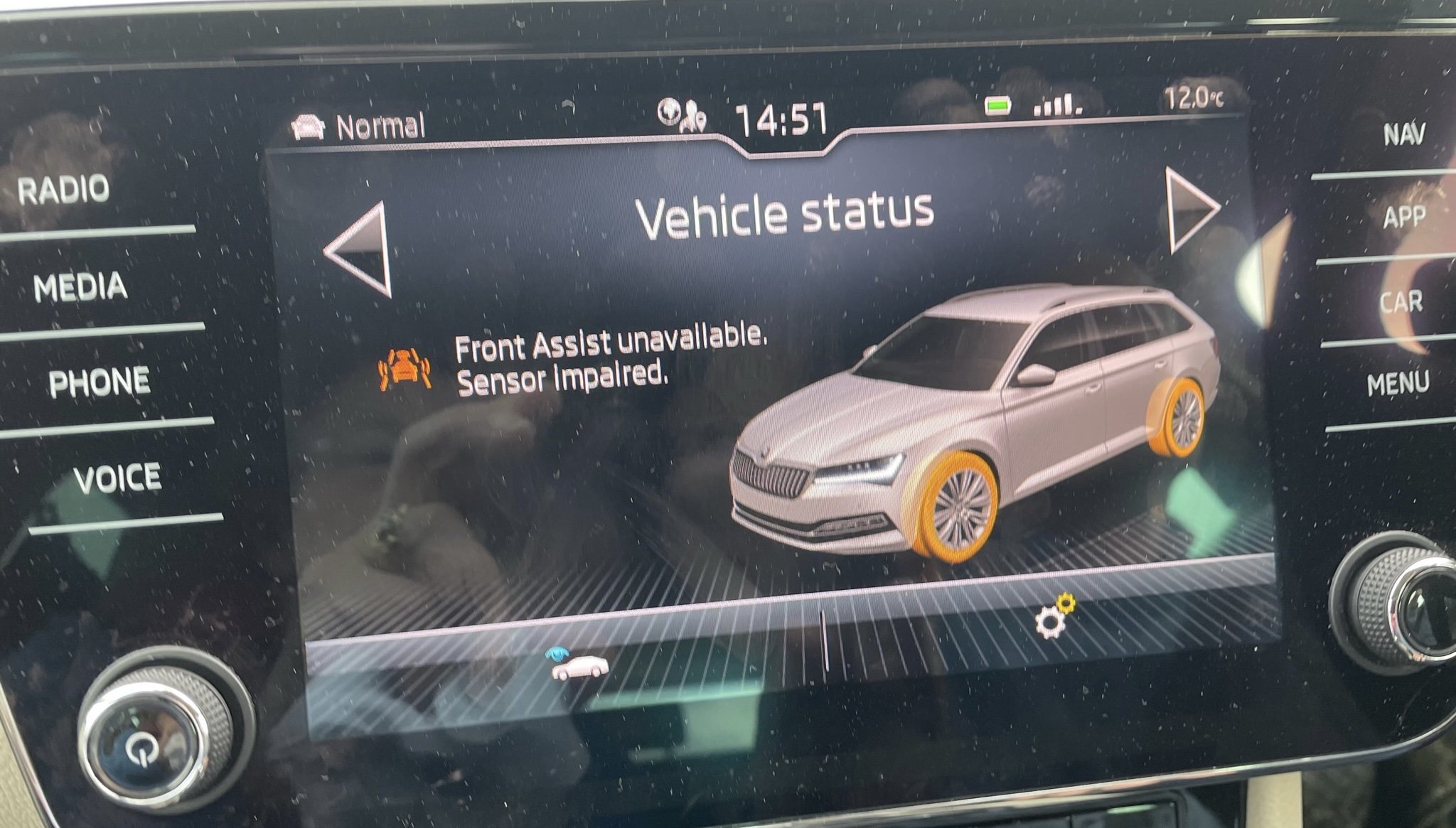
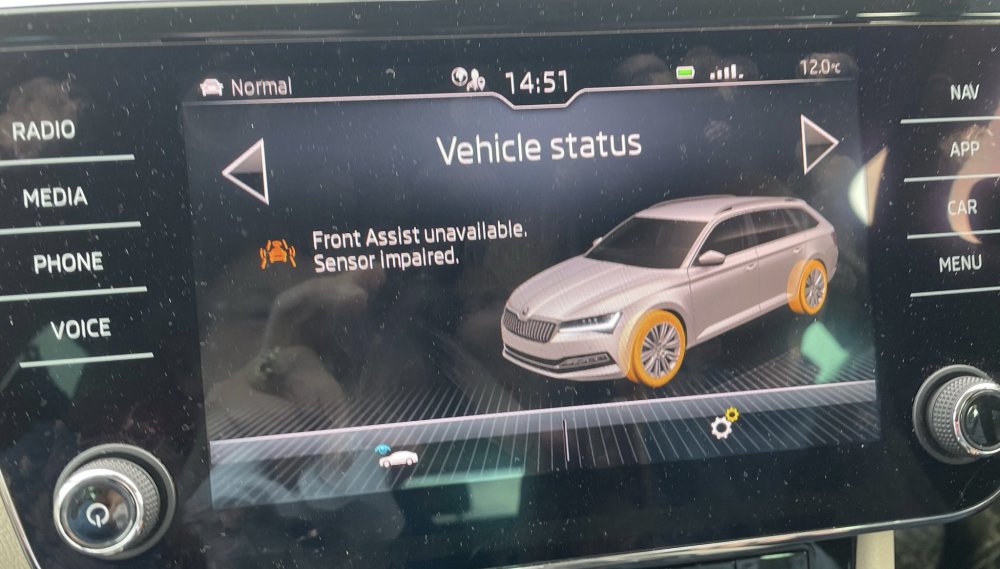
Has anyone had the problem of ‘ front assist unavailable’? it only occurs occasionally and seems to correct itself after a few minutes.
-
Mine was stuck in Emden for 3 weeks.
-
I have a 2021 2.0TSi. I get about 35mpg around town and over 40mpg on long journeys.
-
It seems to me that if you ordered it with the retractable towbar and you got a detachable one you should be entitled to some compensation. The factory fitted towbar also comes with an uprated cooling system, greater capacity battery etc. Have these been fitted or did the dealer just fit a removable towbar and electrics? My factory fitted towbar is a retractable one.
-
I agree with Surrey John. I have the wireless charging, it is very slow and on journeys over 2 hours the phone (iPhone 12) overheats and switches off. There is a usb-c socket immediately adjacent and this charges the phone very quickly. Columbus definitely not worth the extra in my view. I had Columbus on my 2016 Superb and that was fine but my 2021 Amundsen is much better and apart from a wider screen and fiddly touch controls I cannot see any advantage in Columbus. In terms of navigation you are better off with Waze or Google maps which both show up on the screen anyway. I have the usb-c port in the rear view mirror and use it for a dashcam but bear in mind it is only powered with the ignition on. I paid for the 5 year extended warranty on my 2016 car but the only claim I had in years 4 and 5 was for a replacement battery, which it did cover. I might have been lucky but this time around I didn't bother with it. I didn't pay for travel assist as the car already came with predictive ACC and not sure whether adaptive lane assist is beneficial or more of an interference. Waze and Google maps already give speed limit information. Emergency assist is on my car at the touch of a button.
-
If they can really confirm it is going to be built this week then I would have thought it would be sensible to sit tight. Once the car is built you can get a VIN for the car and that really confirms it.
-
I use them all the time. Always been very good.
-
This looks like the details. https://www.royalsblue.com/the-disaster-that-reduced-skodas-production-what-happens-to-the-octavia/
-
I had this problem. Took it to my dealer. They did a software upgrade and I haven't had the problem since.
-
Once the car has been built it will be given a VIN even if it is waiting for parts. That VIN should be given to your dealer or Skoda UK once it has been built so that is a good way of finding out if the car has actually been built or not.
-
It is not necessarily easy to clear faults with the sensor without a connection to VW/Skoda online server. I had a slight bump to my car recently and had it repaired by a Skoda approved repairer. Before releasing it they had to check the radar sensor with their VW/Skoda approved equipment and it came up with a fault that they couldn't clear so they contacted Skoda. Skoda then connected via their online server and sorted it out. So even a specially equipped Skoda repairer can have problems with this. Incidentally the bump I had did not touch the sensor or anything round it so I was surprised why the calibration was necessary but told it was required after any sort of repair.
-
You have to go to your dealer, show them proof of identity, give them the same email address that you use for the My Skoda app and then they will be able unlock this function. Mine now works perfectly.
-
In the UK the spec has to be SE-L or above for the inner part of the lights to work.
-
I had my firmware updated by the garage and the problem has gone away for me too.
-
Got 3 keys with my car delivered in July
-
See topic here
-
Mine was built week 12 and delivered week 29. 3 weeks of that was the vehicle waiting to cross the North Sea from Emden.
-
The fact that you have a VIN code means the car has been built. It can take up to about 3 months though for the remaining parts to be fitted from my personal experience. Just depends on how soon those crucial parts are available.
-
Is there anybody in the south of England, I live in Surrey, who might be able to code Lane Assist on my MY2021 SE L? Happy to pay an appropriate amount.
-
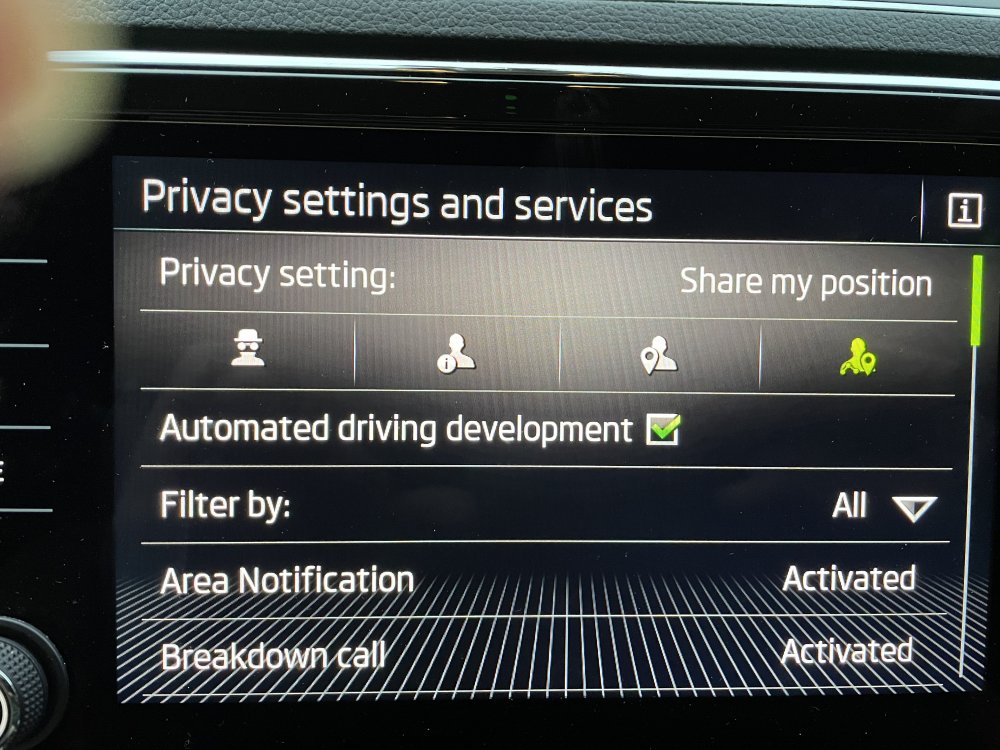
Yes see photo
-
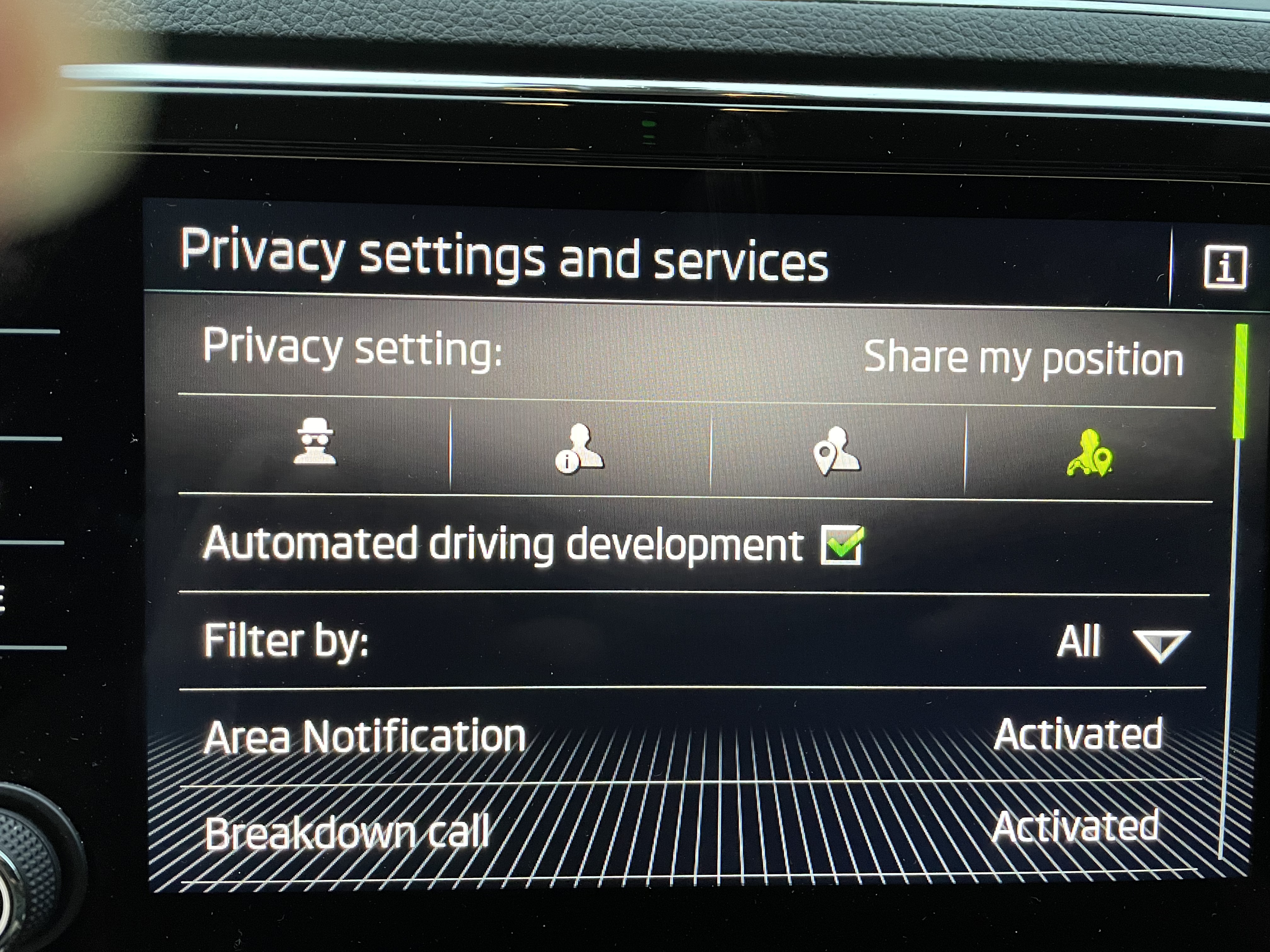
I also have a new Superb SE L Amundsen and I share my location but I don’t get this message, I am pleased to say!
-
With my 2021 model the car sometimes goes into coasting in D mode when I lift my foot off the throttle and other times it doesn't. I thought initially this might be related to going uphill and downhill and indeed it doesn't go into coasting on an obvious downhill slope, but on the flat it sometimes goes into coasting and other times doesn't. Also you can sometimes induce coasting by blipping the accelerator. I have come to the conclusion it just has a mind of its own and leave it to it.