KaroqKent
FREEDOM
-
Joined
-
Last visited
Everything posted by KaroqKent
-
@Bobov I've been doing some experiments at the end of my journeys this week. I've never had the handbrake automatically engage when turning off ignition but then I've never had the auto hold turned on. I turned the auto hold on and noticed the following:- 1 The green (P) appears in the instrument binnacle once at standstill to show that the auto hold has been triggered 2 The green (P) changes to a red (P) when the ignition is turned off to show that the auto hold has been promoted to full handbrake and the light on the handbrake switch illuminates Once the auto hold is turned off there are no longer any (P) symbols displayed and no handbrake auto activation. I would imagine that somehow the auto hold button has been pressed (it only illuminates (orange) with the engine started). Do some experiments yourself by starting and shutting off the engine with and without the auto hold activated and see what suits you best. Neil.
-
My car is also a late (Sep) 2022 build but not completed until Dec 2022 due to chip shortages. Have you any original documentation on your old car and does it mention 'Amundsen Plus Package' anywhere (it was a £600 option on mine). The configurator is vague (nothing new there) but I seem to recall that one of the benefits of the package was to upgrade from 'digital display' to 'virtual cockpit'.
-
It sounds as though the car was ordered with the standard 8" digital display. When I ordered my SEL back in 2022 I specified the 'Amundsen Package Plus' option which upgrades the display from 8" to 10" enabling the two dials to be displayed with space in between for additional displays. My dad has a 2023 Polo with the 8" screen and he can only chose either the rev counter or speedo as you've described.
-
The trip reset button is no longer present with the virtual cockpit. They call it "progress"! 😃
-
I'm afraid it's another example of "Why have a single button when half a dozen steps in the infotainment system will be better, won't it?". The process is:- CAR Settings - scroll down to Instrument Cluster - scroll down to Rest trip recorder in instrument display - confirm The trip meter is often over-laid in the virtual cockpit by rear seat belt warnings or cruise control/ speed limiter display. When it is displayed it is on the same level as the main odometer but on the left hand side. I found this on You Tube which shows an alternate method using the steering wheel controls ... Trip Reset I also found this one useful for customising what is displayed. You can have G-meters, altitude, range, consumption, etc. Virtual Cockpit You can learn more from YouTube than you can from the manual.
-
Just been out to my car, try the following... Start NAV in the infotainment At the bottom right corner there's an arrow pointing left, press it On the next screen the bottom right corner has a square with three dots in it, press it The next screen should show the option SHOW MAP IN CLUSTER with a tick box, untick it This works on my car with the Amundsen infotainment.
-
@COOLWATERMalacca Highway now docked at Sheerness. Suggest give it a day or so then contact dealer for latest status.
-
You can use https://www.marinetraffic.com to track ships across the globe. VAG tend to use "HIGHWAY" vessels to transport their cars and Malacca Highway is currently moored at Emden with it's next port of call being Sheerness. You can track the progress of this ship but there is no way of knowing whether you car is on it or not.
-
But my garage is 10.5 feet wide(internal), has an up-and-over remote controlled electric door and I don't own any motorcycles, so why wouldn't I use it to store my car?
-
I do! Who wouldn't put their second most valuable asset ( after their house) undercover, protected form the elements, vandals, thieves, etc. if one was available?
-
I took 5 year extended warranty when I bought my Karoq in March 2019 and my breakdown cover ended after three years. Purchased a years extension cover before the three years had expired and should be part-exchanging in November'ish so should get another 3 years cover on new car.
-
The steering wheel button to the right of the right hand scroll wheel will return the display to the previous setting, i.e. back to digital mph from navigation turn indication.
-
It is my understanding that the DSG clutches are disengaged when the electronic hand brake is applied when stopped in "Drive". There certainly doesn't appear to be any sign of a "crawl/creep" effect and with a slight touch of the throttle the EHB is automatically released and the clutches re-engage allowing you to drive away. I use it in preference to the "auto brake hold" function.
-
Have you checked the glove box? Tyre fitters seem to prefer slipping locking wheel bolt key back there rather than where they found it in the boot.
-
Apparently Motorline have now been taken over by Marshall. Seems to be early days as emails still headed as Motorline but website is Marshall. Address unchanged and staff seem to have been kept on. Was there today for 3 year service, MOT and brake fluid change. Whilst I was there the wind started tearing up the roof on their valeting bay, luckily mine had already been washed but large chunks of insulation being blown around the car park.
-
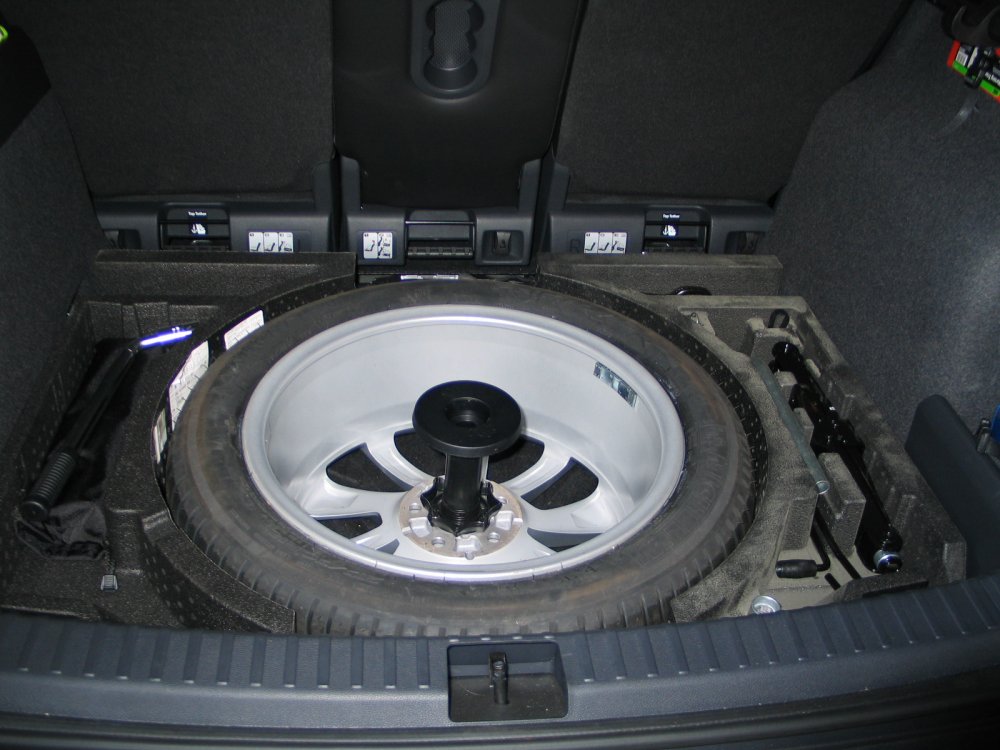
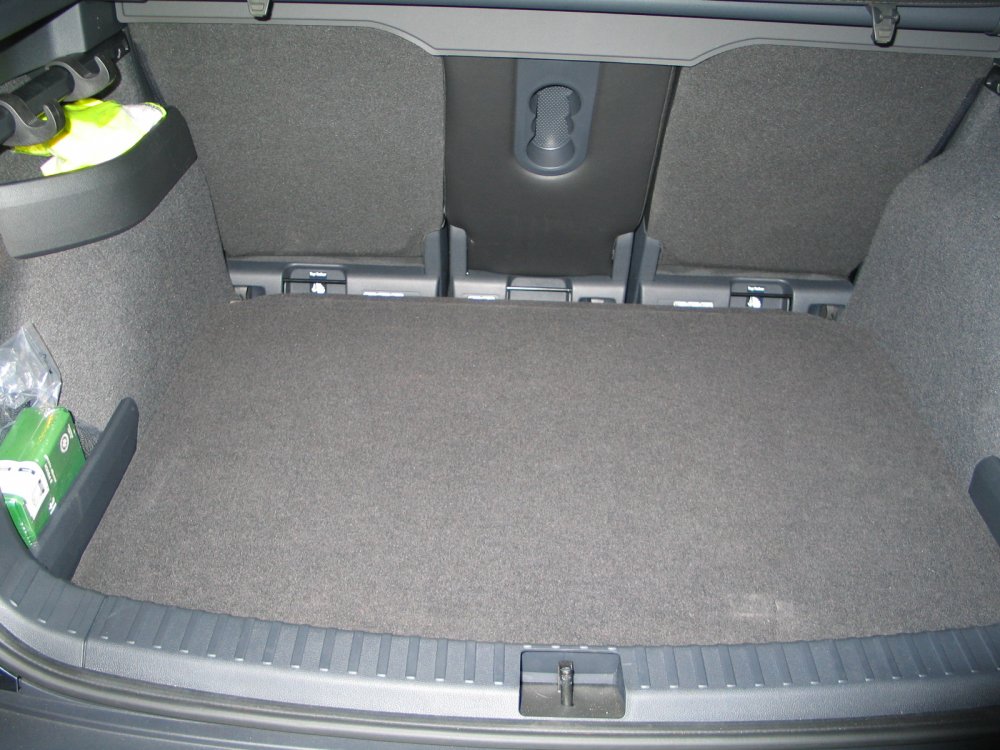
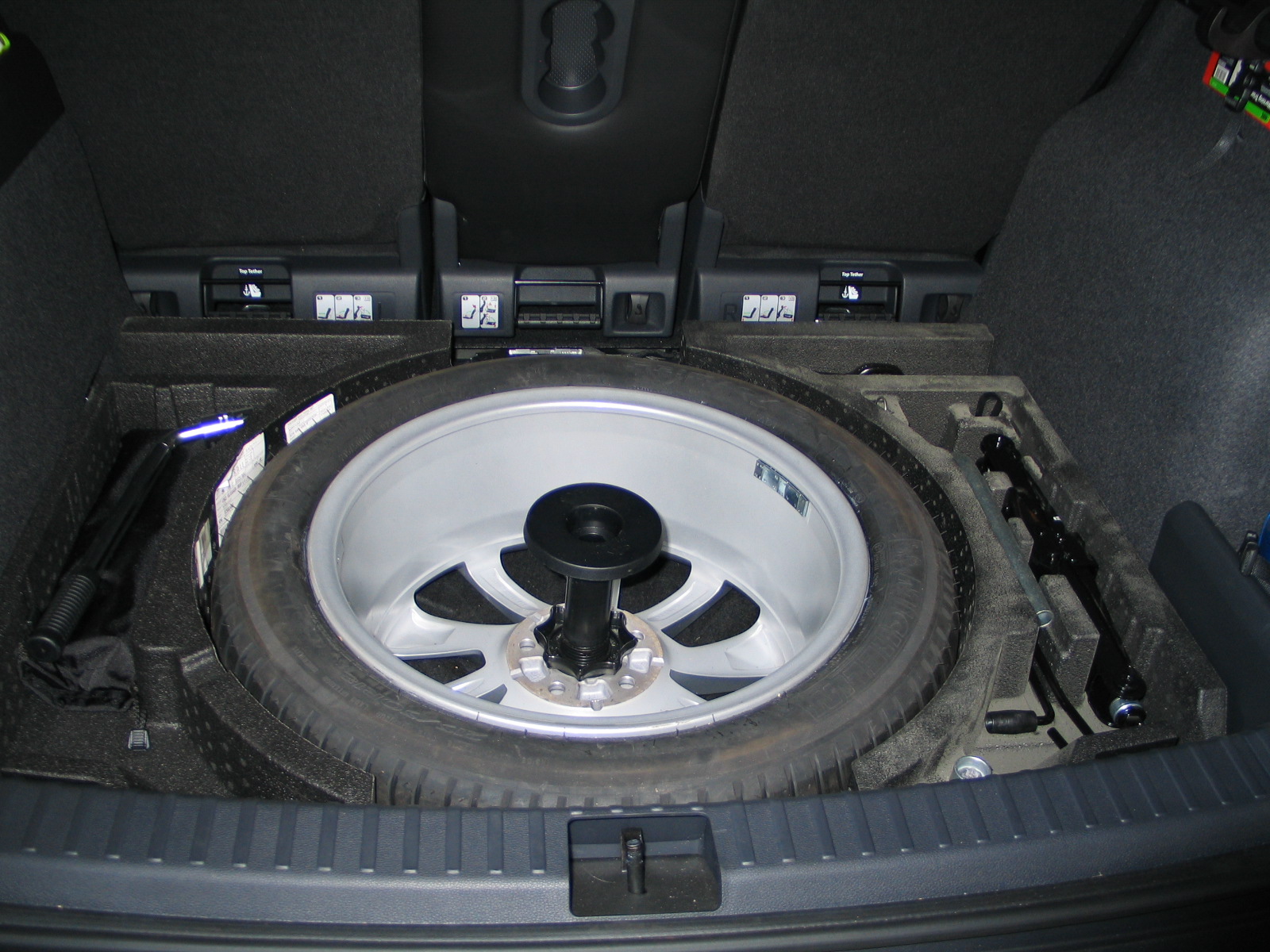
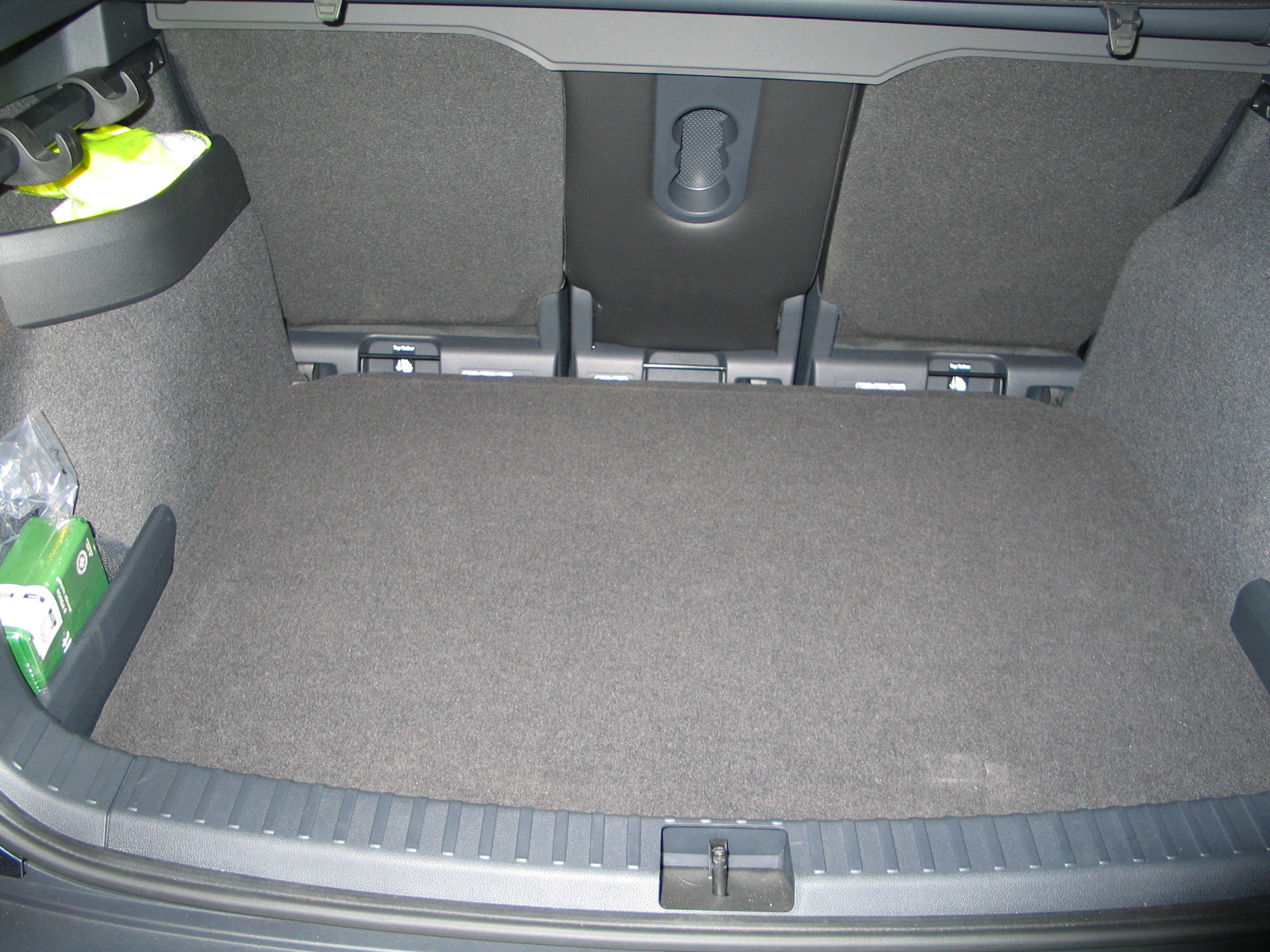
I have a 2019 Karoq 1.5 SEL which I ordered with the 125/70/R18 spare wheel. I wasn't happy about doing a long journey and relying on this as a spare on such a big vehicle so I bought a matching alloy from ebay and the polystyrene side pieces that Skoda sell for the 4x4 (no wheel well) cars to support the floor with the space save wheel. After a bit of fiddling with the boot floor and extending the centre wheel clamp I managed to complete the conversion.