johnkitchen
Finding my way
-
Joined
-
Last visited
Everything posted by johnkitchen
-
-
-
-
No good news I'm afraid. The garage looked at my car this morning with a cold engine, it was misfiring. They think it's most likely an injector but with no fault codes, they don't know which one. So back to square 1. To replace all 4 injectors would cost around £2000.00, so I would rather just replace the faulty one.
-
-
Thank you for your replies. I have used a code reader which has failed to show any faults codes. I have tested glow plugs 1,2 and 4 with a battery and bulb, they show continuity. I am going to let my local garage have the car overnight, so that they can see it with a cold engine. They are suspecting a failing injector.
-
-
Thank you for your reply.
-
Hi, please would someone advise me of the part number and where I may source the drivers side cluster of windows switches. The car is a 2015 Octavia 1.6 diesel estate. Many thanks in advance
-
Thank you.
-
Hello everyone, and apologies in advance if this subject have been done to death, but I am struggling to establish if my car has a DQ200 gearbox. Details Below Octavia 1.6 tdi Registered November 2015. Any help greatly appreciated.
-
I had a similar issue. After pressing every button known to man, it turned out to be the cable. The connect is still not very reliable.
-
Rather than get bogged down on how many miles or years before changing the fluid, just test it. Testers are inexpensive or your friendly mechanic would test it for you The job be can be done in 5 minutes.
-
I was concerned that my recently acquired Octavia had only 4mm on the front pads, measured with the wheels on using a drill bit as a thickness gauge. The service history suggests that the pads had only done 17k. The pads were Brembo's.
-
Thanks for making me aware of the Silca bag issue. I've just removed mine, a bit fiddly but not difficult. Will change coolant at next service.
-
I'm not losing sleep about it, the car runs and starts fine. I just like thing to work properly.
-
Don't worry, they all do it. It's just the car managing it temperature.
-
Thanks for your replies. Living without it. Is no great hardship.
-
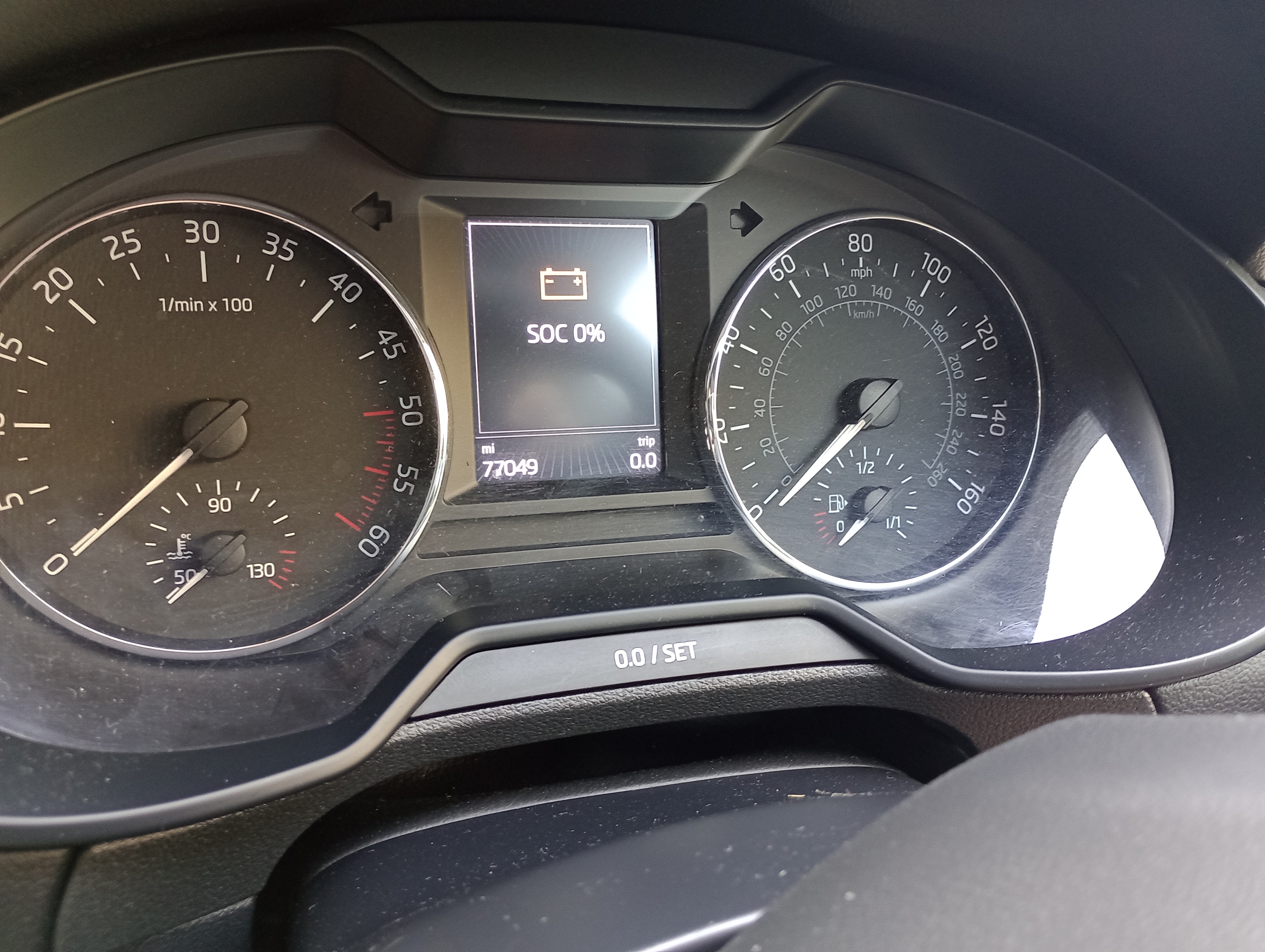
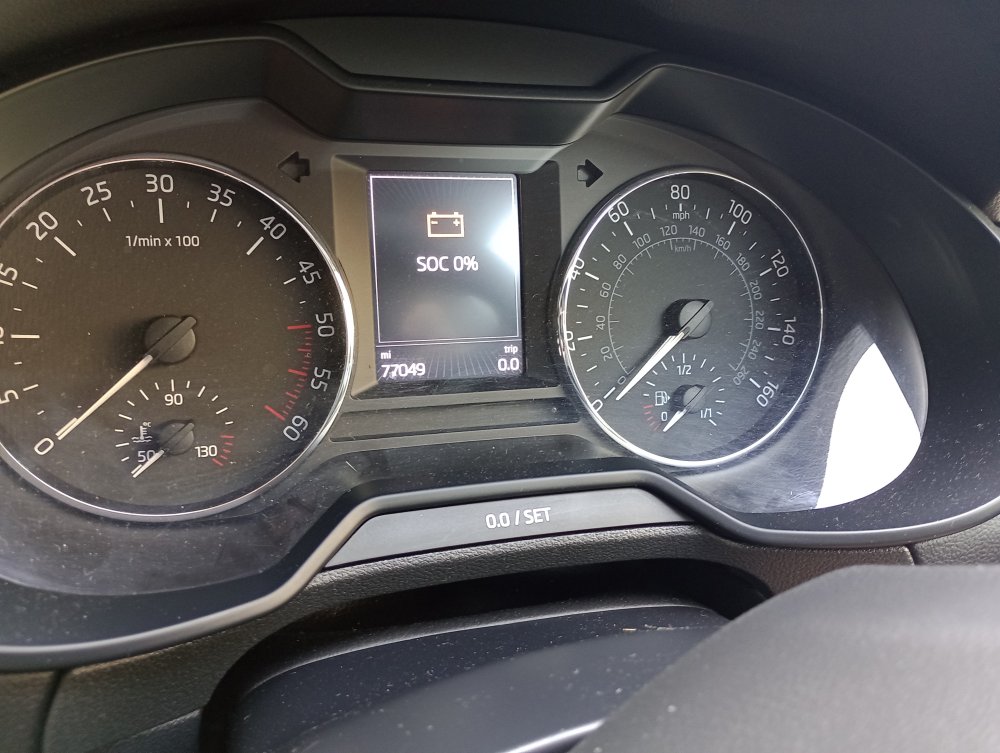
Hello, When I display state of charge, I get this? The car works faultlessly. Any ideas? Thank you.
-
I used a 6" ruler to prise the glass out, worked a treat.
-
With my cynical head on I would say, if the Halfords battery was under warranty it was unlikely to fail the test. I'm sure the main stream tyre fitting companies will test your battery for free, and the output from your alternator.
-
We moved a bull dog last week, she was built like a brick lavatory, but we still had room for a chihuahua.
-
Thank you.
-
Hi Dave, thank you, that explains a lot.
-
Hi Mark, I have checked the version numbers and it is supposed. When connected by the cable it works fine, mirroring by phone. My understanding is, please correct me if I'm wrong, is that after the initial wiried connection it should then connect wireless by Bluetooth. Thank you for your reply.