MikeyMan
Members
-
Joined
-
Last visited
Everything posted by MikeyMan
-
Just checked price lists. It is standard. First edition and business edition get a chrome grille. Sportline gets a black grille. Apparently independent of lighting and chrome package.
-
At least that's consistent then
-
Yes I do. Although I don't know if it is part of the light package or the silver package. Luckily not too much 'glass look' on the grille.
-
-
Neither in the September price list. It popped up in the november version. Ordered mine in may, but it was only produced in november.
-
In the June price list remote park wasn't mentioned. Nowhere in the manual either it seems. Although I've got the Dutch version.
-
Ive got the parking package. Which does seem to include 'Remote and Intelligent Park Assist'. But haven't found anything in app or menus.
-
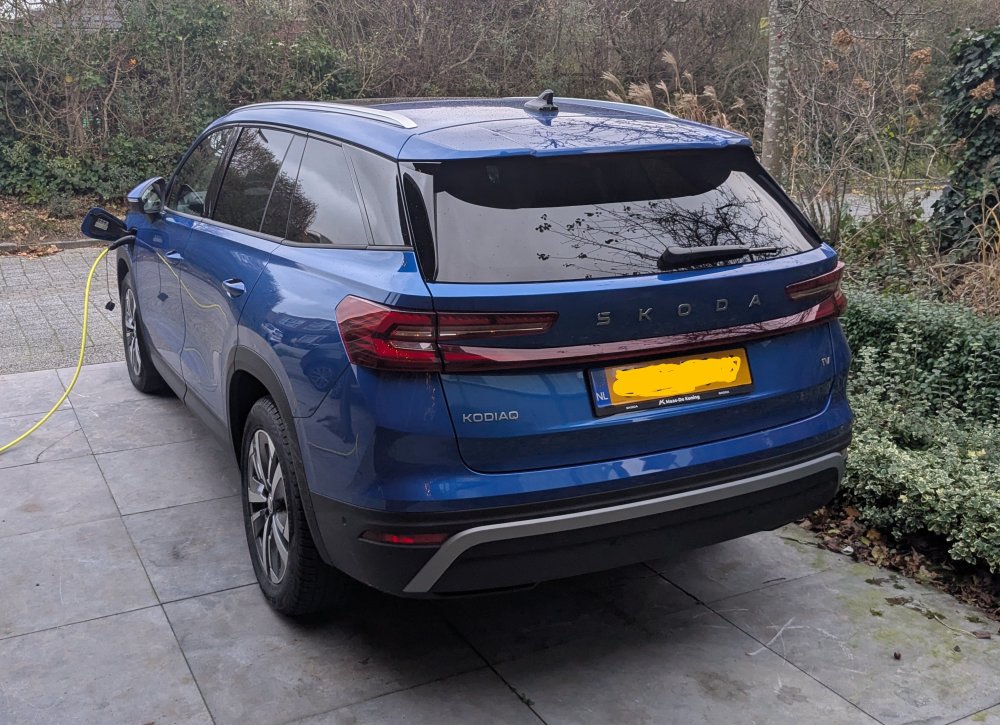
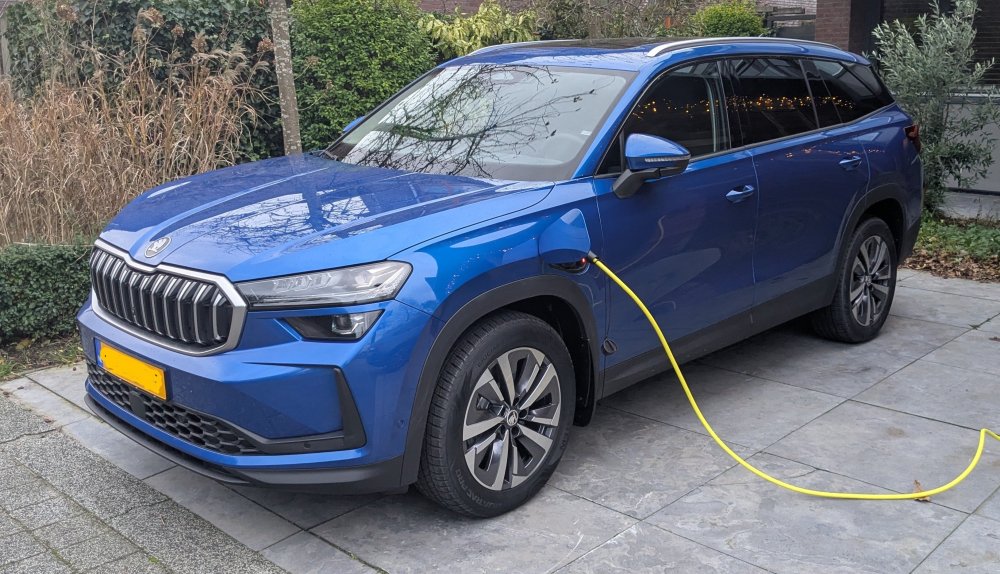
Ill pitch in then. Its a race blue Phev with all options except for leather.
-
I have the feature and have six sensors in the front and back. The feature works, albeit slow. It can get into quite small parking spots. But its not that you can get out of the car to park it automatically.
-
Wouldn't want a screen in my face all the time anyways.
-
And what will they do with all the other vehicles? Full recall?
-
Skoda UK seems to offer Nextbase models mostly. Skoda NL doesn't. Would have been nice to have a bit more 'oem look' unit.
-
@arovbukay No, it stays turned on till at least 150 km/h
-
Even at standstill you can enable it.
-
I absolutely didn't even touch the brake. Was already steering my way out of the situation. The oncomer was taking more room then he should. But that's the thing, is very difficult to prove if the action was really unnecessary. Probably at some point there was a situation where if I wouldn't have steered we could have collided. So in that sense it might have been appropriate. It was an unexpected and in my opinion unnecessary brake action, at the same time, the lady behind didn't leave enough space, had her reading glasses on and expressed herself she wasn't able to walk very well. Did she brake? Is so, could she apply enough force to even come to a halt... The challenge here is that I could shift all attention to Skoda NL, but that might pose the risk that I'm jeopardizing the handling of my damage. I feel quite bad about the whole thing to be honest.
-
Busy working with the insurance... Just had the car for four days, so not everything fully registered. Everyone ok, but this was totally unneccesary. Only thing is; i cannot prove it.
-
Had the same earlier this week. There was a car crossing on a crossroad (both turning left), but we wouldn't have touched. Car slammed the brake, and i was rear ended, resulting in a lot of damage.
-
Small update, seems to be working now... What i did: - Remove all profiles. - Added my own profile as main profile, this needs both keys to be pressed. Then made sure my wife's keys were at the other side of the house. - Exited car, locked with button on key - Entered car, unlocked with button on key - Ignition on - ignition off - Exited car, locked with button on key - Entered car, unlocked with button on key - Ignition on - ignition off Added my wife's profile and did the same process. Don't know if the second run was necessary, but did it to be sure.
-
Hi! Just picked up my Kodiaq II last friday. Mostly happy till now, apart from some annoyances. One thing i cant figure out is; how to link a key to a profile? I've got a profile for my wife and myself. And there is an option to "automatically link key" (or something along those lines), but it wont switch profile with the key. any thoughts on how to get this to work? manual is awfully useless for this.