ChrisRJ
Members
-
Joined
-
Last visited
Everything posted by ChrisRJ
-
Search for Aperture S on here - he did my estate with an OE camera and relevant fittings - fantastic job. He's in Potters Bar so not too far - I traveled up from Kent to get mine done and don't regret making the journey.
-
I am having a problem with this also - I downloaded the file for my VIN from the Skoda update portal, extracted it to my PC and then copied to a 64GB USB drive (Ex FAT format), had this in the car (front USB port) for over a week and no change in the version of the Navigation Database - so I have tried it again -- when I get to the point where I am copying the files to the USB drive, partway through it says "3DO.NDS has properties that can't be copied o the new location" - so I accepted the option of copying without the properties - is this a problem that will cause it not to update when put in the car? I have also tried downloading the VW update but encounter the same issue when copying the files. Any pointers gratefully accepted. Chris.
-
If you're looking for an independent in your area (I see you are in Maidstone) I would recommend GMS Kent Ltd 01622 686824 - they are near to the M20 Junction 6. I have used them for my previous 3 Superbs once the warranty has expired and also my wife's Fabia - they know their stuff and are reliable and cost effective.
-
Mine was in for a service last week and they did this at the same time. Then yesterday received the letter from Skoda.....
-
Morning all, I have been looking to update the maps in my 2021 Mk3 facelift Superb - went to the Skoda update portal, it says latest version of maps is valid since CW 45/2023 (I am assuming this is week 45, putting it around the end of Nov 2023). My MIB 3 says current version of navigation database is 23.6 (June 23?) - I have downloaded the file to a USB of suitable capacity, followed the instructions on unzipping etc, plugged USB in to car and have left it to (hopefully) update. Over a week later the MIB3 still says 23.6 - I have been using the car all this time - its a 30 minute commute each way to work each day so its had plenty of time to update. My question is am I trying to update something that doesn't need updating i.e is 23.6 the latest version of the navigation database - not easy to correlate the numbers on the portal with my cars information. If anyone knows the answer I would be grateful. Chris.
-
Yes, mine is a 21 estate, they replaced them when it was serviced last week saying it was a factory instruction, apparently the metal used was of inferior quality hence the replacement. Didn't cost me anything so all good.
-
I have a very similar issue with the MIB3 in my 2021 Mk 3. It either connects wirelessly when I get in the car and then disconnects randomly or won't connect and I have to either reboot the phone or the system. It has been back to the dealer and they say they can find nothing wrong. I thought it was the car as I had an Audi Q3 on loan for 3 weeks recently and it connected without any issues at all. My daughters phone (S22) connects without issue, so I now have to assume it is the phone - its a Motorola Defy (which I got for its indestructibilty) running Android 11 - as this is "built in" I can't even reinstall Android auto, if anyone has any pointers as to something I could do with the settings either on the phone or in the MIB I would be very grateful as it is driving me nutty and making the whole experience of the multimedia experience in an otherwise great car very disappointing. I have tried de-pairing the phone, the re-pairing as directed by the dealer but the issue persists. I know I could get another phone but I don't think that is the point, Android auto is great when it is connected, I just never know when it will disconnect, which means I can't use waze or google maps (recently disconnected and would not reconnect when we were using it to navigate through South London on a diversion). Sorry to hijack the thread but it seems to be a related problem. Cheers, Chris.
-
I tried to register to the Skoda Connect when I got the car but it was such a faff (I e. didn't work) that I gave up. Am hoping there will be a newer release of the maps soon. I periodically check the Skoda update portal site. Nothing beyond the version I recently downloaded as yet
-
Thanks for the info, I do use Waze sometimes so will use that if needed. I'm off to a part of Germany I haven't been before, hence wanting to use the sat nav, it's just my ocd that likes to have the latest version, I am sure the roads don't change that much.
-
Just a further thought, the Skoda portal shows map version ECE 2022/2023 valid since cw25/2022 when I input my VIN. Is the version I have now updated in the car older than this as it says 21.11 (Nov 21?). Just wanted to be sure I have the latest version as off the Germany in a months time. Thanks, Chris.
-
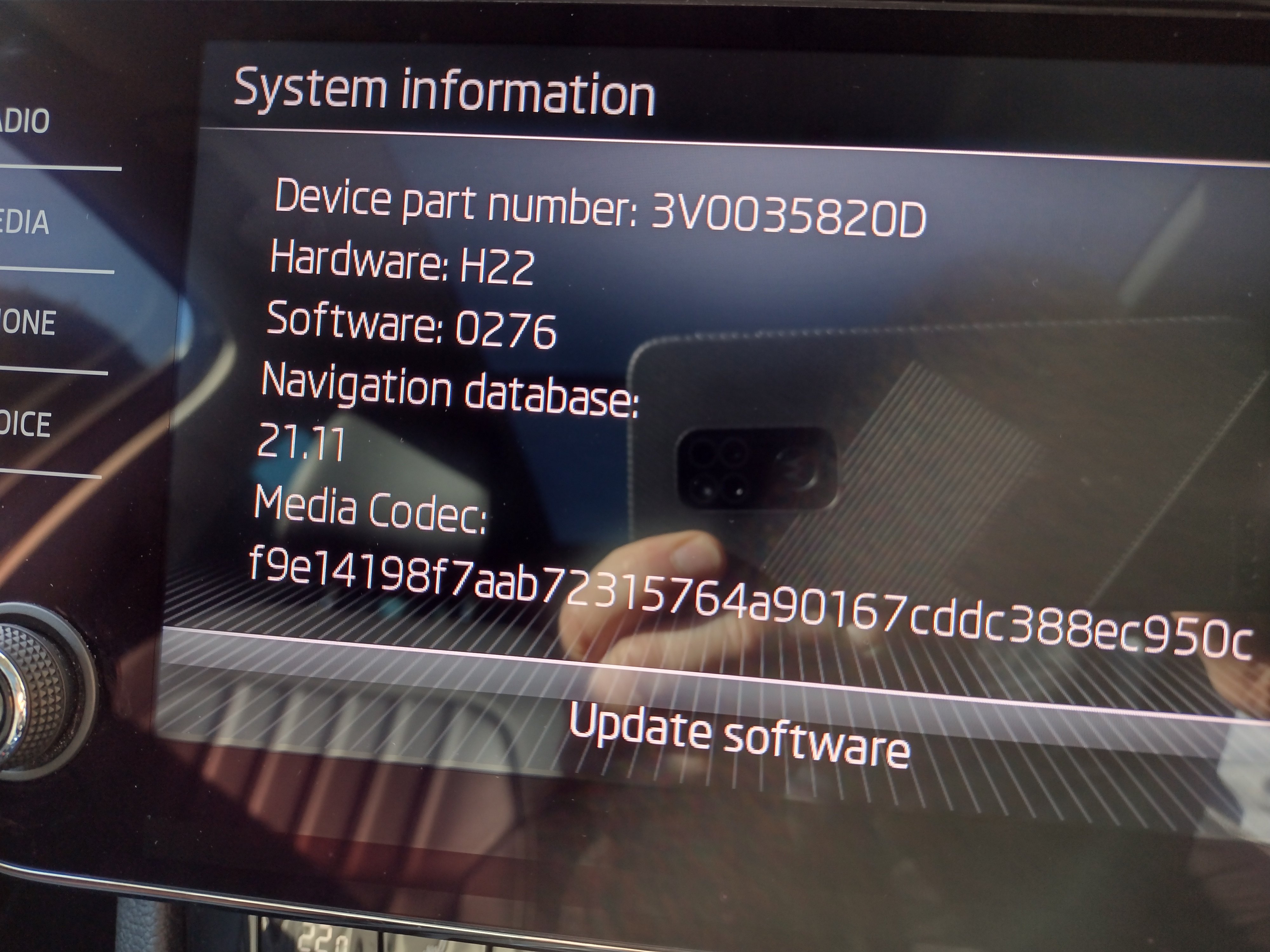
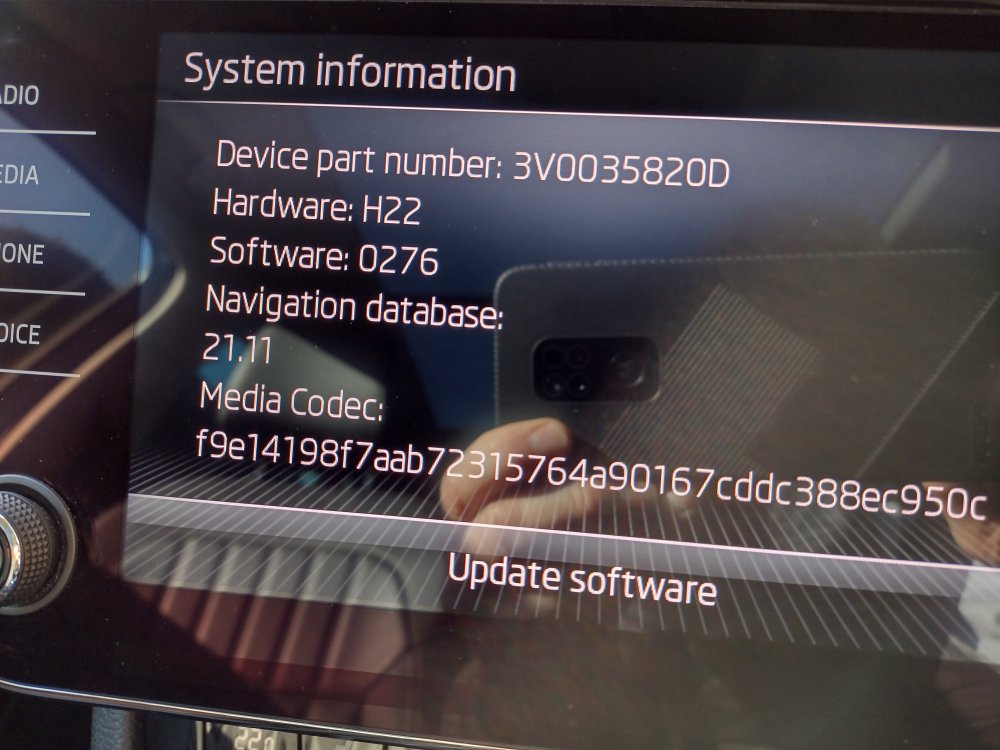
Left the usb drive in today whilst driving, now have Navigation database 21.11 - it was 20.3, so presume all updated. Thanks for the info Varooom. Chris
-
Thanks, will leave it in for the drive to work tomorrow and see what happens.
-
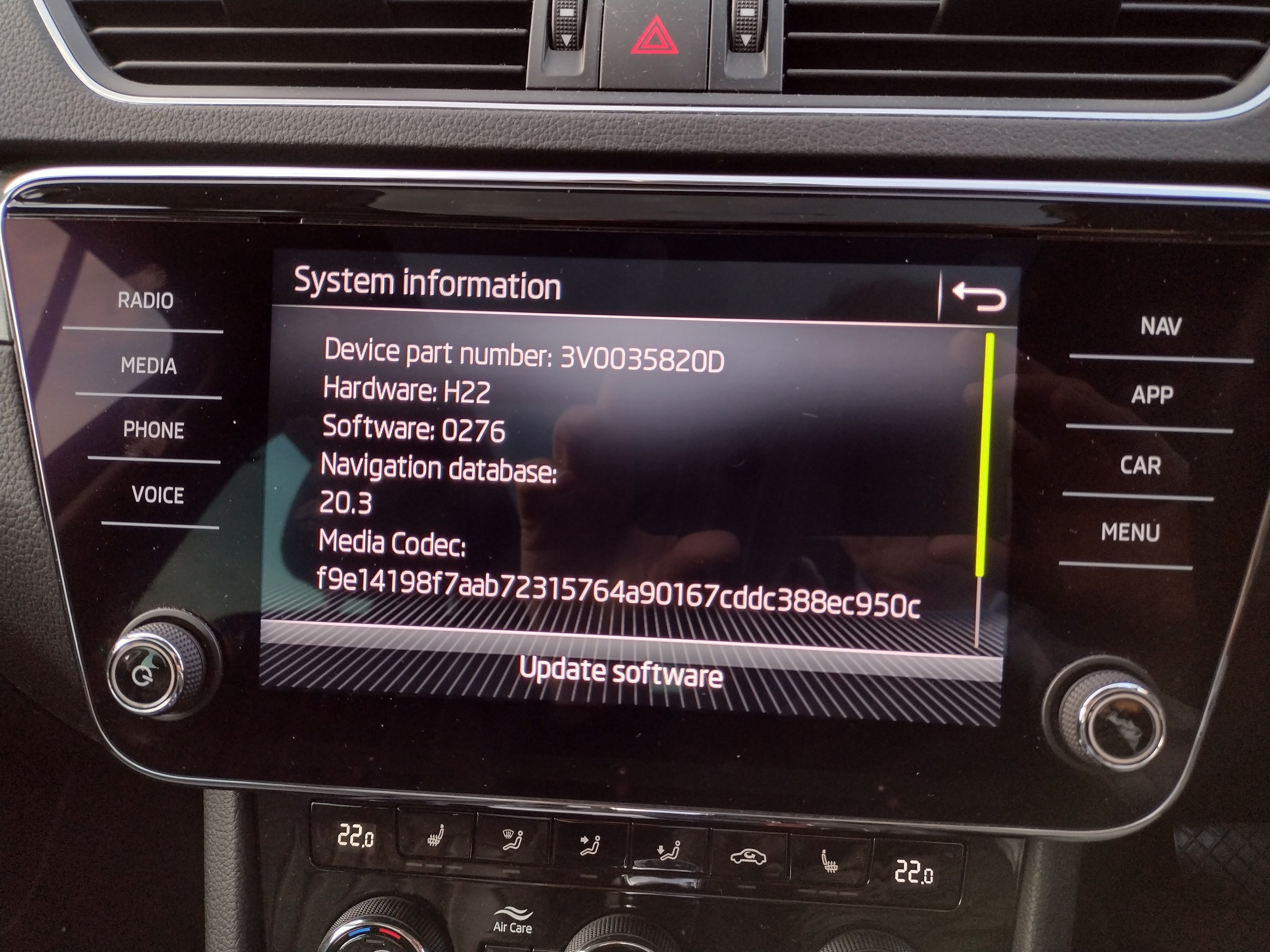
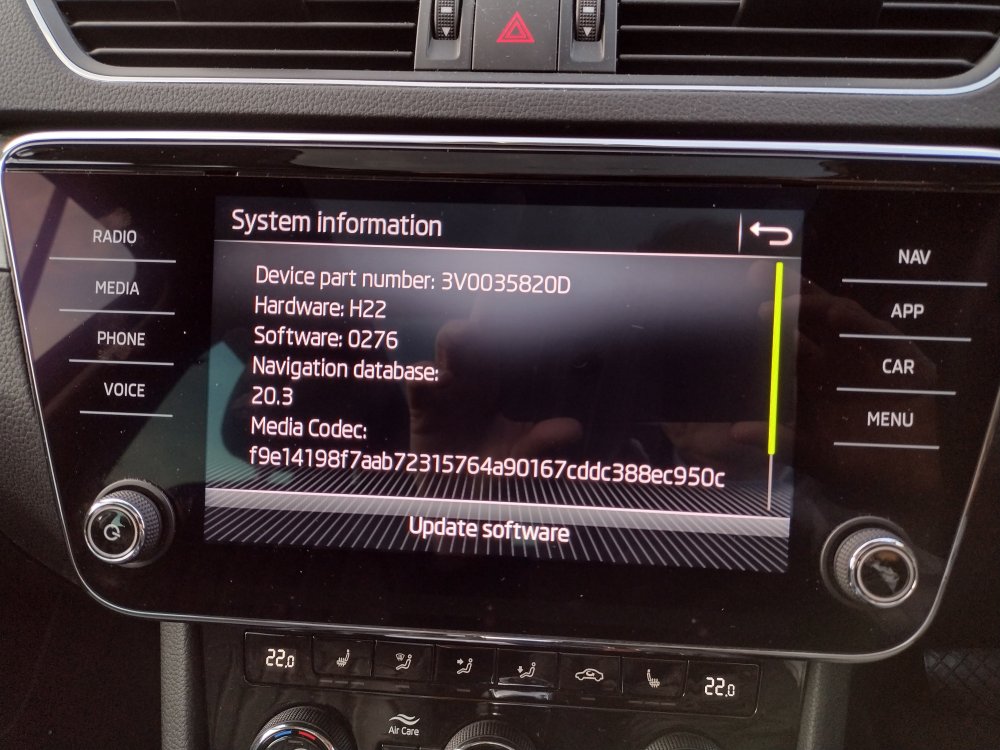
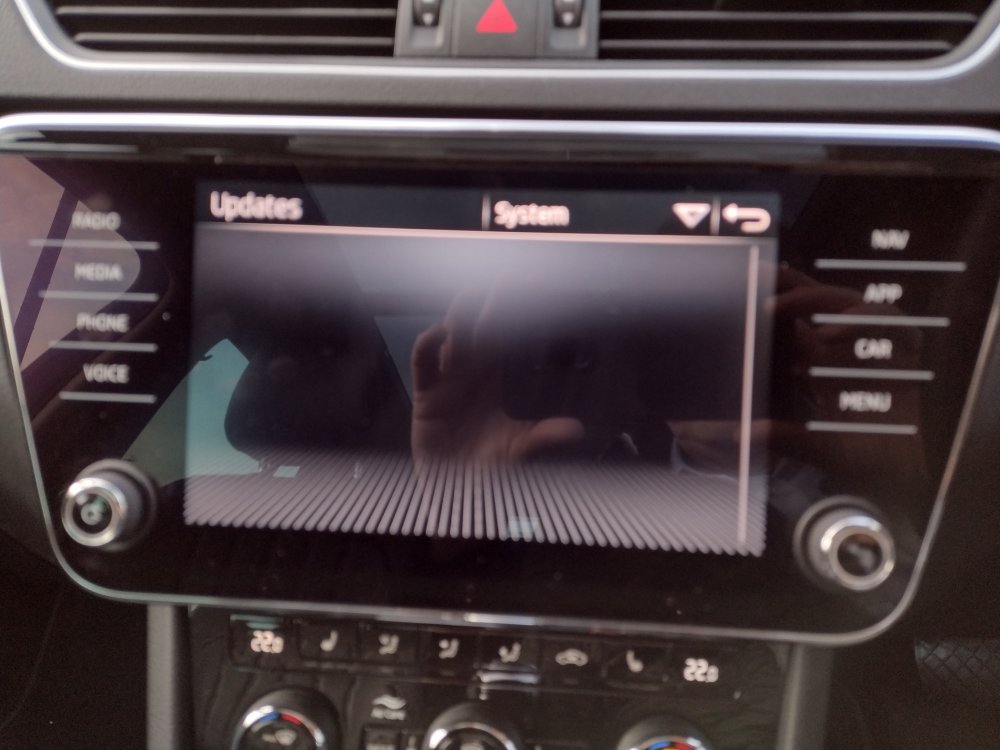
Evening all, I have downloaded map update from the Skoda portal using my cars VIN. Extracted to usb stick, put this in the usb port in front of the gear lever, nothing happens. I can't see where there may be an option to start the update ( there was in the Columbus in my previous mk 3). I attach pics of the unit, hopefully someone can point me in the right direction. Thanks in advance Chris
-
Thanks for the information, will give both a try over the long weekend.
-
Good afternoon everyone, I have just taken delivery of a 2021 model Superb Estate as my previous one was written off, would you believe by being run into whilst parked outside my work. It will no doubt take a while to get used to the new(er) infotainment system but my immediate question relates to playing music. I used to have 2 SD card slots in the glove box with lots of albums on, this car has the Canton sound system but no SD card slots, just a USB-c by the ashtray and a (normal) USB slot in the box between the seats. My question is how best to play my albums? Do I need to copy them from SD to a USB stick, or could I load them on to a large capacity micro SD card and put that in my phone, would I be able to play them from there? I have successfully used Android auto today to play back some things from BBC Sounds. Also, is Skoda Connect any use? Dealer said I could download it from the app store to enable the emergency call facility (red button in overhead console). Any other pointers most welcome. Thanks in advance, Chris.
-
If you are looking for a second hand one but don't want to run the risk of buying a lemon on eBay, take a look at http://www.retrotechaudio.co.uk/currently-for-sale.html They serviced my Thorens turntable and I bought a nice Technics CD player from them. Call and ask to speak to John, I have found them to be knowledgeable and reasonable, they have some CD players on their website.