



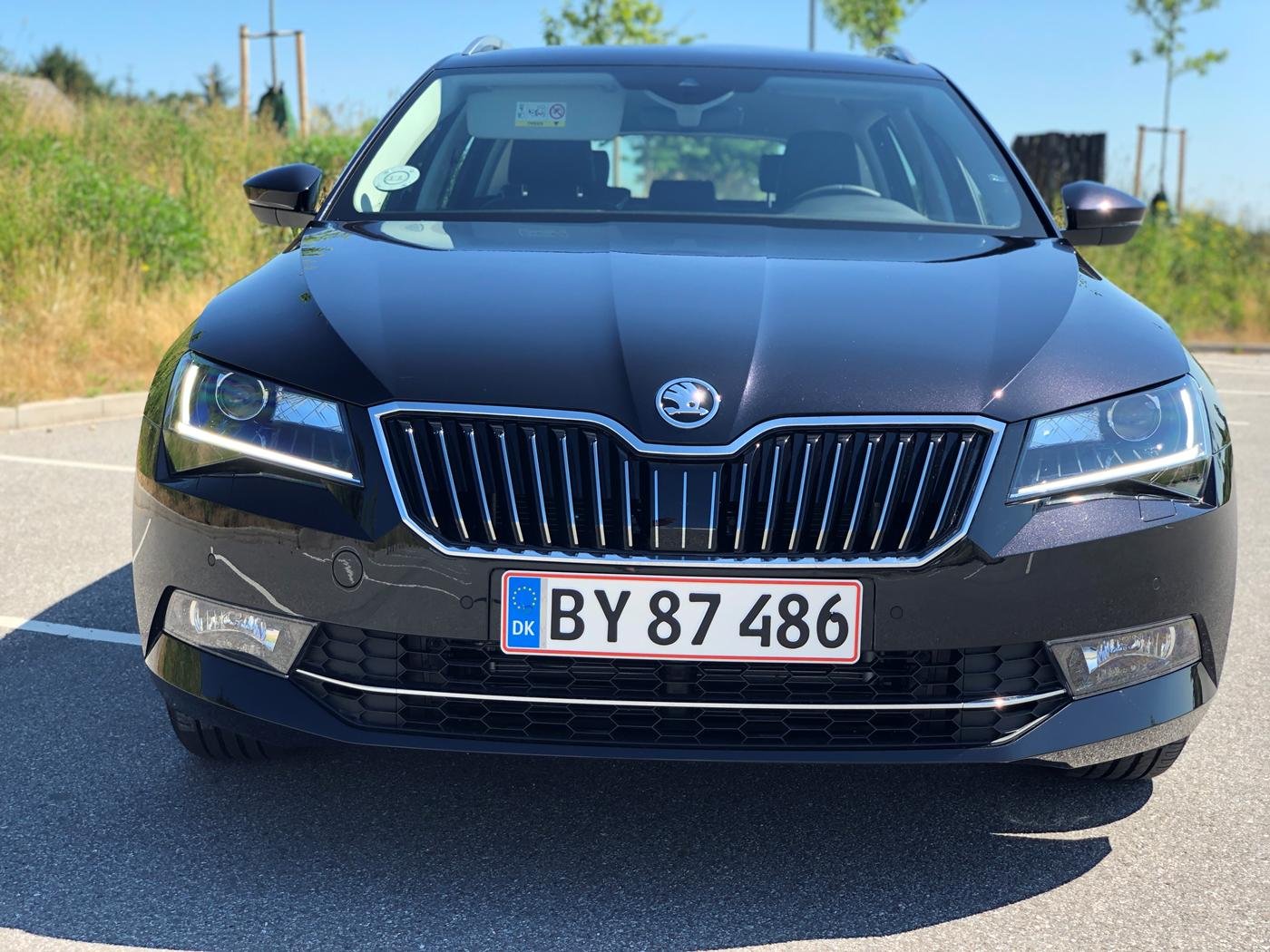

janmand
Members
-
Joined
-
Last visited
-
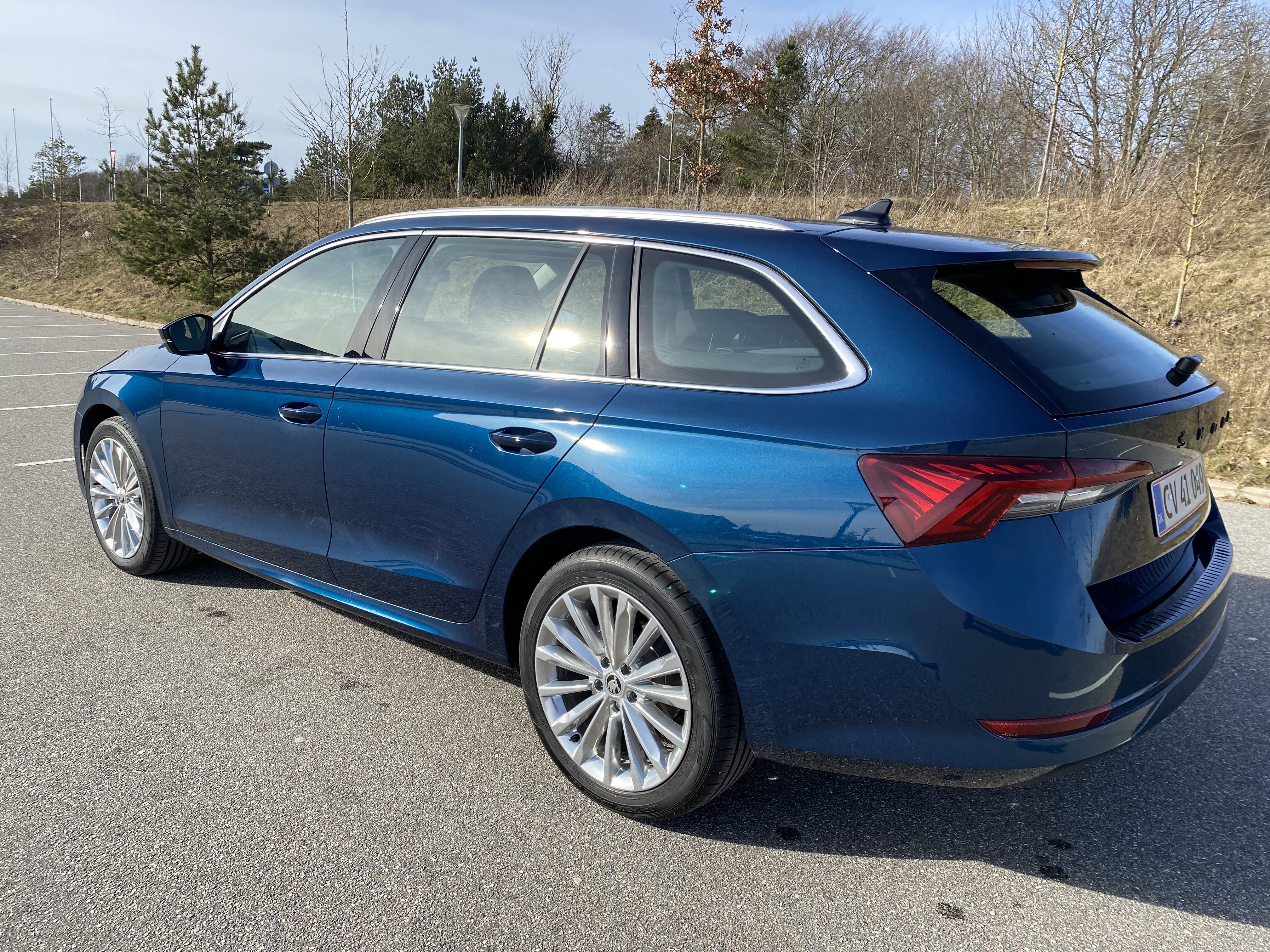
Had mine for 7 months of living hell. Delivered it back June last year and got a Passat. After almost a year and 20.000 km. I know know that Vag can make fault free cars. I hated that faulty piece of junk from inside and out. Was my Skoda number 5, but the last.
-
Just look under the car, it will not leave you with any doubt.
-
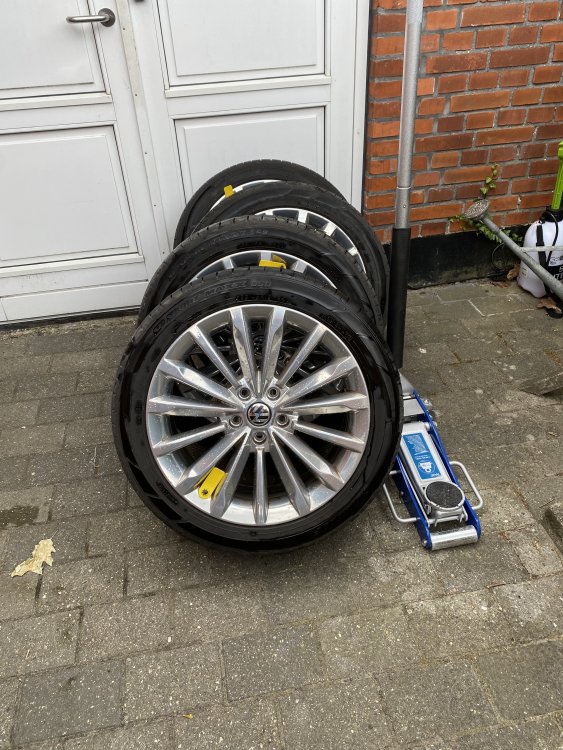
The painted 5E logos does not fit very well. The “rounding”’/ shape is different. And yes I tried after someone in here told it was a fit. But will never need a Skoda logo again after having this disaster of a faulty car for 7 month. Delivered it back in June.
-
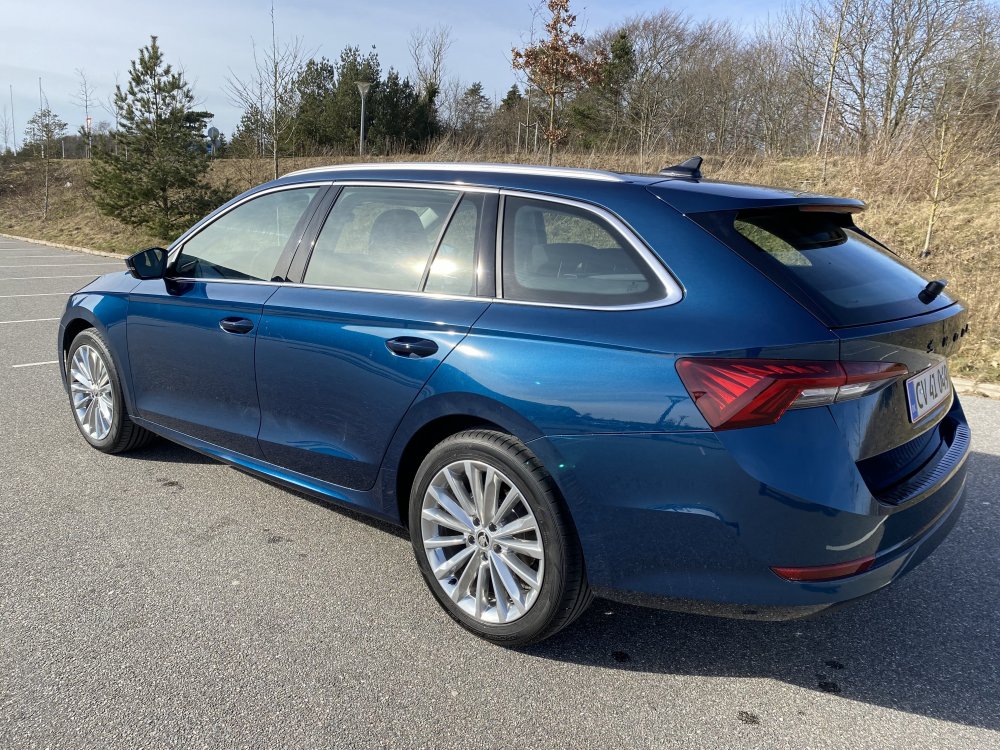
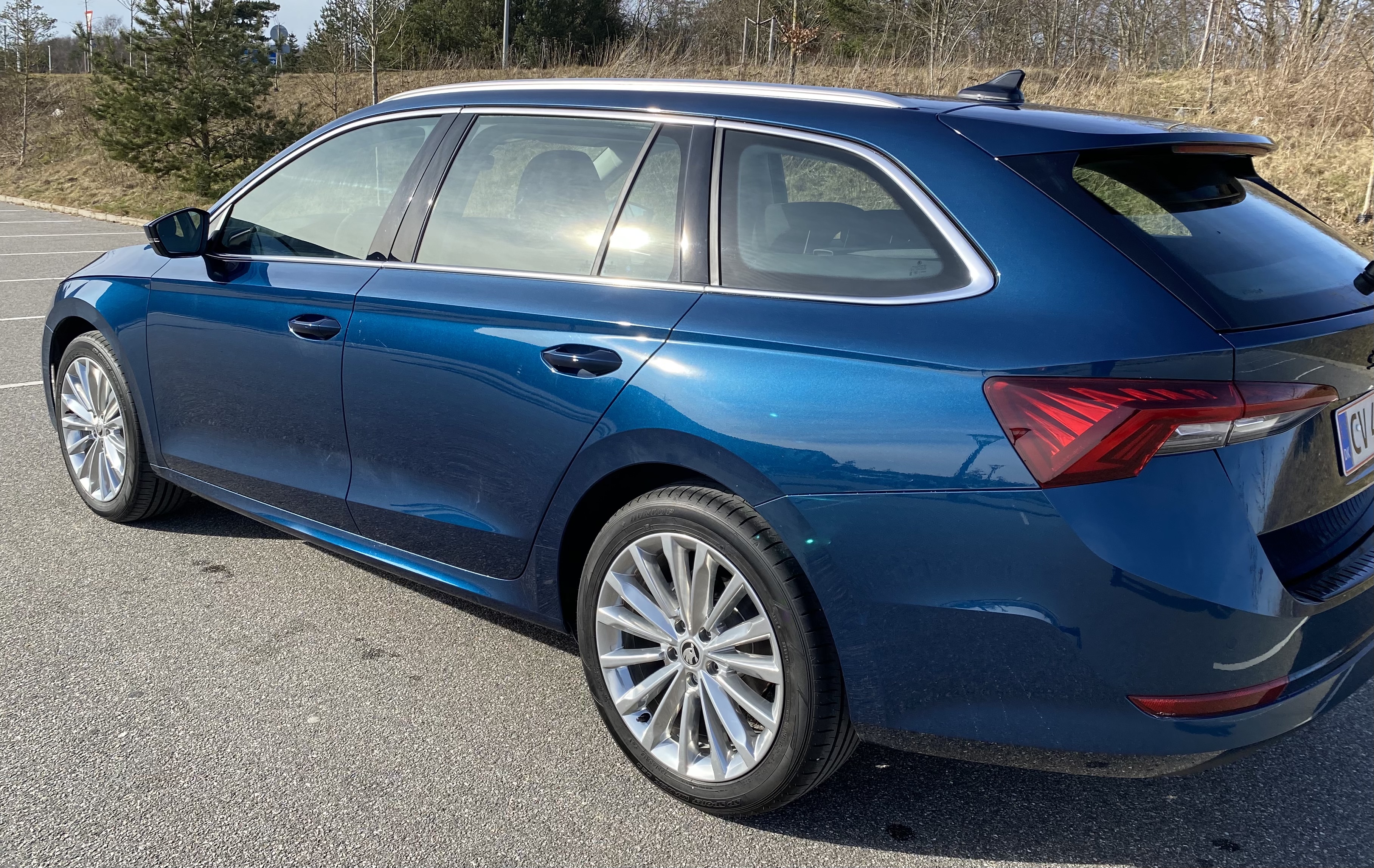
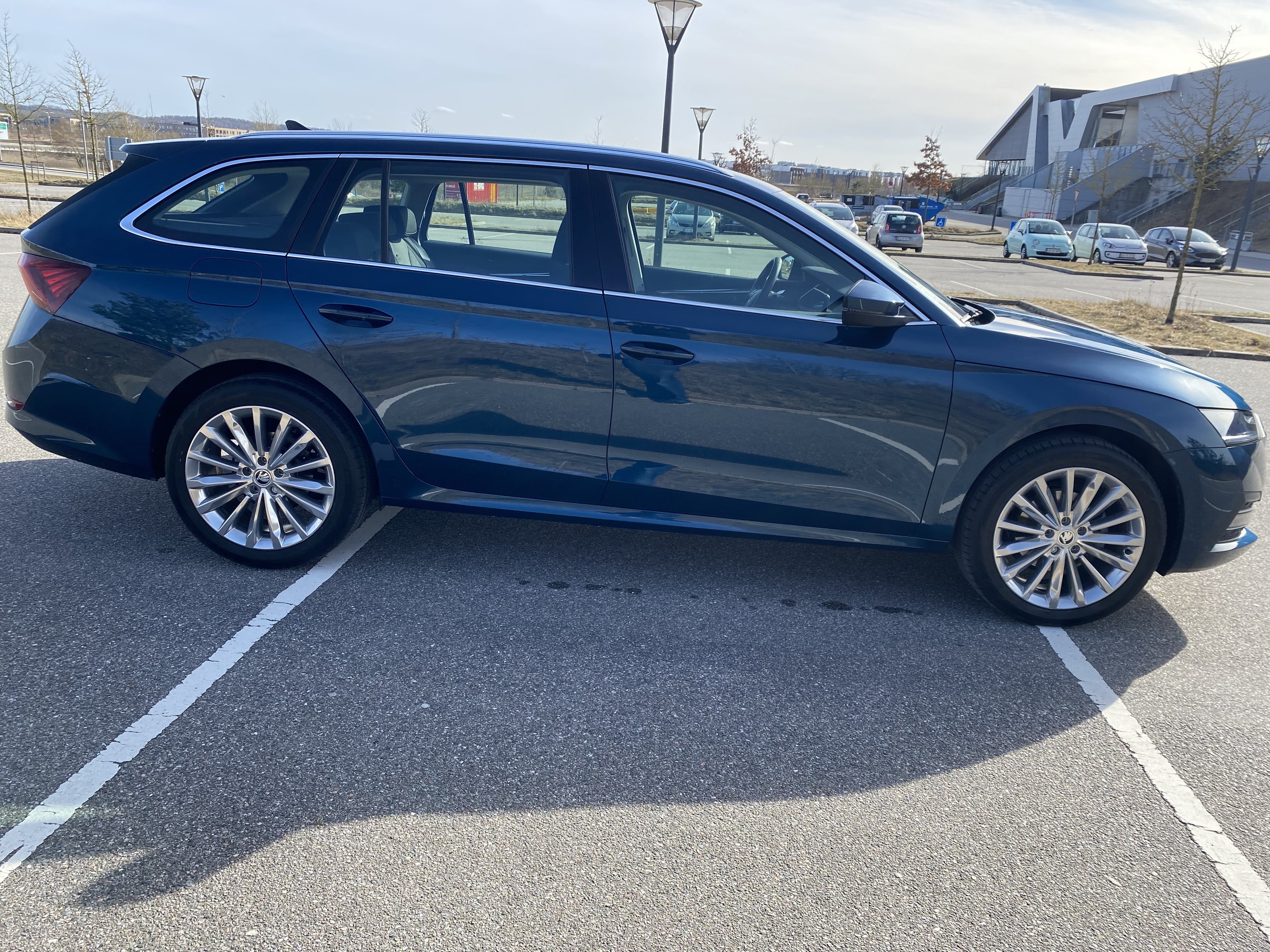
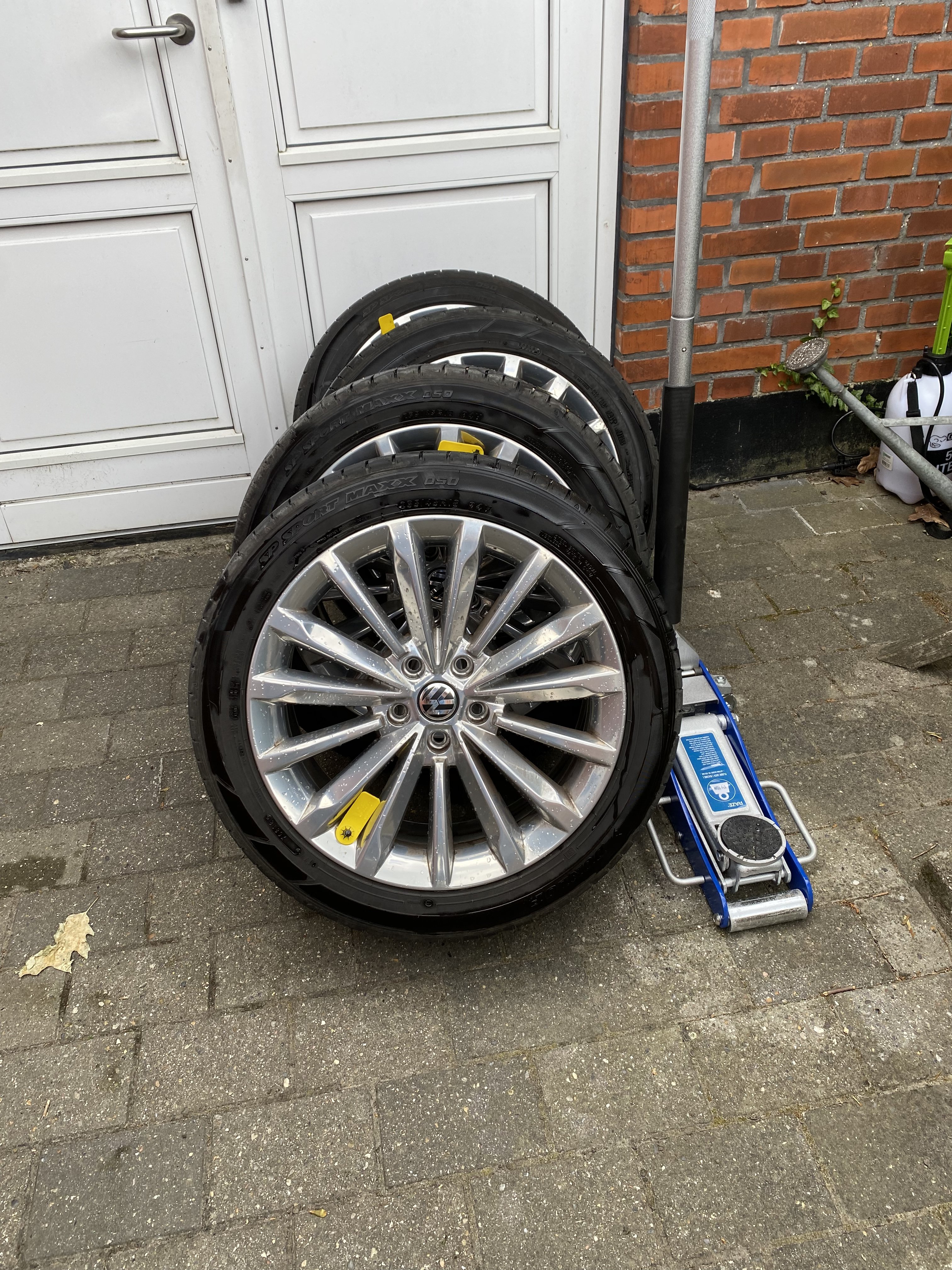
235/45/18 ET 42, a bit over size but good looking. Car was returned 3. month ago.
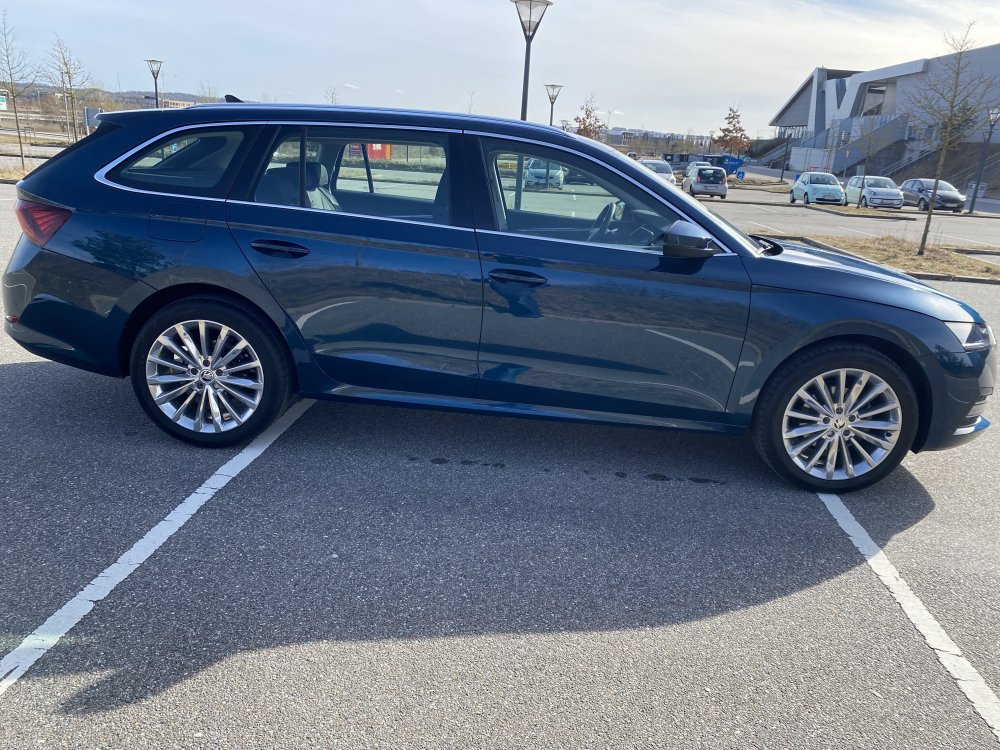 XI is XI – Expedition Instructor Certification. The KC is a Corea certificere / approval stamp. CCC China, DoT the States, E5 Europe.Be smart, find something else than a danm Octavia. #117%FailGo for it, did return my 2.0 TDI a month ago. Life is to short for daily faults.
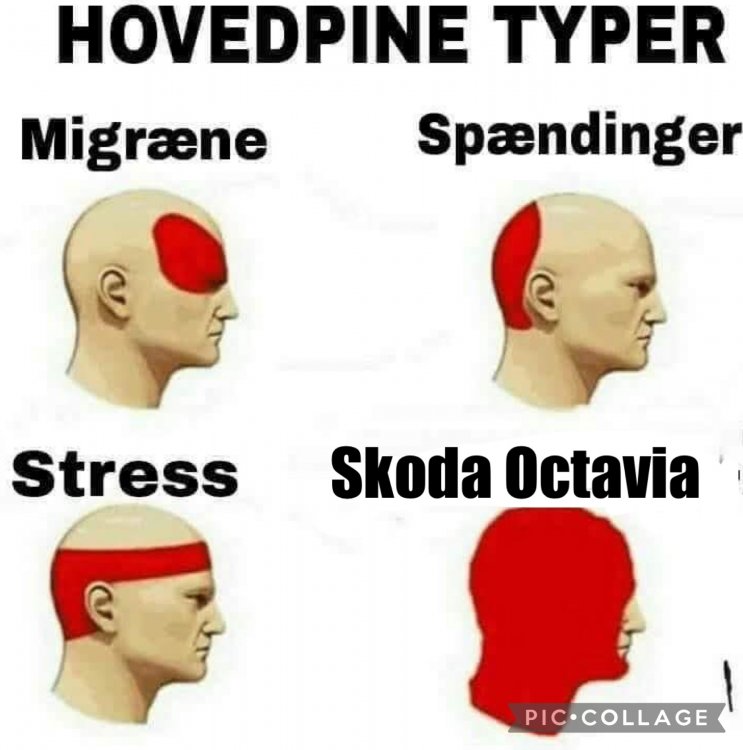 As much as I hated my A8, those issues are things you can evaluate during a test drive. Thats the way the cookie crumble and not an error.It’ for a Passat GTE, love my Skoda Trinity wheels. Now getting on car number 3.Wheels updated for next car
 After 9 month of living hell the dealer is taking the car back. Had all fault included faulty lane- and brake assistant that almost crashed the car several times. This is my Skoda number 5, never had any major issues before. My car got all updates, but things just got more and more horrible. Wish all of you luck, you will need it.
 Software issues not before 2024 I suppose.A few bugs? mine is a total fail….You seem to know more than the workshops 🧐



Important Information
Welcome to BRISKODA. Please note the following important links Terms of Use. We have a comprehensive Privacy Policy. We have placed cookies on your device to help make this website better. You can adjust your cookie settings, otherwise we'll assume you're okay to continue.