Tazdaz
Members
-
Joined
-
Last visited
-
I'm not sure if they've just started opening up the gates more or earlier than they used to, but I've been on white roads more than I'd like over the last few seasons and wouldn't have liked to be on summer tyres. Cross Climates 2s were pretty much flawless last season...to keep it slightly on topic. ATS were cheapest when I got mine but local ATS branch cancelled my order as out of spec size. Phoned another branch and they would do it no problem. 235 looks better on the rim too.
-
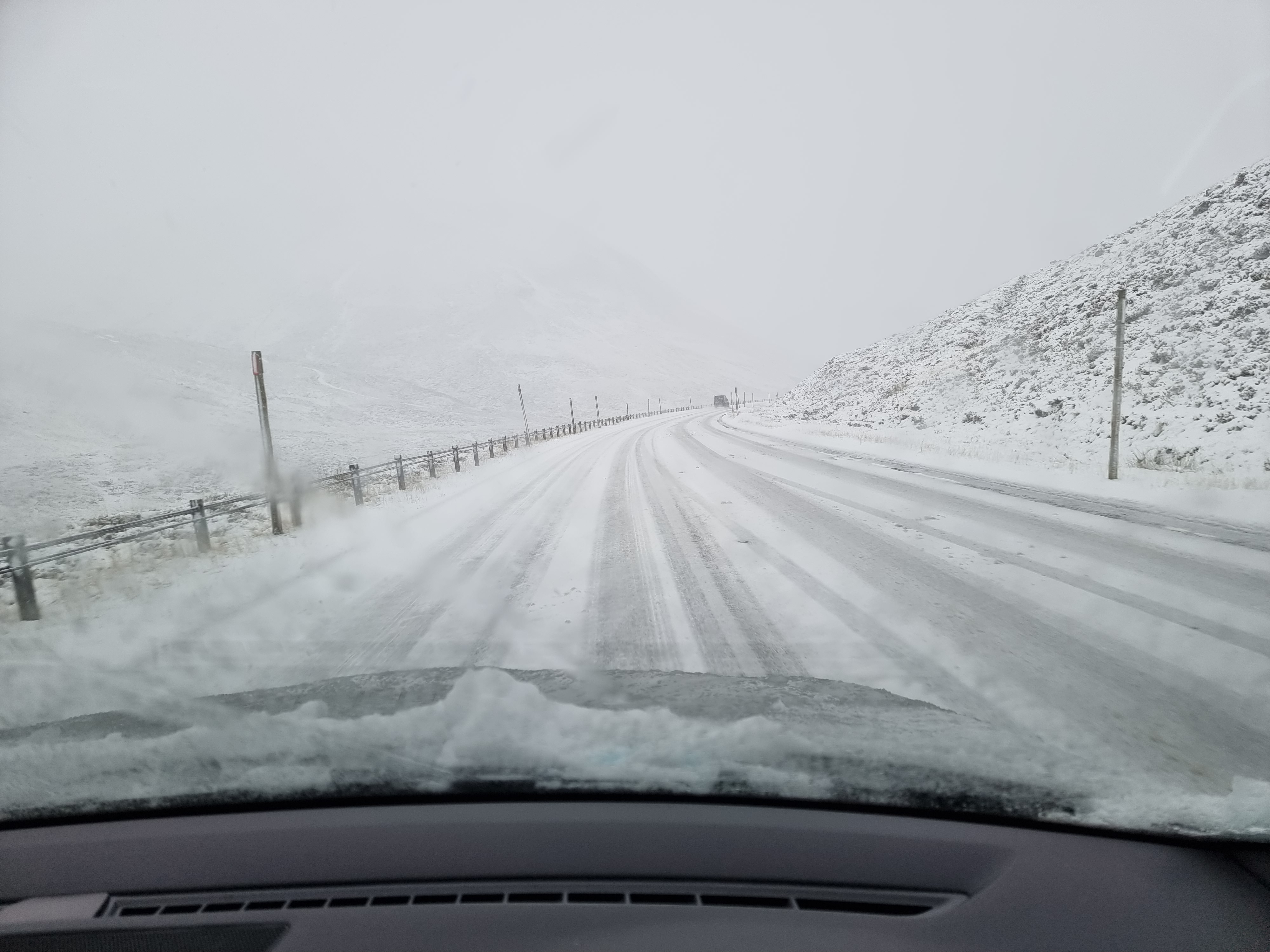
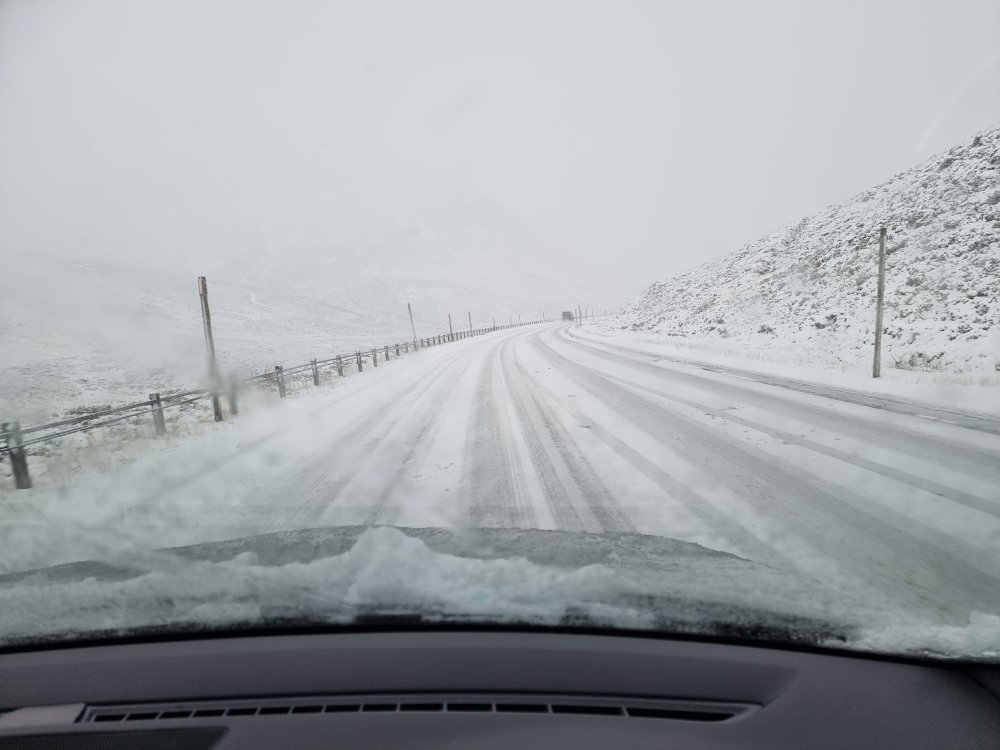
Absolute tosh. They try to keep the roads clear but often they are not and if snow is falling the roads will be white. People get caught out every year on the roads up to Glenshee or Lecht. Personal photo end of December last year - not particularly clear roads and Cross Climate 2s worked fine.
-
I have Cross Climate 2s on 19" Xtremes for living in Scotland and like them; good enough for getting up to the ski centres. I don't think they make them in standard/factory size but 235/35/19 fits the rim fine. Some places (Costco) won't fit non-standard size so you might have to ring around places.
-
-
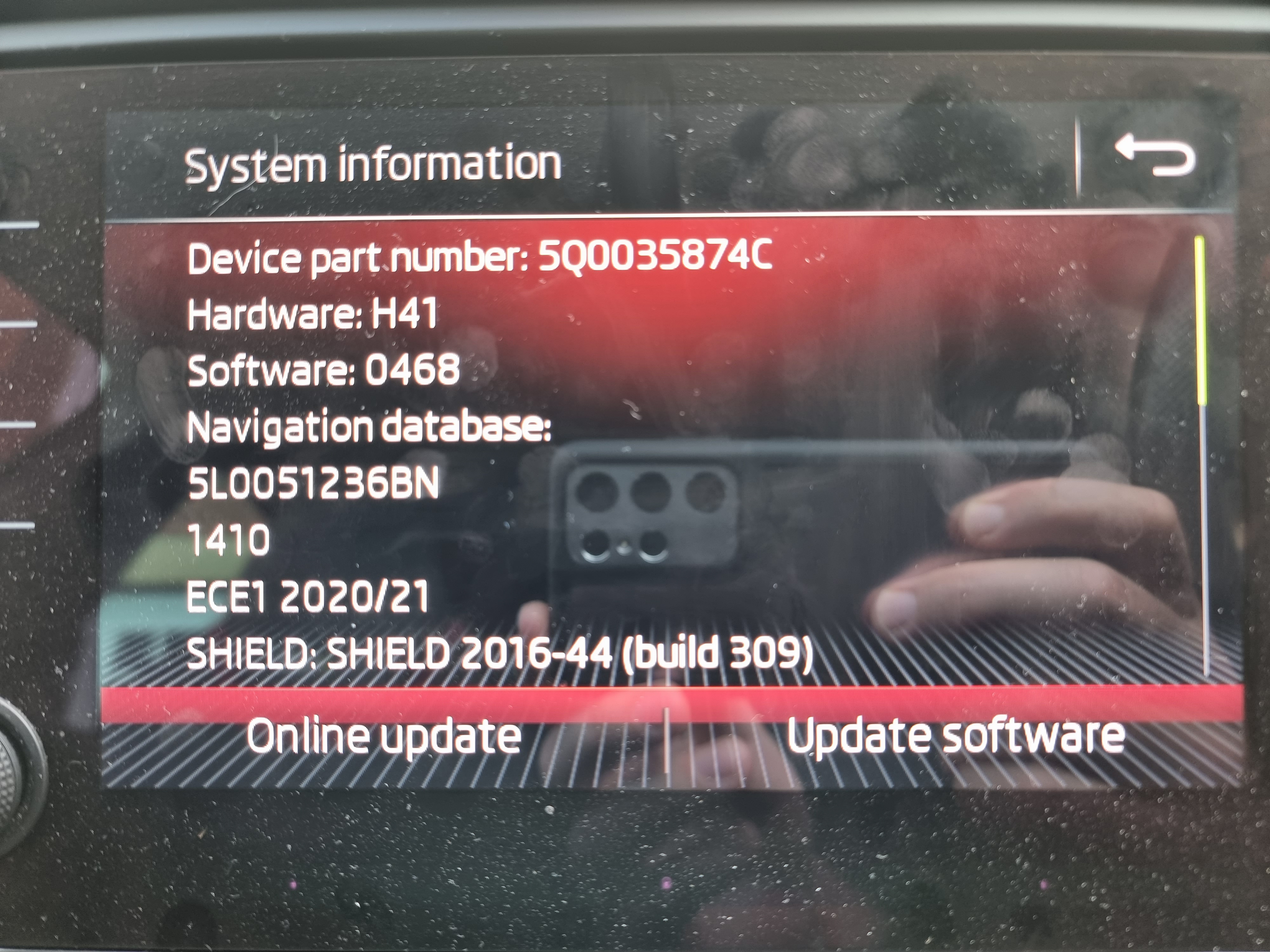
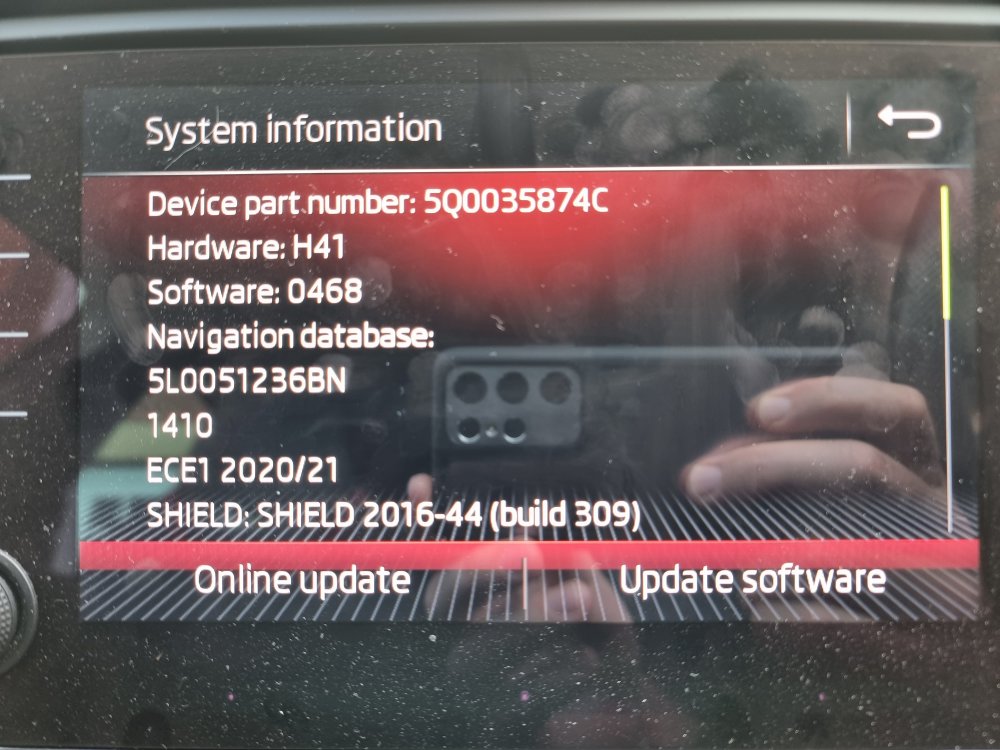
Thanks for summarising. I have updated maps to V12, but did not change the fee based traffic value and TMC is working again! Value is set to original, 32771.
-
That's my fault, stupidly misidentified which system I have based on how the screen and buttons looked. Apologies for wasting your time. So I believe I have MIB2 standard, so V12 maps and patch on the SD card. Thanks
-
Central belt Scotland, signal is completely fine though. It's not a preset station at the moment so I'll give that a go.
-
Thanks for the reply. It's definitely taking the adaptation as it's showing the new number when I next connect. Followed the above and still red cross, puzzled! Do I need to leave it on Classic (actual FM, not DAB), or anything in particular like that?
-
Is there anything past holding the power button for ten seconds and letting it cycle off and on? Just not sure what I'm missing when seems to work for others. Thanks
-
Wondering if anyone can point out a step I'm missing with enabling traffic. Car is 2017 Octavia vRS. Purchased obdeleven to make the adaptation to 5f but TMC is still redlined. The existing code was 32771. I have tried changing to 14 and TMC still crossed through. Tried changing to 32782 and still crossed through. Is there a basic step I'm missing with the adaptation, like rebooting head unit, tuning radio to a station etc.? Do I need to update maps? Thanks
-
I better start saving for a clutch then...zero slip so far. Had a good play over weekend and did a long run and MPG unaffected if that matters to anyone. Lights up the tyres if floor it in 2nd though.
-
-
I had my 67 plate 245 manual remapped Tuesday this week. 51k miles on stock clutch and seems fine still. Tried to make it slip and can't feel any slippage. I'd also heard about stock clutches not being good enough but decided to get the remap and go from there instead of a preemptive clutch and flywheel change. That being said £900 extra for clutch and flywheel sounds good if includes fitting.
-
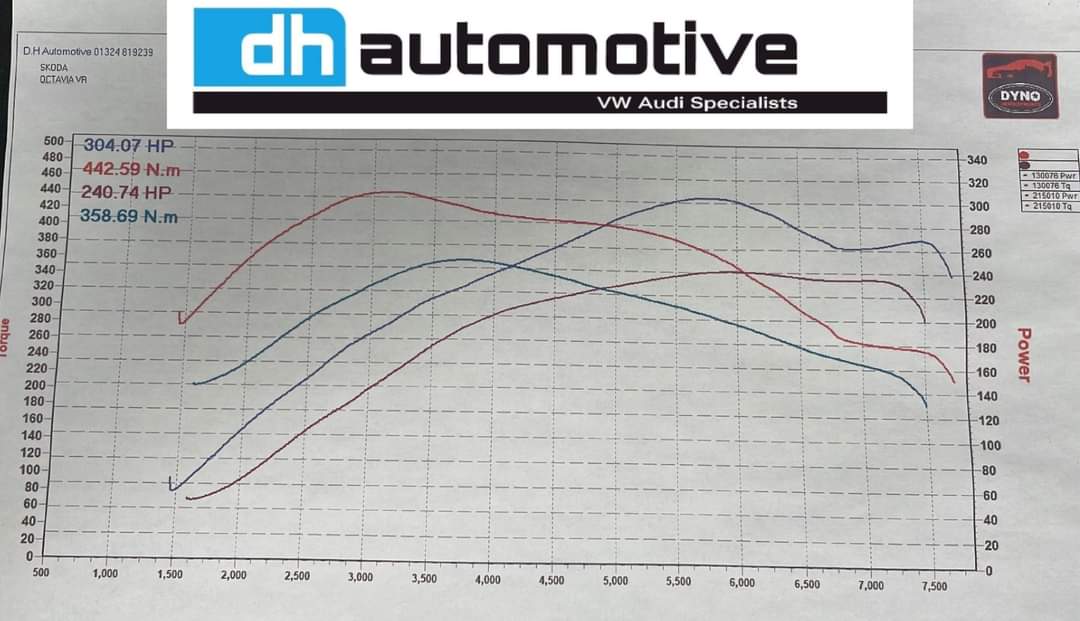
Picked it up this evening. Seems to pull well, better than expected actually. Stock measured 240bhp, 359Nm. Remapped measured 304bhp, 442Nm. OEM clutch with 50k miles on it and no signs of slipping (yet) so happy if it lasts a few months more. I don't really launch off the line anyway so might be fine for longer. Fuel economy no comment as I was giving it some beans as a test!
-
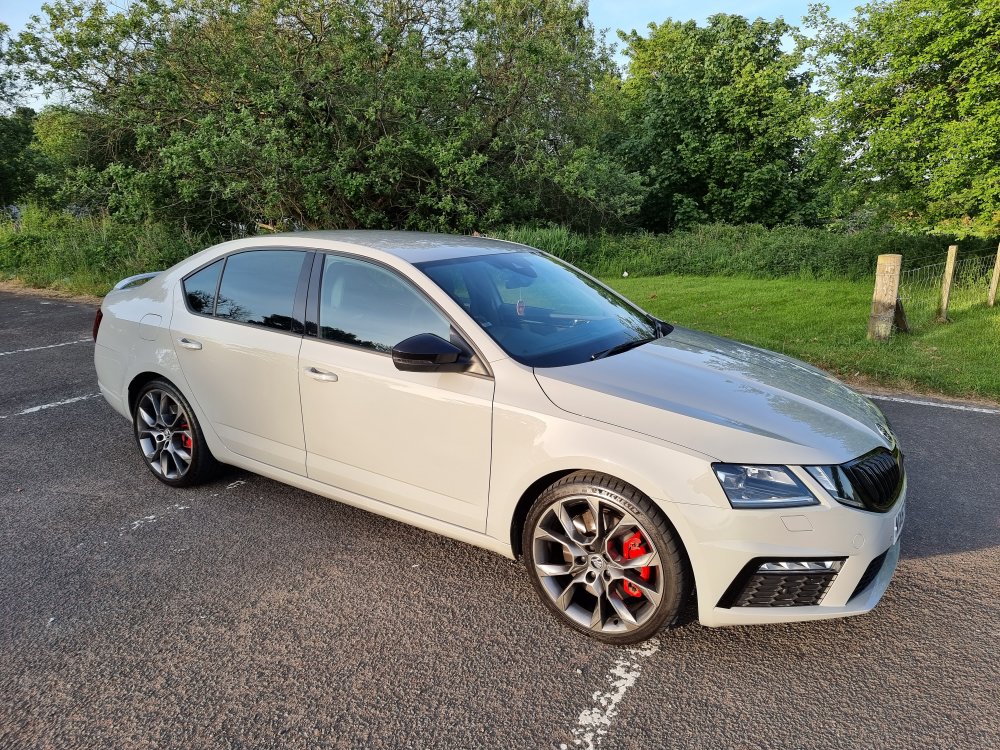
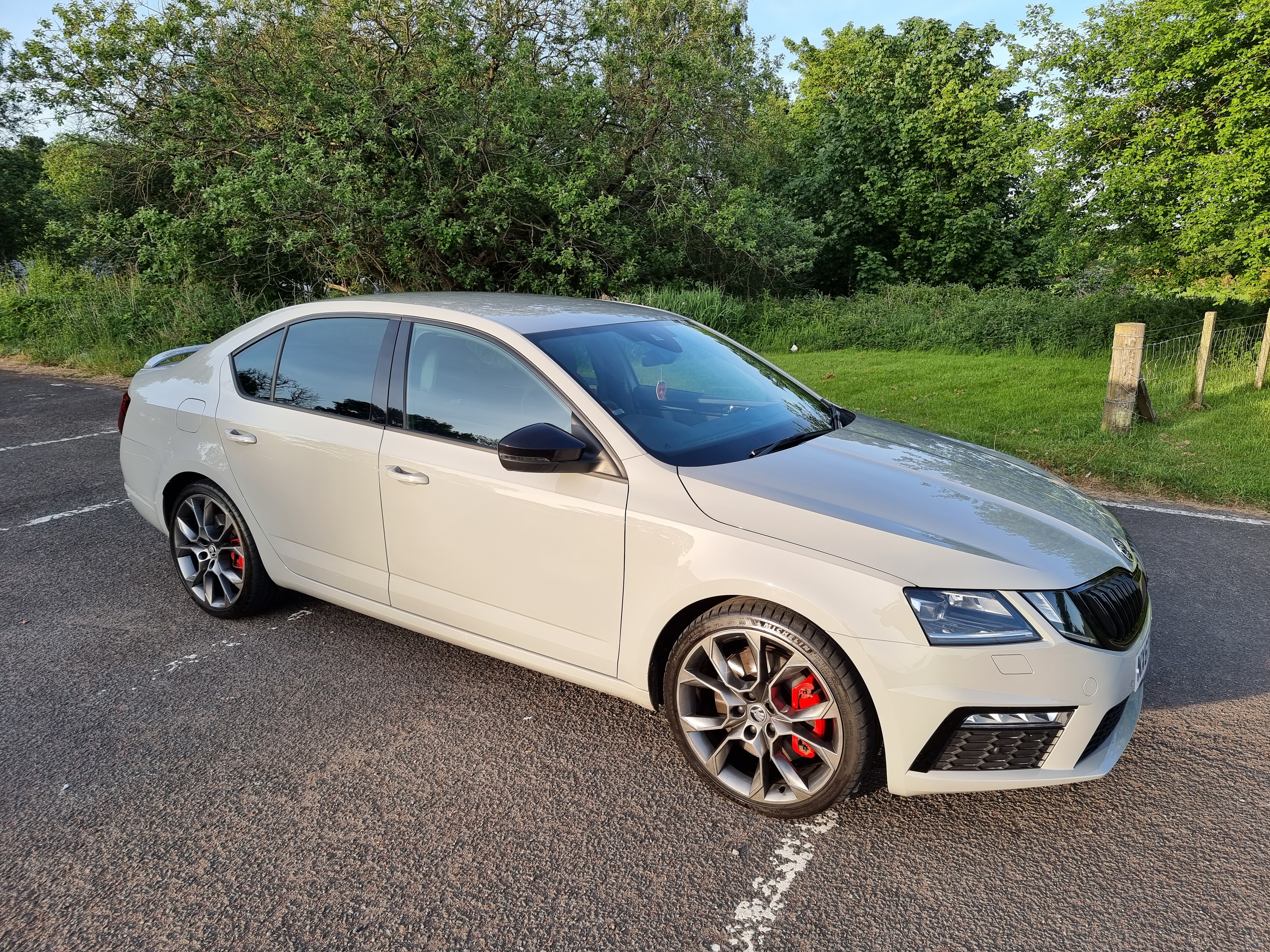
That was my main reason for changing...bloody mum pointed out the wheels looked like flower petals the first time she saw the car and I couldn't stop seeing it after that. There was some minor scraping damage that would have been fixed pretty easily. Cleaned the car Sunday evening so better pic (I'm not good at taking photographs).