





Cakemonster
FREEDOM
-
Joined
-
Last visited
Everything posted by Cakemonster
-
Good to know that you can with Google Maps, it's what I like about Sygic, you only use data for traffic
-
Daft question, can you get traffic on the offline maps?
-
If I am a beta tester, it's news to me I think they do operate a staged rollout.
-
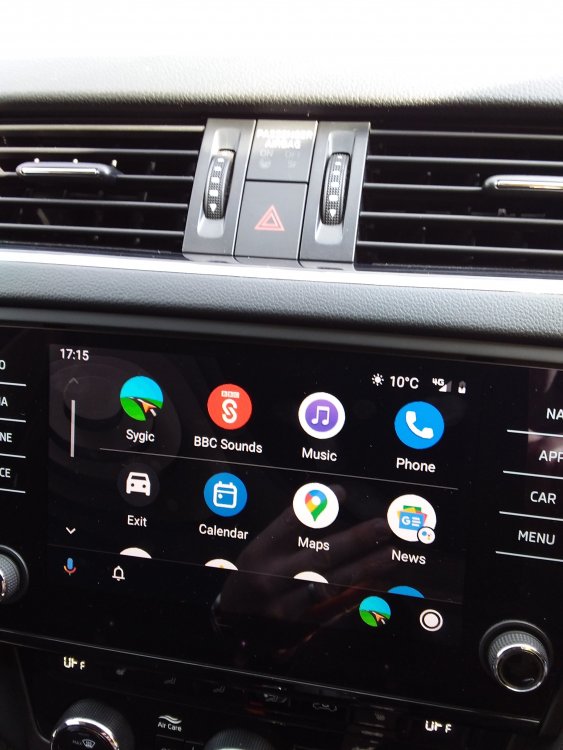
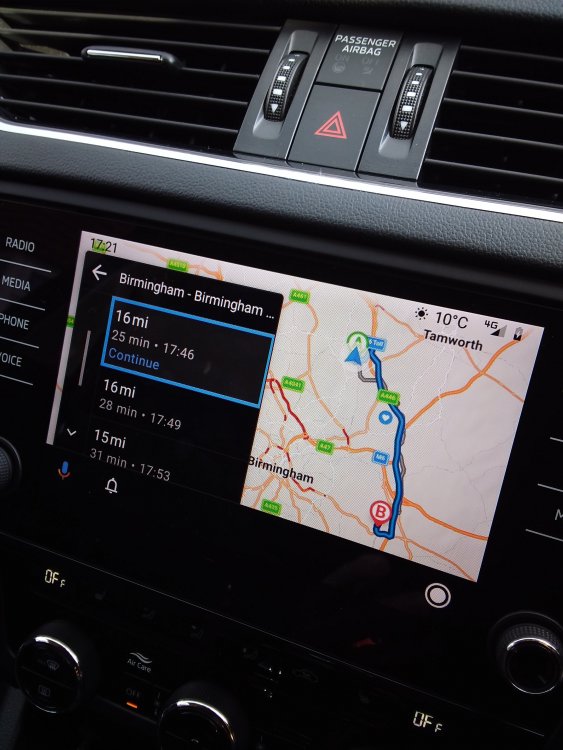
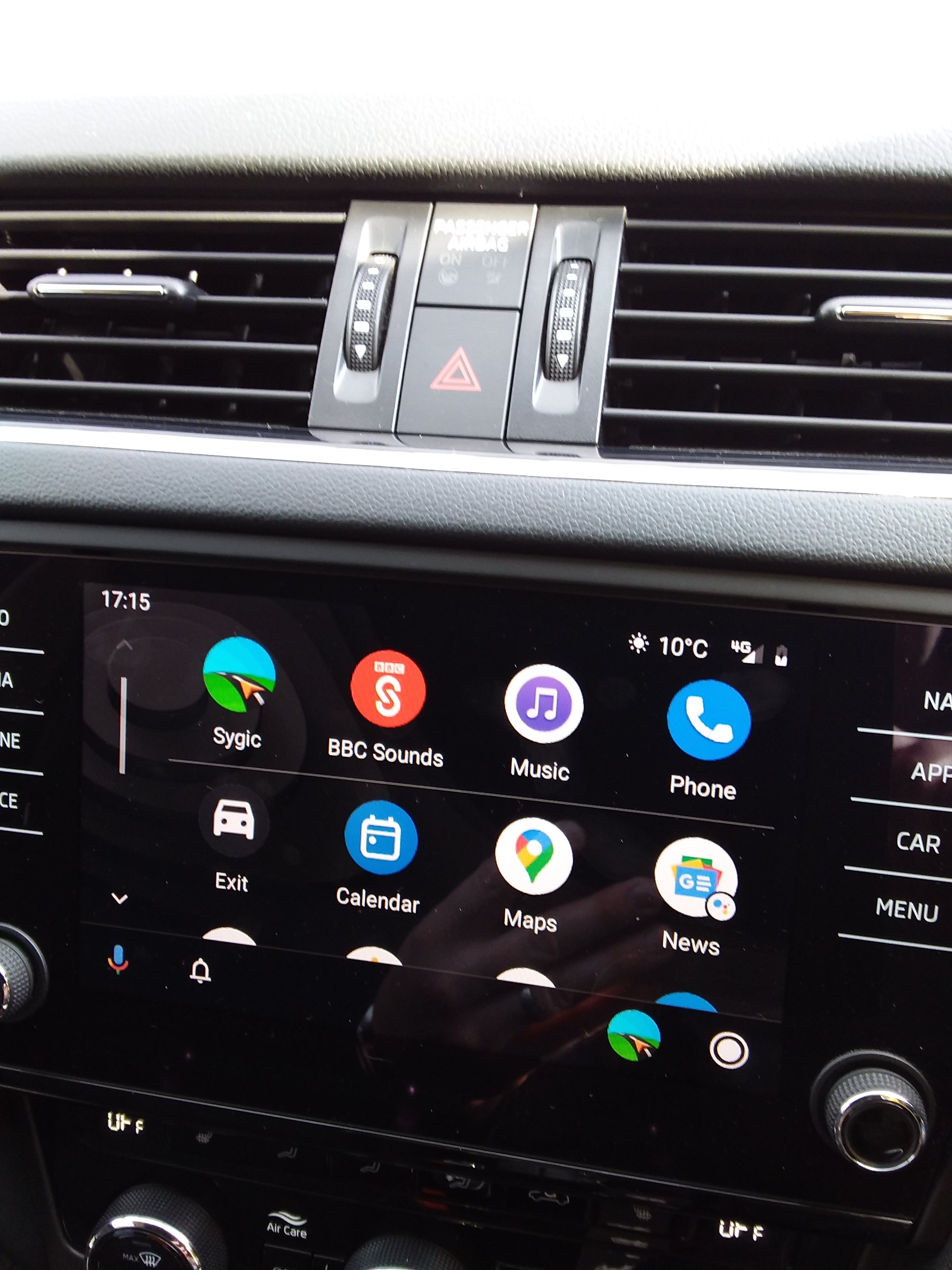
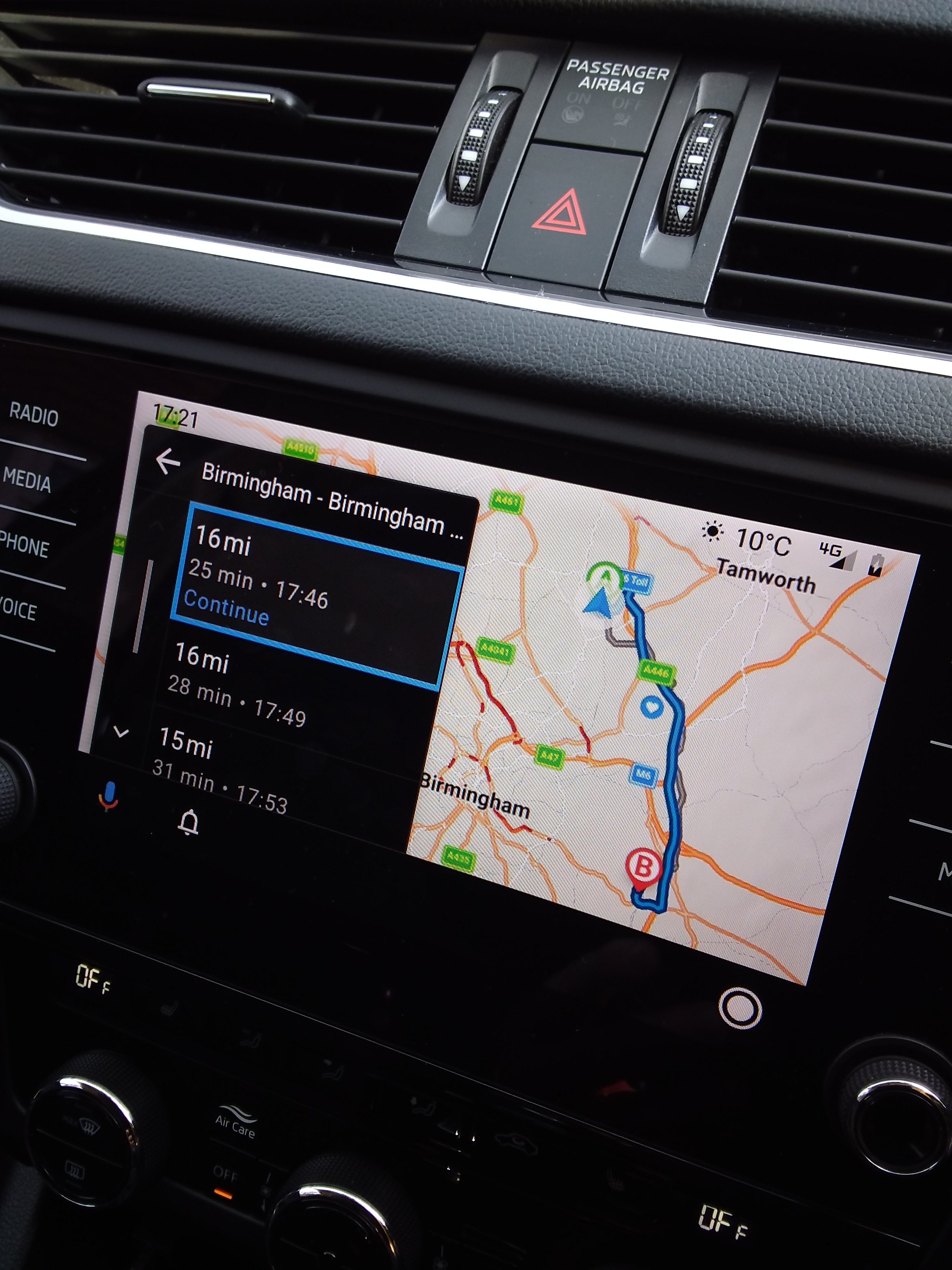
Hi @john999boy I've got Lifetime Premium + Traffic (World + Traffic) as well, thanks to this topic I've just checked, five days ago there was a Sygic update for my phone and just looked at @Kenrw8 link above. Basically the Sygic app is available in the list of apps on Android Auto, but if you want 3D mapping and sounds you need to buy Premium for Android Auto for £33.49. You can't drag or zoom the map either, I'll probably wait and see if they have one of their offers before taking the plunge.
-
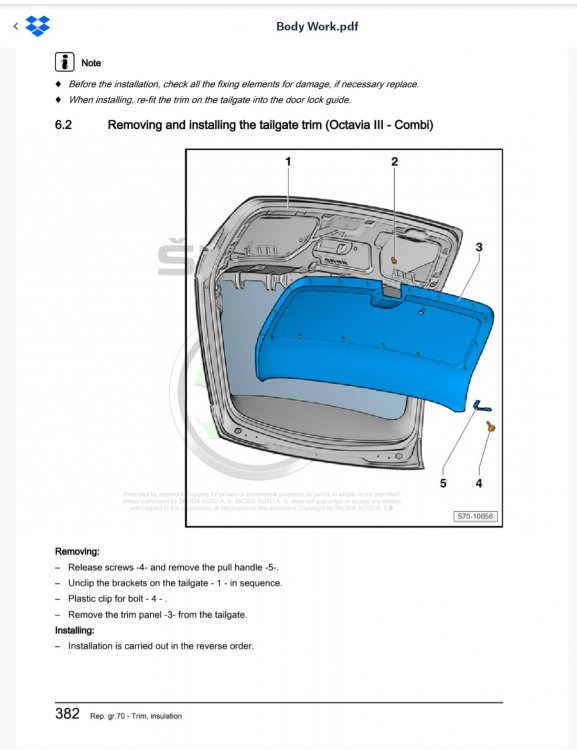
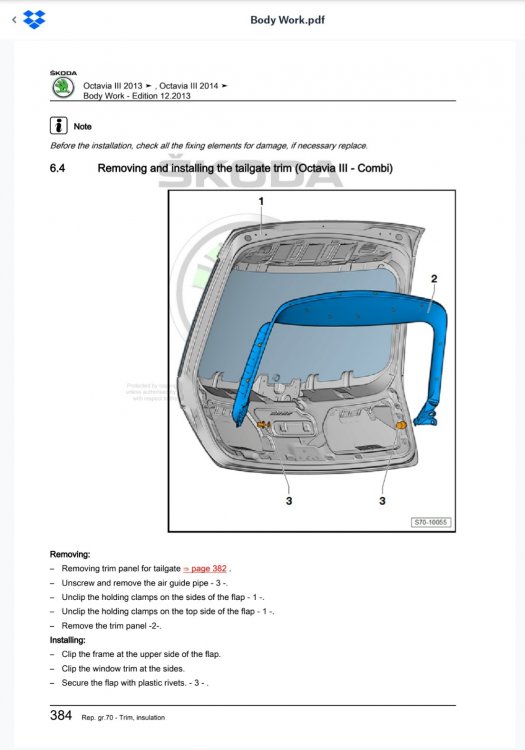
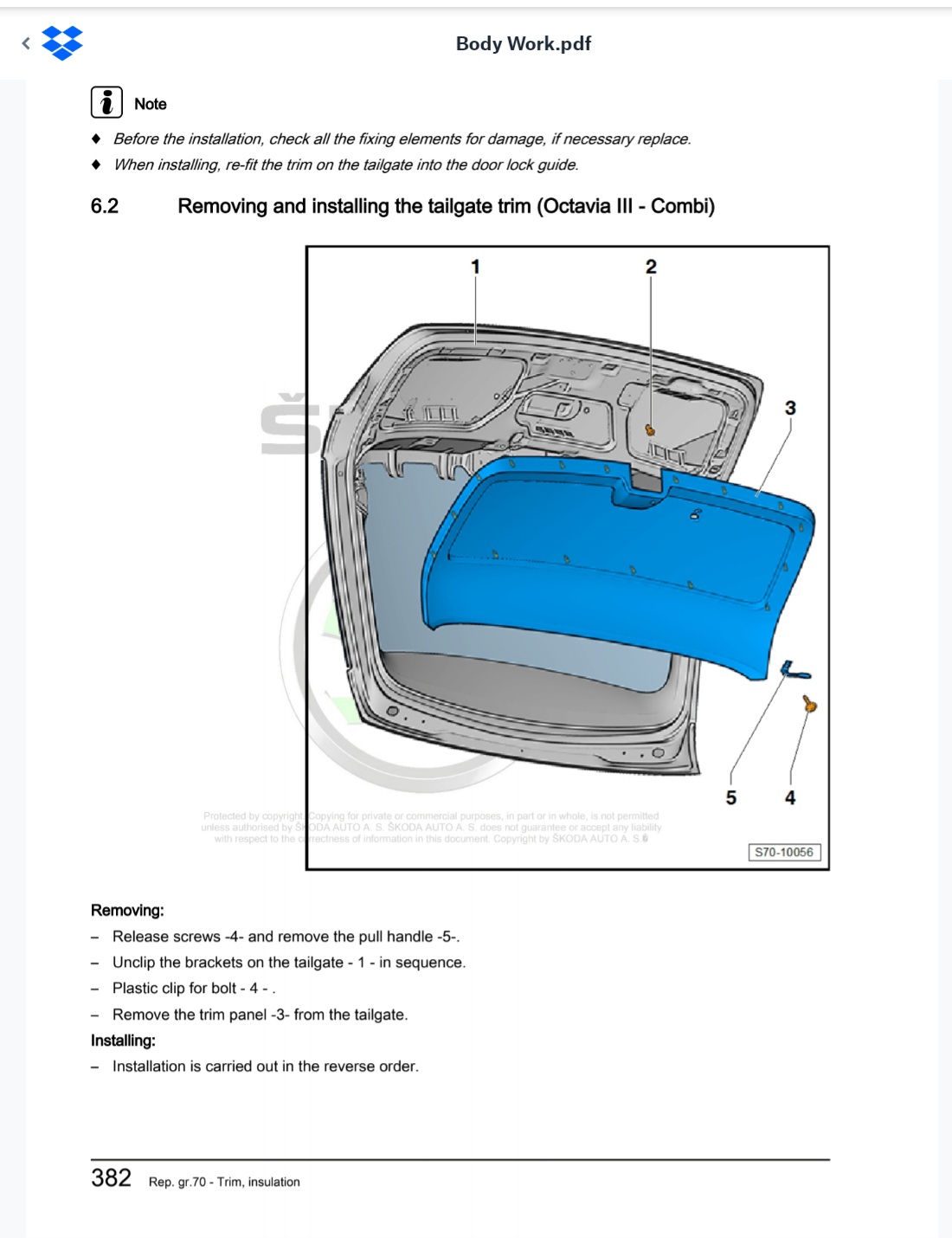
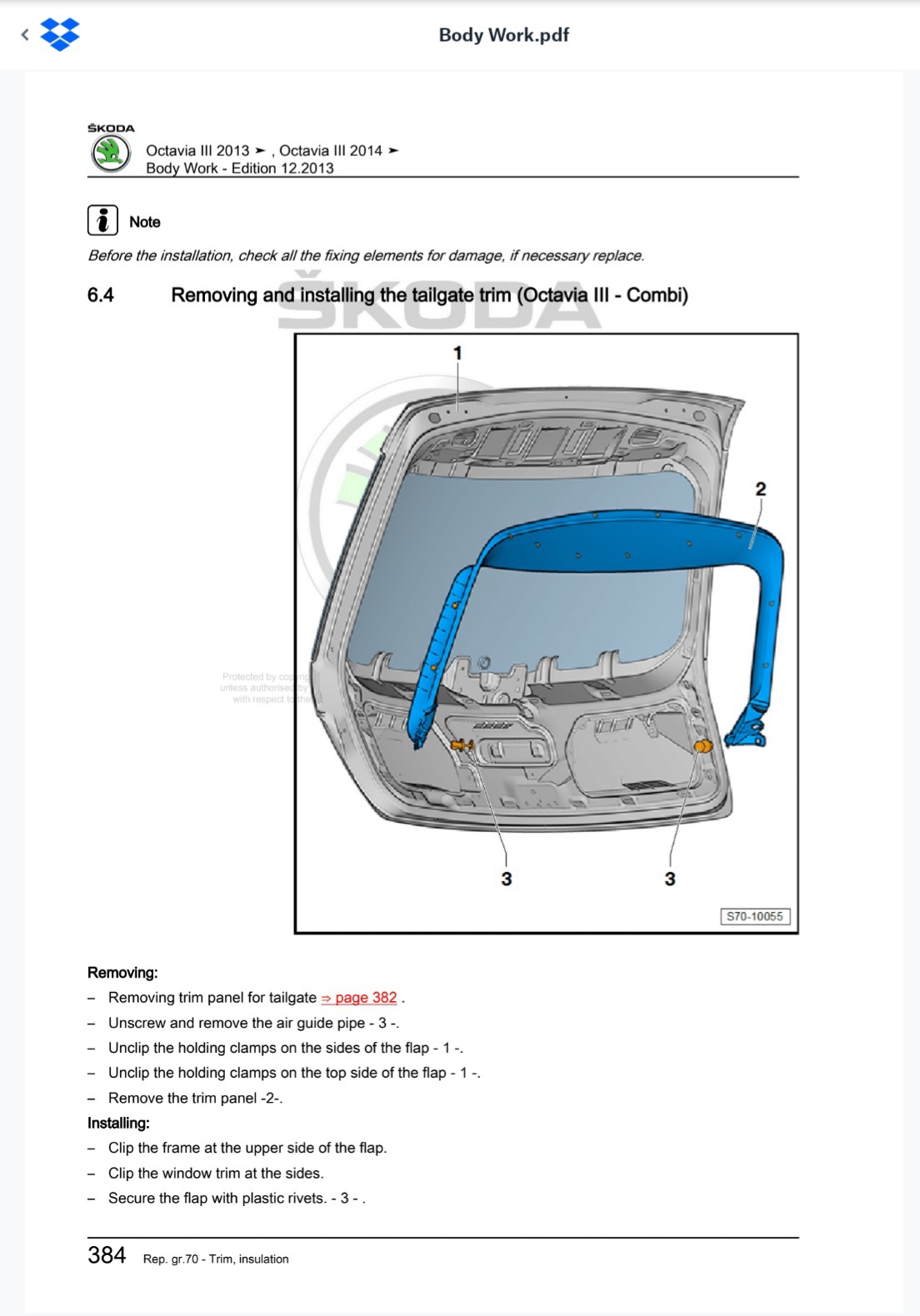
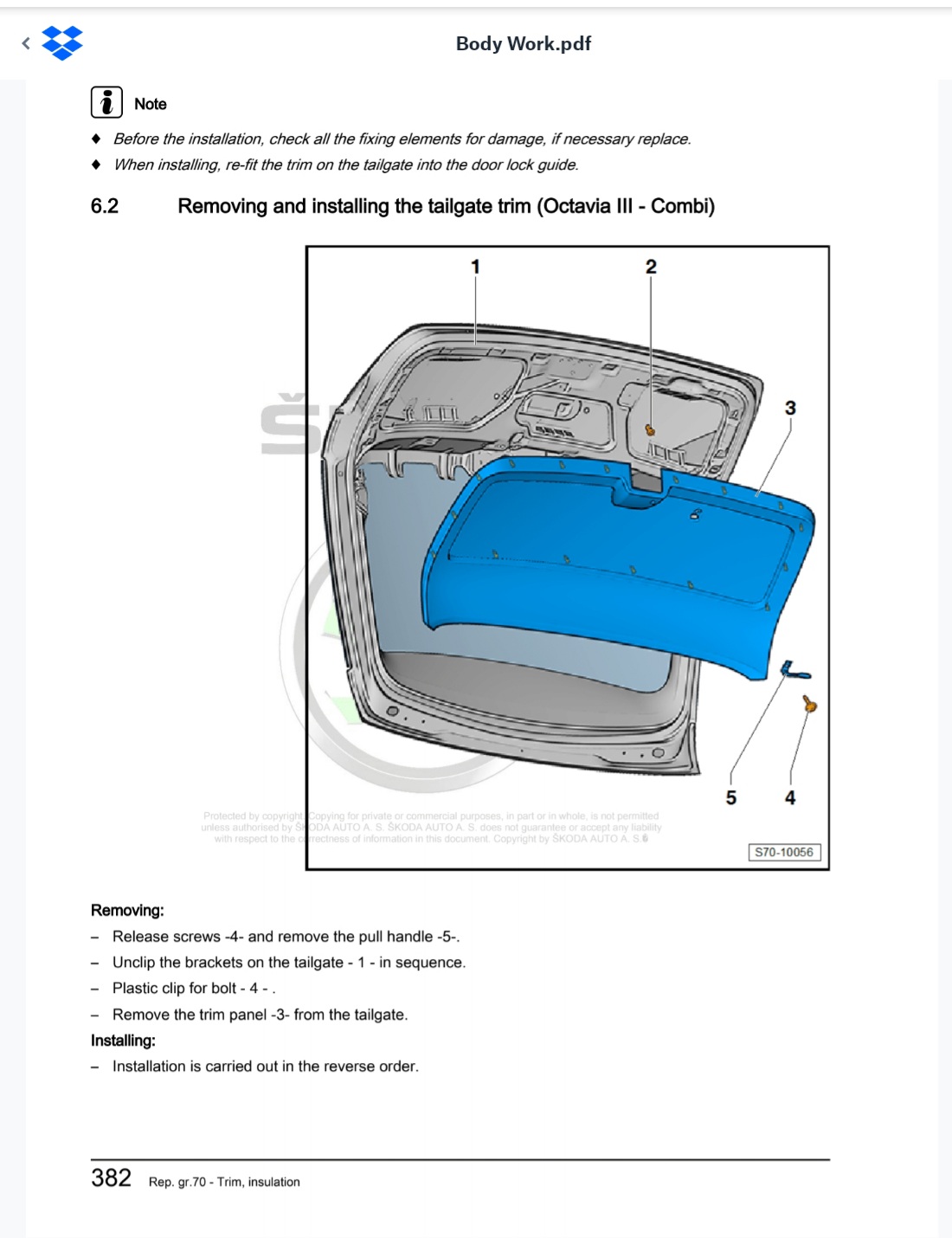
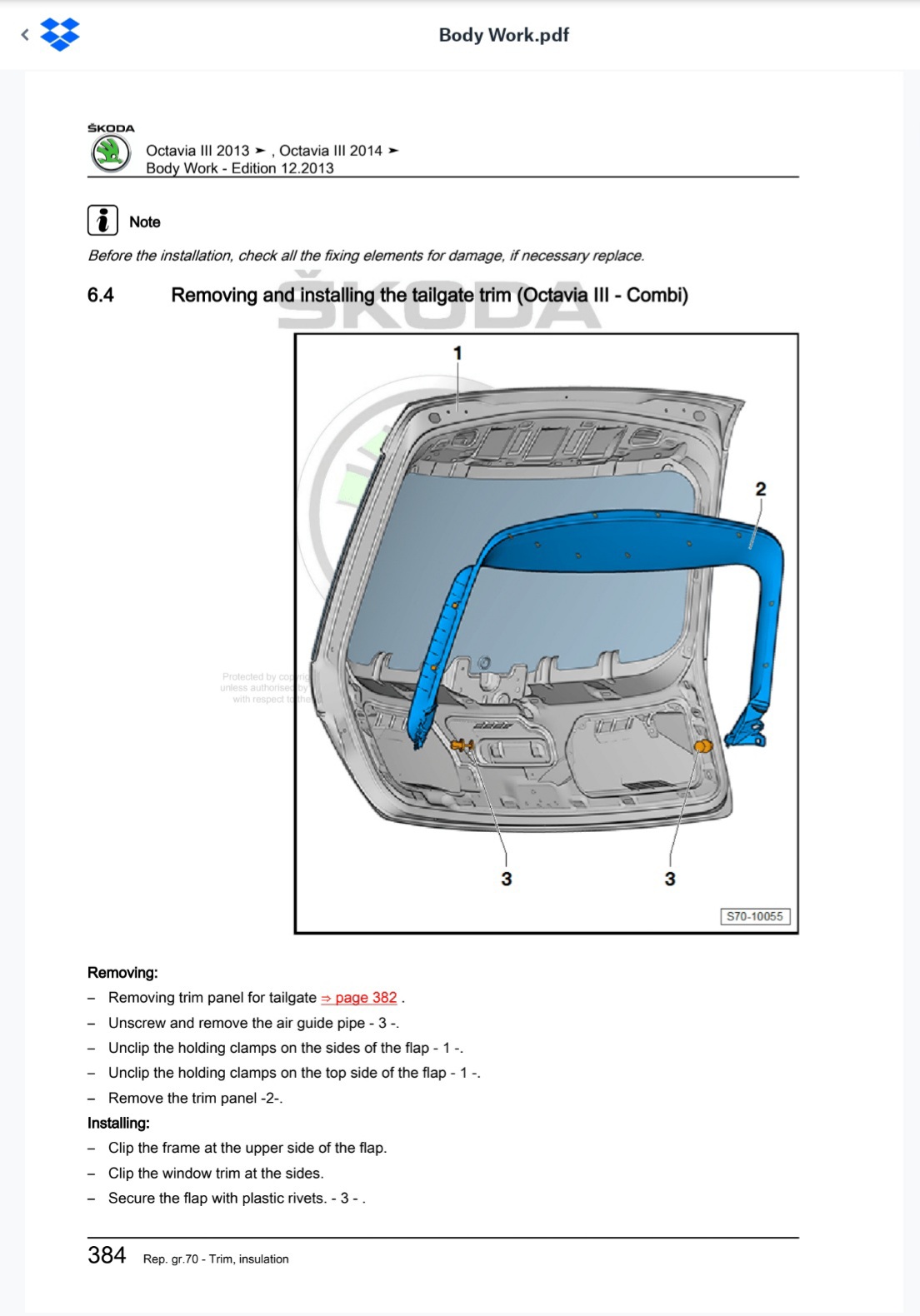
The fixings on the window surround - part 3 in the pic either need the centre bit pulling out with a sharp knife and pliers to release them or push the centre bit through and lose it it the tailgate, ask me how I know...
-


Important Information
Welcome to BRISKODA. Please note the following important links Terms of Use. We have a comprehensive Privacy Policy. We have placed cookies on your device to help make this website better. You can adjust your cookie settings, otherwise we'll assume you're okay to continue.