




misor1994
Finding my way
-
Joined
-
Last visited
Everything posted by misor1994
-
For instance here https://app-connect.volkswagen.com/mapupdates/int/en/index.html Just select the model and choose the correct infotainment. Discover Media = Amundsen Discover Pro = Columbus
-
Some time before, I did some improvements to gain better sound quality, as it was quite poor, no matter what audio source I was listening. I applied butyl and foam plates to the door to dampen the vibrations and get better and more robust sound. Some say that this process itself increases the quality so much that no other mods are needed. I do not agree...however, I did not want to change the speakers, so I tried to put the DSP Axton A530 between speakers and head unit. Much much better and I have been using it for 3rd year now without any issues at the OEM speakers. I recently upgraded from Columbus MIB1 to Amundsen MIB2.5. After the retrofit, I coded the vitrual subwoofer and skoda surround. Tried to turn it on for a while and it was awful Sound was like in a can, but I do not say it might not help in purely genuine setup without DSP, because i did not try that. To compare with other VAG models...I had Passat B7, basic sound system (8 speakers) and the sound was much better than sound in my Octavia before upgrades. Same with Passat B8. Superb II with sound system was also very good.
-
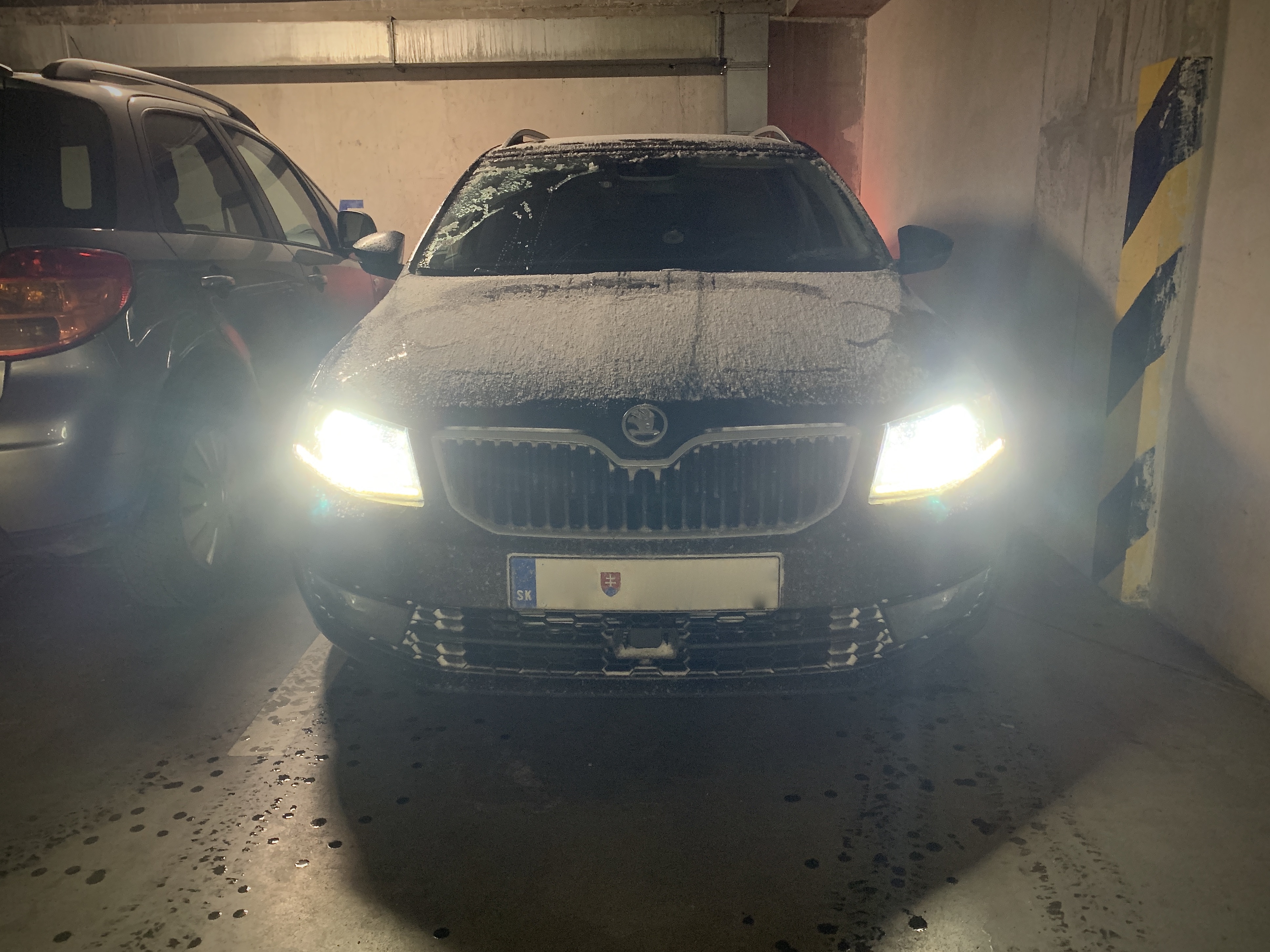
Thank you for all the wishes and prayers, guys Finally, it is snowing in Bratislava.
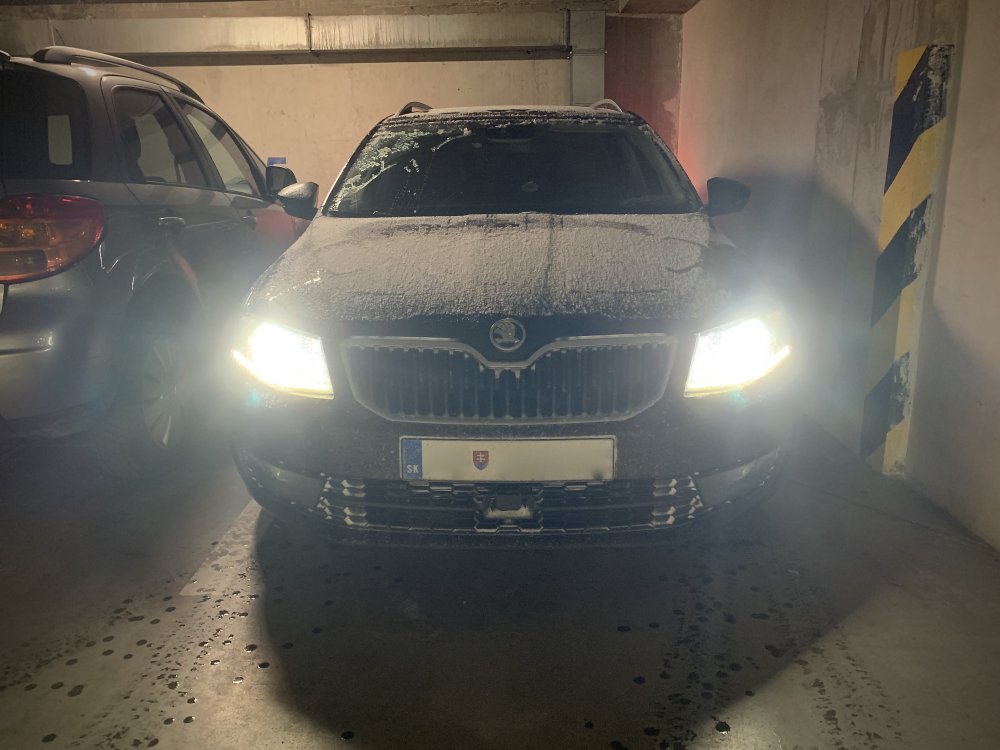 Please, send some snow down to Slovakia. All I got here is a mud these days Snow just in higher altitudes, but I expect to be freezing outside for next few days. At least, the mud will freeze. Chance to ride a mtb without mudguards again.



Important Information
Welcome to BRISKODA. Please note the following important links Terms of Use. We have a comprehensive Privacy Policy. We have placed cookies on your device to help make this website better. You can adjust your cookie settings, otherwise we'll assume you're okay to continue.