Delanor
Members
-
Joined
-
Last visited
Everything posted by Delanor
-
If you update the speed cameras does it overwrite the exisiting data?
-
It is my Scout and I just replaced the bulbs with these indicators https://www.ebay.co.uk/itm/2x-T15-W16W-20-SMD-3030-Error-Free-Canbus-LED-Car-Reverse-Back-Light-Bulbs-Amber/303702470002?ssPageName=STRK%3AMEBIDX%3AIT&_trksid=p2060353.m2749.l2649 and for reversing lamps something like this https://www.ebay.co.uk/itm/T15-W16W-Reverse-921-Led-Car-Bulbs-Xenon-White-Canbus-Error-Free-Parking-Light/372732385979?_trkparms=aid%3D1110006%26algo%3DHOMESPLICE.SIM%26ao%3D1%26asc%3D225114%26meid%3Df9f5d1debcda466c906e273701ad2260%26pid%3D100005%26rk%3D6%26rkt%3D12%26mehot%3Dpf%26sd%3D392573632880%26itm%3D372732385979%26pmt%3D1%26noa%3D0%26pg%3D2047675%26algv%3DSimplAMLv5PairwiseWebWithDarwoV3BBEV2b&_trksid=p2047675.c100005.m1851 I doubt Skoda dealers will stock LED`s as they would have to adhere to OE parts.
-
The 2021 model stop/tail lamps look the same - little ole bulbs.
-
Merci pour le lien.
-
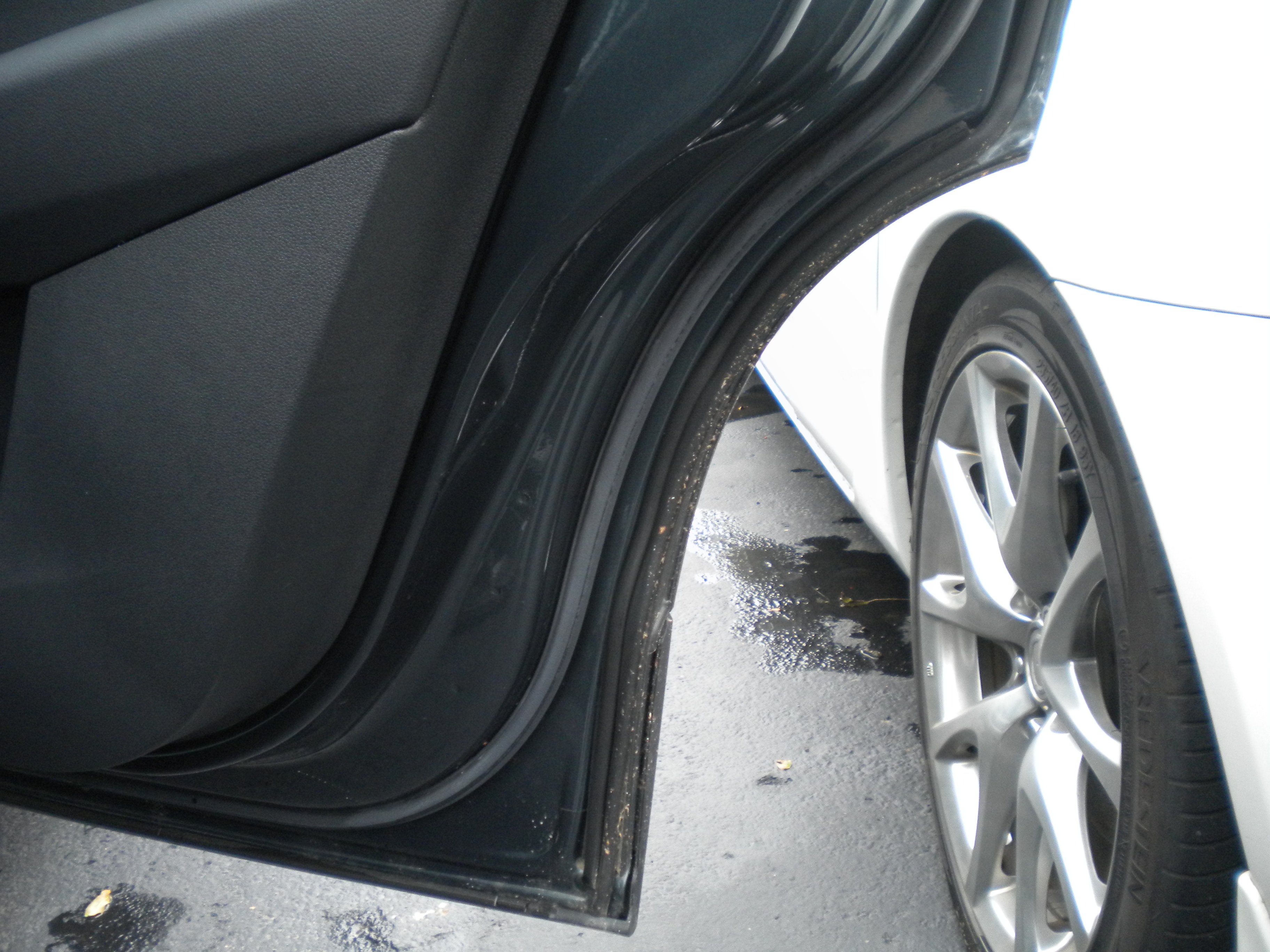
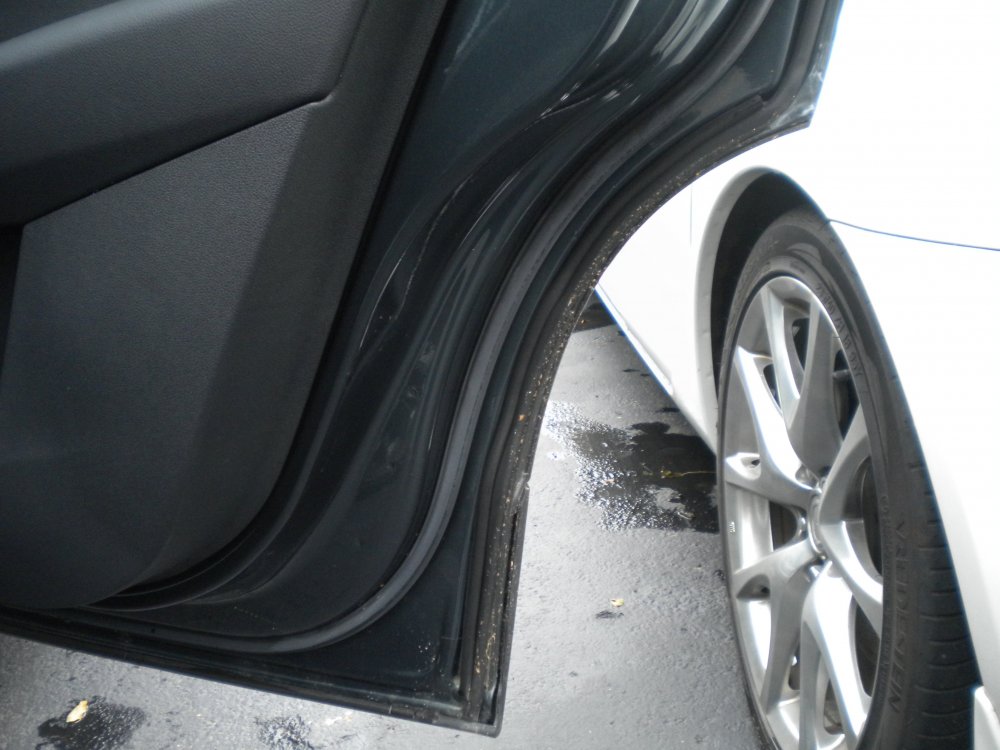
I used similar to this its self adhesive so you just stick it alongside the original seal its quite soft so fills any gaps easily. https://www.ebay.co.uk/itm/4M-Car-Door-D-Shape-Seal-Strip-Edge-Protectors-Weatherstrip-Rubber-Sealing-Trims/303661090288?ssPageName=STRK%3AMEBIDX%3AIT&_trksid=p2060353.m1438.l2649 I haven`t cleaned inside the door for several weeks and have been on some mucky wet roads but you can see the dirt on the first seal but not much has got past the new piece of seal
-
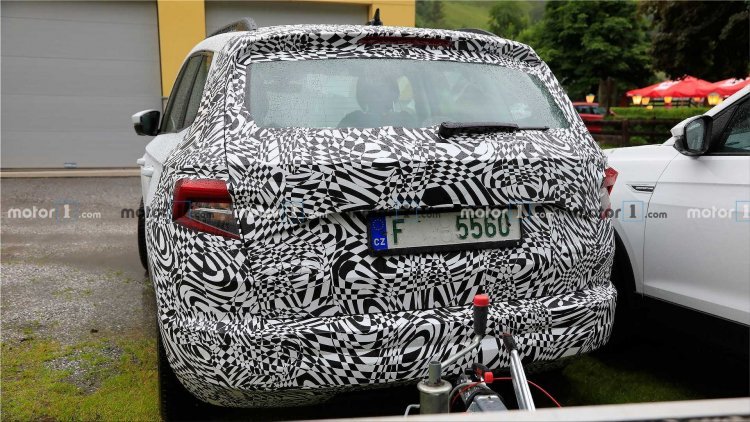
Skoda Karoq Scout has just moved into the 21st Century - the reversing light bulbs and rear indicators now LED`s and it looks so much sharper and better for it. Well worth the change.
-
A lot of people don`t realise that unless you buy built to order your "new" Karoq may have been in stock for several months.
-
Just taken mine in for service to be informed that there is a recall for the sunroof for the drain holes -presumably that there are some if so that they are not blocked.