Stevejd58
Finding my way
-
Joined
-
Last visited
Everything posted by Stevejd58
-
Looks like I have a project coming up soon
-
I'm assuming you did the new digitiser over old route, are you satisfied with the outcome, does it all work as it should do? might give it a go if it worked well for you
-
Looking in ebay as you do for an alternative for my Amundsen Mib 2 and found this https://www.ebay.co.uk/itm/384454830977?mkcid=16&mkevt=1&mkrid=711-127632-2357-0&ssspo=SlmY02NmQbK&sssrc=2047675&ssuid=&widget_ver=artemis&media=COPY this of course led to how to fit and I came across this on youtube Any thoughts on this or actually done it. For £25 or so it might be worth a try
-
Opps, finally had time to do it, successfully updated, fixed the nav button issue that prompted my request
-
Pen drive
-
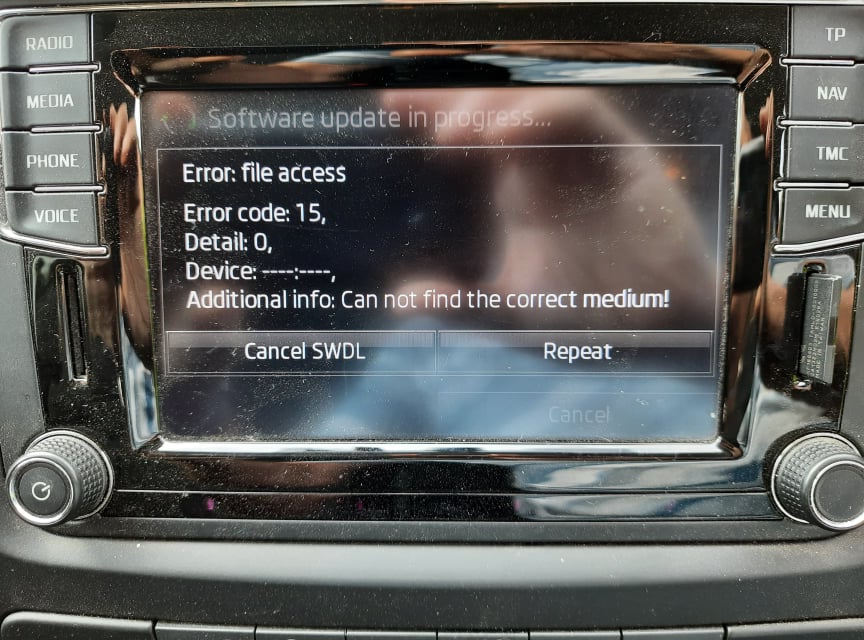
Realised my mistake, didn't move the data out of the main folder first managed to get the process starting but I get this message and can't progress further, any thoughts?
-
OK, I'm going to play the idiot here. I long pressed the menu to get the service mode activated and on using the update option shown i got the following; "unable to read the Release Information file. Source not available. unsupported media." I'm fairly tech competant but in this case assume I'm a total newbie as I'm clearly missing something after downloading pab567's .7z file
-
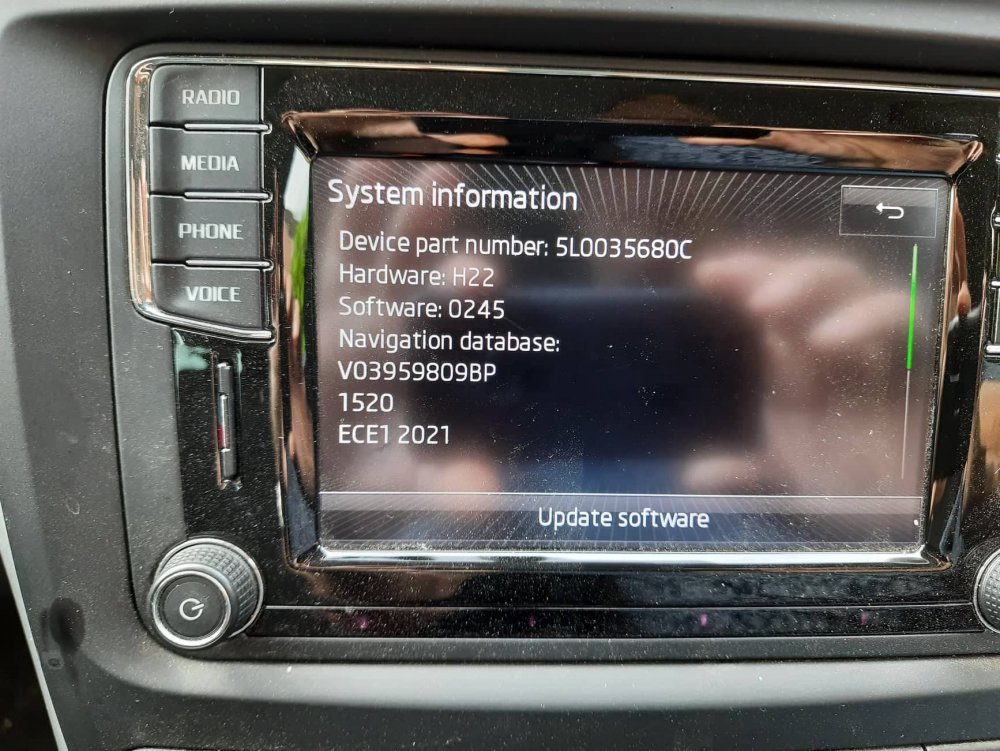
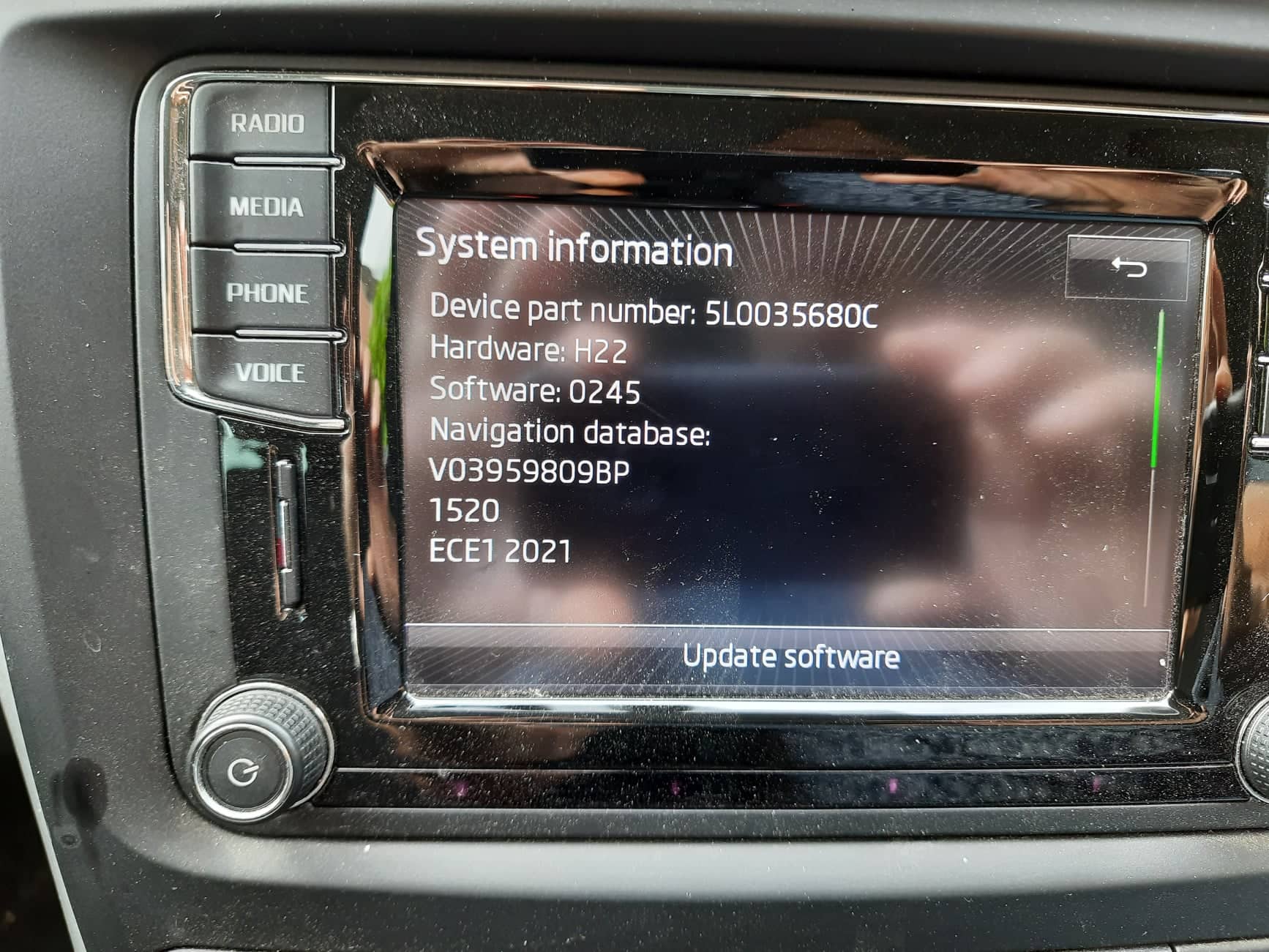
thanks for the download Pab567 I don't think I'm doing the update correctly I tried unzipping the file to a fat32 format usb and put it in the Aux usb port I also unzipped it to a fat 32 format sd card and tried both sd slots in both cases it couldn't find the software when I did the following menu > system information > update software Am i doing something wrong?
-
Hi Are there any firmware updates for my 2016 Amundsen 2, hoping an update will resolve some glitches in the touchscreen. bottom left works ok in radio mode but unresponsive in Nav when trying to input new destinations.