
simonds3135
Members
-
Joined
-
Last visited
Everything posted by simonds3135
-
Thanks for confirming and thanks everyone else for your replies too 🙂
-
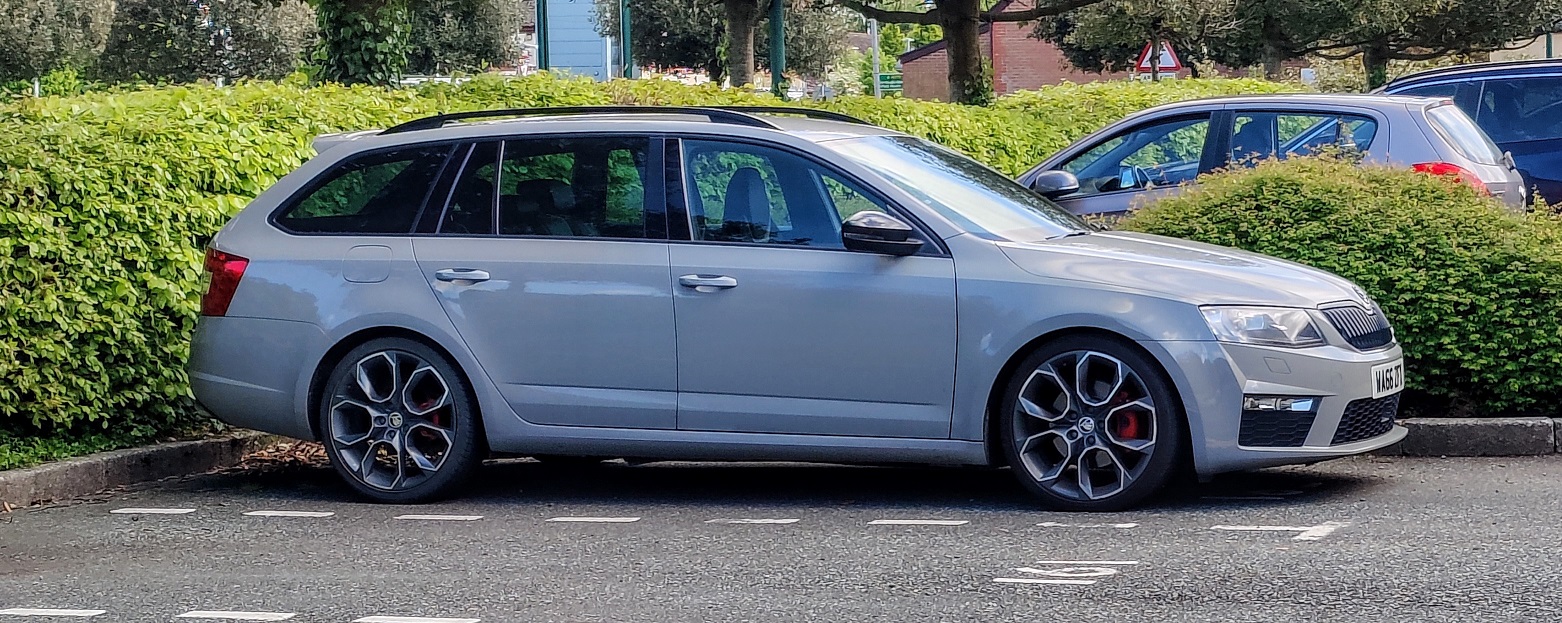
Yes but isn't the Kodiaq the only vehicle with the external sound booster? I have a MK3 Octavia VRS and I've coded the sound actuator off, but there is obviously no external one on that, it's just fake noise in the cabin
-
I wouldn't think of it as adding internal sound, as most car manufacturers have internal fake sound these days. I would look at it as Skoda have added the outside noise. So I would think it was perfectly normal to have an external sound booster aswell as inside noise.
-
Sorry, I should have said, I assumed both systems would work in the same way. The diesel I was asking about. I haven't got one but am looking to buy one. Was just curious if you could keep the 'outside' noise but get rid of the 'inside' noise. I haven't even test driven one yet to hear what it's actually like, I'm just going from video reviews on YouTube. It sounds quite cool from the outside but am thinking it could get a bit droney on the inside
-
Oh really? That's interesting
-
Sorry to dig up an old thread, but does anyone know if OBDeleven (or anything else) has the ability to code the inside cabin noise off but leave the external sound booster on?
-
That's brilliant, thank you so much for your help. I'm guessing it's better to have a cable that's slightly too thick rather than too thin?
-
I'm thinking something like this would do the trick?... 49.2ft 18AWG 3×0.75mm² Electrical Wire 3 Core, 18 Gauge 3 Conductor Black PVC Case Stranded Low Voltage Cable High Temperature Resistant,Tinned Copper Automotive Wires, Flexible Extension Power Cord https://amzn.eu/d/3OzAdmb
-
How would I work out the required cable size for the voltage drop? If there was a voltage drop, would it not work correctly? The control box is bulkier than it seems, especially when you're trying to hide it in some roof lining or behind some trim! It's 50mm x 43mm x 20mm.
-
Well yes, I was thinking that but I'm not sure where to start really. It's a lot easier to test a fusebox for perm live and acc live etc than a bunch of wires going everywhere in the boot of the car 😕 Plus isn't it much safer to start in the fusebox? You'd have to add in some sort of fuse if you managed to tap into the rear wiring somewhere wouldn't you? 🤔
-
Hi TheClient, thanks for your detailed response. Well I did think of extending the power side of the 'box' and leaving the USB side as it is from factory, but to get the box out of the way, I'd have to extend the power side to nearly 4m just so the box could be in the rear of the car. I'm guessing that's safe and it would still actually function correctly? Seems very silly, nothing is ever simple! 😄
-
Has anyone on here managed to fit a GARMIN dashcam in the rear of their Octavia Mk3 Estate? I'm guessing no, because it's absolutely flipping impossible! I have seen lots of other dashcam threads on here where people have fitted rear dashcams, but none that mention GARMIN cameras. The only reason the GARMIN part is important is the parking mode (hardwire) cable they use. The cable is down as being 4m long on the specifications, which when I did a quick flash down the side of the car with a tape measure from the fusebox to the centre of the rear window (and added a bit for good measure), would have been about right. But little did I know, that 4m would be the overall length of the cable, not just the USB part coming out of the 'control box' like I thought it would be. The USB part of the cable coming from the box is actually only 3m long, then there is a 1m section the other side going to the fusebox etc. GARMIN obviously created this cable at a time when rear dashcams weren't a thing as it's just far too short. The overall length is okay, but this would put the 'control box' (which is part way down the cable) right smack at the top of the A pillar, where a) there is no room and b) there are air bags. I'm guessing that because of this, I simply cannot have a GARMIN dashcam in the rear of my car and it's just tough luck, but I wanted to see if anyone else had any genius ideas or used a different cable or extended the GARMIN cable or whatever. I only went with a GARMIN camera (DashCam Mini 2) for the rear because I already had a GARMIN DashCam 56 in the front, so to link them up, the rear one would also need to be a GARMIN. Any help or advice on this would be hugely appreciated! 🙂
-
Hi J.R, apologies for reviving an old thread but I need to bleed my clutch so was reading various posts on here and just wondered where you came across this information that a pressure bleeder is not necessary and the system is designed to be 'gravity bled'? I downloaded the Skoda workshop manuals and they say to use a pressure bleeder? 🤔
-
Is there any other way of 'factory resetting' the car's ECU / coding? I'm not really sure how the coding bits are stored but I remember the first time my Skoda dealer did a software update on the car it actually erased my remap (Superchips Bluefin) but all of my OBDeleven codings were still there 🤔
-
Unfortunately I was stupid and didn't take a backup back when I first got OBDeleven 😔 As I was only going to be using the 'one click apps', which I assumed were tried & tested and wouldn't come with any issues, I didn't bother. Damnit. I have got the full audit trail still.
-
Hi Varoom, thanks for your response. I tried that yes and still no luck unfortunately. I even tried factory resetting the whole infotainment system and it didn't make any difference either. Tried coding them with OBDeleven aswell, nothing works! Crazyness. I wish I knew what started it all. In fact, it might have been some OBDeleven coding that started it but I can't be sure. I remember I tried coding them to stay on for 60 seconds rather than the cars maximum of 30 and it was around then they might have stopped working. I have coded them back to 30 since though, and even tried 10 etc. Makes no difference. Interesting that you can't just code them to 'OFF' with OBDeleven though? Might have to get someone with VCDS to check my coding or something
-
Hi everyone, Just trying to revive this thread as this issue is getting more and more on my nerves as the nights get darker. Something as simple as coming home / leaving home lights not working is driving me mad! I've made an updated video to hopefully explain the problem better and would really appreciate it if you would take the time to watch it, even though it's probably the most boring video you will ever watch 🤣 Thank you!
-
Does anybody have any idea on this? I've been testing my theory over the last few weeks and it's 100% consistent - Basically the leaving home lights don't work 100% of the time anymore under normal circumstances. Well, if it's dark and I nip into a shop, lock the car, come out 10 mins later and unlock it then they work. But if I park it up for 2 hours-ish or more say, then nothing. The thing that's 100% consistent is that they DO work after I unlock the car, lock it, wait for at least 30 seconds, then unlock it again. It doesn't seem to matter when I do the 30 second thing either. For example, when I was initially testing this theory, I was getting home from work at 5pm and locking the car, then unlocking the car at around 9:30pm when it was dark. Lights didn't work, lock it again, wait 30 seconds then unlock, then they work. Tried this over a few nights and it's 100% consistent. Another variation I've tried is getting home from work at 5pm, locking the car, immediately unlocking it then locking it again.... then unlocking at 9:30pm again and they work! It seems as if it needs to be unlocked and relocked with an at-least 30 second delay before unlocking again for them to work. Madness. I've read lots of threads on here and some mention could my battery be on the way out, but it's fine as far as I know. Also, I had Covid recently so didn't drive the car for a whole week. I tested my 30 second theory on the first night and then every night after that for the whole week, they just worked every time with just an unlock. So that doesn't sound like a battery issue at all if it's letting me do that. The setting is definitely enabled on the infotainment system, and also I've even tried coding it with OBDeleven. Still the same. I have a rain sensor and it works perfectly for sensing rain. I have auto lights and the auto lights work perfectly aswell. It's driving me mad!! Hellllppppp pplleeeaassseee
-
Just an update on this one - I have a dashcam which is hard-wired and has a parking mode. I did think that maybe because the dashcam was draining current while the car was parked, maybe the car thought it was sensible to disable the coming home / leaving home lights as I know it disables certain other functions when the battery gets low. Lastnight I unplugged the dashcam completely when I got home from work around 5pm and tried to unlock the car at around 9:30pm and still no lights 😭 I'm kinda glad in a way because I wanted to keep using the parking mode on my dashcam, so at least I know that's not the issue.
-
Hey everyone. The coming home / leaving home lights on my 2016 Octavia VRS have been intermittent for a while now, it's basically pot luck as to if they're going to come on or not when I unlock the car in the dark. I've been trying to work out a pattern like how long the car has been parked for, etc, but I can't seem to find anything consistent. BUT... I've worked out now that if I unlock the car in the evening once it's gone dark and it's been locked for about 4 hours (since I got home from work) then they 100% (so far) don't work. But if I then re-lock the car, wait for 30 seconds then unlock it again, they work. What the hell. Does anyone have any idea what might be wrong as it's driving me absolutely bonkers. Here is a video just so you can witness it happening... https://youtu.be/KW5murjs87w
-
I have ordered from SuperSkoda / Kopacek a lot of times and they have been faultless I have to say. I tried to order that part lastnight though and it said the weight exceeds the limit for all delivery options available and to contact them 😒 I can see from the item page that it 'only' weighs 2kg and I've ordered the heavy duty rubber mats from them with no problem in the past and they weighed an absolute tonne! So not sure what's going on there 🧐
-
Aw no worries. Yeah I think it definitely improves the look also! Might have to just go for it 😁
-
Hi Ads, do you have any pics of yours fitted to the car please by any chance? Thanks 😊
-
Cheers guys, interesting opposites of opinion already 😊 I guess the other option I didn't think of was plasti-dip. I don't think that would be very durable for stone chips etc though down there
-
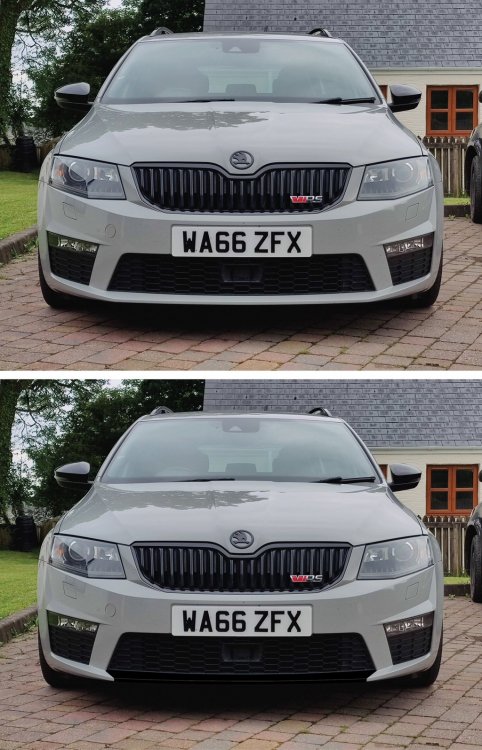
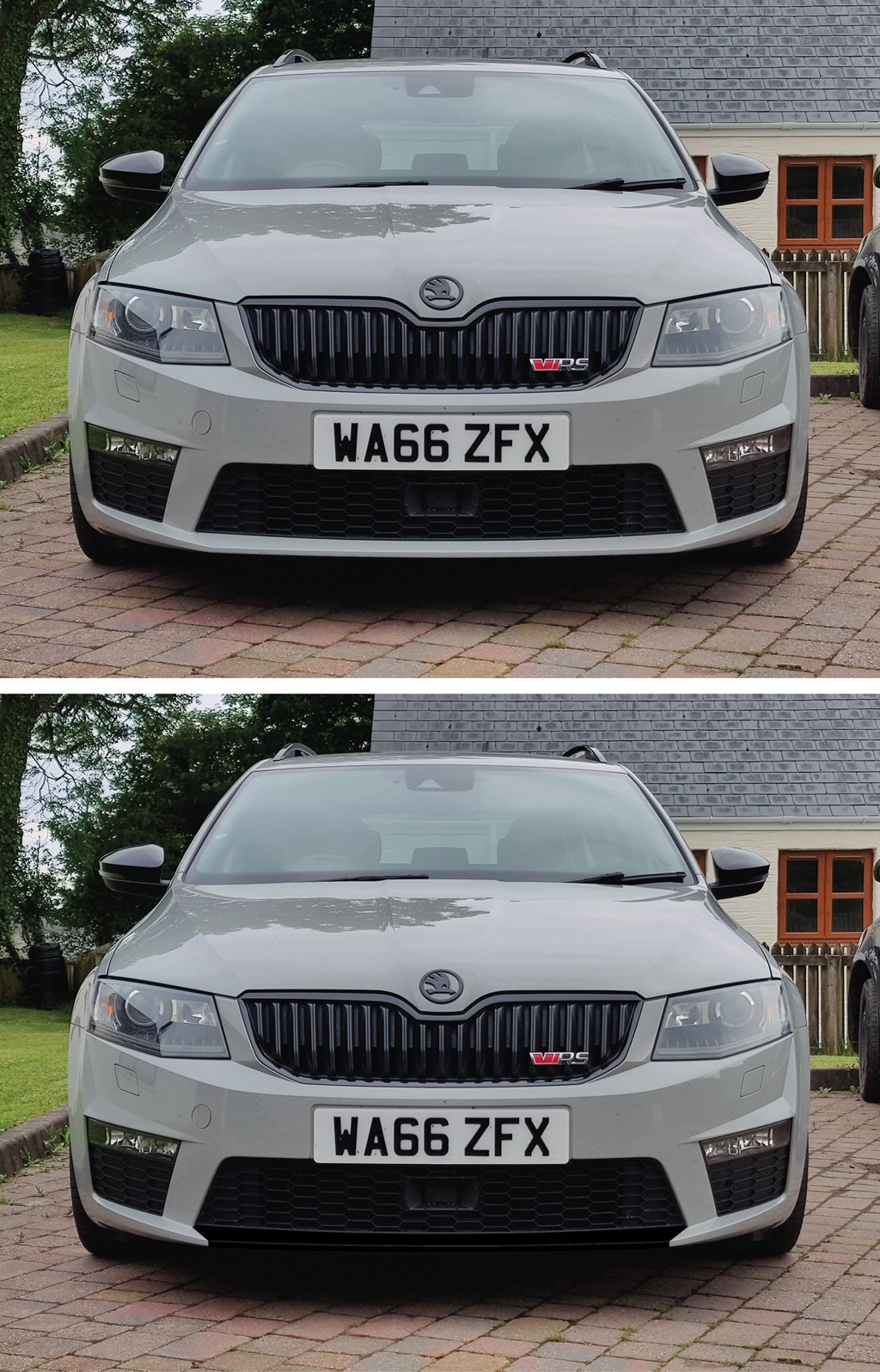
Hi all, just wondered if anyone on here had one of these fitted to their car... http://www.kopacek.com/Skoda/OCTAVIA-III/Octavia-III-RS-13-17-front-bumper-add-on-spoiler-GLOSSY-BLACK-INT I've seen a few Octavia VRS's with the 'bottom bar' of the bumper blacked out and thought it looked really cool but wasn't sure how people were doing it. I initially thought it was just a piece of black vinyl wrap or something, I didn't realise you could actually buy a specific part as above. I'd be interested to hear from anyone that's got one as to what they think of the quality and fit of them etc? I don't really like the idea of gluing it on as it suggests, just incase I want to take it off when I come to sell the car maybe. Has anyone managed to fit one in a different way? I've just done a quick photoshop and I think it would look pretty good 😎...