WolfK
Finding my way
-
Joined
-
Last visited
-
Not near my car right now but from memory it's 27x (276?). So 308 would be the one I want in the first instance from all I read here.
-
Hi all, few questions: for UK cars do I need EU or ROW files? I saw quite a few references to TPI documents, where can these be found? (for UK TSI 4x4 2022 reg MIB3) Is there any firmware change documentation or are the aforementioned TPIs holding that info? Thanks
-
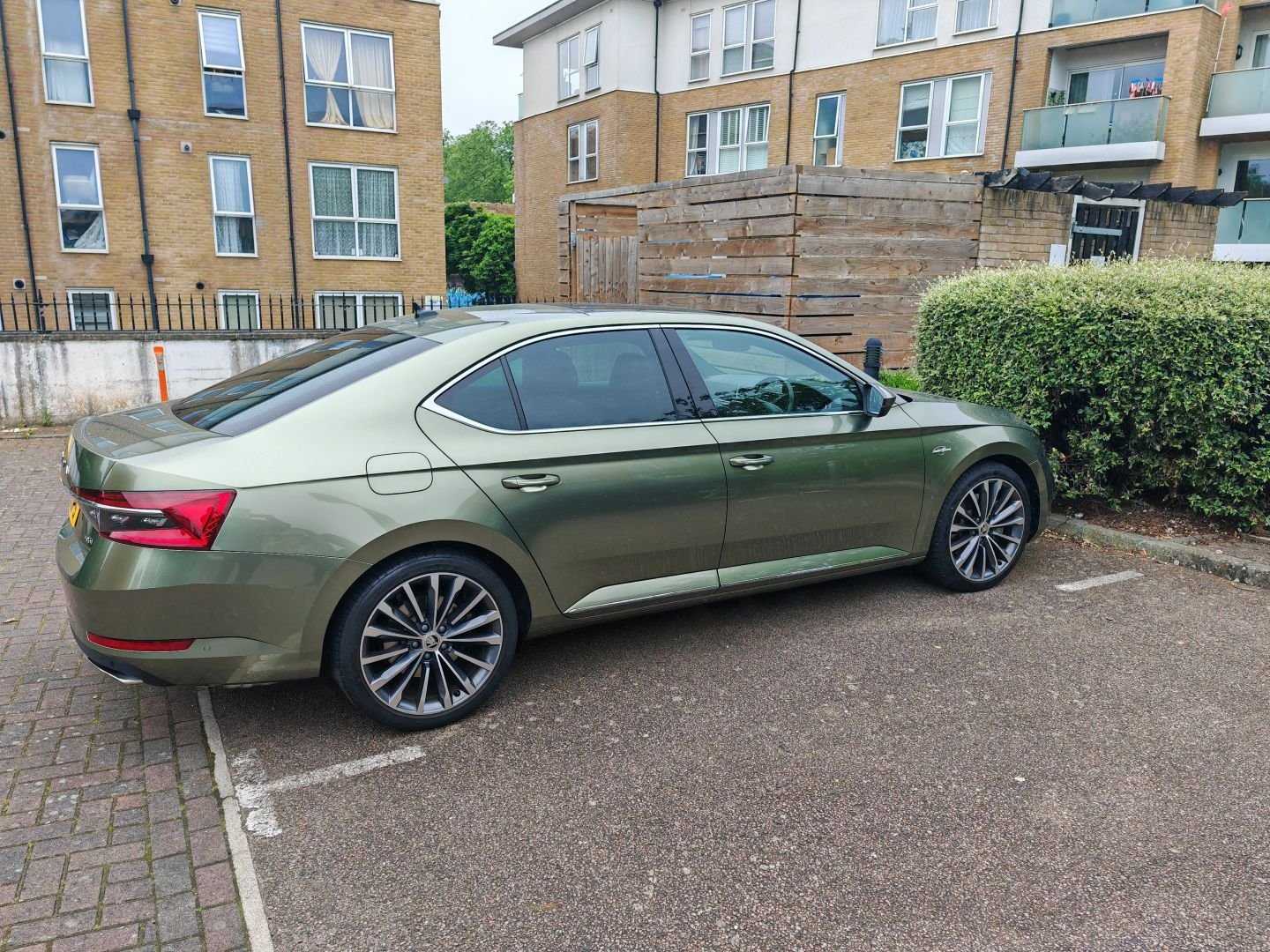
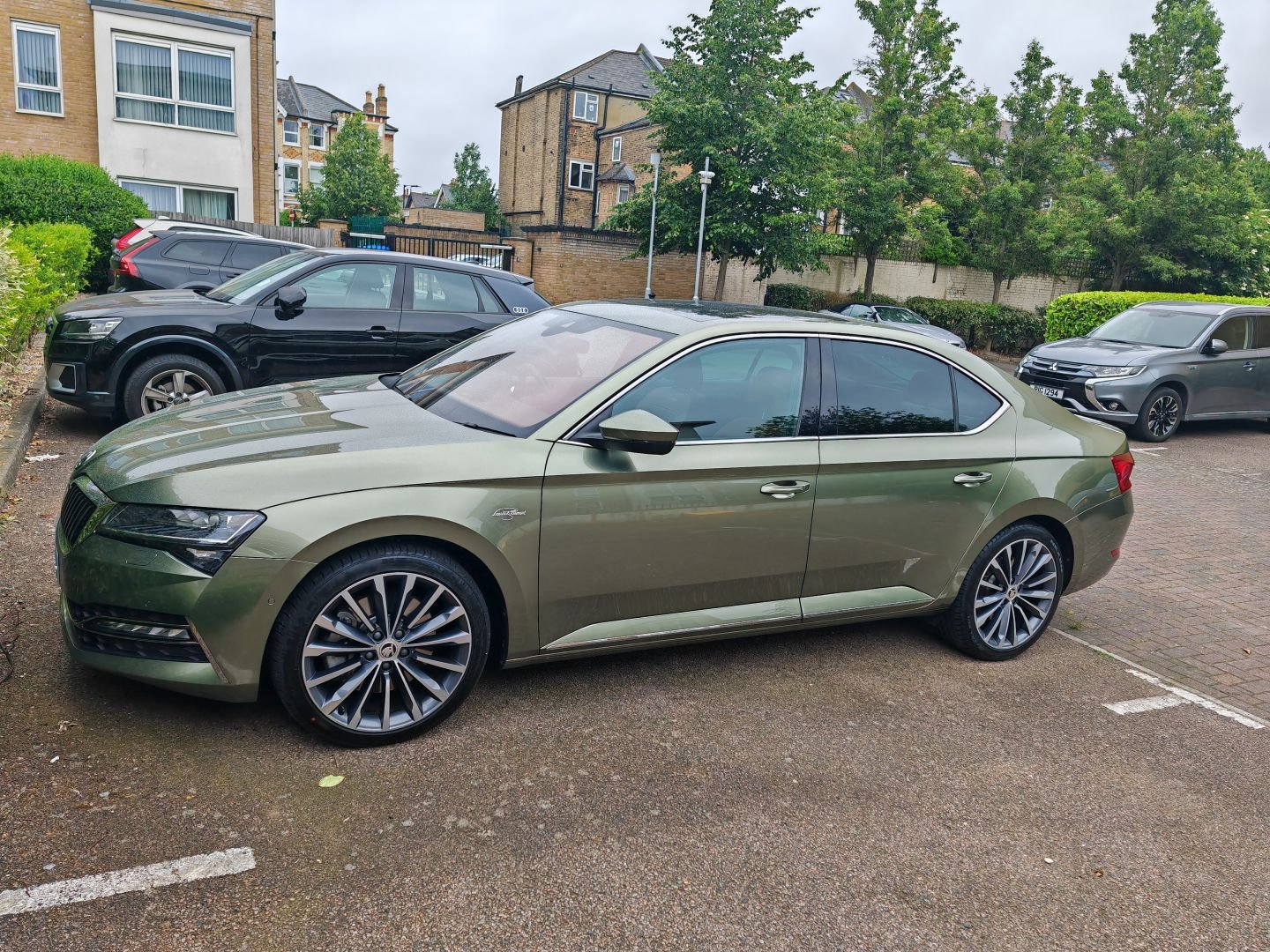
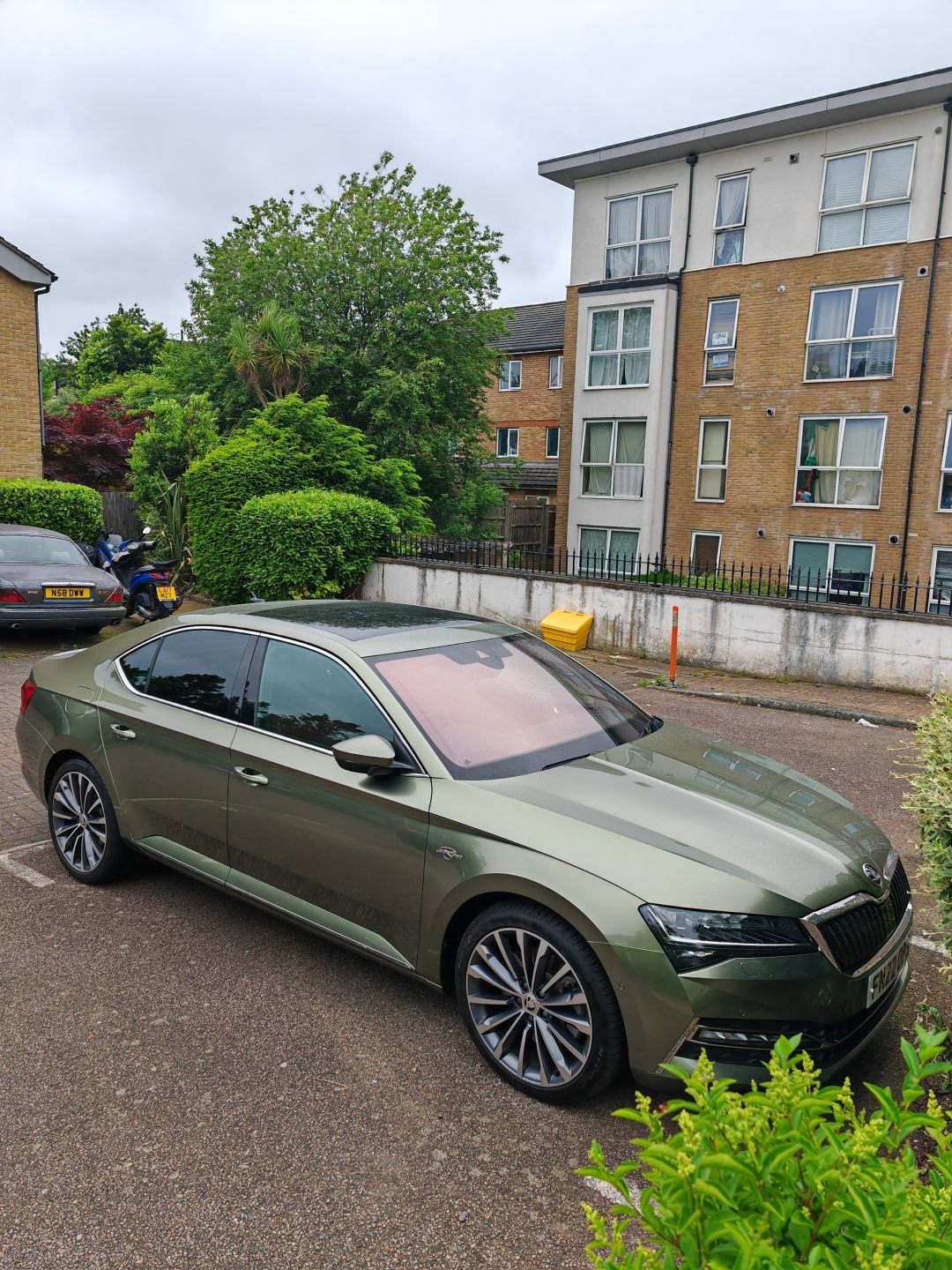
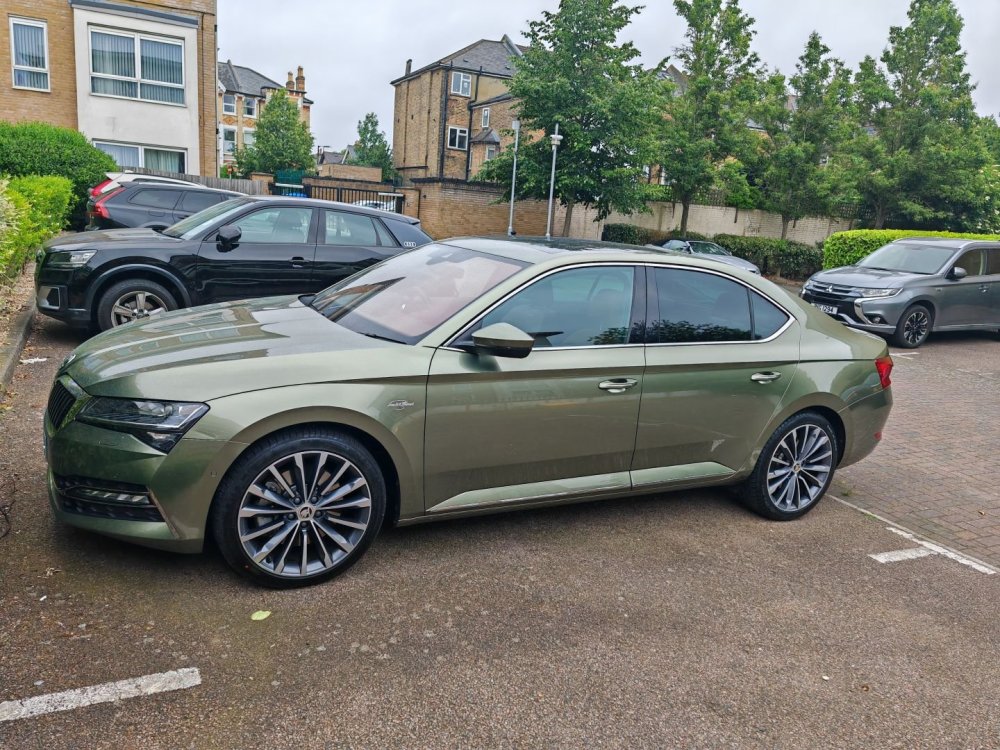
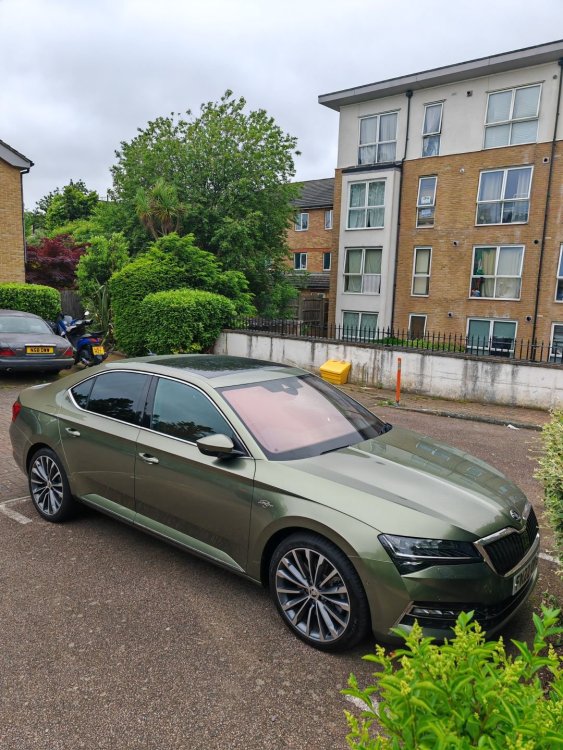
I LOVE that colour! Which brand is the vinyl wrap by?
-
"Ask me, they should be compulsory on every single vehicle on the road, regardless of its class or type." Over my dead body
-
Or a transfer within the group?
-
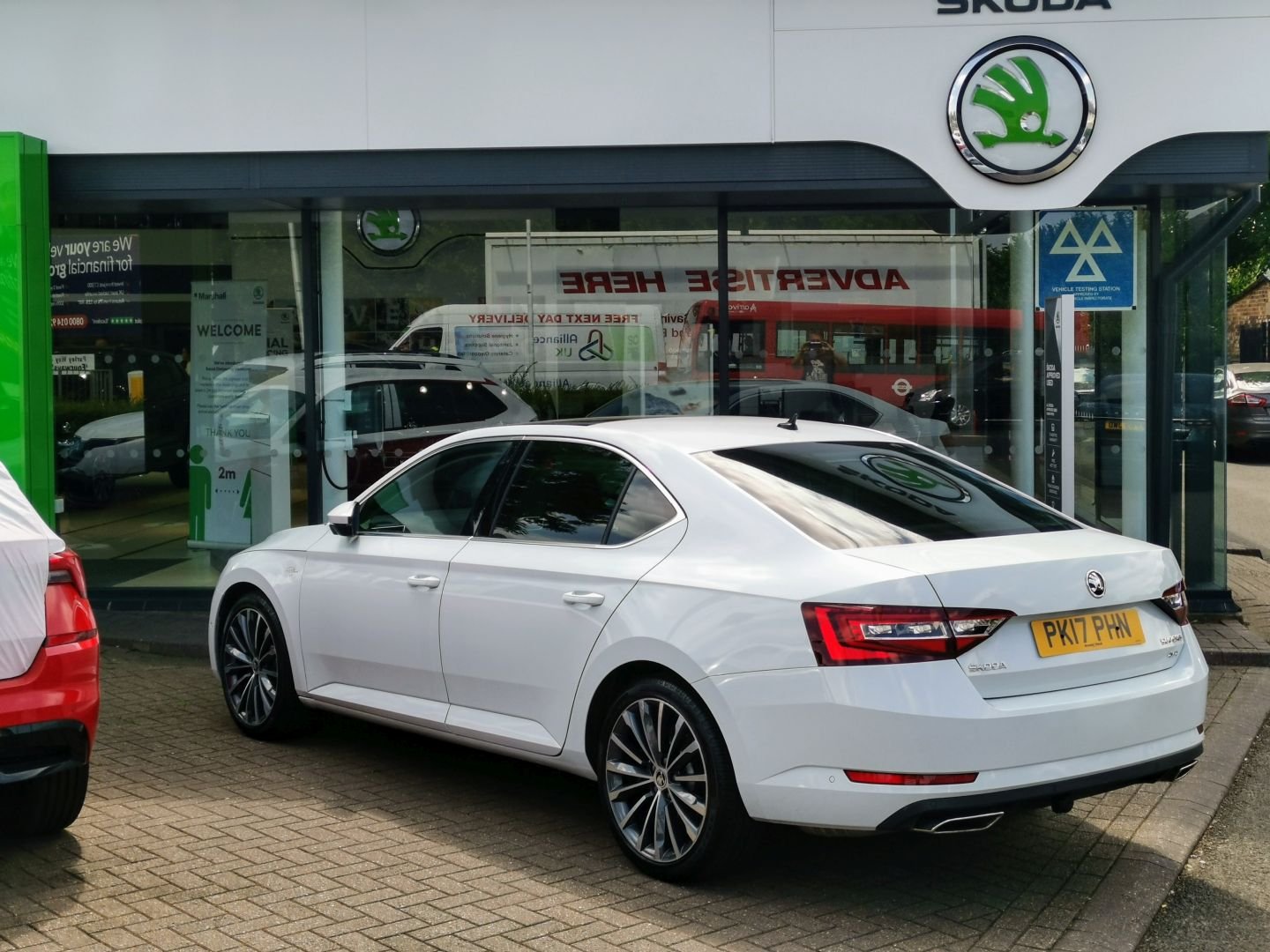
Lovely! I didn't own it from new but got it off Arnold Clark in the Birmingham area. Sold it as part exchange at Marshall Skoda Croydon in May 2020.
-
Prices seem to vary significantly. I had quotes for £1600, £1800 and £2500, all plus vat. That is in the south London (and South of London) area. For most wrap manufacturers flip colours are more expensive (plus £300) but for teckwrap prices seem to be the same across their range.
-
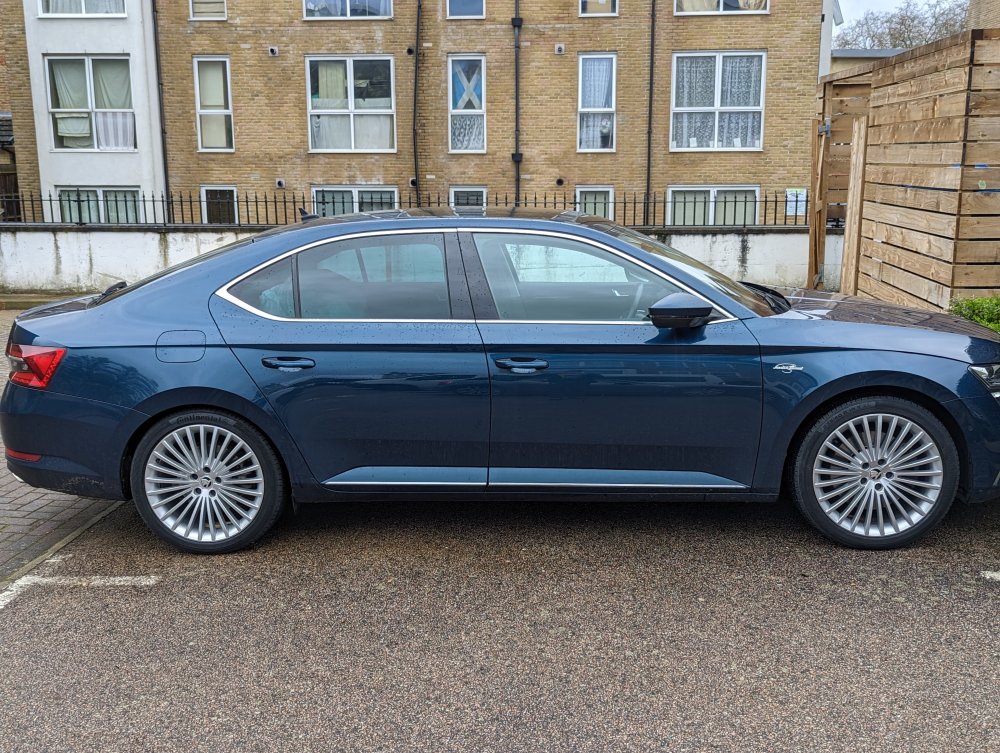
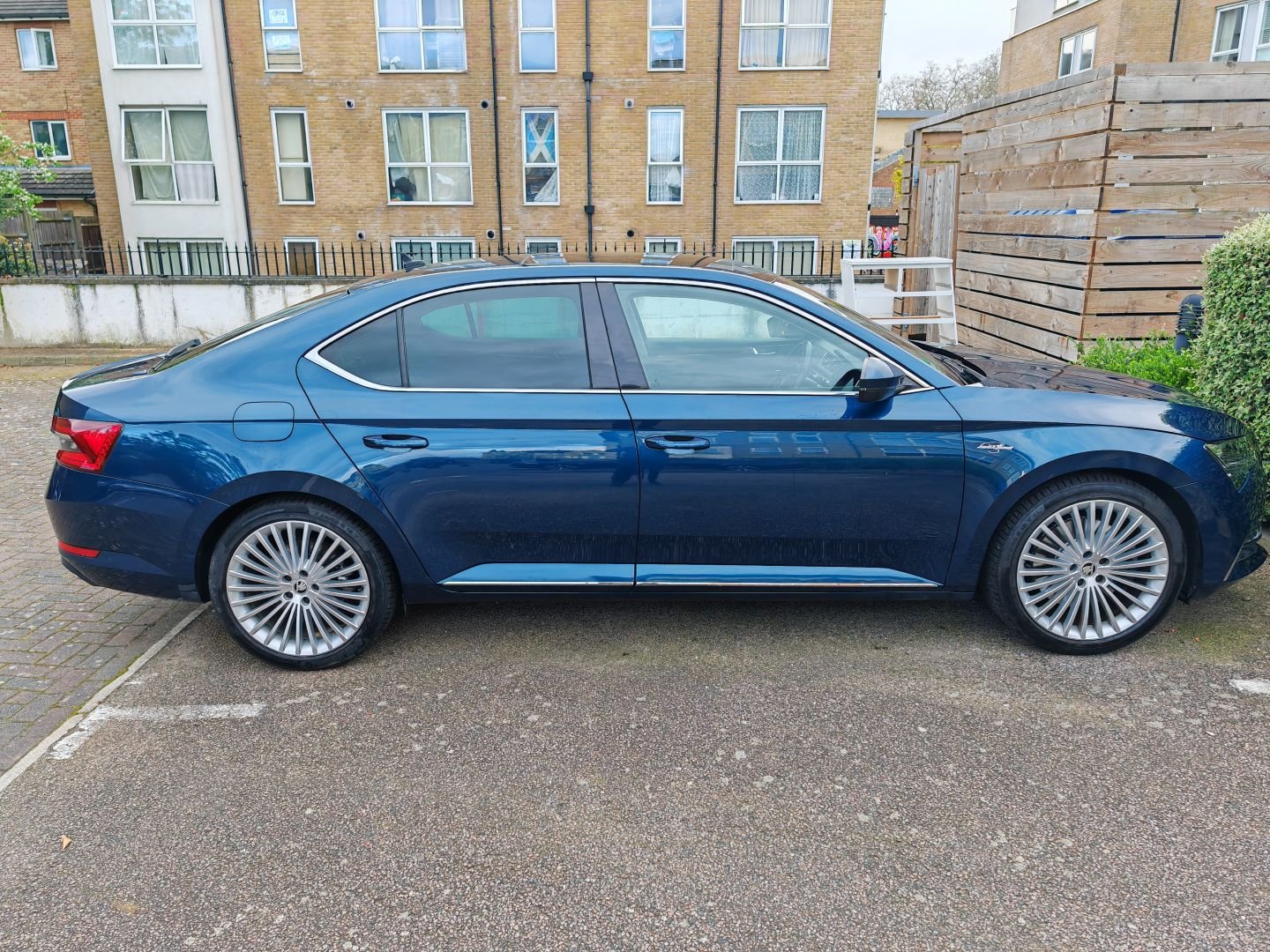
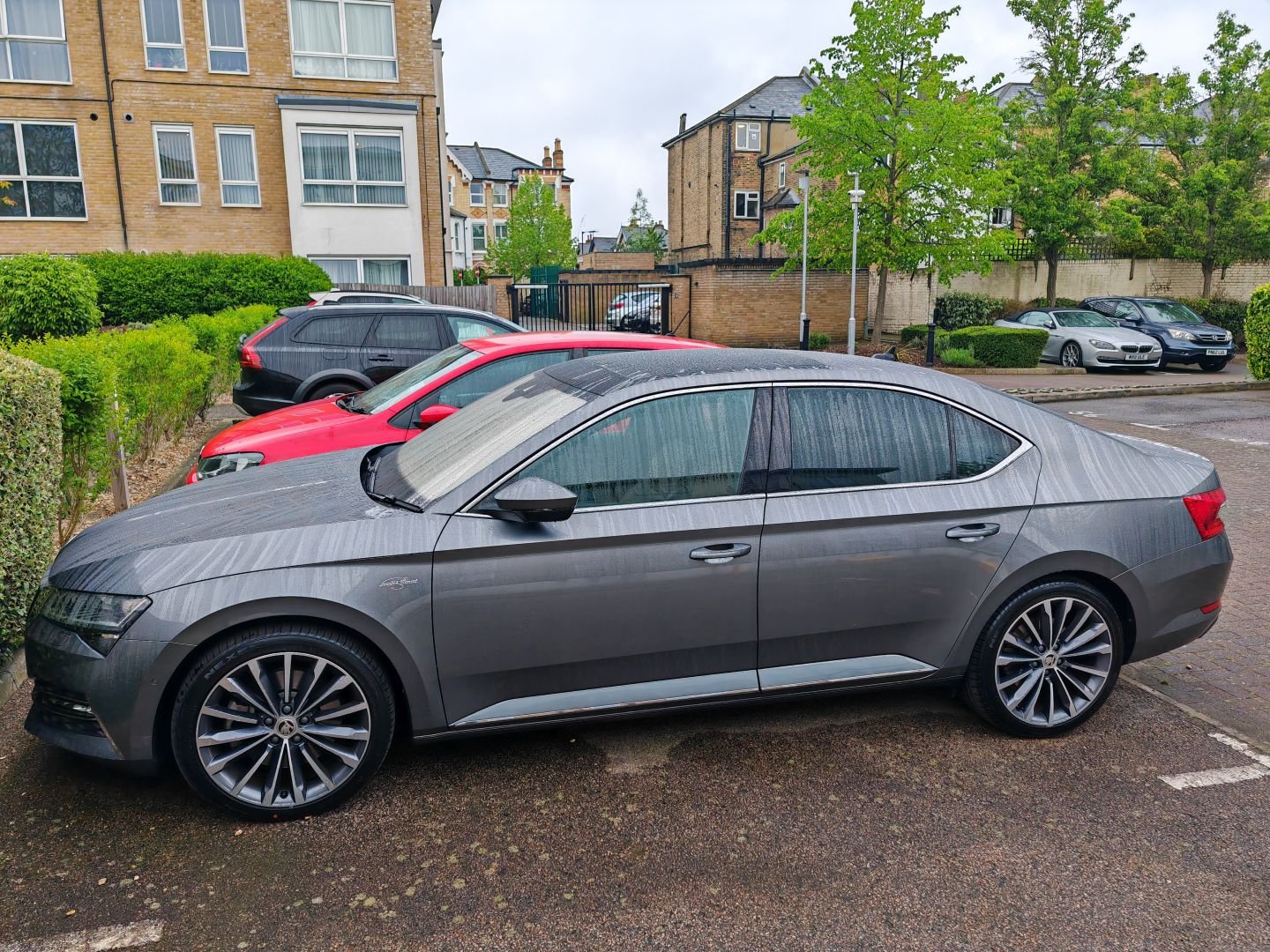
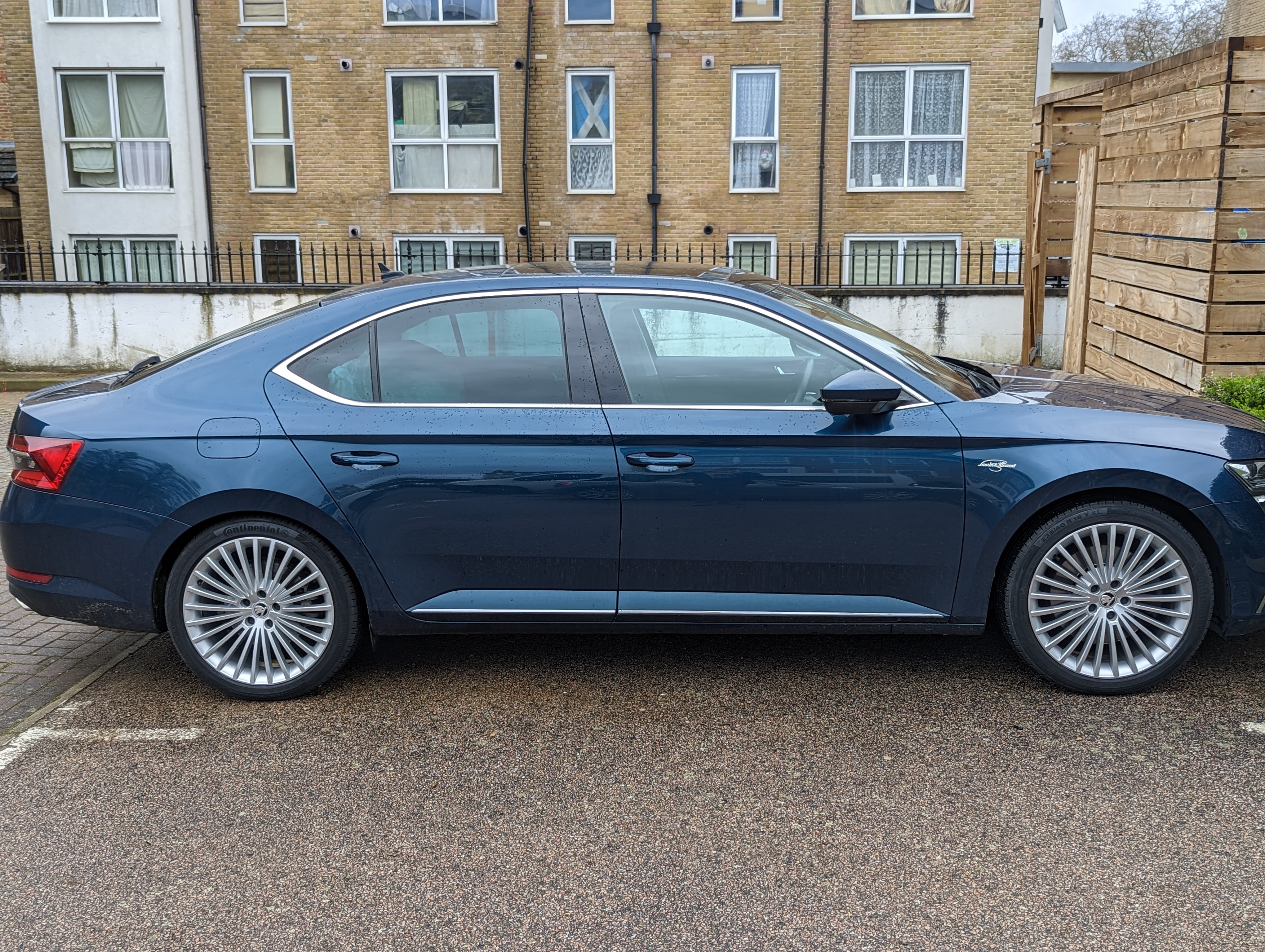
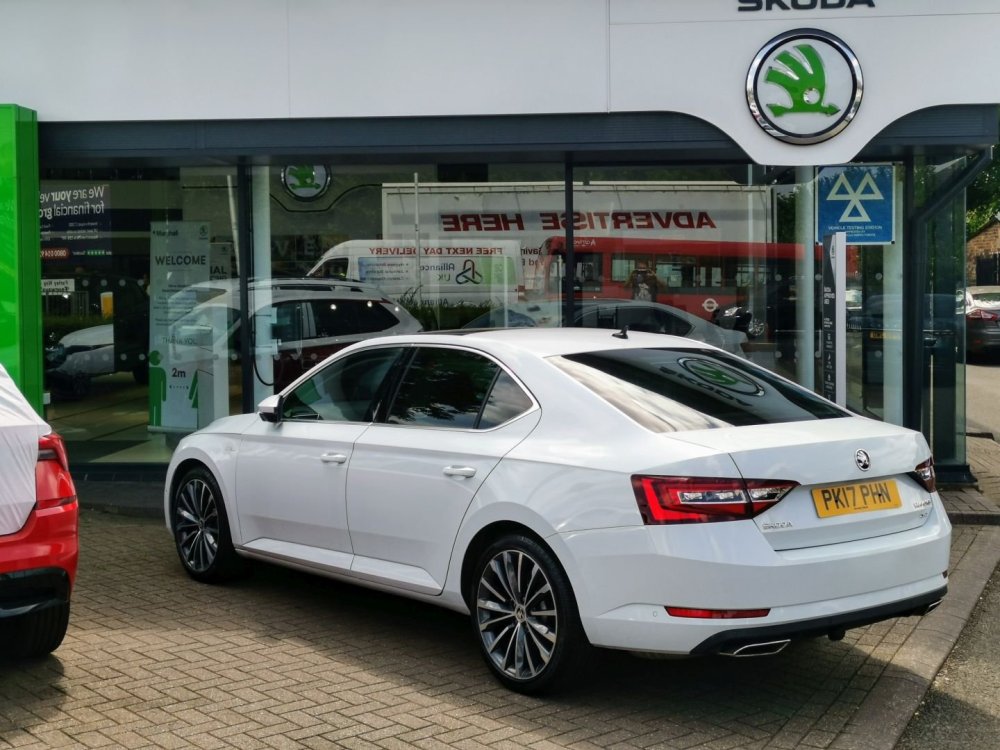
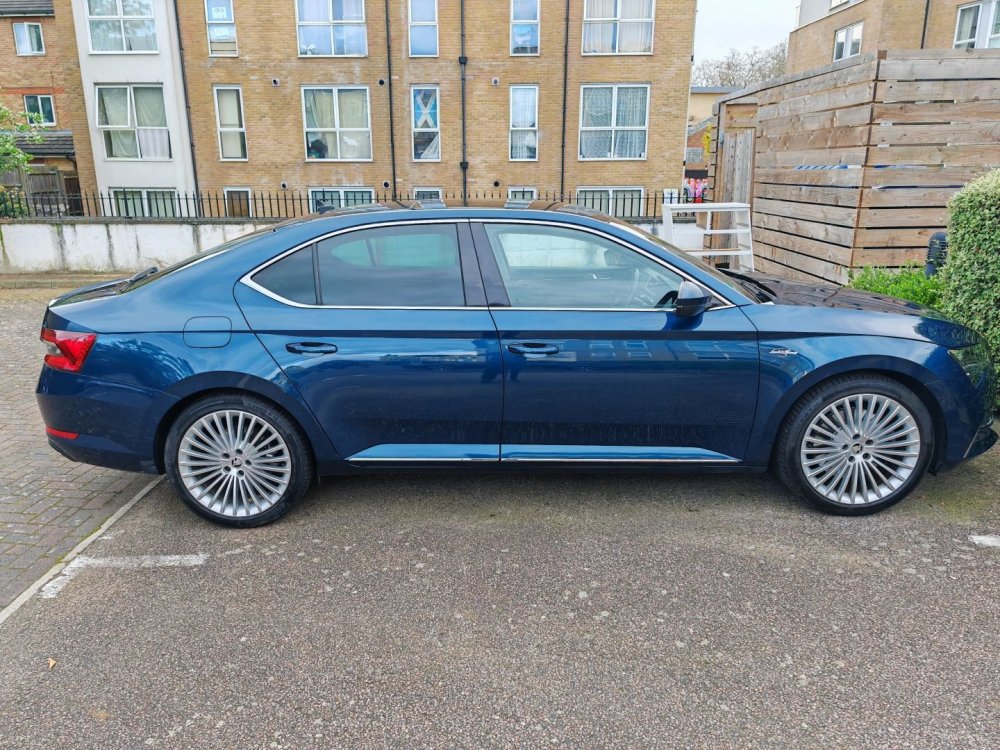
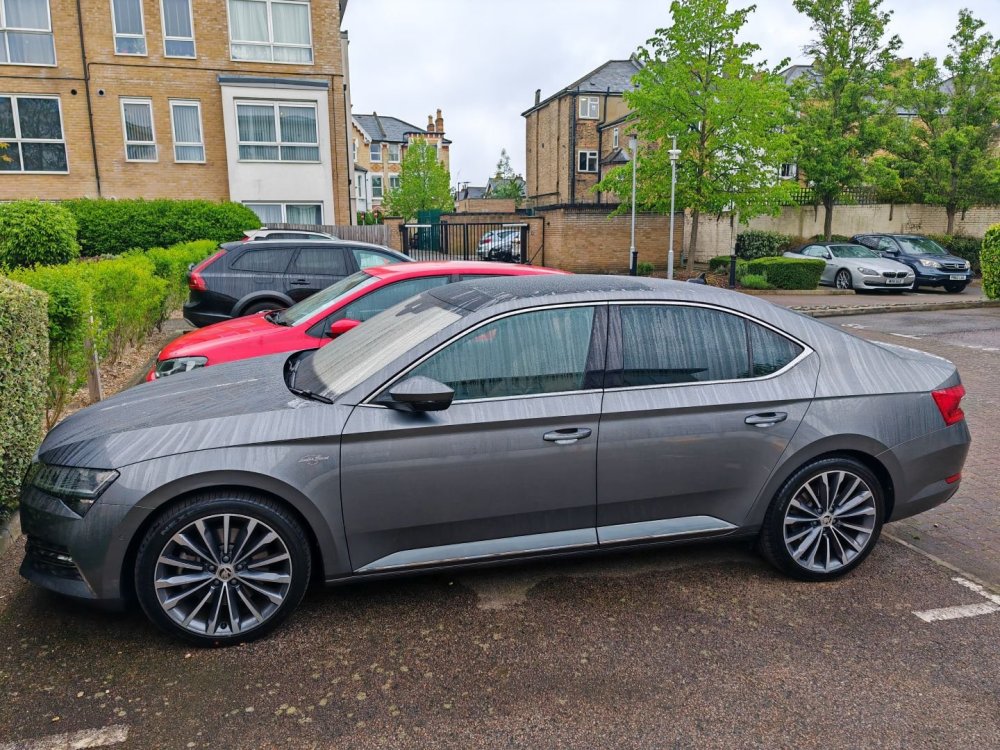
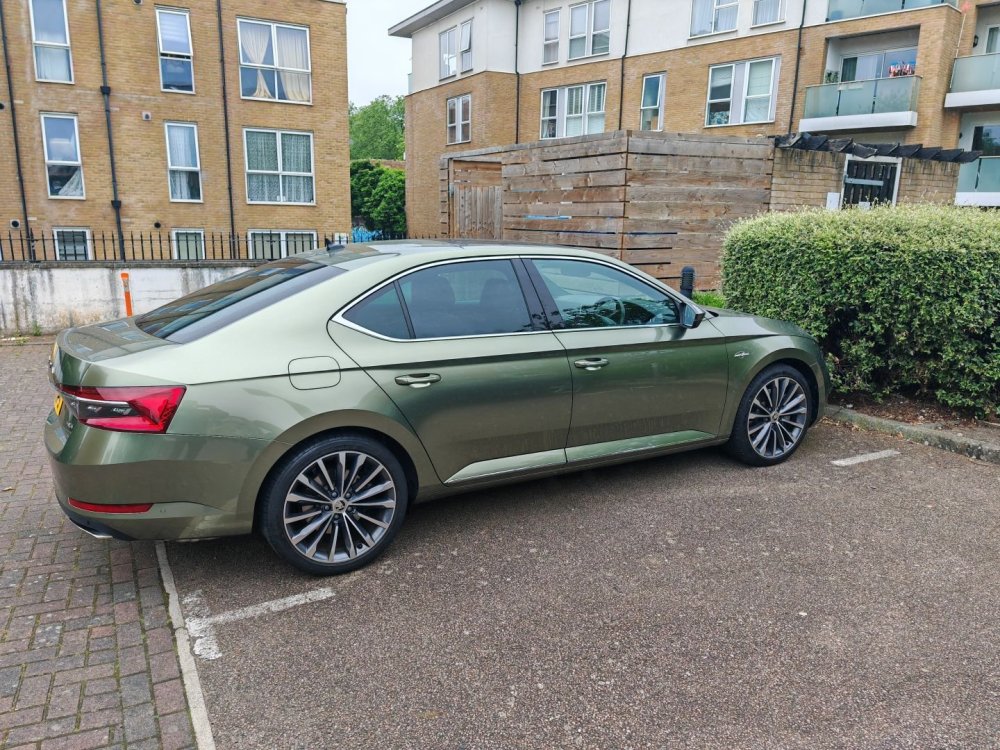
I love the Superb MK3 with EA888 engine, I'm on my third model now, all Laurin & Klement. Awesome car and spec for the price. Initially I had the white L&K 280 with DSG6. I then changed to the newer L&K 272 with DSG7 and virtual instrument cluster. Was very happy with the petrol blue colour. Changed the alloys to 19''. Now I've swapped that against the last iteration of the MK3, back to 280bhp. Despite not being un-enthusiastic about the grey colour. It doesn't offend me, it's nice enough, but personally I find it a bit generic and boring (apologies to all owners of grey Superbs, beauty lies in the eye of the beholder). So I had it vinyl wrapped with Teckwrap Wilderness Green. Now I'm considering having it de-chromed as I reckon black contrasts better with the green than chrome.
-
Love that colour!
-
My Portuguese is a little rusty and so is Google's it seems but I think the gist was the recommendation to use the front usb-c port instead of the disappeared SD card slot. I'm afraid this is not possible with the new MIB 3 infotainment system. The functionality to load POIs has been removed. According to another thread (Kodiaq forum?) that is the case at least in Western Europe. Bummer. Having said that I was completely startled to hear a loud warning about a nearby speed camera recently. Turns out that the online service I subscribed to via Skoda Connect contains an app called Traffication which warns about noteworthy road conditions, like accidents, road blocks, weather as well as speed cameras. Problem is it seems to do it very unreliably. I haven't quite worked out what governs it.
-
In my 2019 Superb I'm loading the POI database via an SD memory card slot in the passenger glovebox. Am I right in thinking that these disappeared with the 2020 refresh? How does one load the files in the newer model?
-
Haha, thanks yes
-
I had the original 18" Propus Aero alloys replaced with 19" Cepeus. I used to have 19" Trinity (i think) wheels on my previous Superb and always thought that looked better and the intention of switching them on my current model was there tight from the beginning. But spending gbp2k on a new set of alloys plus tyres for aesthetic reasons is a bit of a luxury so it didn't happen until now, three years after buying the car. I'm pleased with it.