geochr
Finding my way
-
Joined
-
Last visited
-
Thanks for your help Toot. Hopefully that's the light gone. Thanks everyone
-
It was exactly 2.8 litres I put in after draining the old oil and replacing the filter. I'm unsure if I have the service indicator on fixed or variable. The indicator did come on months ago but I reset it due to doing my own annual service.
-
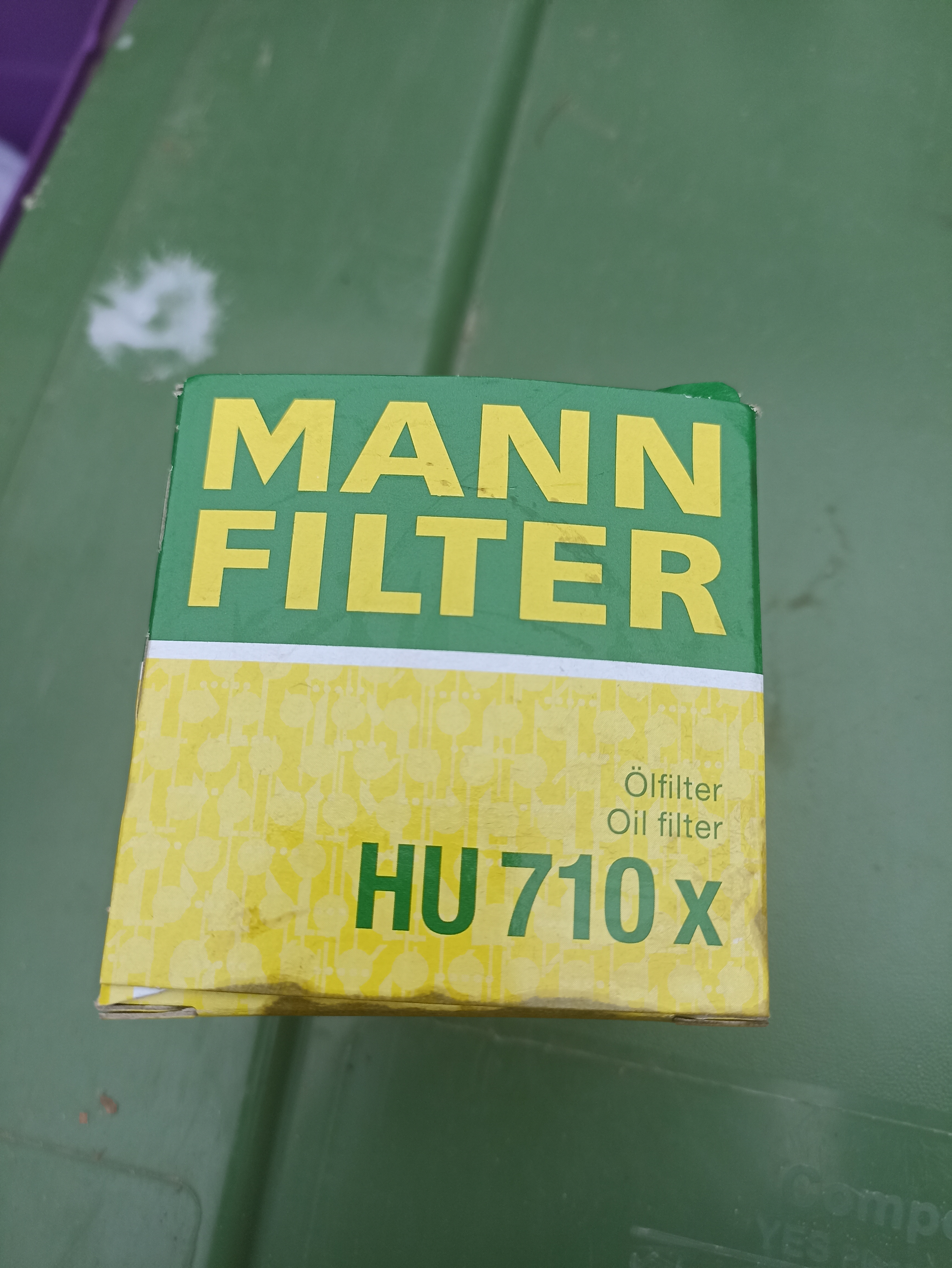
Thanks Toot.....Im trying to decipher what I'm looking at😂 I think its showing that I have the correct filter??
-
Thanks Jocko....the first thing I did was check the oil level but it was at the higher end of B on the dipstick.
-
I removed the old seal....here is the box for the filter... Is that correct?

-
The oil level was just at the higher end of 'B' using 5w30. I assume that I am using the correct filter? I purchased from Dingbro using my car reg details. It's the same type as I've used for the last 3 years. I've always replaced the old seals.
-
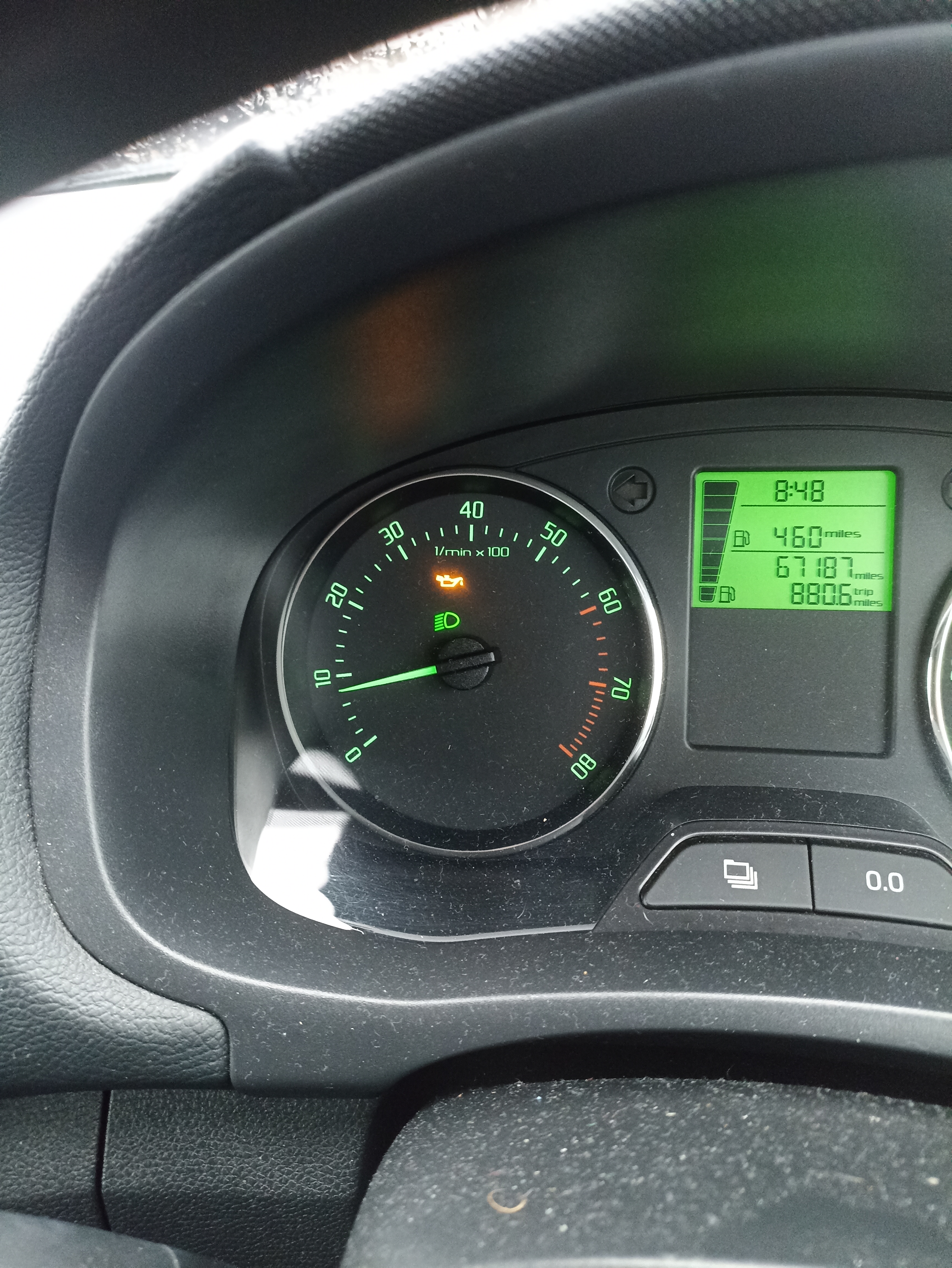
Hi, could anyone tell me why the yellow oil light would show on my dash? It appeared last week then went off again. A couple of days ago, it reappeared and has been on until today when I changed the oil and filter. The oil level was fine before I changed the oil. Would the oil warning light also tell me that the oil (or filter) was needing replaced rather than topped up? I usually change the oil and filter in April....so I am a month later than usual.
-
Thanks everyone. Brilliant
-
Thanks chimaera.......just to be clear, is it 30 Nm for both sump plug and oil filter cap?
-
I was trying to find the tightening torques for the sump plug and fuel filter. I have a new torque wrench to use. Im sure I had a thread ‘bookmarked’ on here with all the relevant info but I can’t seem to find it. Thanks
-
Couldn't get it to work until I put on the hazard warning lights too.