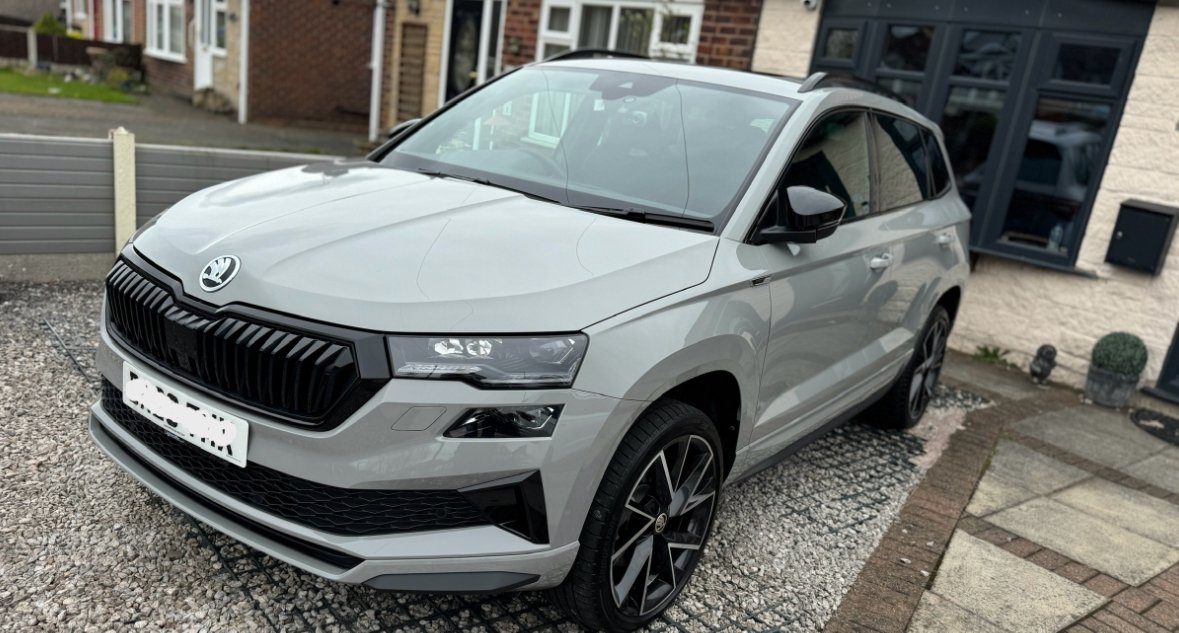

short1uk
Members
-
Joined
-
Last visited
-
Where did you push inside the engine mate to get it to bounce. I’ve got the same issue so need to do exactly what you’ve done there to record it. What did you say to the dealer? Mines a 23 sportline and it’s done it since I got it 3 weeks ago. Got 6000 miles on it.
-
I’m not sure mate tbh. Try the back and forth thing it stopped mine for ages
-
What you after for the wheels mate?
-
Just got this one mate it fits like a bought one! https://amzn.eu/d/hG6iGUH
-
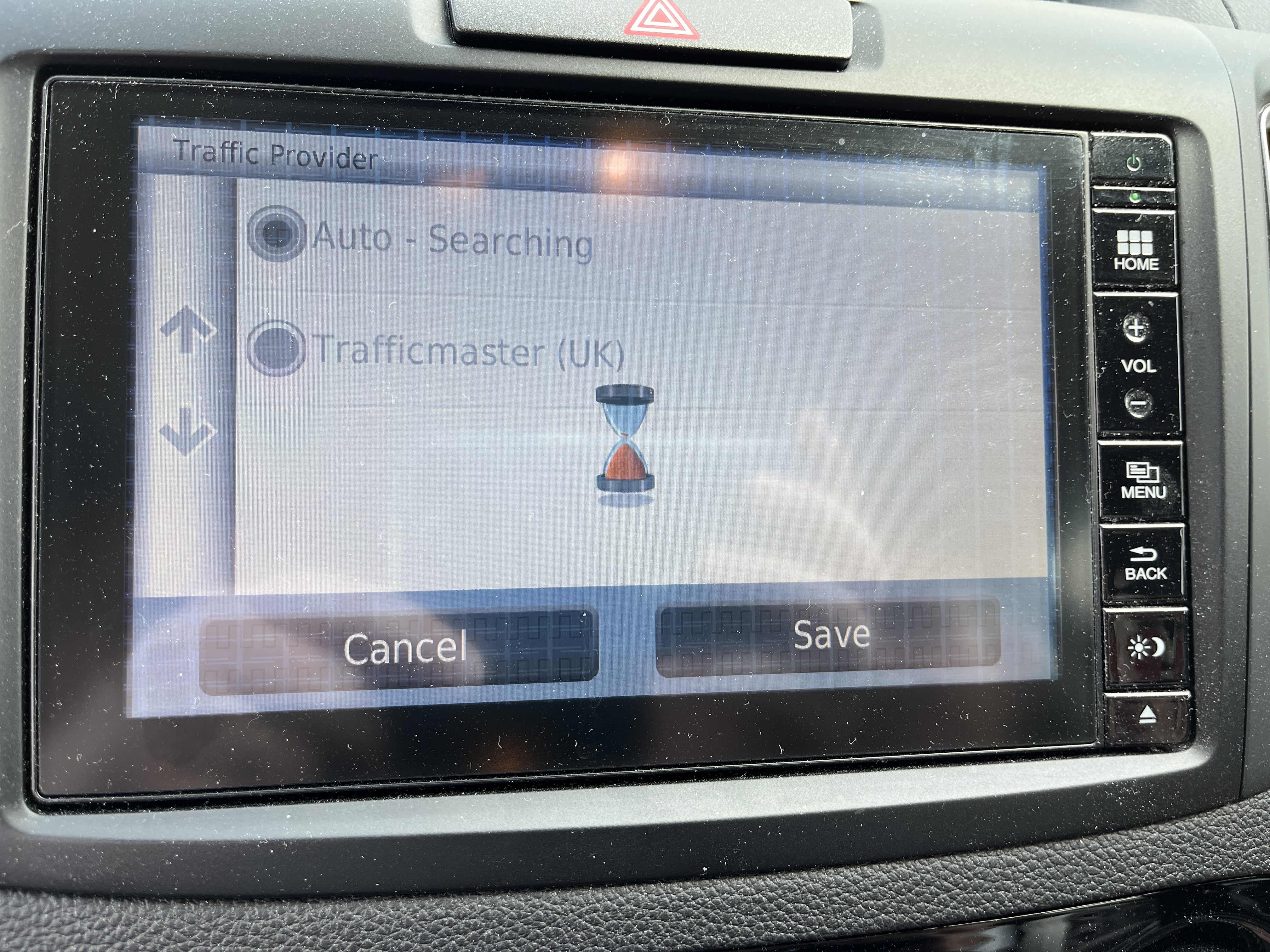
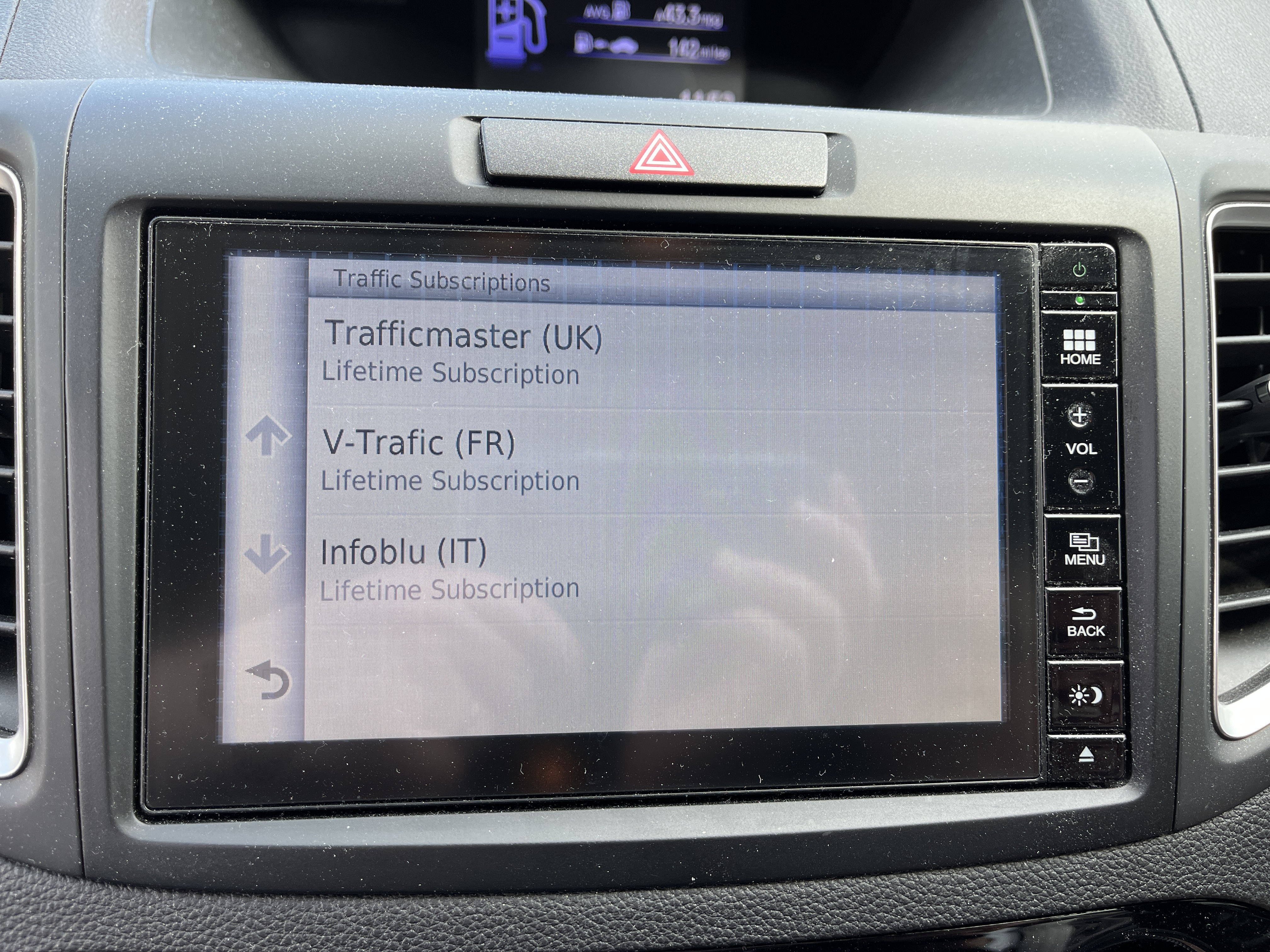
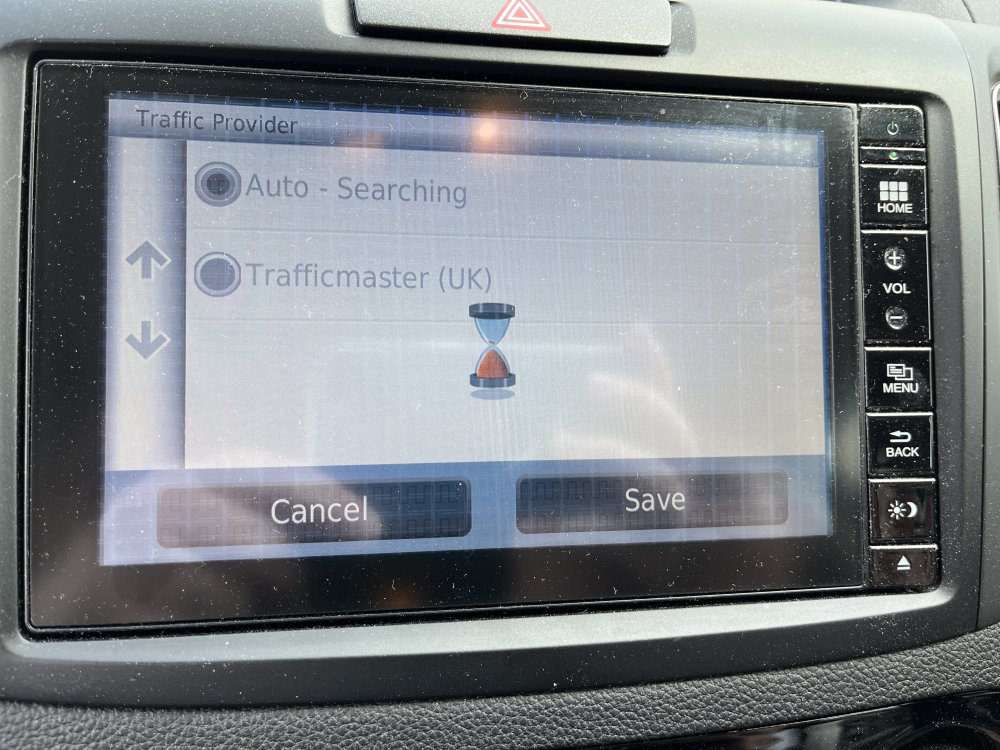
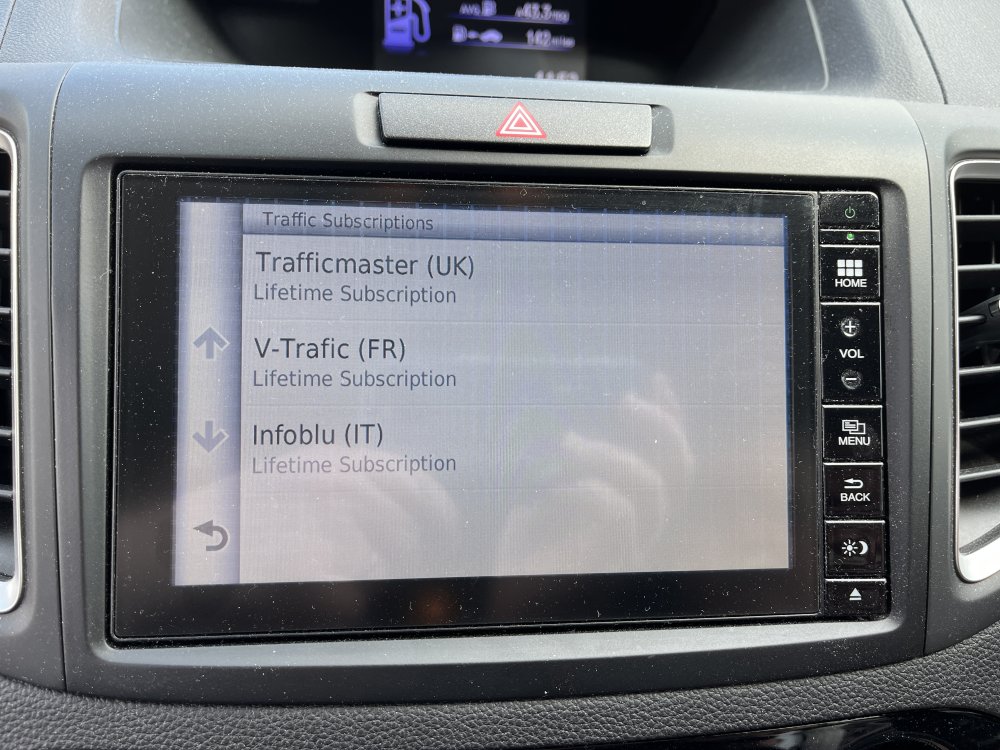
Exactly same issue on my mums Honda CR-V
-
Get on twitter let’s raise awareness
-
I have a data plug and Skoda connect it’s free. That gives me trip info etc and detects refuelling. And I use car play with my iPhone for music and maps
-
Is this car play for my iPhone?? Or just android?
-
How much was this to get changed?
-
Not buy a new door lock? No other errors on the OBD11?
-
Sorry to revive this post but anyone know what part to order?
-
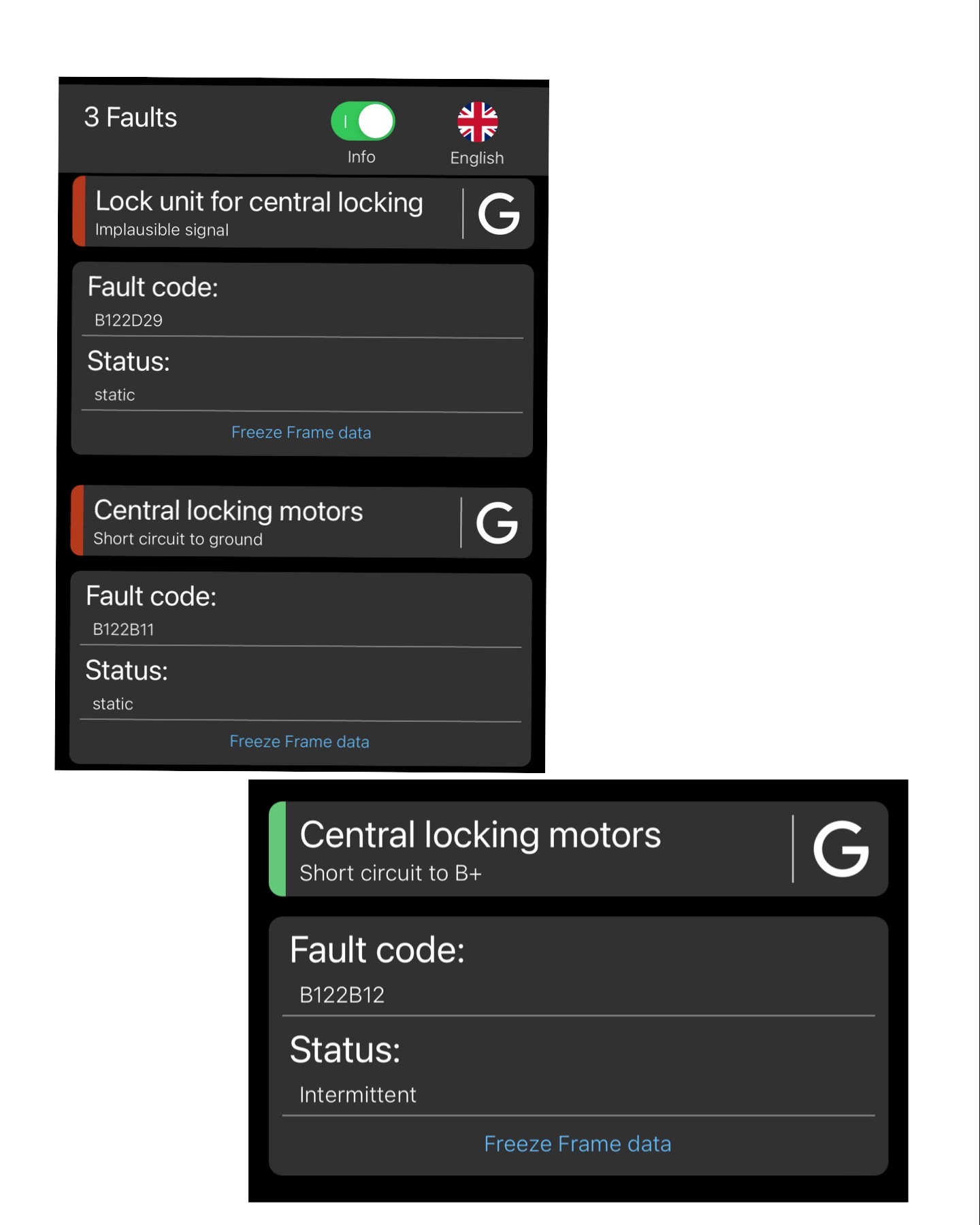
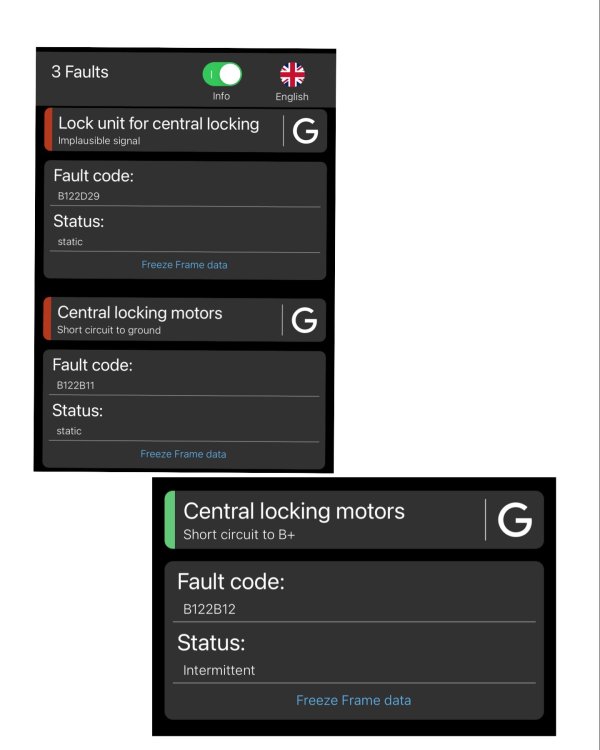
Hi everyone. Drivers door won’t lock with remote only using physical key. Motors failed - can anyone help me with what I need to order to fix this? Is it an easy fix? thanks much appreciated
-
Same issue on both our Superb & Octavia
-
Ohhh mine does the left thing too had it all aligned etc etc and still same. Well mine if I put the wheel straight the car goes right a tad. Straight and the steering wheel is ever so slightly to the left
-
Mine needed the whole new gear assembly not the little micro switch thankfully the used car warranty sorted it. Mine was intermittent at first then got worse and worse. Then when I went to show them it did it so they saw it for themselves and it shows on the screen too the error with the steering wheel orange