MGV
Members
-
Joined
-
Last visited
Everything posted by MGV
-
If I remember correctly, like this:
-
Cable should work correctly without any cost if Smartlink is active on your car, if not the cost in Romania at least is about 160 EUR.
-
It is not a module it is a software feature they install that actuallyenables the WLAN connectivity so it works Wireless.
-
It should work via cable, it depends if it is active on your car or not, which entertainment and software version you have. The Wireless Connectivity costs around 60 EURO. As for the software update if any it is up to the car dealer, if for example the software corrects some issues it should not cost, if it brings new features it may cost.
-
Thank you for your answer, most likely a bug in Skoda software. Very hard to prove, and also for the car dealership to test\replicate. Skoda just sent me to the dealer
-
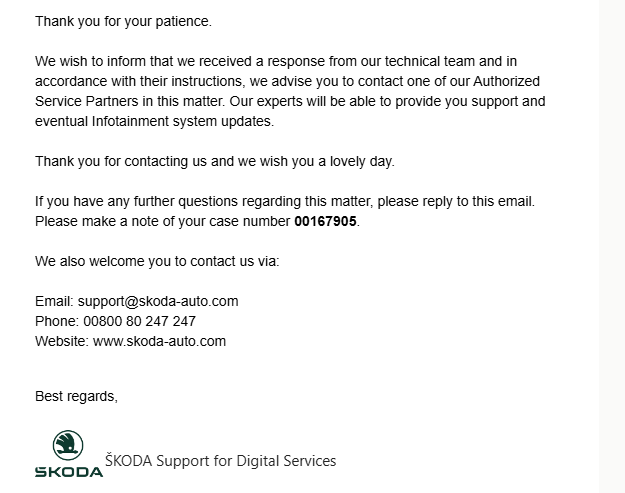
And the answer from Skoda : Anyone facing similar issues ? Via USB cable it works flawlessly.
-
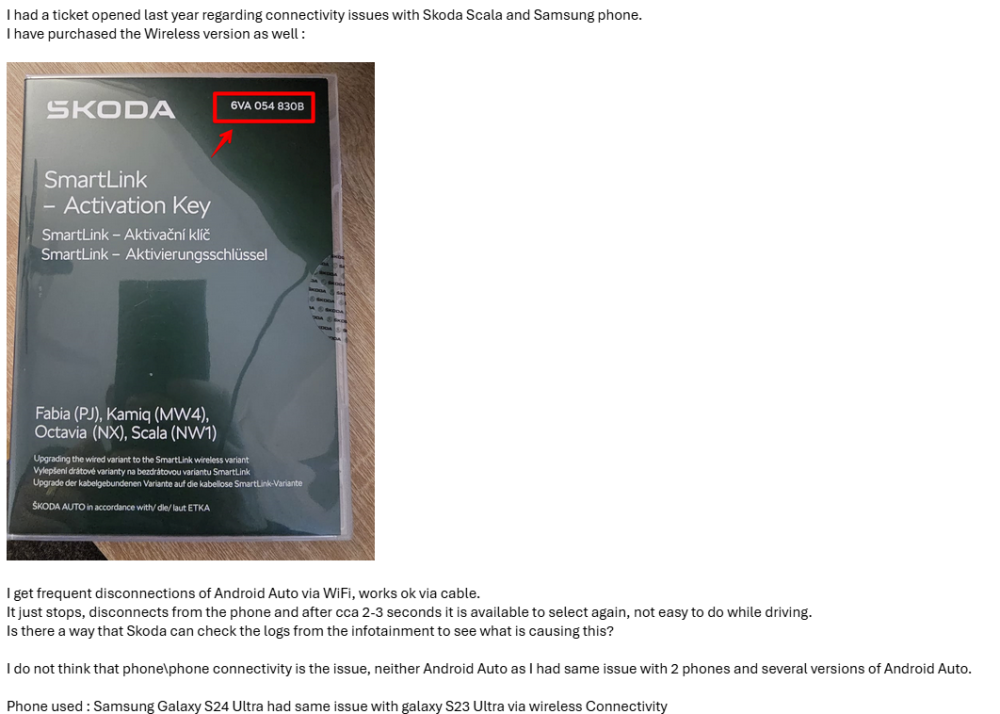
I do not want to open a new topic as it is related. If not I will ask the moderators to notify me. I now use a S24 Ultra and same setup as before Scala+Bolero+Soft version 1800. Lately it disconnects from Wireless random. Tested with both Maps and Waze, it simply disconnects and in 3-5 seconds it can be seleted again on the car screen. Phone system and apps are up to date. Notified Skoda via email but they failed to assist :
-
I am sorry for your experience, I opened the ticket to Skoda in May 2023 and followed up with them almost monthly, first they said it will be done by the end of summer, than autumn . In December I visited my dealer prior to notification it by email. The dealer performed free upgrade to 1800 and cable was fixed. I notified Skoda in June 2023 that Seat works wirelessly, and Skoda was wise enough to enable this with a cost . Also on one of the brochures on the dealer I saw the wireless functionality and asked for that as well, paid approx 60 EUROS and now both cable and wireless AA work.
-
I do not have the features on my Scala. Open the app and check the menu, if there it is compatible with your car if not I guess that answers it.
-
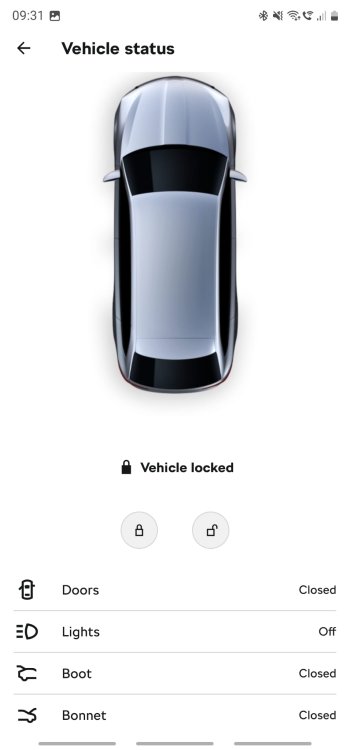
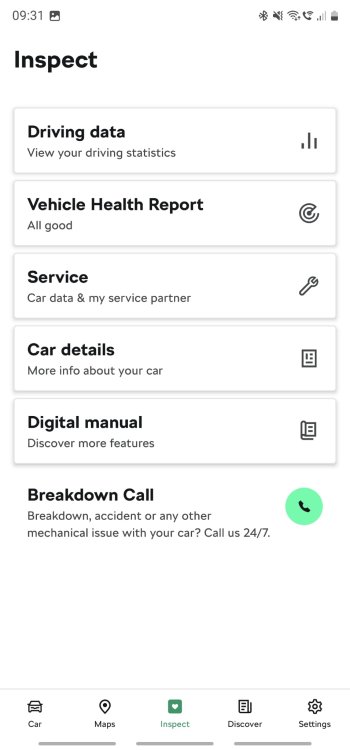
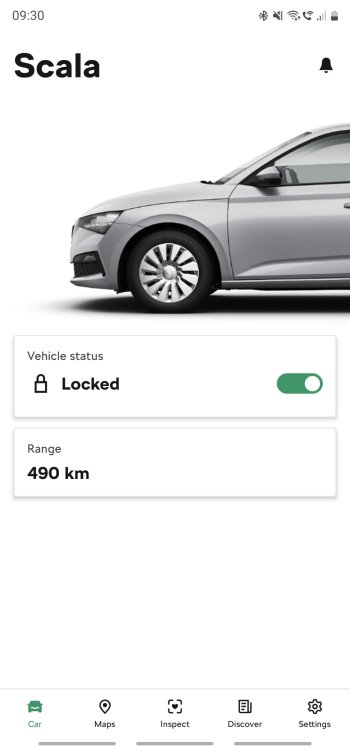
Hello, As most likely you know Skoda Scala was not compatible with My Skoda app but My Skoda Essentials. We have an update and now My Skoda works as well, go check it out.
-
No, it is general. But anyone knows what risks they want to take
-
I do not understand why so many of you take the risk of doing this instead addressing to dealer. Car software seems like a "grey"area, lots of Area 51 sections:) . My car is under warranty that is the main reason I went for the dealer. Also update to 1800 was free, as long as you know how to express your position most likely you won't pay:). I only paid for the Wireless AA license.
-
I would recommend car dealership.
-
Dealer ordered and installed it.
-
Anyone ? 😁
-
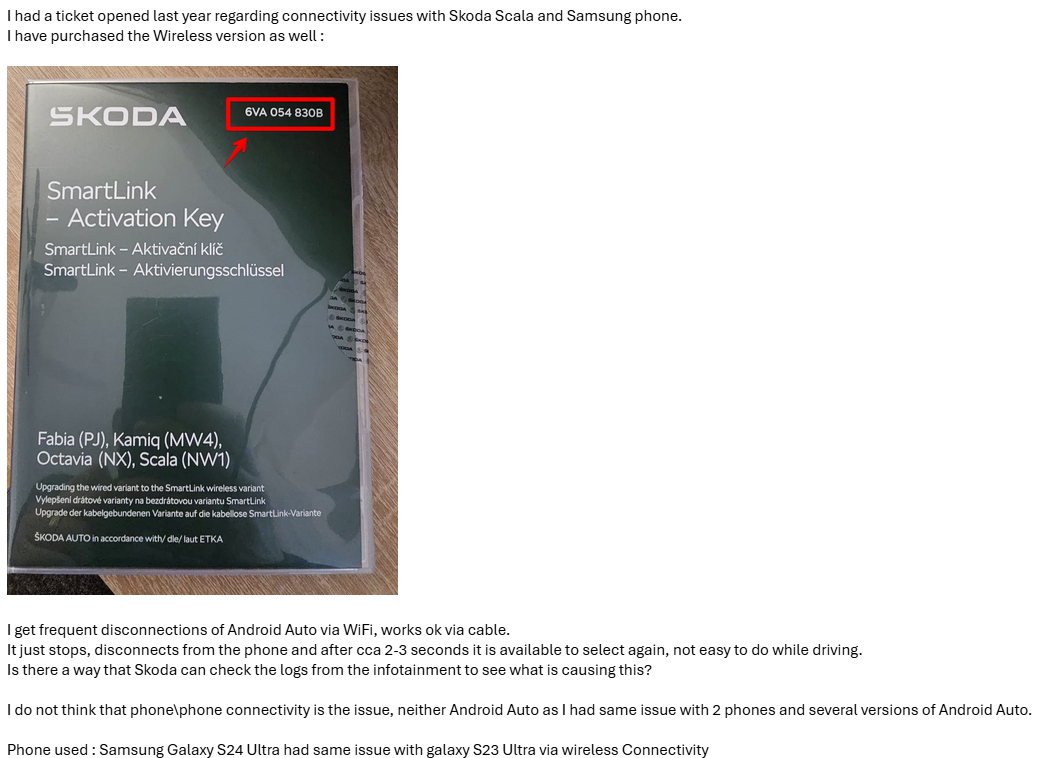
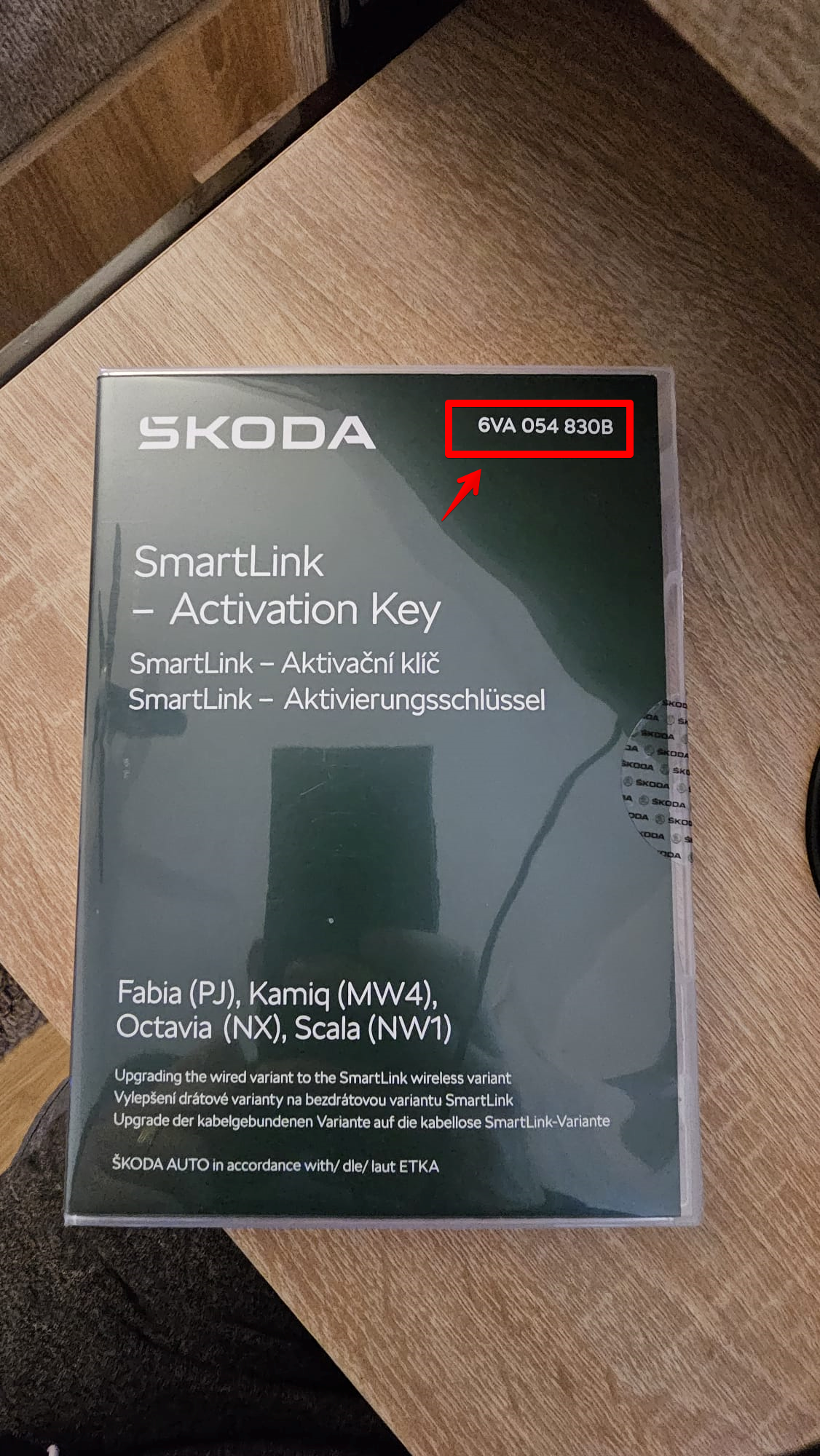
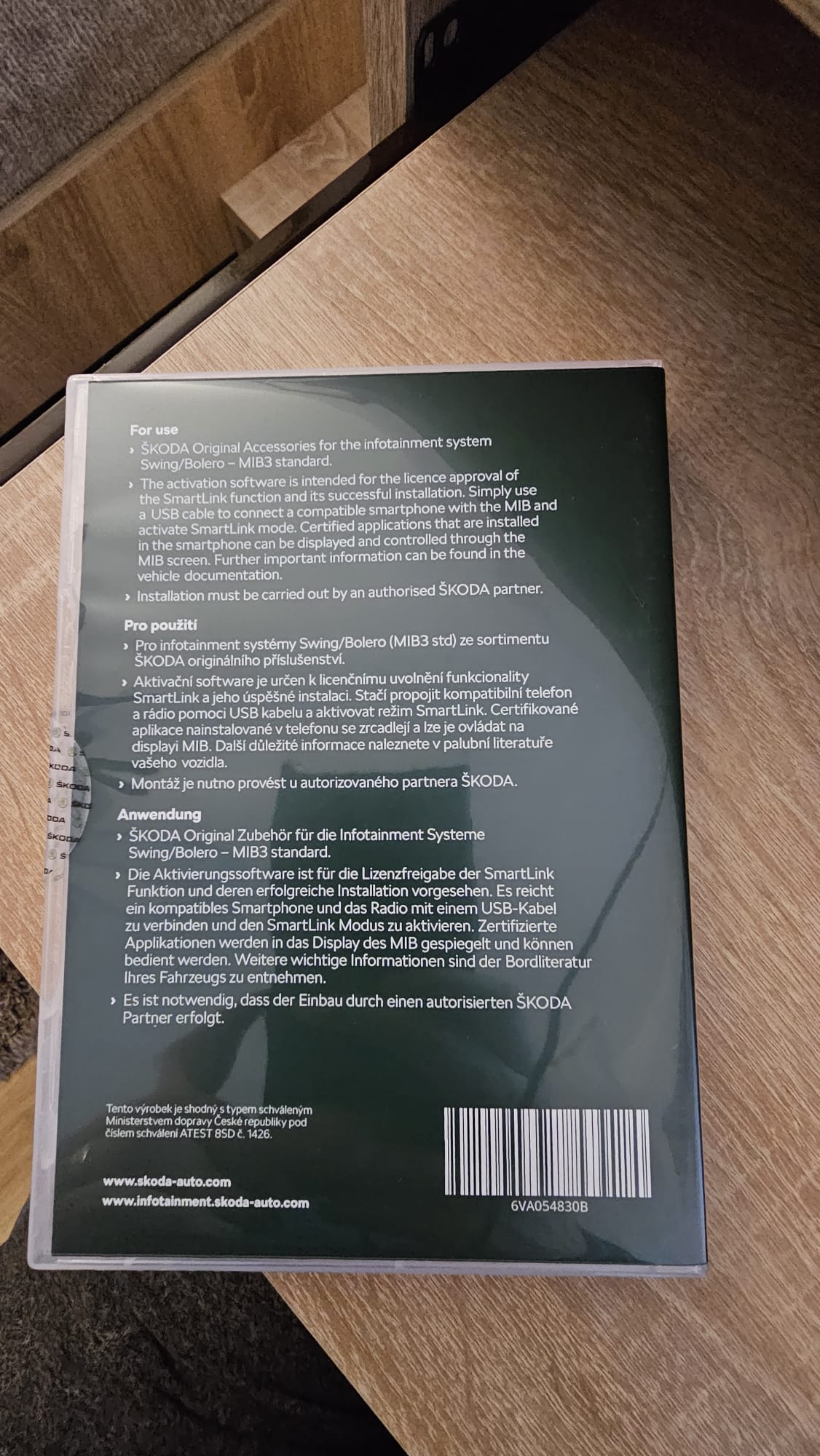
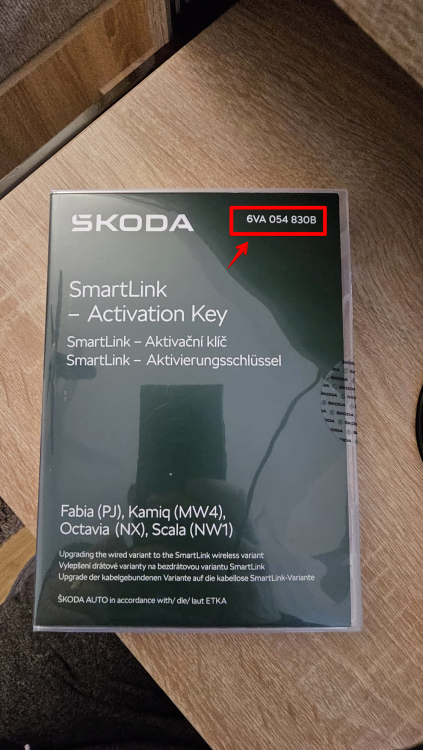
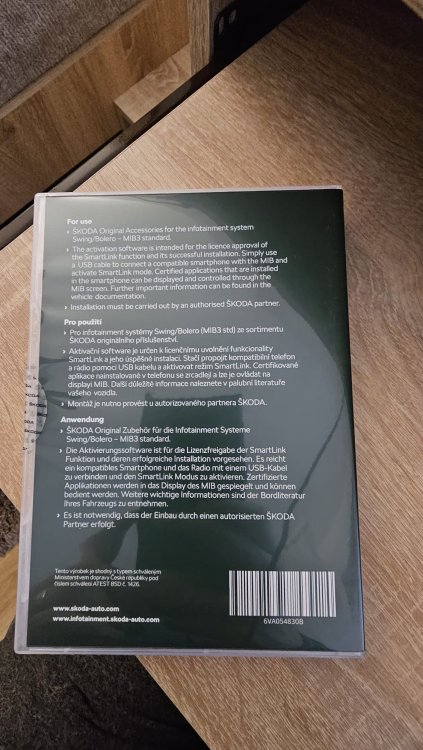
Yes here it is, it seems part number is 6VA054830B, not sure about availability in India.
-
Not sure, best is to contact Skoda India, I would say.
-
Great!
-
So Skoda has to fix this somehow.
-
Not sure about Kamiq if version and availability is the same. If someone here has it please let us know.
-
As far as i know 1800 is requirement for Wireless activation. In my case it was activated after 1800 update. Try sending a ticket to Skoda and another car dealer. I doubt Romania has it and Germany not 😆. You can also try to order Wireless and let us know if it works on 1760.
-
Great !
-
Yes, dealer ordered and activated it.
-
Here it is
-
Update to version 1800 was free for me, performed by car dealership, updated from 1760. Connectivity via cable works. Also purchased a license about 60 EUR for upgrading Smartlink to wireless and it works perfectly. After installing the license you need to re-pair your phone for Android Auto to work wirelessly.