




MGV
Members
-
Joined
-
Last visited
Everything posted by MGV
-
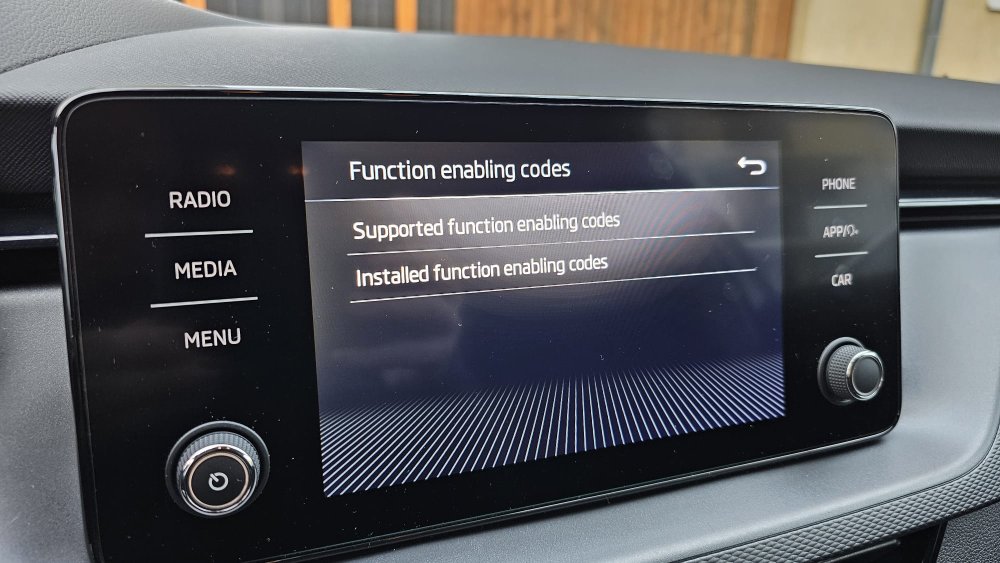
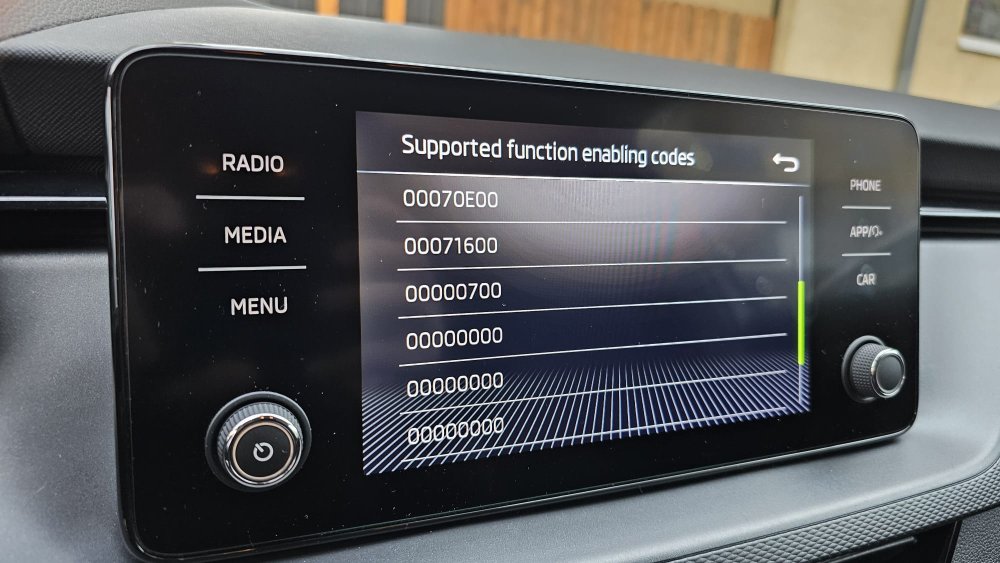
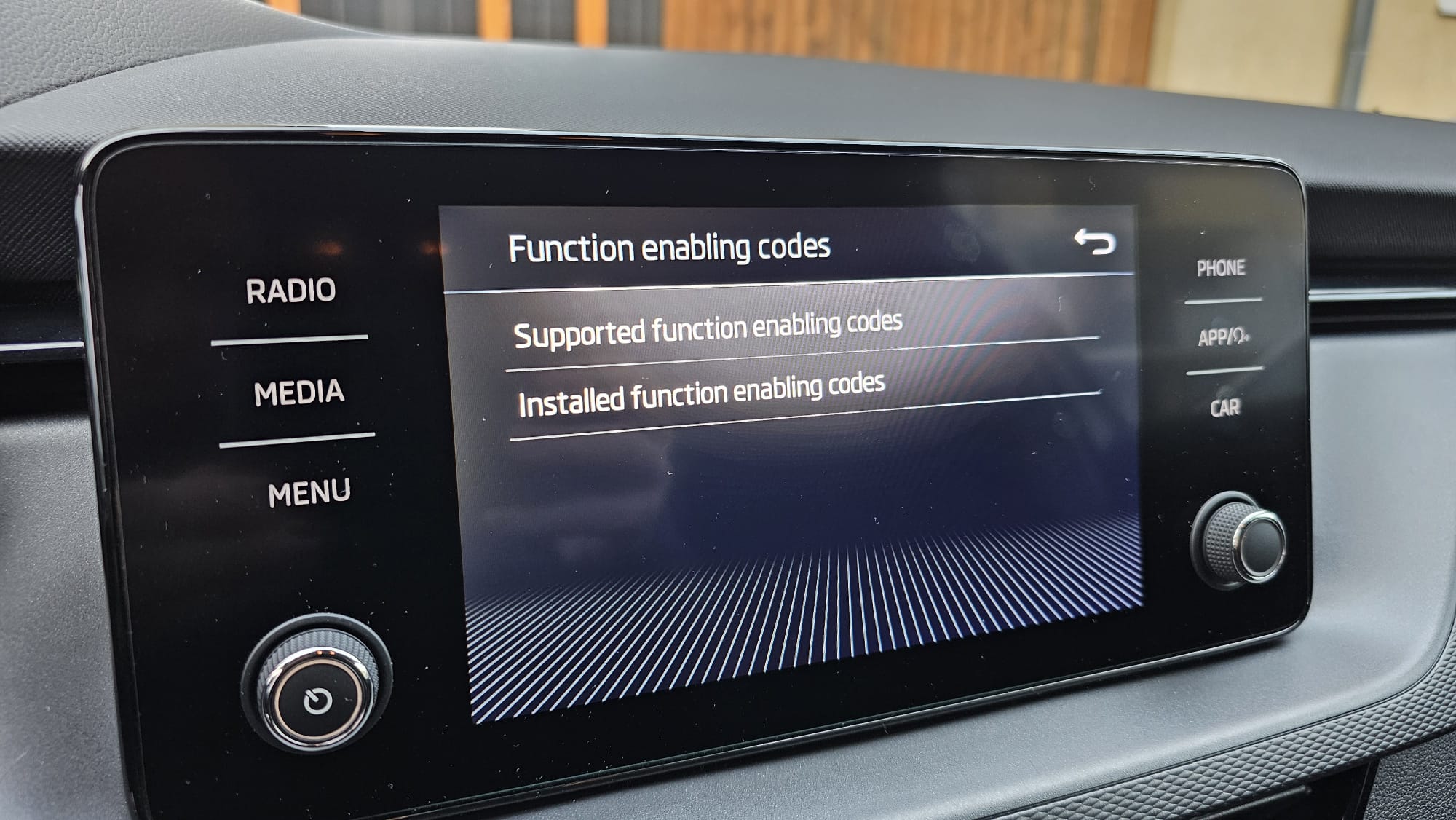
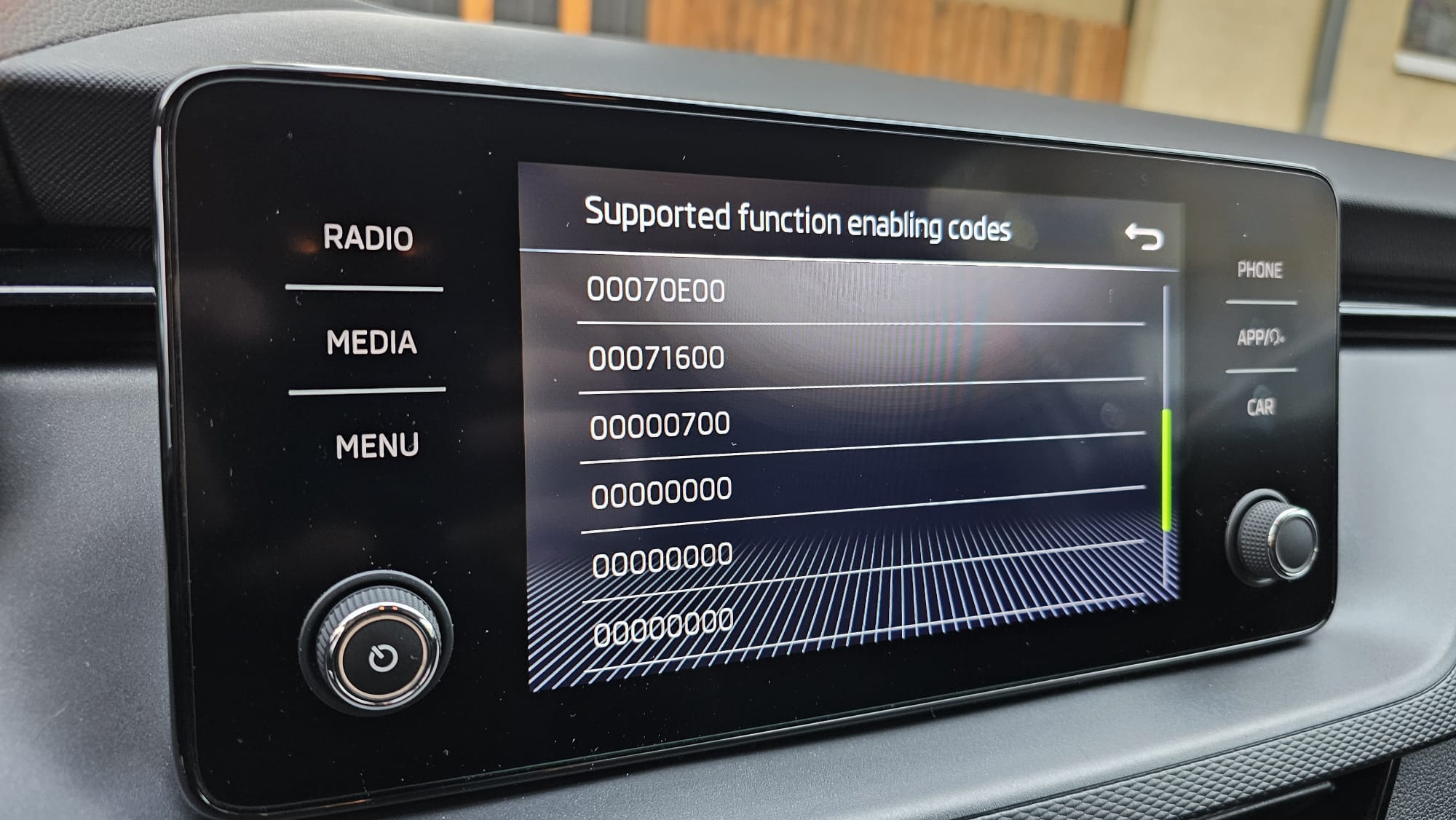
Hello Found in the service menu that there are some available function enable codes, as well as installed ones. Should I understand that available ones can be activated\purchased ? If so how do I know what they refer to ? Eg 00050000, 00060100, 00060200 etc I have Googled it but nothing relevant found. Thank you
-
Fixed wireless as well, needed to pair phone again, I got a prompt to use Android Auto and it works flawlesly :).
-
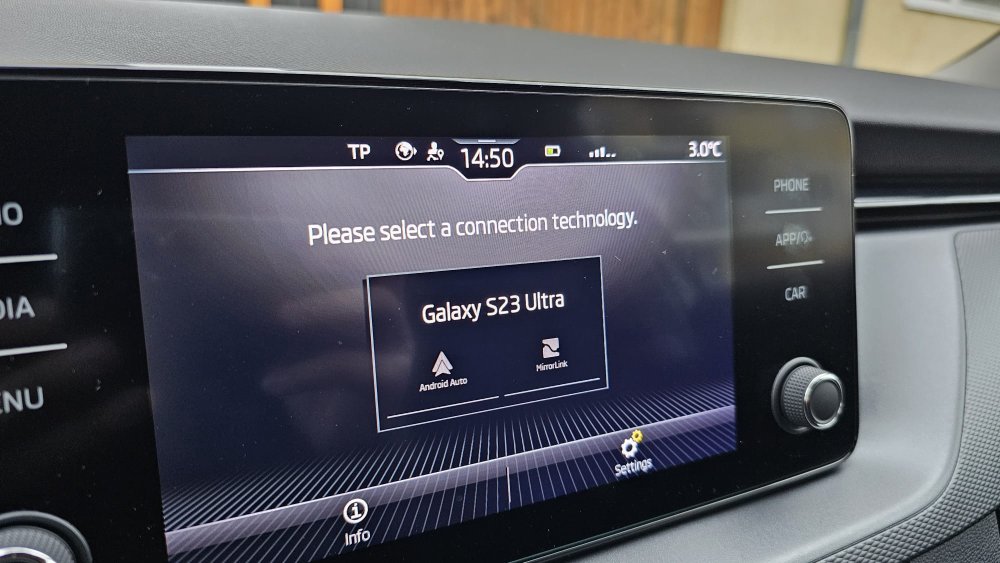
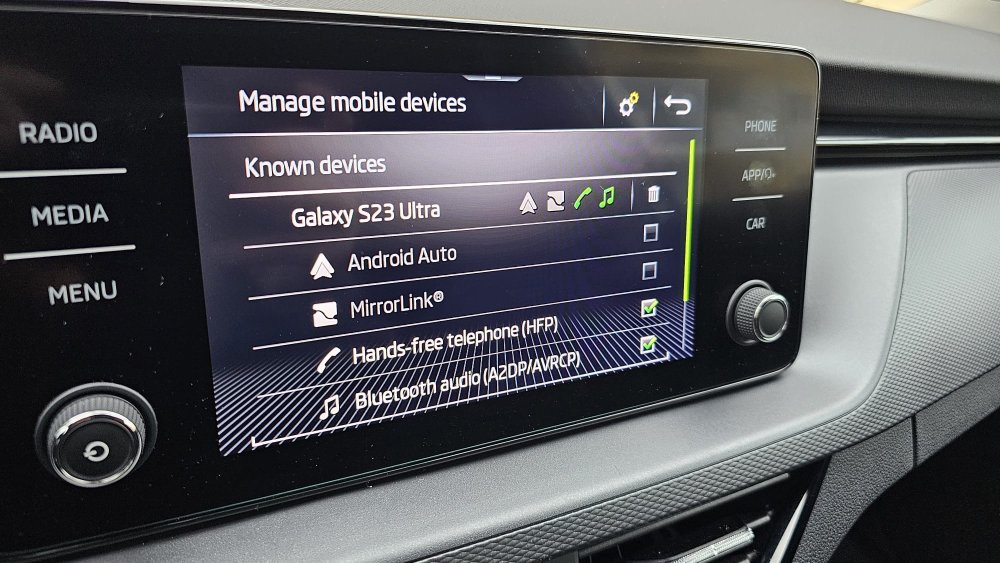
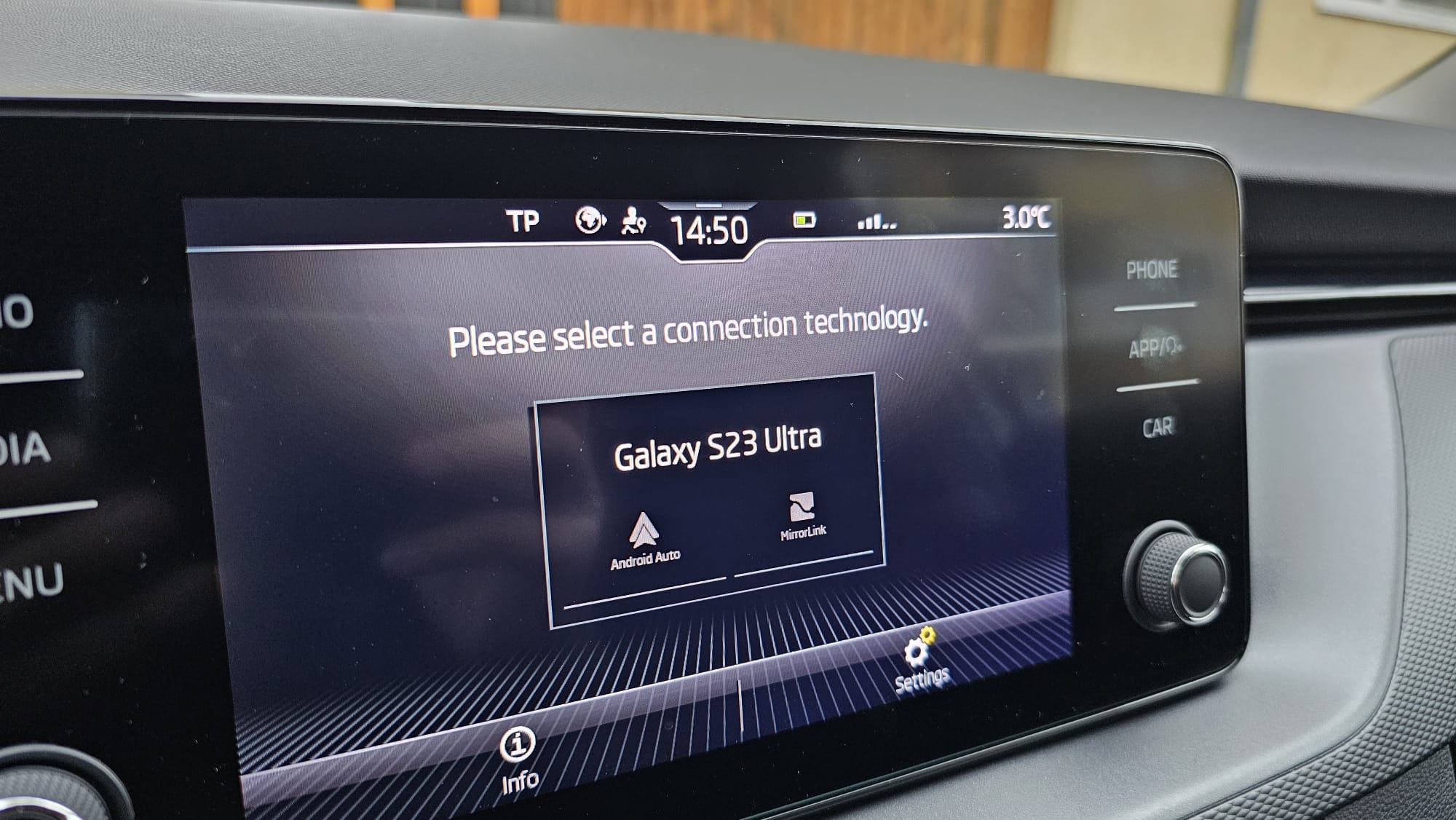
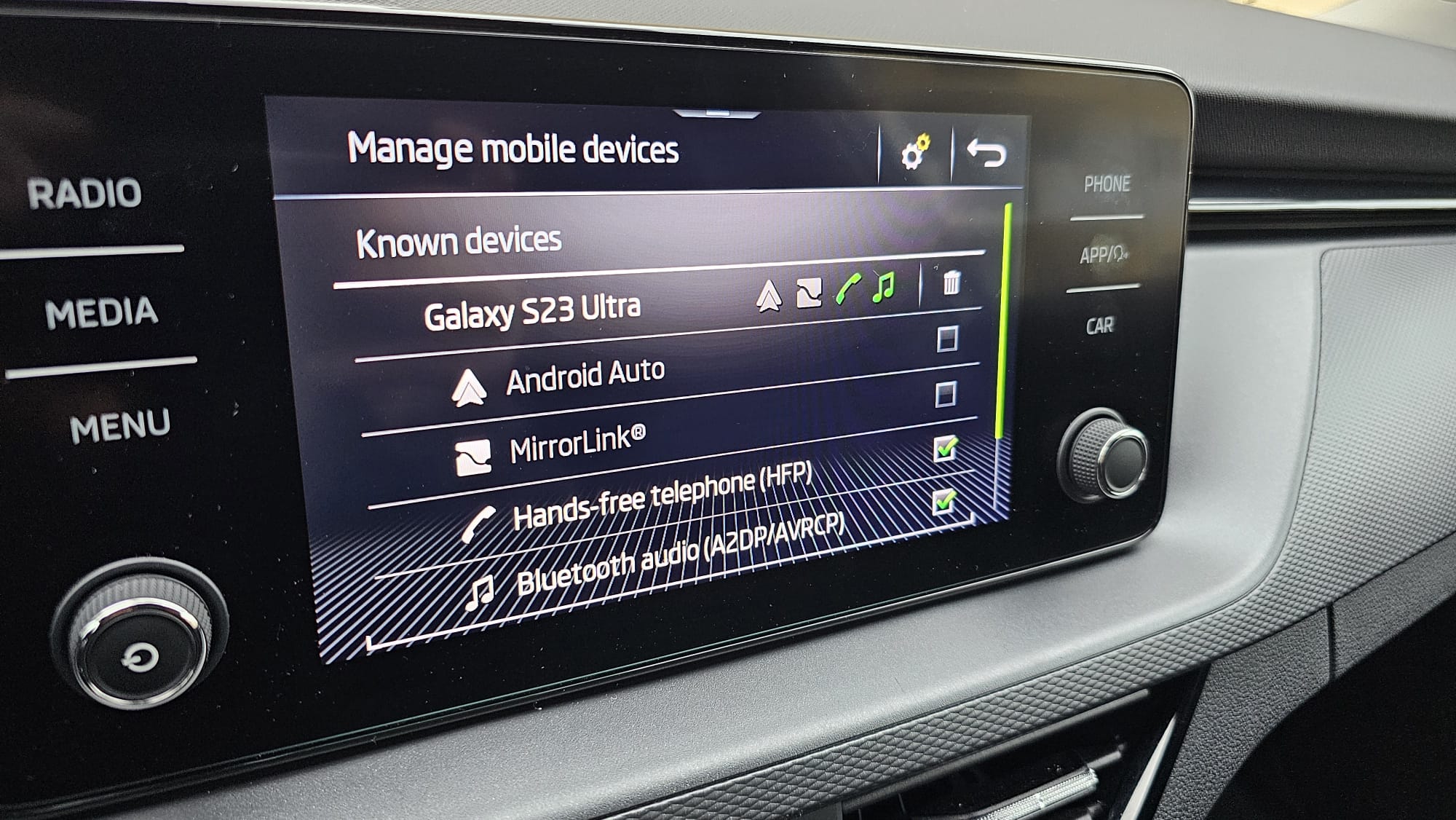
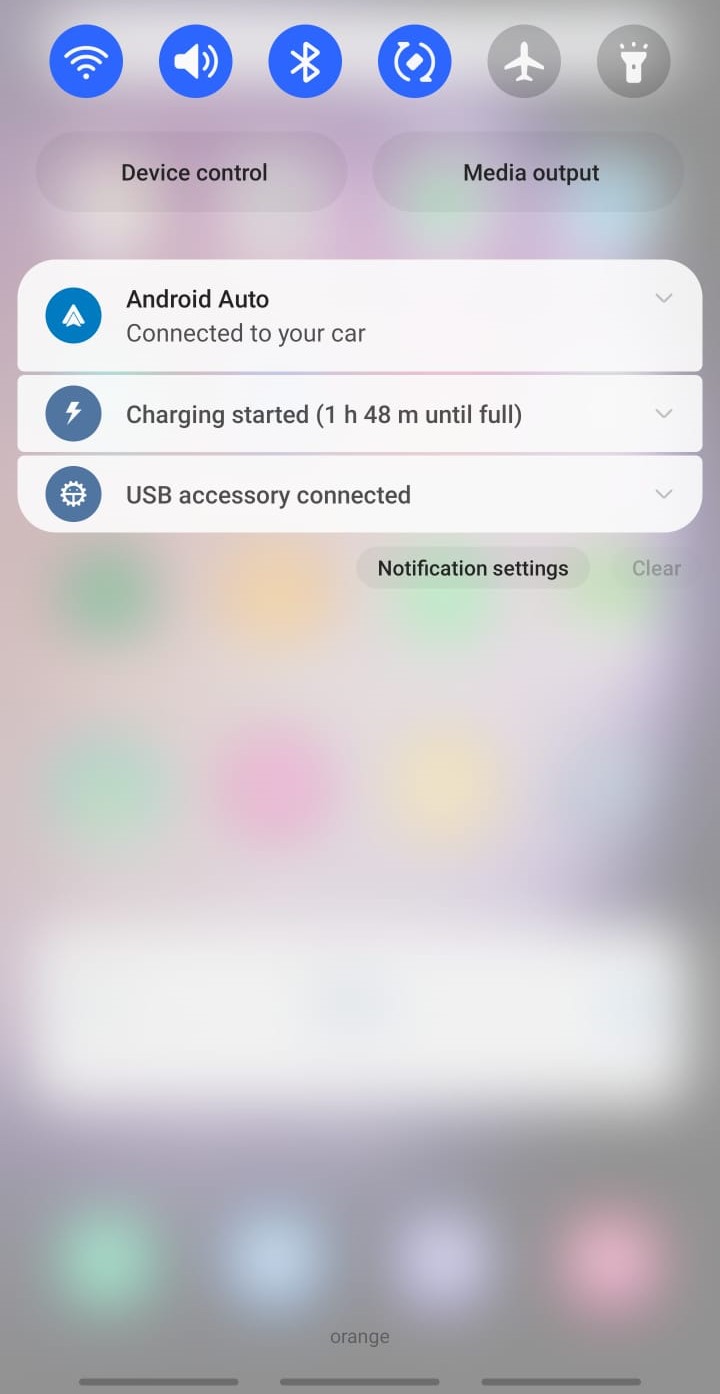
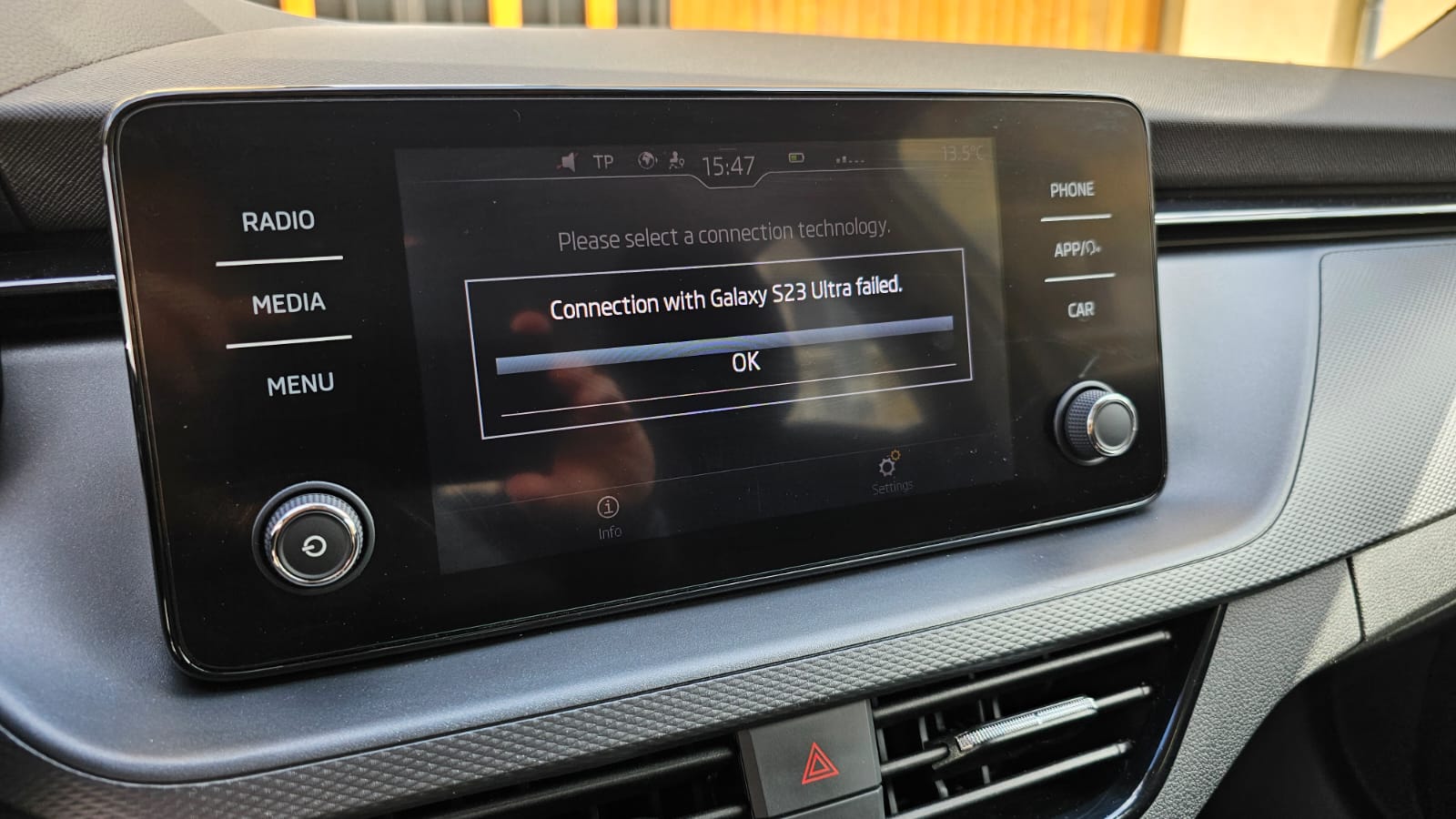
Working via cable with 1800 version. Dealer activate wireless version of Smart link as well but i cannot connect my S23 Ultra, have connected to the wireless hotspot of the car (did not had option on version 1760) but cannot connect wirelessly. Dealer manage to connect wirelessly with Iphone 13 Pro. So do you have it working on Android ? First image if i click to connect wireless i get an error, second is from phone menu, with phone connected only via BT,
-
My car is now in service, will let you know. I was notified on my Youtube video that it is confirmed version on cable with version 1800 (currently 1760). Also waiting for Wireless Smartlink activation, license ordered by dealer.
-
Friday I am scheduled to visit the car dealership. I will keep you updated. Also I found a Wireless Smartlink activation license from Skoda that can be activated in the car dealership for about 61 EUR. Will let you know if works,
-
Skoda does not want to specify version number 😡 It is like Area 51, my car dealer says they do not have the update. So the update exists but you can't get it 😞

-
If any of you updates let me know of SW version, I currently have 1760, my car dealer has 1790 but unsure if that fixes Android Auto (they say they were not notified), also asked Skoda reg which is the version that fixes this. I will come back with updates.
-
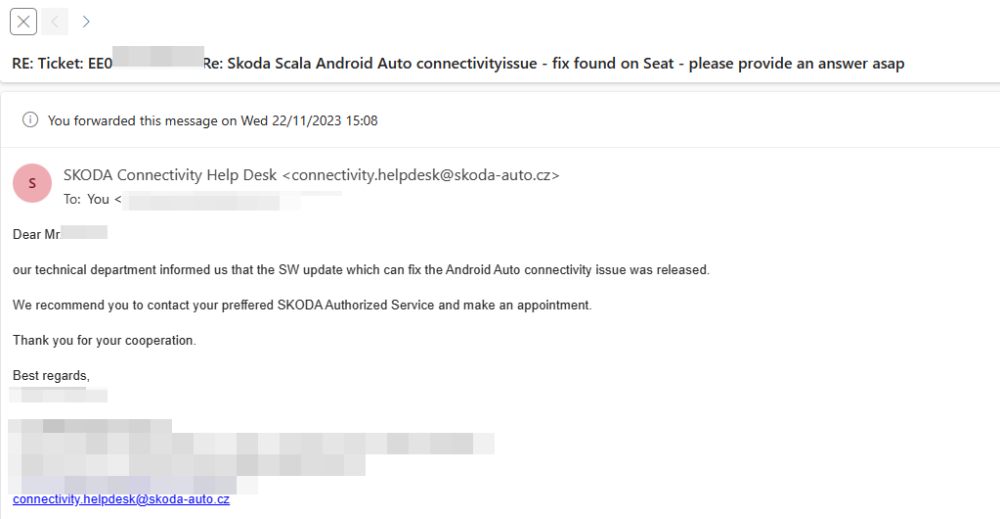
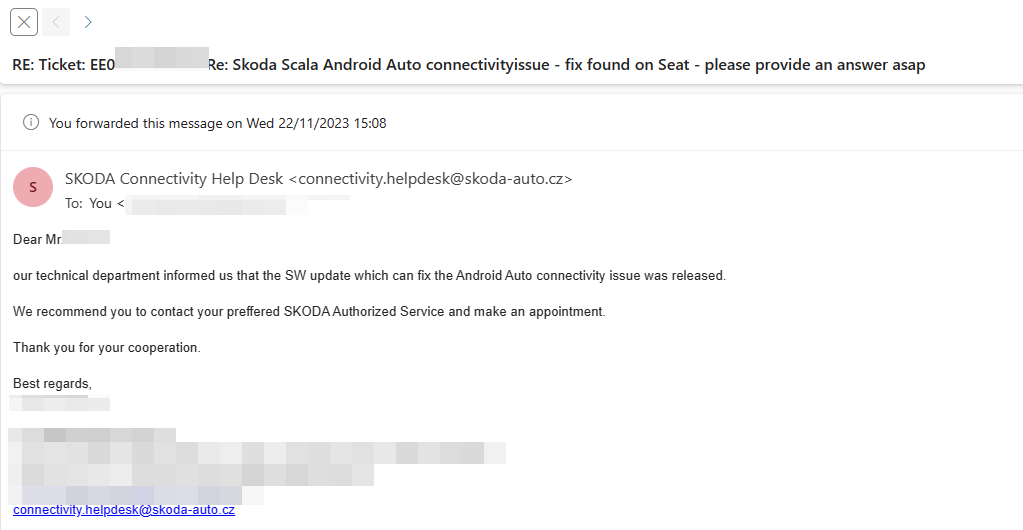
BIG NEWS Should be fixed :
-
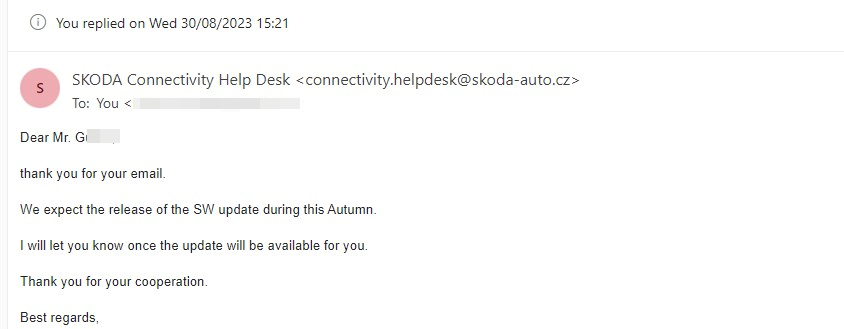
Most likely same issue and same fix, mine has 1760. No update i'm afraid Skoda has answered me that the update will be released this autumn. And in the begining they said end of summer.:(
-
Late summer became autumn 😞
-
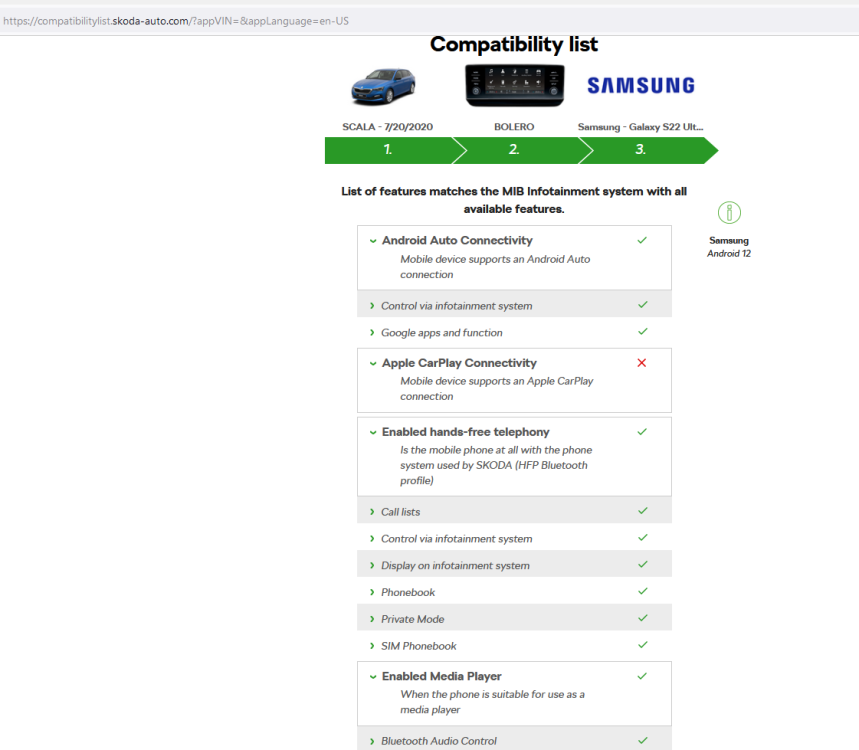
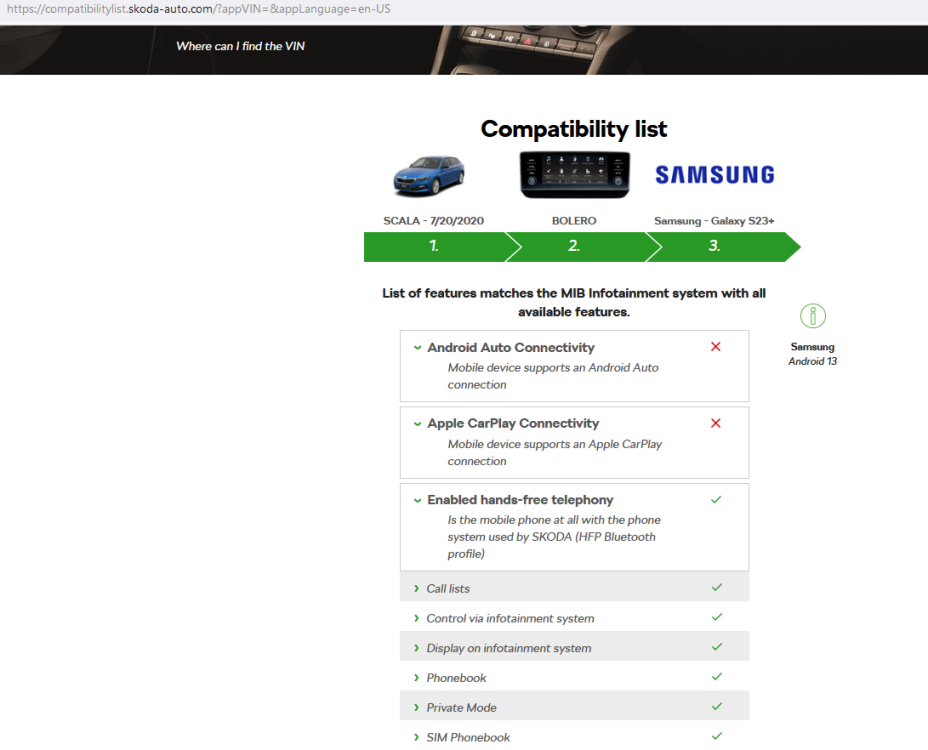
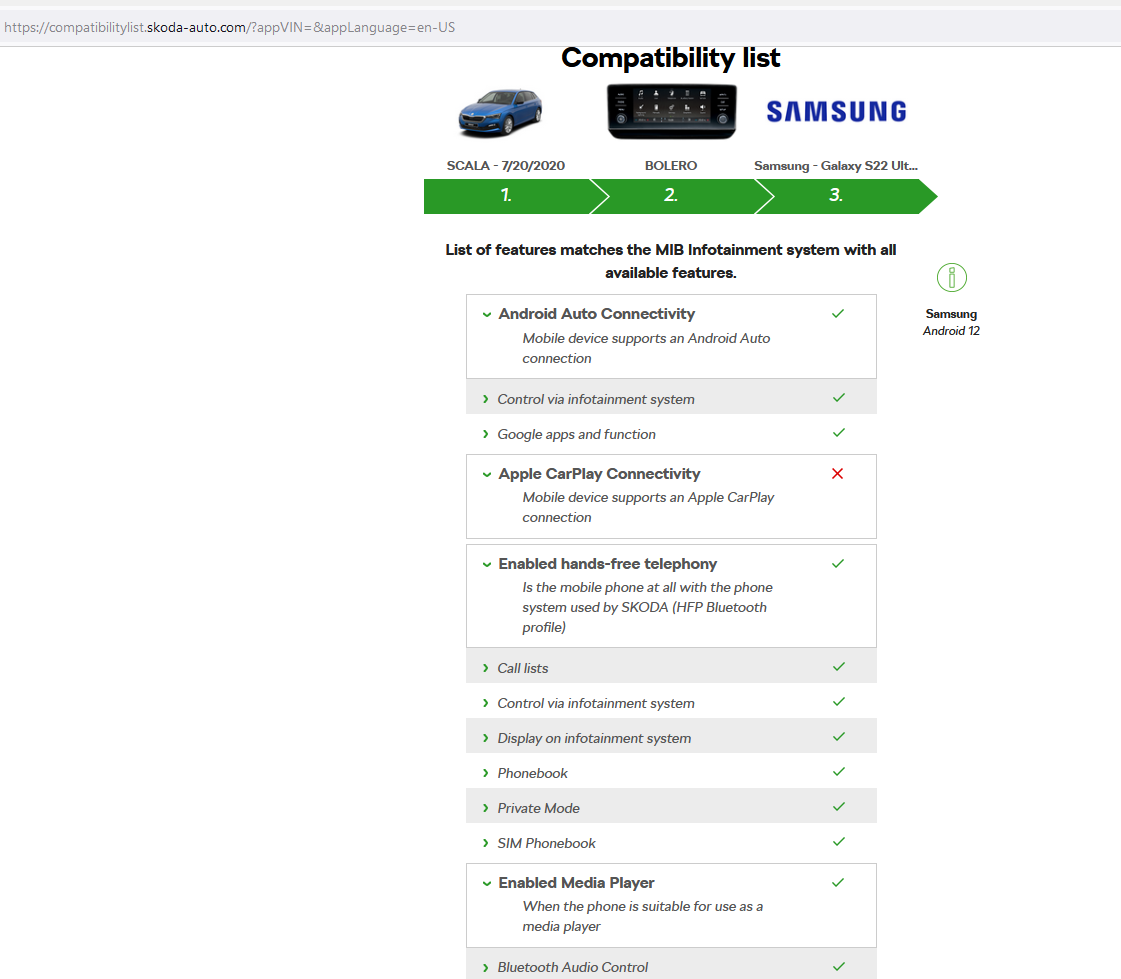
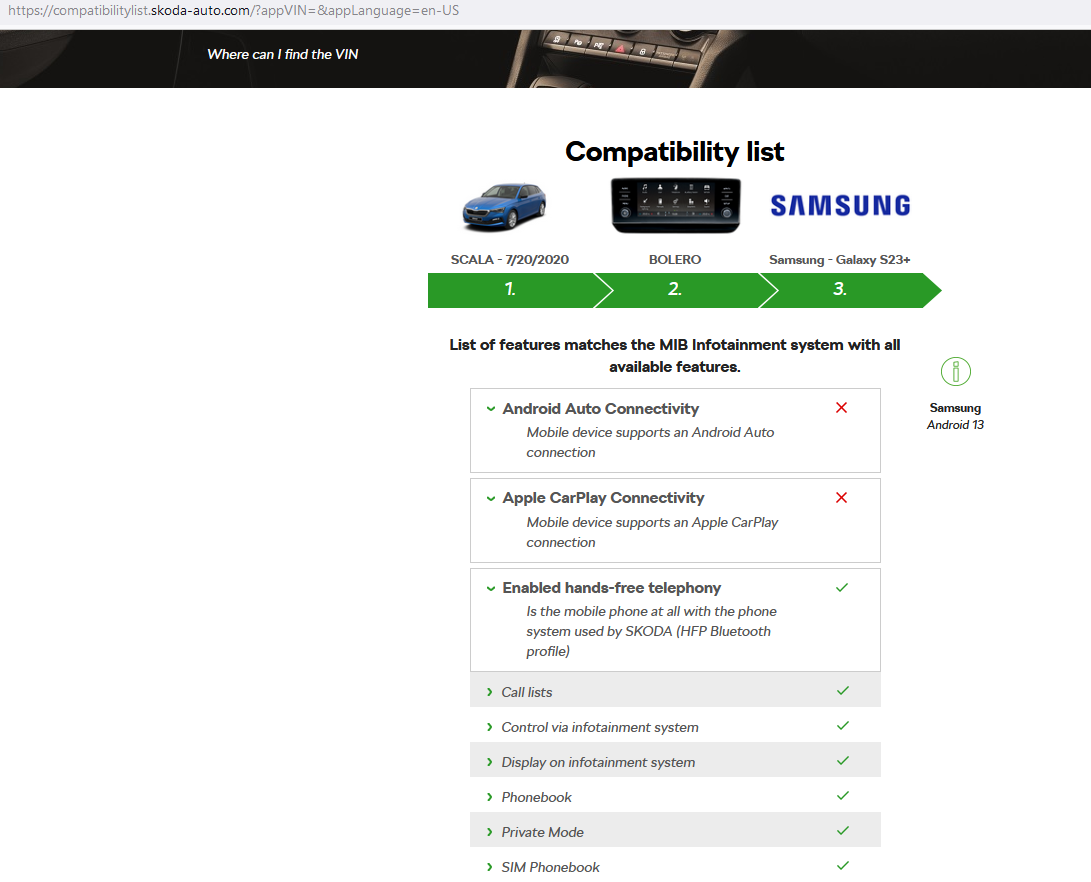
It seems we get closer : S22 Ultra was not even in the list and now says supported with Android 12, also from S23 series we see S23+ but not compatible yet : Here is where you can check : https://compatibilitylist.skoda-auto.com/?appVIN=&appLanguage=en-US
-
Sure i will.
-
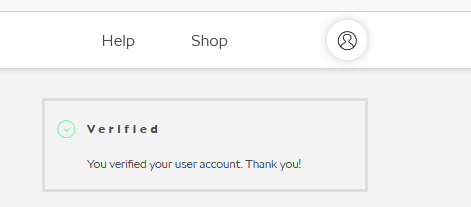
My account is now verified. It seems if you want to use Lock&Unlock feature you have to enter date of birth in profile and mobile number. If already have those, a copy of your drivers license must also be sent to your Skoda car dealership. Did all of that and now i can use the functions and the account says Verified.
-
It seems we get closer :
-
I have notified Skoda that Seat "has the answer". Not sure how fast will they be in developing an update.
-
Update, tested on Seat ibiza 2022, and it WORKS with S23 Ultra, even without cable. So Skoda you have the answer on Seat's software.
-
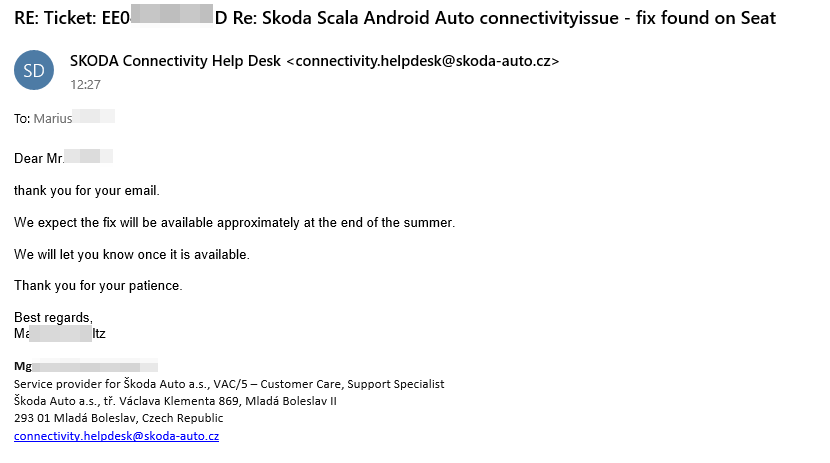
Answer from Skoda CZ "We have confirmed that some Volkswagen, SKODA and SEAT vehicles are not connecting to some Android OS mobile phone models and Android Auto. We are working on updating the car kit's SW to resolve the issue. Once this is completed, we will share details on how affected users can update their SW. Actually, we are not able to tell when exactly the update will be available. We expect the release this year. Thank you for bearing with us while we work to resolve this issue."
-
Had 2-3 issues this past week with the app disconnecting (logging off), logged back in everything is there. I also had this on the MySkoda app once, anyone else had this ?
-
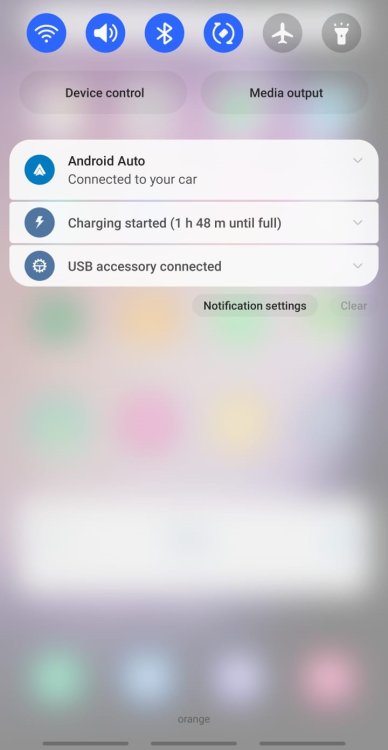
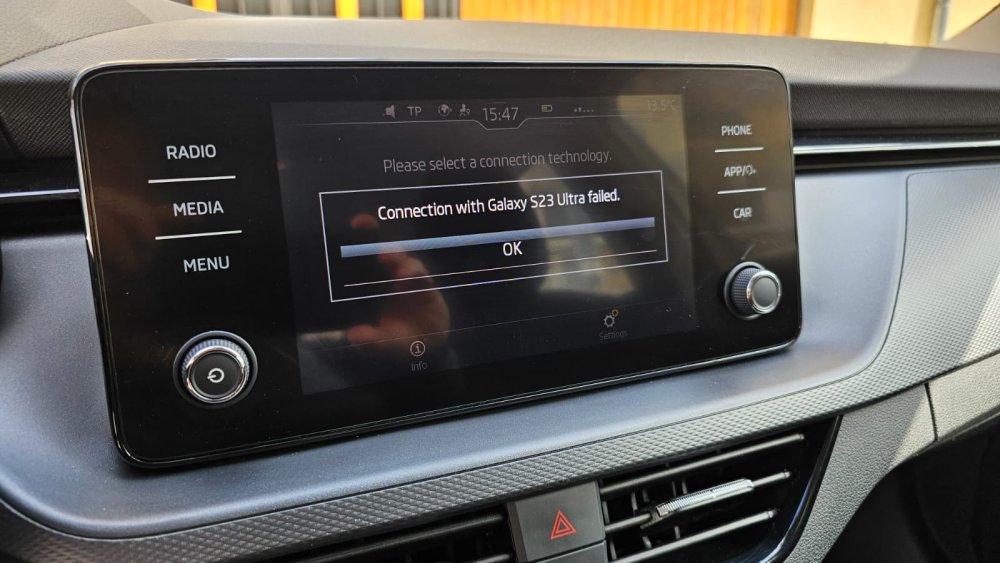
AA got updated today, still same message on S23 Ultra, phone says Android auto is connected, car says connection failed.
-
Tested now, and it is the same, the phone is up to date with April security patch, so maybe not fixed for S23 Ultra just yet.
-
Nice, using S23 Ultra now, but no update yet. Hopefully soon.
-
Have you tested or seen the change log ? No update for S23 Ultra- up to date.
-
New update AA, issue still the same AA on phone says car is connected, car says connection with S23 Ultra failed. 😞
-
Changed phone yesterday, same issue on Samsung Galaxy S23 Ultra 😞 Not that i was expecting it working :).


Important Information
Welcome to BRISKODA. Please note the following important links Terms of Use. We have a comprehensive Privacy Policy. We have placed cookies on your device to help make this website better. You can adjust your cookie settings, otherwise we'll assume you're okay to continue.