MGV
Members
-
Joined
-
Last visited
Everything posted by MGV
-
I know but this is rather absurd, why would another phone with same Android version and same AA version work ? It does not make sense. The phone is one year old now, Skoda does not support S21 series either only S21 5G. I think that list is not up to date, and i would not change my phone with one 3- years just for this. A solution has to be found, either from Google, Samsung or Skoda.
-
Hello, Not sure if anyone else has this issue, i reported this back in November 2022 to Google, as my Samsung Galaxy S22 Ultra does not connect to Skoda Scala 05/2022 - Bolero. None of the ports is working, successfully tested a Samsung A52s and it works. Have been trying lot of fixes but nothing worked, my car says the last software is installed. Google says nothing just keeps asking for bug reports, Samsung says it is a Google app and Skoda has to update the infotainment, and Skoda says my software is up to date Here is the topic from Google AA page : https://support.google.com/androidauto/thread/151770722/auto-android-on-s22-ultra?hl=en&pli=1 And here is how it behaves on my end :
-
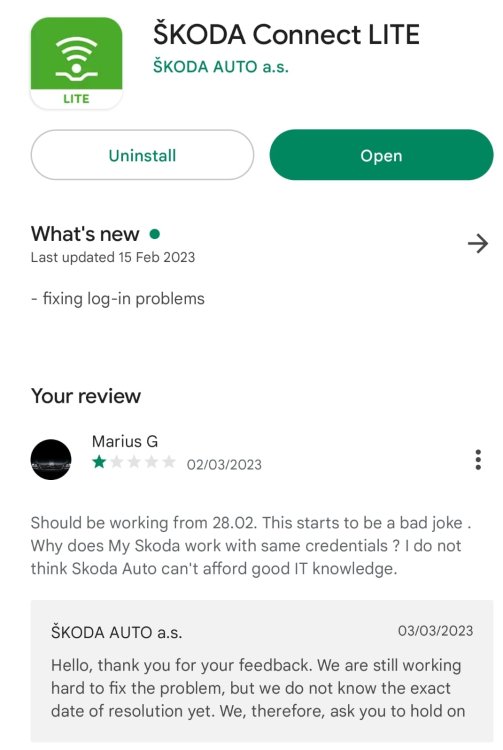
Any news from Skoda ? If i contact them from Romania they will not answer that fast Still not keeping me logged in, funny though the app keeps reminding me to login to have all the benefits :).
-
It does not keep me logged in, i will not log in till they notify it is ok.
-
I do not think data is lost, not sure but there might be some agreement at the beginning, which most likely covers a situation like this. As for data : VIN and license plate are public information, so might be phone number. This is not GDPR, and yes you do not pay for the service like MySkoda for example. I received the data Plug free, so have not spent anything. They are working on it and i would say they will fix it, the only question is when.
-
It seems they are trying to fix it, they do not know which is the issue
-
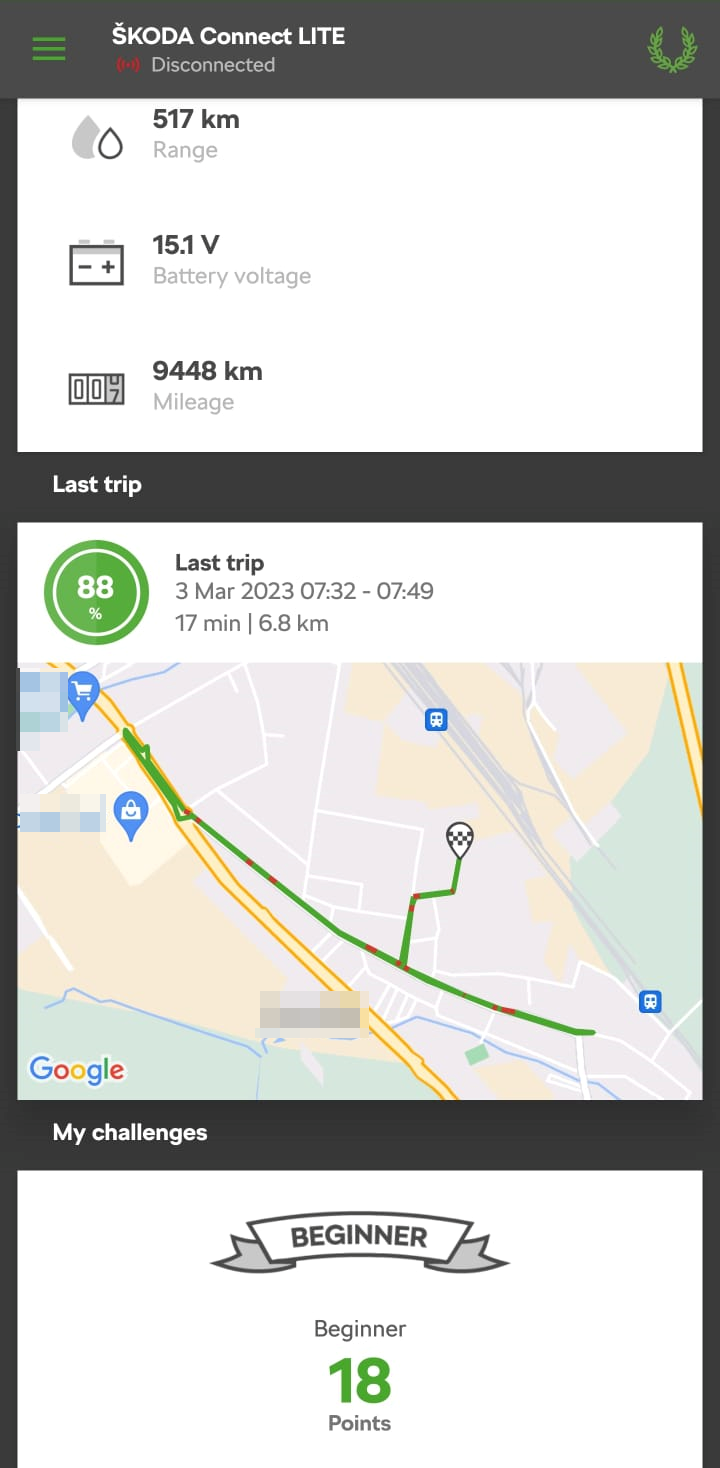
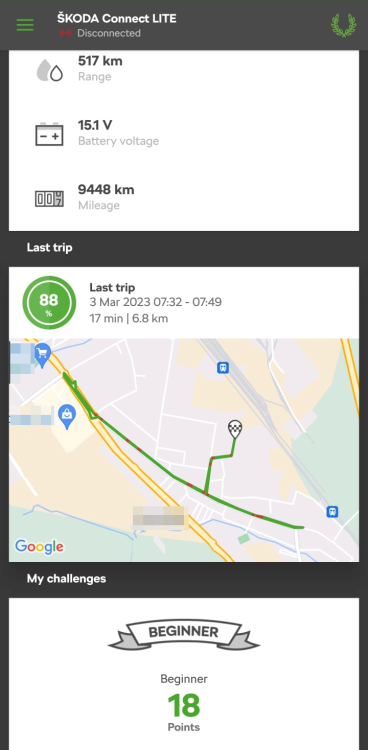
Yes finally logged in, but all data us lost. Great job Skoda !!! I was on Platinum (100000+ points) now beginner 18 points. You cannot do anything with the point s in Romania anyway
-
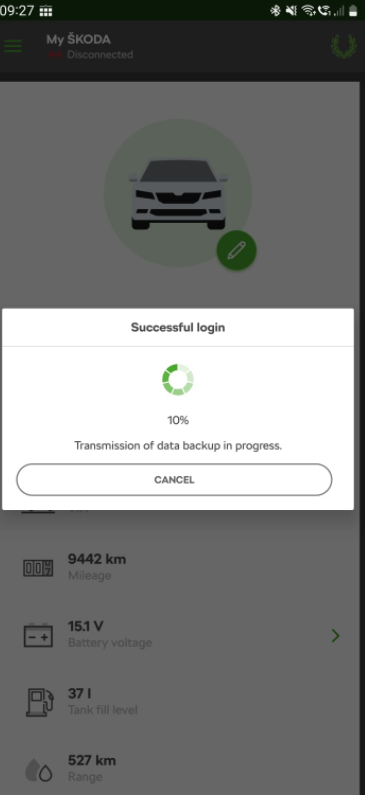
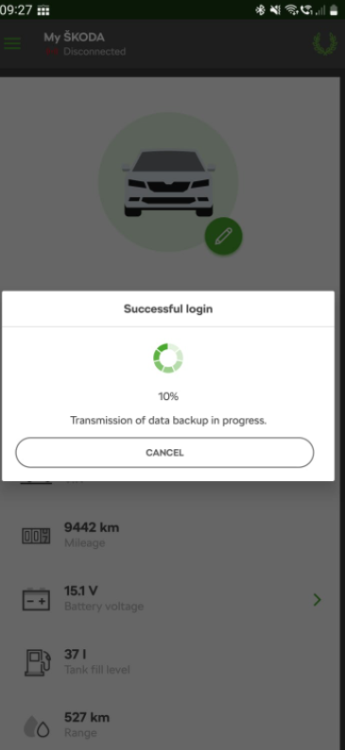
Stuck like this, just now. Than it stopped with Data transmission failed.
-
We all do, i was not posting if i have no update. I will when it works. I kept trying now and than but unsuccessfull. Meanwhile MySkoda god an update (logo) have been asked to login and it works very well but does not offer what Connect Lite does Tried now still the same can't pass 10%.
-
Still an issue, it passes log in but fails to load more than 10%. I had this issue before but it was fixed in the end. It should be up and running soon most likely.
-
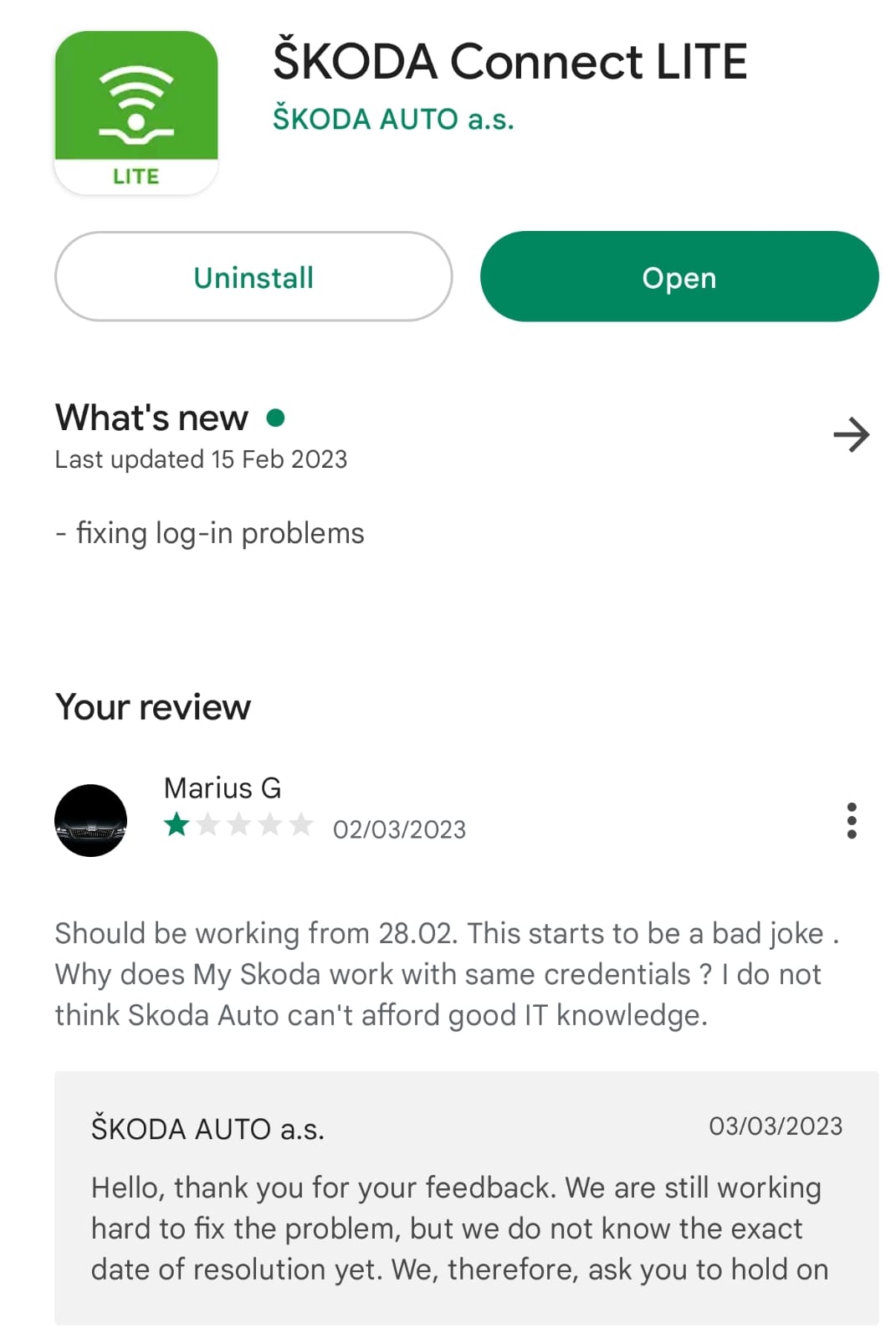
Same issue here, had my phone in service and now Connect Lite won't log me in. Weird enough Skoda Connect works with same credentials, so most likely using different servers.
-
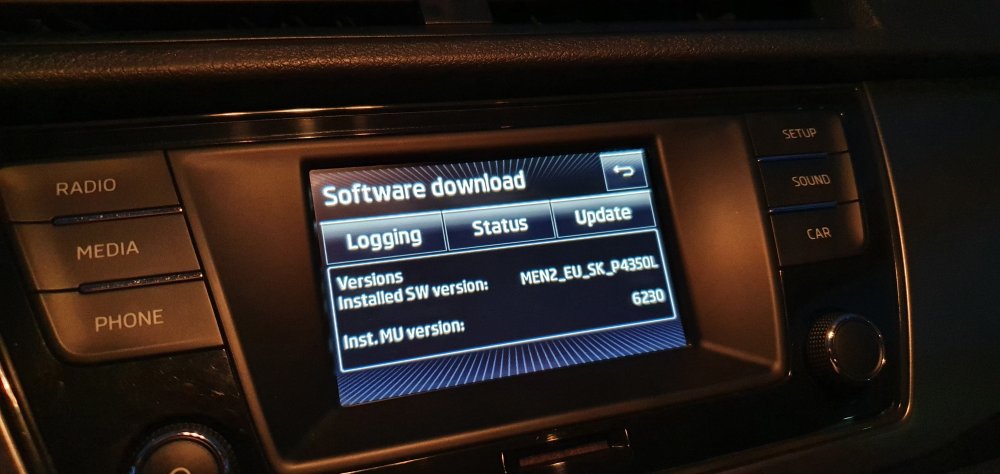
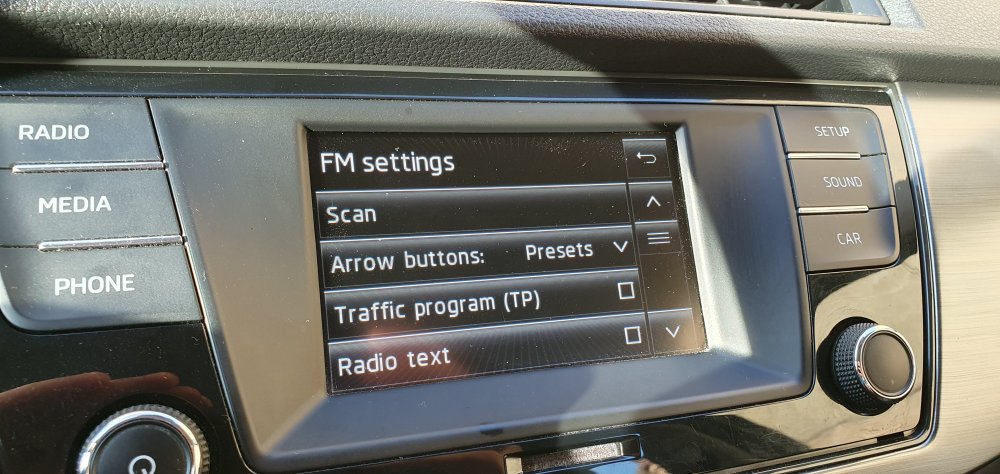
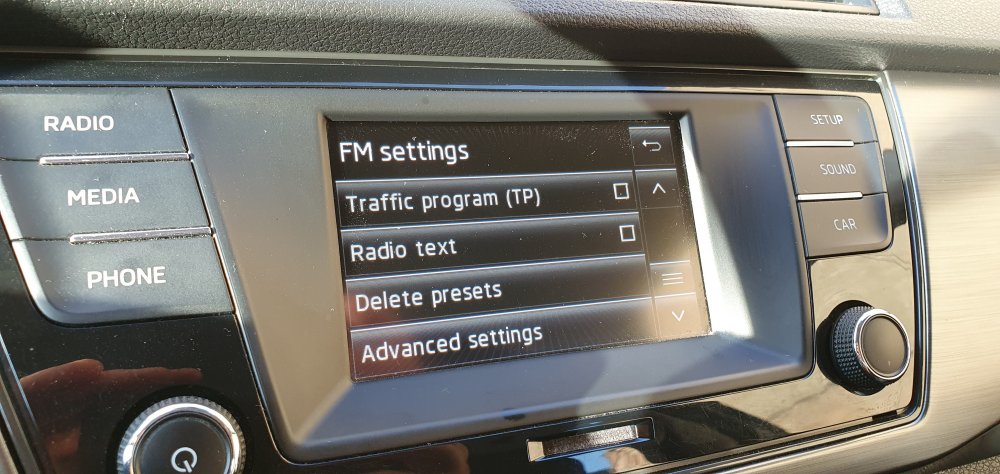
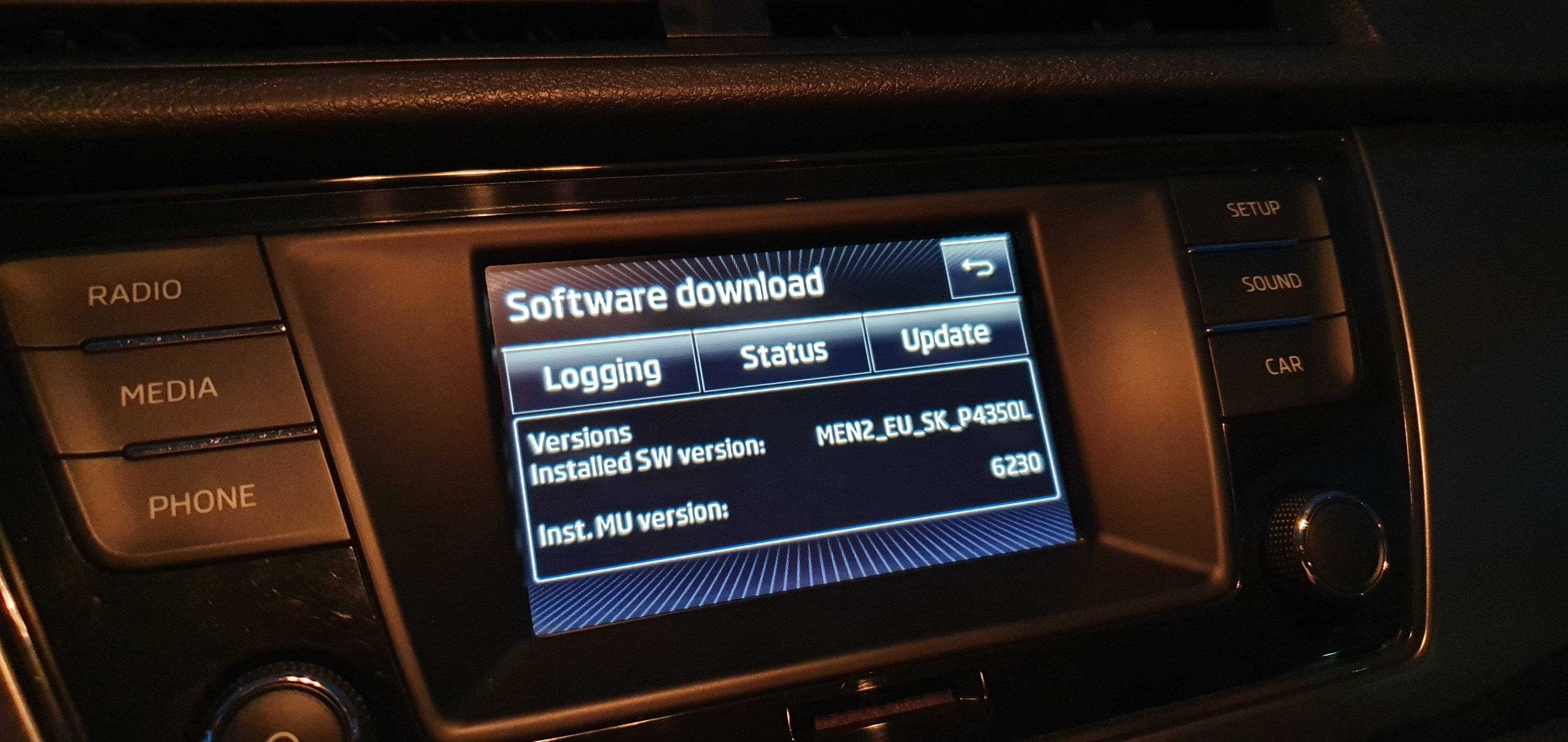
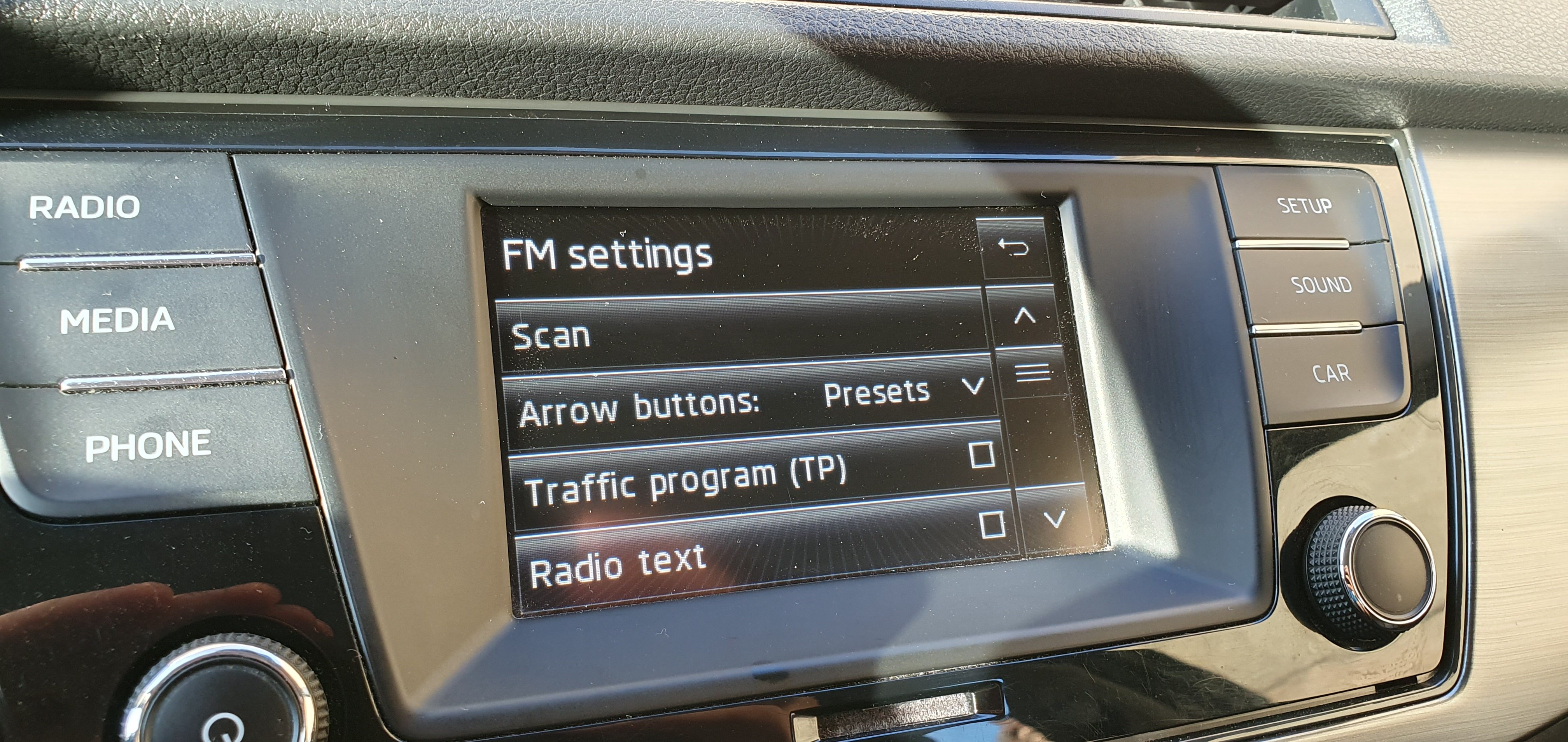
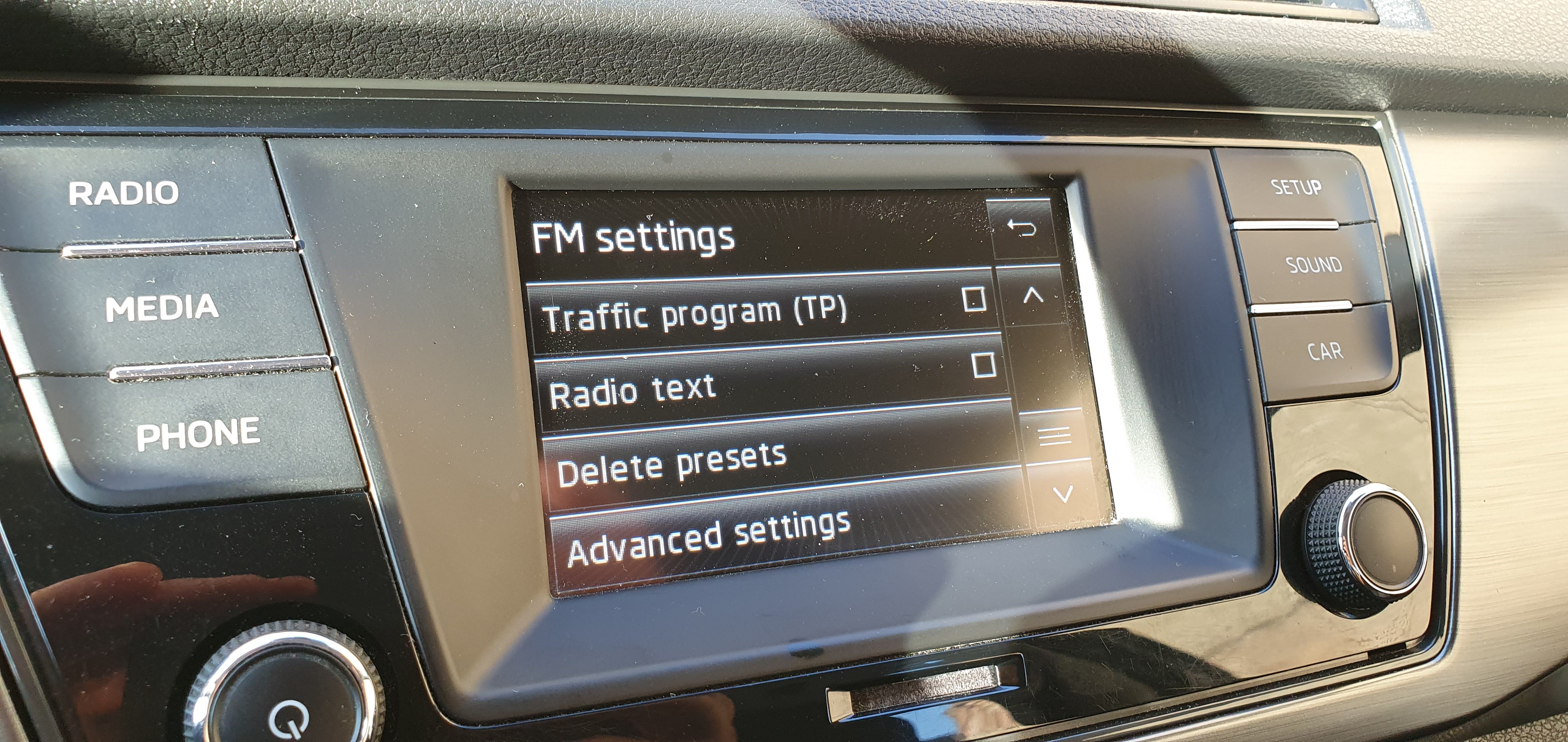
Hello, I own a Fabia MKIII (2015) that has a Swing unit. I have 2 questions : 1. Why can't i update the radio logos ? I can download them form the Skoda portal but do not have the menu on the Swing unit (see attach) 2. Is there any firmware update ? (see attach for installed version). Please note i am not from UK but from Romania and this is also where the care was purchased.