417original
Members
-
Joined
-
Last visited
Everything posted by 417original
-
Sweet - they do look good
-
Noice! Is that the only led in the unit or are the other bulbs led too?? How much did you pay for the clusters? I’m seeing them on e-auction for 150 but I’m sure I’ve seen them knew for about 160 euros
-
I also want to do this - did you do it in the end?
-
I’ve just realised this whole thread is in mk2 and I actually have a mk3 - urgh! but thank you for your thorough answer
-
Hi all, hope you’re doing ok. Could someone tell me where the afs module goes? Is it one of the units that attaches to the headlight or is it within the cabin somewhere? Also is the bcm located near/behind the head unit display? Also, I’m assuming you can’t just go to a Skoda and ask them to retrofit xenons to a used car? Assuming that’s out of the question either because of price or they just don’t offer that kind of thing ...??
-
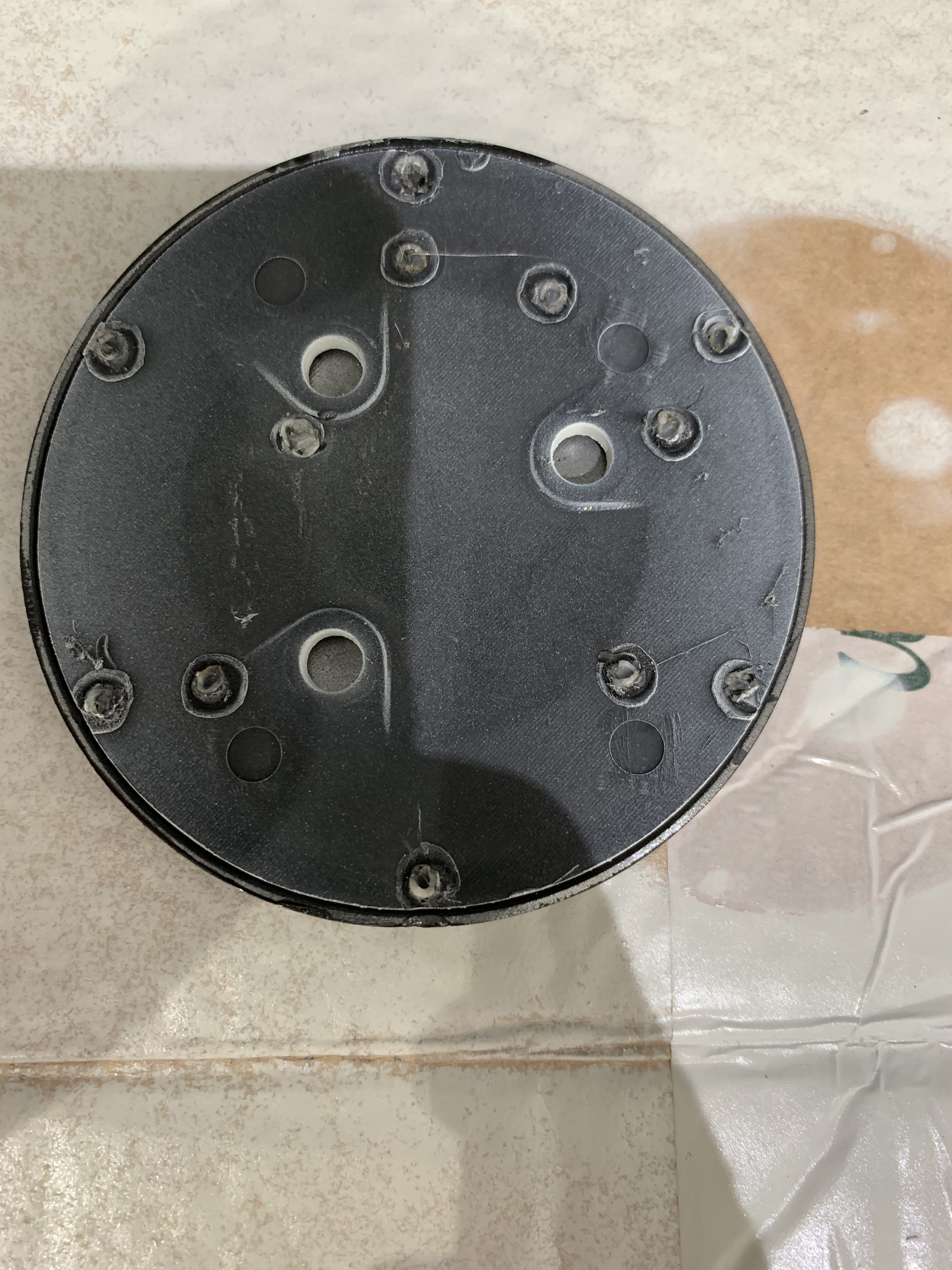
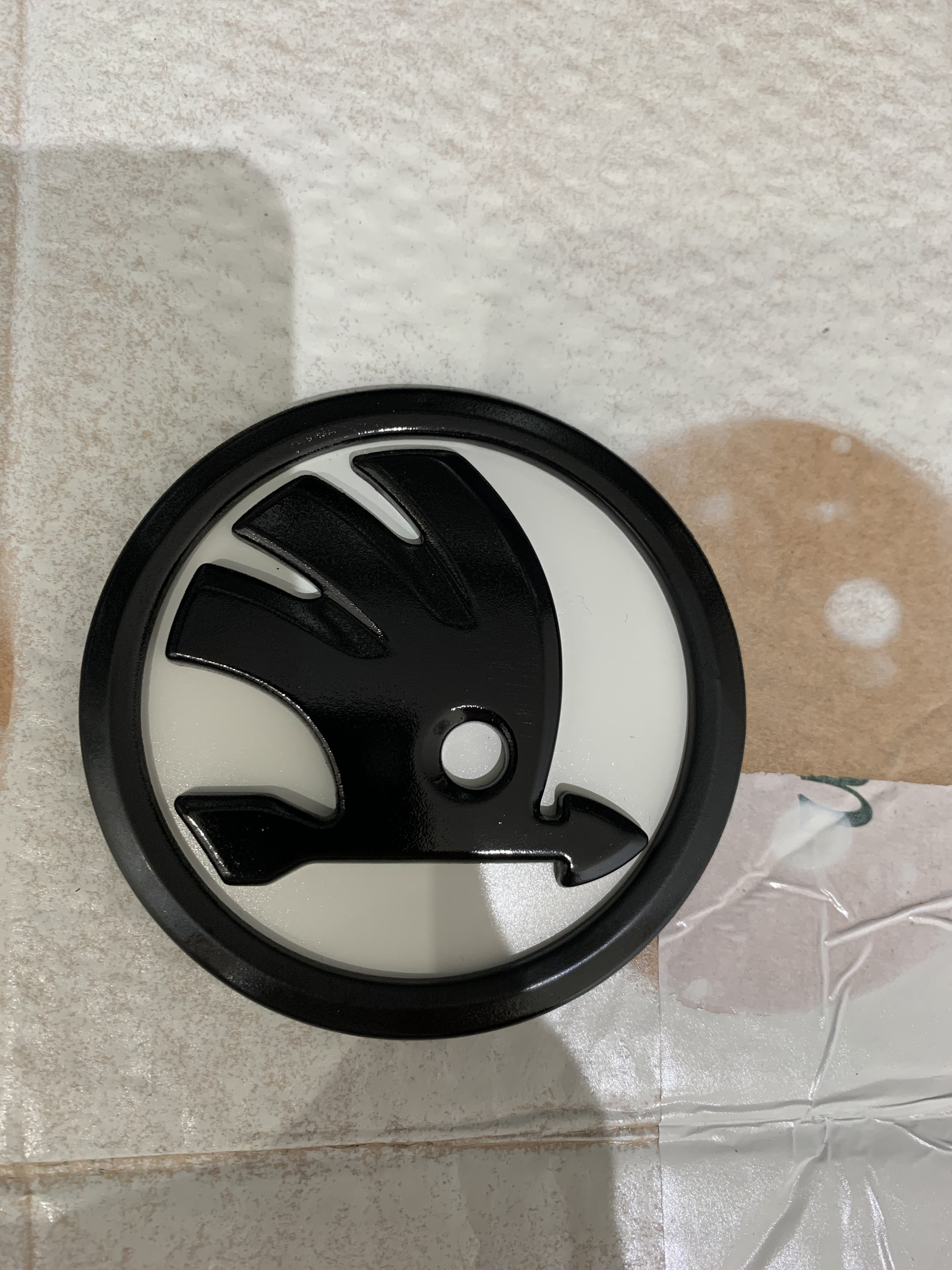
Having read through this topic I thought I’d give it a go after not really liking the full black emblems you can get. I purchased my badges from this guy: https://www.ebay.co.uk/itm/203092116751 And bought all the paint from sparesworlddirect on that auction site, which came next day. the badges seemed to be held together not by clips but by little lugs that looked like they’d been melted so they mushroomed. I simply cut the melted plastic away and the badges came apart. When putting back together, I used a soldering iron to do the same and it seems to have worked. All I need to do now is finished some lacquer coats and then I’m going to use strips of gorilla tape for the back. Here’s some images:
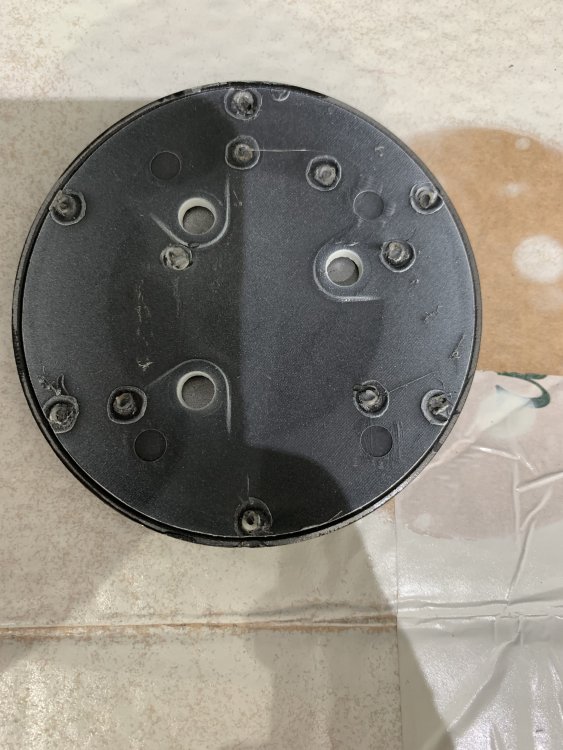
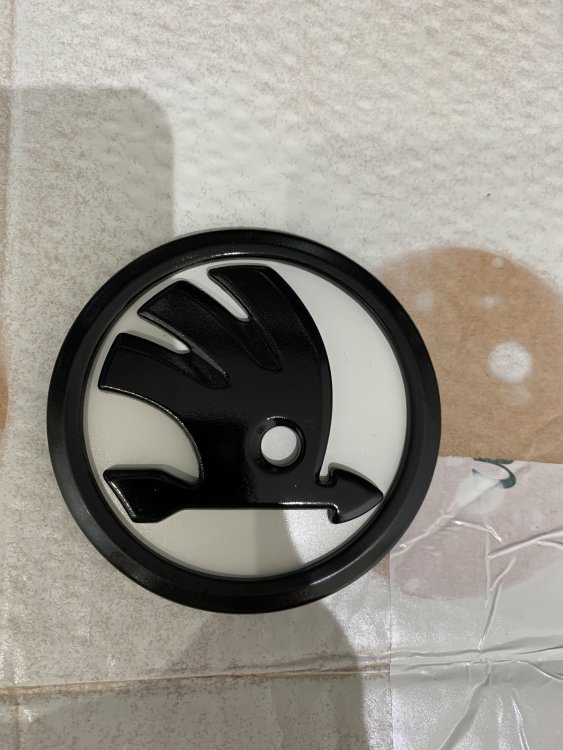
-
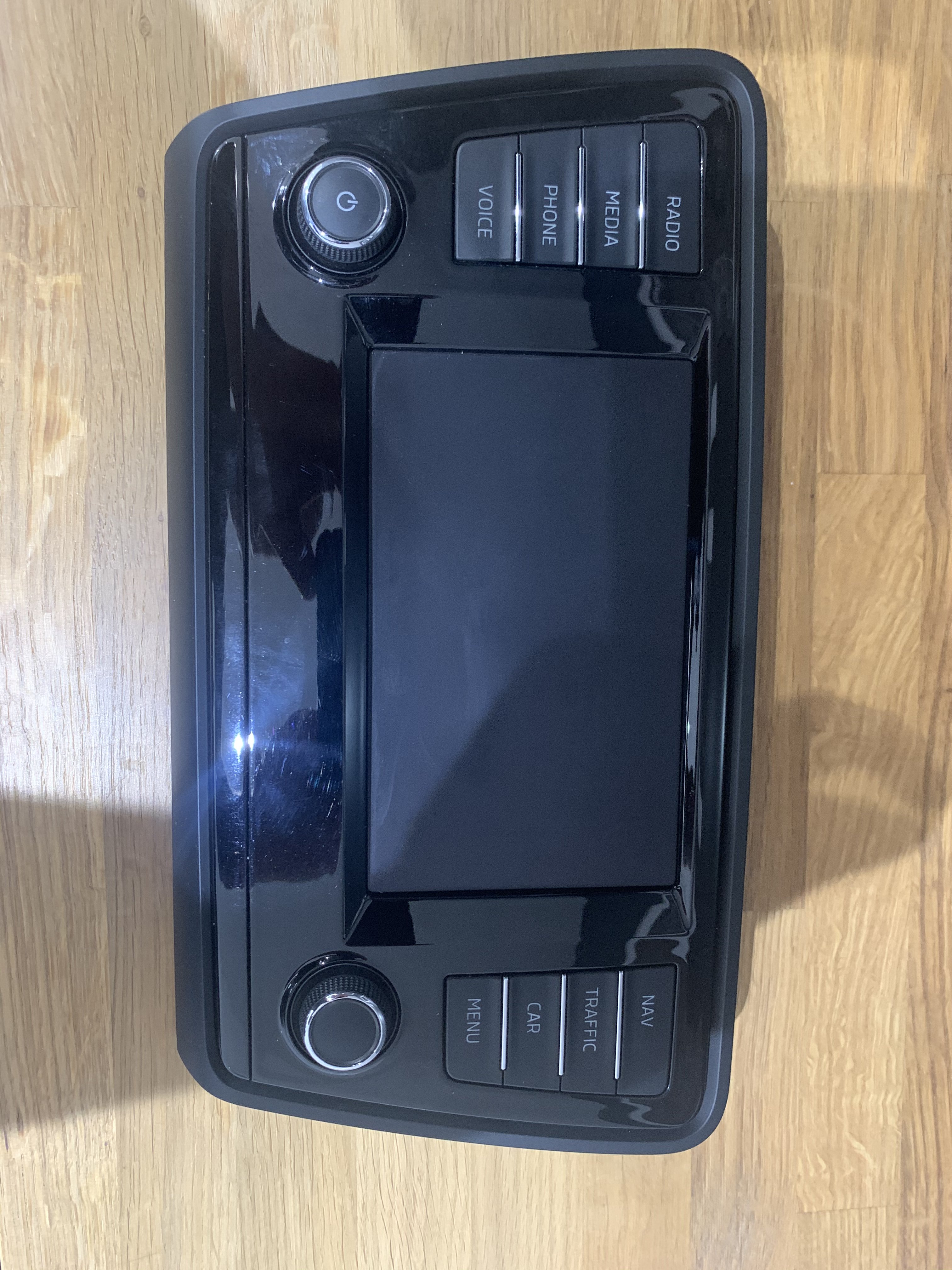
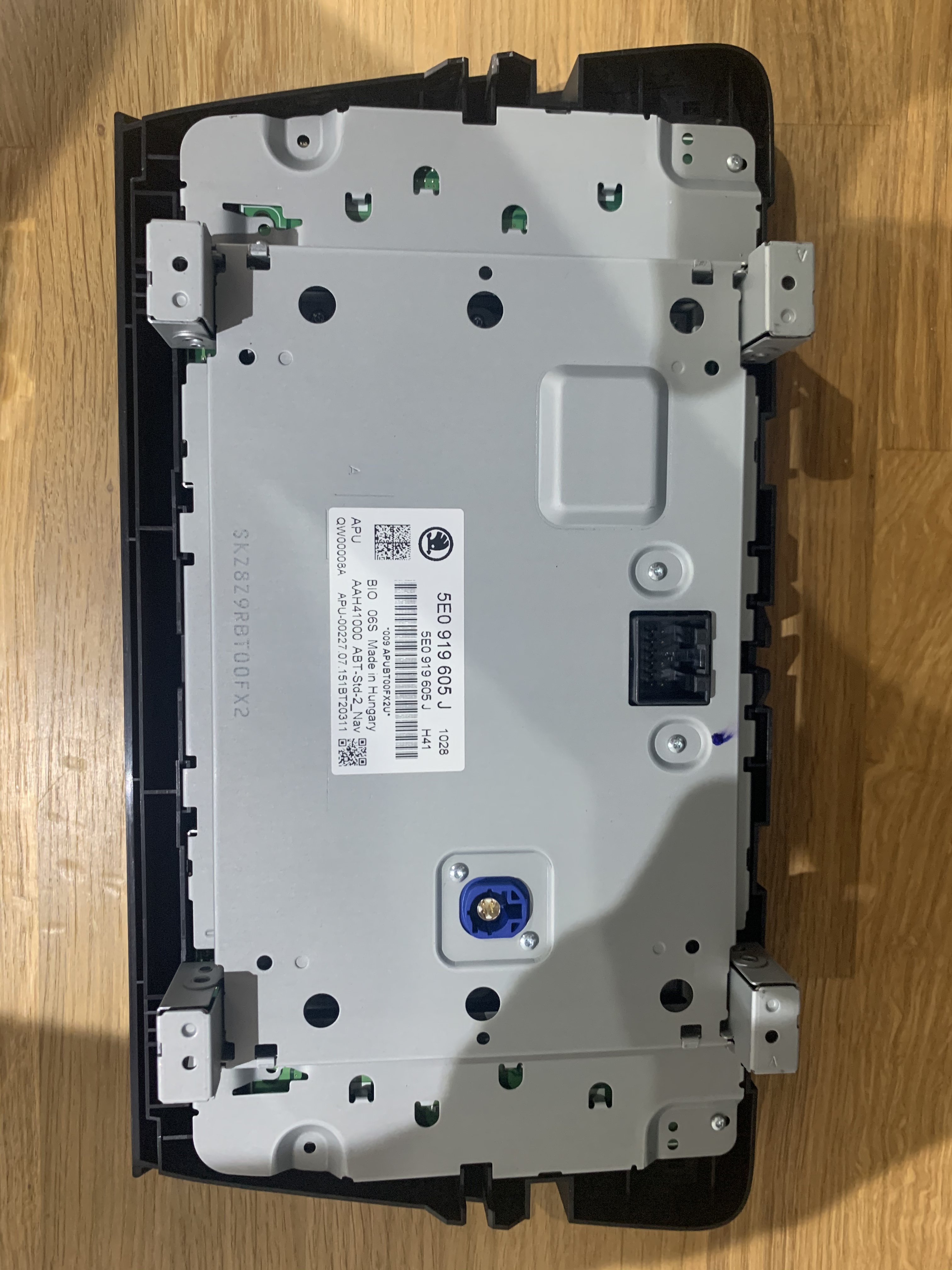
Hi all, I looked at classifieds but couldn’t seem to post there so putting it here. Do let me know if it needs to move. I have this display available if anyone is interested. It’s only the display and I switched mine out but am still using the head unit. offers welcome
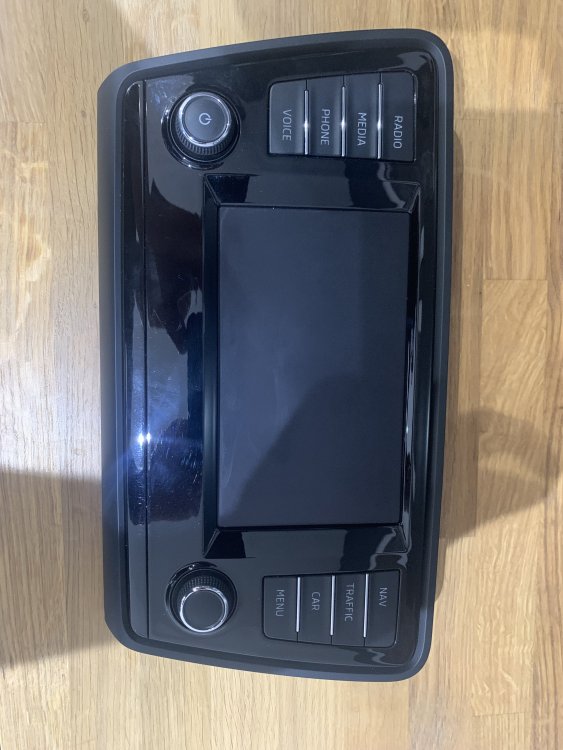
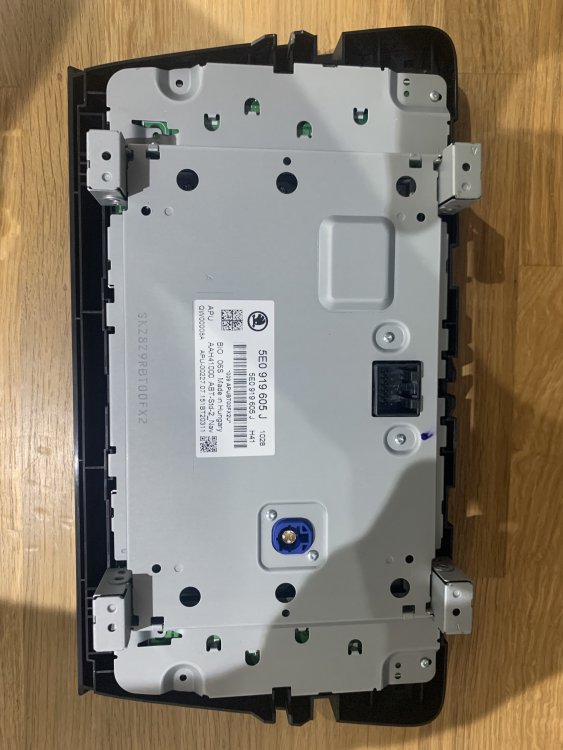
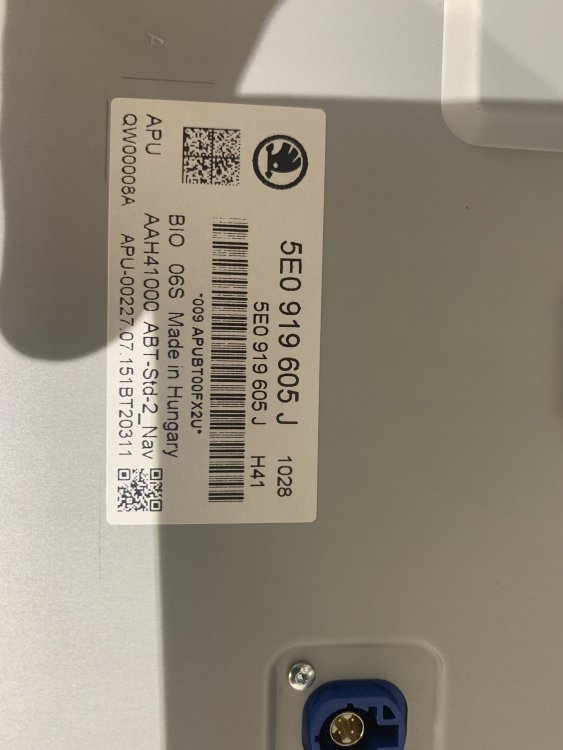
-
Thanks - I went for the miltec (?) bulbs for dipped, main and fog in the end. The only annoying thing is the issue with the voltage dripping on the side lights when the dipped beam is on, effectively changing the temp of the bulbs! I was toying with the idea of getting the led side/main beam bulbs that hid direct do now. They’re 5500k and assuming they wouldn’t change temp as they’re led. also wouldn’t have to worry about beam pattern as they’re on main and drl/side
-
Thanks so if I fitted these, would I need to mess with the figments/plugs and also require coding?? Assuming I could also replace for led bulbs (where applicable)??
-
Hi all, could one of you kindly tell me if these lights are the led version? They look different to what’s on my 2015 Octavia scout but not 100% sure: https://www.ebay.co.uk/itm/254741726848 If they are of like to install these on mine so wondering if there’s anyone in the Chelmsford area that has vcds? thanks as always
-
It was to do with headlights - I think I’ve been convinced that trying to upgrade to projectors is a bit of a mission!!
-
Just a quick note to say hello and thanks already for the help this forum has provided. I’ve only had my Skoda for a couple of weeks and already the info on here has been useful.