Karoq2020
Members
-
Joined
-
Last visited
Everything posted by Karoq2020
-
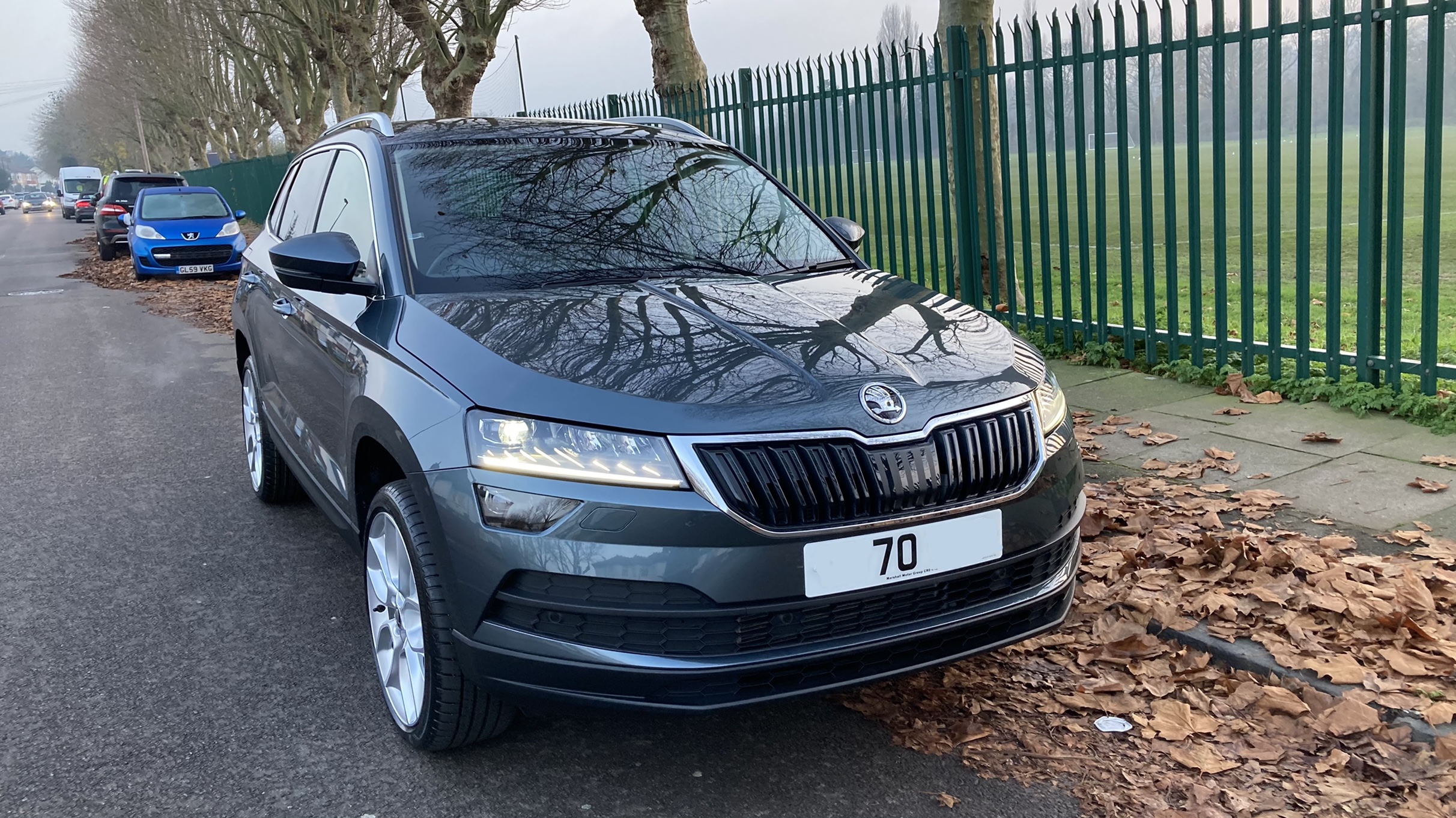
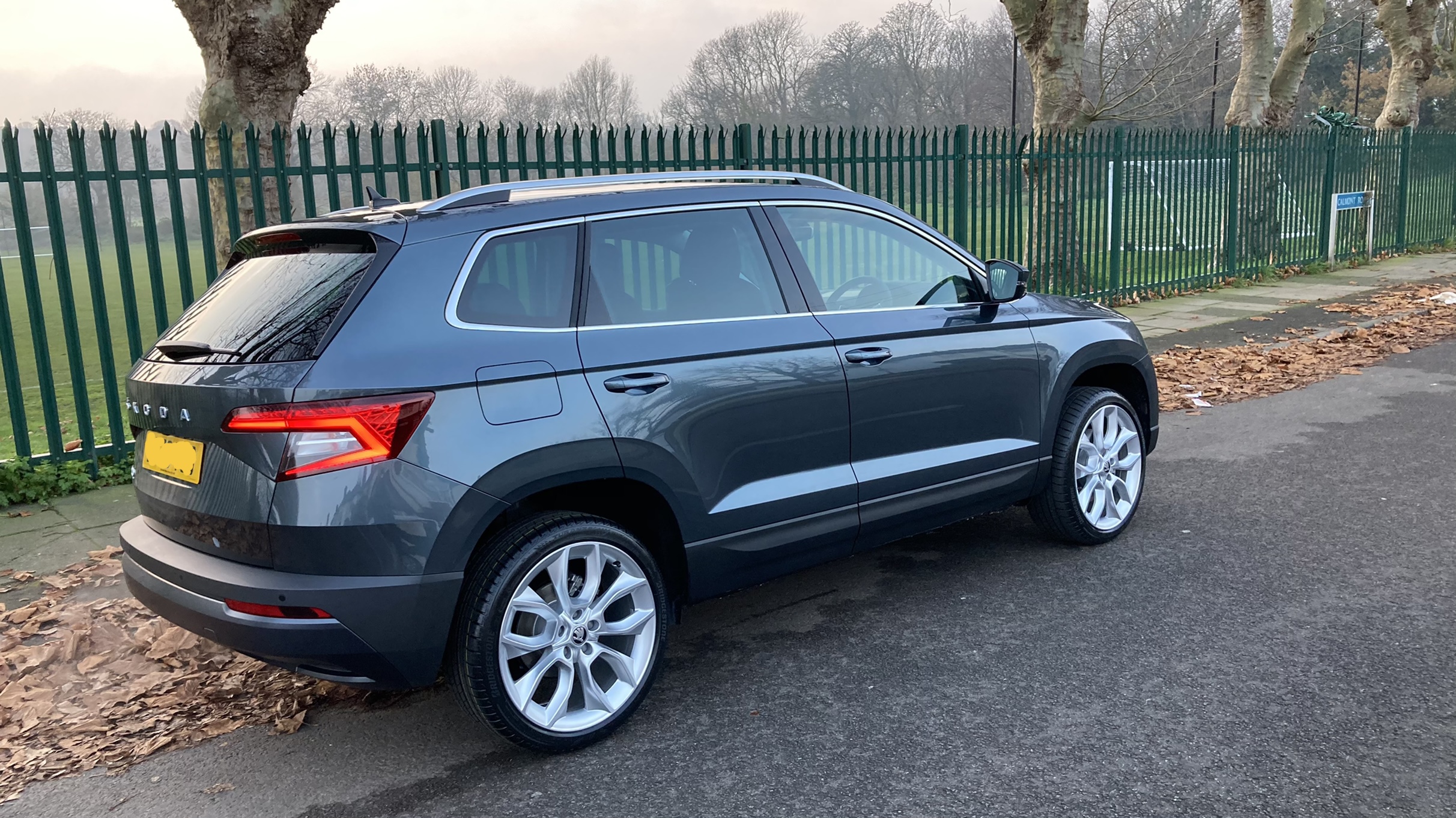
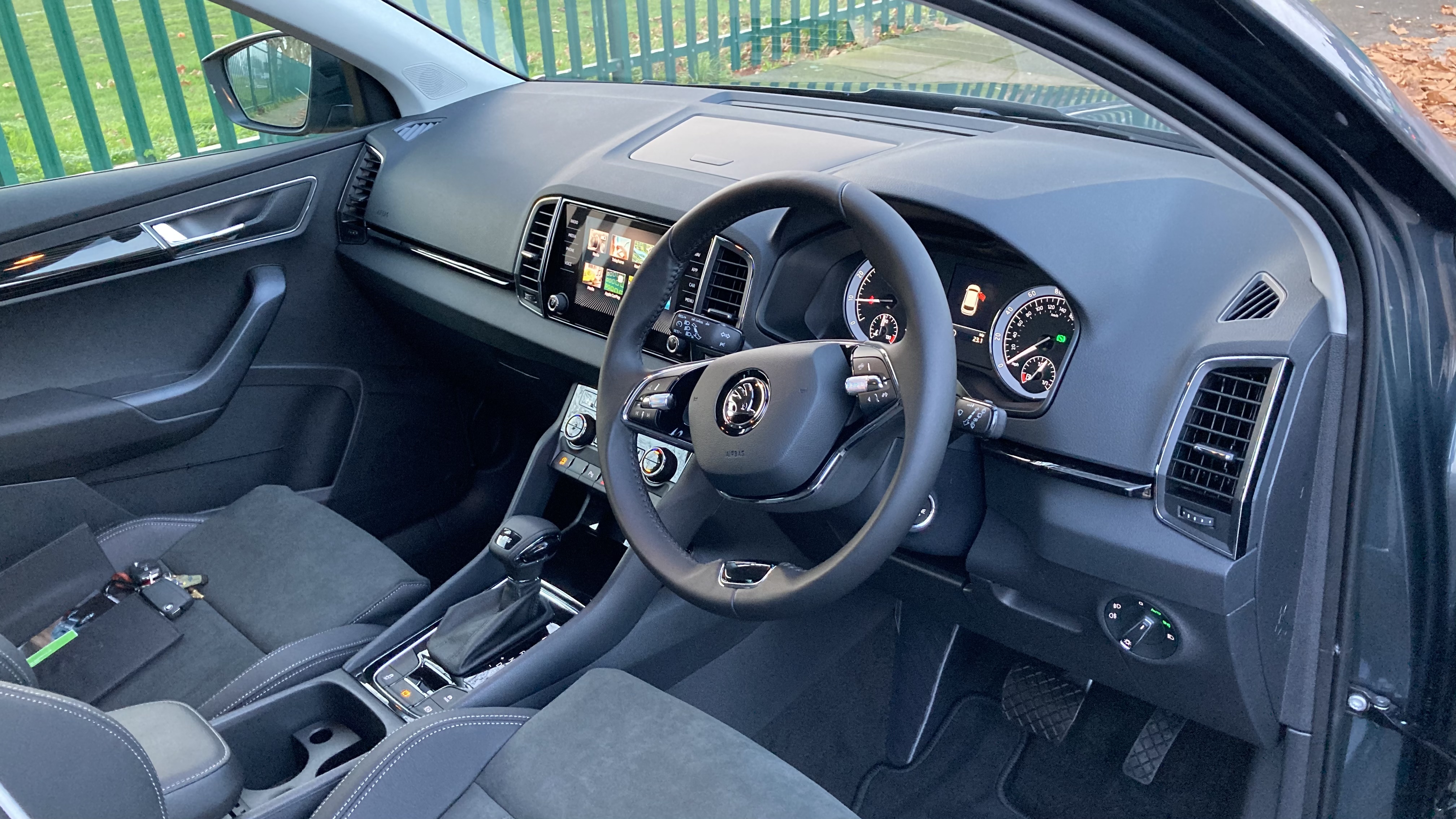
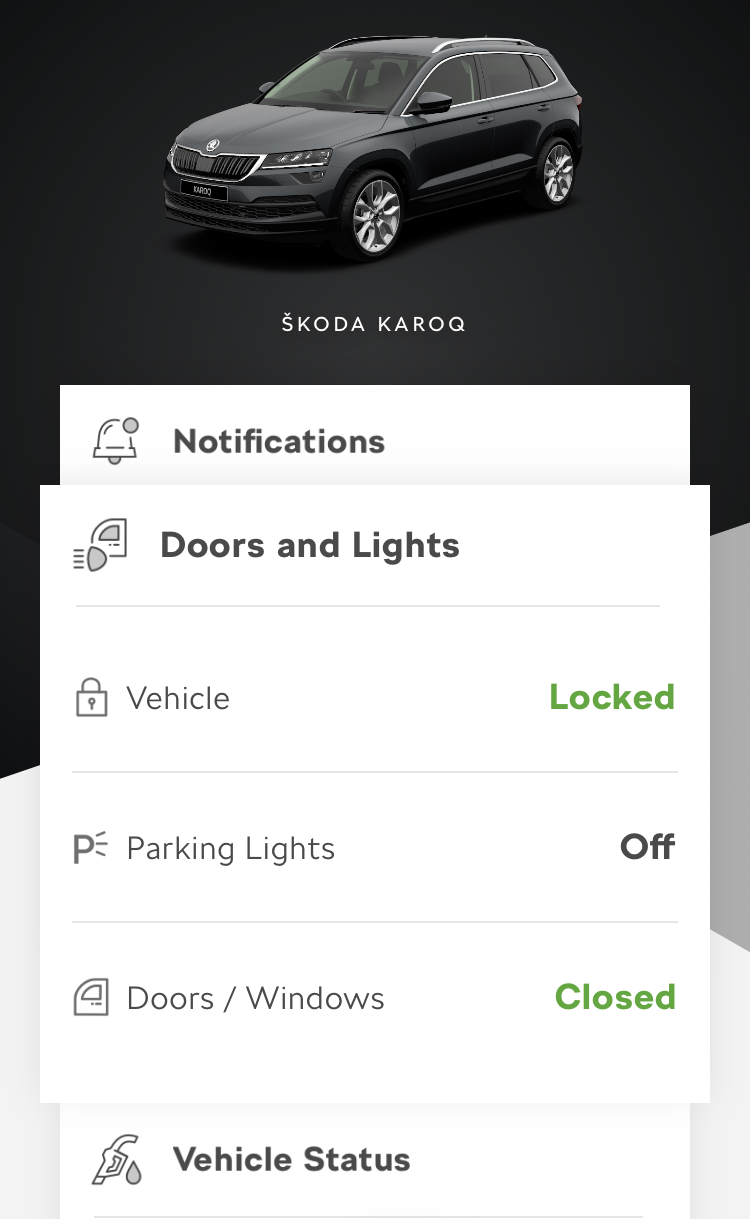
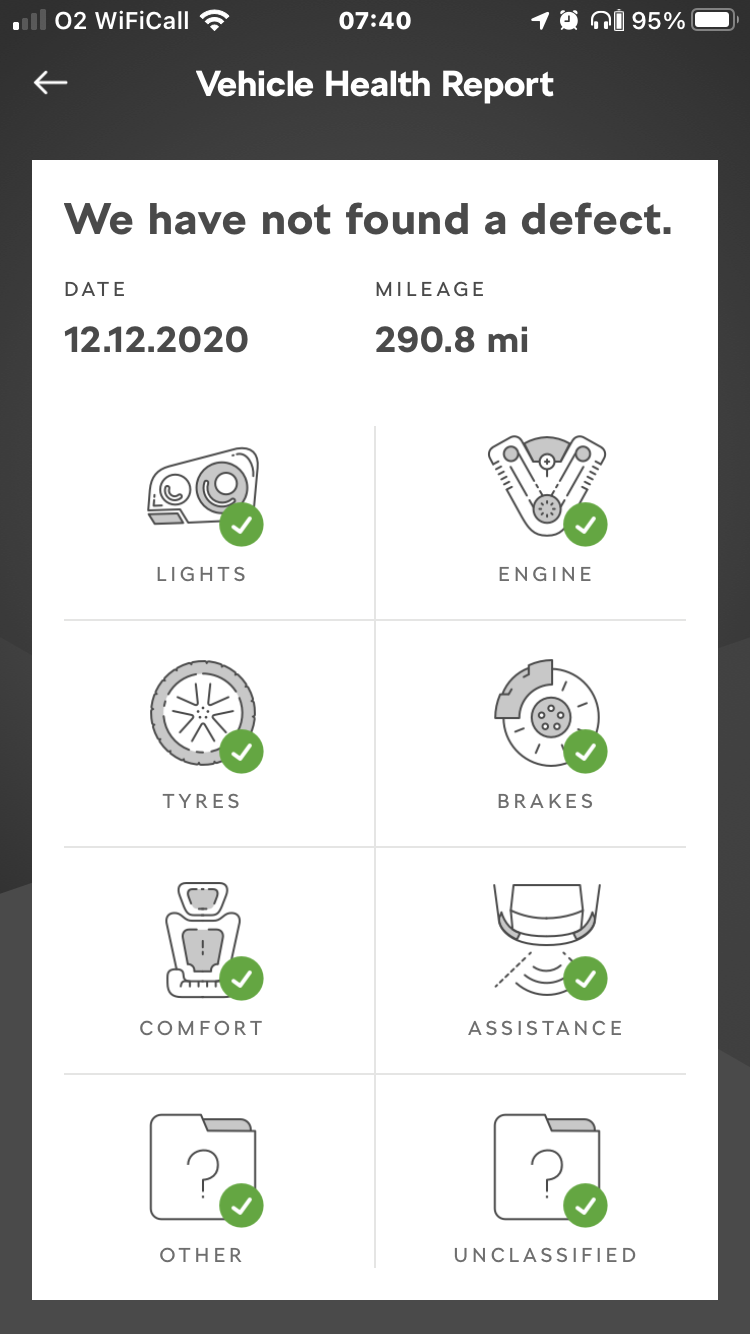
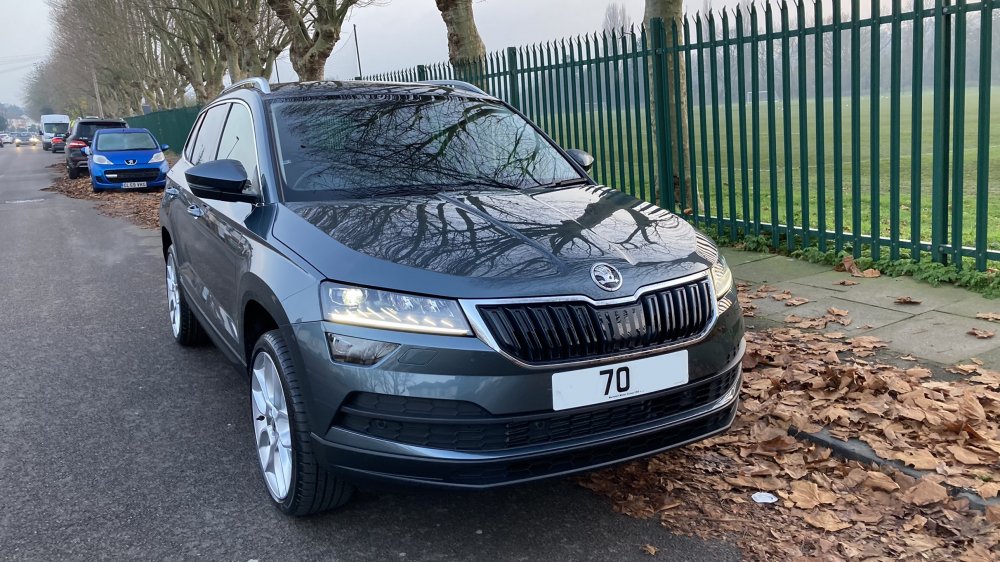
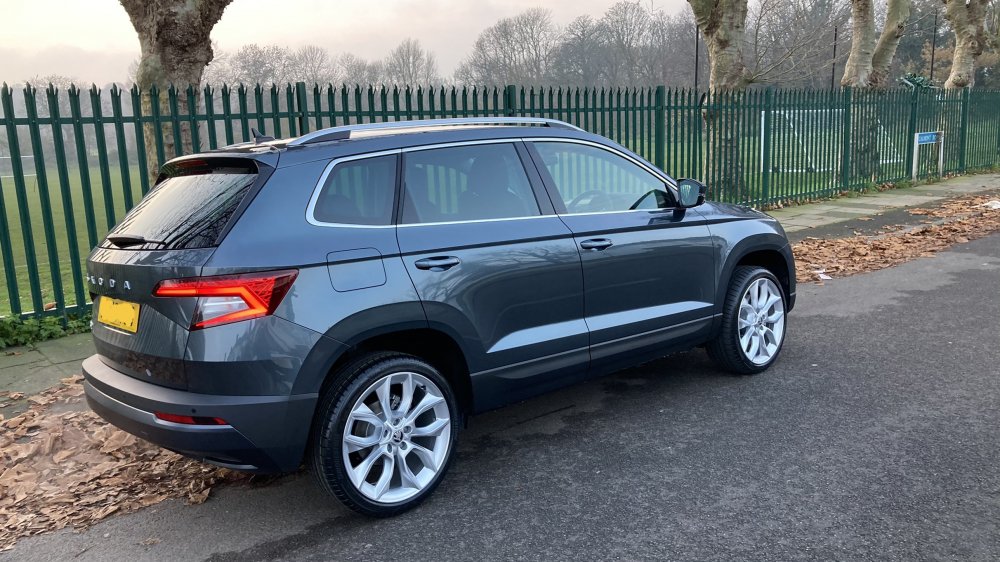
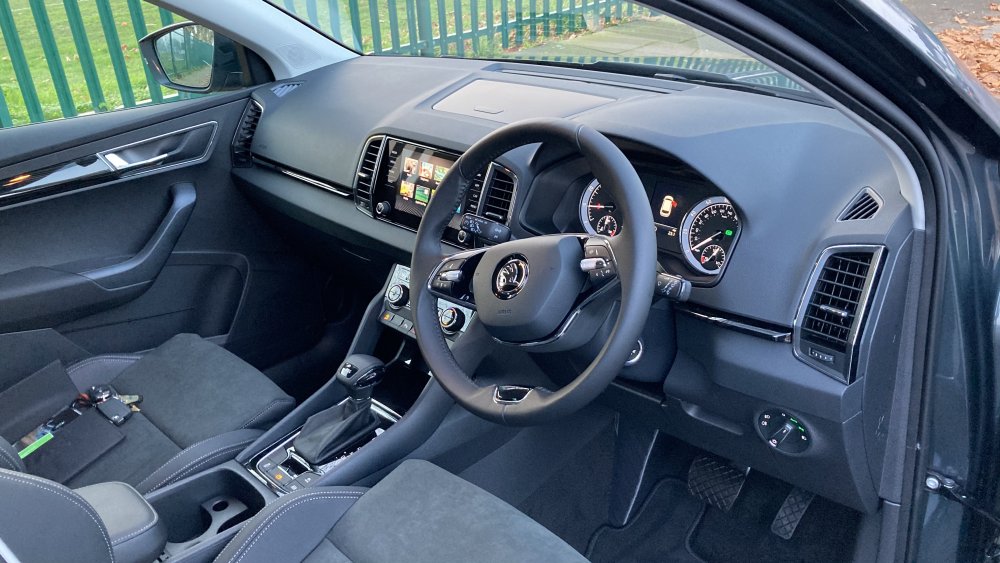
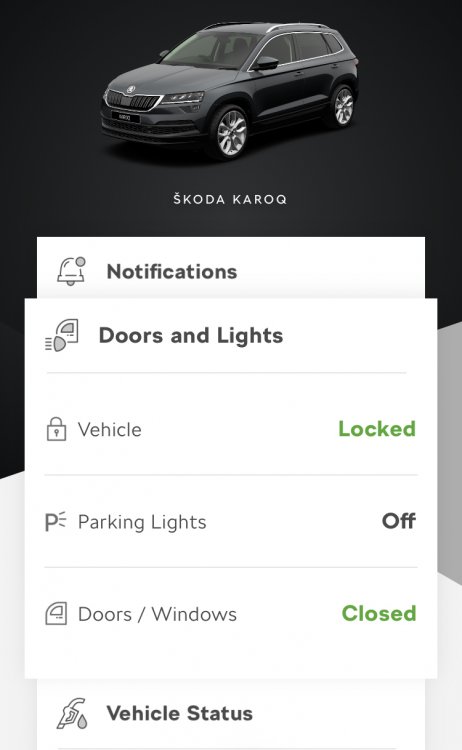
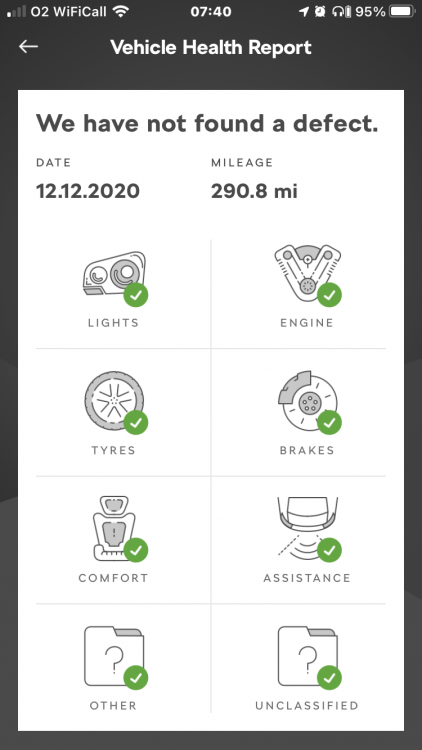
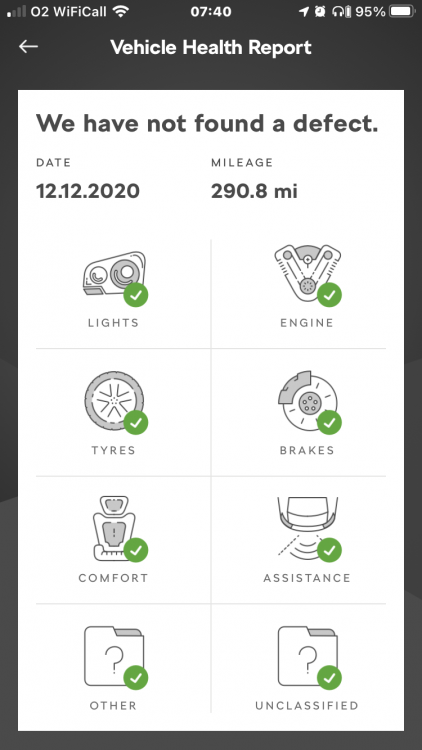
So I picked up our Karoq at end of November. Must say 10/10 for staff and service at Marshall’s Skoda Croydon. A very no pressure sale including an unaccompanied hour test drive and a ‘contactless’ handover during lockdown two. Didn’t think changing a car could be so easy at difficult times but they managed to make it so. Now that must state now I work in the car industry myself so I am more critical than most and know what to look out for! I work for an opposing brand too!! Having done a lot of research and swapping over from a VW we went for the 1.5TSI DSG SEL in Quartz Grey, no options as this seemed to have the most bang for buck and was due in stock within a few weeks. Two weeks in and so far very impressed. LED headlights have been superb overnight, boot has really surprised us on size and whoever thought of the blind/parcel shelf system in Czech needs a medal! Just makes sense! Car drives well and the 1.5 with DSG combo works well. Everyone has commented on how ‘premium’ it comes across. The radio/nav isn’t as user friendly as I have been used to with VAG - destination entry is a nightmare on NAV! Laura voice control doesn’t understand me at all! Radio logos are missing and can’t find a way to update them. Skoda Connect worked immediately for all but the remote locking which I had to chase the dealer to verify me. however it doesn’t ‘push notifications’ to your phone so you don’t get updates on status unless your in the app and it’s a bit slow on updating car status. Great app but needs a little work. 19’’ Alloys - look great but I really would of loved a zero cost downgrade option. They have a rubber band of a tyre on them. Quite crashy in poor London roads and speed bumps. 16s with massive tyres would be nicer in town with Kirbs but this is a personal thing! So far very happy!
-
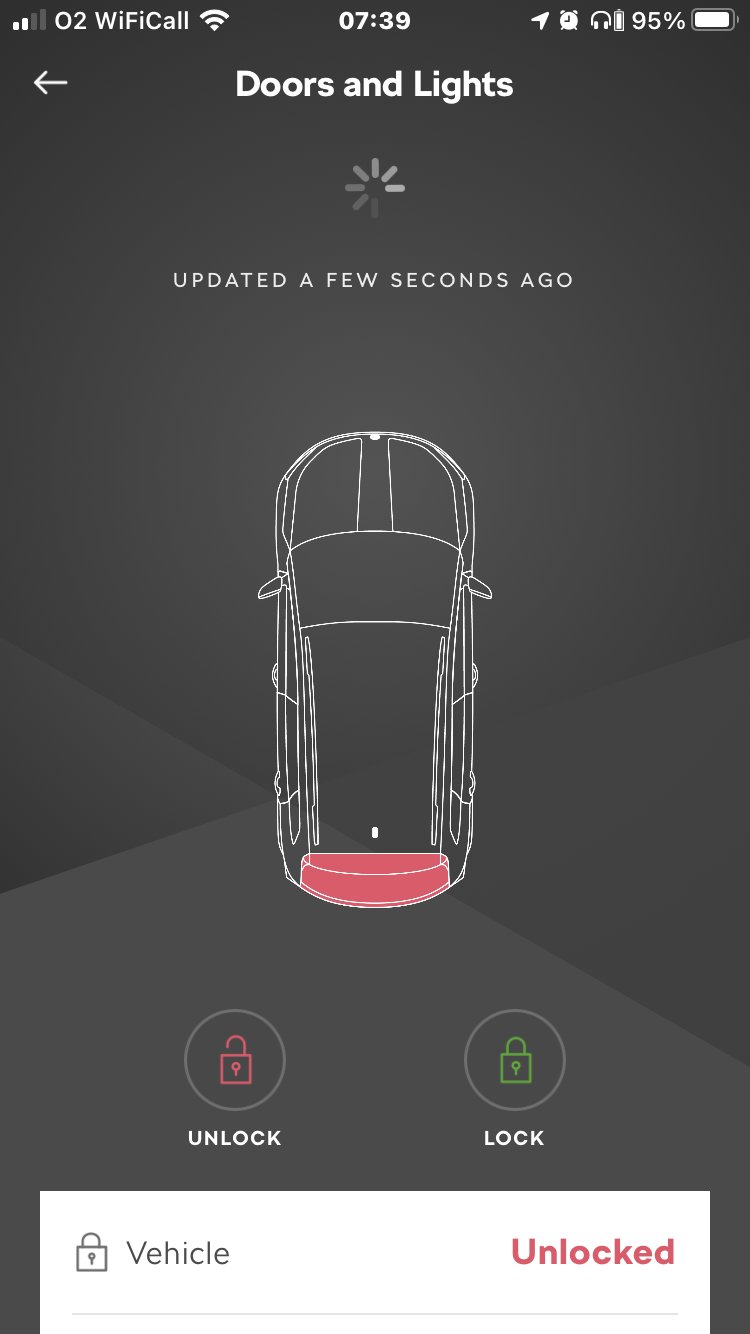
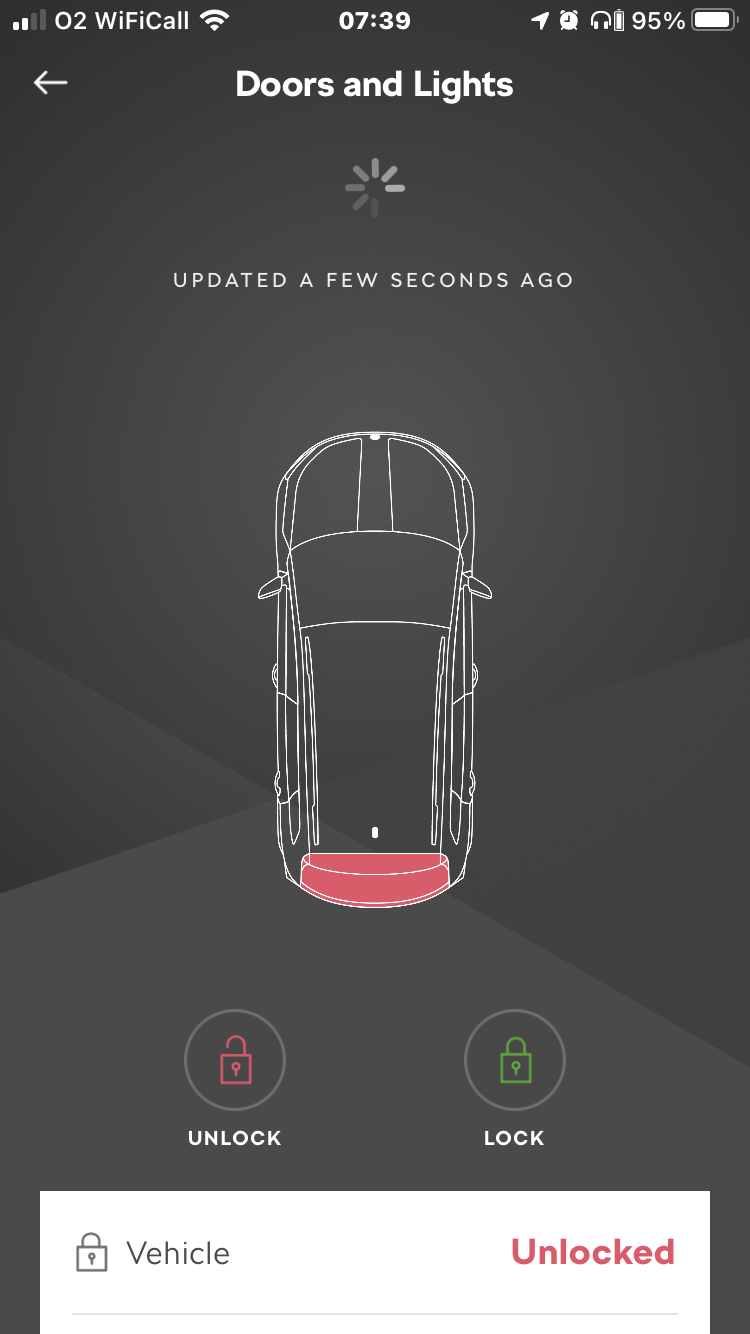
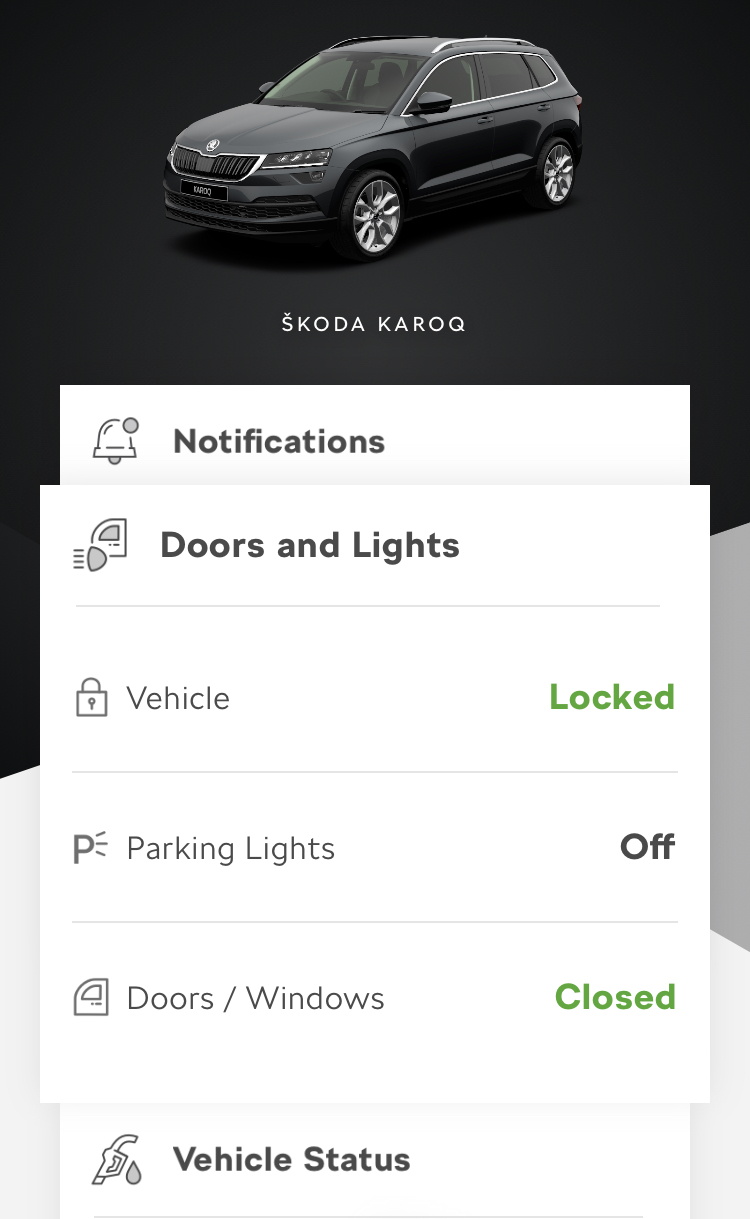
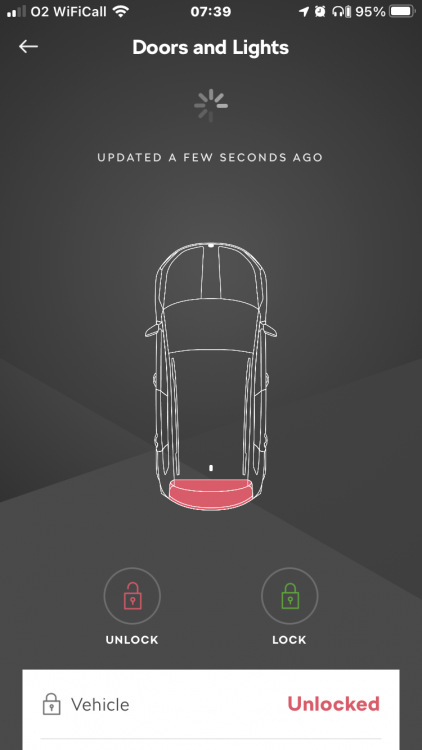
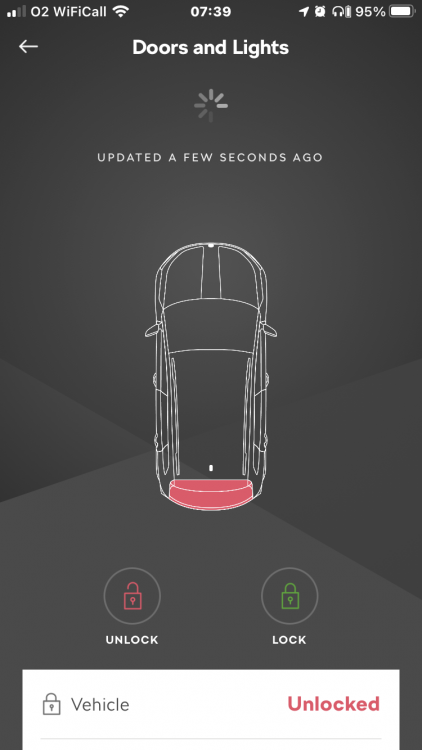
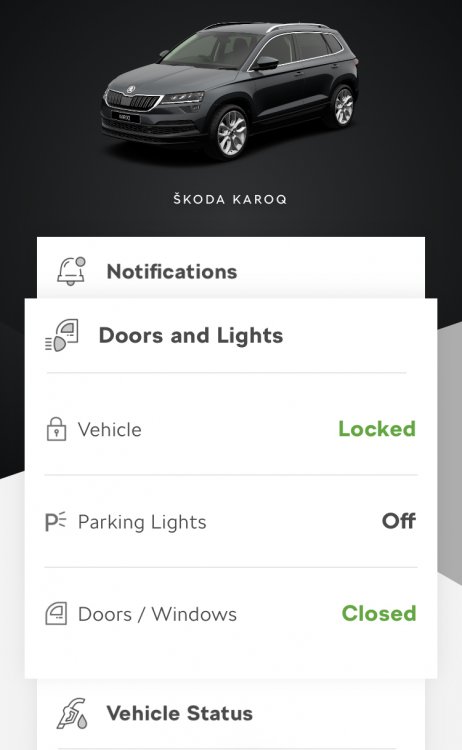
Having read the forums here I made sure to ask about ‘verifying’ myself when I collected the car as remote locking when I collected the car. Although the dealership promised to do this it took a few reminding emails to them to get it switched on. It’s now switched on. Initial feedback I have is it’s great to have this feature if you ever forget to lock the car or need to let someone in without a key but it’s a bit ‘clunky’ I have to refresh the app a lot to get the current info on car. As many times I go into the app and it says car is unlocked when I’m standing in front of it and it’s locked and closed. Takes a while to send an ‘action’ ie lock/unlock or honk/flash. Another great shame is the app doesn’t push notifications to your phone. So if you turn on area notifications for example unless your in the app you get no alerts. Or no push alerts your car is unlocked. Little features like this would be a god send. Radio logos... has anyone tried putting them on a USB stick in one of the USB-Cs? Could this work?
-
With Stop/Start the engine will only switch off if the consumers you are using don’t require the engine to be ‘on’ to run them. Coolant needs to be at temp, ac compressor not required, heated mirrors and rear window draw power from batt. To charge the batt the engine needs to be on. There’s also info running through ECU deciding this on if your seatbelt is plugged in or not. Don’t forget the front assist/acc is even watching traffic ahead to re-start car if vehicles ahead move off! Effectively there are more reasons the car won’t turn off than it will! Not
-
Excellent! Good to be back!
-
Does anyone know what a 21 MY Karoq SEL will have for rear reverse & turnsignal? Full LED or just the stop & tail?
-
Good Evening All, I’m an old Briskodian returning. Many a moon ago I used to be Fabia12v approx 2003-2008. A lifetime later, many a car and now a family we’ve just ordered a Karoq in a downsize from a 2017 Touran. Hopefully get some good hints and tips like the old days on here. 👍🏻