.jpg.e3c9f6f3ce02f444c97b48185c7753ef.jpg)
Rajj
Members
-
Joined
-
Last visited
Everything posted by Rajj
-
I have just purchased a vw data plug from eBay for a fiver. Will try that on the Skoda connect lite app. I shall update my experience soon
-
-
Oh is it! That’s good to know.
-
unless there is some sort of advanced sensor that detects metal, i think what i said is bullocks. lol
-
i have read else where that the front assist does not work for non vehicle related (other than cars, such as brick walls etc). not sure how true that is.
-
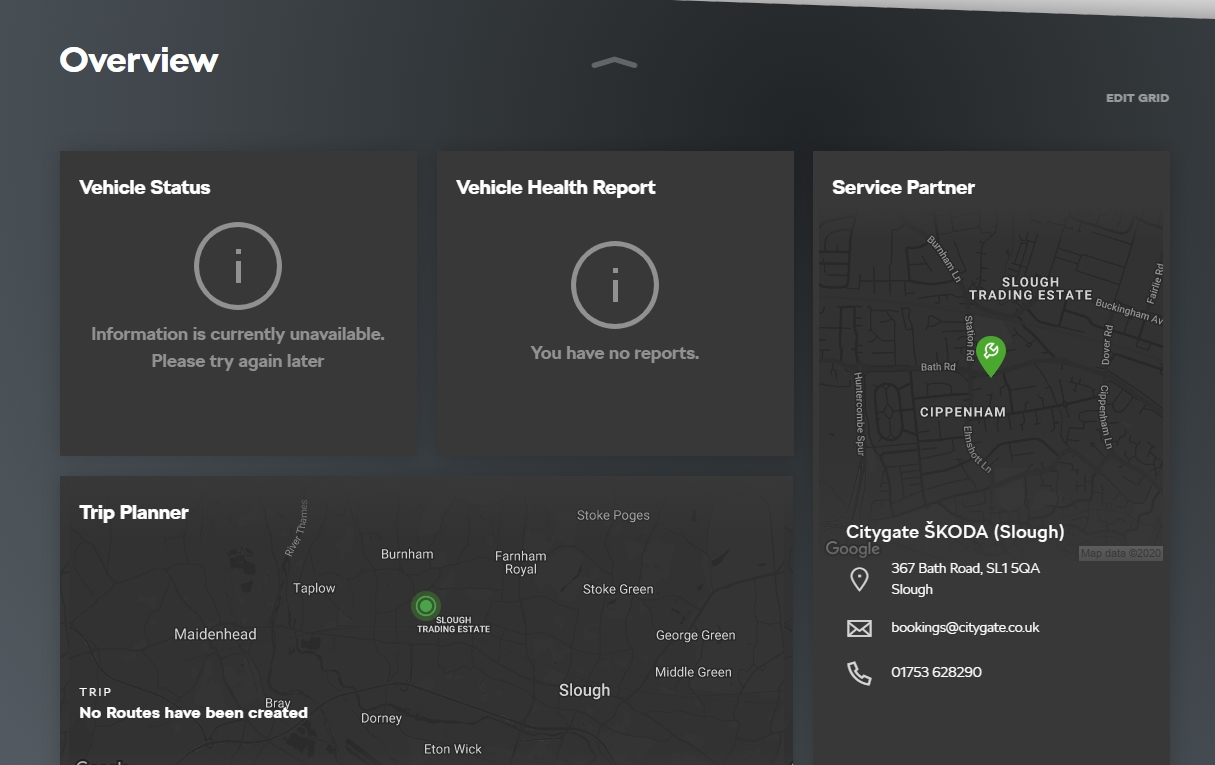
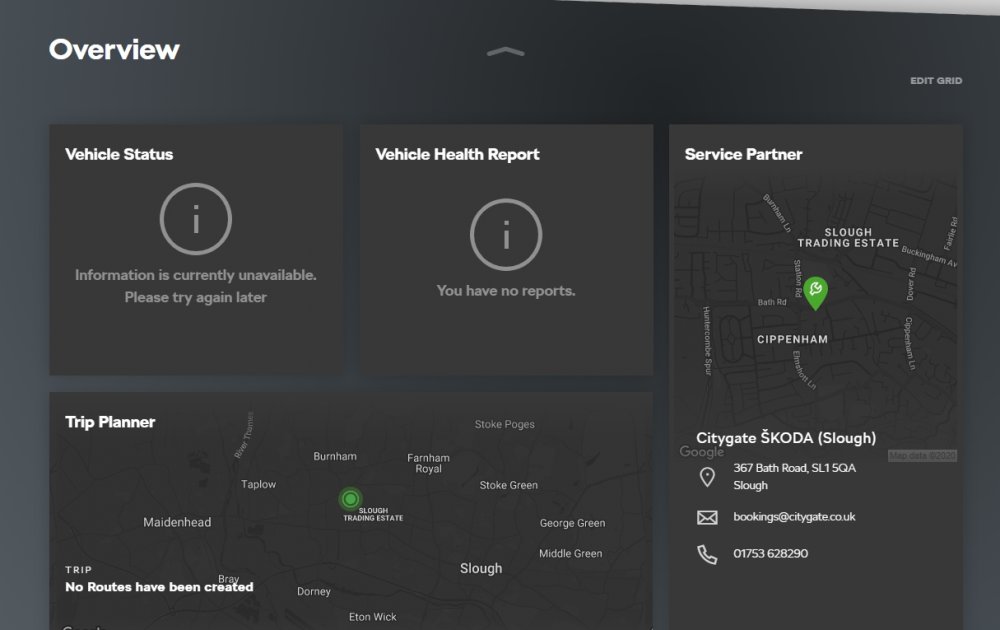
i have activated every thing i could think off. but when i login to the portal all i could see is this.
-
not sure about that. i wish we could do that. i hope people currently using MIB2 Amundsen could shed some light on this.
-
what i underatand is that there has to be a sim slot for the system to be online even after the ignition is turned off and car locked. placing a sim stick in the usb would definitely get you the WLAN for infotainment on the go but would not help in remote connection via the app. please correct me if i am wrong. the older cars with columbus systems have a sim slot, which would aid in remote connection.
-
ah is it!
-
yes, Amundsen is good. but i do not use the built in sat nav. i only use it with the apple car play. i got the delivery in sept (peak time of corona saga) and hence the dealer was reluctant to demonstrate the full set of features. but i take the moral out of this, which is to never trust the dealer's suggestion.
-
-
ah bummer ! mine is L so its 2020 model then. ah i shouldnt have fallen to the "3 installement waiver" deal offered whilst purchase. i guess its a tactic to get rid of the old stock. i got the delivey of my model on september and i believe its manufactured in july of 2020. so i guess even with a sim stick i wouldnt be able to control the vehicle remotely, as the whole system would shut down with out ignition.
-
ah MY21 is the new version of the infotainment system, ok i am with you now. Alas, i have bought the older version of the karoq then. mine is july 2020 make. i guess 2021 makes are post september 2020 models am i correct?
-
so Chris, is My21 an app that i could download? yes i have ios and am currently using the old version of the skoda connect. yes i am aware of the new app ugrade. i shall do that once its pushed as an update for IOS.
-
Sorry Chris, I was quite eager to get the reply. My mistake.I shall remove the question from other threads.
-
I have a question regarding the Skoda connect app please. i have connected my 2020 Sportline karoq to the Skoda connect in a hope that i could control my car's horn, lights etc. but unfortunately i could only see logbook, trip planner and service partner options in the app. cannot see all the cool stuff like vehicle status, lights, horn etc. what am i doing wrong? or my car do not support these features? any help would be greatly appreciated.
-
I have a question regarding the Skoda connect app please. i have connected my 2020 Sportline karoq to the Skoda connect in a hope that i could control my car's horn, lights etc. but unfortunately i could only see logbook, trip planner and service partner options in the app. cannot see all the cool stuff like vehicle status, lights, horn etc. what am i doing wrong? or my car do not support these features? any help would be greatly appreciated.
.thumb.jpg.5471c3d09935947c31d18fd43c9f47e7.jpg)