




Nahkri
Finding my way
-
Joined
-
Last visited
Everything posted by Nahkri
-
I know there are differences between trim levels and prices from country to country,but when it comes to how to operate different systems of the car,i doubt Skoda would complicate things ,by switching around buttons and functions from country to country. Imo the person who started the topic should post a picture of his dash and point on the picture where he wants to change the info on the dash. What i said in my post ,applies to the digital dash(aka Virtual Cockpit),set in the mode where i have an analogue tachometer on the right and a analogue speedometer on the right,and the fuel consumption in the middle,between the 2 virtual dials.
-
With the "since refuelling" info the dash you shortpress the right hand size thumb wheel once and it will switch to longterm,another short press and it will switch to since start and another short press and back to since refuelling.
-
How do you remove the side dash panel?from step 1,i tried pulling it towards the outside,it flexes but wont come out.
-
Starting at minute 3:28 he explains how water gets inside the doors and thats it os normal for all the cars.
-
https://www.cars-equipment.com/en/shop/foot-pedals/sports-footrest-skoda-kamiq-skoda-scala/ I mounted this model of footrest,its easier to mount then the other model,you dont have to cut or fill in anything.
-
https://www.kufatec.com/en/coding-diagnosis/kufatec-coding-dongle/coding-dongle-mqb-mlb-high-beam-assistant-hba-43262
-
Acording to the manual,you stick in the odb port,leave it a couple of minutes to do the coding,then take it out and you are done. It only works on lane assist,if you want to activate other options,you need to buy another coding dongle for that specific function,they have a lot of options on the site. https://www.kufatec.com/en/listing/index/sCategory/1265?p=1&o=3&n=12&f=150 As for it working on uk cars,i don't see why not,it's the same lane assist on all cars,there is a product inquiry on the page,you can ask them. EN Codierdongle.pdf
-
https://www.kufatec.com/en/coding-diagnosis/kufatec-coding-dongle/coding-dongle-activation-last-memory-lane-assist-for-audi-vw-seat-skoda-46265 A quick option to program the lane assist to stay on or off after you turn off the engine.
-
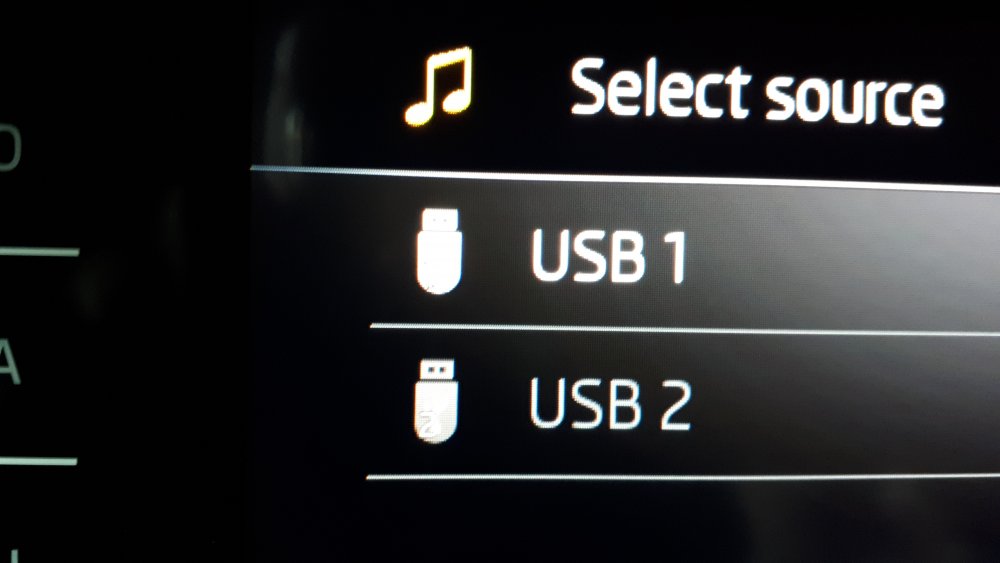
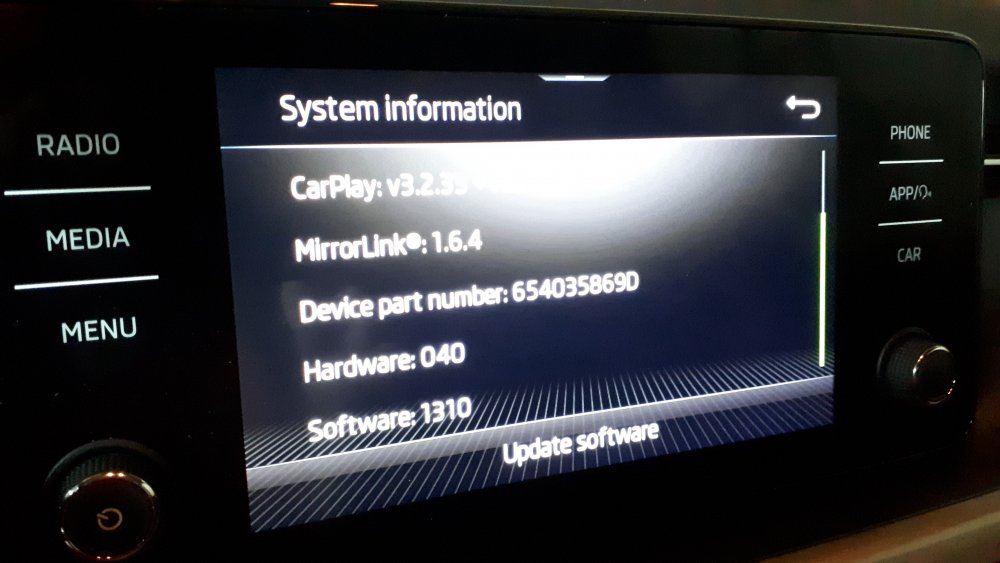
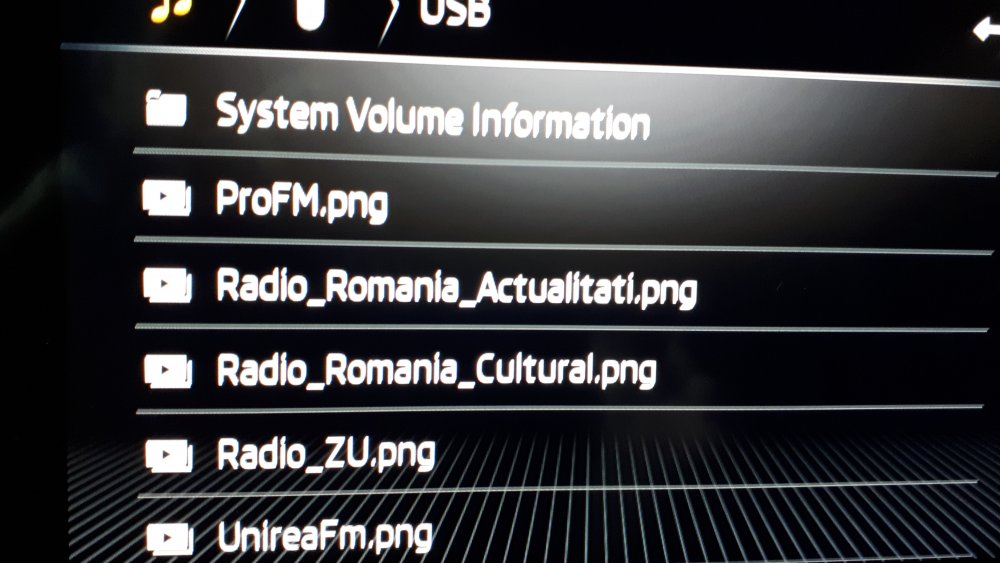
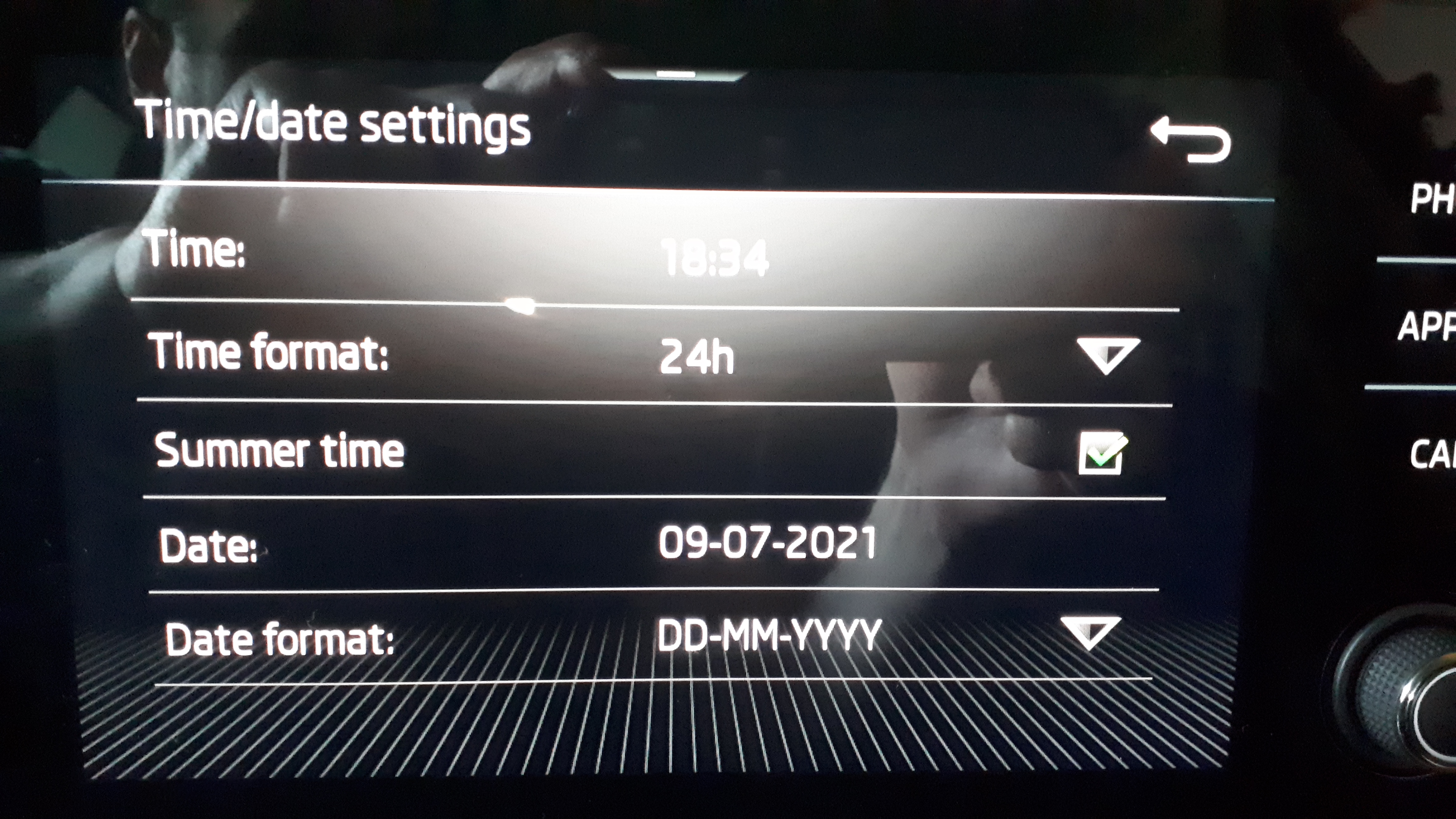
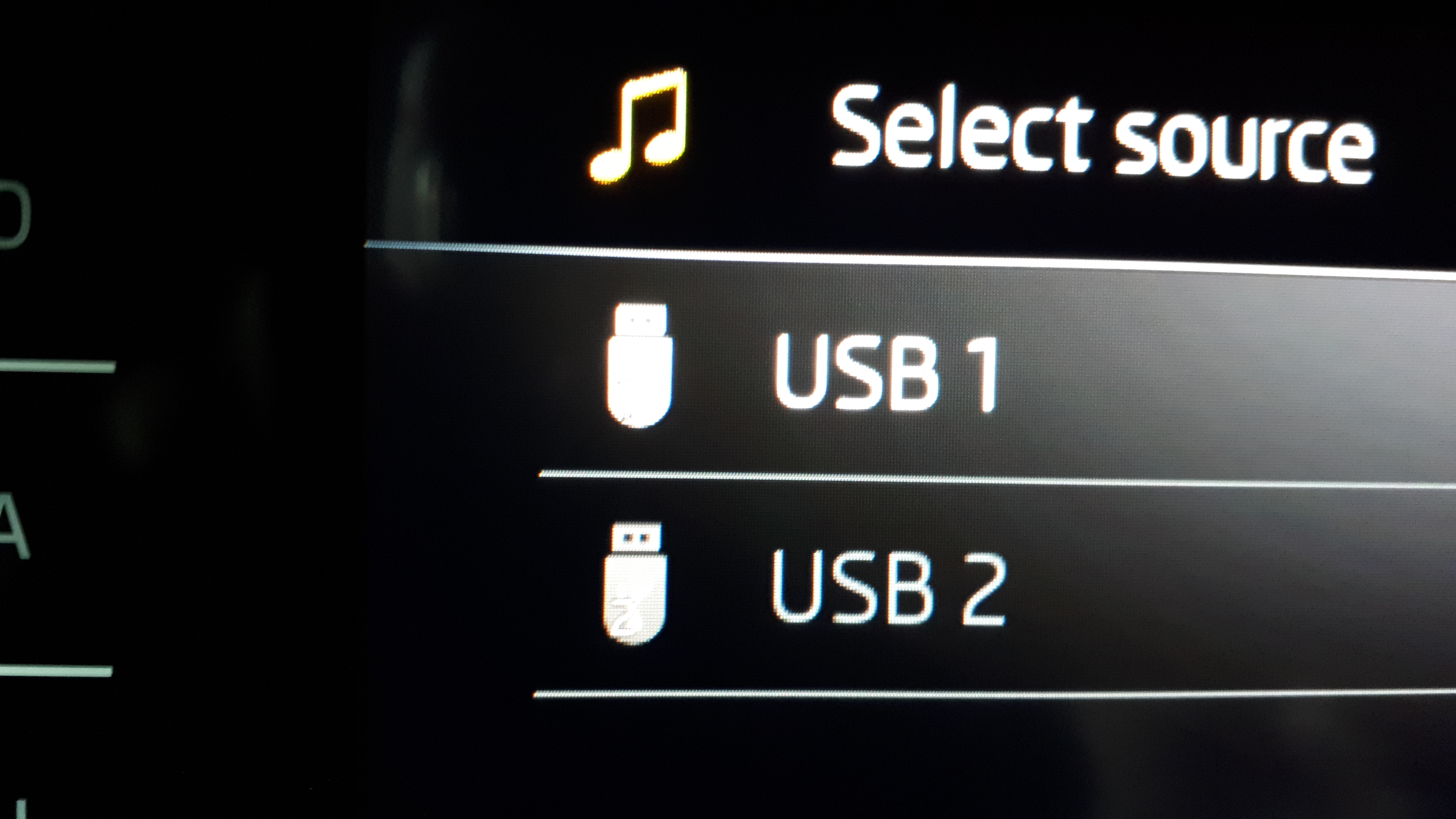
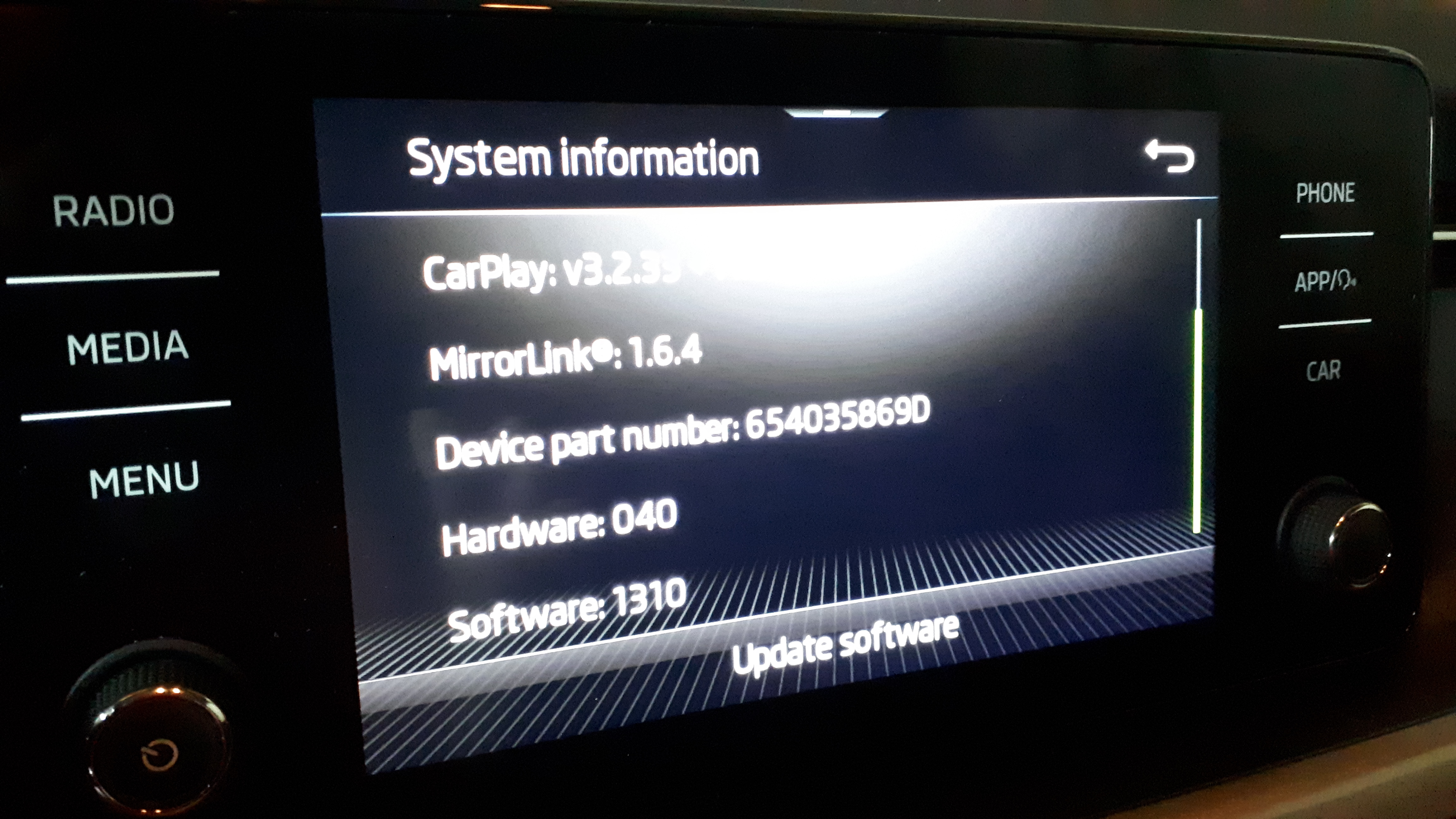
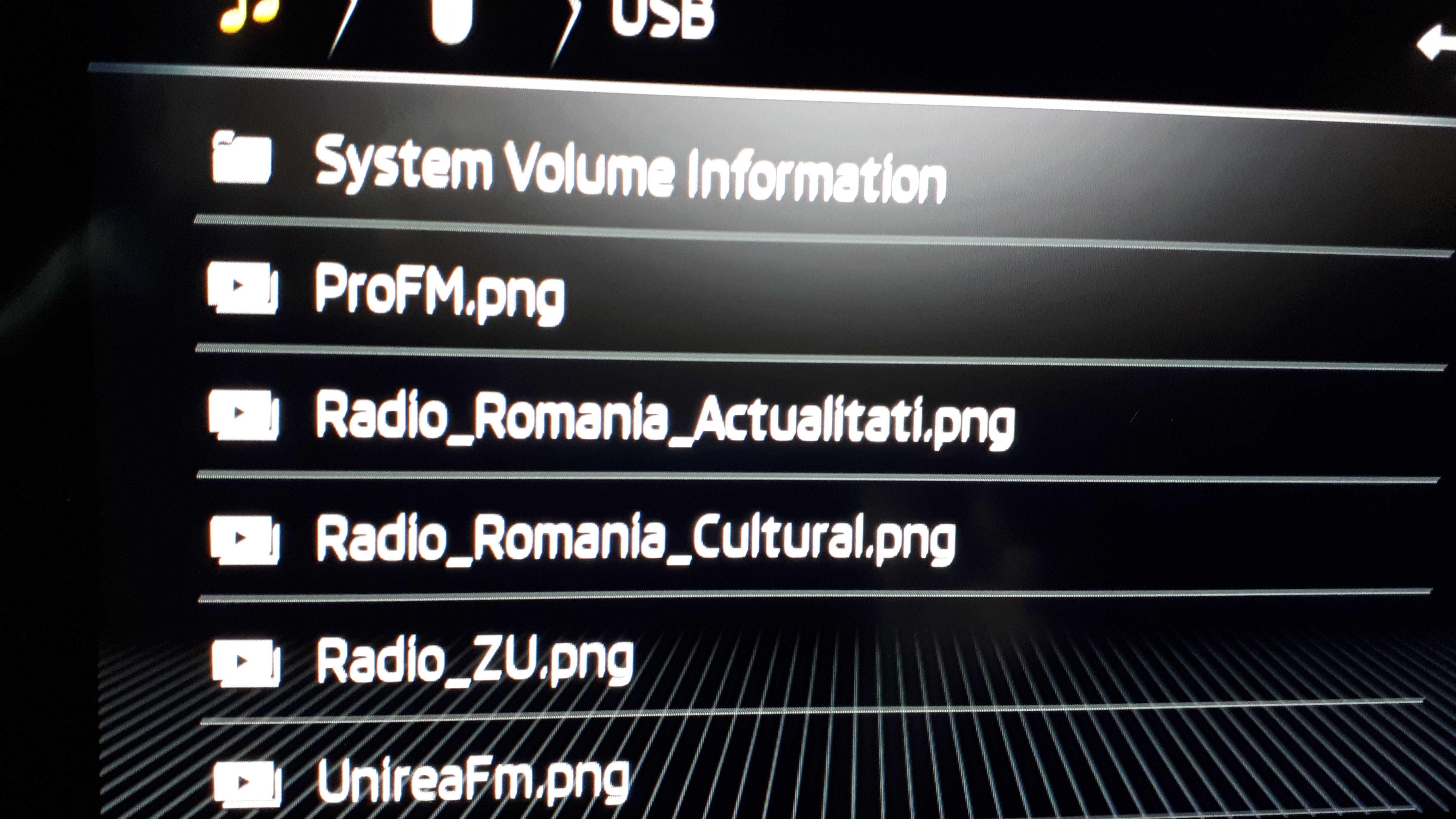
You can turn it off from the car menu,but you have to do it every time you start the car,vcds doesnt disable the system just makes it remember to stay off after you turned it off,if you can turn it back on from the car menu anytime you want,you dont need vcds anymore. I'm more worried about the cars warranty,then any legal matters.I would take the car to the dealer,to fix the problem,while the warranty lasts,it's not normal for the seat to recline on itself.Acording to this video,there is the option to activate lane assist memory,so once you deactivate it ,it will remain deactivated even if you turn the engine off. In order to activate it you need someone with a special scan tool ,i'm sure there are ppl around doing this stuff. Not sure how it affects the cars warranty.Yeap thats exactly what i got,the stock Skoda connect,if you want more options you got to pay. I think ,but i'm not 100%,you also get free,auto system updates for 1 year.And how does it work?the smaller water droplet means a lower sensitivity and the bigger means a higher sensitivity?So far i used it only on int(auto) and i had no problems seeing outside even in very hard rain. Speaking of using the wipers on auto,on my older car ,i only had an intermintent setting without a rain sensor,with the little knob on the stalk,i was controlling the time interval at which the wipers would wipe,there is a similar knob on the kamiq,what does it control,since the car has a rain sensor and a auto function?You are not the first person i hear complaining about the angle of the seat going down,you should take it to the dealer,fix it on warranty.I want to confirm,that wireless Android Auto does work on a phone with Android 8,i have a Samsung Galaxy A7 2017,but i had to activate developer option on phone and enable wireless projection in Android Auto settings.I picked up my car last week,ordered in january ,i configured it myself,so it's a 2021 production model,it has software version 1310 and the add logo from usb stick works.There are 2 options in the advanced tab that i have ticked:one is autostore station logos and region for station logo where i selected the country where i live.
 http://www.kopacek.com/Skoda/KAMIQ/Kamiq-wind-rain-deflector-set-FRONT No idea how much shipping costs.Isn't that pretty much the definition of a crossover? Quote from wikipedia:"In the United Kingdom, a crossover is sometimes defined as a hatchback with raised ride height and SUV-like styling features."Also the Kamiq has a longer wheelbase 2651 then the Karoq 2638,so legroom is better in the Kamiq.When did you order the car?do they still offer the 115hp engine in Australia?only the 110hp version of the engine has the new layout.It is the same,it does say that it is official Skoda Auto,a.s. accessory,both the glossy black and the silver at 49.99 are oficial skoda accessorys,should be identical to the one you get from the dealer,the cheaper ones are the aftermarket ones.http://www.kopacek.com/Skoda/KAMIQ/Exterior/ I managed to find some aftermarket parts,they ship worldwide,the aftermarket ones,seem to be wider and better cover the bumper.Where did you get that black, boot edge protector?


Important Information
Welcome to BRISKODA. Please note the following important links Terms of Use. We have a comprehensive Privacy Policy. We have placed cookies on your device to help make this website better. You can adjust your cookie settings, otherwise we'll assume you're okay to continue.