



OctaviaPetrolHead
Finding my way
-
Joined
-
Last visited
-
Hi, I had similar issue after OTA Modem update. I suspect my profile on Skoda servers got corrupted. Once you start your car, quickly enter Guest profile, and if everything works fine, your primary profile is corrupted. Check my post on this topic, as it worked for me 100% https://www.briskoda.net/forums/topic/538309-octavia-mk4-my2023-ota-update-went-wrong-03a8/?_fromLogin=1
-
-
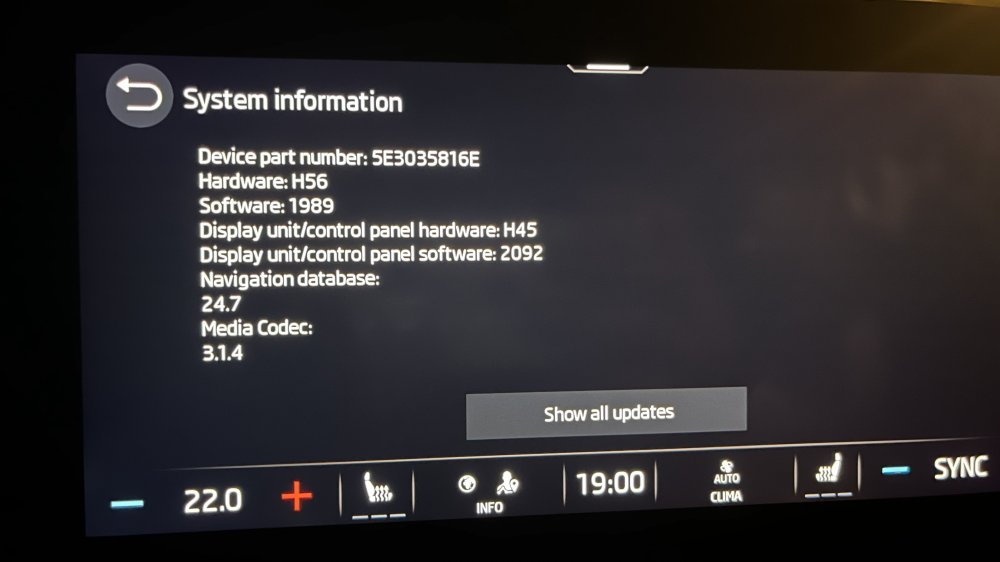
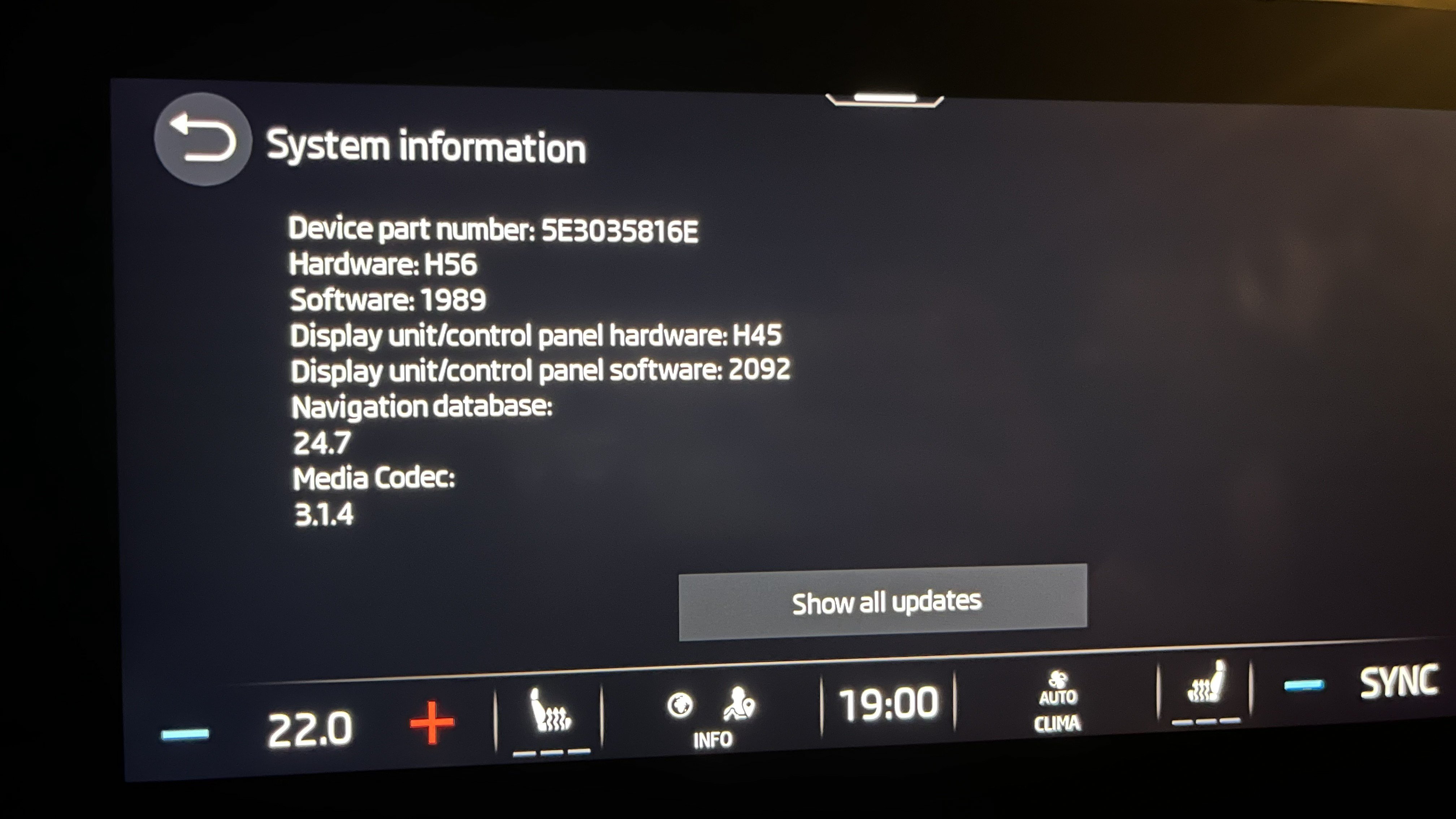
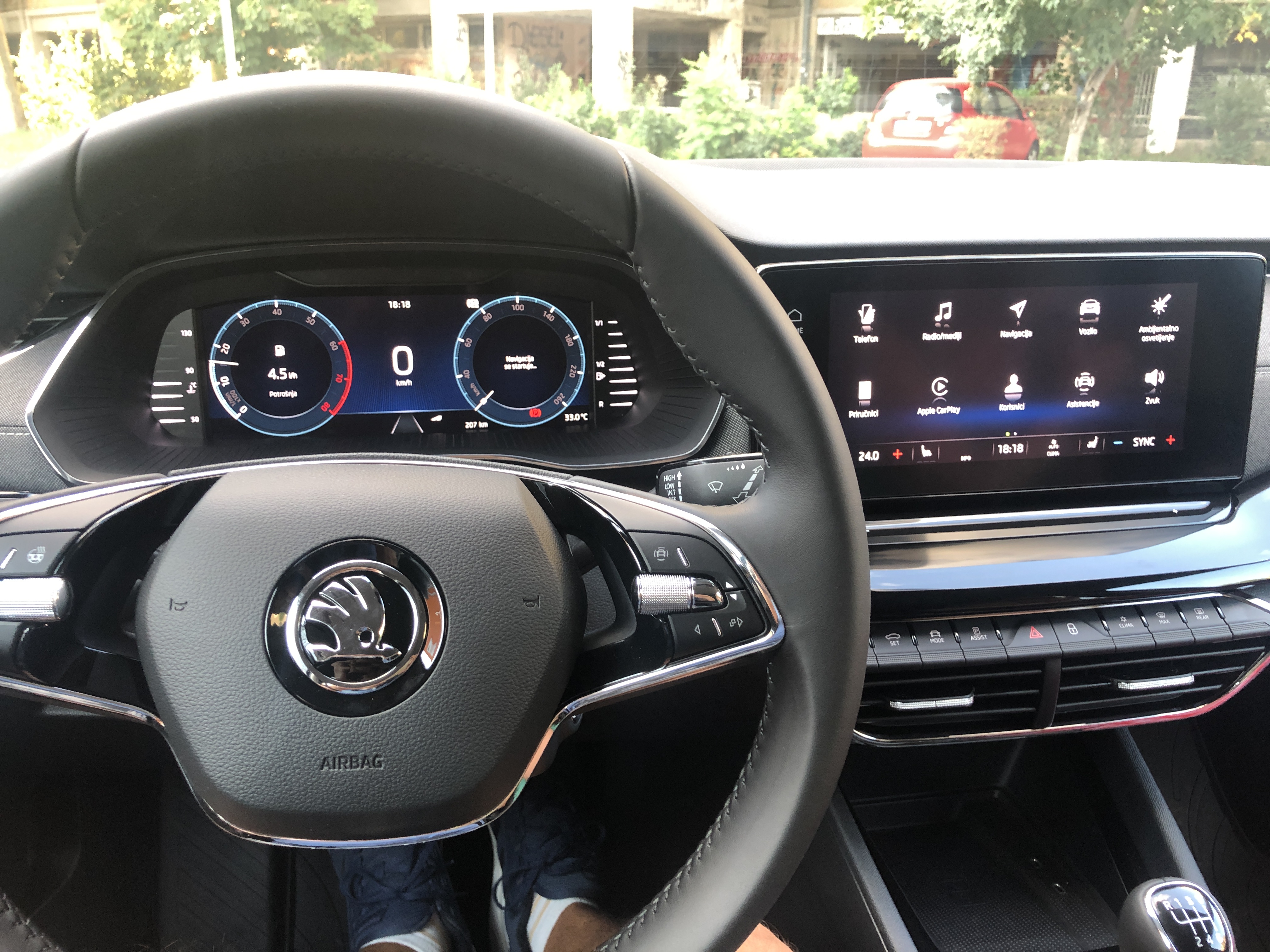
Hi guys, I had the similar issue, as described here (Octavia 2021). I was able to solve it by myself. How it all started? I got notification on Monday that there is OTA 03A8 update that stated I should install it or some things might stop working in the future. I downloaded it in the evening while driving, and after I parked my car and clicked Install I waited 30 minutes but there was not any information that install is progressing. I turned off ignition, left the car, locked Then Unlocked, Ignition on, and Infotainment prompted me to login with my primary user account After providing username and password, hell broke loose with my infotainment Symptoms after update: After loading primary user profile, Infotainment gets stuck, and cockpit starts shining as Christmas tree Screen goes blank, but still on in the background eSIM icon was offline Force shut down, by extended holding of Power button doesn't help Unplugging and plugging infotainment fuse doesn't help Spent 1h trying to troubleshoot, but no luck After 24 hours, eSIM icon changed from Offline to Online (Tuesday evening) Workaround: I've discovered that if you force restart the infotainment (extended holding of Power button) and quickly enter the Guest profile, Infotainment starts working properly If you try to switch profile to primary owner, same issue above starts happening (so don't do it) Deleted Primary profile (only guest remained) Solution (in my case): I suspect that my profile got corrupted on Skoda servers, so when it starts download to Infotainment, corruption starts I used another email to create Skoda account, and signed into My Skoda app I used new email to login to Skoda infotainment, and VOILA - no issues. Infotainment worked perfectly since But I have Remote Access paid until end of August 2026, so I didn't had access to my car via new My Skoda app with new email Thankfully, when you choose and follow thru option to become primary user (via Infotainment + two keys need to be present in the car), exiting Remote Access subscription was transferred to new email. Since, Tuesday evening, everything is working perfectly. Hope it helps. Attached image shows info after fix.
-
Hi guys, I have my octavia for six months now. When I drove if from dealer, I've "accidentally" enabled CarPlay over WiFi, and everything was working perfectly. Yesterday, I had to factory reset my iPhone X, and reinstall everything, Once, I came to my car and tried to connect to CarPlay over WiFi, to my surprise there was so many errors. Tried all sort of things, but didn't wanted to try to connect via cable. After consulting few websites/YouTube videos, I WAS ABLE to connect without any issues. This is what I had to do: Siri must be enabled !!! (iPhone Settings > Siri & Search > Enable Skoda Settings > Devices > Your Phone > Delete iPhone > Settings > Bluetooth > Delete Skoda Bluetooth connection iPhone > Settings > Wifi > Skoda Wifi Connection (if any) > Forget iPhone > Settings > Confirm that Wifi is On (don't connect to Skoda) iPhone > Settings > Bluetooth > Connect to Skoda Bluetooth (verify that Skoda Bluetooth is set to visible) Skoda > CarPlay And voila, Skoda started the CarPlay connection wizard and I'm happy again Hope it helps.
-
Hmmm, According to this article, it seems my 1.0 TSI is fitted with GPF GPF in TSI
-
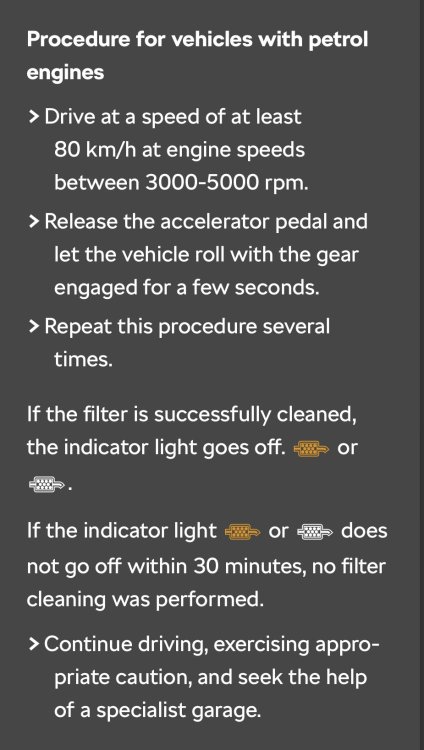
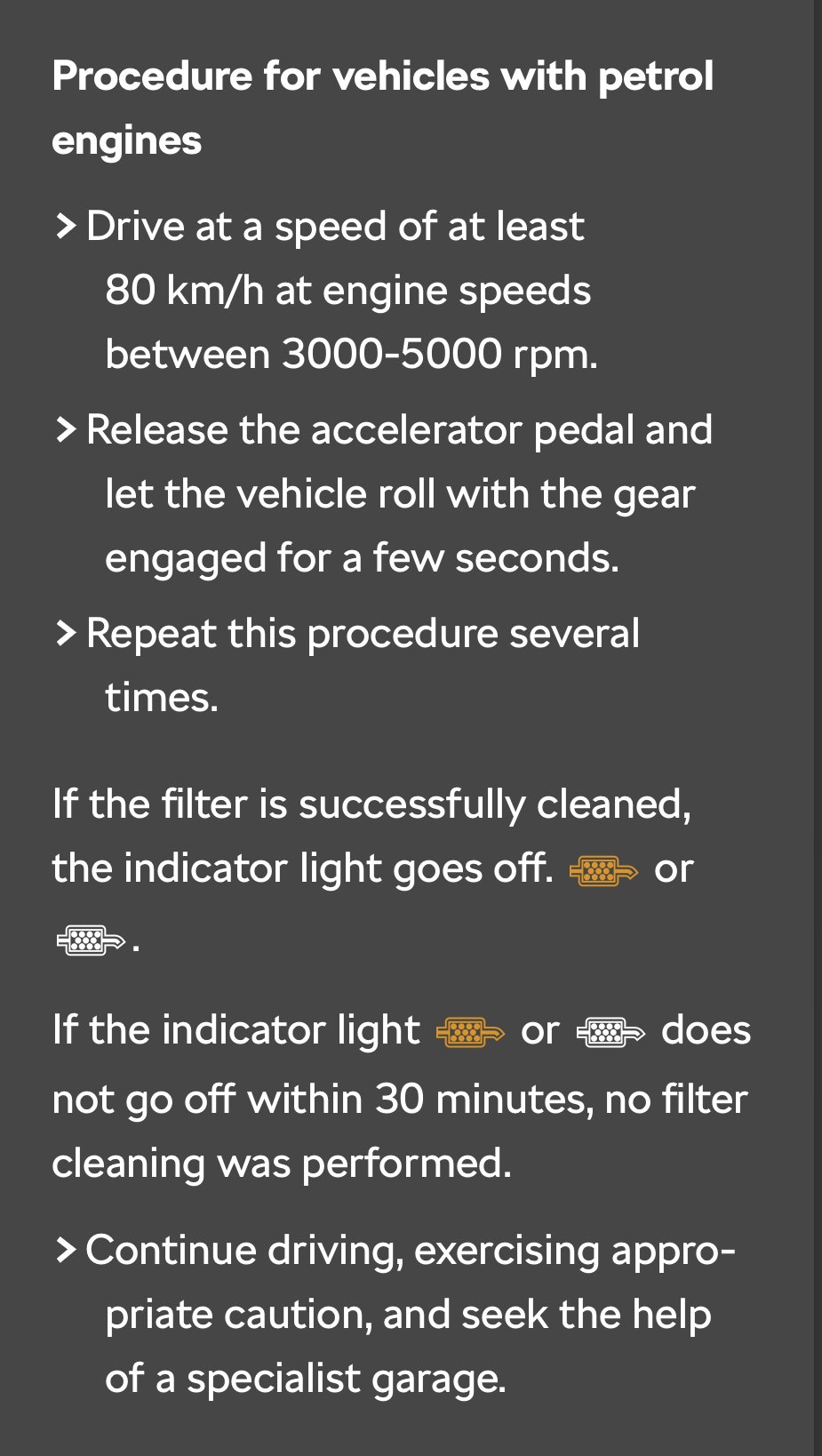
Hi guys, I read that VW group has introduced GPF to petrol engines some time ago. I'm wondering do all TSI engines 1.0, 1,5 and 2,0, have GPF? I know that petrol engines get warmer faster and that they run on higher temperatures so GPF doesn't have the same cleaning logic as DPF. Another thing I found in digital manual for my 1.0 TSI is this, so does it confirm that I have GPF?
-
Took out the 30, waited for 10 min and Infotainment is back online. Thank you.
-
Forgot to add. My profile in car can't sync since Oct 31st
-
Hi guys, Has anyone had this experience? What does it mean? I'll visit my dealer for sure, but I simply can't believe that server update can have this issue with client (my car infotainment). Dear customer, we made several adjustments on our site but for full implementation of the solution we recommend you to visit your dealer with following information* if the issue persists. *Please perform a Cl.30 reset if the issue still persists.*Thank you for your understanding, Best Regards, Control Center
-
In Serbia, I lost connectivity around 17:30 this Sunday. Interior Lights on dashboard got dimmed to 50%. Luckily I'm still logged in as primary user, but car is no longer sending its data to servers. No outage info of any kind.
-
Great news. Is it redesigned dampener or just a new piece?
-
Ask them to test drive on uneven surface with open trunk door
-
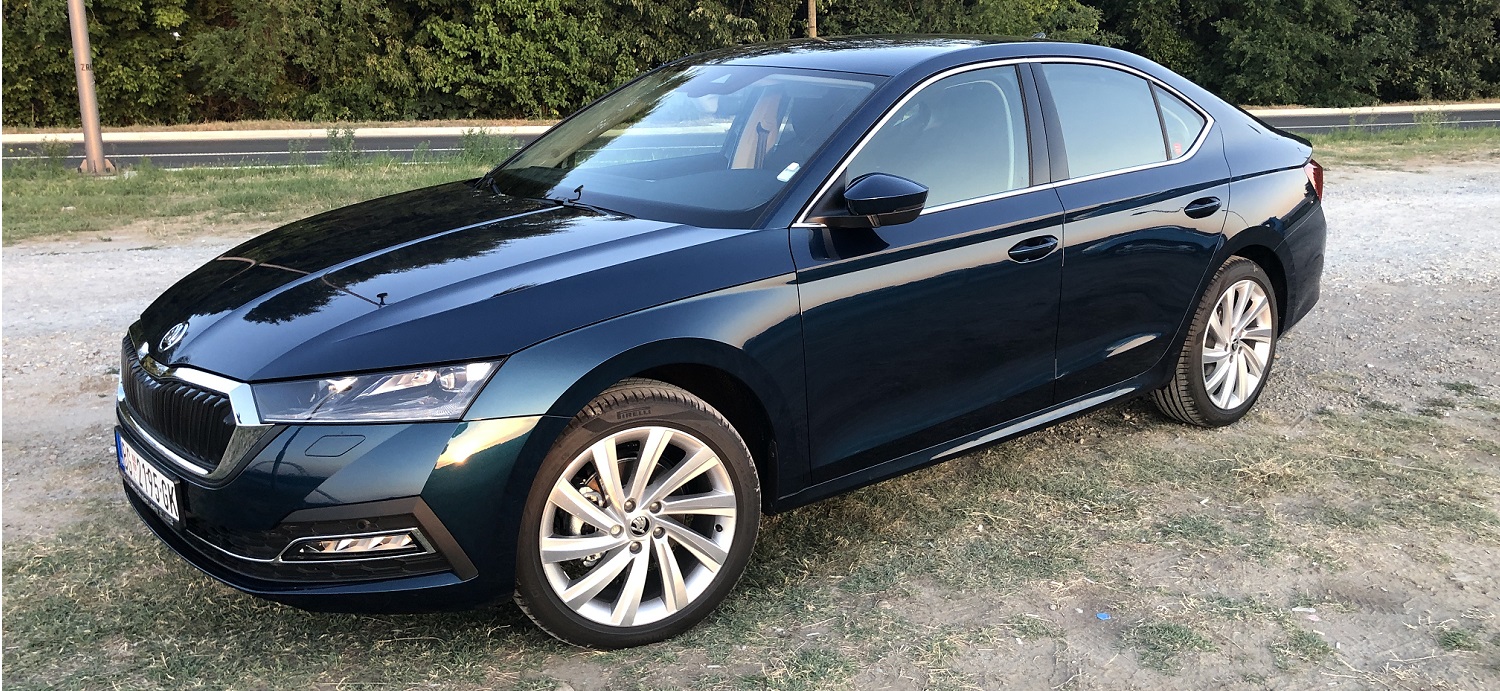
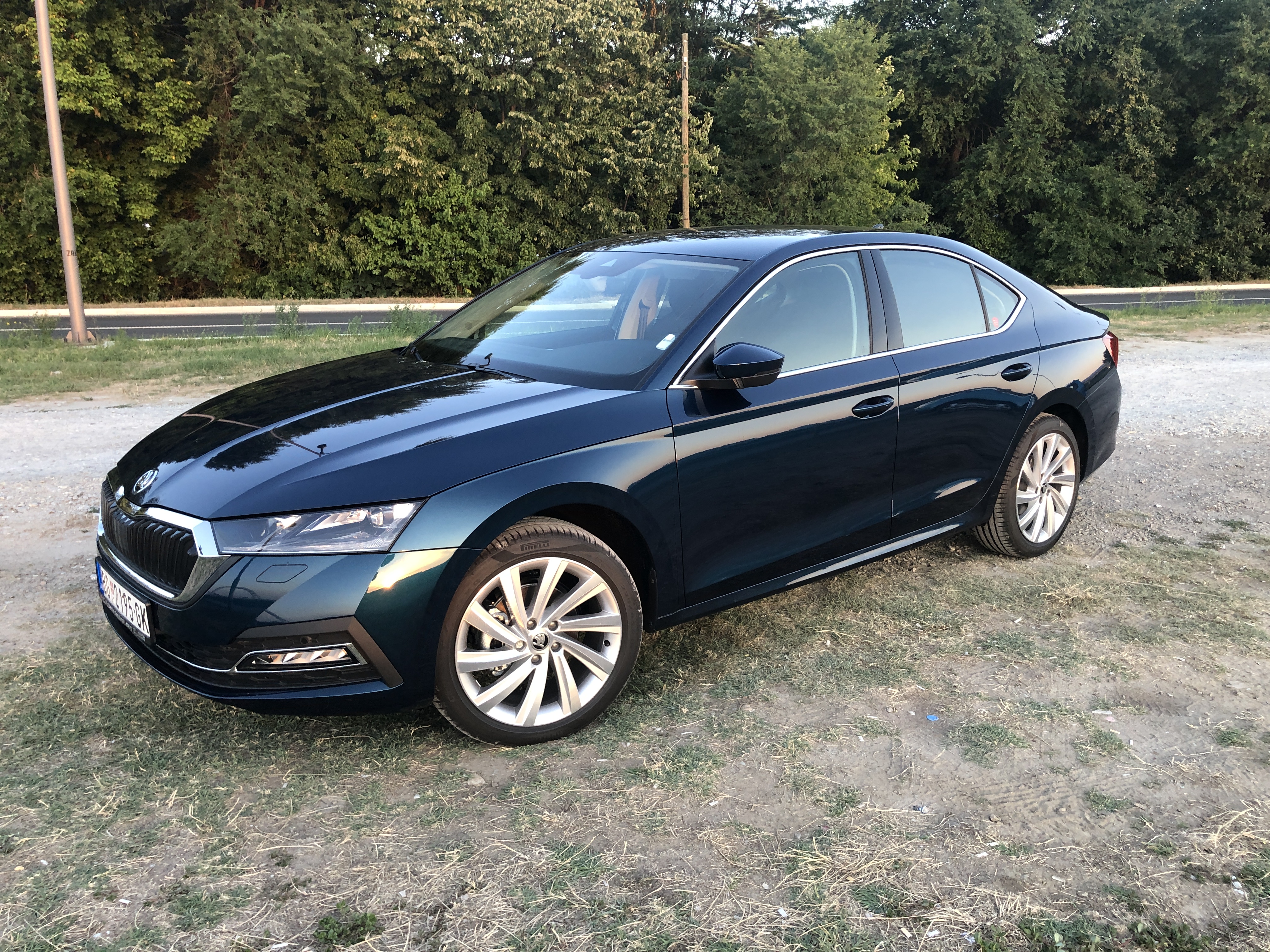
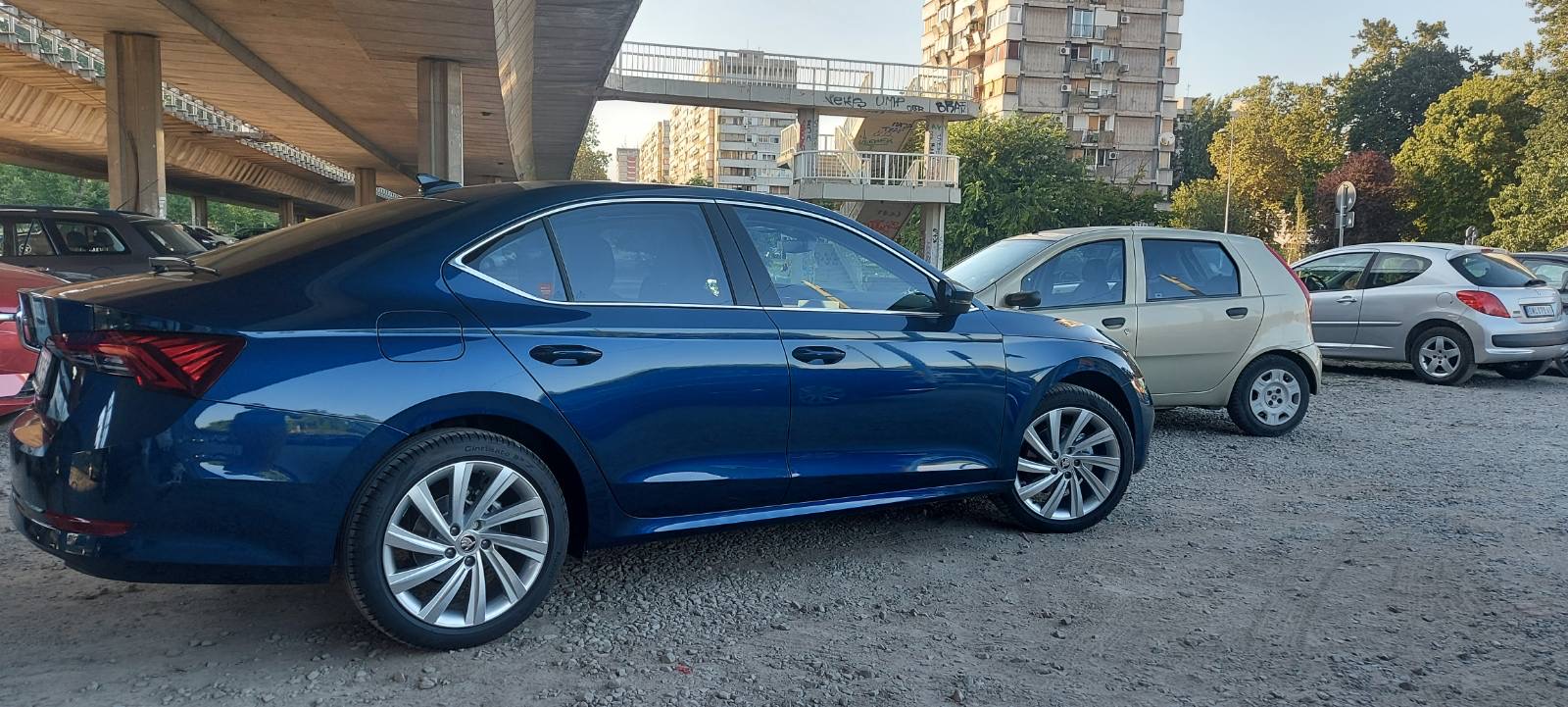
My limo. 1.0 TSI
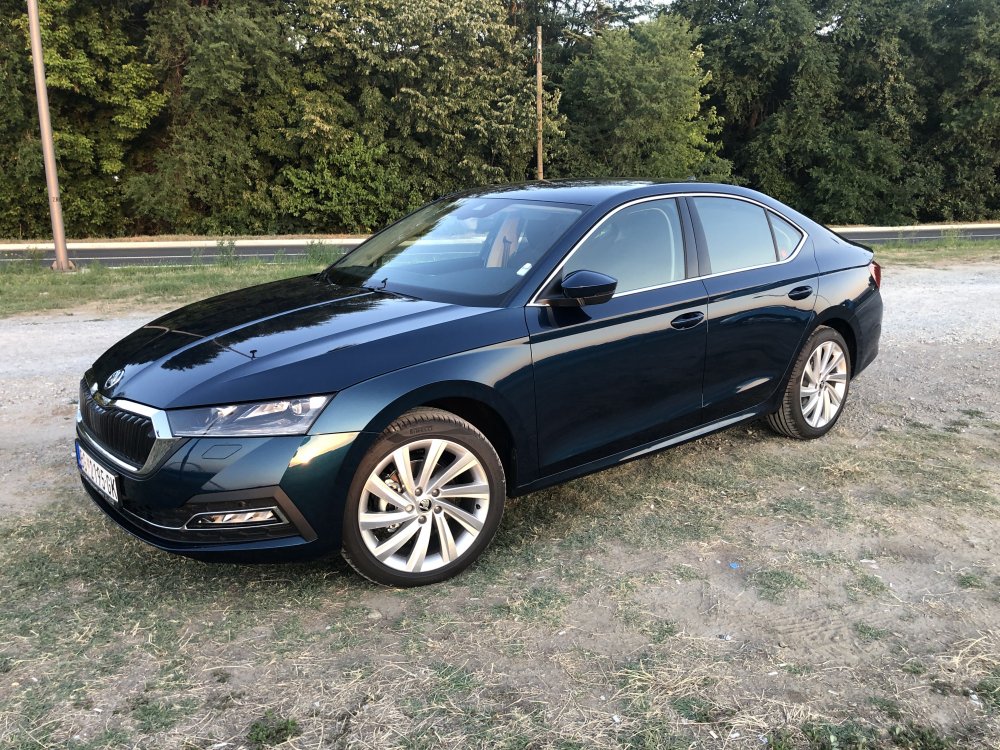
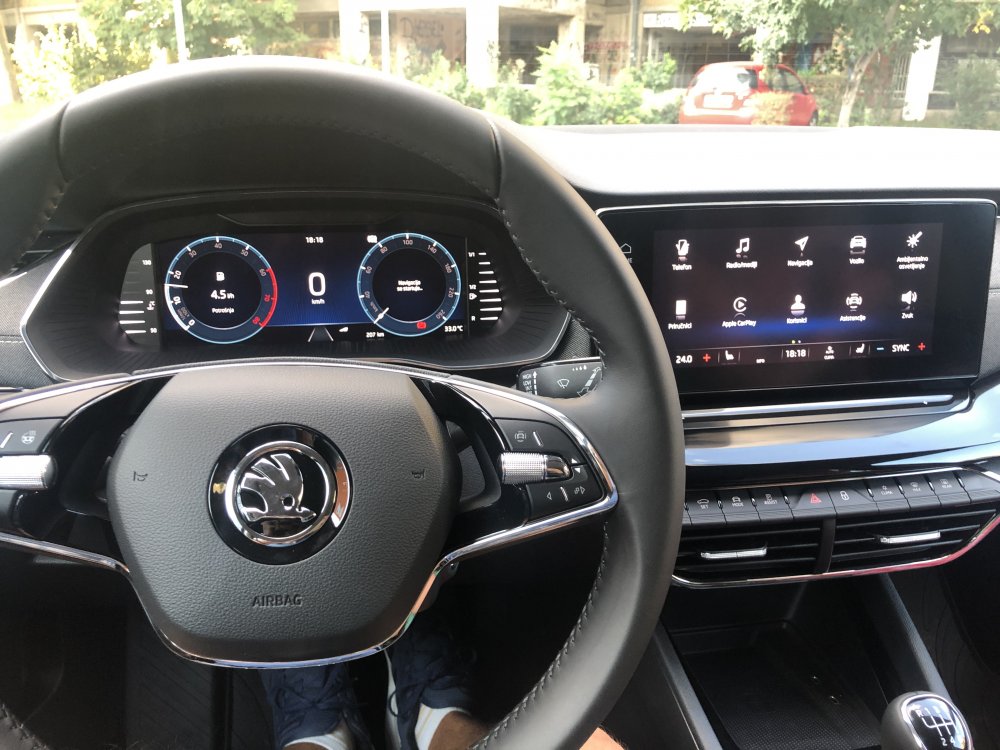
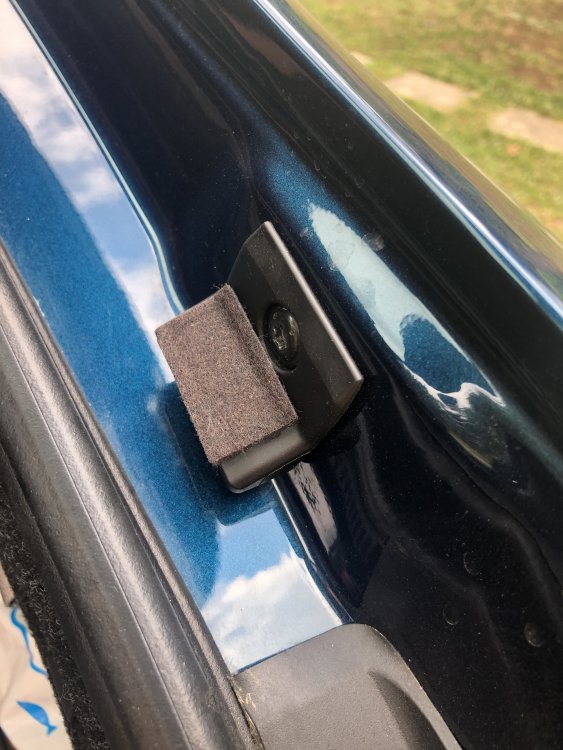
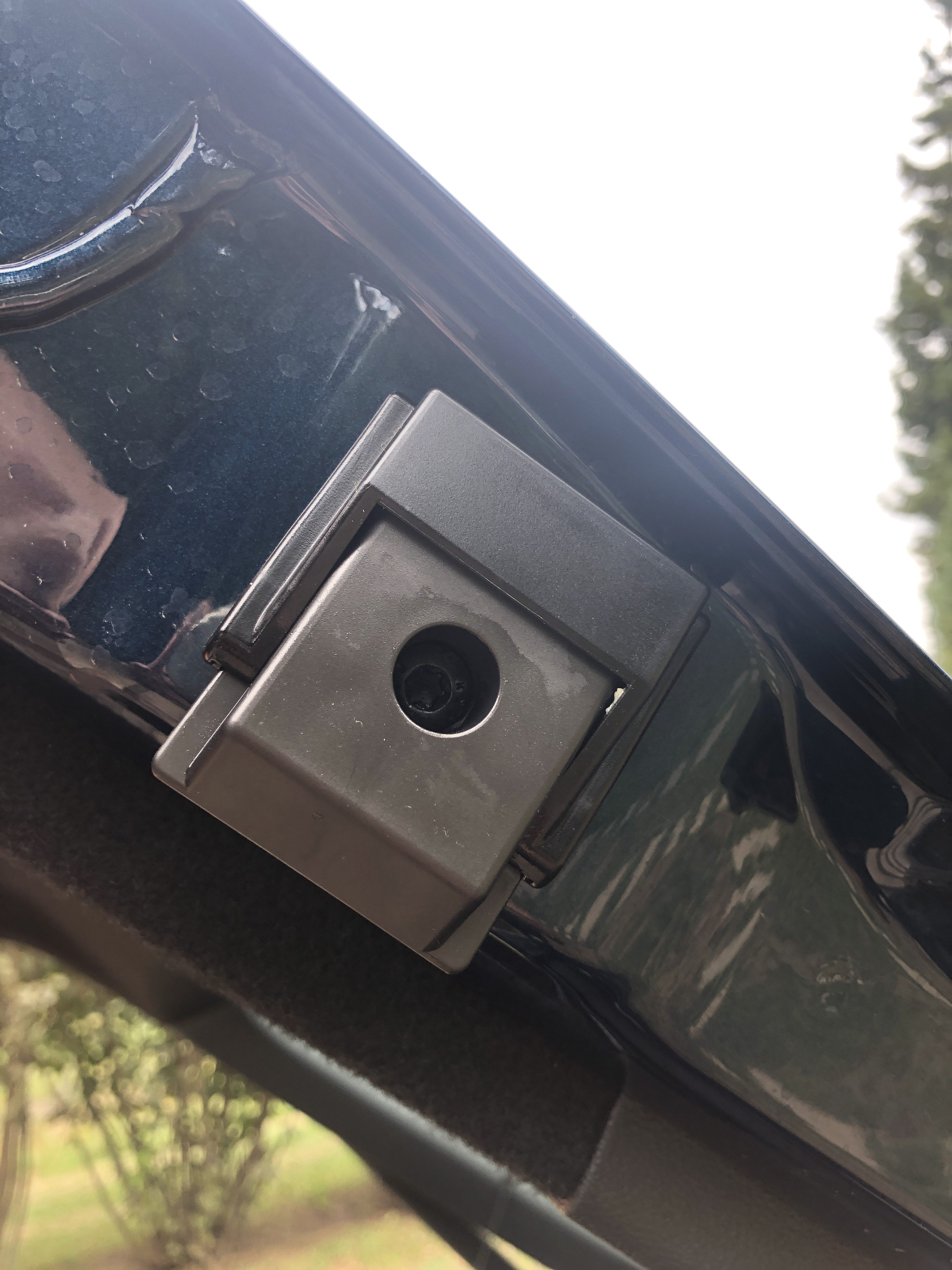
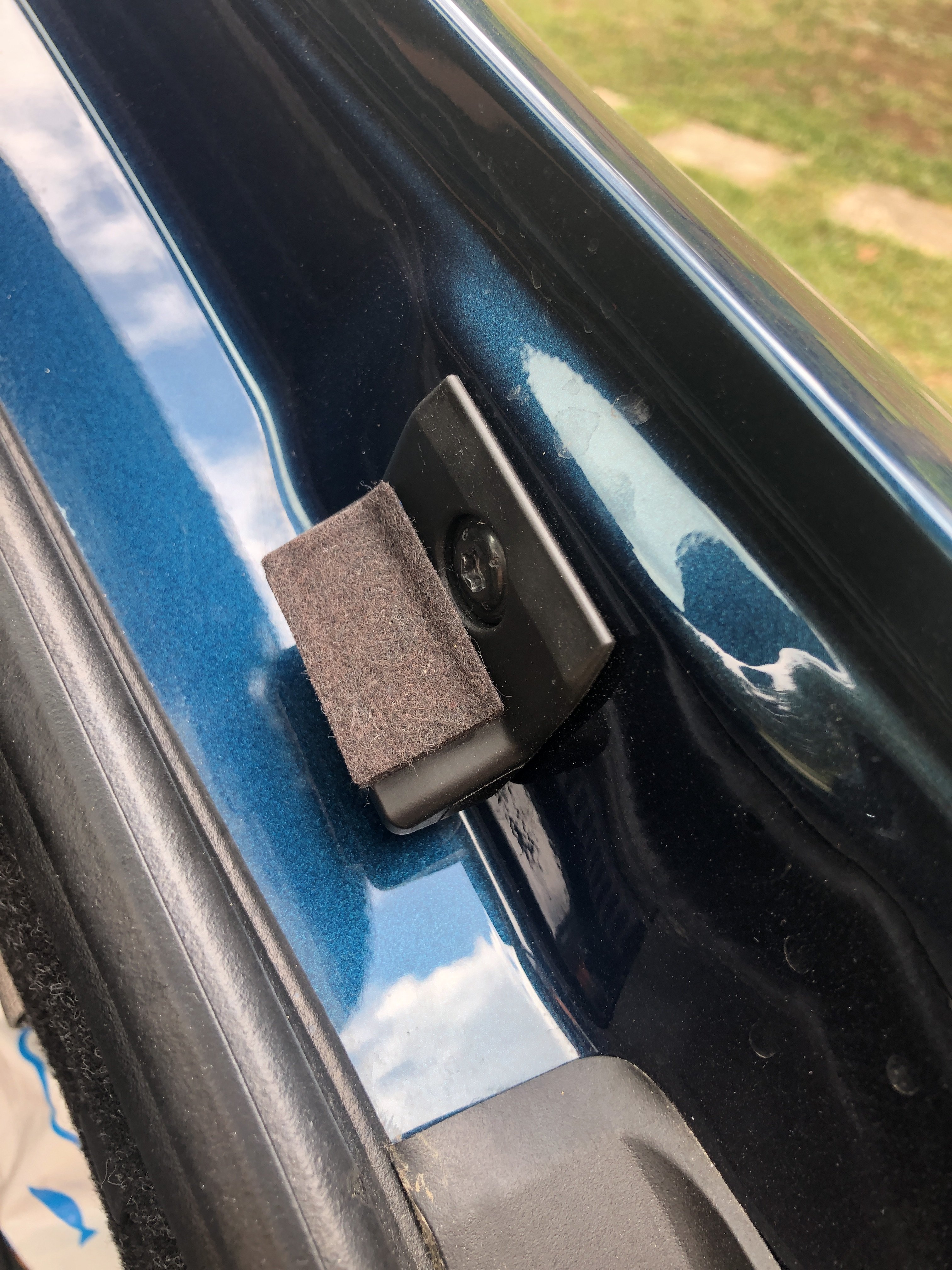
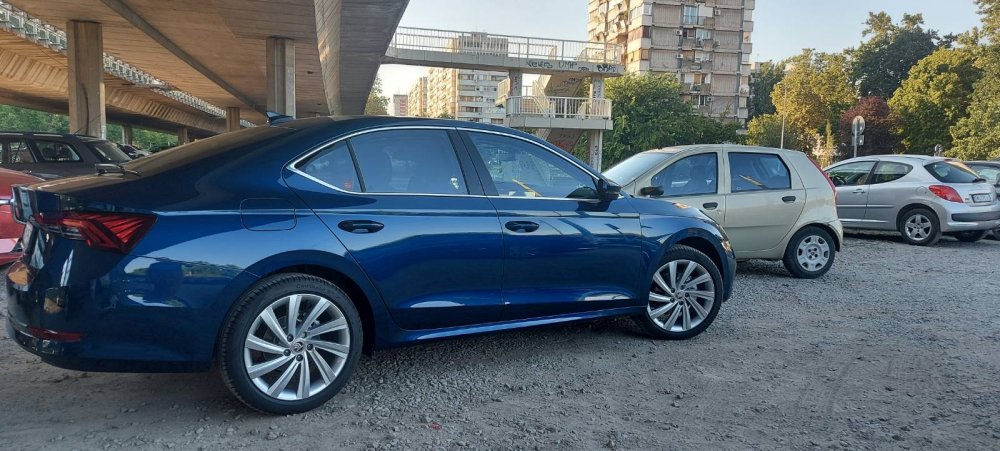 OctaviaPetrolHead changed their profile photoHi guys, Damn dumpers, simply design flaw. I went crazy and even removed everything from my trunk, and rattling noise was still there. Even though that there might be issue with hydraulic door lifters plastic shield, but at the end problem was definitely dampers. So I SOLVED the problem by following advice in this topic and applied two felt pads (left and right) and voila, rattling noise disappeared:)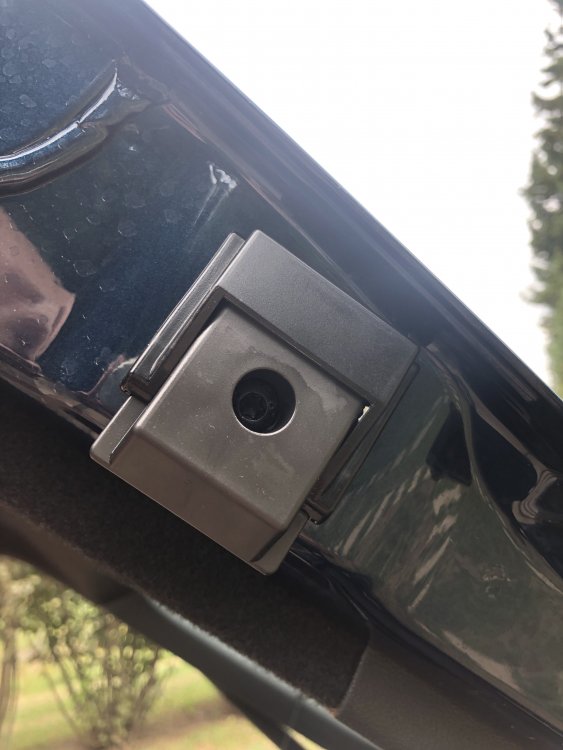



Important Information
Welcome to BRISKODA. Please note the following important links Terms of Use. We have a comprehensive Privacy Policy. We have placed cookies on your device to help make this website better. You can adjust your cookie settings, otherwise we'll assume you're okay to continue.