Matej10
Members
-
Joined
-
Last visited
-
dammm so then i need to hope that cable harness is already installed
-
yes first will they try to refound, just i won't let then refound me~ i want Side assist !
-
just take time and check as much stuff as you could
-
yes that is correct i was at first realy angry but then i have all right to get i did order and start paying for it so i will get it
-
as far i hope and think they just need to connect pc on and turn it on and change side mirrors, because as i saw on the internet is connected to rear parking sensor on each far side.
-
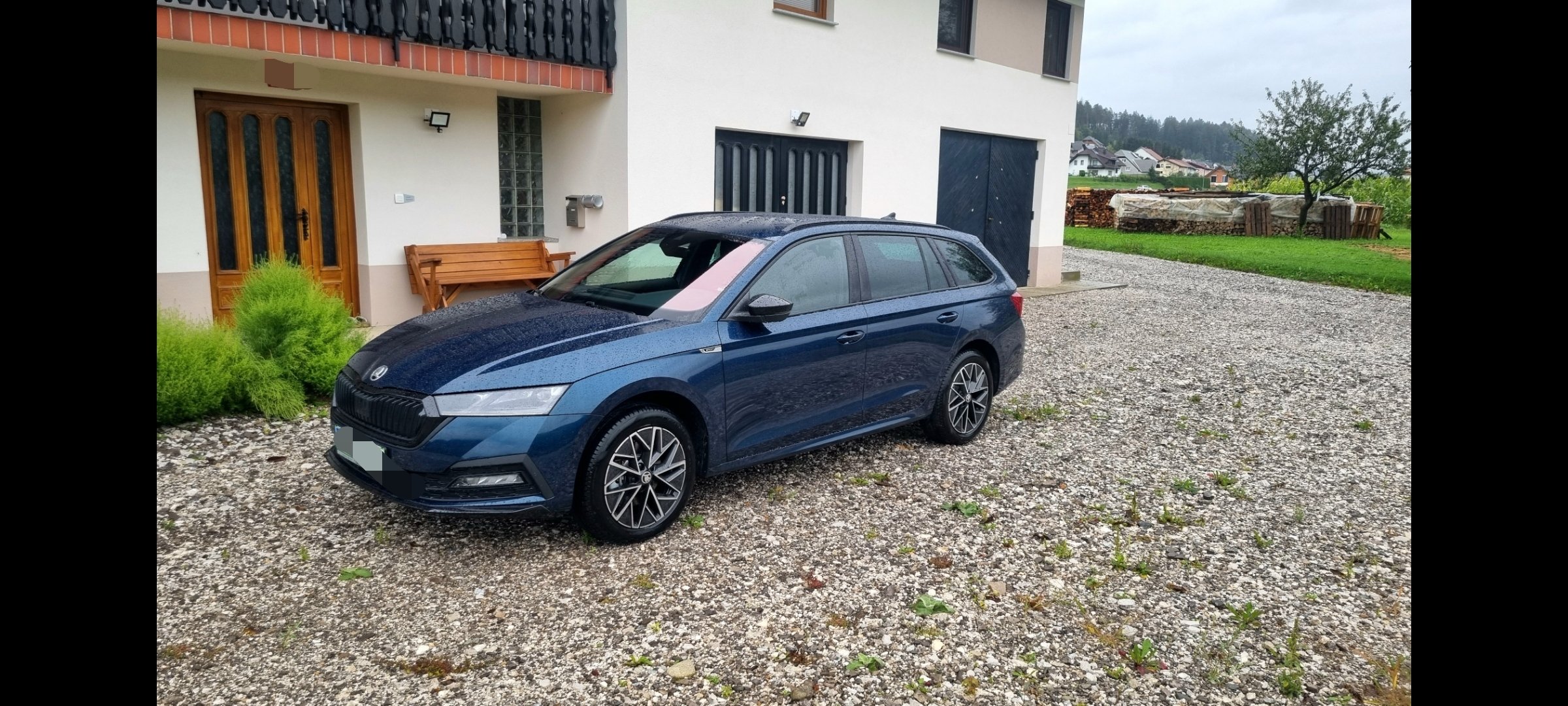
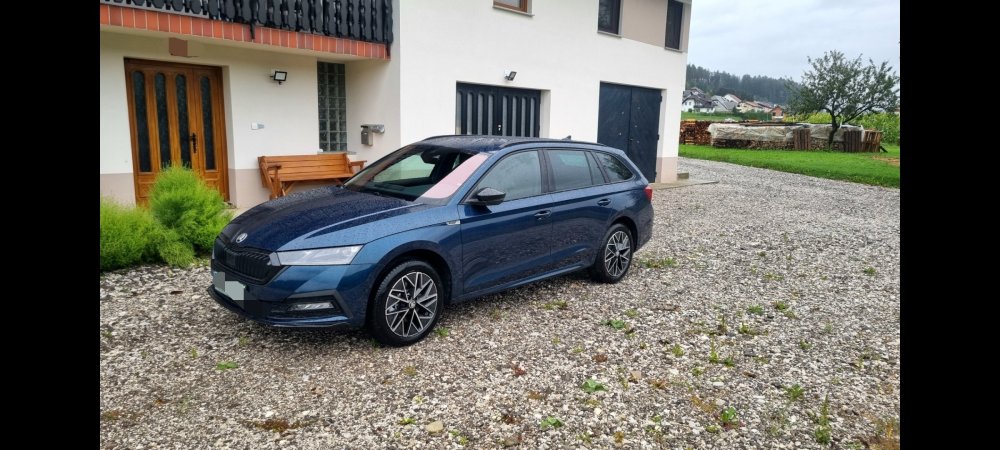
yes, it was worth the wait for me, just because I didn't need the car right away. I was able to fix all the other things in my Rapid. And the car is great. and after checking rise of prices every motnh i was happier that i did decide that day to confimr order. I got a Škoda sign on the door and it's projected onto the floor and lots of other stuff. Which I didn't think I'd get. The only major mistake is that I ordered a blind spot and didn't get it. I already informed my seller and he said he will inform the Slovenian importer. And I won't let it go easily. I will only request the installation of this equipment, I will not agree to a refund in any way
-
Thanks
-
Hvala Thanks
-
Guys girls stay possitive after long time it's finaly myyyyy
-
Sincere condolences mate 😞
-
I will from friday on when i can pick from the dealer Thanks
-
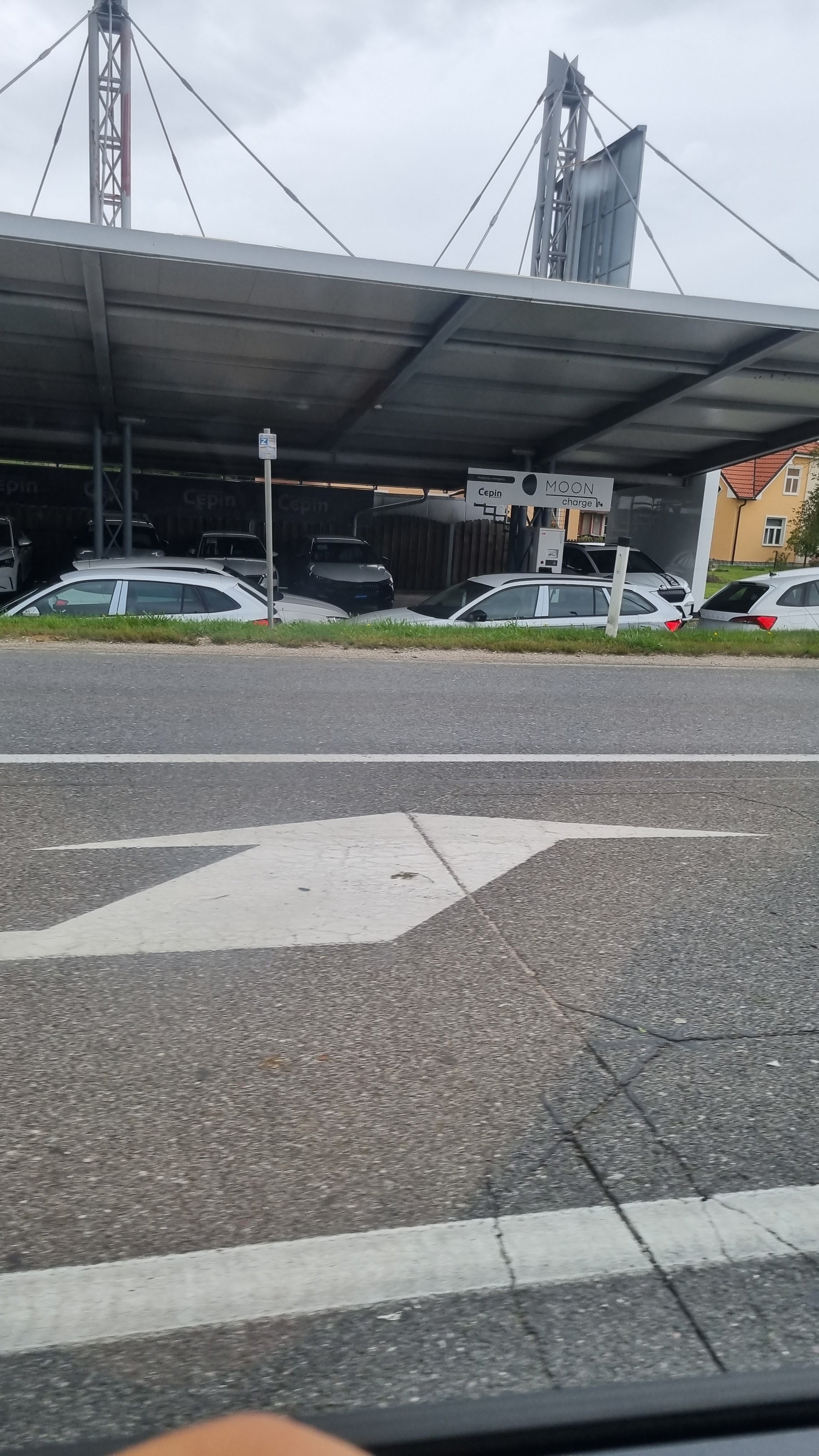
My change i think july if i am not wrong and today i did get this i the shadow is hiding something
-
I do see it now when i am waiting for pick up from plant.
-
i did get now information that my car is waiting for transport
-
My dealer told me yesterday that mine should be soon in my hands, just how soon he didn't tell me ;/ .