




Svenk
Finding my way
-
Joined
-
Last visited
Everything posted by Svenk
-
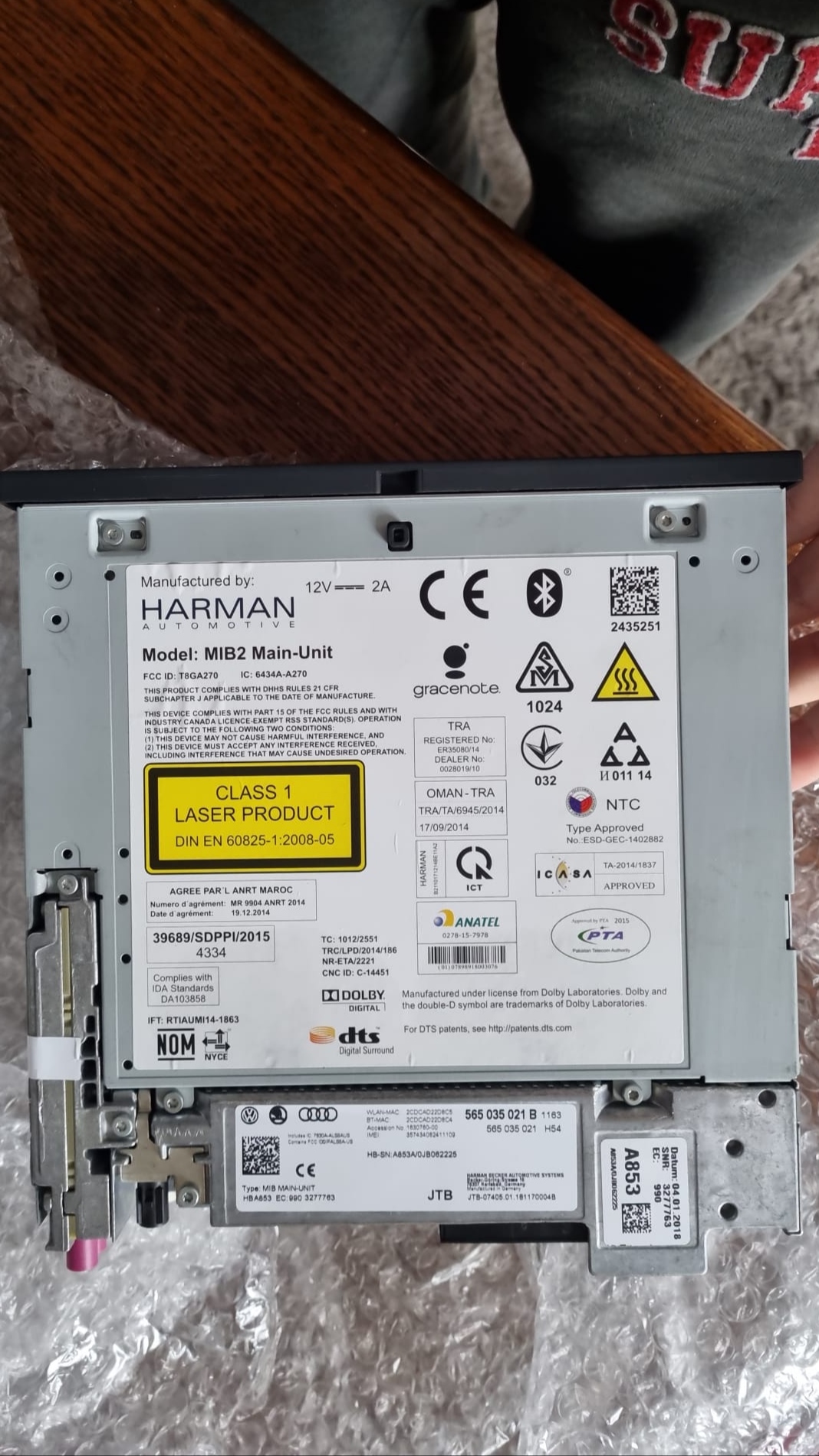
This is a 9.2" mib2.5 screen And a mib 2.5 unite for glovebox Part number 565 035 021b
-
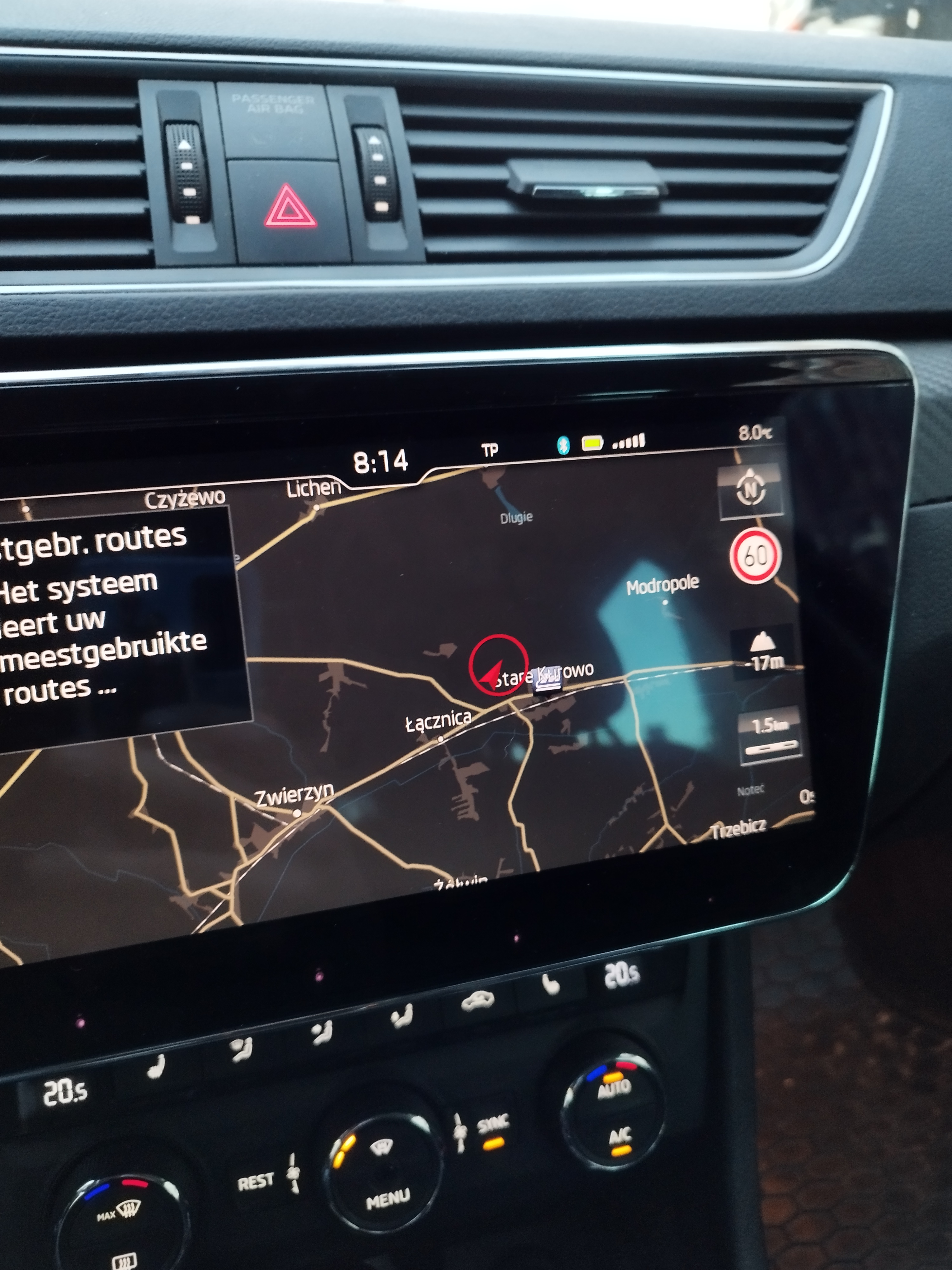
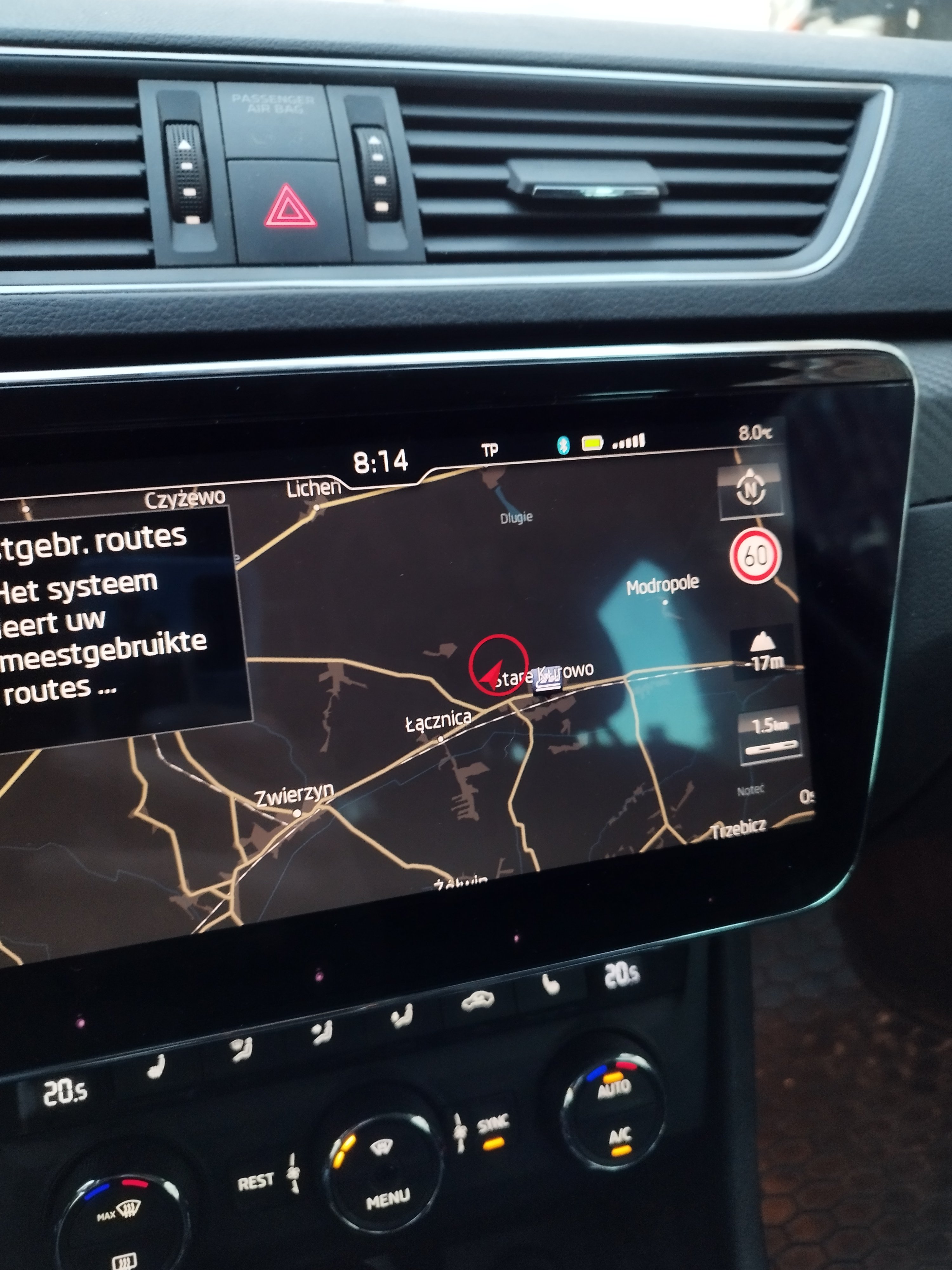
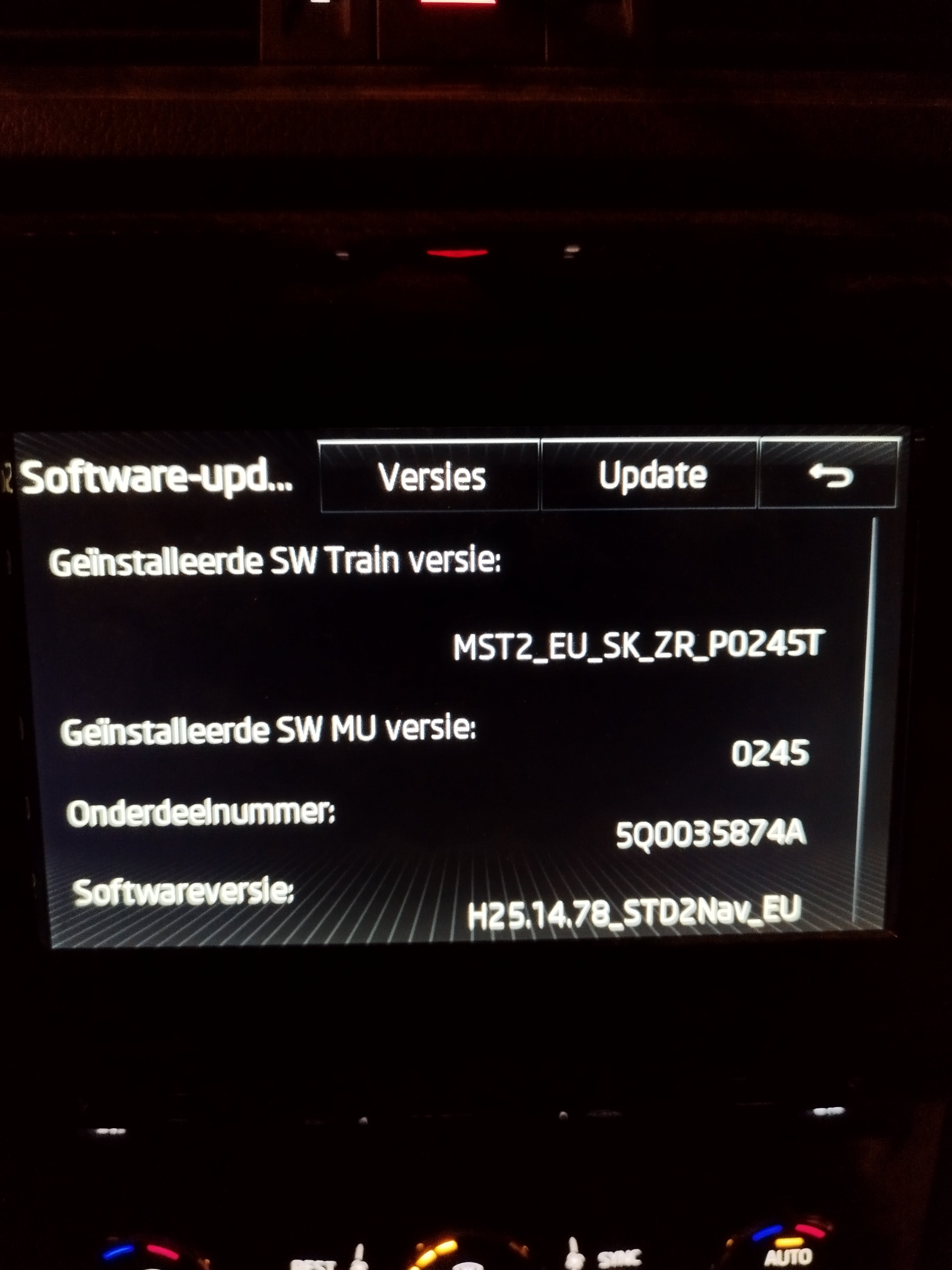
Mib2 yes wil work Mib.2.5 you need device in glovebox tothis is a adaptation map from a new skoda octavia whit dinamic blinkers and animation lock and unlock car adpmap-09-5WA-937-086-G_TMBJR7NX3MY182857-20230513-1525.CSVI have the option to make a log from a octavia whit te animation when unlocking and locking. I think its te same coding as the superb?Do you have the partnumber of the bcm and wil it fit a 2016 superb?If you retrofit the lights it only works by unlock te car and nog lockinghave itThe animation works if i unlock te car but i lost my dinamic blinkers? How do i bring them back?Thanks for the picture. Butt one question nr 20, 21, 23, 24 you say dimmwer butt wich one? And do you now where the wire for the animation is put in de bcm?Hi, I am looking for the coding for fl rear lights for my superb. I have now the low line rear light butt i want the new fl lights. I need to code them by vcds. Someone now what i need to code The outer light keep flashingCan some one tell me what i need to code for the fl rear lights?Are these the only 2 you can work whit? Skoda superb my 2016 is te car I want ambiente light to work in de virtual cockpit.Problem solved. It was the gps antenne plugToday i retrofit a mib 2.5 in my superb 2016. Everything works only the navi is not working it is stuck in poland and i am in belgium. How do i fix this?
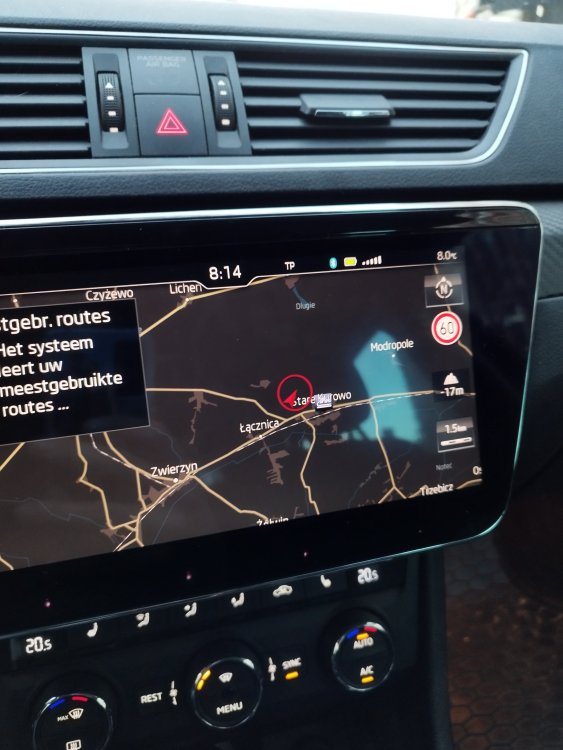 Radio update to 0478 and the vcds adaption?I have most to te vc. The radio is a amundsun. What do i have to swap for the navi to workCan you get navi on the virtual cockpit in a superb 2016? Do i need anything? I have a virtual cockpit retrofit in my carNo i didn't expect dat 😁That is a photo of my car and it is a 2016 superb. Vag retrofit & coding has coded my car. I ask around and you can't set de clock left of rightAnybody nows??I order my yesterday by vag express. I hope it wil be quick delivery

Important Information
Welcome to BRISKODA. Please note the following important links Terms of Use. We have a comprehensive Privacy Policy. We have placed cookies on your device to help make this website better. You can adjust your cookie settings, otherwise we'll assume you're okay to continue.