AndreyZh
Members
-
Joined
-
Last visited
-
-
H58 here. Having read the thread and after contemplating for a few days, decided to finally let it install. "I am feeling lucky" :)
-
Same
-
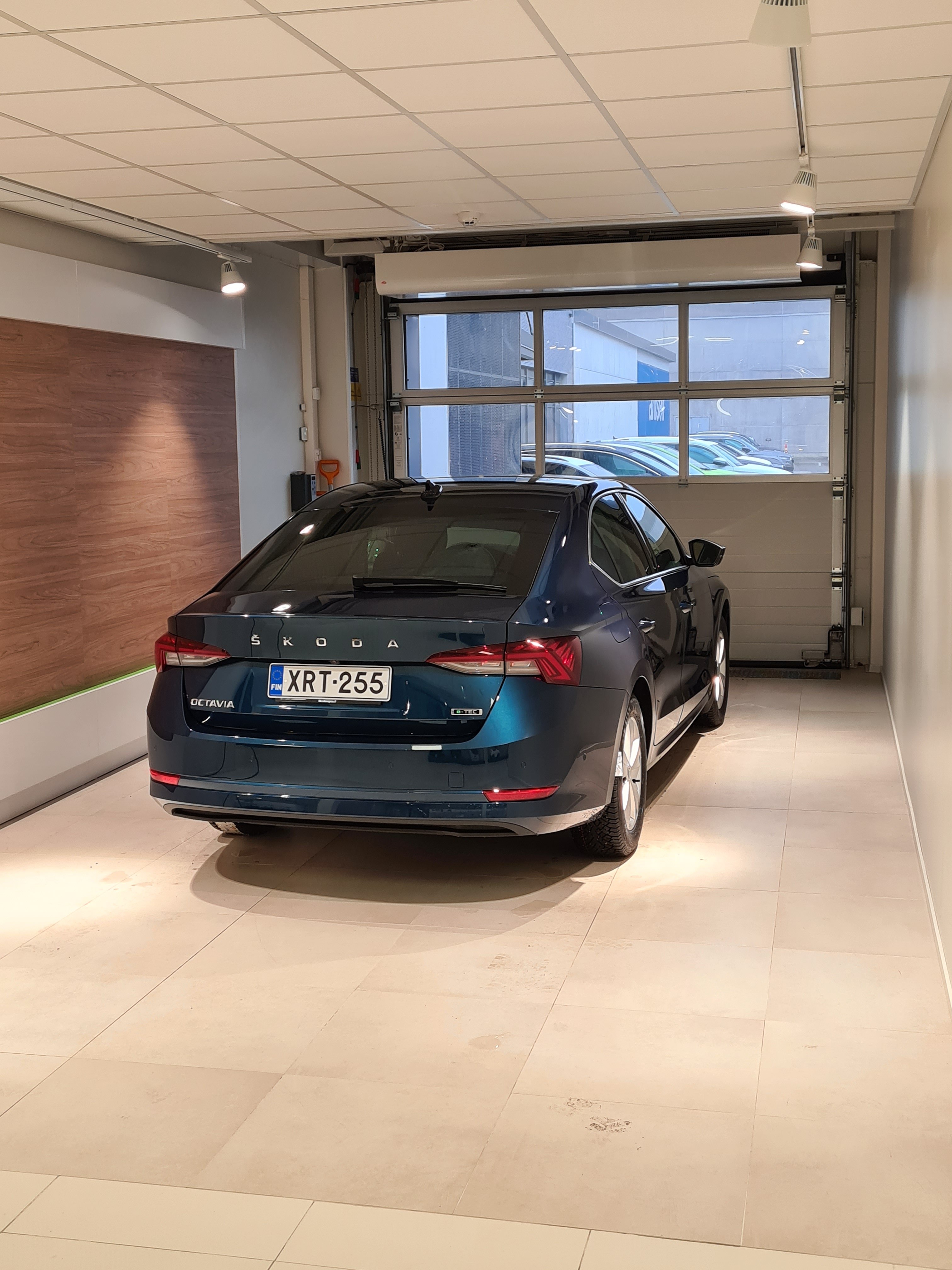
The main difference between an e-tec and non- e-tec vehicle are: - starter generator instead of traditional generator - additional 48V battery under the front passenger seat. The starter generator feeds from and into 48V battery and it's used to: - Start the engine - Provide a small amount of additional power to supplement internal combustion engine when the car starts to move. The benefit of this setup is that you have a marginal improvement in fuel economy and much better engine start / stop experience. The latter is actually pretty impressive. You can't feel the engine turning on or off. In normal and eco mode the car does it all the time - when braking for traffic light, coasting down the hill or simply stopping for whatever reason. There is no noise, no vibrations. Feel like magic compared to my previous vehicle with Start/Stop which I had to deactivate as it was extremely irritating. One additional interesting feature I noticed is enhanced engine/generator braking in my car. When coming to roundabout or traffic light with car before you and lifting the gas pedal, the car starts to very noticeably slow down using a combination of engine and generator. The effect is not as strong as in electric vehicles with recuperation, but I find it quite handy. Should save some brake pads wear and tear. This might require SatNav and adaptive cruise control to work so that the car is aware of it's surroundings. Finally on the fuel economy. My long term average so far in two months since delivery is 6.7 l/100 km. About 1/3 town and 2/3 highway. Last weekend I went to a national park. The route there was mainly highway with 90-120 km/h speed mode. Almost fully on ACC. That gave me a very impressive 4.7 l/100 km.
-
That's the best I could find so far https://www.manualslib.com/manual/734590/Skoda-Columbus.html?page=39
-
I don't know UK specifics, so treat it as a bit of speculation But firstly, your car will still have SIM or eSIM more likely. It needs it to contact e.g. emergency services and for some service info exchange with Skoda. You might not be able to use it as a hotspot for internet on the go, but basic connectivity will still be there. Secondly, I believe that traffic updates are done via RDS (Radio Data System) which relies on traditional FM/AM radio broadcasts and does not require internet connectivity.
-
I played it safe, not to confuse the system, and went with a second key to connect secondary account. I didn't have primary key on me.
-
Visually identical, but Columbus supports SatNav. Probably slightly better CPU/Graphics chips.
-
Can't help you here, mate. For the second user (not primary user) it never asked me to verify with the QR code. It was only necessary for the primary user.
-
I've contacted them several times. The address was sks.service at skoda-auto.cz They require so-called 'committee number' which consist of 6 digits to provide any info. They were always helpful in providing planned build week, however with a disclaimer that it's provisional and subject to change. At least here in Finland, the only party who can really speed things up is the importer as they can ask Skoda to prioritize your car slot. Dealers can't do a thing, only ask importer. Skoda factory doesn't really care, they will build based on component availability. Whether it's your car which will get components or Joe's depends on whose importer negotiated better
-
I recall it was around second part of July. Don't quote me though
-
The car needs to be added only in Primary Skoda Connect account. Second account one is created 'empty' just to be able to create another profile in the car.
-
The way Skoda profiles work is a bit strange. For starters, MySkoda will only work with the primary user profile. So I can't add my wife's account as guest - that requires to make her primary user. At the same time, making an account in car requires Skoda Connect profile as you need to log in with the username, password and PIN. What I did after a bit of experimentation and it seems to work well: - Both me and my wife have Skoda Connect account - MySkoda is installed on both our phones, but it's using my account because I'm the 'primary' user - We both have profiles created in car's infotainment system - mine is using my Skoda Connect account, and wife is using hers. - Each of us went to the car whilst having only their personal key inside and configured seats, settings, etc according to their needs using own profile Following all this 'dance' the car now correctly recognises us by the key.
-
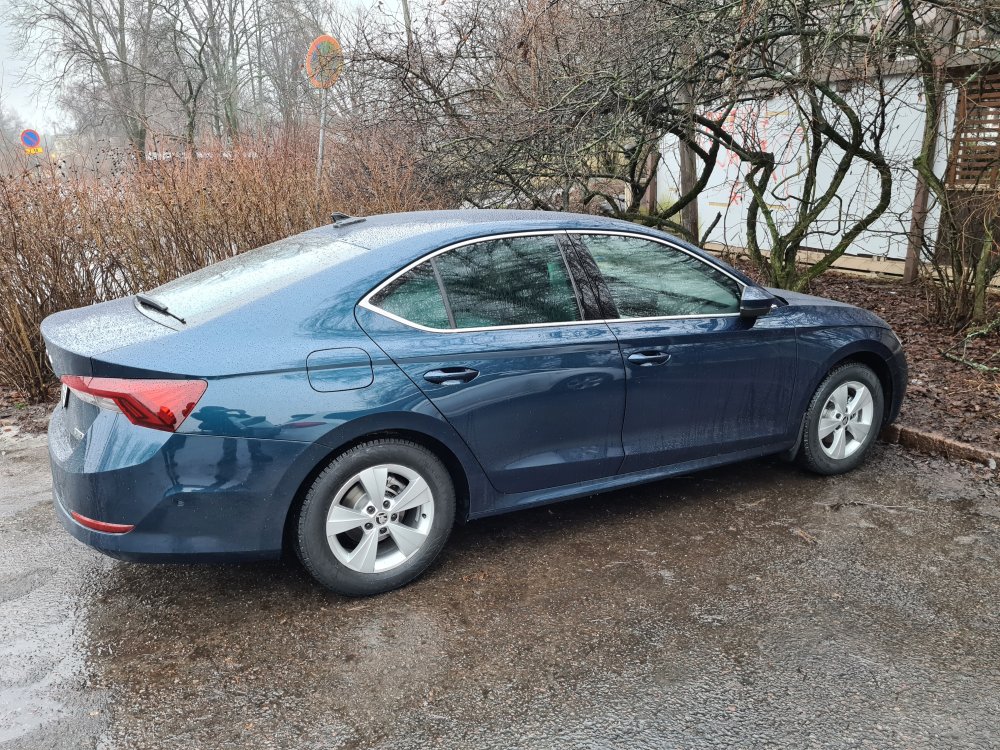
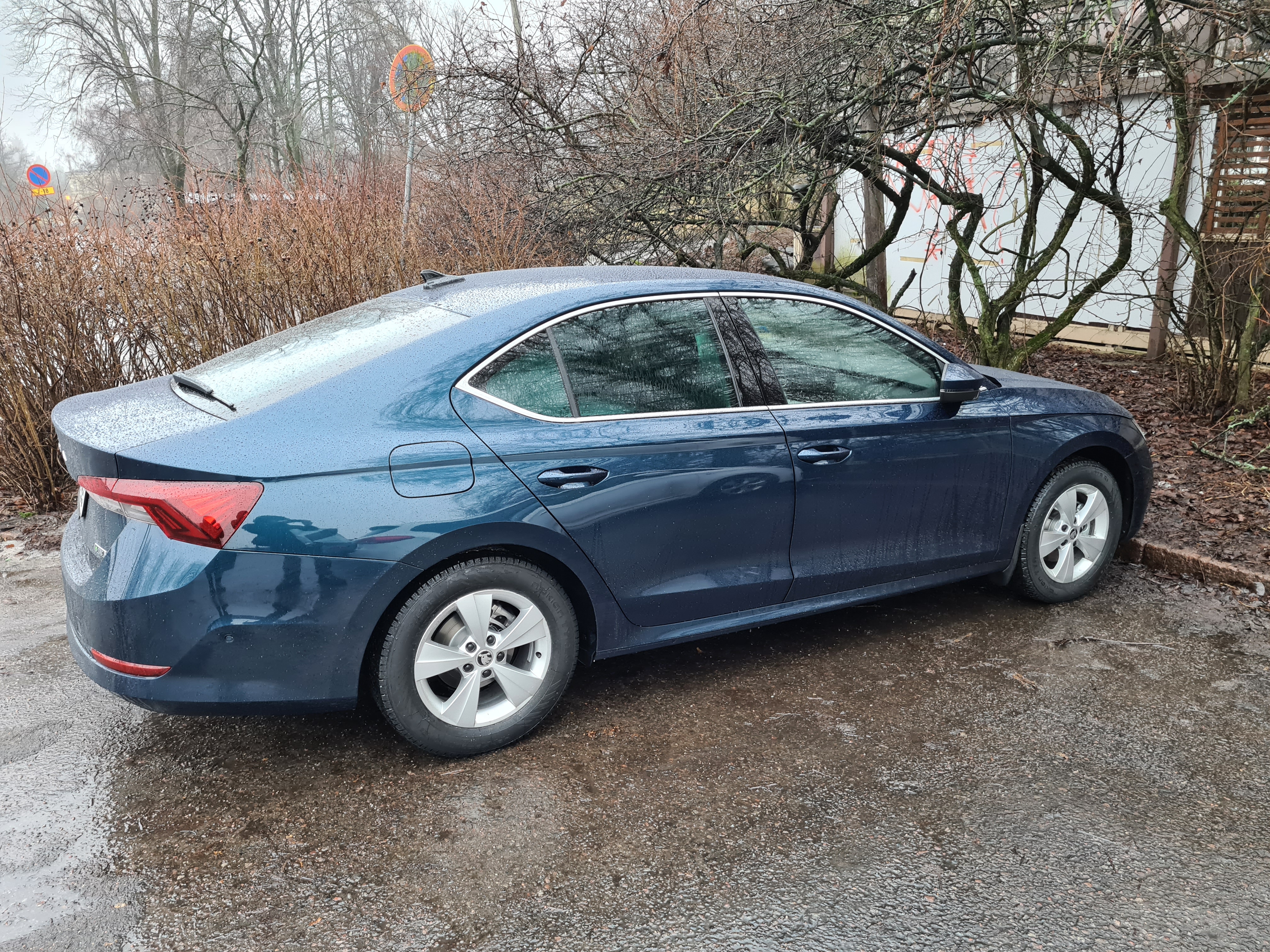
Yep, I really liked it as well. Very different from the color in configurator, but looks great. Especially when the car is clean and under sun
-
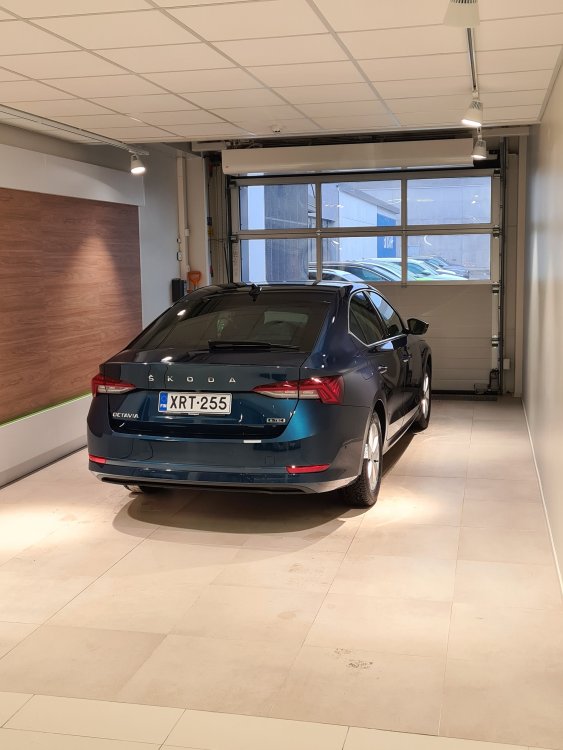
So there we go. 83 weeks after initial order I took the delivery According to the spreadsheet I am so far winning the 'delay edition' competition. Weather was pretty awful, so no good pics and the car got dirty immediately Anyway, quite happy with it so far. Lot's of things to tweak and annoying behavior when having to manage multiple users with Skoda app and in-car. But otherwise so far so good.