mczakk
Members
-
Joined
-
Last visited
Everything posted by mczakk
-
Fantastic, thankyou @Stonekeeper, that works perfectly. I don't suppose you know if you can change the background lighting so it's different for each driving mode?
-
OK, I have a genuine question now 🤣😂🤣 How the feck do you get the passenger door mirror to go down when reversing? I've followed the instructions in the book. It's set in infotainment. Mirror position saved in seat setting. (though does seem daft as if my Mrs drives the car and uses memory 2,and I get in and press memory 1 the mirror will go to the down position) Mirror control in R Put it in reverse - nothing happens? Can anyone with experience help me out?
-
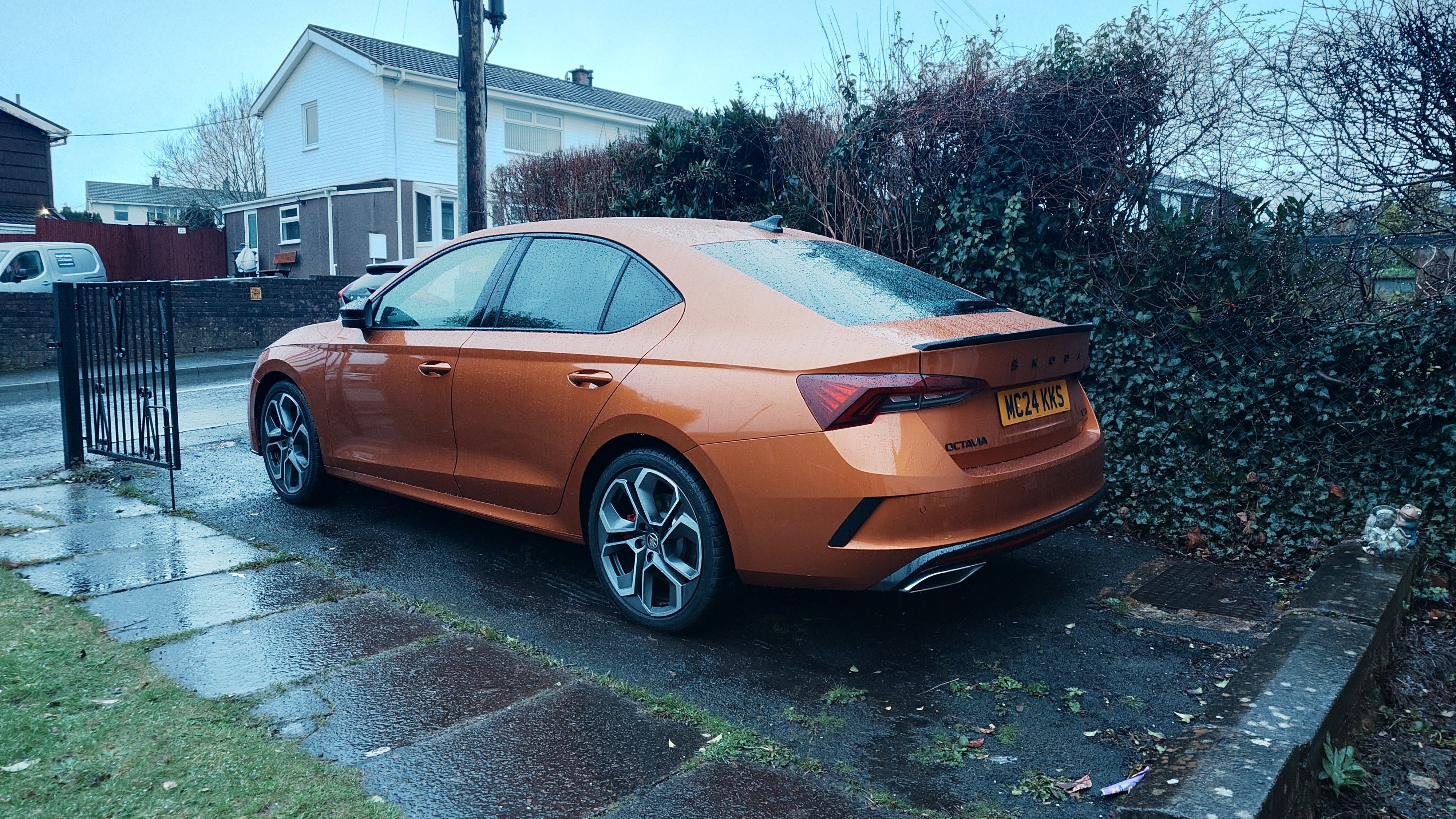
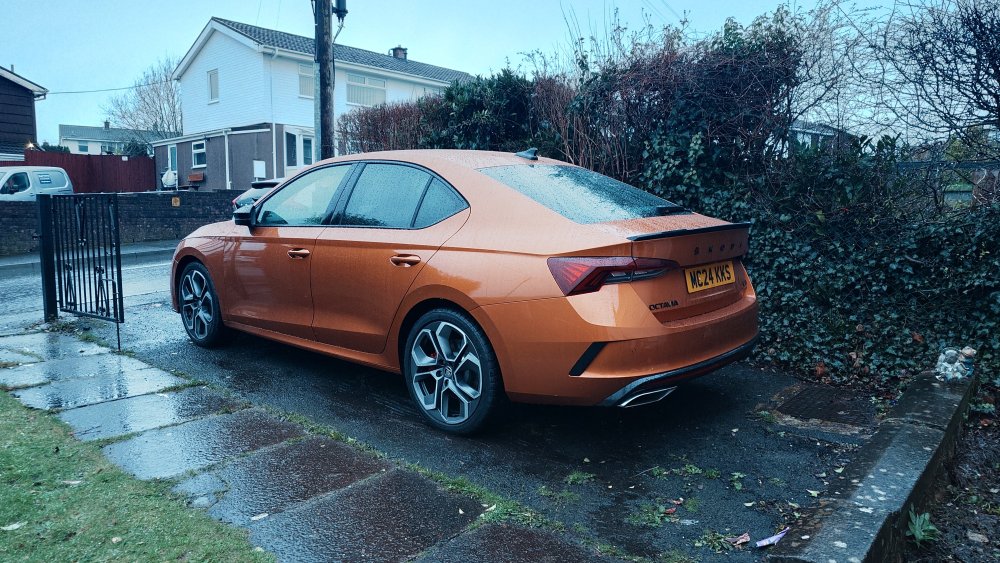
Should probly remove myself from the list, I picked this up today, 😁
-
-
I believe i've found the correct camera for the Mk4 here: https://www.cars-equipment.com/en/shop/cameras-parts/oem-5e3827566a-rvc-rear-view-parking/ but prices for fitting it seem ridiculous, the highest i've had was £845 which seeing as the part can be bought for less than £300 is just a rip off! Those nice guys at East yorkshire retro fit seem to be offering it for £495, but its a 5 hour drive away from South Wales 😞 has anyone found a fitter within driving distance of the valleys who is not wanting their customers to 'assume the position' ??
-
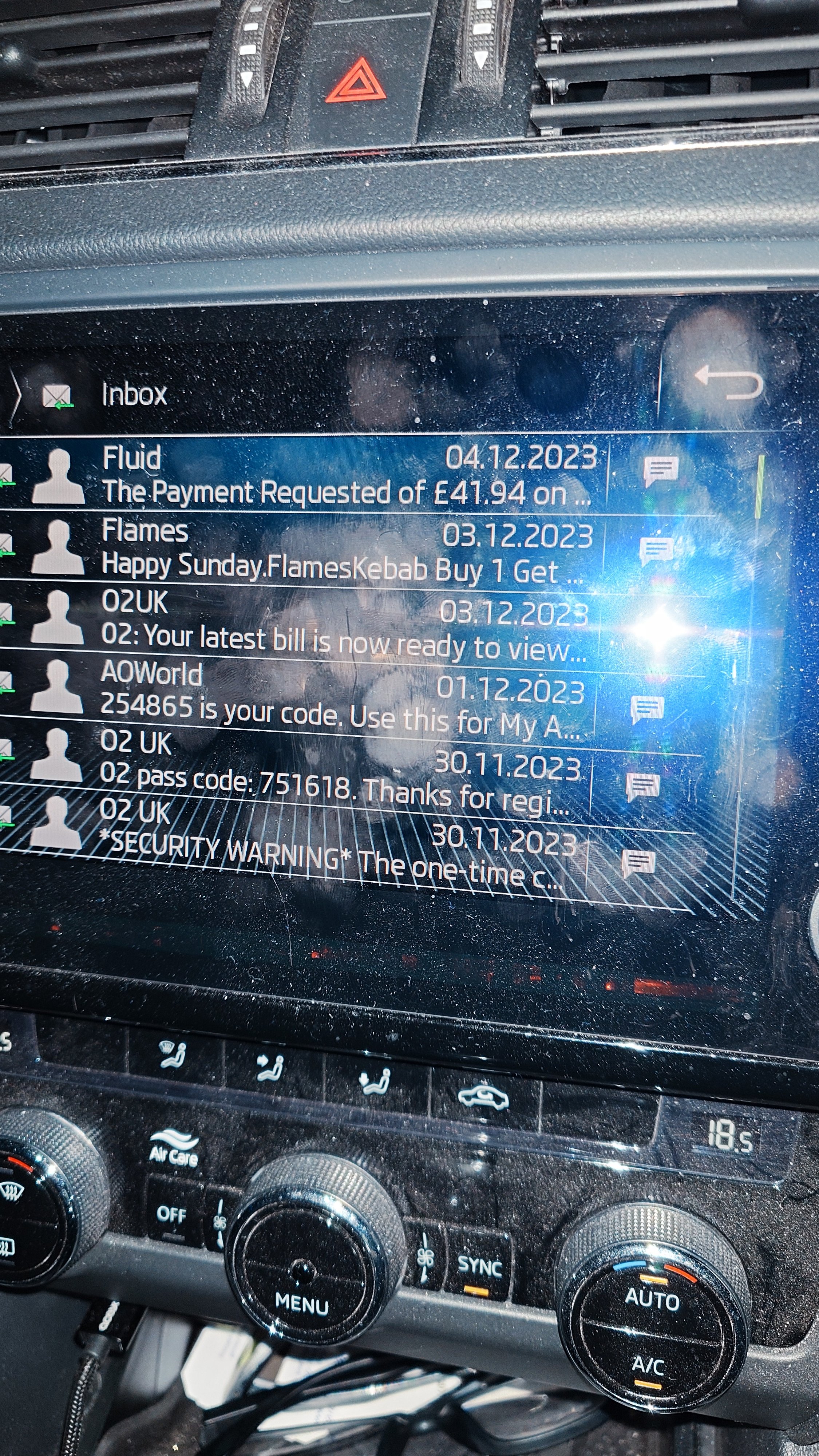
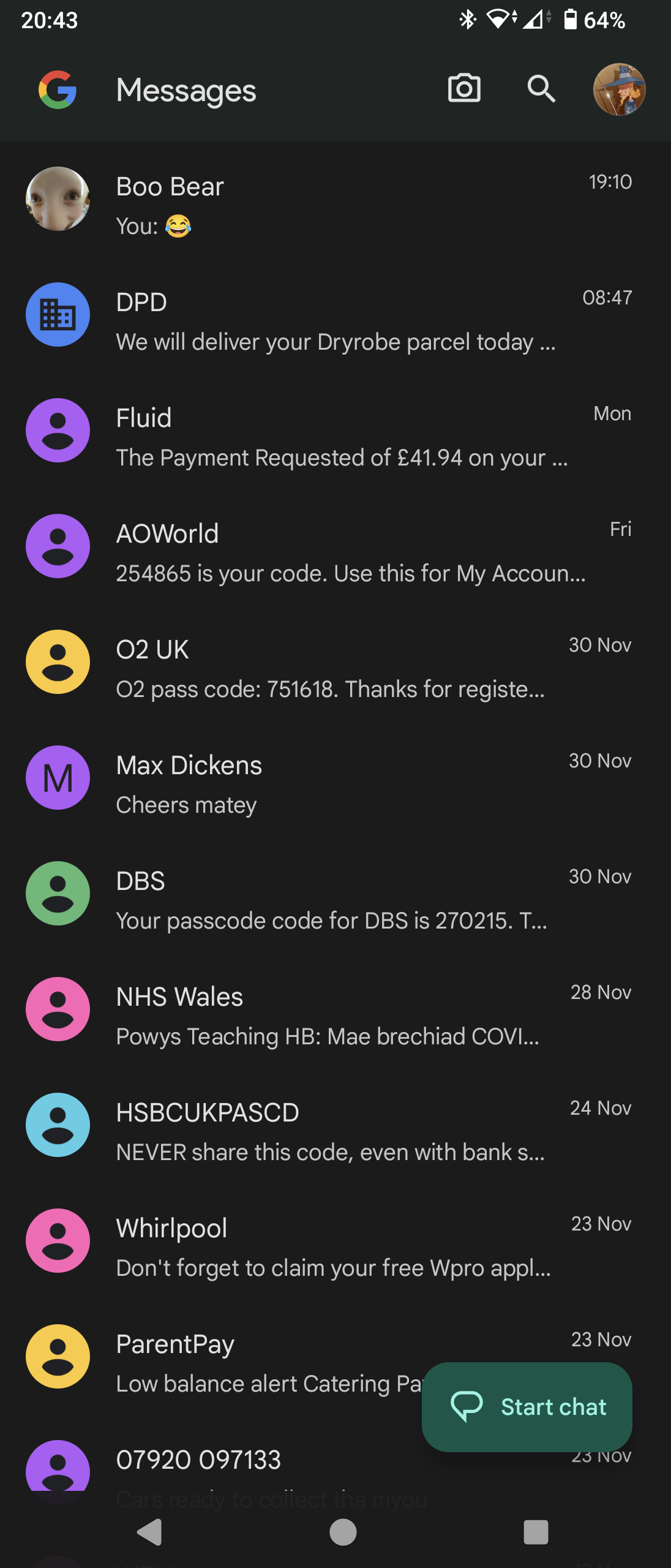
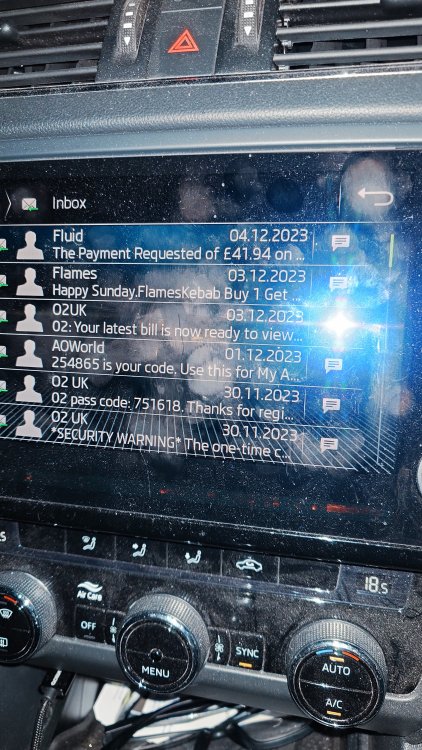
The phone app on my infotainment is no longer reading sms messages. The inbox isn't updating. I connected(by wire) to Android auto and had my daughter send me a text, this came through. But when I disconnected AA and reconnected to Bluetooth, that message did not appear in my inbox on the phone app. She sent me another message, it's on my phone, but not in the inbox. Anyone else experiencing this? (the last message was on 5/12) Edit: Further investigation - I deleted a couple of messages from my phone and went back out to look at the car, the inbox on the car is updating, as the deleted messages had gone, but those post 5/12 are still not there. So for some reason my phone isn't allowing the car to read any messages since that date.
-
Hi All, It seems that Pegasus needs his oil changing, and I'm not inclined to go to Capitol in Newport, as last time it took them all day, and then they put the sump plug in wrong! 🤯😱 are there any good indie skoda guys around the Abergavenny area that will be able to update the digital service book too?
-
No, I have lights in my door. There is no puddle light. You can buy aftermarket lights with both the red light and the projector bit. They sit a little proud of the door, but that's OK. I won't have to cut a hole if they send me the correct fitting! 😁
-
It's the red warning light in the door, but with a projector to display the vrs logo on the ground.
-
If you know where you can get 'genuine' ones please let me know! As far as I am aware, Skoda do not make (or source) a 'genuine' OEM light like this?
-
Door lights #£&#!!! Bought some off opendoorled .. Crap - wrong fitment and had no led films with them-though they did process my refund quickly. Bought some off wish, too big, they're about 5mm wider than the hole in the door, but on closer inspection the ad does only say up to 2013 grrr. So if anyone has a <2013 car and wants them for a fiver? Time to try aliexpress, anyone have a trusted link for ones that fit?
-
No, it's skoda! 🤣😂🤣
-
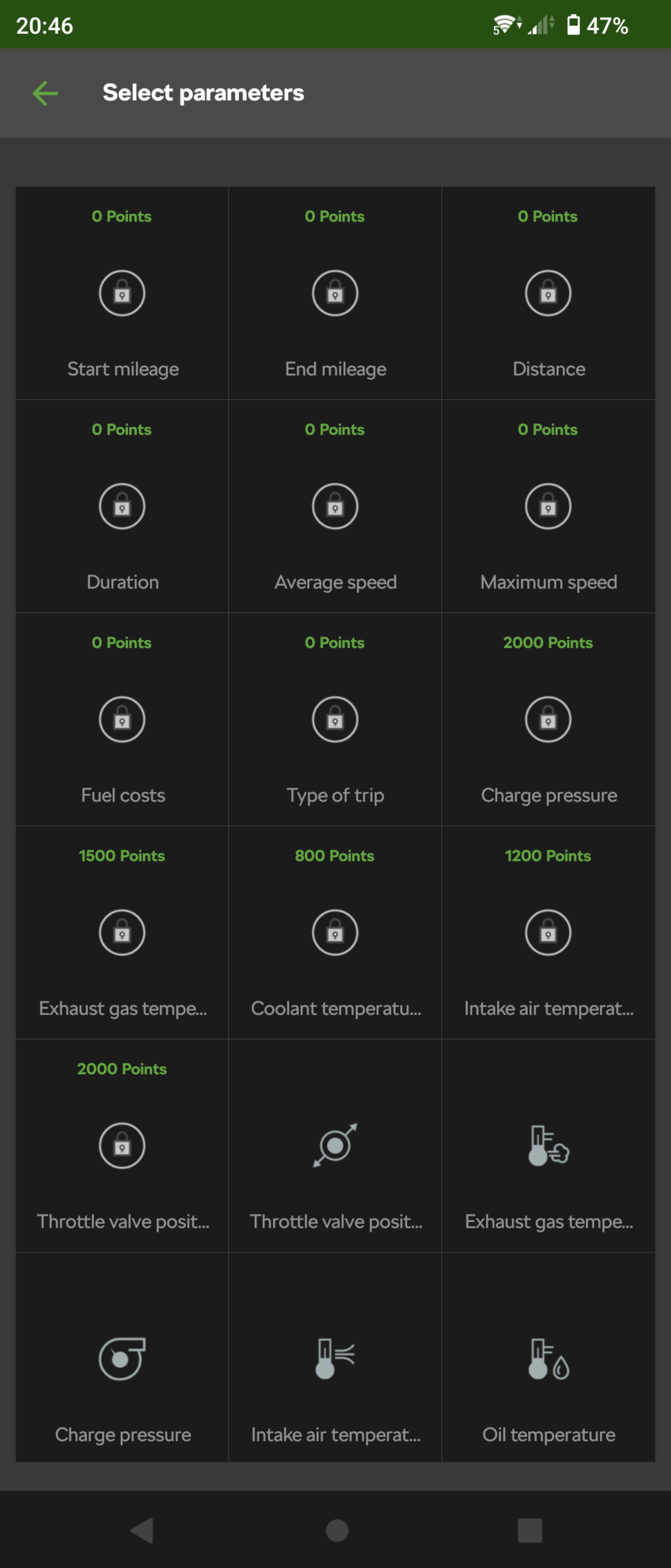
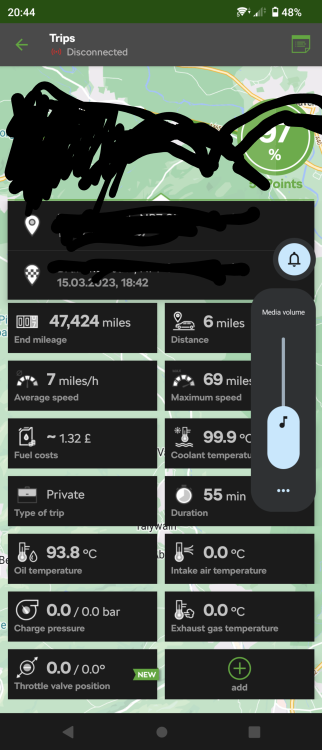
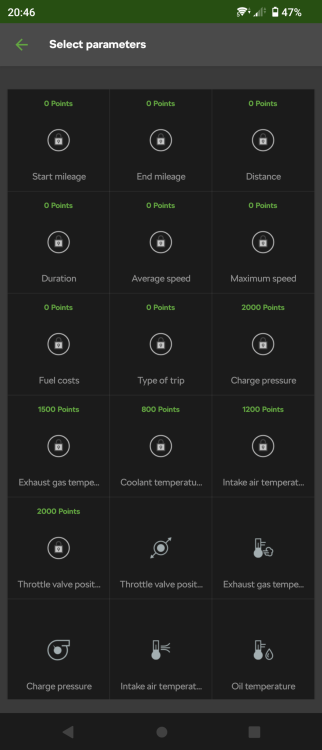
Yeah, I've added everything, but if I click on add they're all there again!
-
What happens if you try and add a function?
-
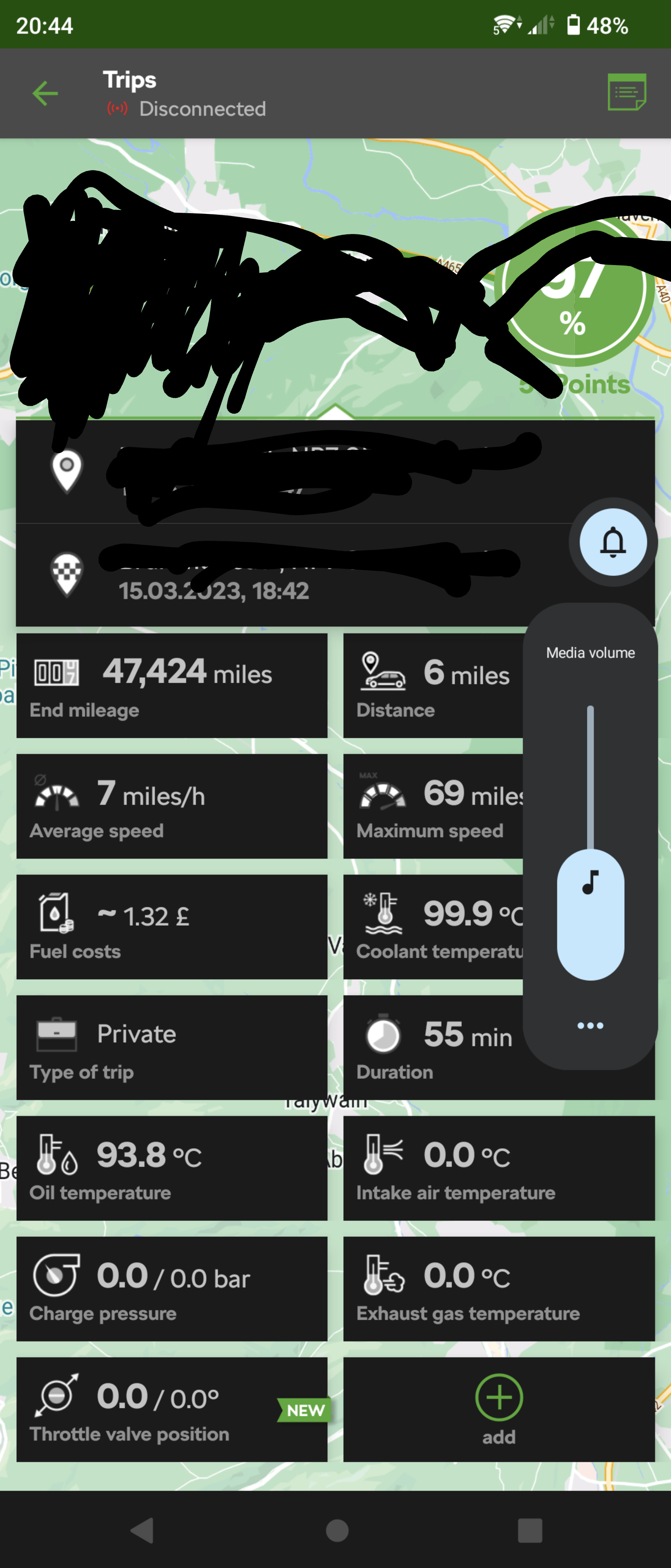
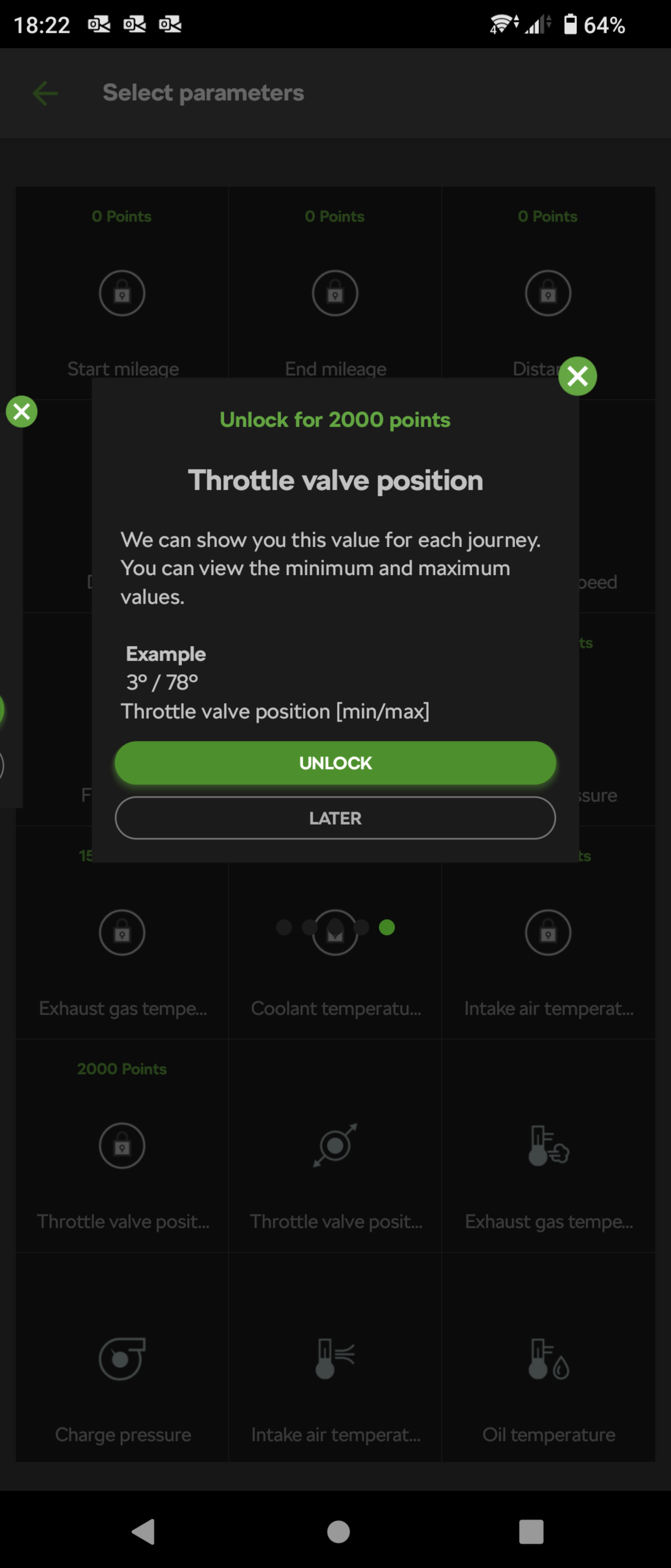
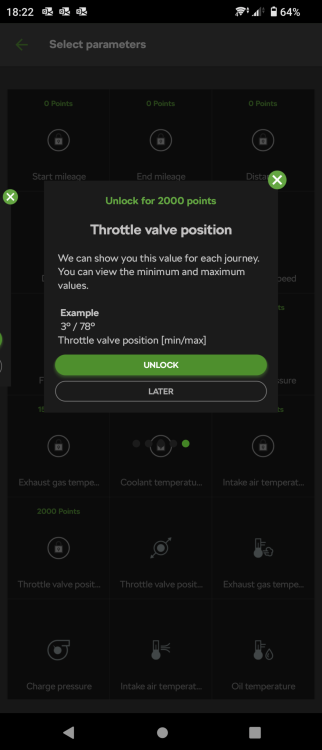
Lol I edited my post cos it appeared to be OK, then I looked at the trip and went to see what I could add - got this! Press 'coolant temp' and 'throttle position pops up! 😱🤬
-
🤬 Well there's a surprise, it's all working and all data back 😁
-
Same here, I've sent numerous emails with no answer, and it keeps logging me out of the app. Someday seems like a long time away.....
-
I think you're probably right, I just like taking any opportunity to have a go at corporate! 🤣😂🤣
-
Connect lite is free, yes you pay for the dongle, but the app is free
-
Yep, let me login today, but all data lost. Time for a strongly worded email! What concerns me is that the app used to 'back-up' its data all the time, so where is it? If skoda have 'lost' my name, phone number and VIN, I'll be going after them on GDPR failures! (and I want my points back too 🤬)
-
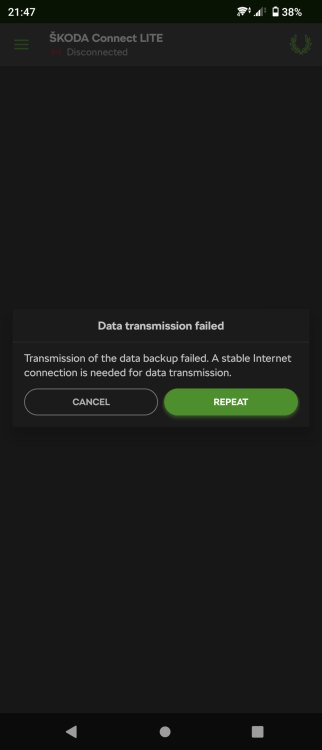
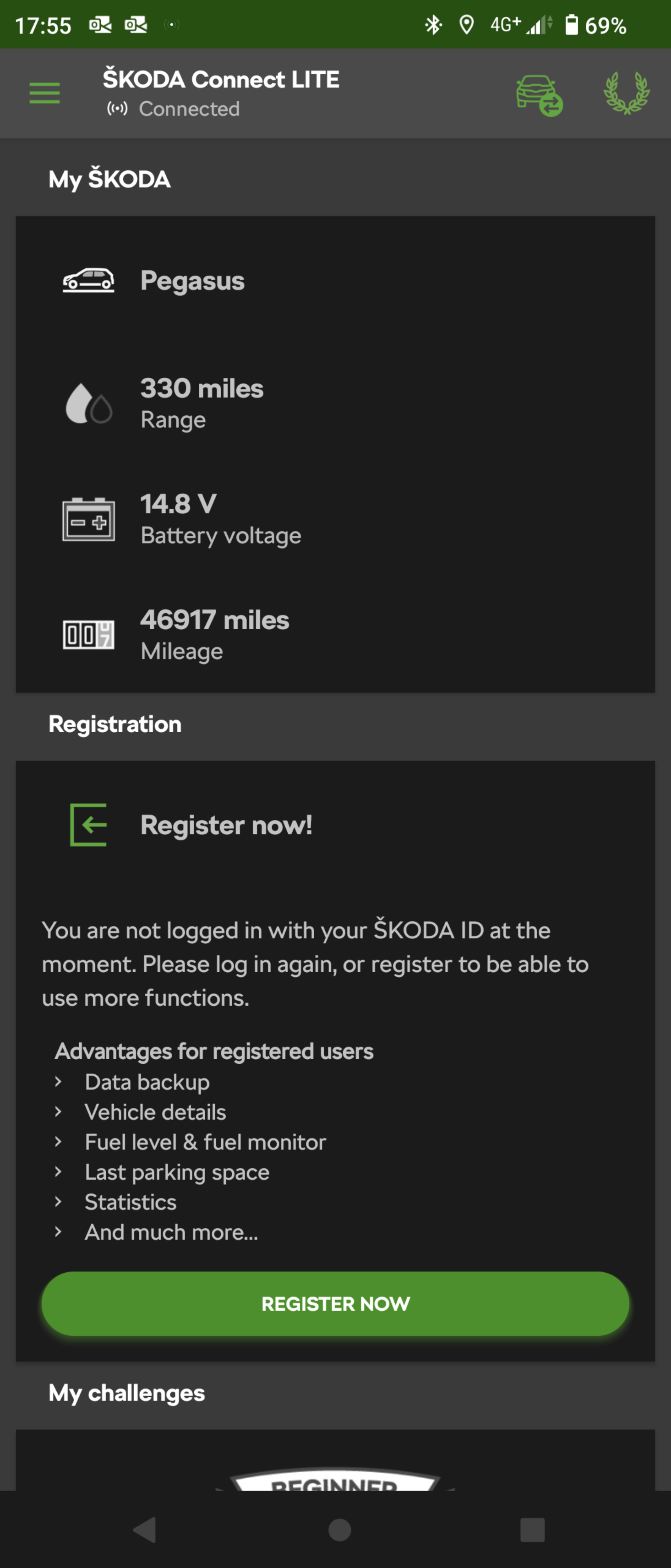
Latest news: I'm now getting this screen, it's obviously logged me in as it's picking up the name I gave my car (don't judge, flying white horse OK?) but won't pick up any historical data and still craps out at the 'transmitting data backup' stage 😱
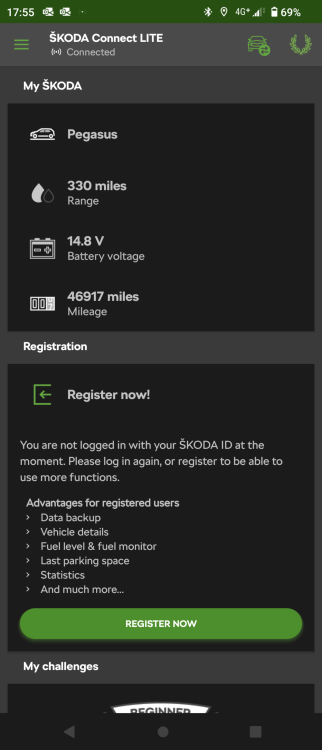
-
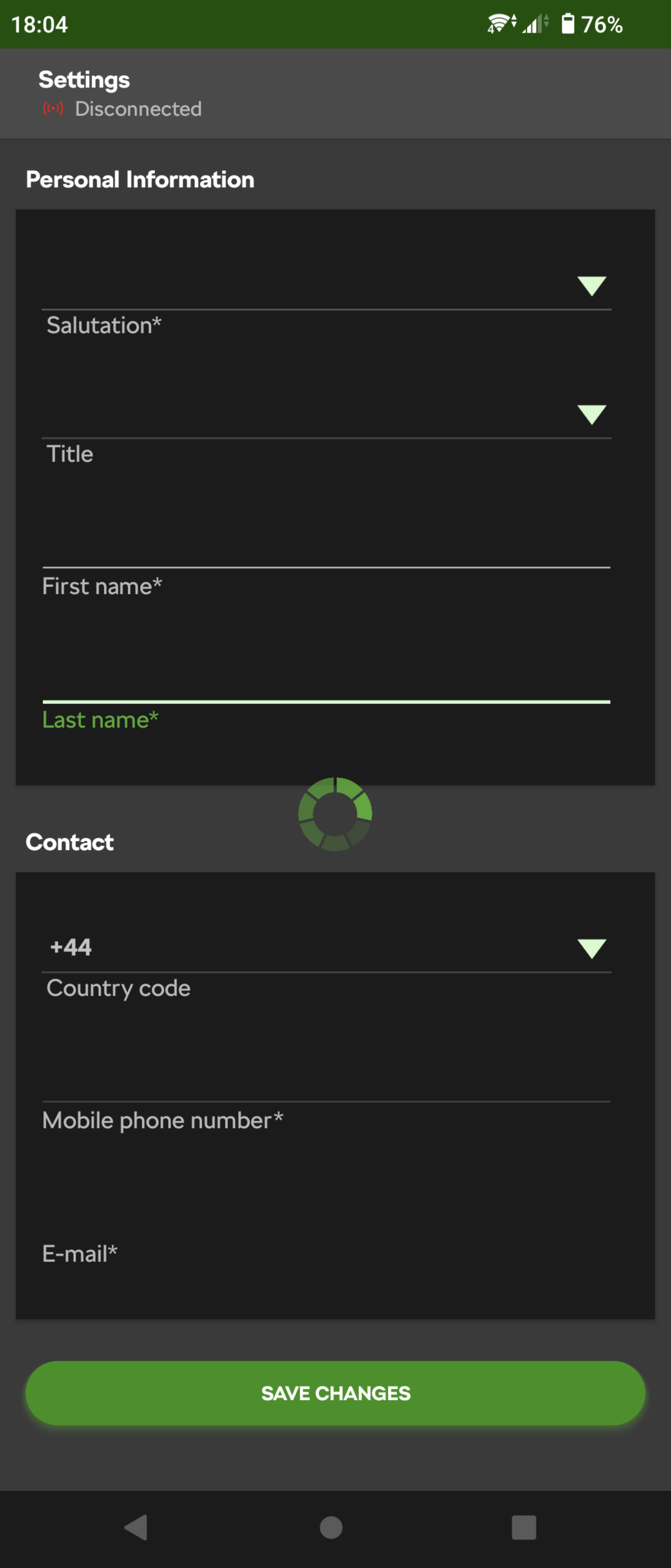
Still buggered, now it keeps spinning on this screen!
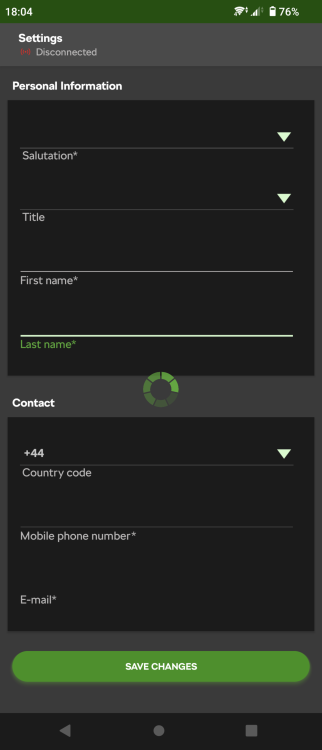
-
Latest update from Skoda: We apologize, the database migration has prolonged and it will be finished on Tuesday 28.2. at the earliest. On behalf of the entire time I apologize to you for all the troubles you are experiencing. Please do not reinstall the app and do not try to log in from a different phone, as it may lead to a loss of data. Again, we aplogize and thank you for your patience. Kind regards, ŠKODA Connect LITE Team So reinstalling the app may well have lost me all my data, but hopefully not.!
-
Sounds like the 'updates' and data porting has fooked the app. Situation normal for Big Corp!!
-
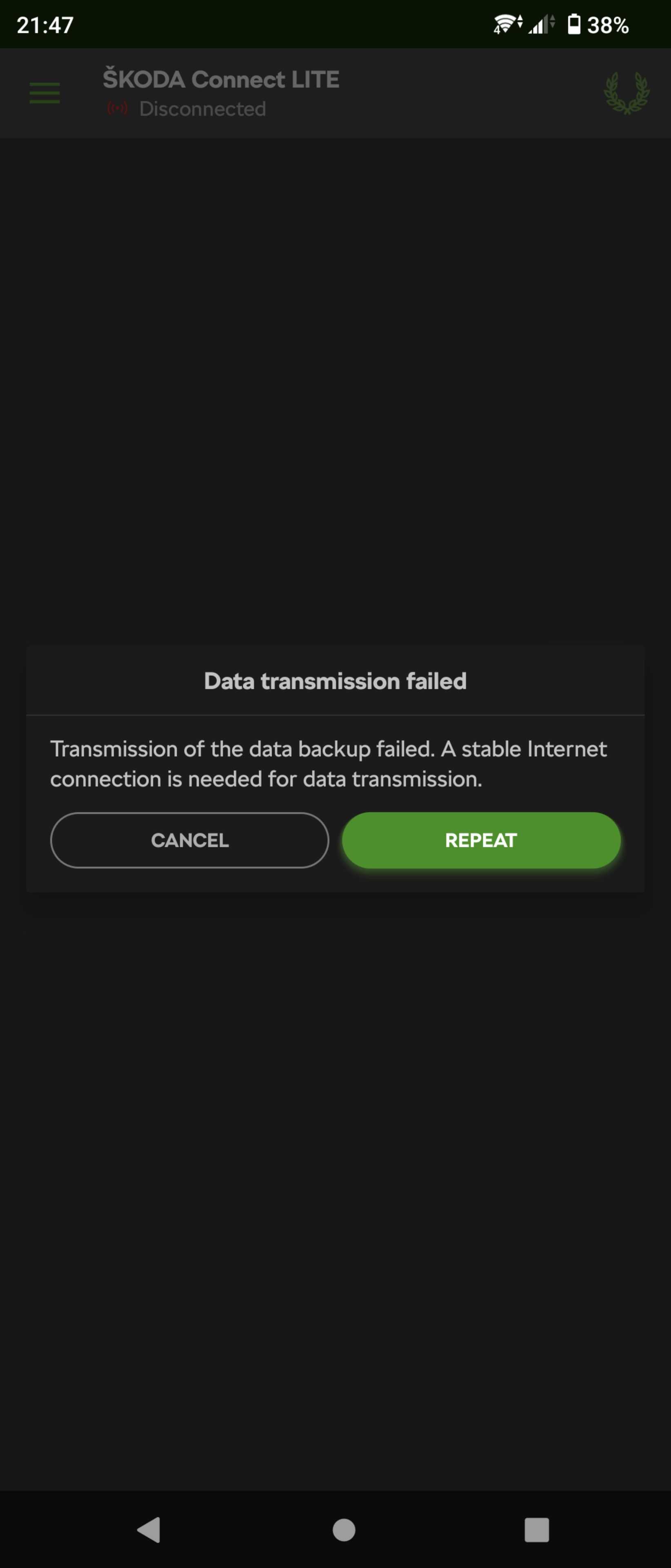
I can log in, but now get this Seeing as I'm sat on my couch, connected to my home WiFi, I think I have a stable connection!