Brian15
Members
-
Joined
-
Last visited
Everything posted by Brian15
-
I’ve just gone from diesel to petrol Octavia for the first time and was wondering why the petrol filter never needs changing ?
-
Would that affect the parking sensors and power steering ?
-
According to receipt they did take it for a test drive , they just acted dumb and suggested the lights were on when I dropped it off. I live just round the corner from garage And only drove it the distance back home so will take for a longer drive tomorrow
-
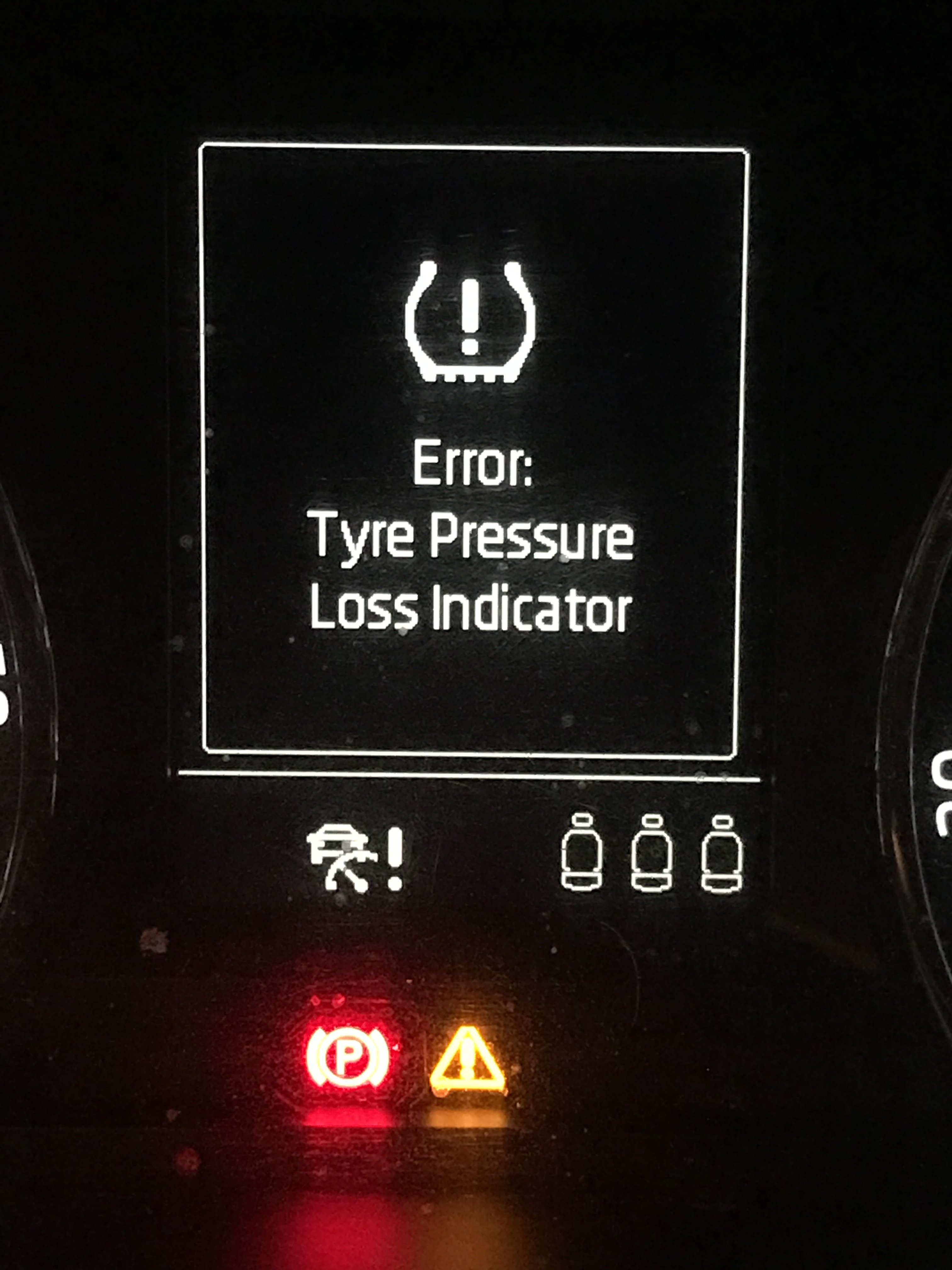
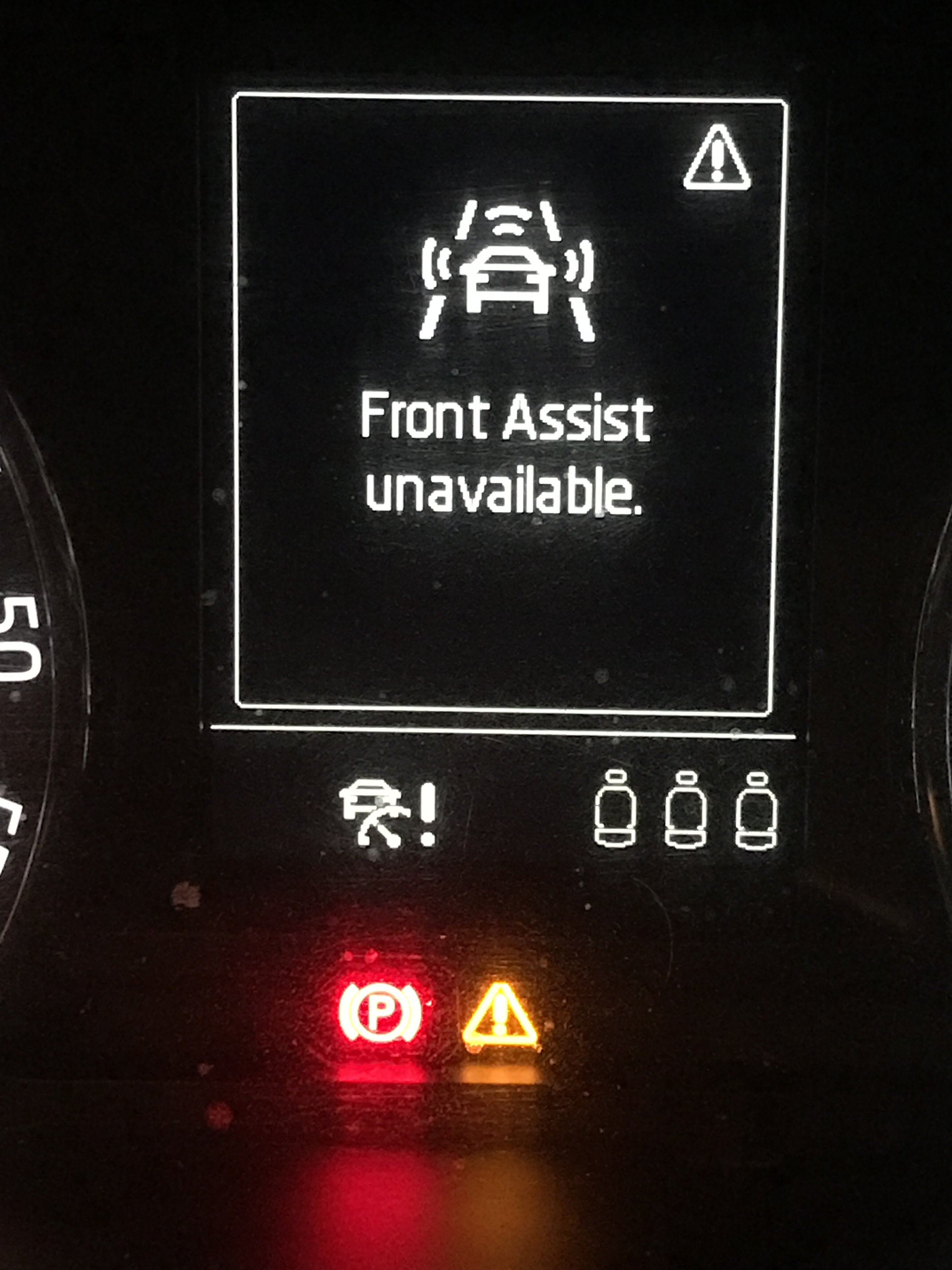
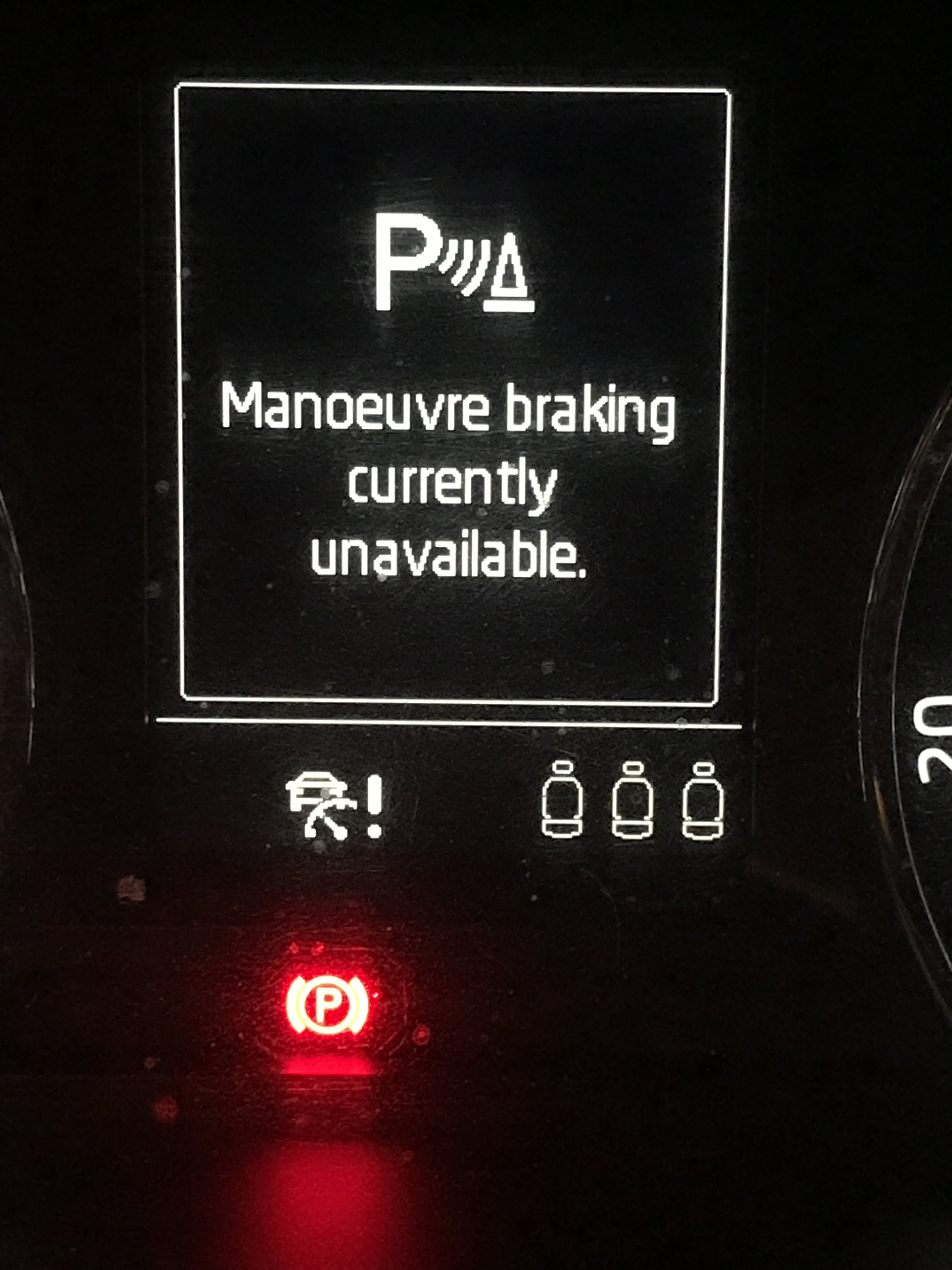
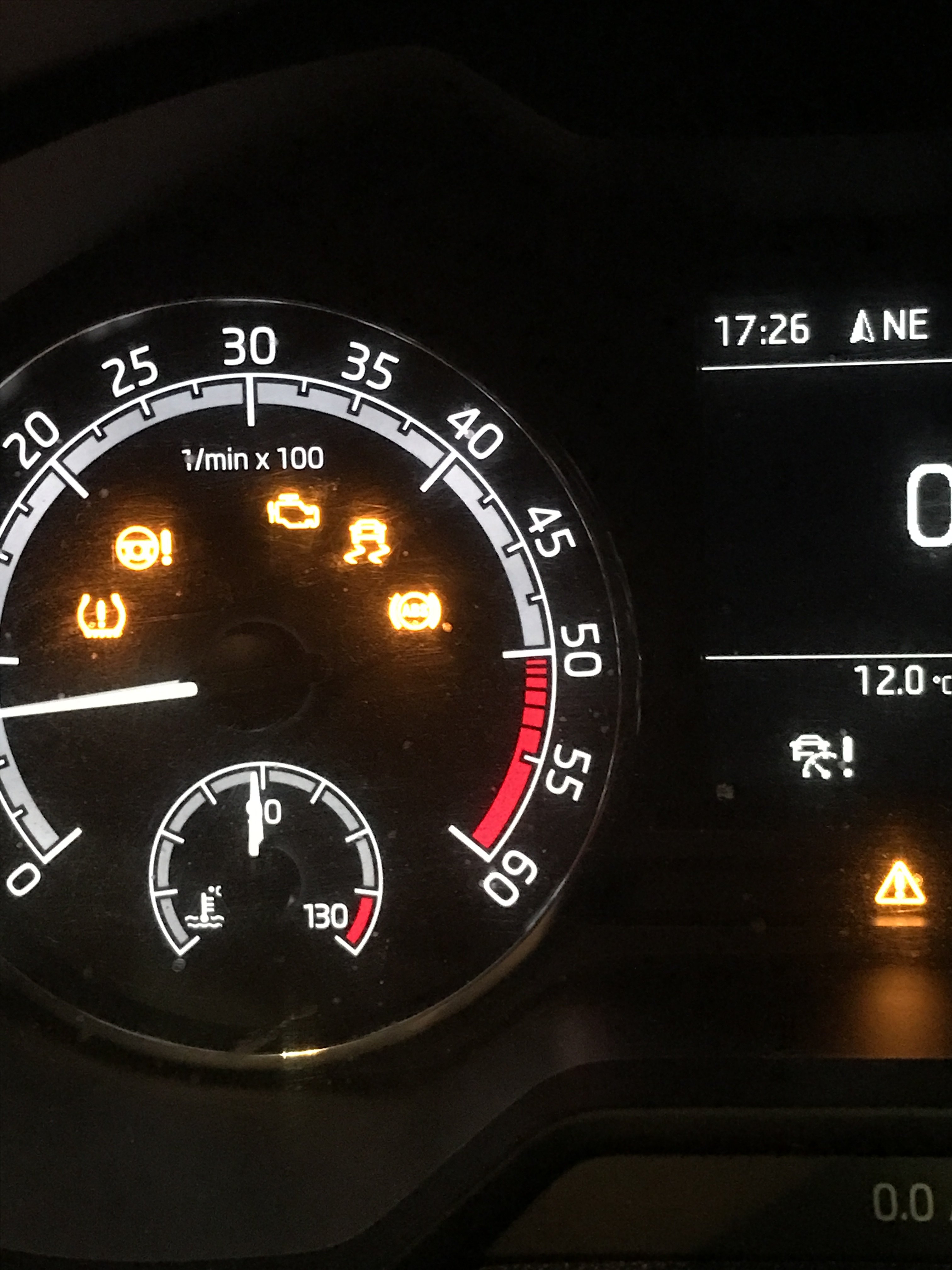
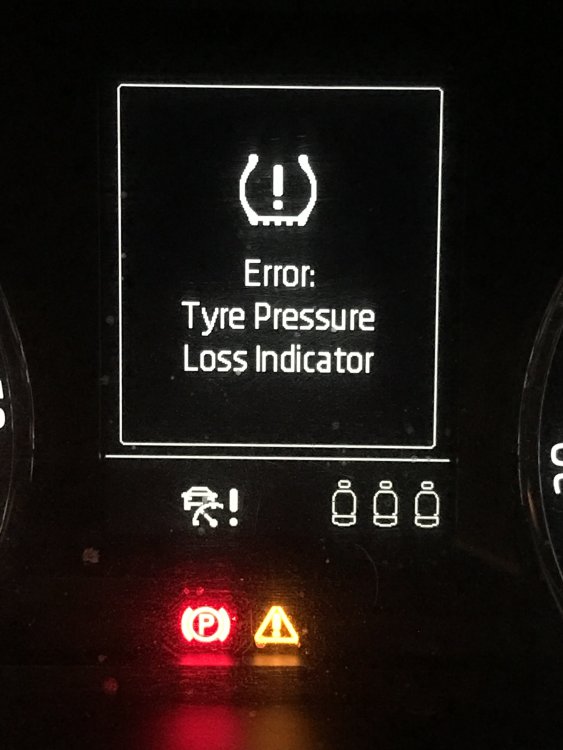
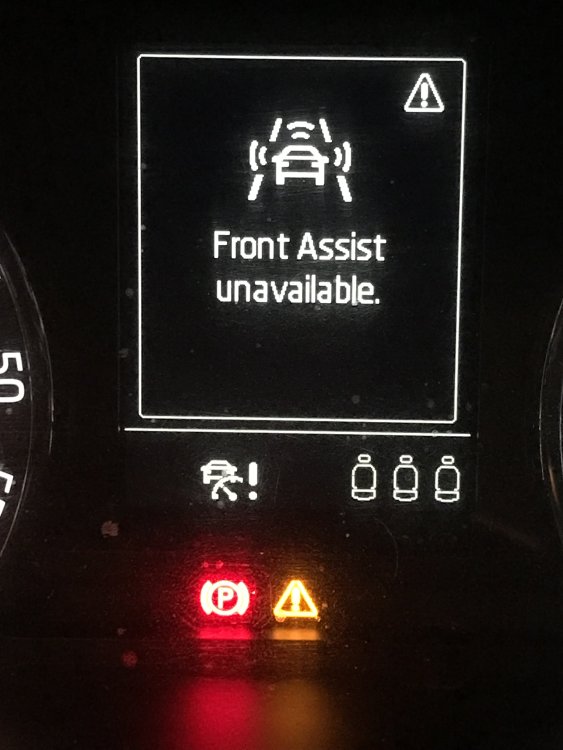
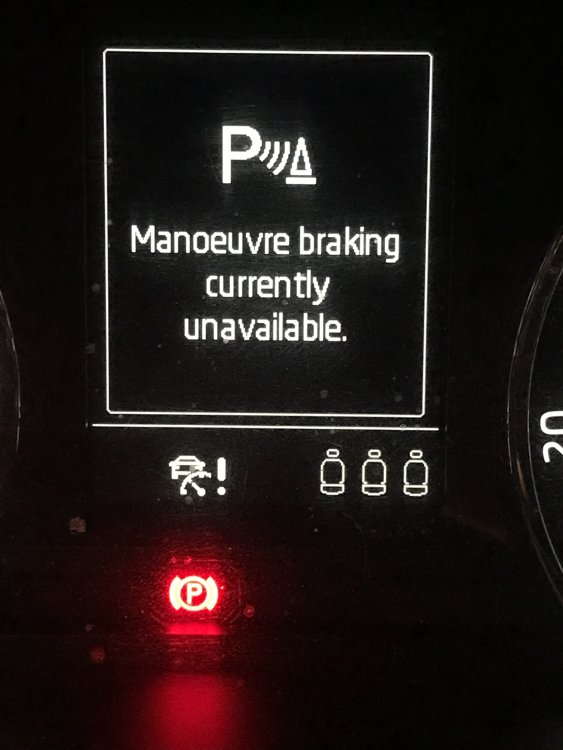
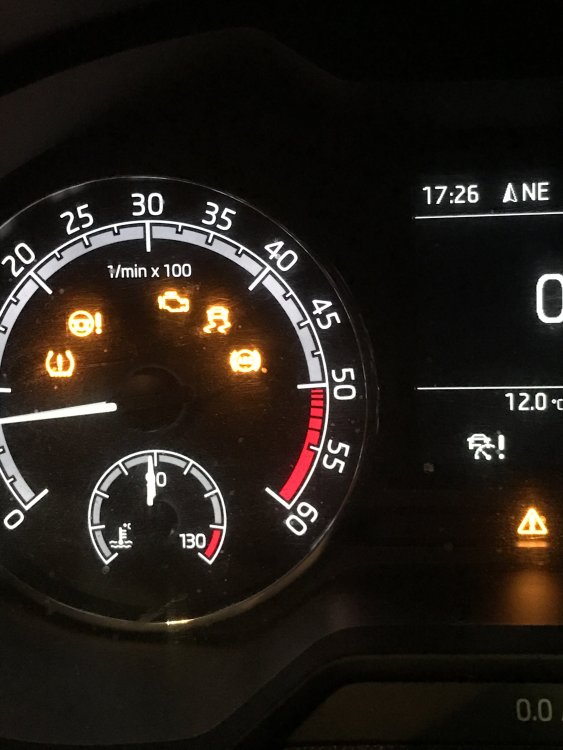
Just had my car in the garage for front l shocks replaced and headlight alignment my dashboard has come back with a few extra lights on it , crackling noise from dash , power steering not working , blank looks from the garage and bring it back monday advice
-
What’s the recommended mileage for a first coolant change ?
-
Is there an idiots guide to changing brake pads on the mk 3 somebody could link up please, never done it and as a taxi driver they need doing more than most, thanks in advance ?
-
FairPlay to RRG i picked my car up today , they’d run a diagnostic check and done a regen neither of which are covered under warranty free of charge. cleared codes so gotta wait for light to come back on to pin point issue. They also couldn’t find my key ,someone else’s key was on my hook but they’d been and gone, fair play to them the guy on the desk gave me his car keys to use to get home , few hours later they turned up with my car , keys and a bottle of champagne
-
Not sure, wasn’t aware there was more than one , had my engine light on a couple of times recently and had a diagnostic check done again today , codes have been cleared but was told again it’s temp sensor that’s coming up as an issue
-
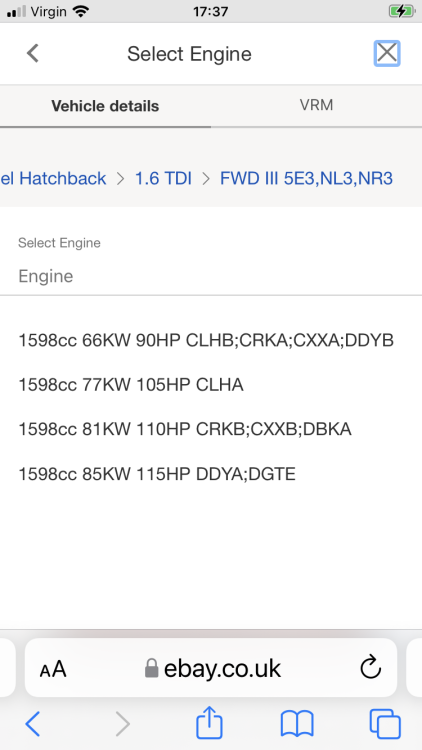
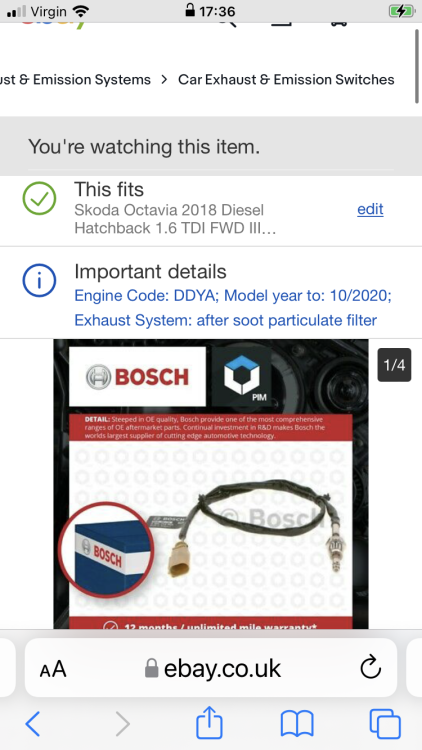
I know it’s eBay and prob not the most reliable hence me asking her
-
Not without a ramp no
-
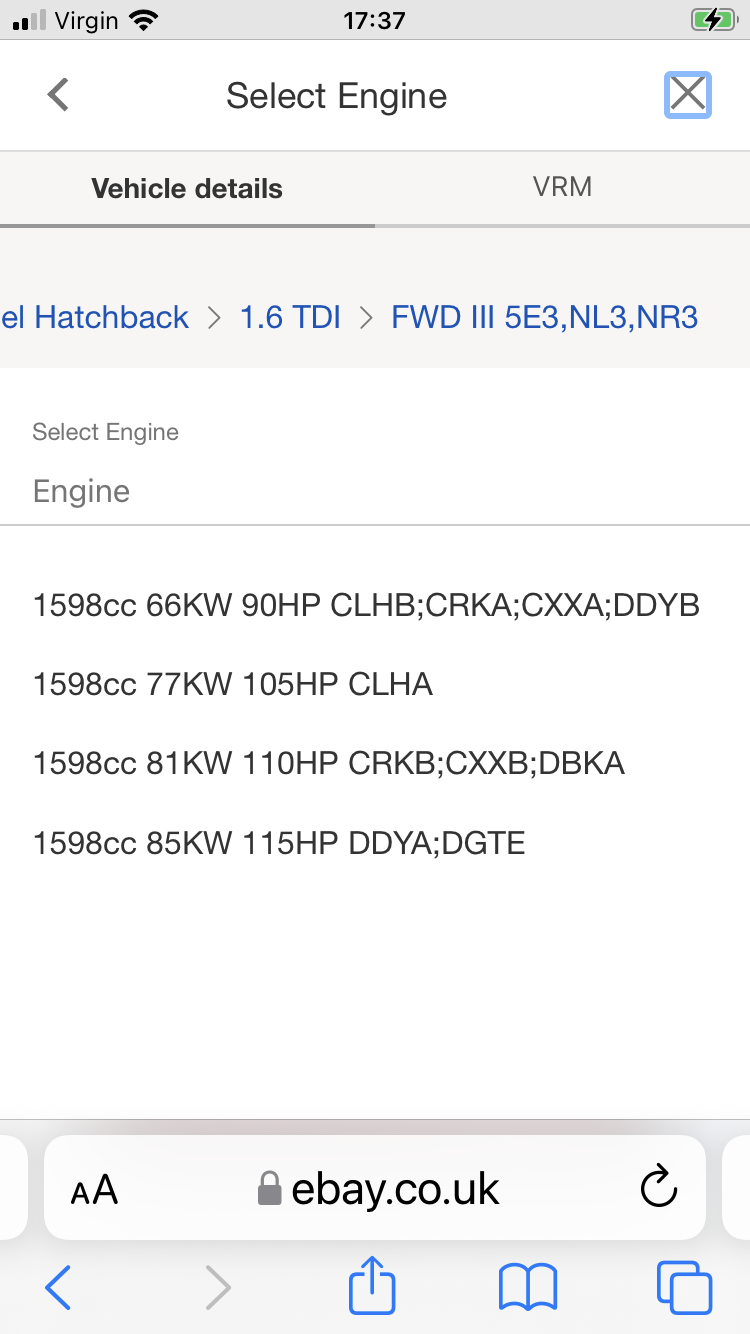
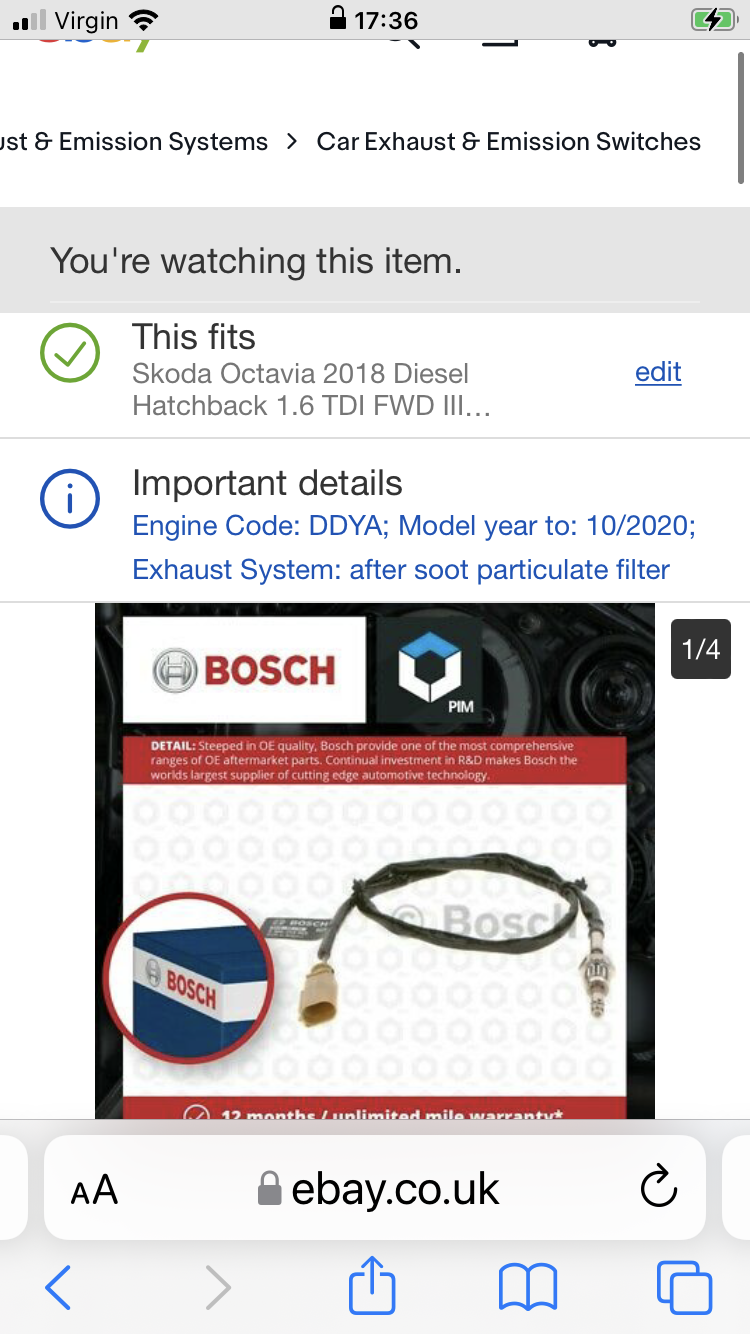
Hi all , I have a 2018 Octavia and looking to purchase a Dpf sensor , my car has engine code DGTE but upon searching for the part it keeps.coming back with DDYA but says it will fit my car , is this correct , thanks in advance for any help ?