
East_Yorkshire_Retrofits
Sponsor
-
Joined
-
Last visited
Everything posted by East_Yorkshire_Retrofits
-
ACC is certainly something we can help with 😎
-
Come to us for the exact same towbar that the dealers would fit, fitted in exactly the same way with exactly the same functionality, with the same warranty - and less headaches
-
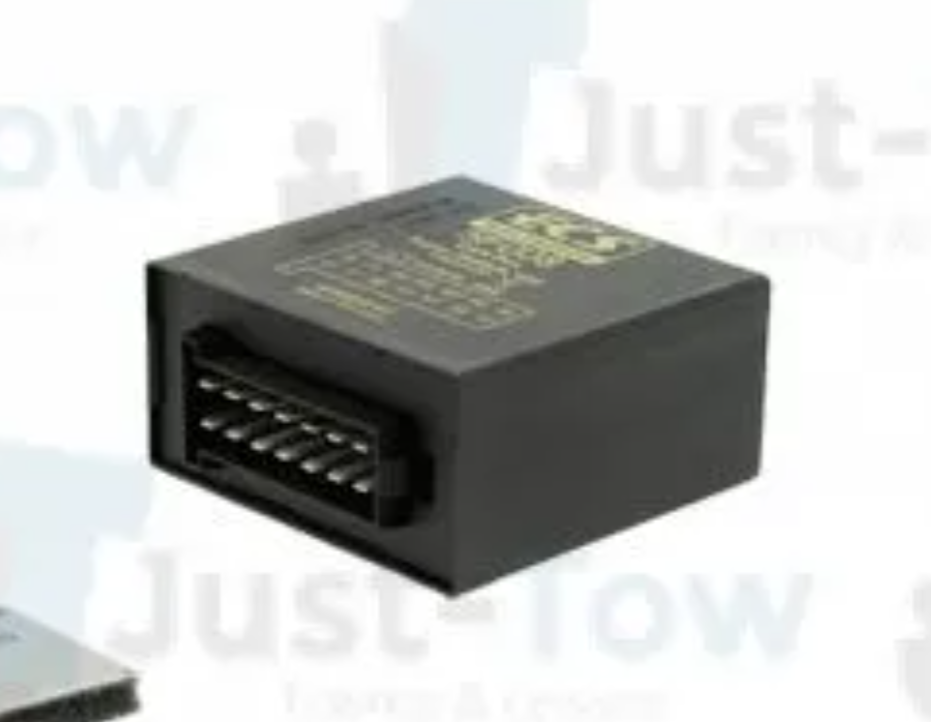
Always happy to be corrected, the usual aftermarket towbar installations we end up removing are small black boxes that just imitate the genuine control module.
-
The quote I gave you is for a genuine retractable towbar, so it’ll be the exact same as what they’re looking to install. All comes down to price 🤑🤑
-
Here are the current towbar installation restrictions for the UNECE Octavia Build dates 01/04/24 to 25/08/24 (CW14/2024 - CW34/2024) - Updates required prior to installation 26/08/24 to 24/11/24 (CW35/2024 - CW47/2024) - Updates required prior to installation 25/11/24 to 06/07/25 (CW48/2024 - CW27/2025) - Updates required prior to installation 07/07/25 onwards - not currently supported (Not currently in existence anyway) Cars with outstanding updates will be charged for the updates so it's advisable to make use of your warranty and have them performed by your local dealer prior to visiting us.
-
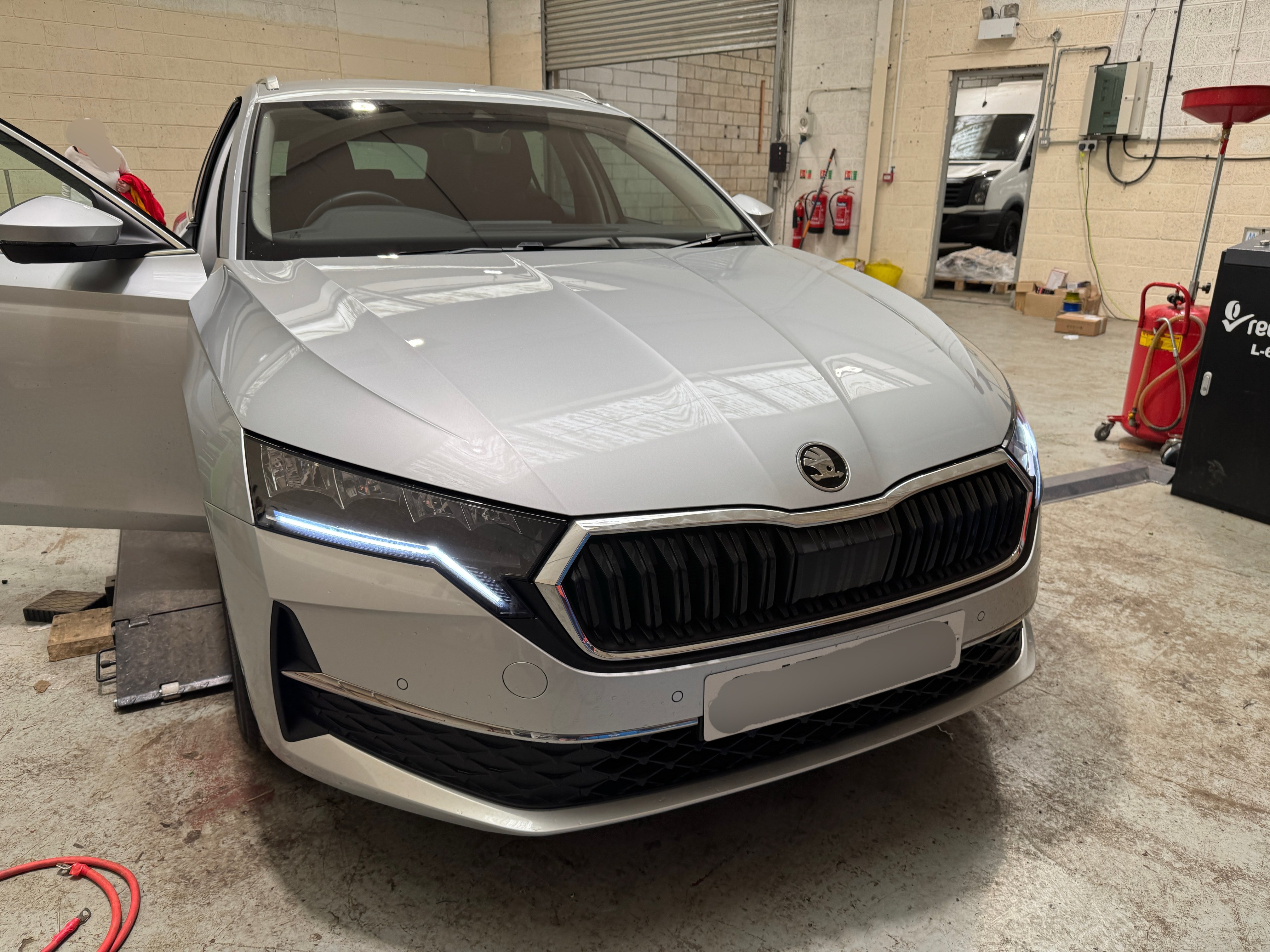
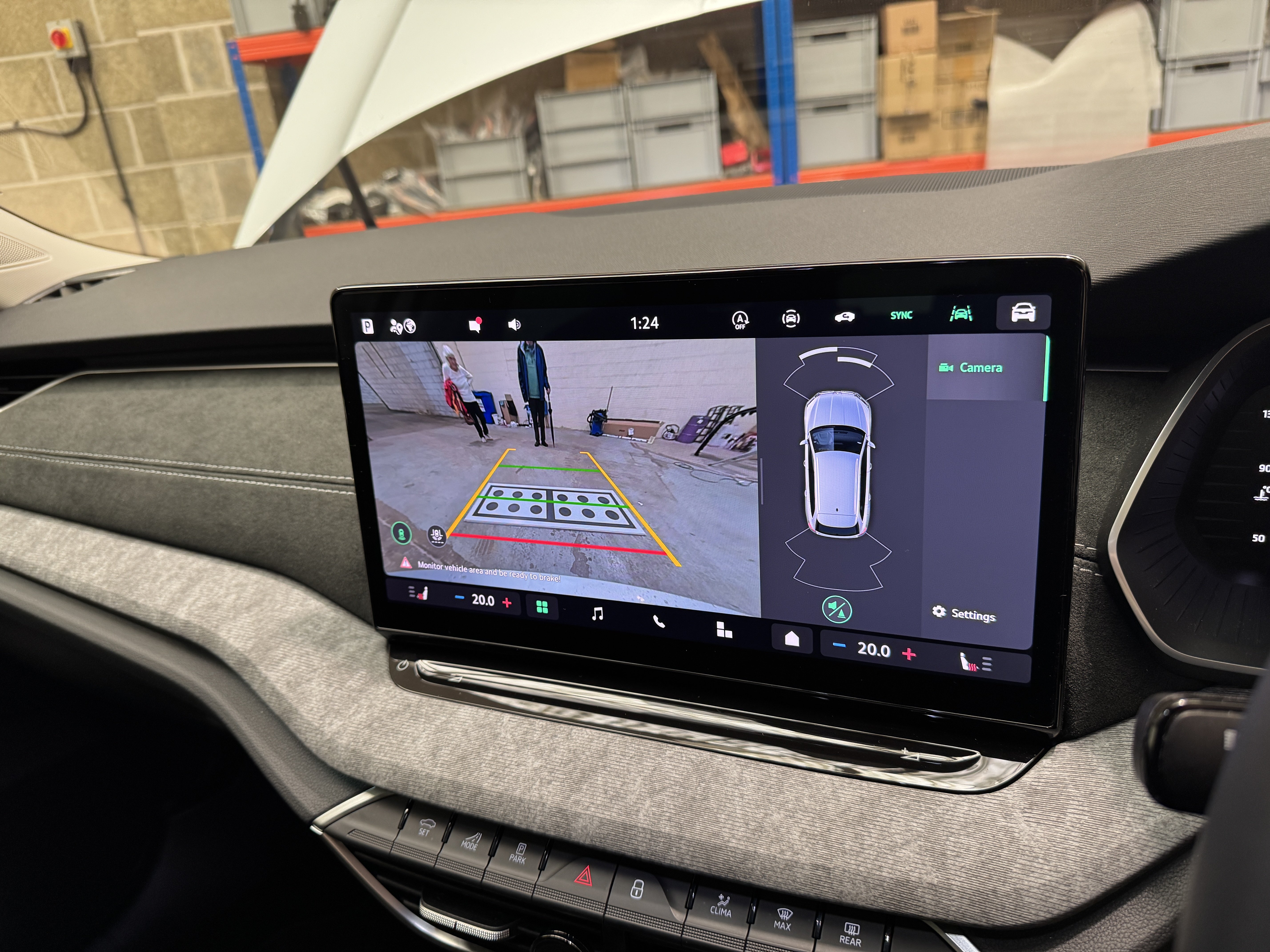
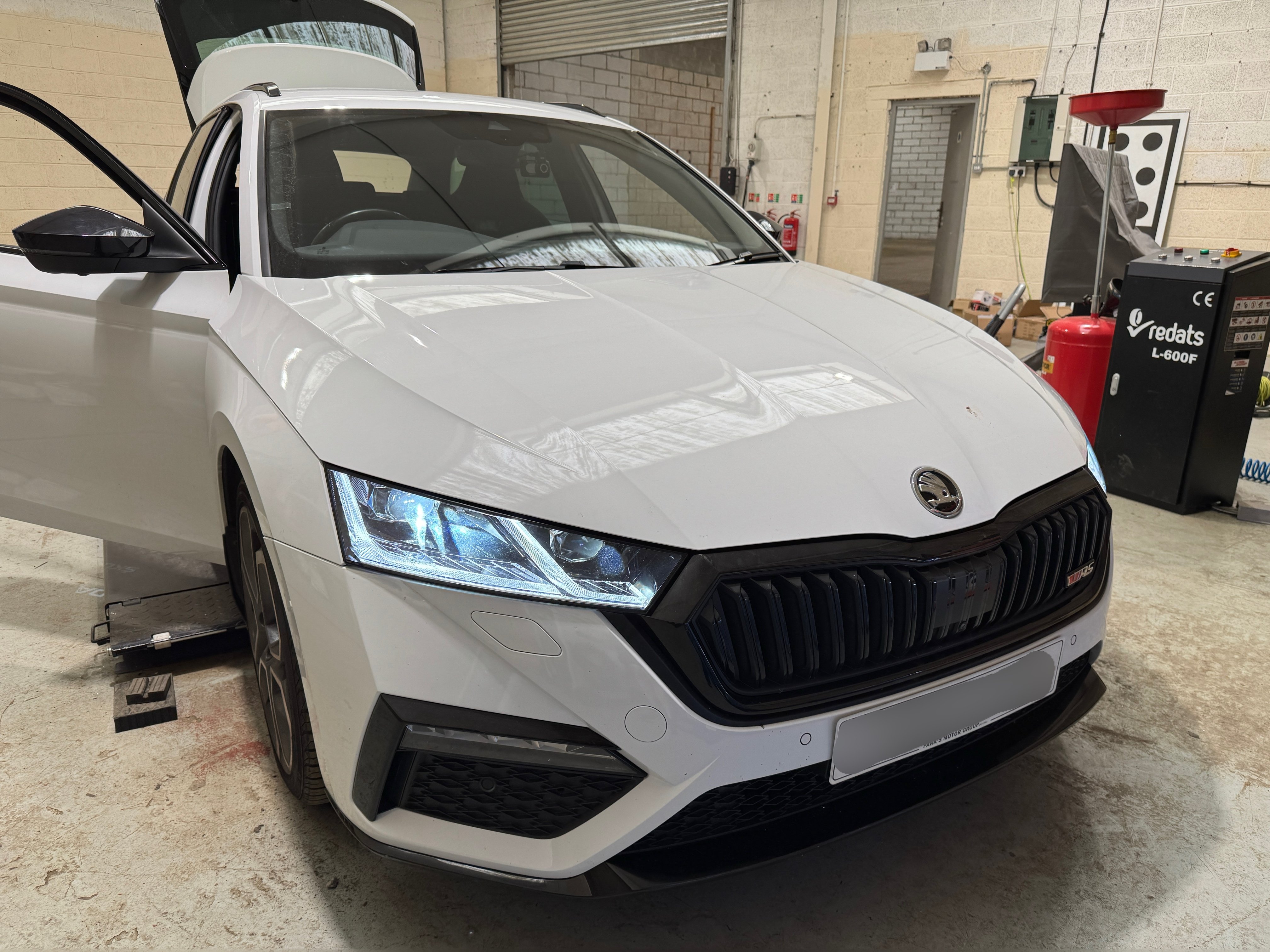
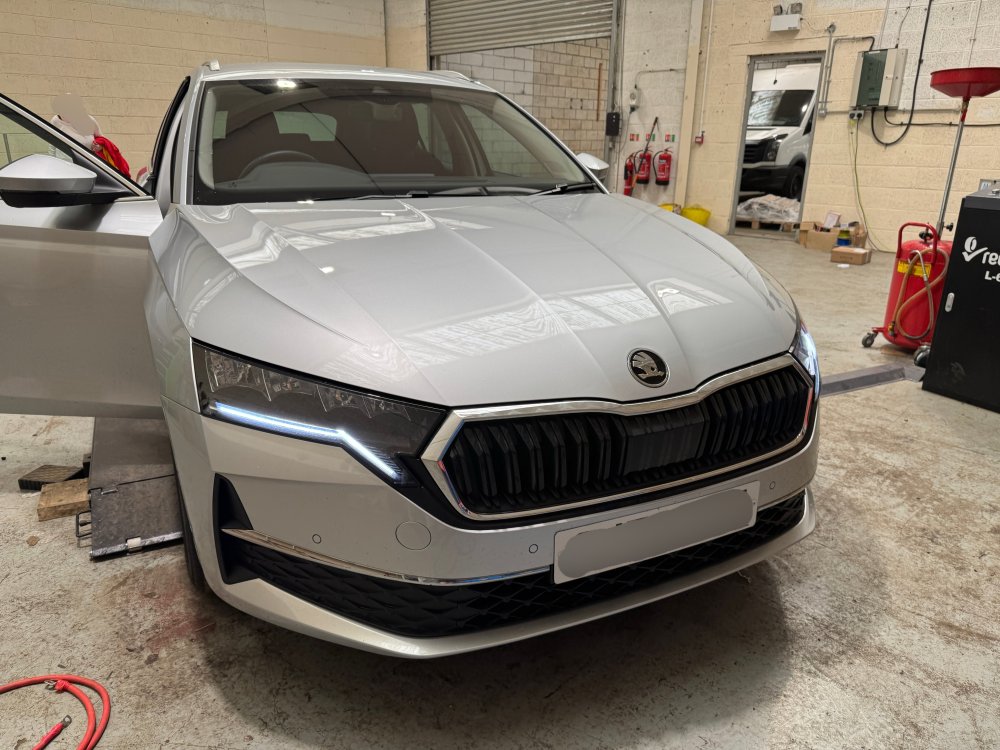
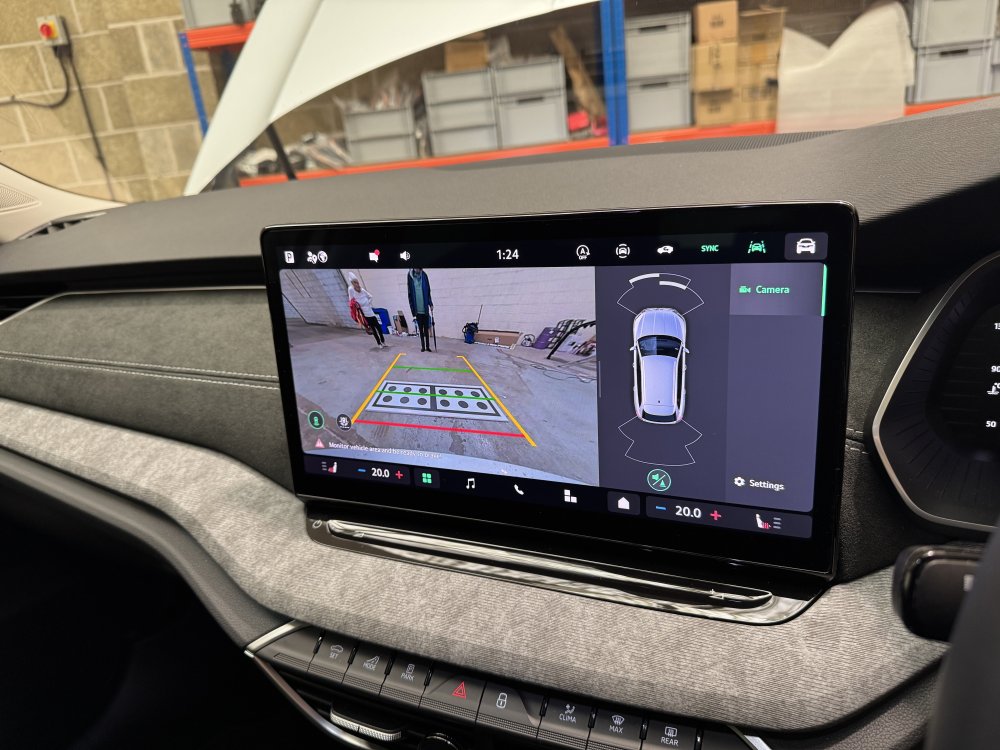
2025 Skoda Octavia with us for a genuine reversing camera VW - AUDI - SEAT - CUPRA - SKODA - PORSCHE - BENTLEY - MAN - FORD - VOLVO - BMW - & MORE! •Dealer level diagnostics •Coding •OE retrofits •Apple CarPlay •Android Auto •Component protection removal •Map updates •Software updates •Autowatch Ghost II immobilisers •Thatcham approved trackers •Remapping •Servicing •ADAS repairs & calibrations •Towbars • & more! ☎️ 01262 362116 📧 [email protected] 🌐 www.eastyorkshireretrofits.co.uk
-
We don’t perform software updates remotely sorry. Something goes wrong and your module is potentially dead, even with DOIP it can take 30+ minutes. Additionally, we don’t work with clone tools
-
The VWAG towbar control module is a VWAG towbar control module, the westfalia towbar kits include a different module that imitates the genuine module (usually the wrong module, for MQB not MQBevo which prevents SVM being possible) The towbars have westfalia branding as well as VWAG branding. UNECE cars can now have towbars installed, we’ve done a few. There are a few that can’t due to the build date, and a few that can’t without having software updates performed first If you send us a message with your reg or VIN we can look into it for you.
-
0075 isn’t the newest version.. the unit requires parameterisation once updated so it is not DIY. It also requires the bootloader to be flashed prior to updating It must be flashed using DOIP, otherwise you’re in for a 10+ hour flash for each update (there are multiple).
-
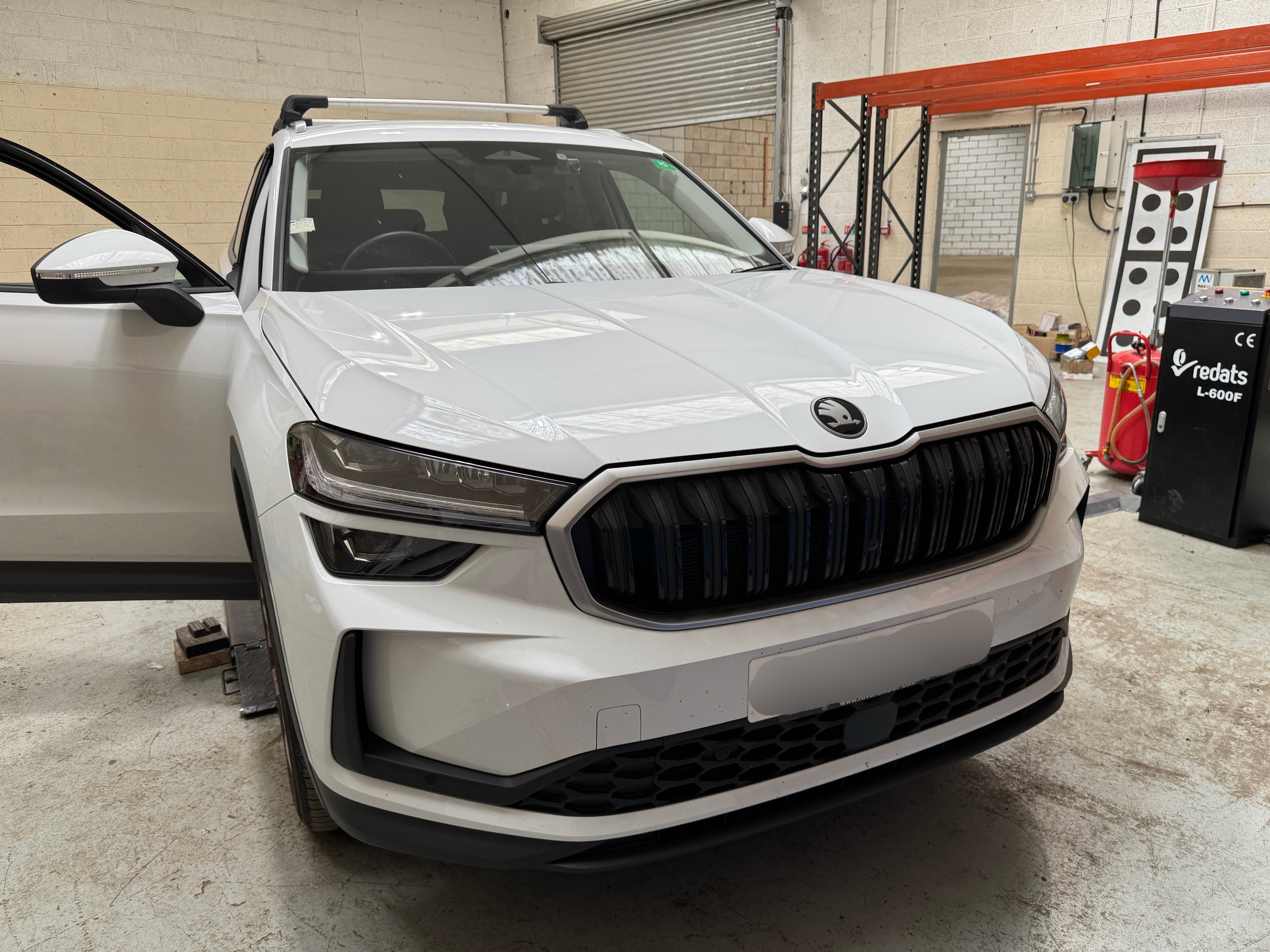
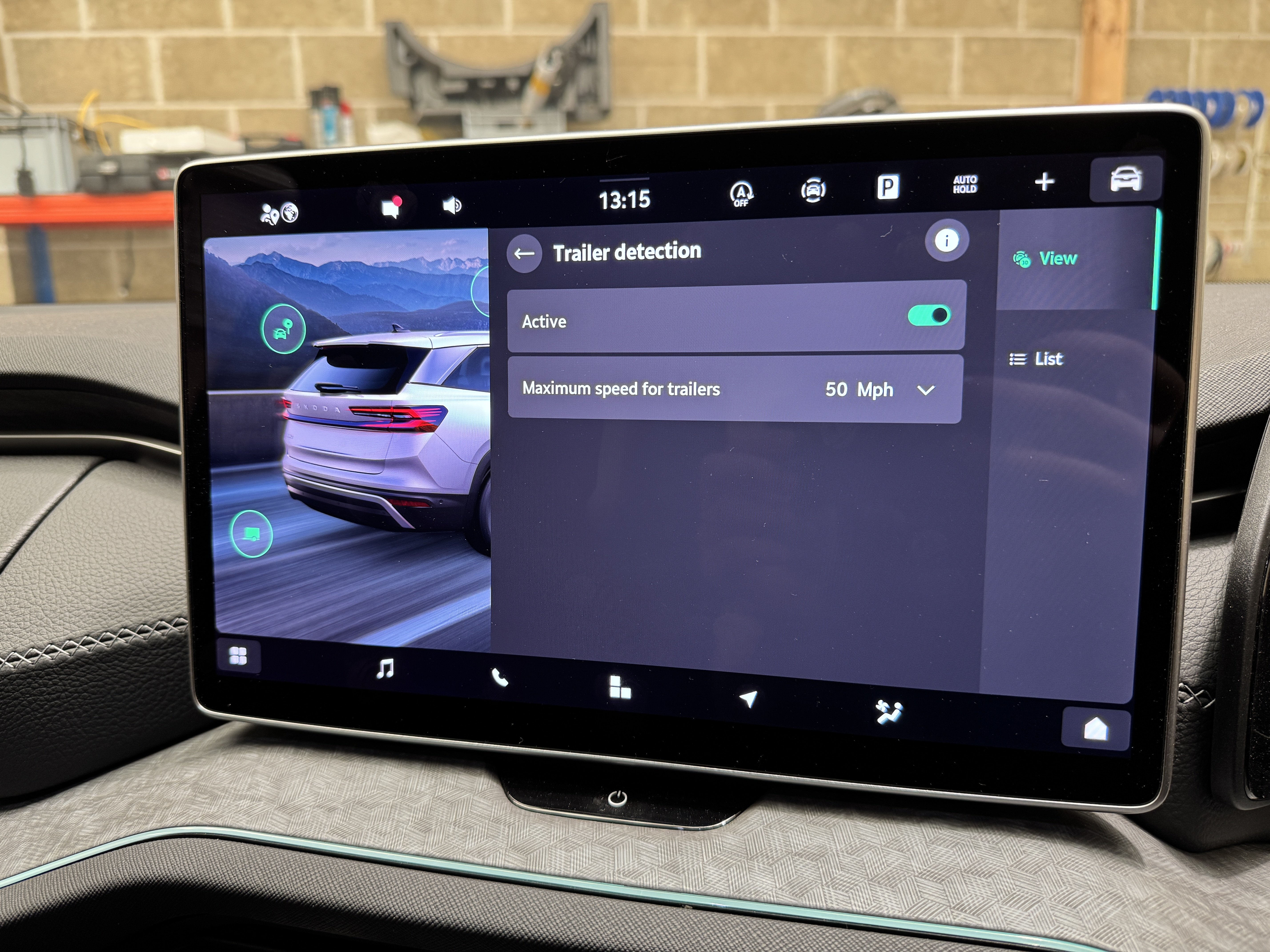
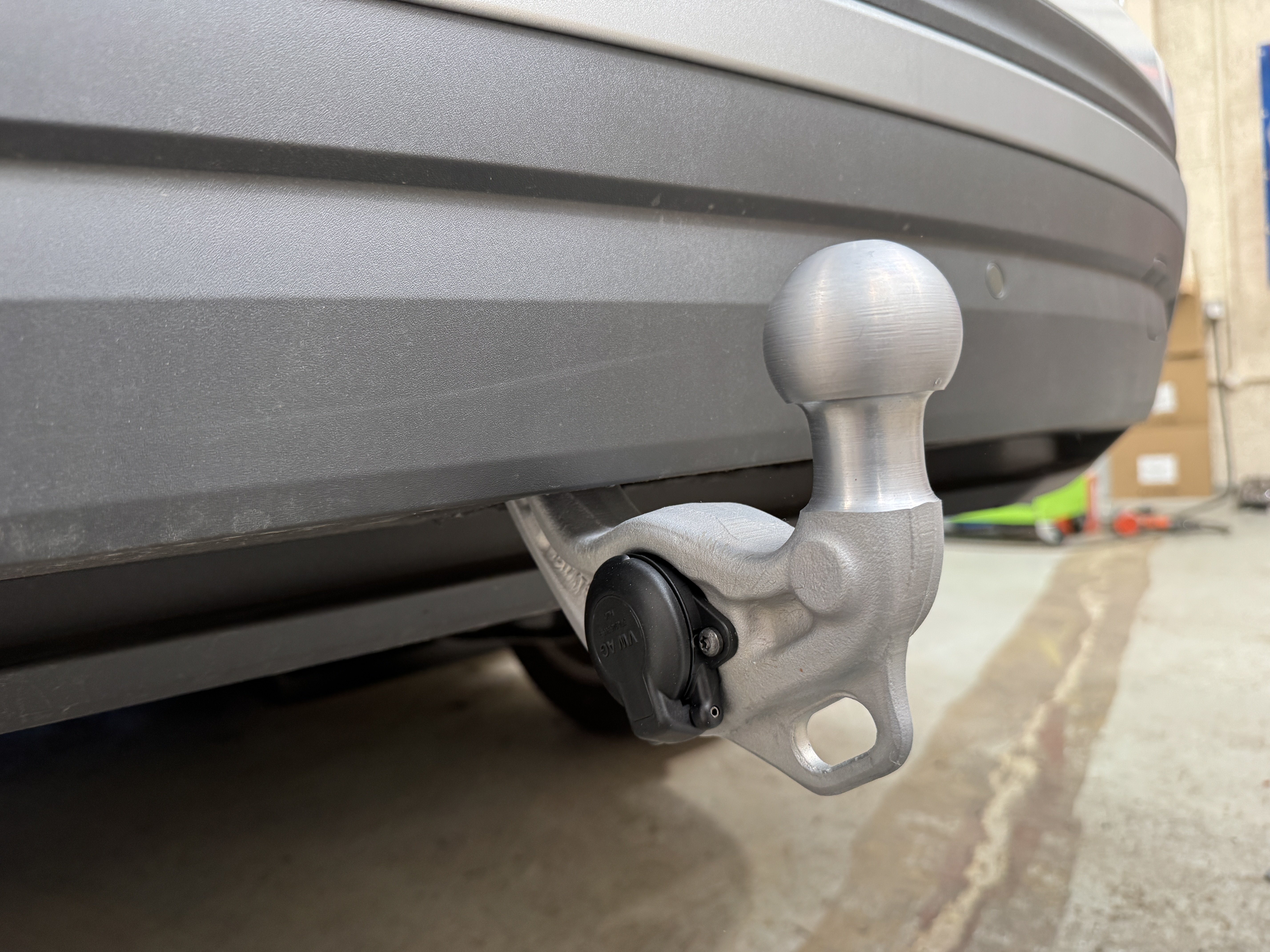
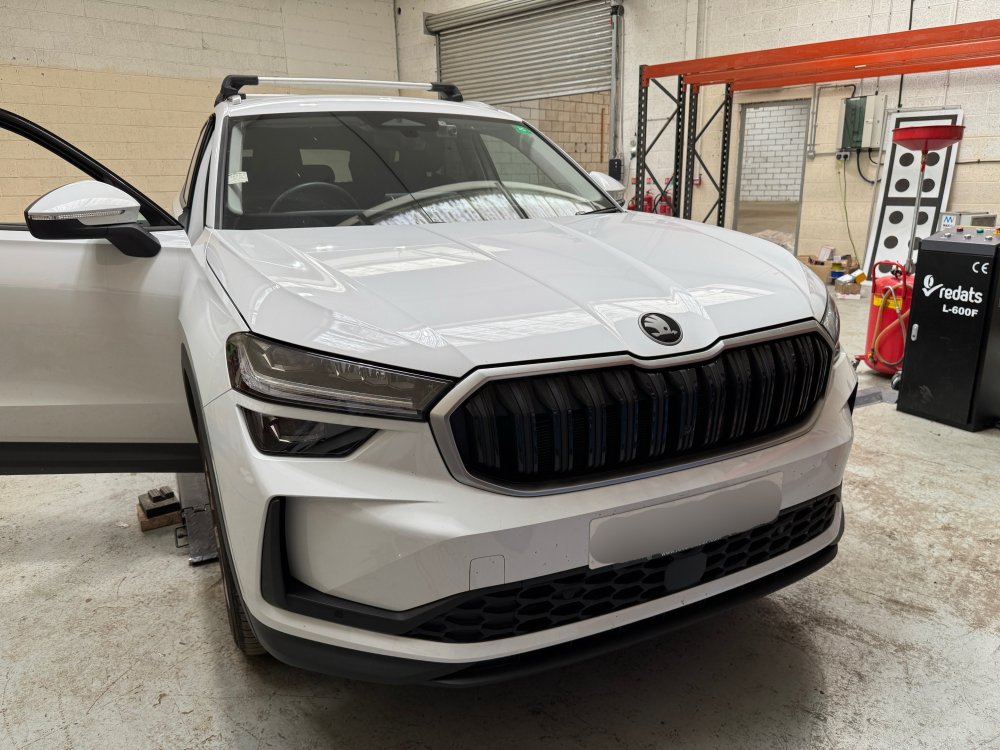
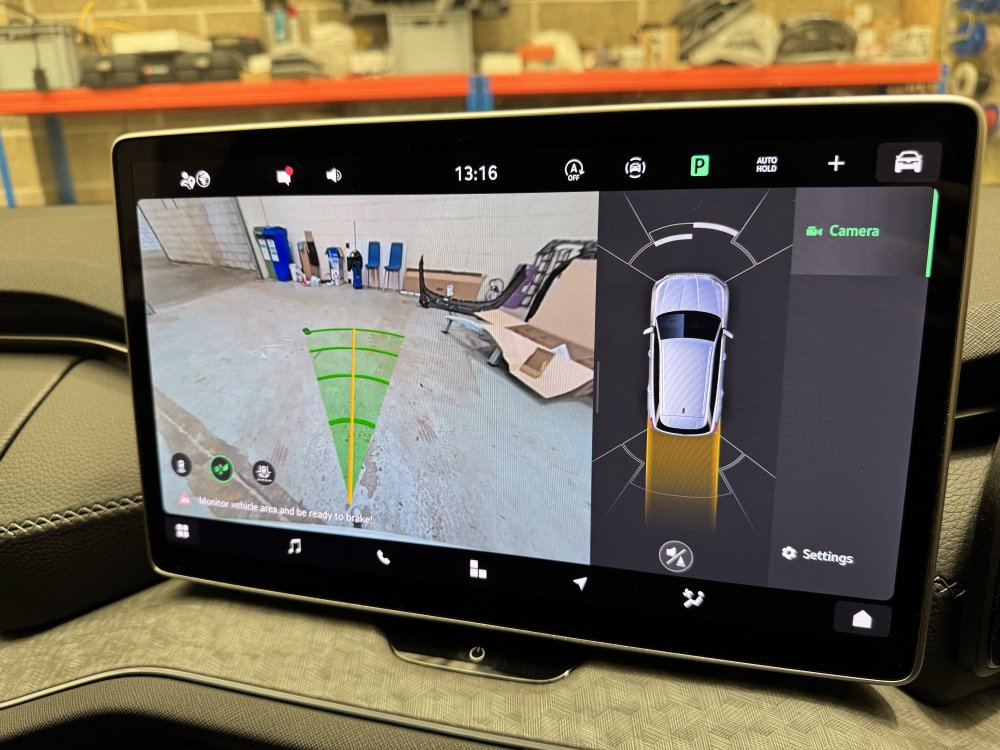
2025 Skoda Kodiaq fitted with a genuine electric folding towbar with integrated 13 pin electrical connector The installation has been recorded against the vehicles build data, and it integrates as if factory fit. The towbar has a 2 year warranty handled by any Skoda main dealer https://eastyorkshireretrofits.co.uk/products/skoda-kodiaq-mk2-genuine-powerfolding-towbar-retrofit?_pos=2&_sid=8161e5f73&_ss=r VW - AUDI - SEAT - CUPRA - SKODA - PORSCHE - BENTLEY - MAN - FORD - VOLVO - BMW - & MORE! •Dealer level diagnostics •Coding •OE retrofits •Apple CarPlay •Android Auto •Component protection removal •Map updates •Software updates •Autowatch Ghost II immobilisers •Thatcham approved trackers •Remapping •Servicing •ADAS repairs & calibrations •Towbars • & more! ☎️ 01262 362116 📧 [email protected] 🌐 www.eastyorkshireretrofits.co.uk
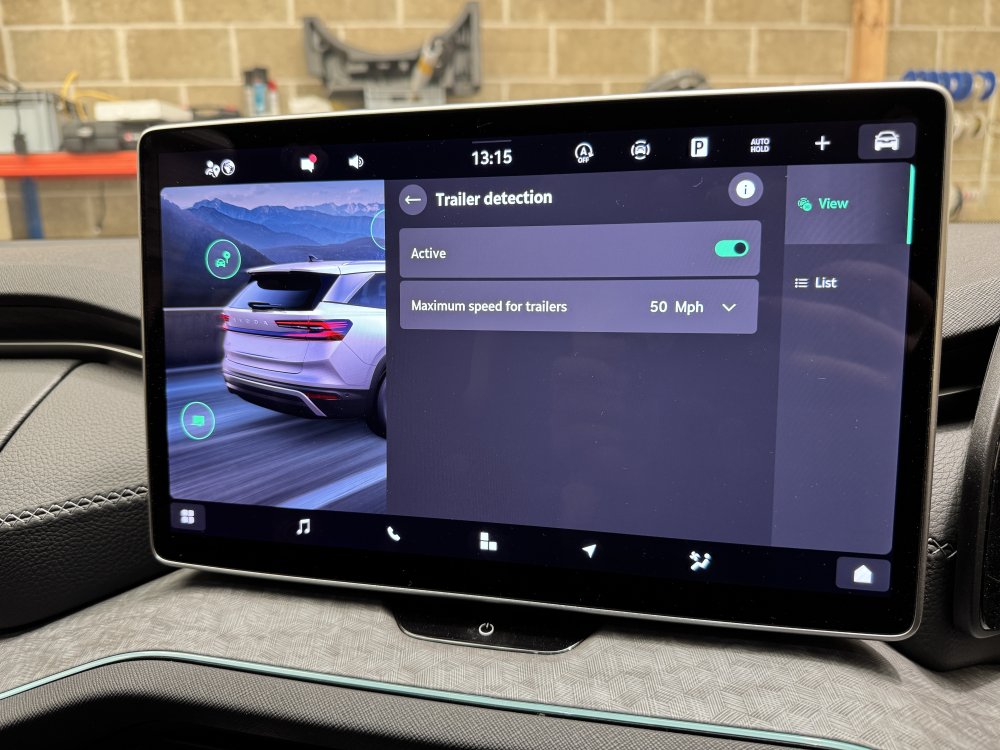
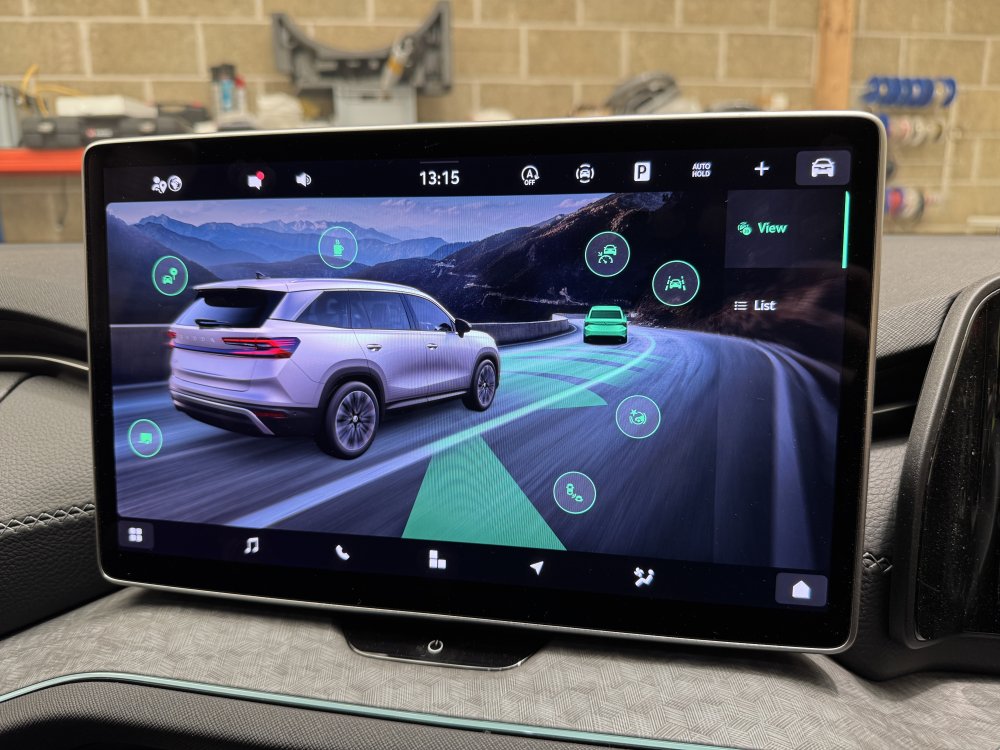
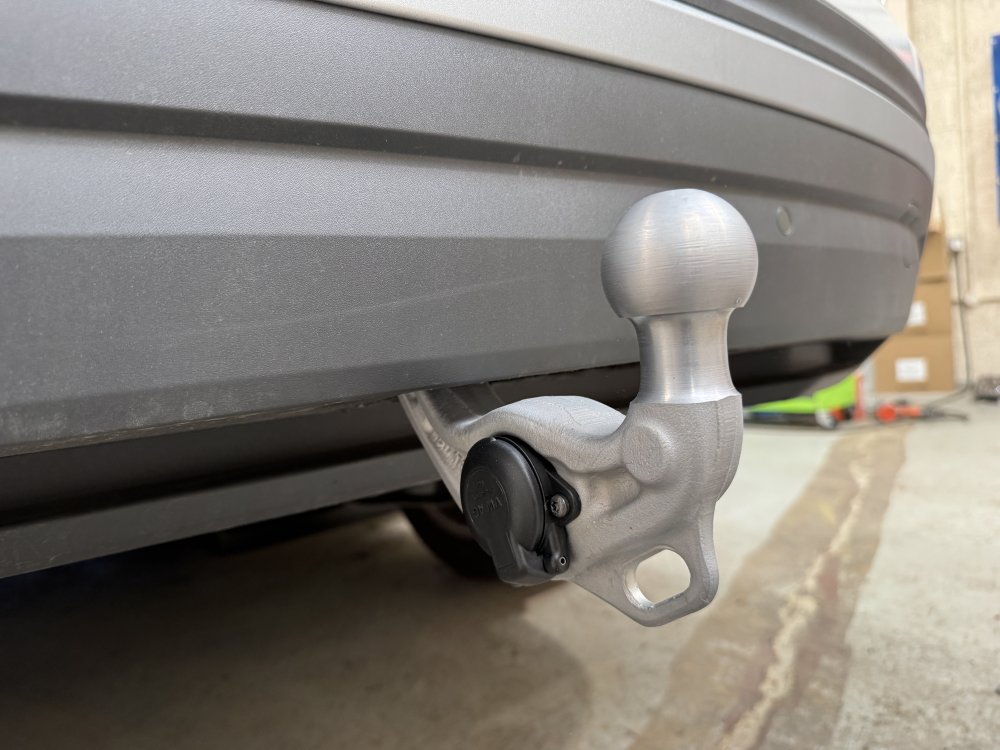
-
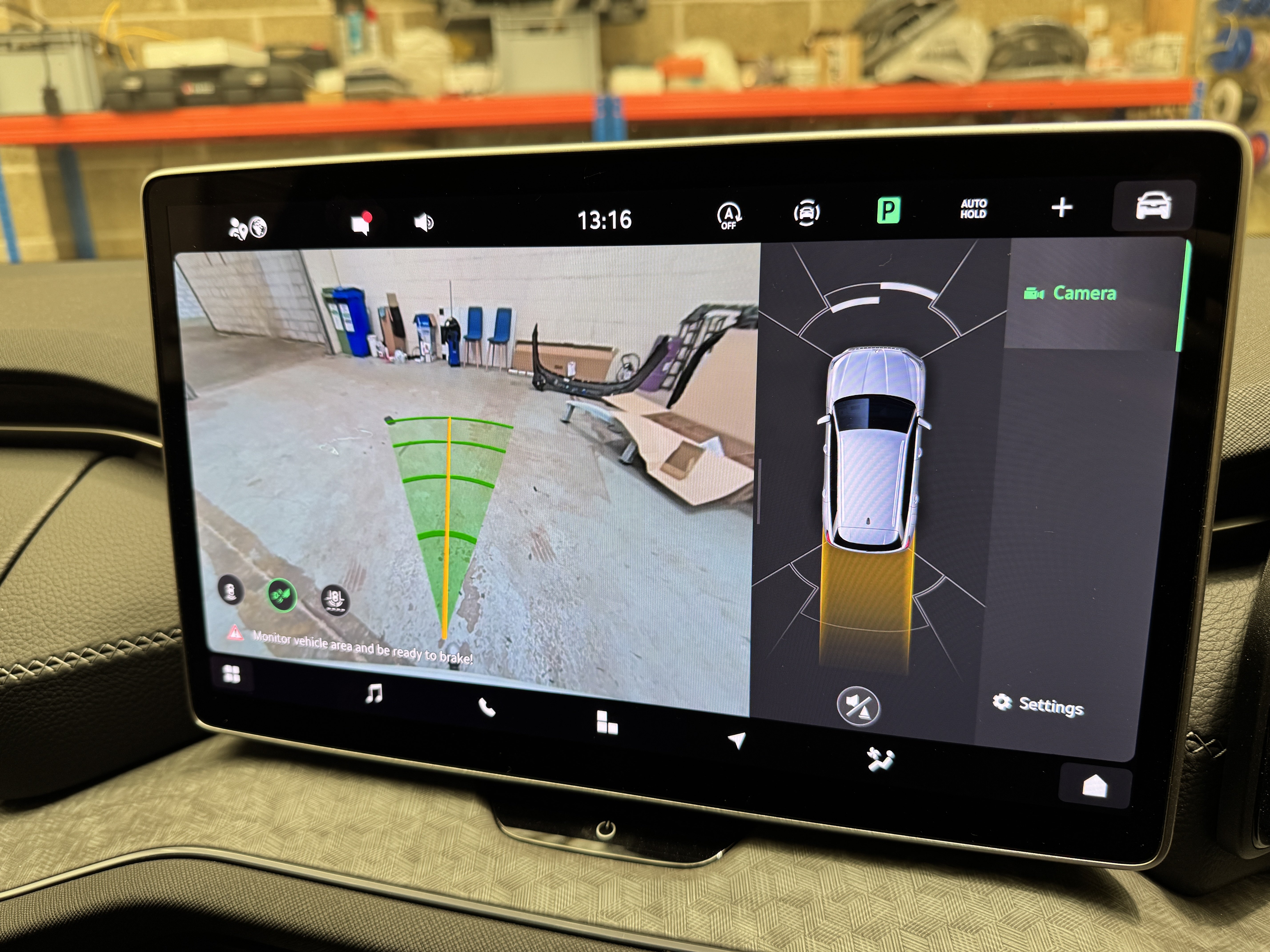
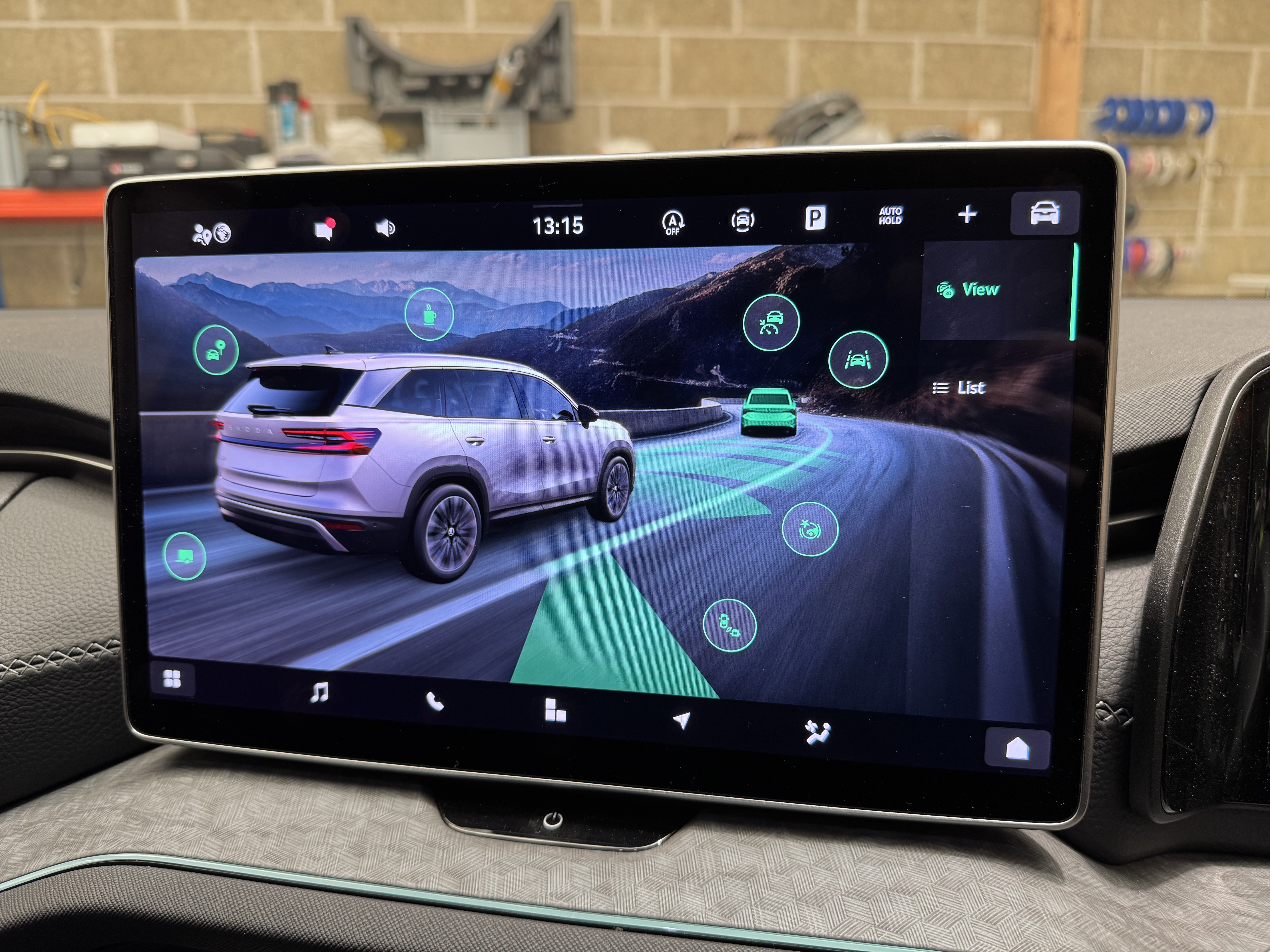
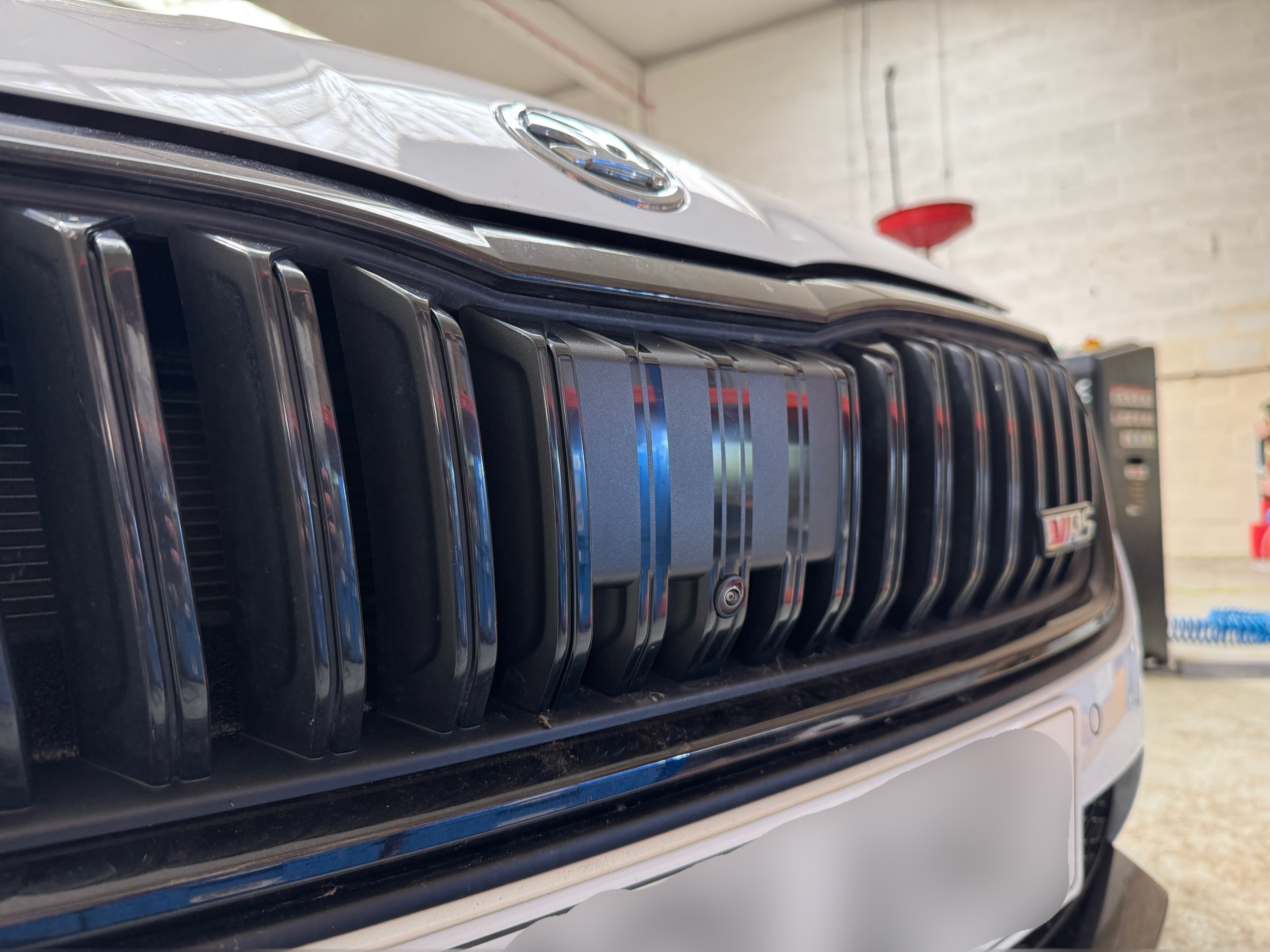
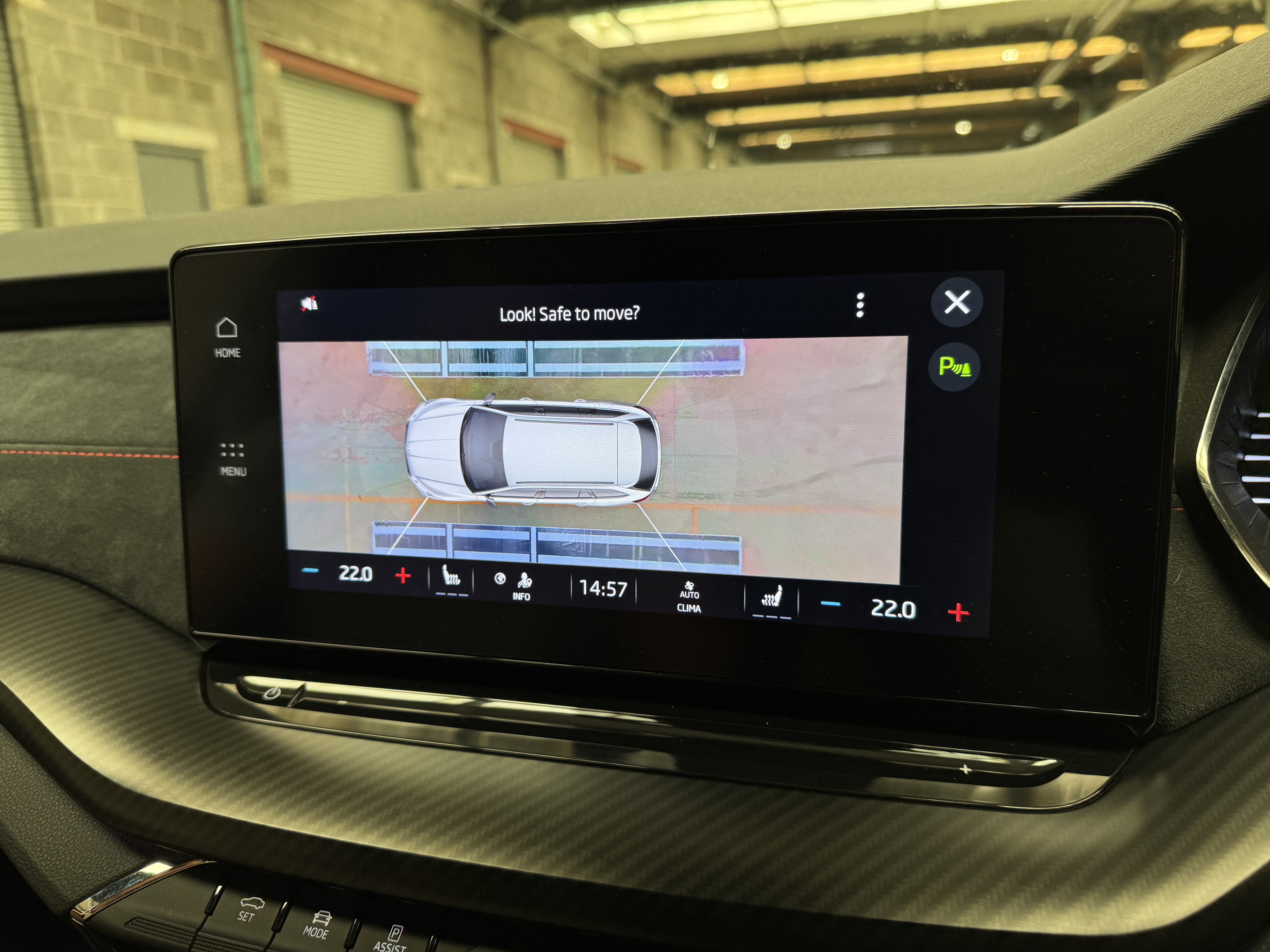
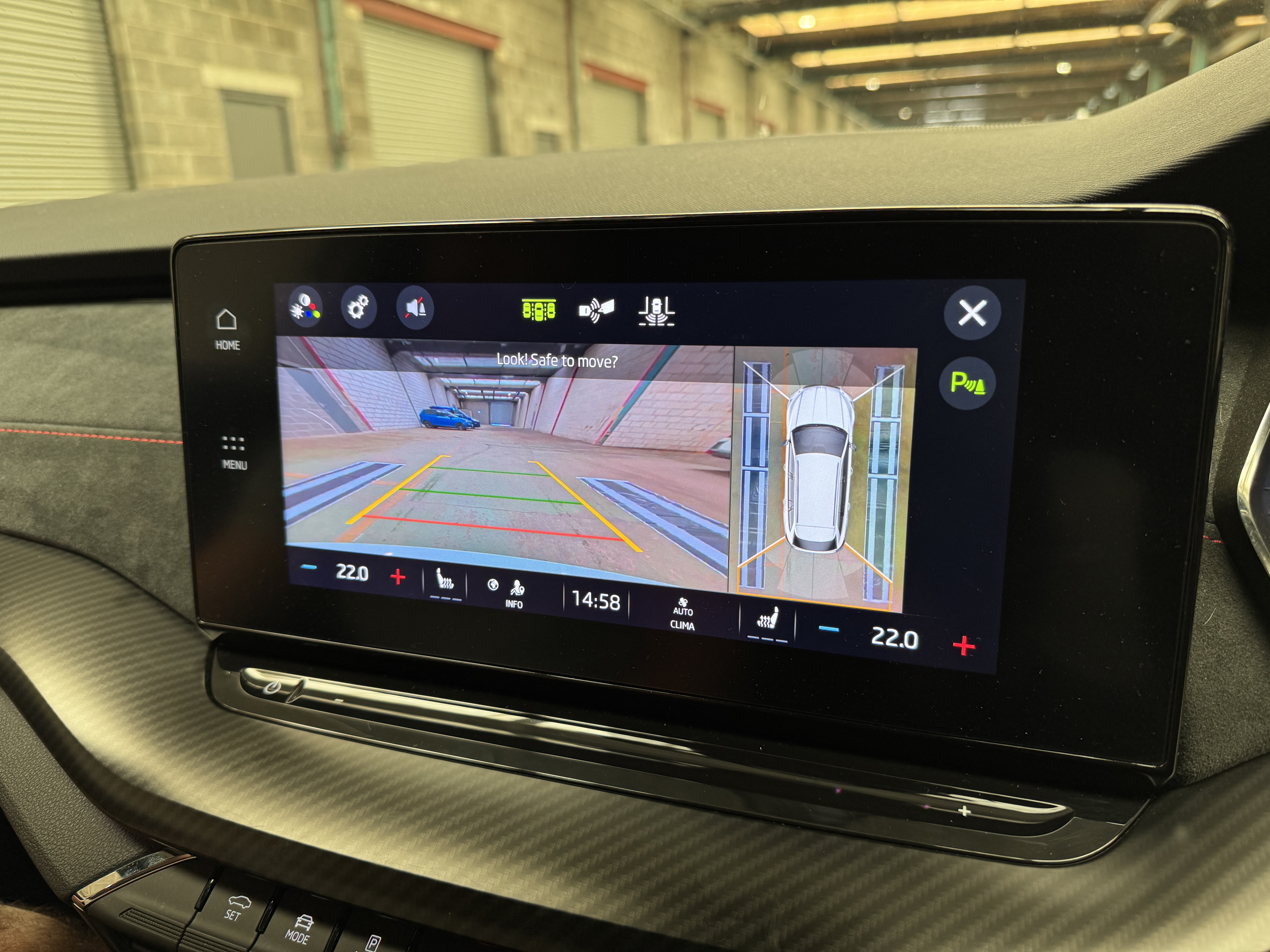
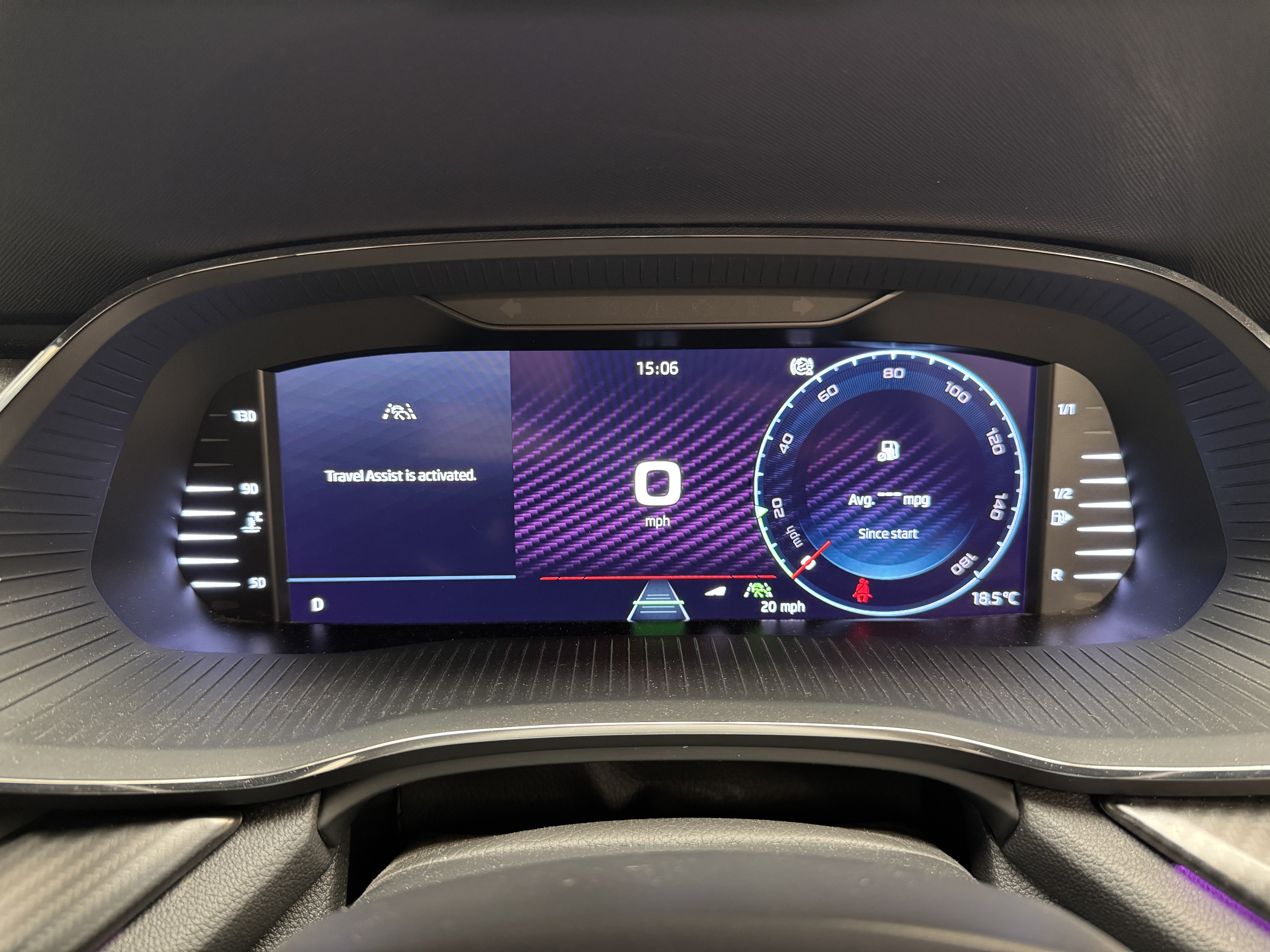
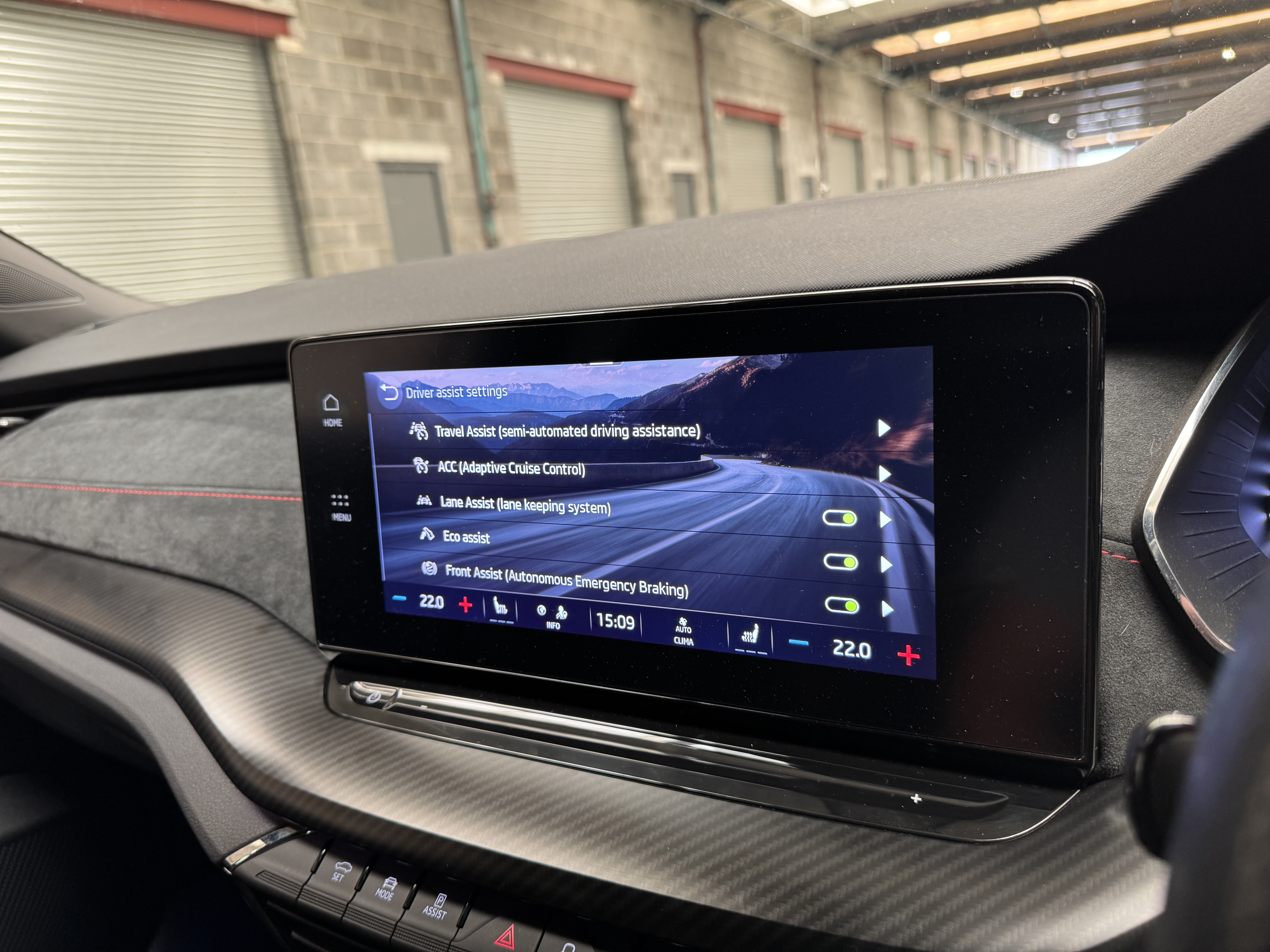
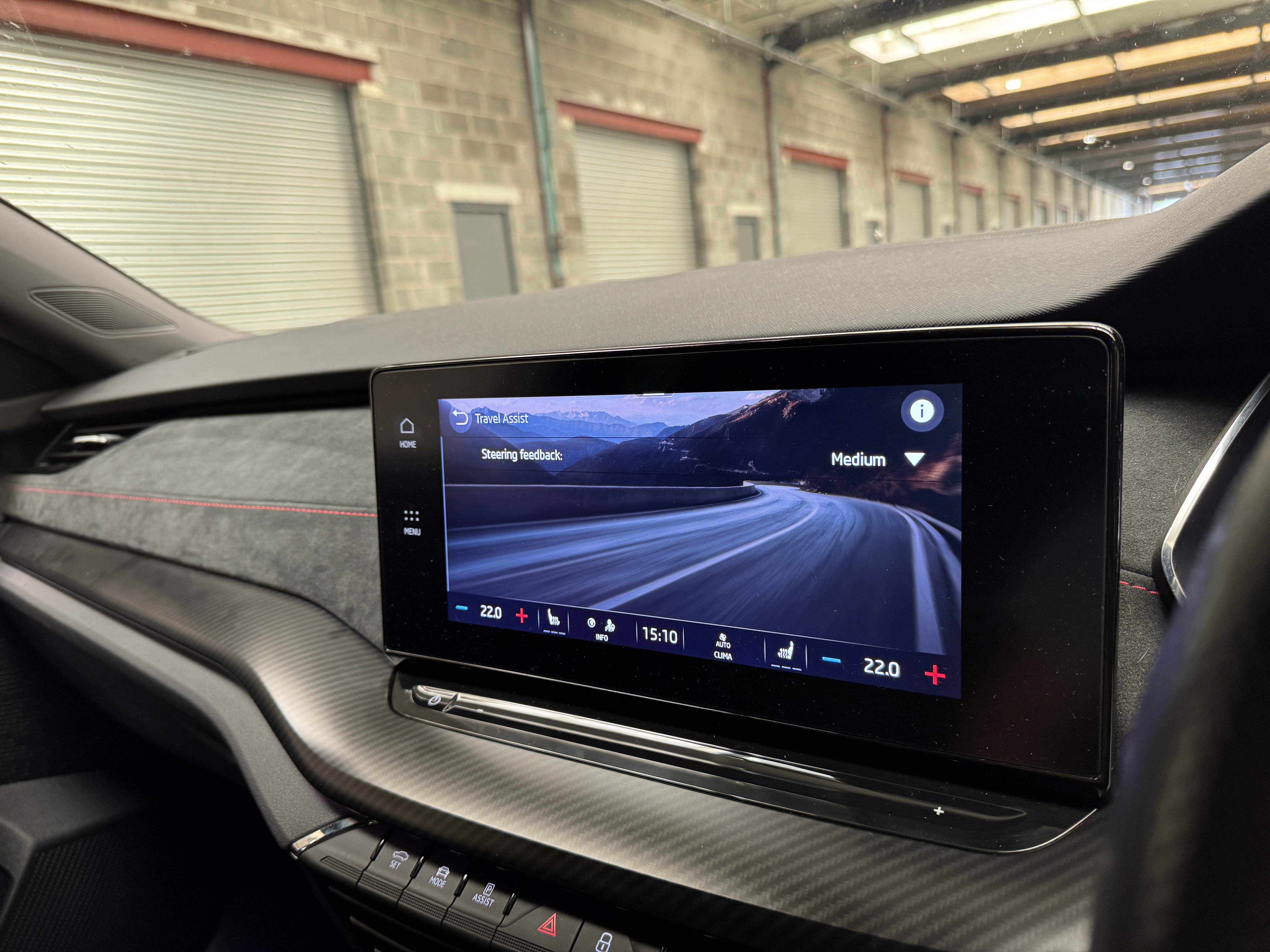
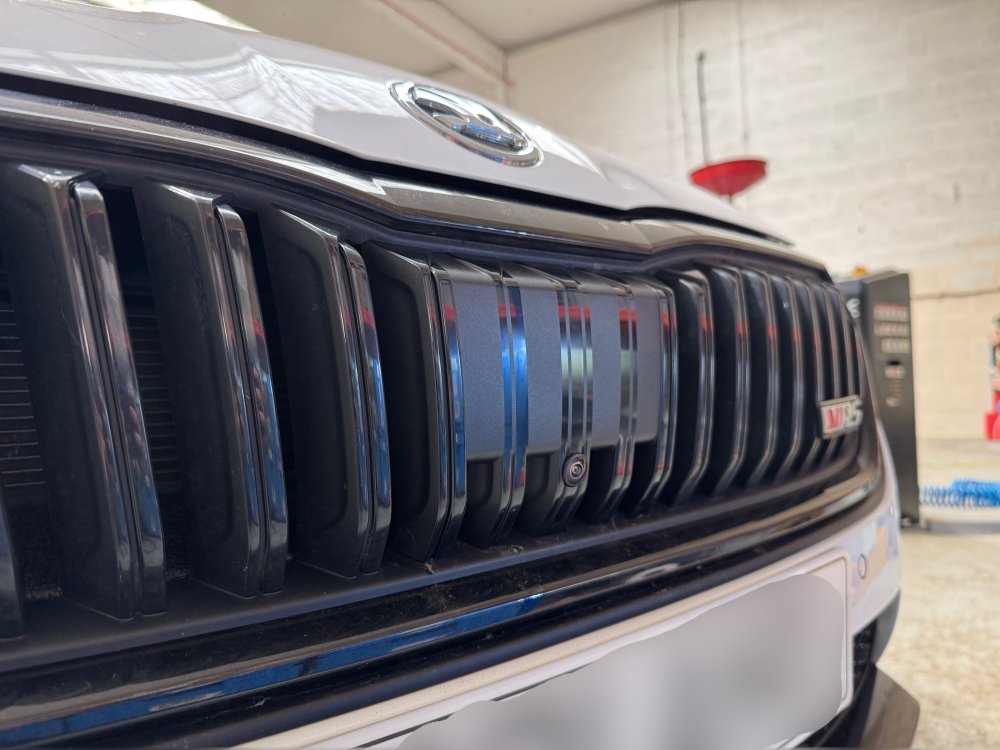
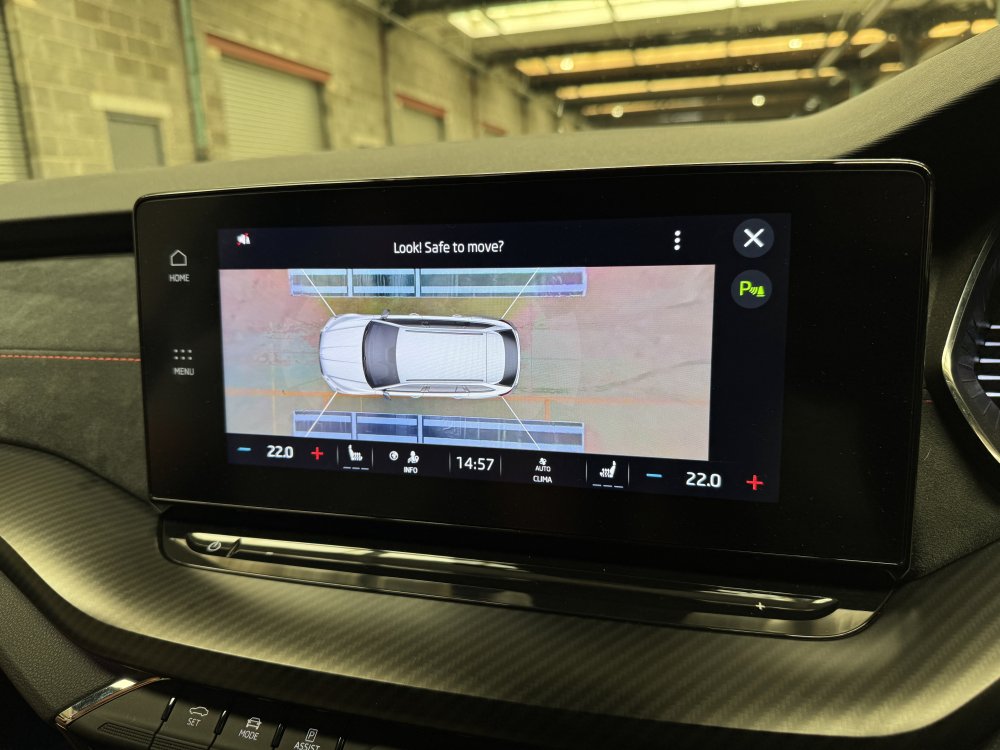
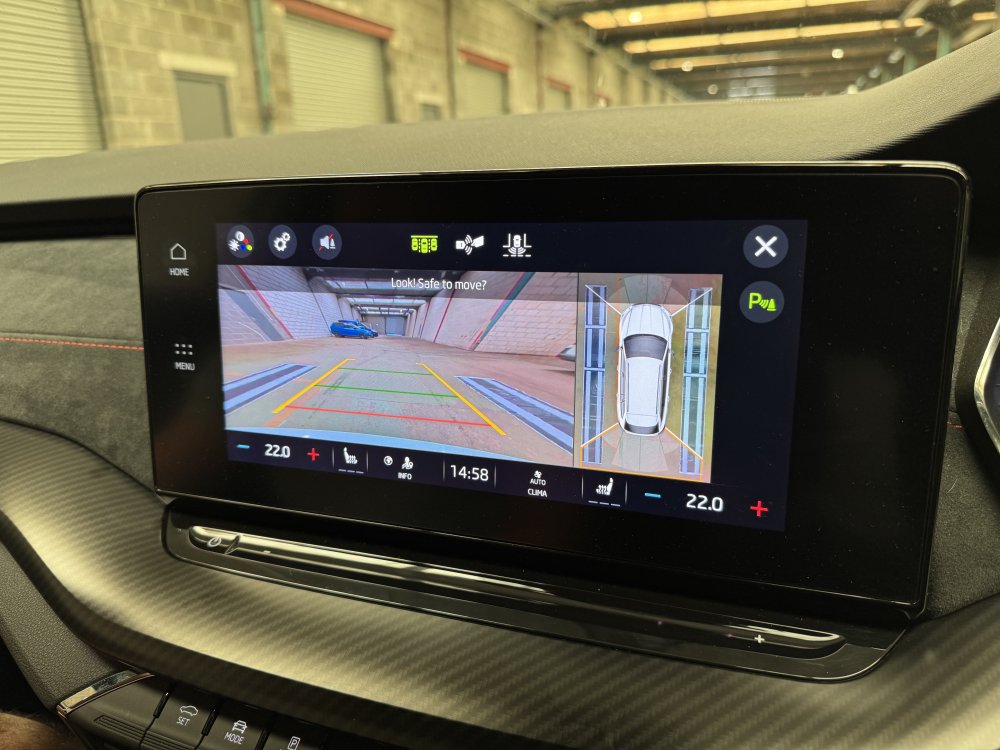
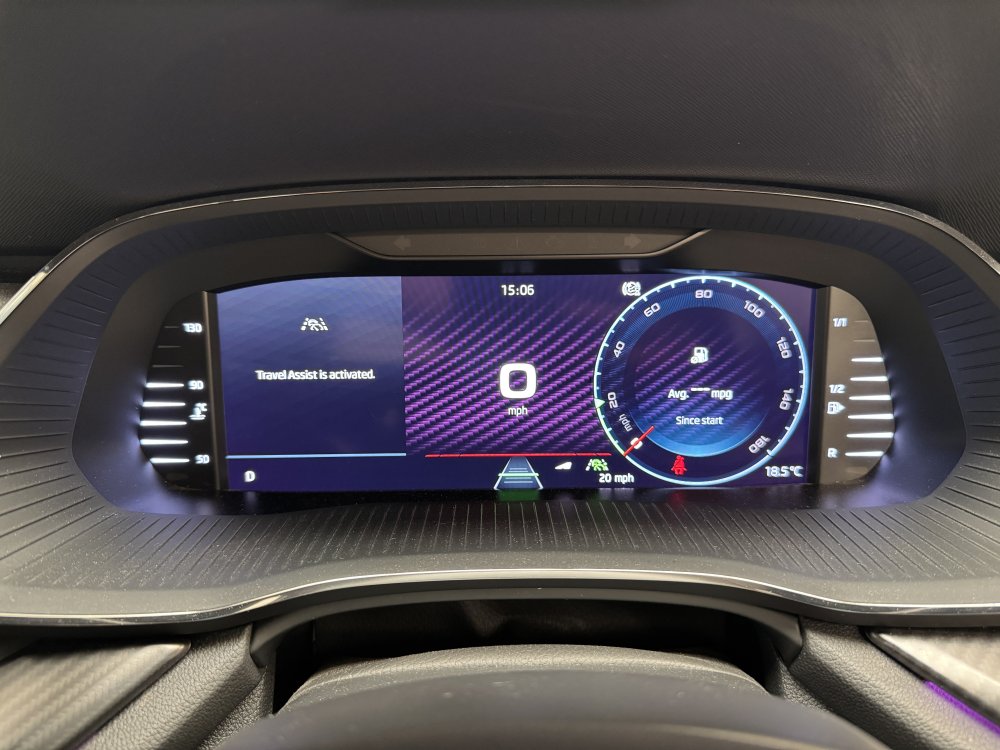
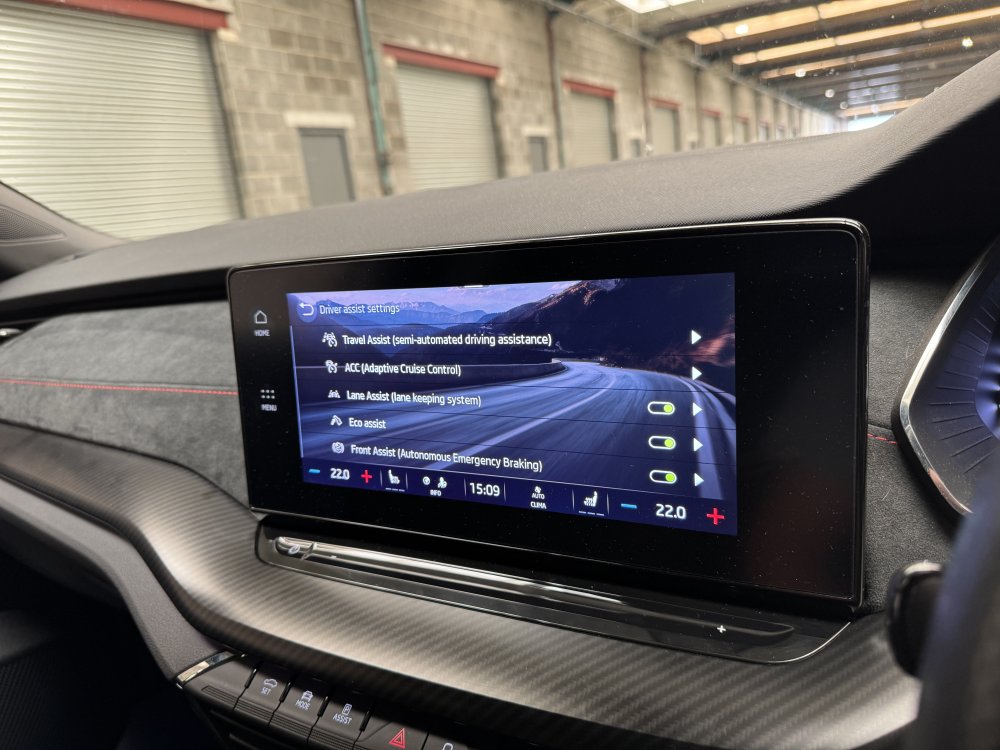
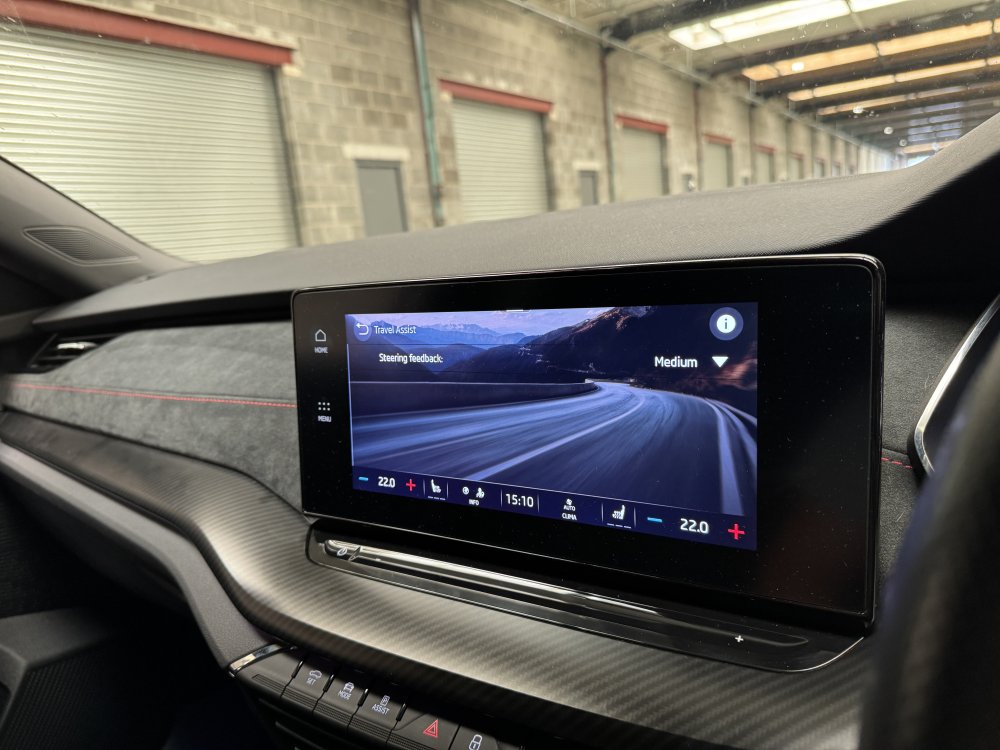
2021 Skoda Octavia VRS with us for •Travel assist activation •Area view installation & calibration The car originally came without a reversing camera, now it has 360* cameras! VW - AUDI - SEAT - CUPRA - SKODA - PORSCHE - BENTLEY - MAN - FORD - VOLVO - BMW - & MORE! •Dealer level diagnostics •Coding •OE retrofits •Apple CarPlay •Android Auto •Component protection removal •Map updates •Software updates •Autowatch Ghost II immobilisers •Thatcham approved trackers •Remapping •Servicing •ADAS repairs & calibrations •Towbars • & more! ☎️ 01262 362116 📧 [email protected] 🌐 www.eastyorkshireretrofits.co.uk
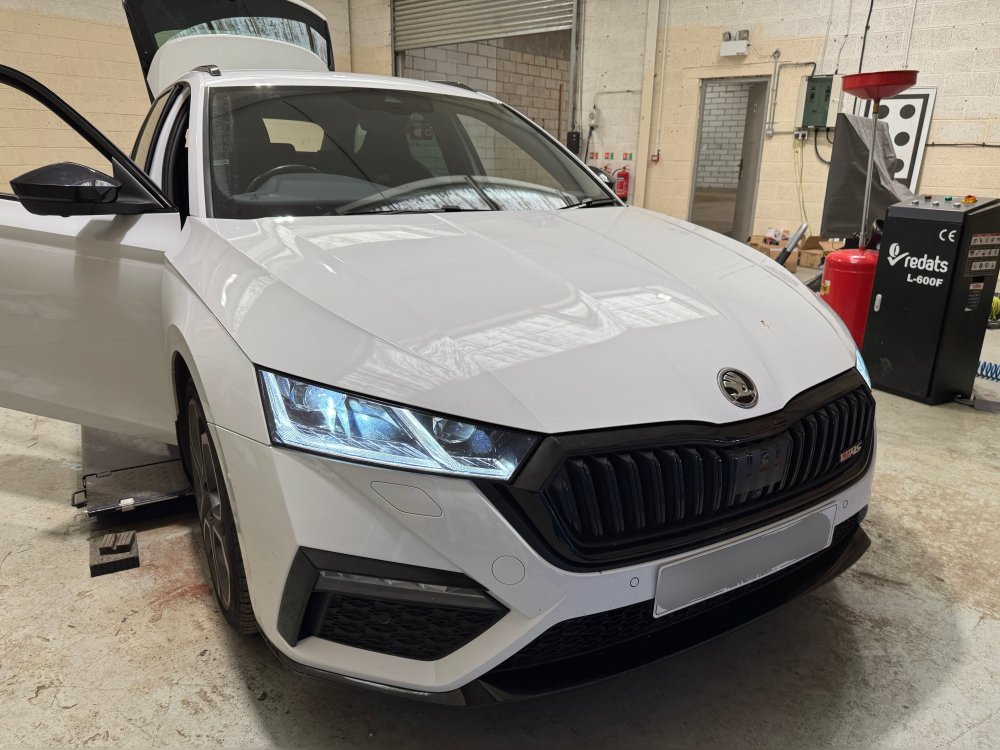
-
I'll take a look and see if there's any fixes for this software wise, the update for the Kodiaq etc has done it's job so fingers crossed. Being different platforms, it'll be a different problem with a different fix.
-
We can fit any factory option to you car (and in a lot of cases, non factory options) www.eastyorkshireretrofits.co.uk
-
-
-
-
East_Yorkshire_Retrofits replied to East_Yorkshire_Retrofits's topic in Skoda Octavia Mk3 (2013 - 2020)Yes this is possible. Please send us a message or email with your reg or VIN [email protected]
-
-
They need readjusting
-
-
-
-
The codes for TSR & PACC are invalid, so inactive. This is why the features do not work Take note of the 0/1 values
-
It's not a limitation on the car itself, it's just politics within VWAG
-
That's never going to work as the modules weren't fitted to the car at the factory and they're not part of an official retrofit.. They're trying to run replace/adapt module.. Remove component protection and then manually configure using a different tool