
Lukasik
Finding my way
-
Joined
-
Last visited
Everything posted by Lukasik
-
Incoming calls show up as just phonenumbers instead of names... Anyone else having this issue, or have an idea howto get this worked out? Incoming calls show up asjust phone numbers instead of names related to thatphone number. Anyone know the solution? Phone is samsung galaxy s series
-
H&R have adjustable springs for this Octy
-
Same as my, I think I damaged it but for now I think this is from factory too😁
-
This is working temperatures, nothing to worry about it
-
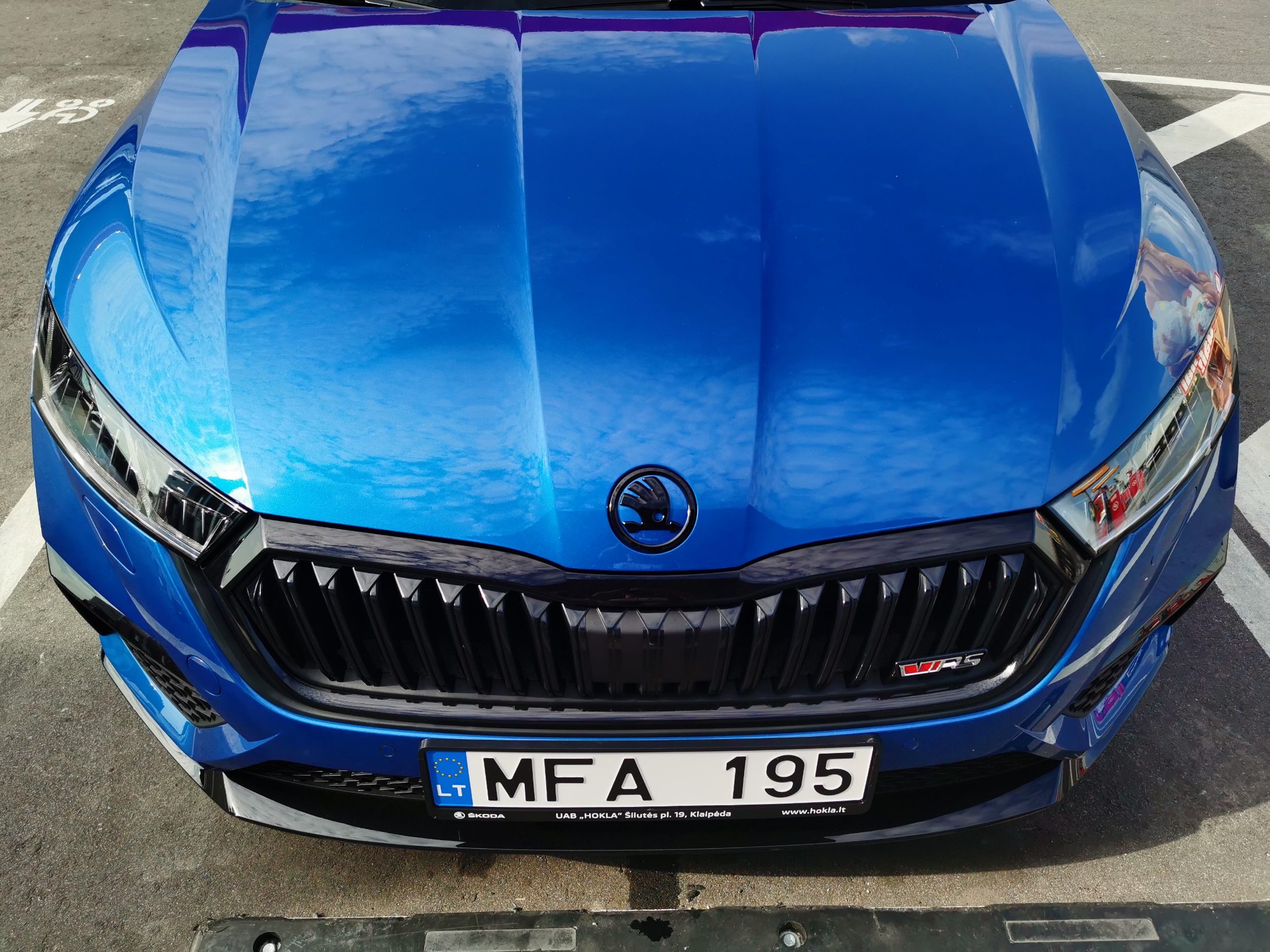
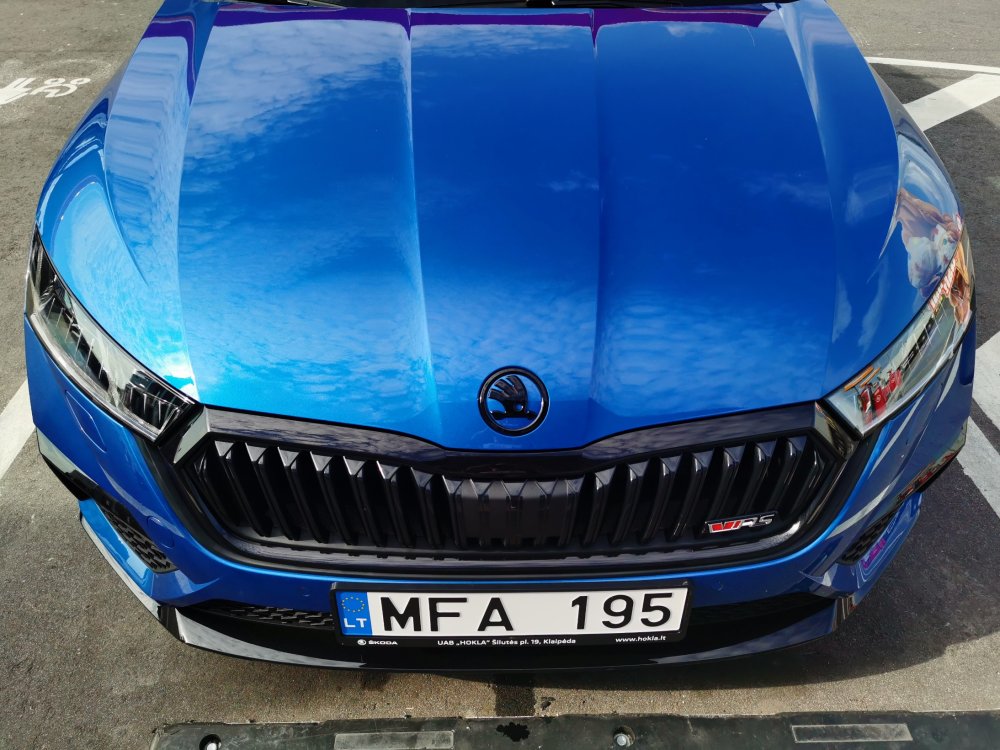
Race blue on race blue looks fantastic.
-
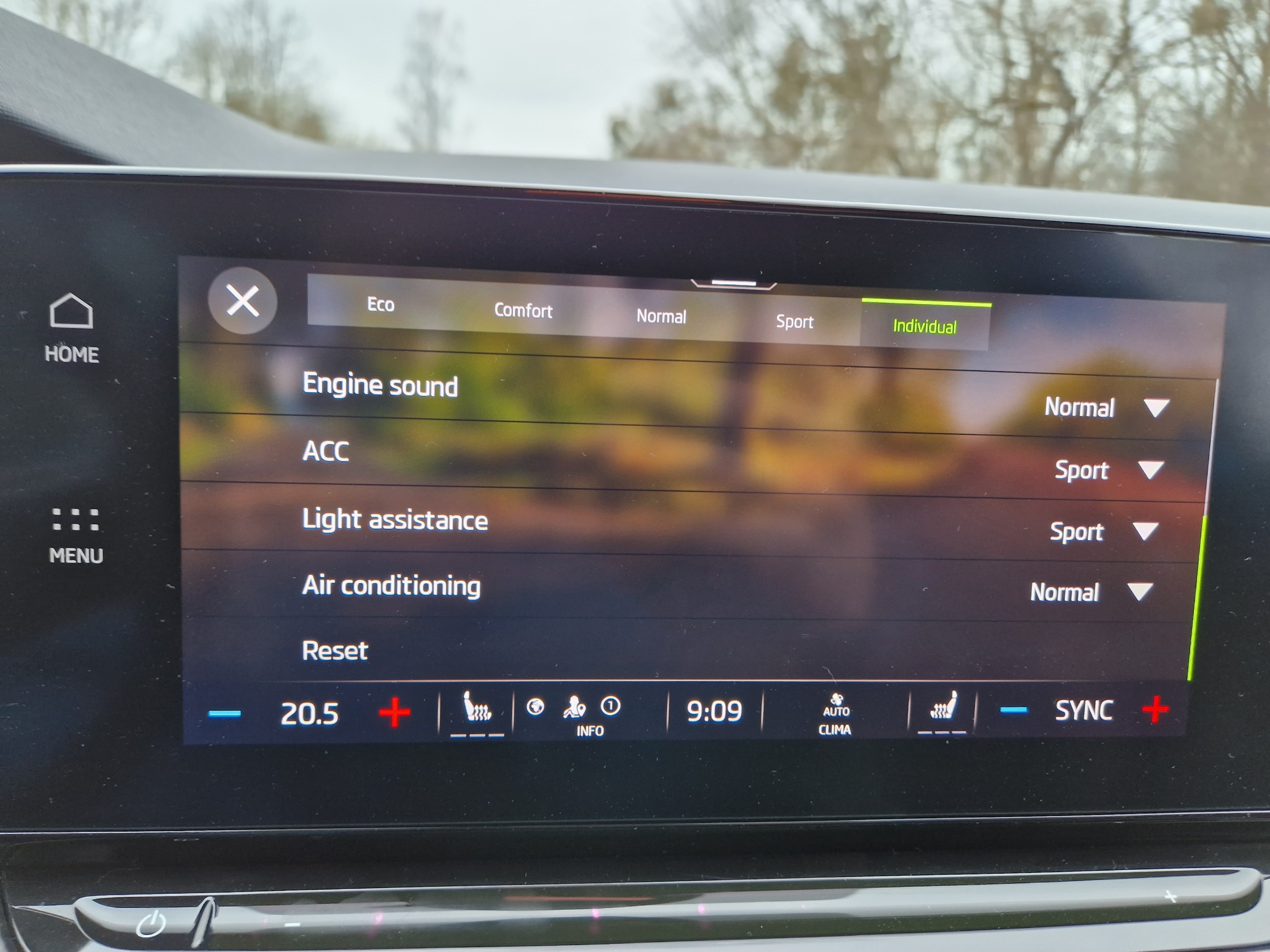
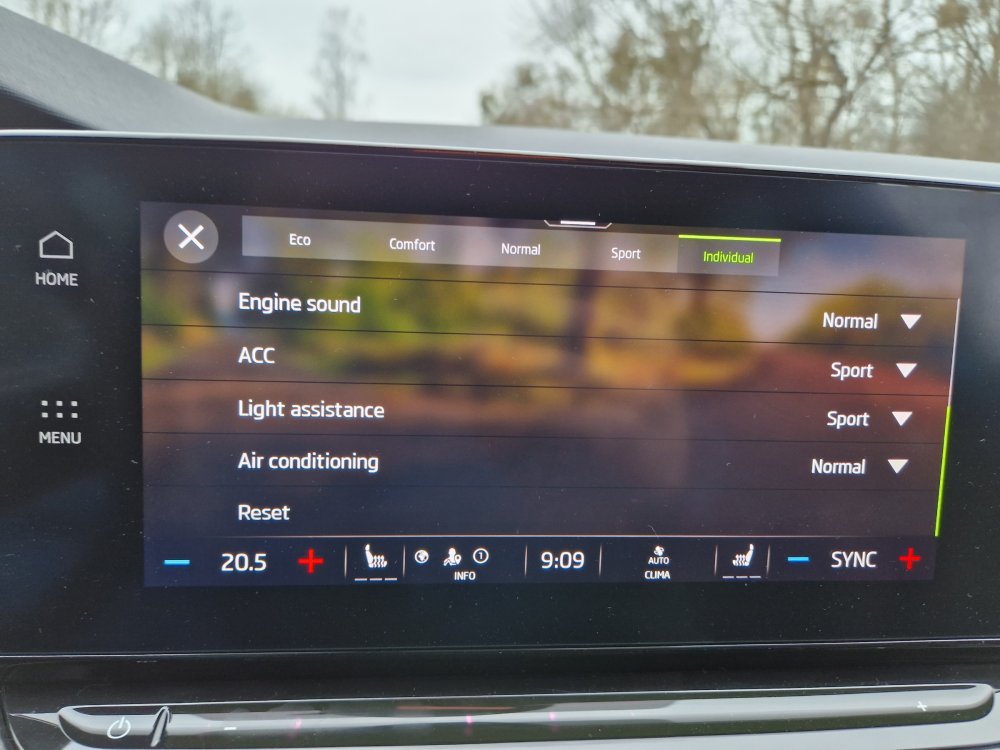
Especially interesting in light assistance
-
Hello, could enyone who smart and known help me explain couple of settings in dcc? Im interesting in ACC and LIGHT ASSISTANCE modes. What is the diferences between normal and sport ? This is my vRS car
-
I think this is not possible. But you can try with obd11 or something else
-
I dont understand why people searching for help here first.... you have new car, have lots of year warranty. Go ahead on dealer and pushing them to fix all
-
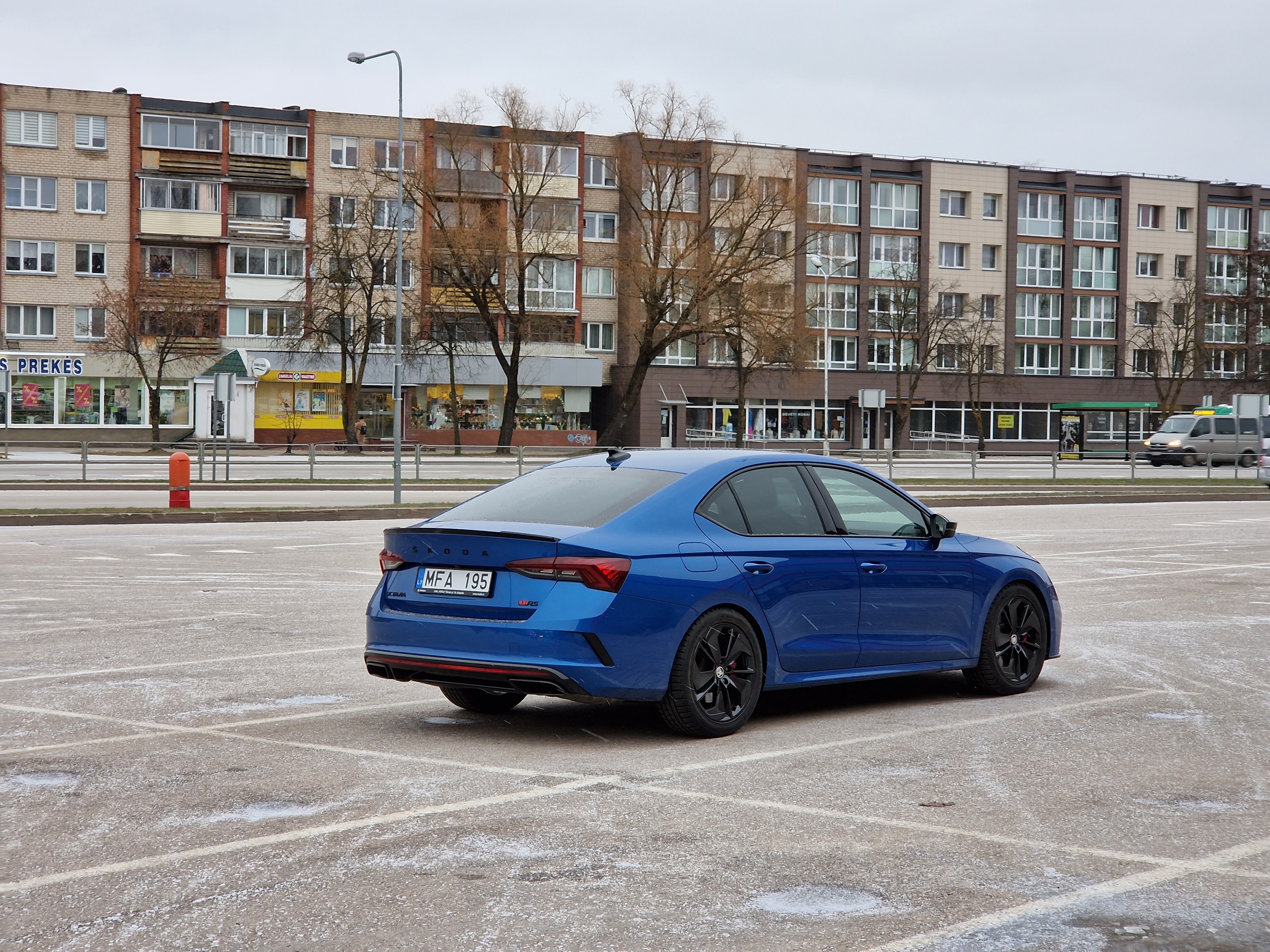
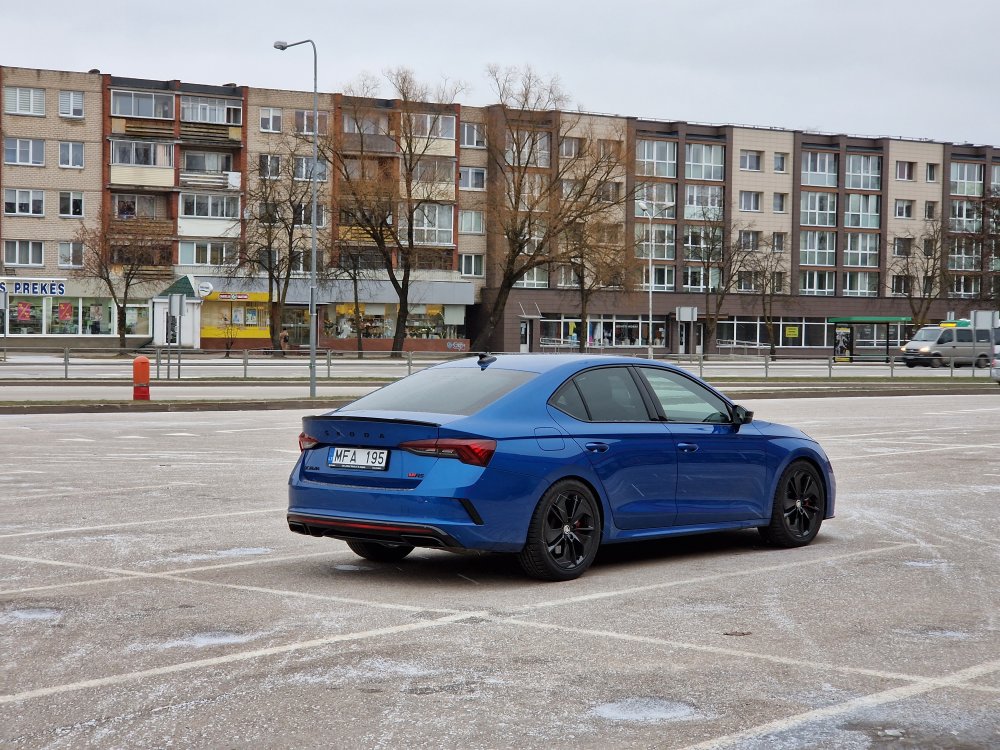
Winter mode. Lowered little with h&r adjustable springs and 10mm spacers on 18inch wheels
-
This dsg created for 430nm stock max, but it has a reserve. So stage 1 numbers is acceptable to increase till 500nm . If more you want you need to do things, remap,increase preasure i think .... i dont know exacly what , but from 500nm action must be taken
-
Use obd11 and deactivate washers
-
If any of you interested Racingline stage1 remap give you about 257kw on 98ron program. If you choose 95ron program you have about 15-20hp less power. These numbers is on stock car. Lower torq program
-
Nav updates are going on over the air. But you need all premium crap from skoda if you want what navigation working good. You need to buy: traffication and infotainment online. This is not for unlimited time. You need to pay time by time. This is crap. I suggest you use google or waze. Database is a lot better than skoda nav
-
This is not phone fault. This is because google with aa is doing ****. This is century problem but google dont give a ****. Carplay is working fine all the time.
-
No problem received_749401699976182.mp4
-
Guys is very simple to have maps in full screen just tap on maps icon on the left. Tapping apk icon you have full or 2/3 screen
-
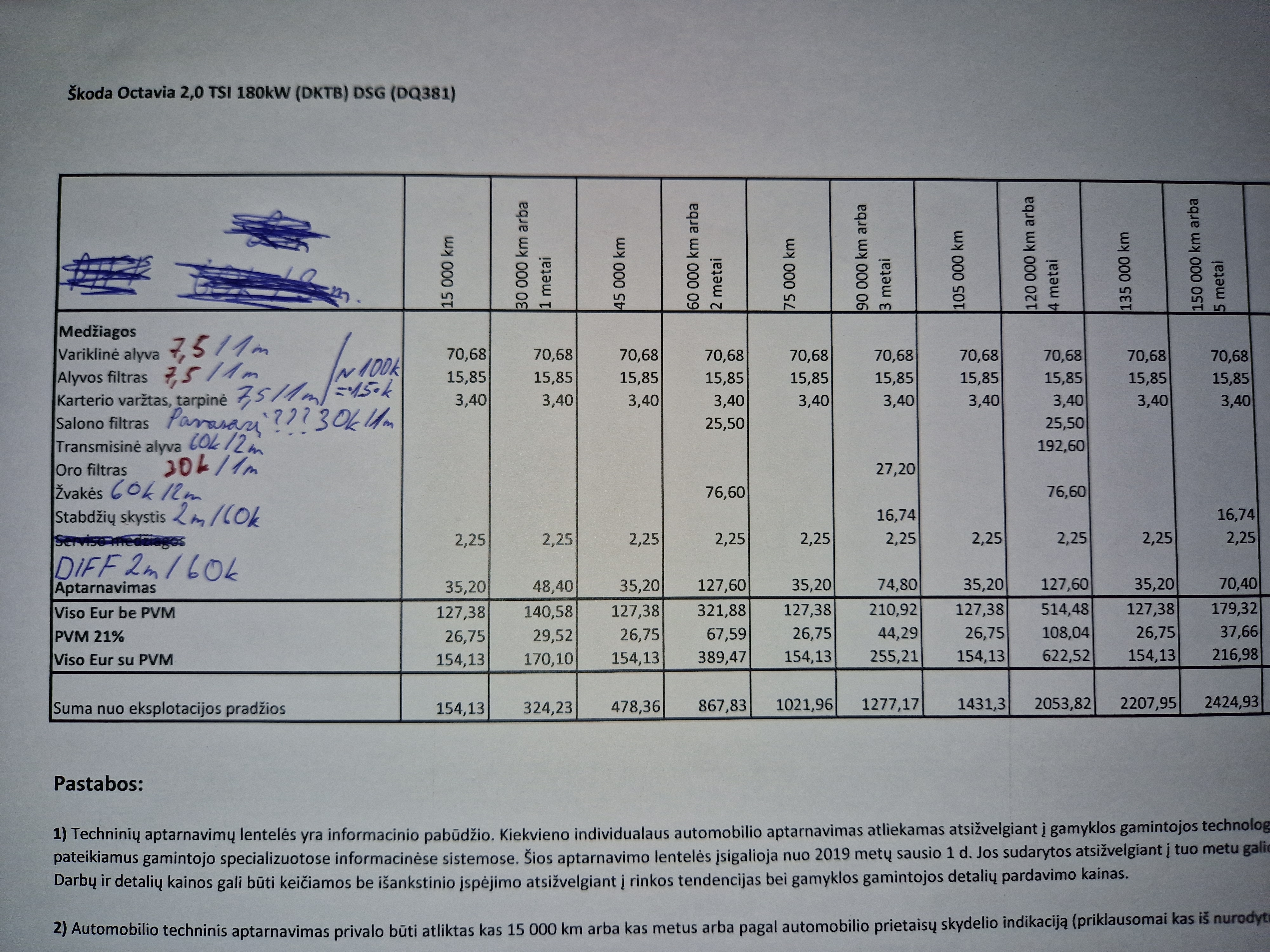
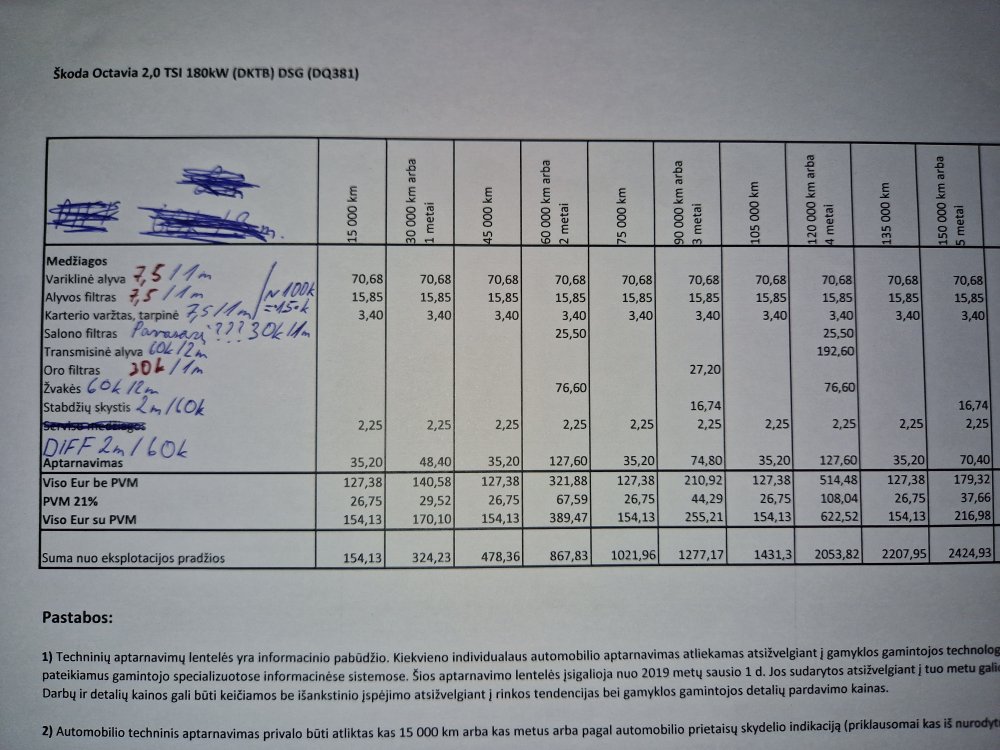
By dealer diff oil change is 60k km or 2 years. You can chamge sooner, but this numbers are talkink about car warranty this is red line to change . Sooner better but not later than 2years 60k dealer words... I dont know in other countrys, intervals may be different because for example for miles not km. But diff oil service are about interval change not between intervals
-
This is very old prices. Scgedule is 2k19y date. Dont look at the prices. I dont know the prices because my car is 11kkm 5months. Only know oil change setup is 240euros
-
Table from dealer. In the left side of table is my numbers. Diff time exacly the same as dealer sayd
-
Diff oil change interval is 2years/60k km, which is faster. I have all service dates on o paper from skoda dealer
-
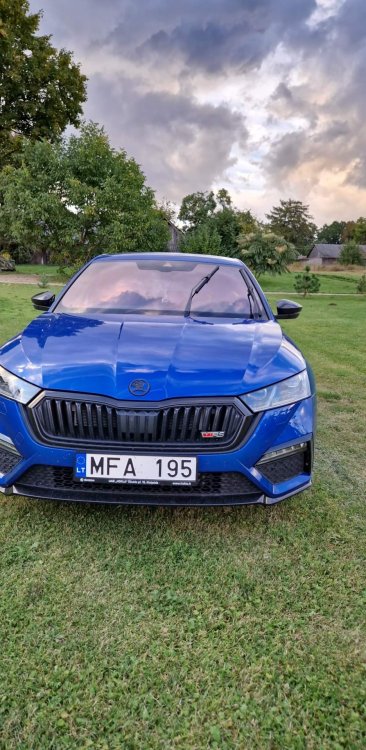
Race blue is the best for me. Brilliant not screeming color
-
This is normal . I have aftermarket wireless charger and the same problem... using aa, music and waze. My phone are the hot as f.... I think temperature raising is the normal process of wireless charging. So if charge wireless and you want phone cool, Don't use aa and other apps through aa.
-
If you want watch videos when driving you need obdeleven and configure VIDEO IN MOTION (VIM) If you want youtube and ect : https://youtu.be/hsAvWKm9YTo
-
Before update you have white or black mufflers in your car? I'm very interesting in compare diference BLACK MUFFLERS to custom brands exhaust system which is sertified only. Like remus, fox, milltek (resonated with back mufflers systems) NOT straight pipes.