Moorwen
New here
-
Joined
-
Last visited
-
I've had such problems with my MK3. Random soft reboots, systems offline etc and would recover itself during a long journey. And at some stage it got worse and progressed to component protection lockouts. During every drive. Resetting battery, fuses, the settings did not help. Finally got the MIB control unit replaced by Skoda, under the used car warranty I had. (Had to fight a bit was initially was quoted 1.4k to replace it.)
-
Did your original electrical/electronic issues go away after installing the new battery ? My MY2019 VRS245 has similar "very intermittent" issues - mostly as seen on Amundsen MIB2 unit, the rest of the car works fine. When things are going wrong, the MIB2 unit has a grey backround (intead of a colourful/red one exampe the Radio stations) No start/stop, no park assist or rear view camera, MIB2 will soft restart, disconnect phone bluetooth, "remember your phone" and various function not available messages. This will go on in a loop for a while & it will recover at some point. It will normally also recover if engine switched off & restarted. I can't say if its temperature, wet weather or battery related, its seems quite random.
-
Firmware & instructions worked great ! Took 15 mins or so. Thanks a lot ! (Used a microSD with a SD card adapter, the USB while it said it detected an update, did not enable the USB option in the engineering menu.)
-
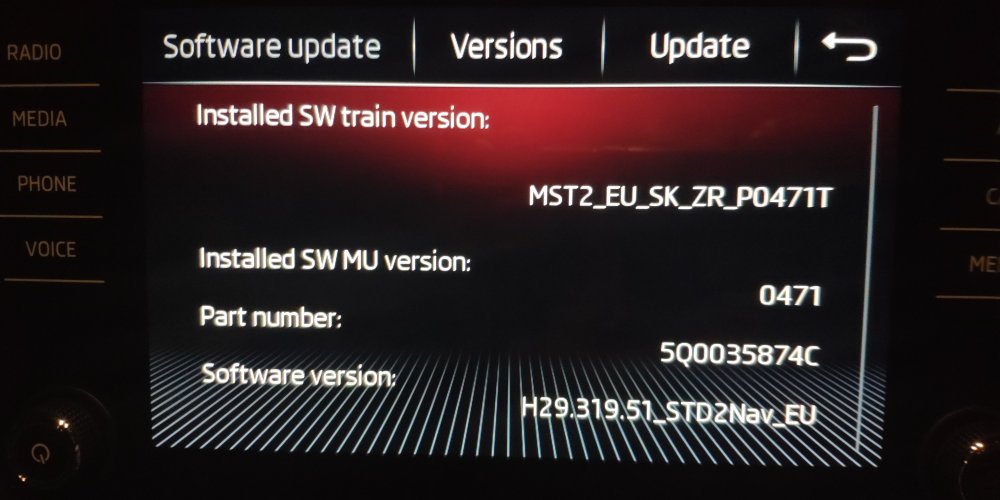
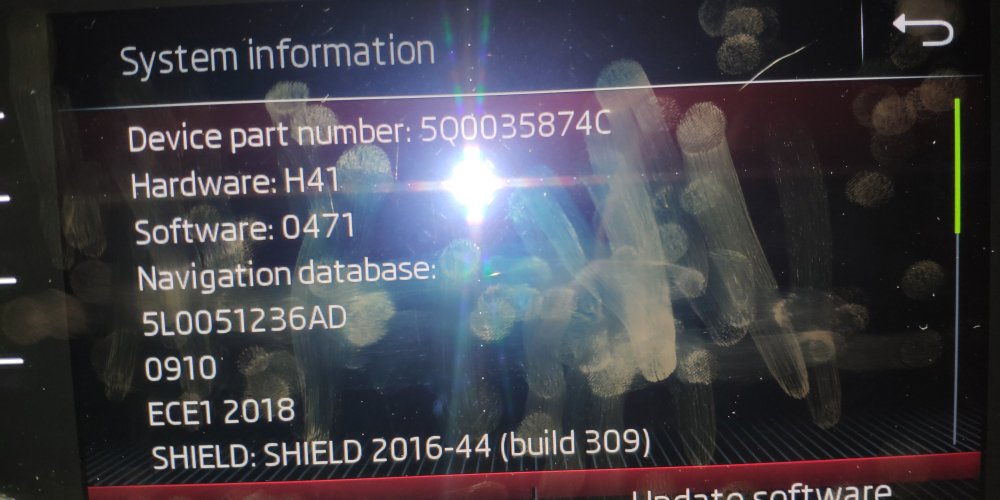
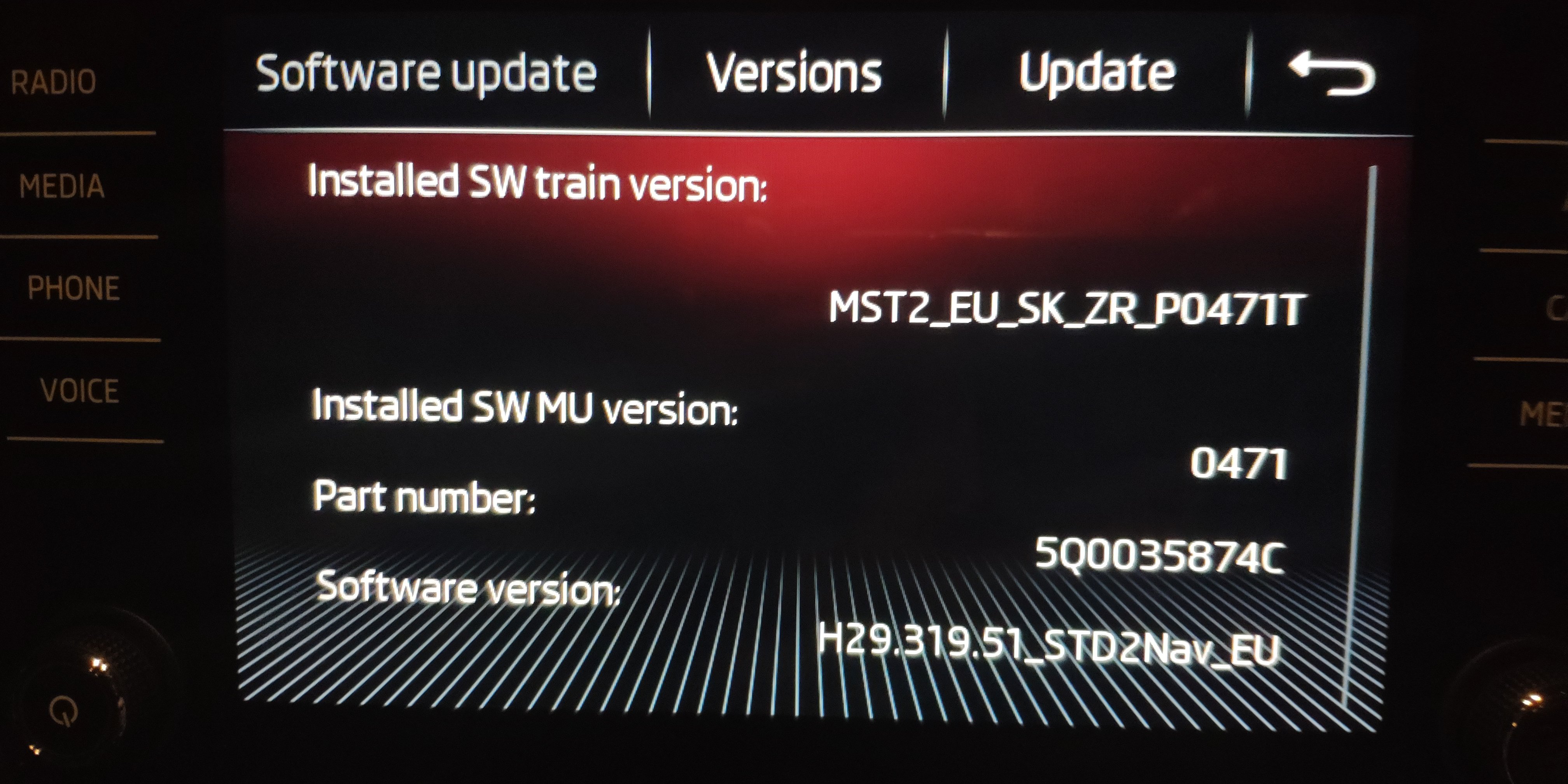
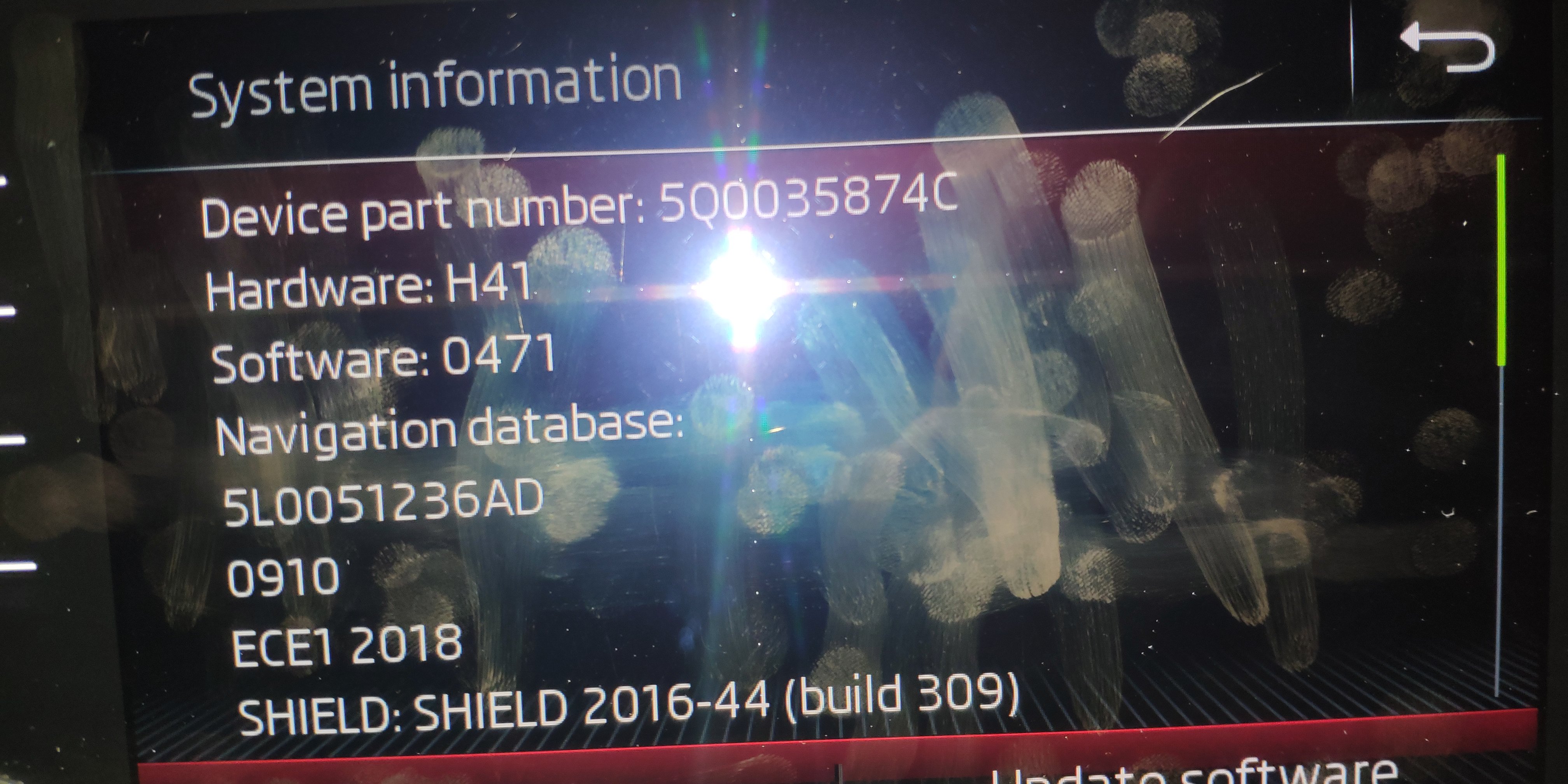
Hi, Is there an updated firmware for my Octavia VRS MK3 MY2018, which has the following hardware/software versions Part Number: 5Q0035874C Software: 0471 Train Version: MST2_EU_SK_ZR_P0471T If yes, please could someone send me a link and some foolproof instructions on how to update it (can it be done via USB ? SD card ?) (Pictures attached)