Andy585
Members
-
Joined
-
Last visited
-
Following as my volume ghost has appeared again
-
No heat here in Scotland maybe 21c max
-
I have started getting this problem the last two days volume going up by itself And randomly turning offf and on 2023 VRS
-
My 2023 VRs TDI always shows as a petrol model when getting insurance quotes
-
Had my car 2023 coded with various and been to dealerships many times never had an issue Lane assist was the first one coded out
-
Yeah car updated 2 weeks ago no issues Although where is my instant MPG is gone from the dashboard Anyone else lost this ??
-
I have a EFB fitted
-
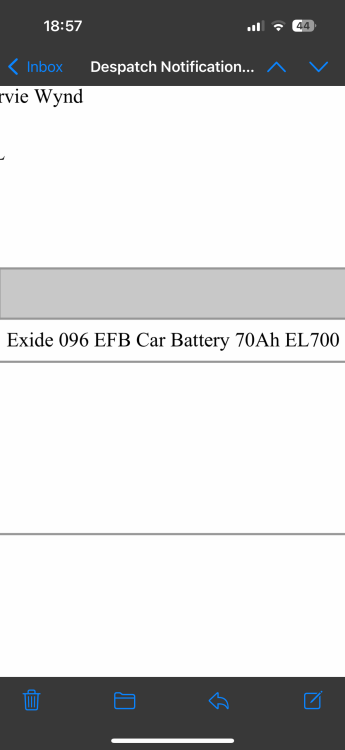
That’s the battery I ordered
-
Thanks I took mine out and measured it And got the same
-
Any one know the dimensions of the battery fitted to the 2.0 TDI ?
-
Hi all Went to start the car this morning and the battery was flat car would not turn over VRS TDI 2.0 Car is 2 years old I have owned it since new has soon 27K miles I managed to jump it with booster cables The car is still in warranty would I be wasting time going to the dealers about getting a new one under warranty ?? Thank Andy
-
Hi all Looking at replacing my 225/40/19 tyres on my TDI VRS Anyone running a different size but still 19 inch ??? Thanks Andy
-
updated from 1941 with engine running no issues with install
-
-
thanks just updated