Djadjo78
Finding my way
-
Joined
-
Last visited
-
But please make reset of infotaiment now when you upgraded, you will need both key fobs to become again primary user. Because it deletes user also. Than you will see, is every function better or the same, even so we all have octavias, the are pretty different with trims and areas where bought/sold/made for, hardware different also even if from outside world looks the “same” but that doesnt mean that certain things cannot be made better for our convinience :)
-
You will not get wireless functionality just because you upgraded software. For wireless you need to pay licence code in skoda dealer, where they will enable it in your car maybe even add some dongle in system. And this upgrade/change will be noted under your car VIN on official servers, so noone could erase this functionality after. The cheaper way is to buy aftermarket dongles that serve as wifi carplay devices. BR Djadjo
-
I tought that this is antena for boot open, because some times i cant remotely open boot with key fob, when standing 5-6m infront of the car, lock unlock works flawless but boot opening happens when i get littlebit sideways from front of the car.
-
-
Just reset it deleting a user with two keys on you and it will be fine, skoda made different layout of hardware software on newer skodas after 2025….but in majority i didnt buy car because of stupid infotaiment but because of good usage on long or short trips nice engine power and dsg for cheaper price than audi bmw or mercedes and thats it i cant expect miracles… Im doing 200k km in 4years and this is my third skoda from 2016…none of them ever leave me on trip or any mehanical failure…
-
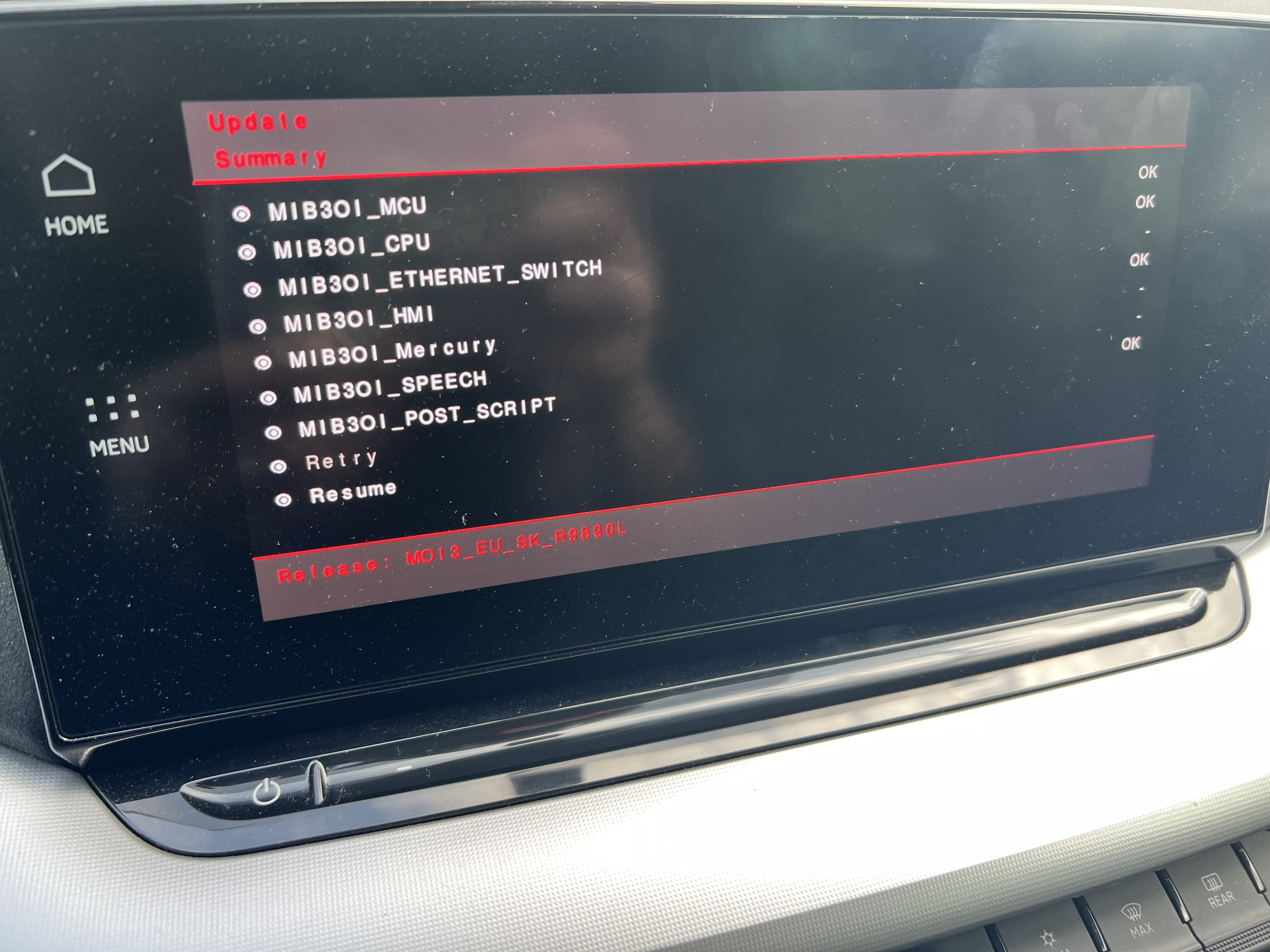
Look dont get this wrong, but simplest explanation to your question. Device itself “knows” which modules will upgrade due to file versions allready installed. As for infotaiment you cant change hardware resolution of the screen to have nicer picture, It is what it is… Br Djadjo
-
Sorry wasnt here few days, I upgraded over usb, home button issue has from awfull gone to almost normal after few days, I got some updates online after usb update but I dont know which one because car is not detailed on Info what did it upgrade. BR Djadjo
-
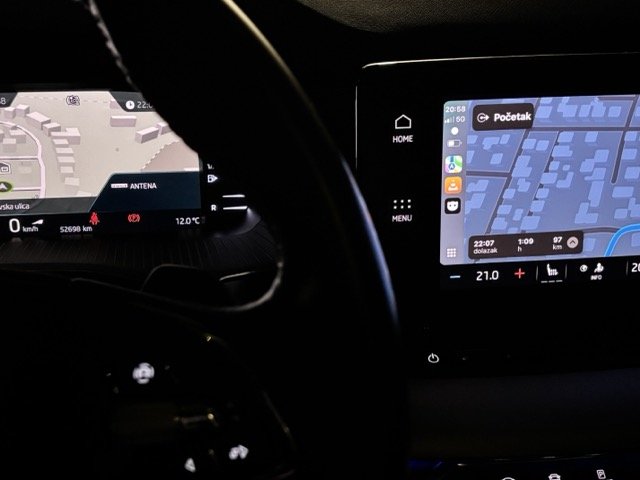
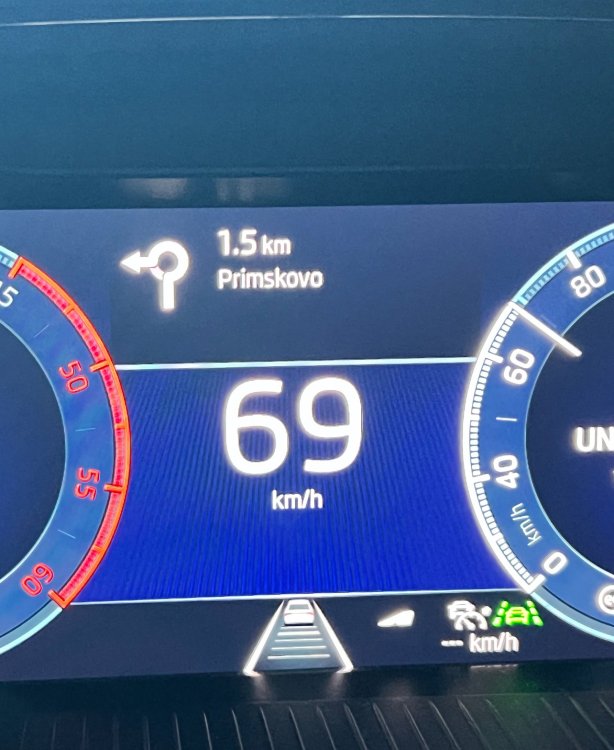
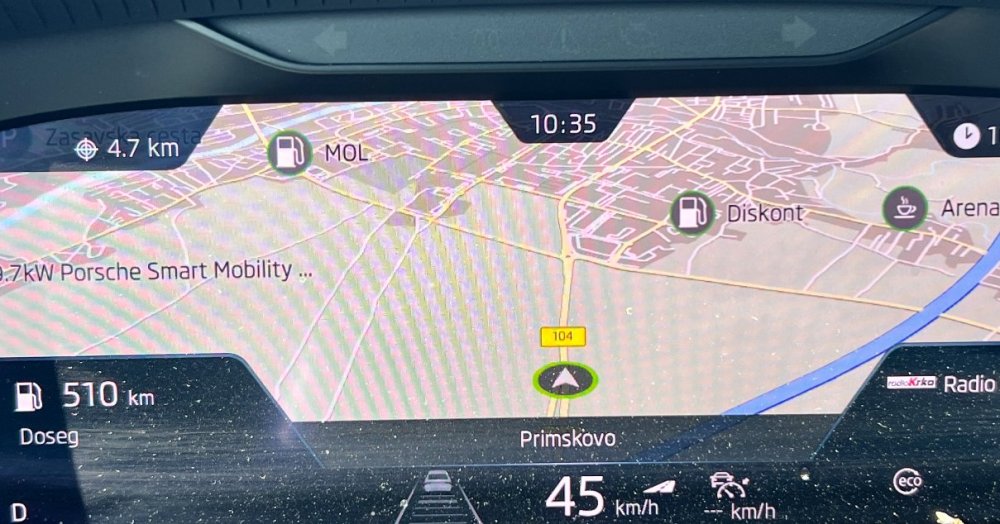
Nice, but my car did not shown directions until now, and it never displayed apple maps on VC. Neither now ios 18 or 26, as you can see on infotaiment apple maps on VC oem navi map.
-
Hi2all I see that new sw brings direction info arrows on instrument cluster display, from google maps ios app when selected route is active. Iphone with ios18. Waze does not show them, only google maps and iphone is connected to carplay wireless. And when i change instrument cluster to be oem skoda navi screen, it has black binocular style frame, different than before, i would say it was without frame. PS: sometimes still Home button restarts infotaiment, but not every time, 1 out of 10. BR Djadjo
-
Okay suspicious for some or not, this sw is made from skoda for skoda, if it would be some half product it would made much worse problems, 1985 was also fishy when it got out from nowhere. After update, home pressing was restarting infotaiment, i tought maybe because it wanted to load “desktop” which has greater resolution of newer screens, because the rest of menus and function was working normal, as I use ios i didnt had any issues from three versions back with wireless carplay. My car is online and it has in two times downloaded something, after that download, the Menu button pressing does not restarts infotaiment any more, it is just little slower in loading (in compare with 1985) but it works normal after load. So im fine with current situation :) Br Djadjo
-
Hi tnx for solution, but i cant as i dont have second key, as it will delete user profile, i will not be able to save my new profile again. Maybe Kgarv can try this solution. Hope it will help💪 Br Djadjo
-
Kgarv About Home button press, it will work but half way, you have same issue as me after upgrade, its not just home button, it also has some random slowness of some pressed menus. If your infotaiment has online option running you will see that it will download something, the only benefit i see on navigation menu and trafication where croatian sentences are written correct not as before half croatian half AI Br Djadjo
-
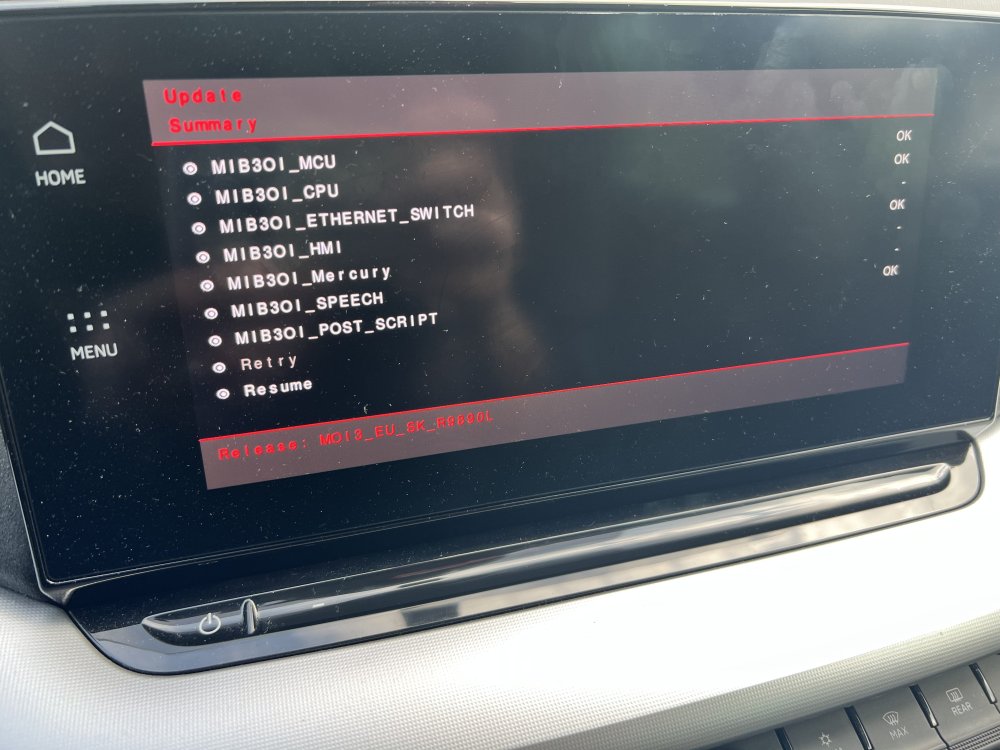
Hi to all, Did someone expirienced after update to 1989 when Home “button” pressed that infotaiment reboots it self? First its black screen and after 1min it starts again, but if you press again Home,it do again the same thing. As i was driving last four hours it has downloaded ota some upgrades like manual and something else, its not detailed explained on screen of infotaiment. I will check in the morning behaviour of Home pressing. Qurious if anybody has same case? I didnt say that rest of the functions work normal, as on 1985 version…it just has issue with hone button 😆 Br Djadjo
-
I can help like this than :) https://drive.google.com/file/d/1ycNcEMFNcDz9dNWeYeUmhUTMkjt0bTsE/view?usp=sharing
-
BeaverRS Try first to login on your google disk acc, and then click link given here.. BR Djadjo