
BobFrapples
Finding my way
-
Joined
-
Last visited
-
Swapped it for the bulb in the boot to test. Frustratingly, the bulb holder in the boot is slightly different to the one in the glove box for some reason!
-
I did have the multimeter on the correct setting, and measured across the contacts on the connector plug in every possible way and combo, car on and off, headlights on and off, doors open and closed, and got zero response. The two most likely suspects currently (pun intended) are the switch itself and the bulb holder which appears to have a small resistor / capacitor inside it. Probably the switch but don’t yet know where it is - taking it out to test continuity would be useful.
-
The light in the glove box has stopped working. I know the bulb is okay, and I’ve used a multimeter across the contacts on the connector which is showing no voltage at all. Going through the list of fuses, the glovebox light fuse is not listed separately or even as a part of other lighting. It would be useful to know the correct fuse and if any other items also tie to it, since everything else works fine and it can narrow it down to the switch. Thanks in advance!
-
Most likely to be the clutch release (“throw out”) bearing. Cheap part, but a gearbox out job. If you get it changed, depending on the mileage on it you’d want to renew the clutch at the same time.
-
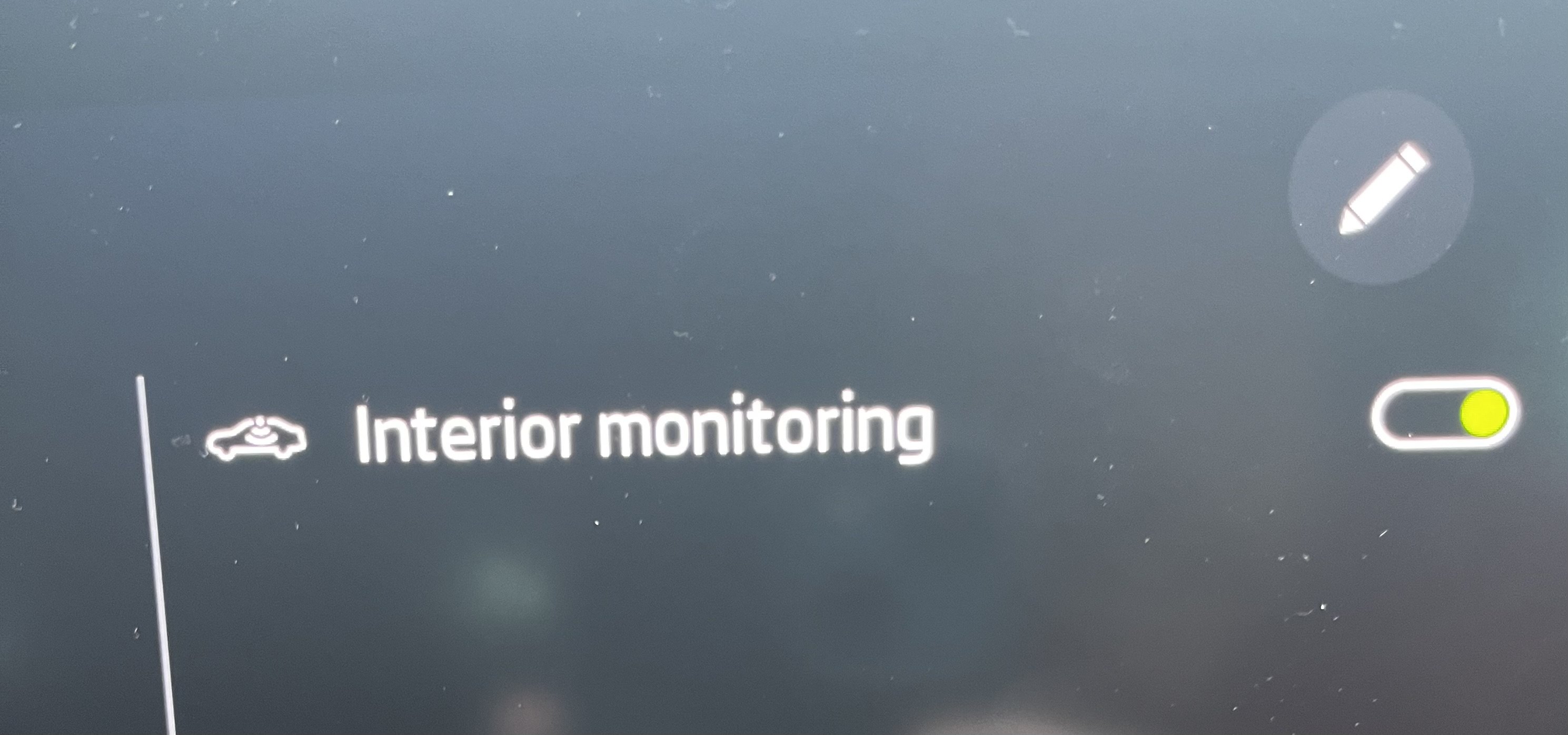
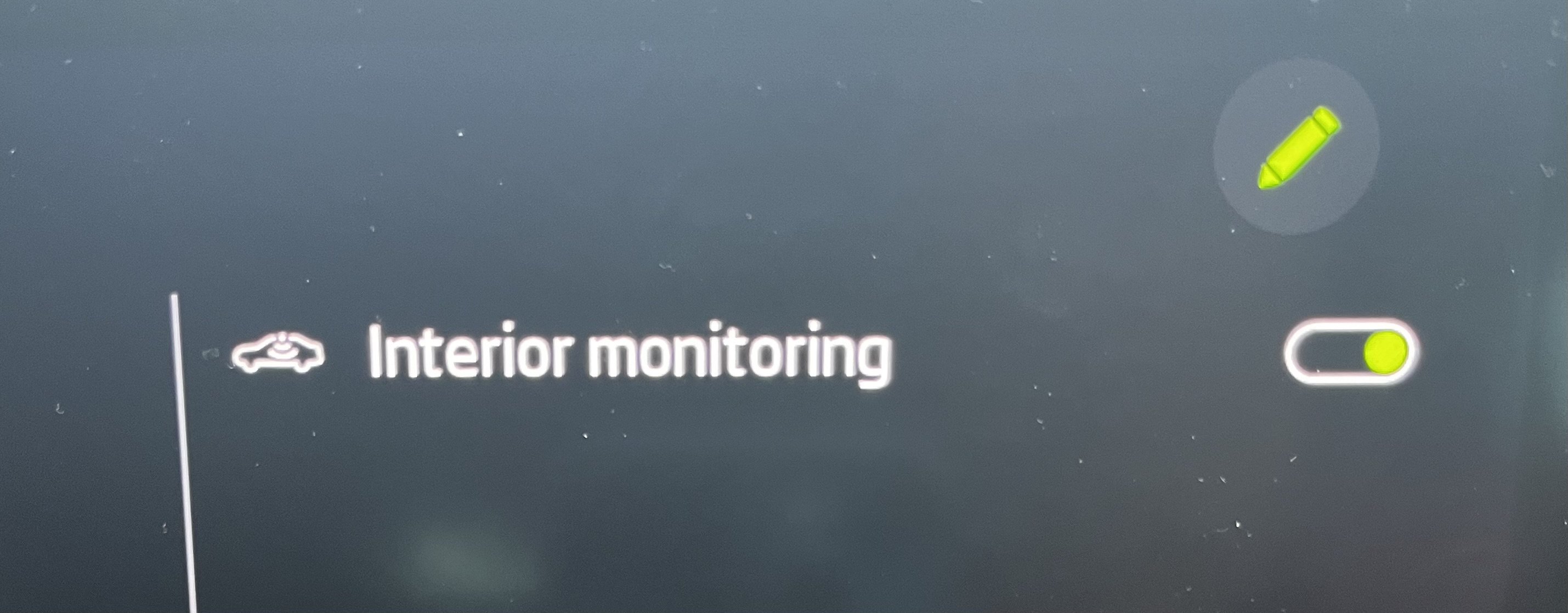
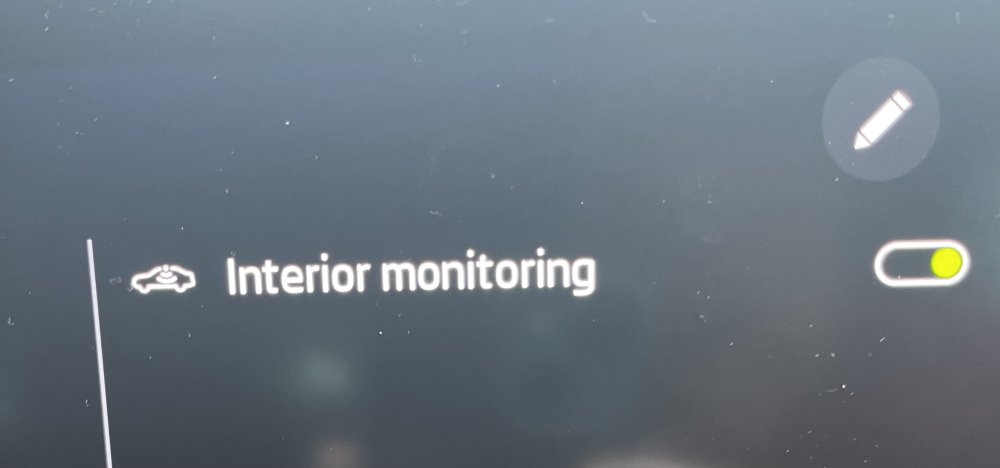
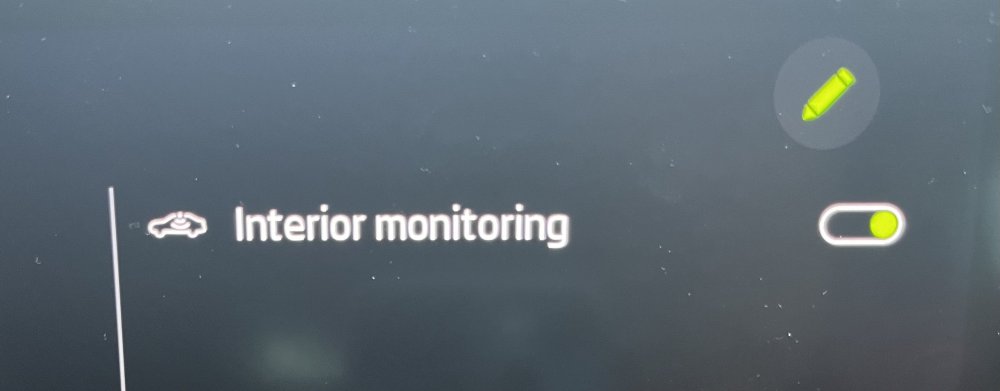
Okay, I’ve discovered that if you tap the pencil, it allows you to drag the “Interior Monitoring” bar down the screen… and it promptly returns to the top! I’m guessing that if they are multiple bars on the shutdown screen in future that this will allow you to change the order in which they appear on the screen. Mystery solved.
-
First time I’ve noticed this on engine shutdown. The ability to shut off the interior monitoring I understand, but what is the pencil for on the same page? Please let me know as I don’t fancy scrolling the owners manual screens… Nothing happens when I select the pencil, but it must do something! So confused…
-
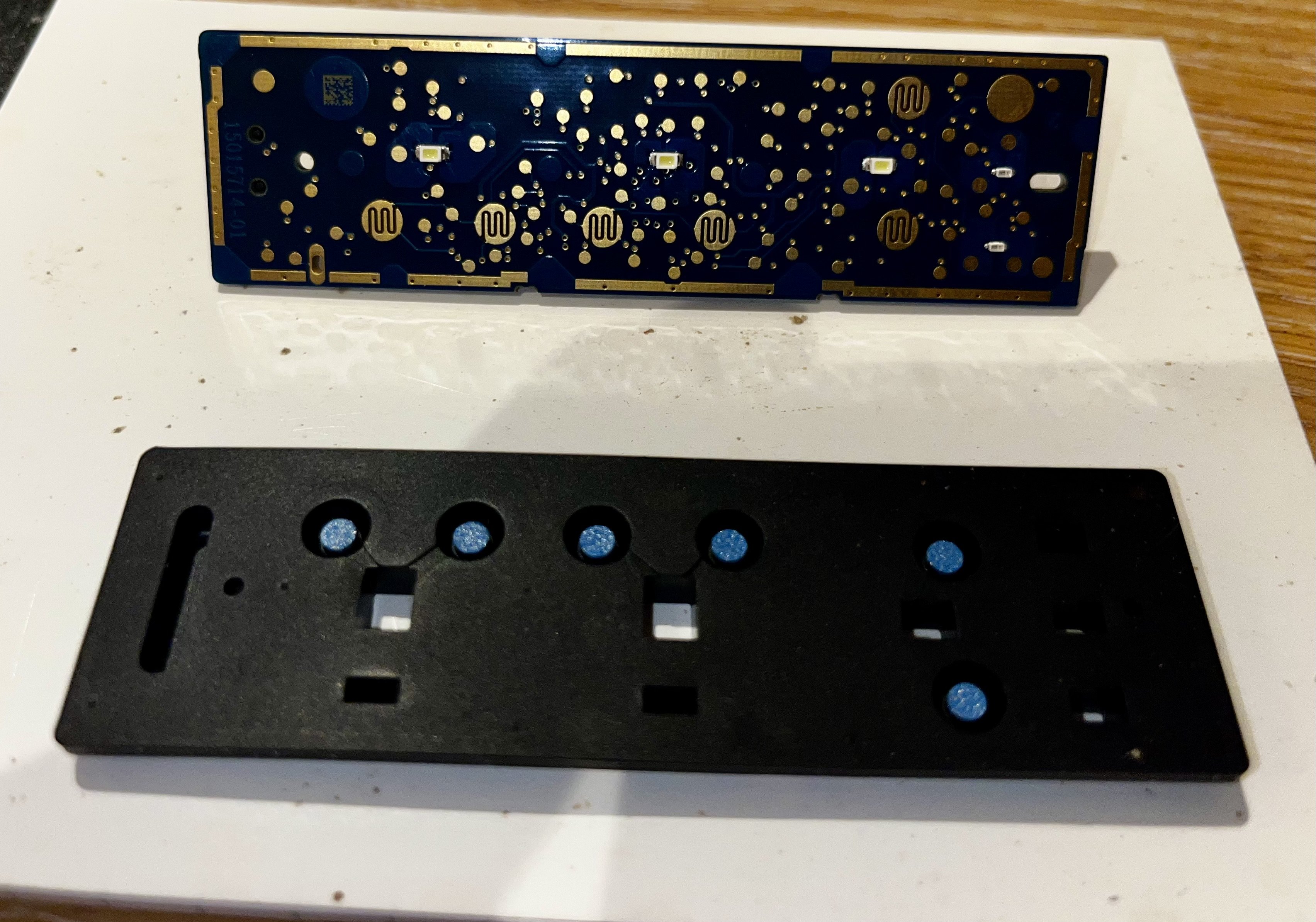
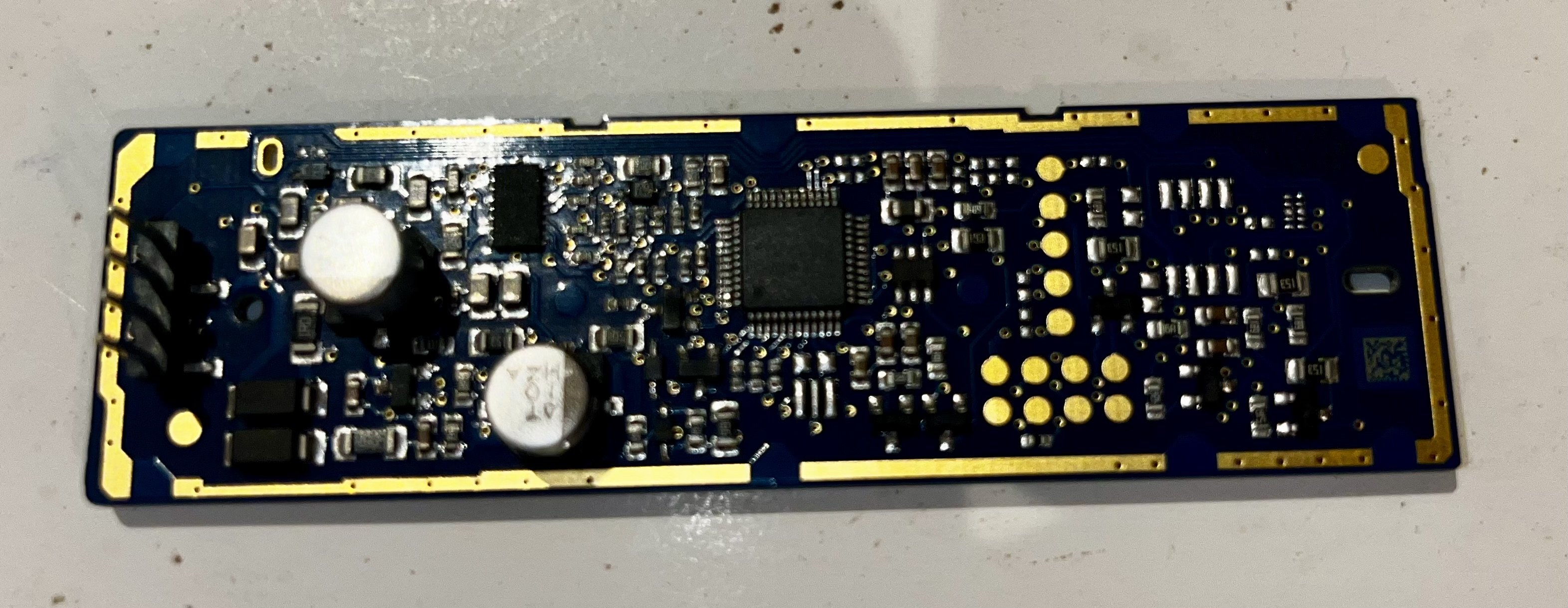
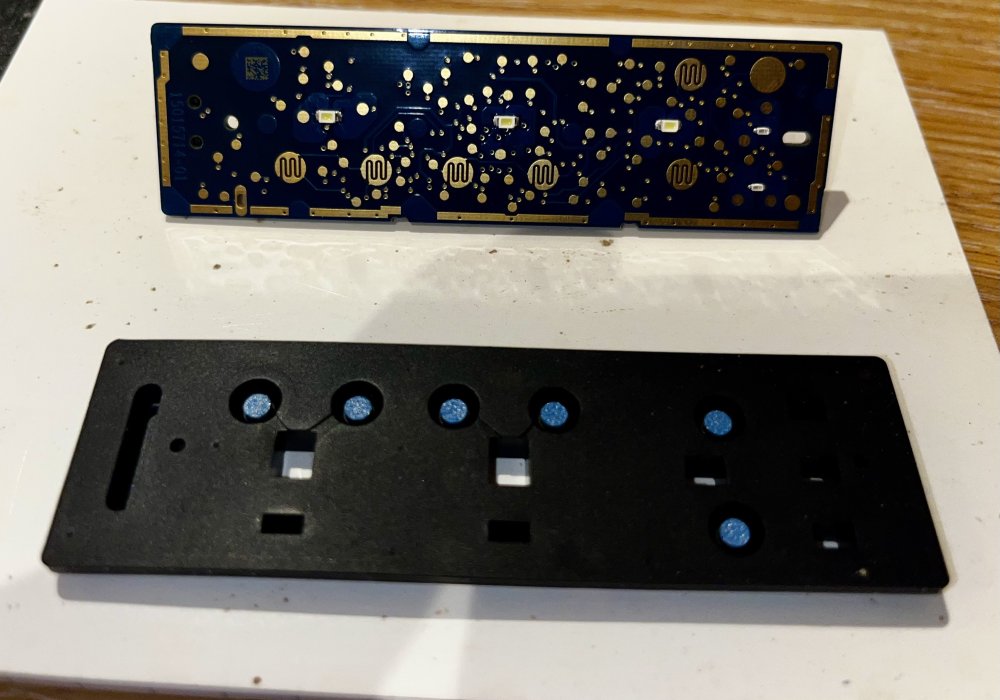
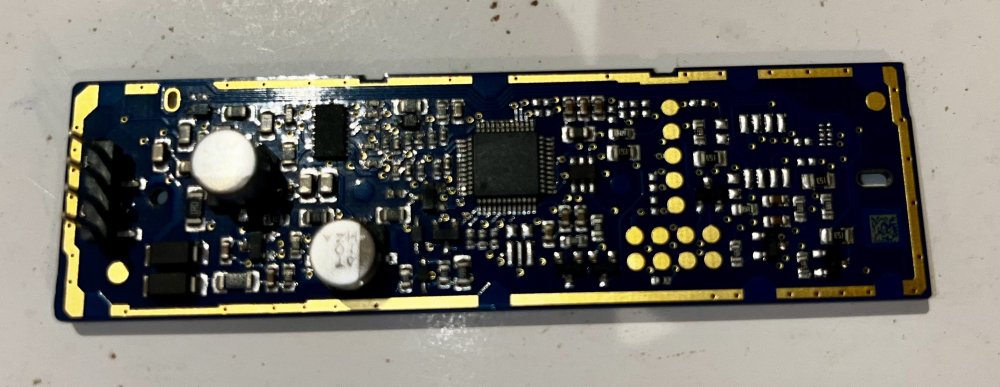
Old thread revisit - here’s photos of the inside of an £85 headlight switch: The black bit on the bottom is rubber with blue plastic pins pressing on the PCB when you push a button. I now know why the switch was unrepairable. That’s a lot of stuff crammed into a small PCB. Just thought I’d share.
-
Thank you so much for taking the time and effort to provide such a comprehensive answer, it’s much appreciated! In the end, it was #3 that sorted the problem, although Heaven alone knows how it went silent on me to begin with! Very frustrating but a happy outcome - thanks again 👍
-
When using the sat nav app (Maps) on my iPhone linked to Apple Car Play in the car, the spoken directions have stopped working / sounding. I’ve explored the settings on my iPhone and the Infotainment centre and can’t find anything that helps. The Škoda sat nav voice works absolutely fine. Any ideas or directions to sort it gratefully received - thanks in advance.
-
Follow up: It was a duff headlight switch, which is ironic in that it’s the one switch that almost never gets used thanks to automatic headlights! £85 switch! Sheesh! I’ve kept the old switch to take apart and try to find the fault inside it.
-
2020 Octavia IV 1st Edition On startup, error code comes up as “headlight control range”. Switch panel for headlights and fog lights not functioning or illuminated. Used the OBD11 but codes for that could not be cleared. Booked it in at the dealership for expensive diagnostic next Wednesday. Service agent said “That’s a new one.”, which is no comfort at all. Headlights do work automatically, blue high beam indicator illuminates on dash when engaged. Any experience or ideas?
-
I’ve tried five separate times this month to download this 29 Gb file (which takes between 1-2 hours) and all goes well until it reaches about 22 Gb downloaded, at which point it kicks me out and won’t let me restart from the point it cut off. Very frustrating!
-
I’ve updated my sat nav this way as well, and also my radio station icons. However, it’s an incomplete list of icons, quite a few stations still without an icon for some reason or other.
-
Replaced the rear wiper blade myself for £5, got it from Halfords (UK car parts store), took about 2 minutes, stupidly simple. i keep seeing people in here wanting to turn the rear auto wipe feature off because the blade is squealing - that’s because the blade has perished - replace it! A new blade can sweep dry glass without squealing.
-
Great advice, thank you and yes indeed, on 1941 and got a 64Gb USB-A + USB-C stick ready to go! Thanks for taking the time and effort to help. 👍