LuxoviaRS
Members
-
Joined
-
Last visited
Everything posted by LuxoviaRS
-
-
Oh that's great I wish mine had those, what model do you have? Was yours manufactured after June, because mine is from the first build from January to June with my one being in June.
-
Copy ok lol ok so the other Octavia models do have them then makes sense why not wouldn't they.
-
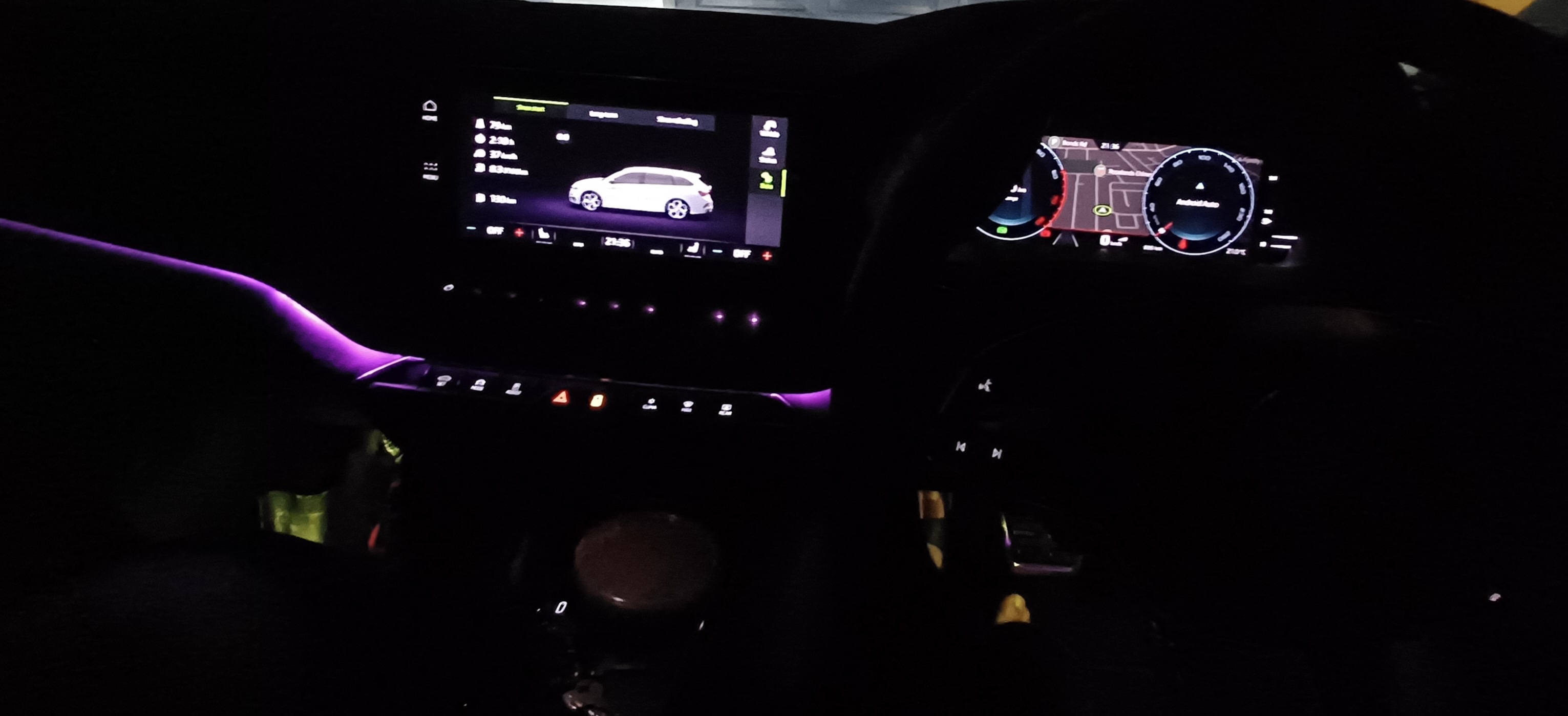
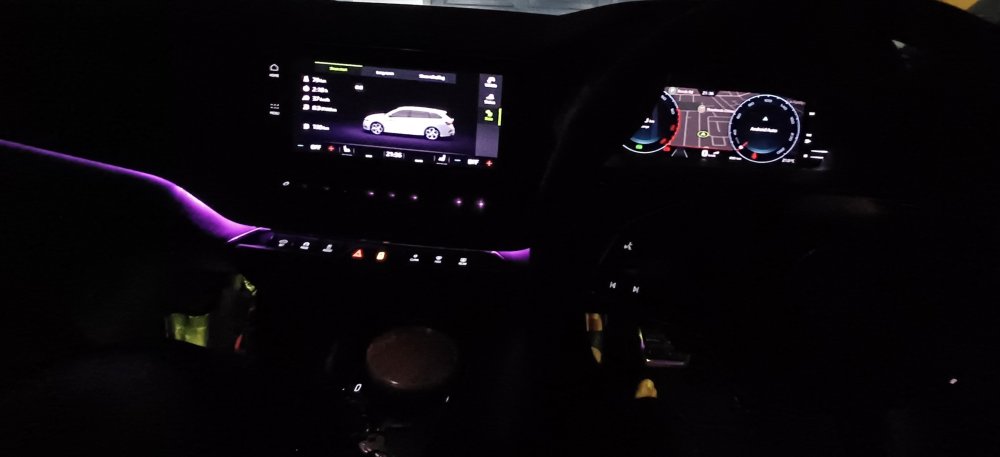
Oh OK so the other Octavia models miss out. Here is the dashboard. I sort of wish they were a bit brighter (this is at the highest) though I can understand they may be a destruction.
-
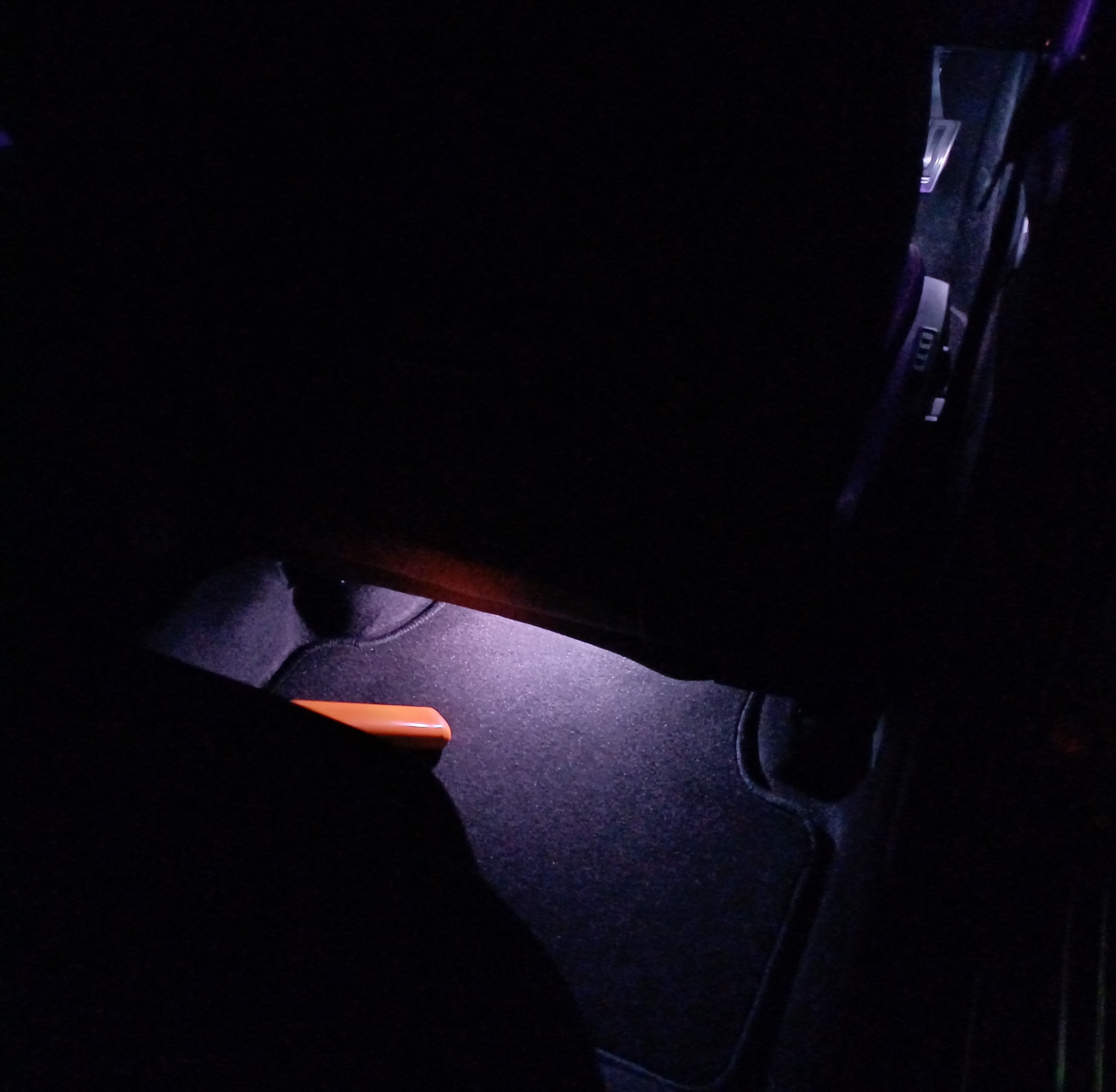
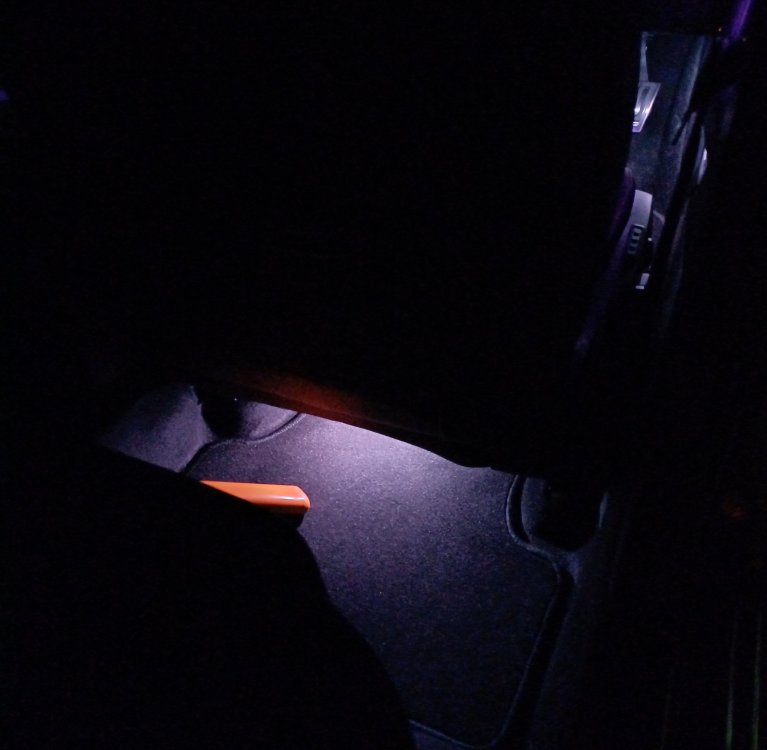
So unfortunately the rear door handles in my Octavia RS are not illuminated the only thing illuminated is the footwells.
-
-
I know about the footwear, but illuminated door handles, I didn't notice that, I'll have to check it out tonight.
-
I myself turn off the start stop anyway when i get in, mainly because I've read it can wear the engine quicker and also does I believe your alternator and starter in, though maybe the more newer models aren't that affected as older ones. I didn't know that the coolant circulates when you turn off the engine, like I said above i haven't been heavy footed on it, breaking it in. So I guess these turbo engine in the vrs are coolant cooled right or is it both. I have read that the oil is used the cool the turbo primarily. Sorry I'm pretty new at this.
-
Thanks so much for the advice, yes 1 minute or so for when the car is being driven a bit more heavy and on longer drives. We have only done short drives though all in the city. You are correct @CS363 yes I forgot, I read that in the manual as well. Currently though for the first 1000 to 2000 kms I'm breaking in the engine (even though maybe not needed, still want to do it) so I'm very light on the throttle, only rarely opening it up a bit, but don't take it above 4000 rpm, i have only 600 kms on the clock.
-
I don't know about the superb. I suspect it being a more upmarket luxury model may have this feature that the octavia misses. Maybe someone with a superb can comment.
-
I think from my memory only the front when I've looked back at the rear doors to check I haven't seen them, which is a shame. I'll re check for you when I'm in the car next and get back as soon as i can. I believe mine is that model that you're referring to.
-
Hi I'm very very new to my skoda octavia rs and i want to do the best to minimise any issues that can commonly occur with turbo engines. One thing I've noticed from commenters whilst reading generally on the Web re turbo engines, is, it recommended that when you reach home or your destination you shouldn't turn off the engine straight away but let it run for a bit to cool it down. I've been doing this for the past week or so that I've had the vehicle, but I'm wondering, is it needed for this vehicle and at what temperature does the oil need to be for this to be effective, the highest the oil temp has gone to is about 107C. Any help would be appreciated.
-
Ok fair enough. Yes I'll just wait for b them or try chasing it up further with them. Yes hopefully. Thanks very much, appreciate all the help as well... I'll try to have some pics up as well soon, it's a beautiful car.
-
Oh no that's a shame, though I'm happy you have found your vehicle. I hope it turns out better for you in the Karoq than it was in the octavia. All the best. For me it's my first Octavia. I have the rs 2023. I hope I don't encounter the same issues with the Information system that others have encountered like you have.
-
Hi again thanks for guiding me further. Do I need to connect my car to get the online services because I had a look and I don't think Skoda Connect is available in Australia, I don't see an .au page and also when I put my vin in the spot to add my vehicle in the Skoda Connect com page it states Your vehicle is not equipped with both "Škoda Connect" and "SmartLink Even the app that i downloaded says "this vehicle is not compatible with the MySkoda app. The range of services is limited. Still we are happy to offer you some useful features to help your everyday driving experience" I have tried contacting the dealership and am waiting for them.
-
Thanks for the further guidance I'll give it a go when I am able to. So the online shop that you are referring to is that the skoda official shop. Is it this one. https://eshop.skoda-auto.cz/en_CZ/ I haven't checked it out yet just searched on the Web.
-
Thank you SteveTheElder Ok noted thanks for the tip I will use those phrases that you used hopefully they work for me. Nice to know re the ambient lighting. I can use my phone. So if and when I buy them is it easy to install in the car. I'm not extremely tech savvy though I'm sure I can manage if instructed right. I just don't want to void the warranty.
-
Hi skoda octavia owners, Firstly I'm very new with my skoda octavia rs. Thank you to for your discussion re the virtual cockpit, I didn't know that I could have the maps and the speedometer and rev meter at the same time, learned something new there, so much to learn. Also I agree re the app, it's limited, for my vehicle it says that it's not fully compatible, I'm going to see if my dealer can ammend this, it's not a big deal though. For me one thing i wish would improve is the voice assistance "Laura". I don't find it useful much. Maybe I don't fully understand it's function but it seems it's only good for limited requests like the radio or navigation if it understands you. I think it will be great if you could say "hey Laura please go to the climate control and turn up the fan to 4". That way whilst your driving you minimally need to take your eyes off the road fumbling with the system. One more thing I love the ambient lighting of the car, I have seen that you can increase the colour palate from 10 colours to 30, how does one do that. Thanks in advance for any assistance
-
Hello skoda family, especially octavia owners. I've purchased a brand new black 2023 Octavia RS wagon. It's the first brand new car purchased and am loving it. I'm here to learn from you and hopefully in time can share from my experience and help others as well.