




Lukas_2611
Members
-
Joined
-
Last visited
Everything posted by Lukas_2611
-
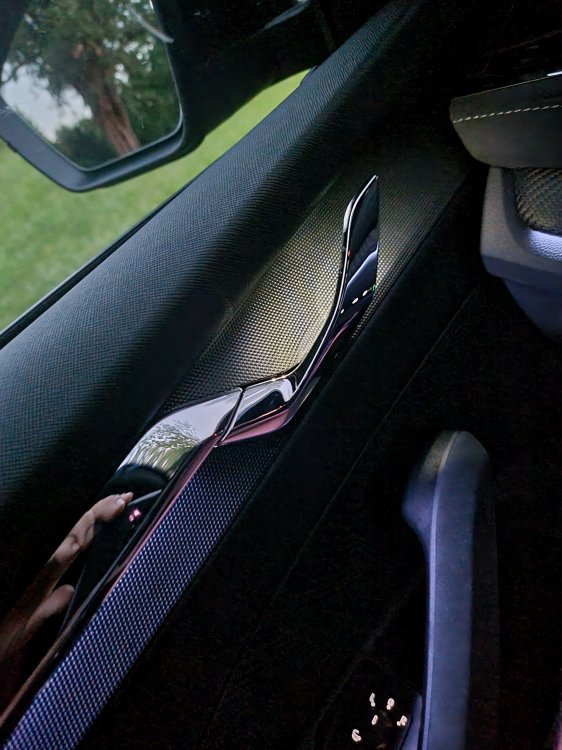
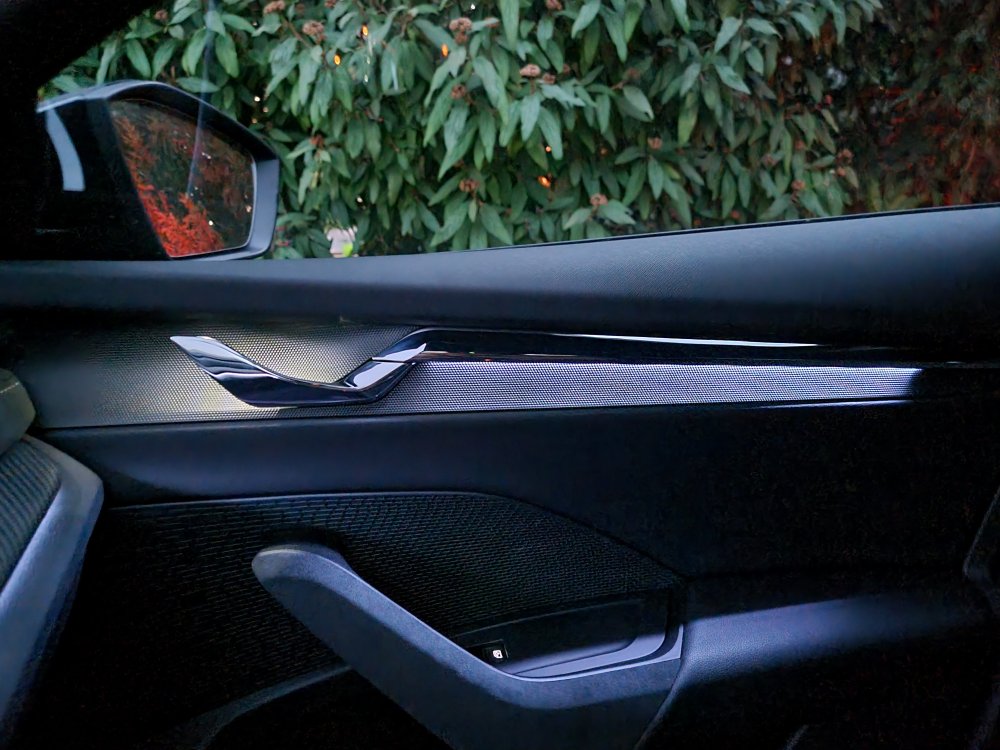
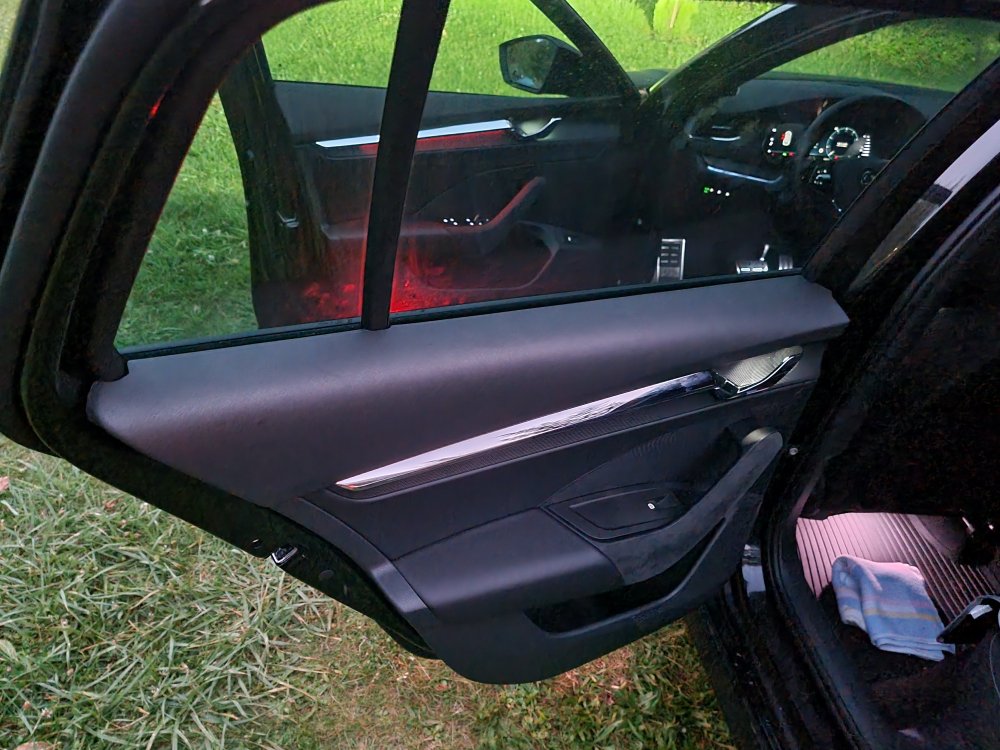
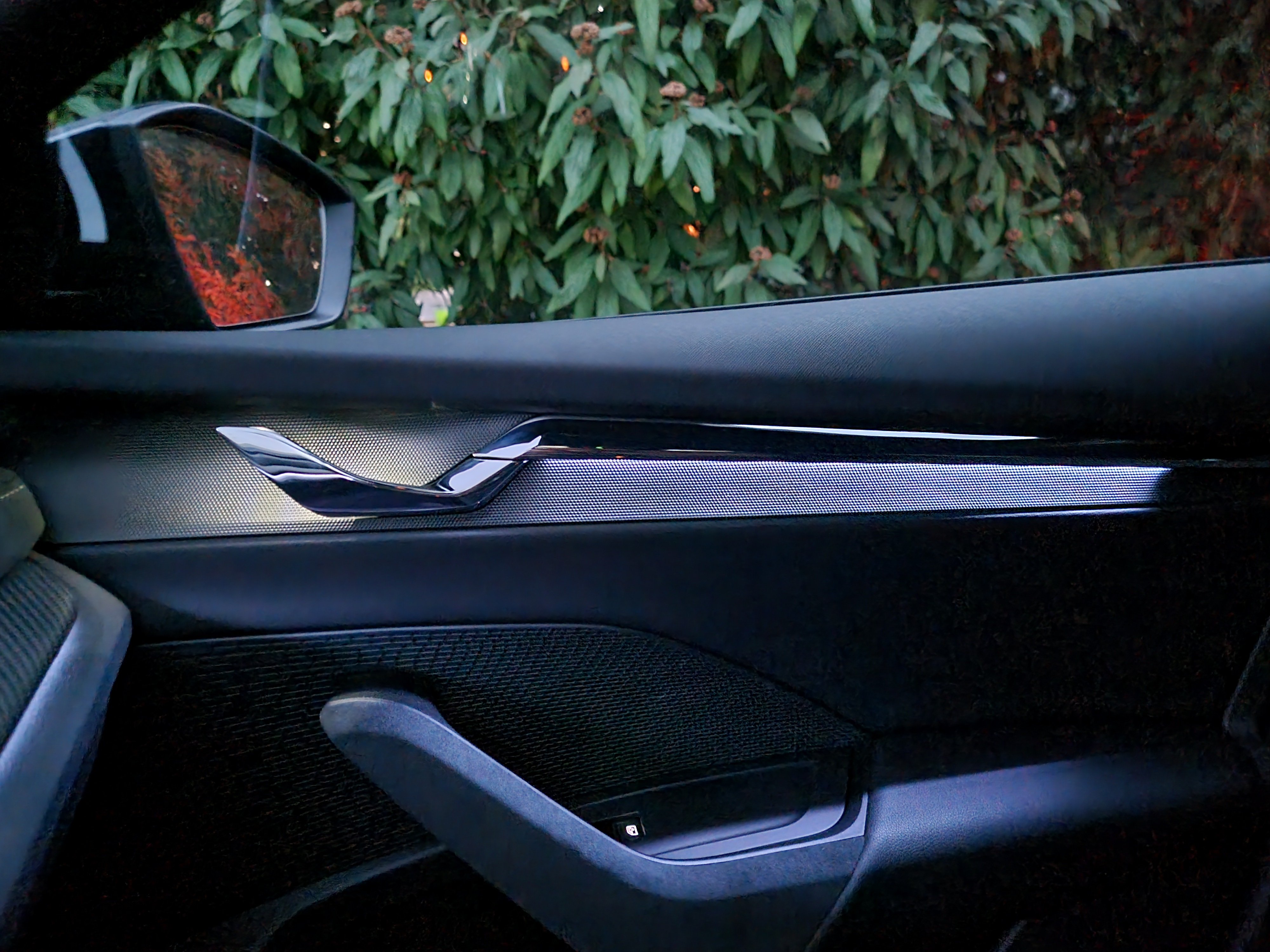
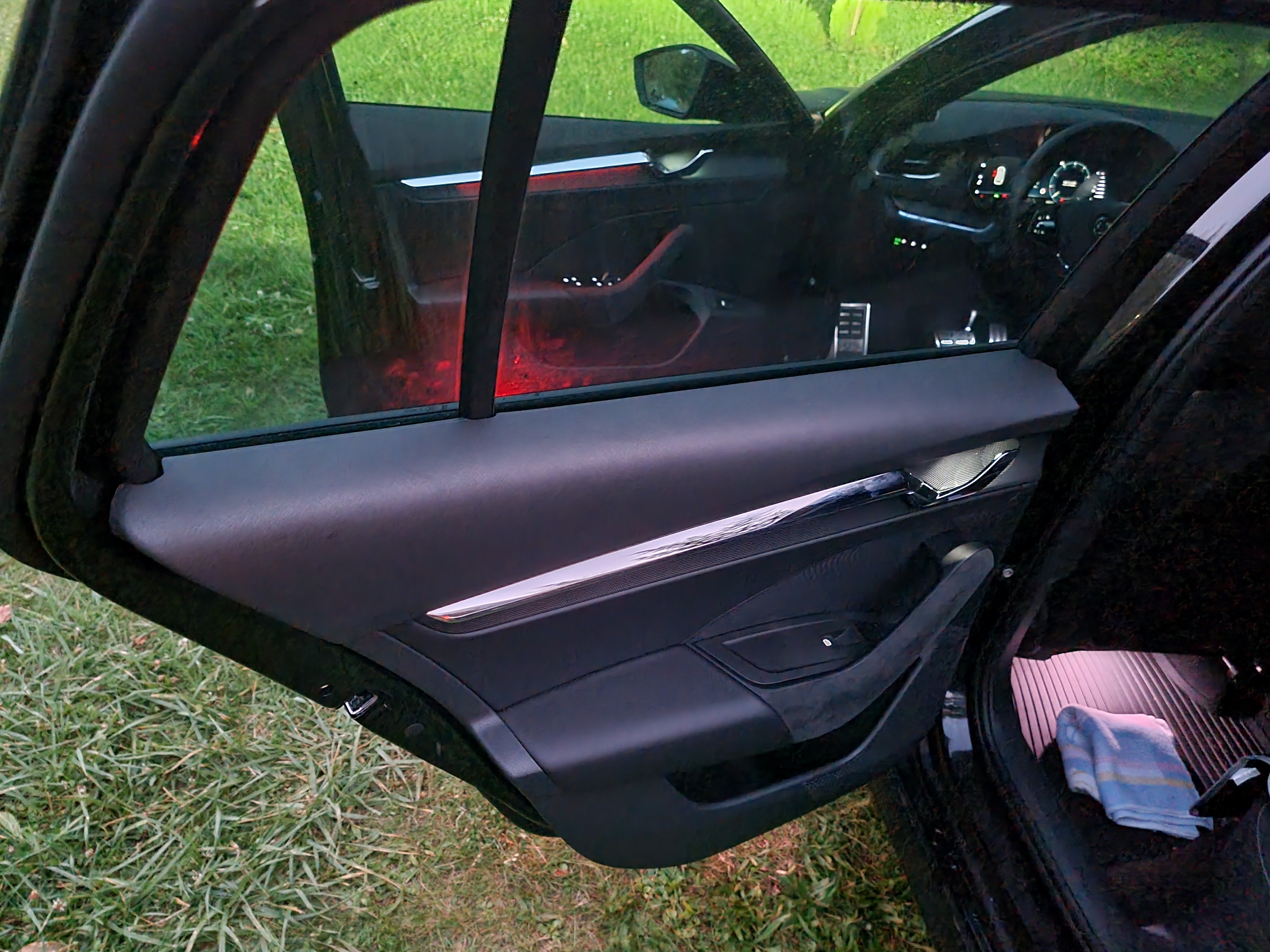
Upgraded Handlelights.. new LED :-)
-
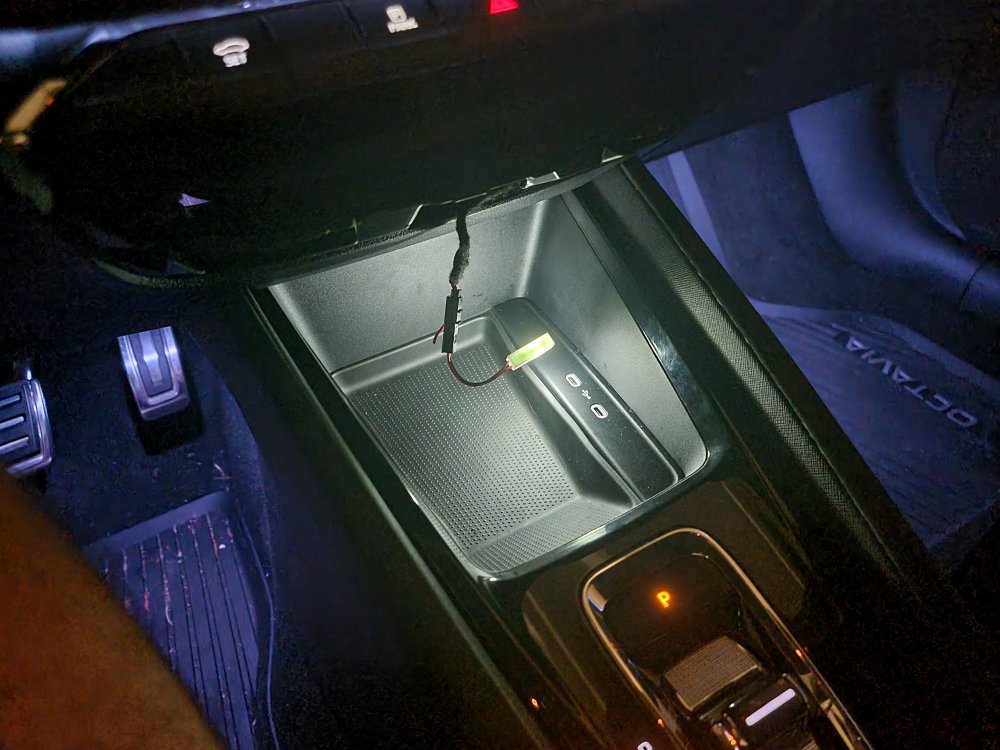
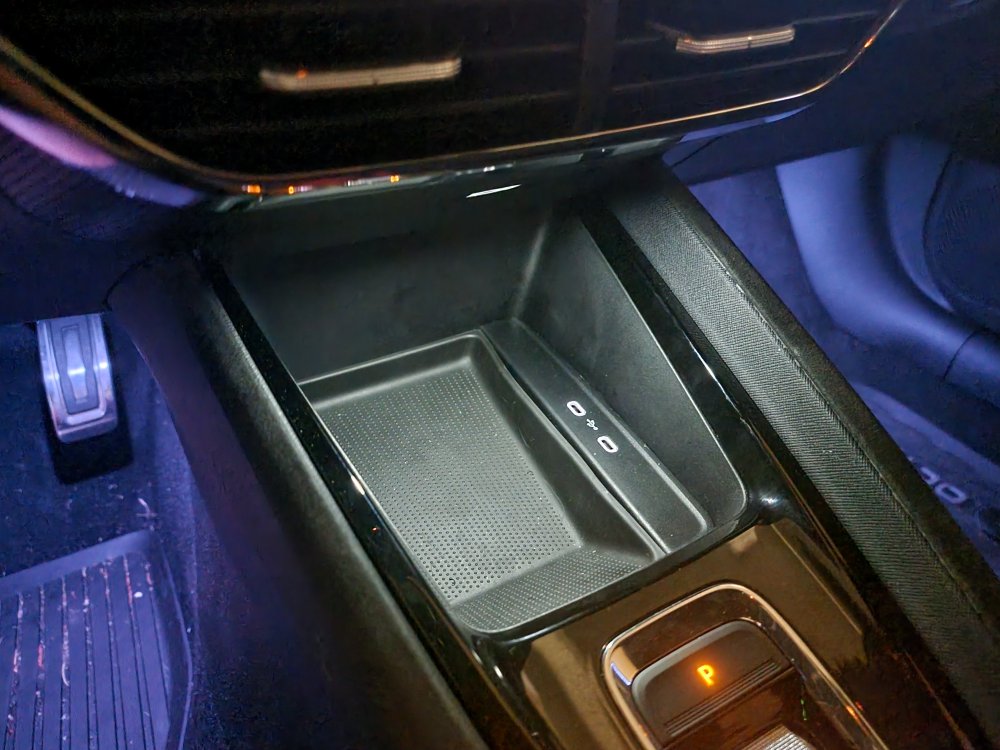
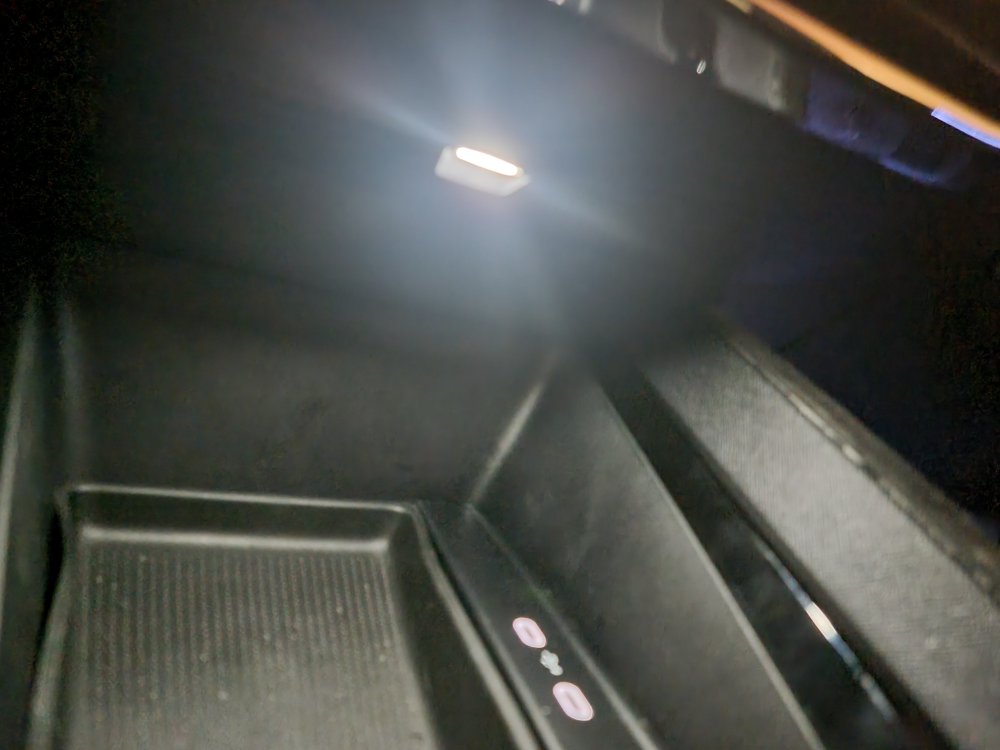
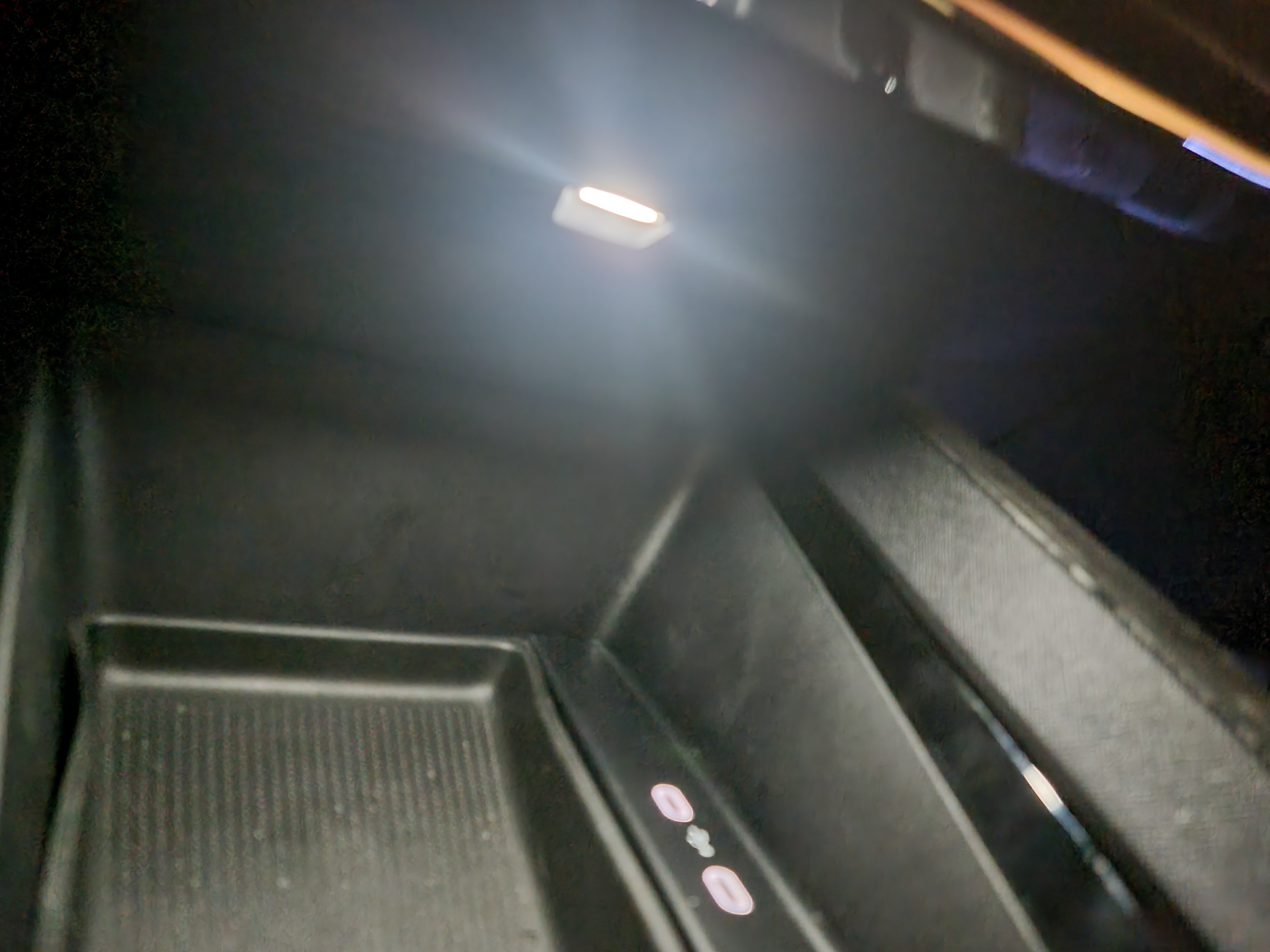
final result! i love it!
-
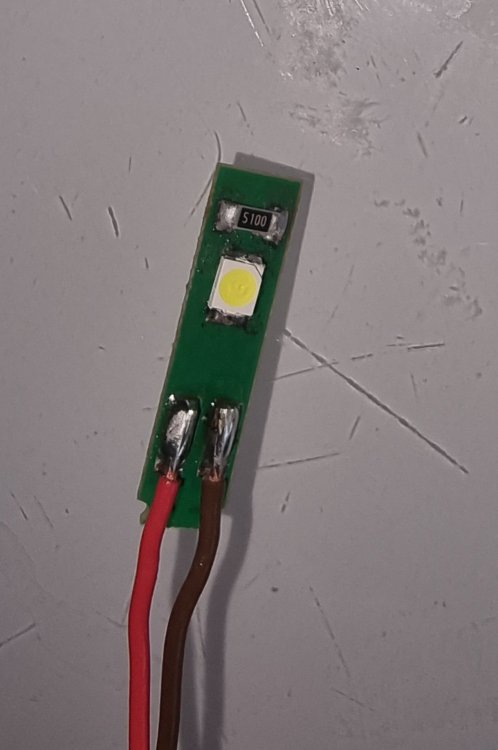
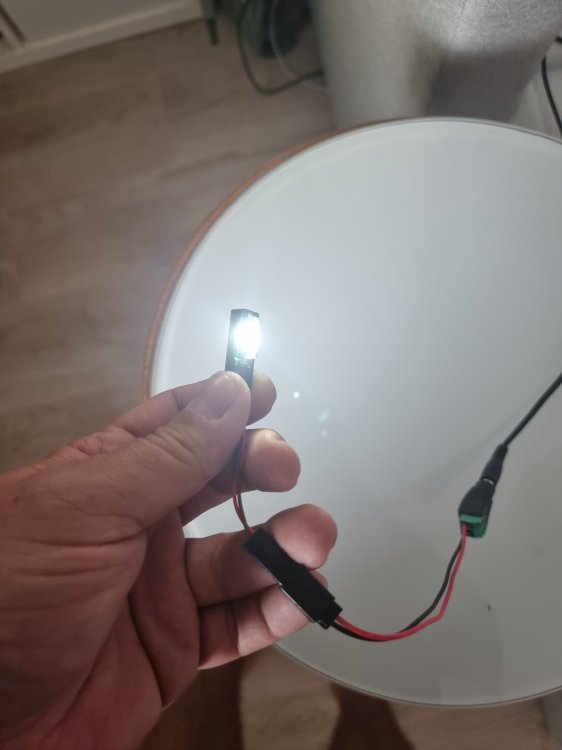
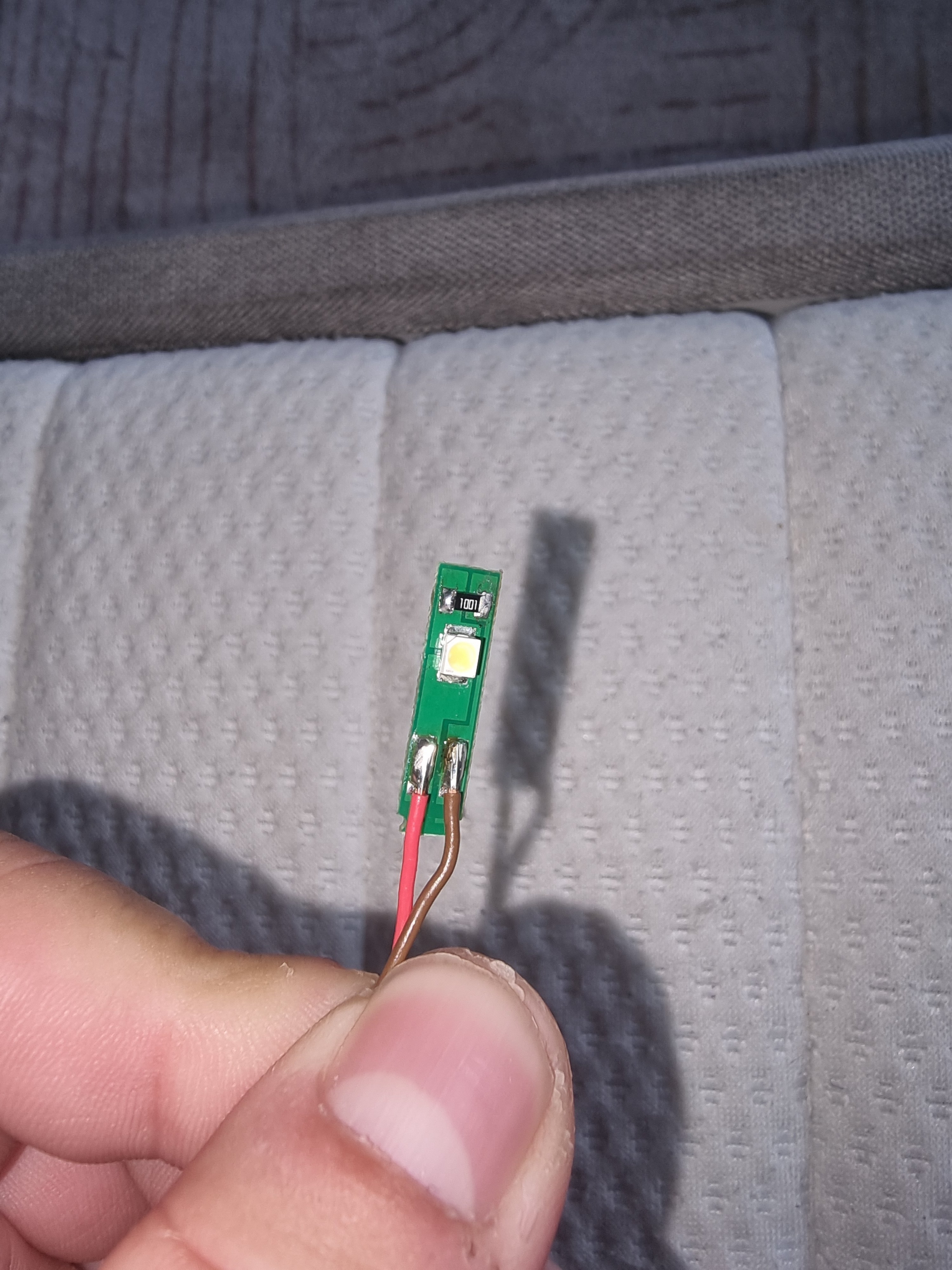
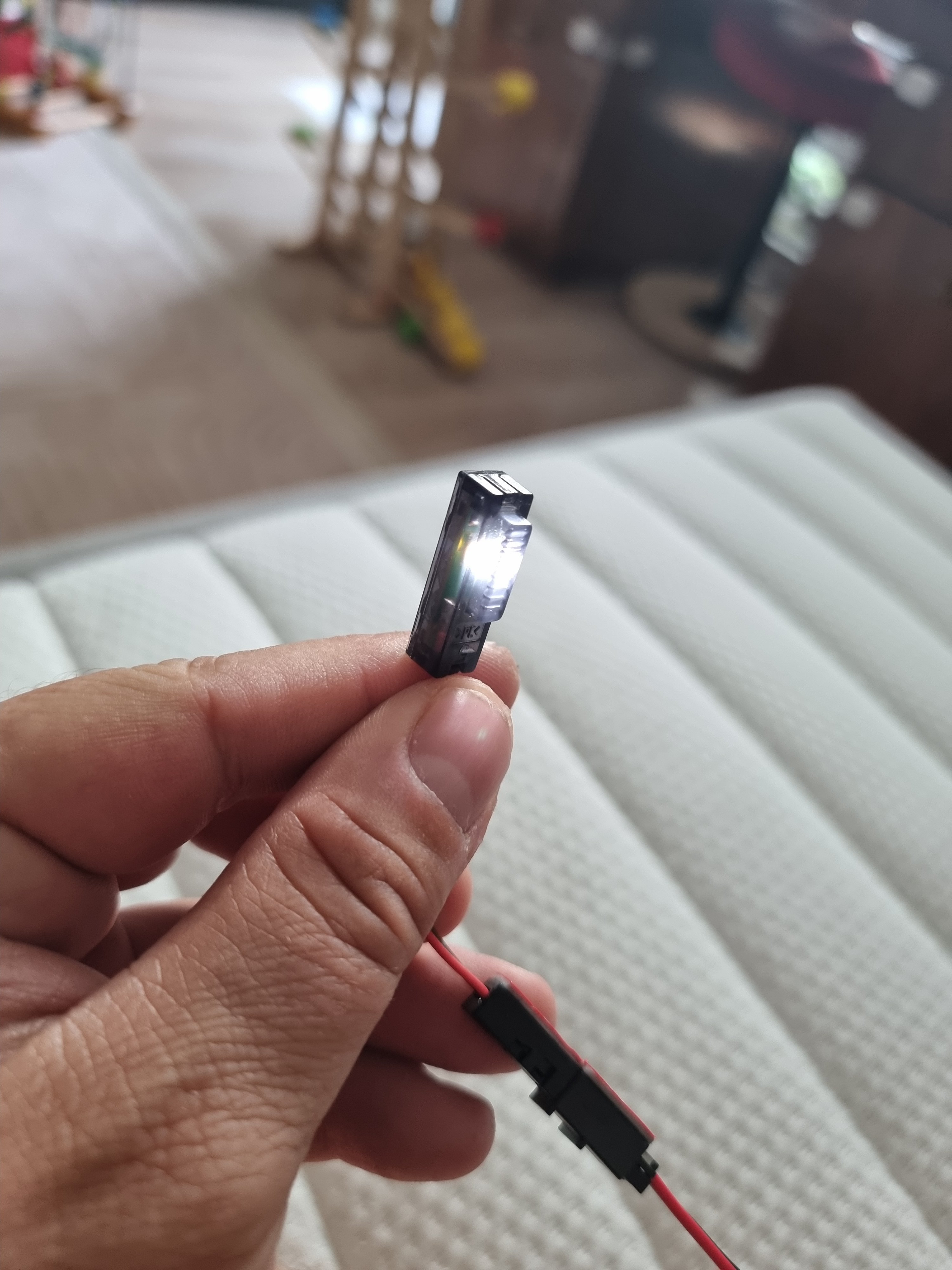
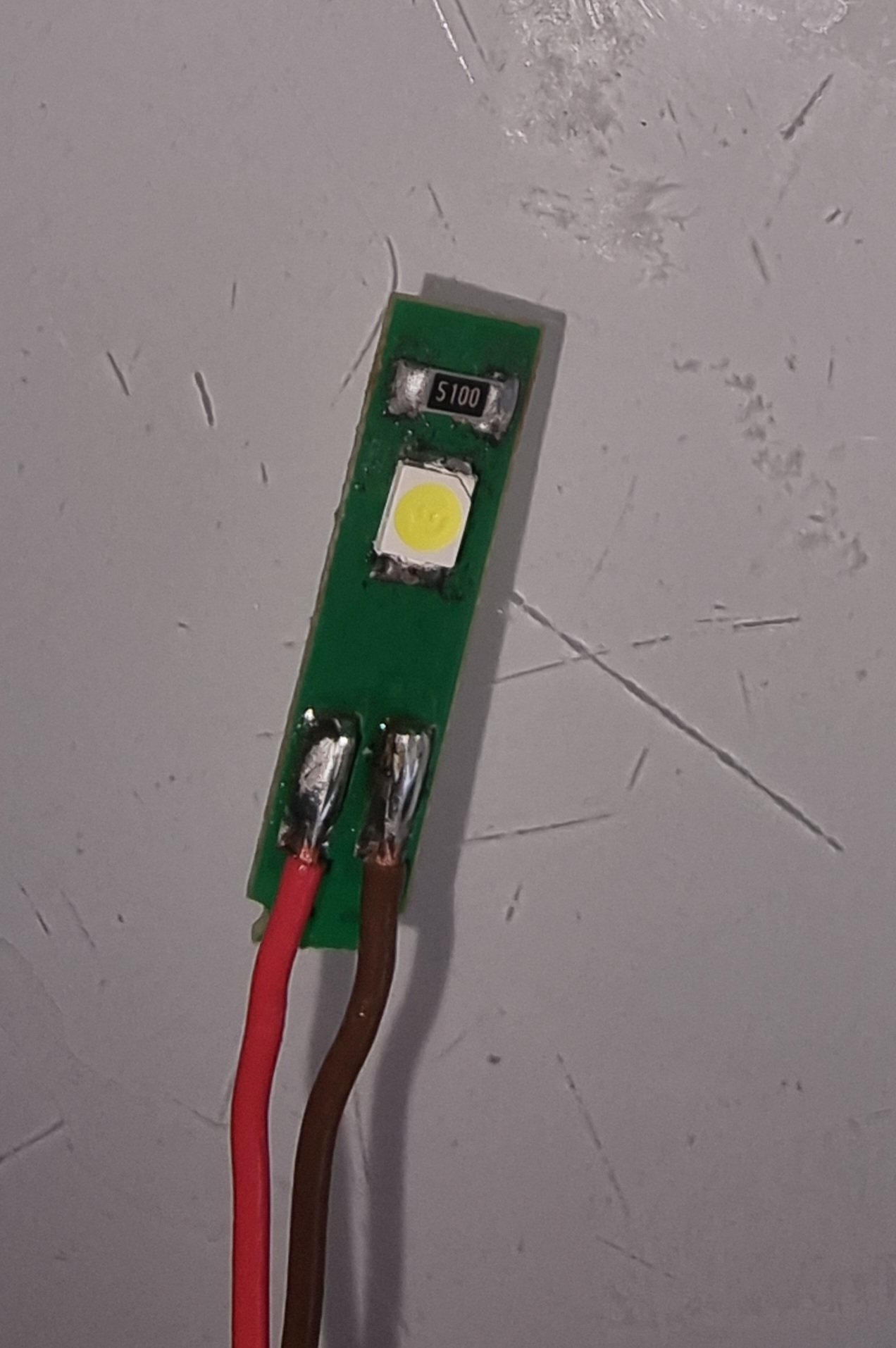
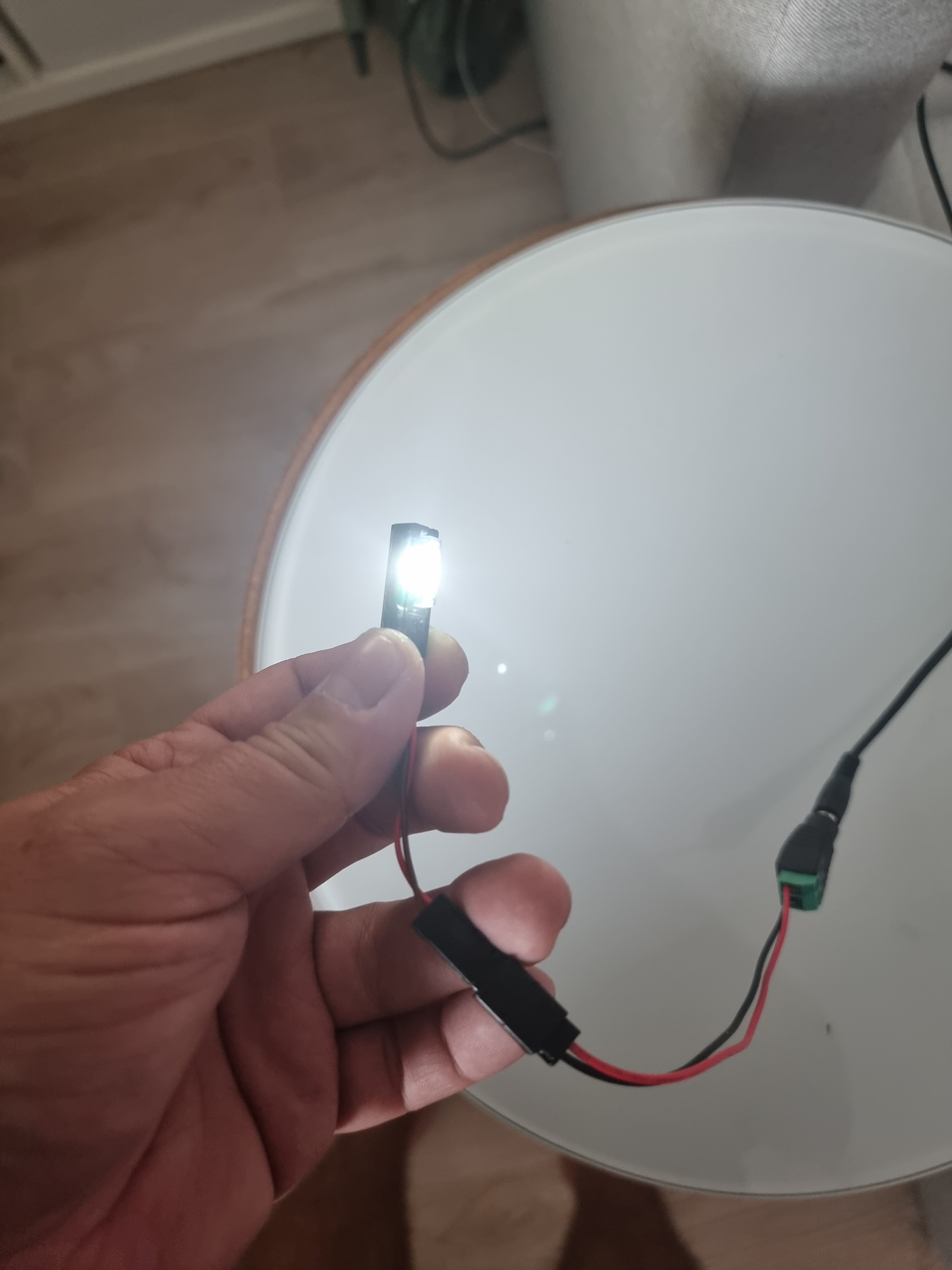
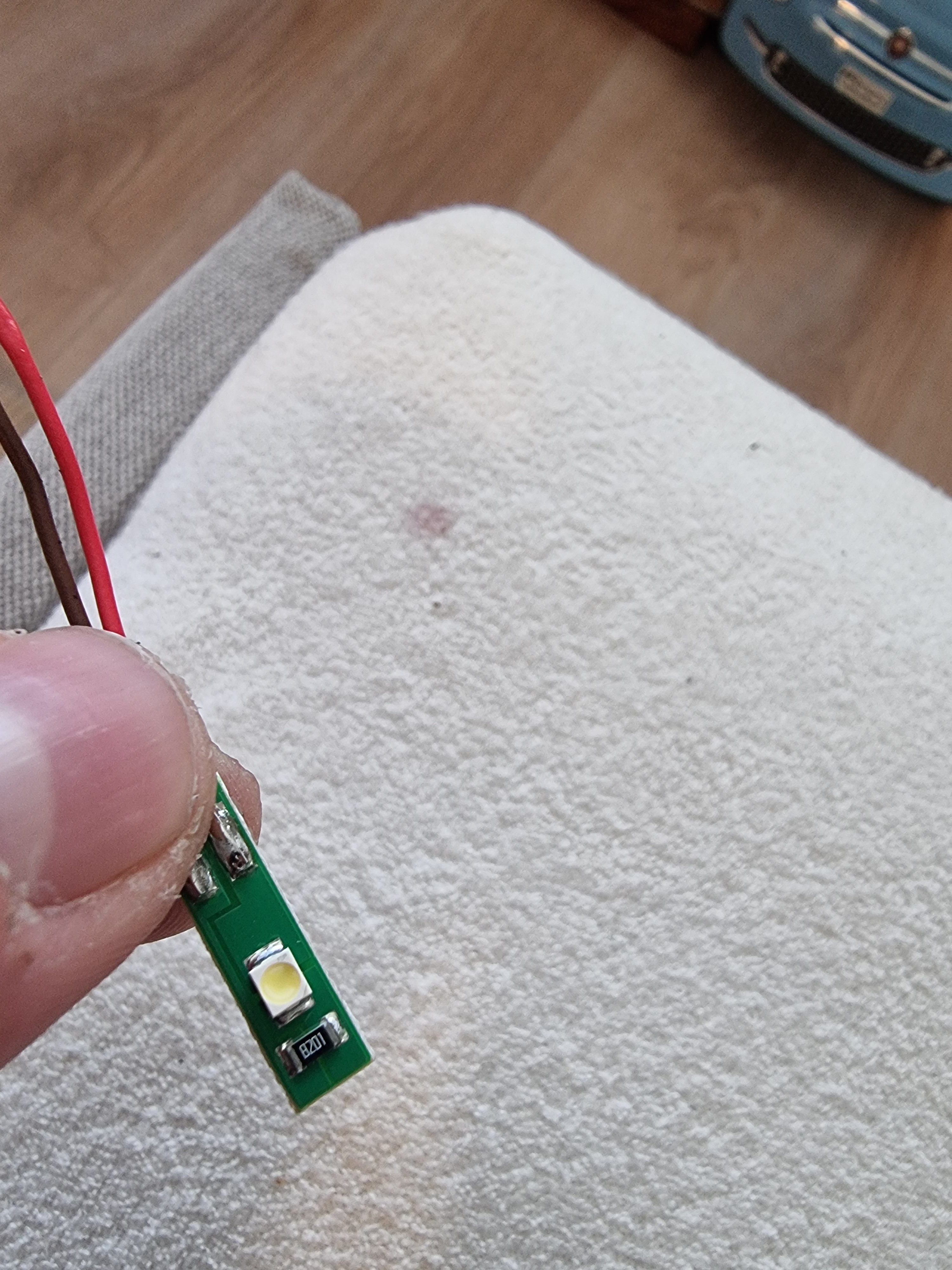
So to avoid damage to the original LED i changed to a brighter LED with the correct resistor ... tests look amazing.. First Pic original Skoda.. second with new LED..
-
My Armrest makes creaking noises when i lean my arm on it.. Is there any solution to fix it? Thanks for any help!
-
The whole unit costs 12 Euros at my local skoda dealer.. A lower resistor is just letting more through to the LED and it will glow brighter.. The original light was way too low for me so .. i will leave it this way..
-
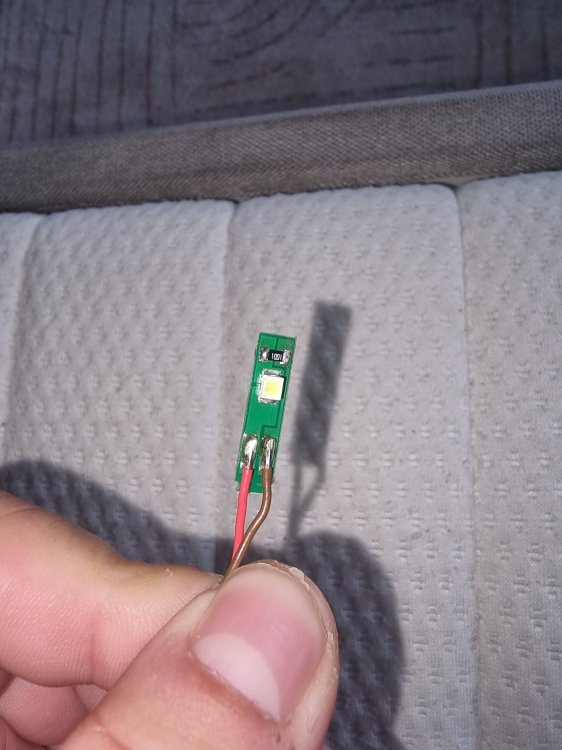
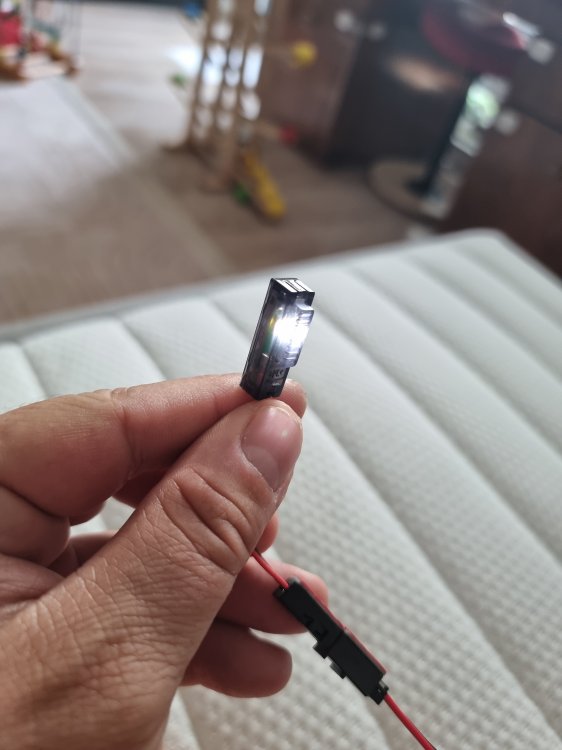
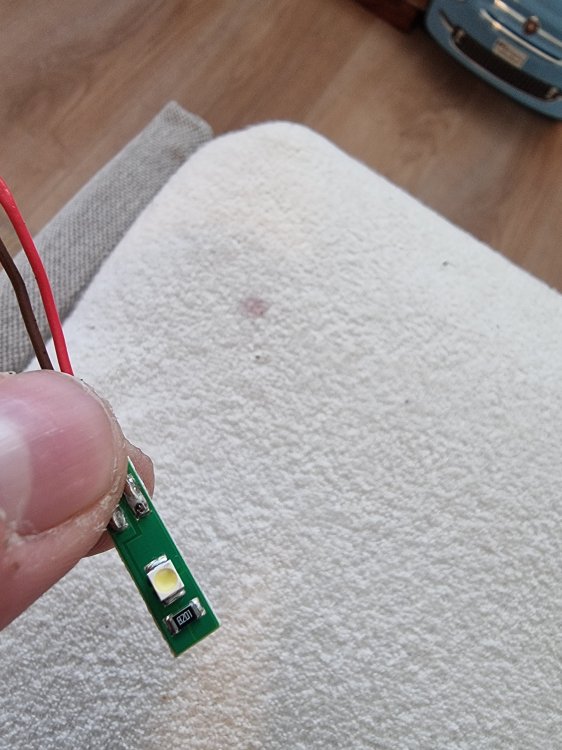
So.. almost done.. switching polarisation made the LED glow white.. To make the original LED brighter i switched the resistor from 8000 Ohm to 1000 Ohm.. now its nice and bright .
-
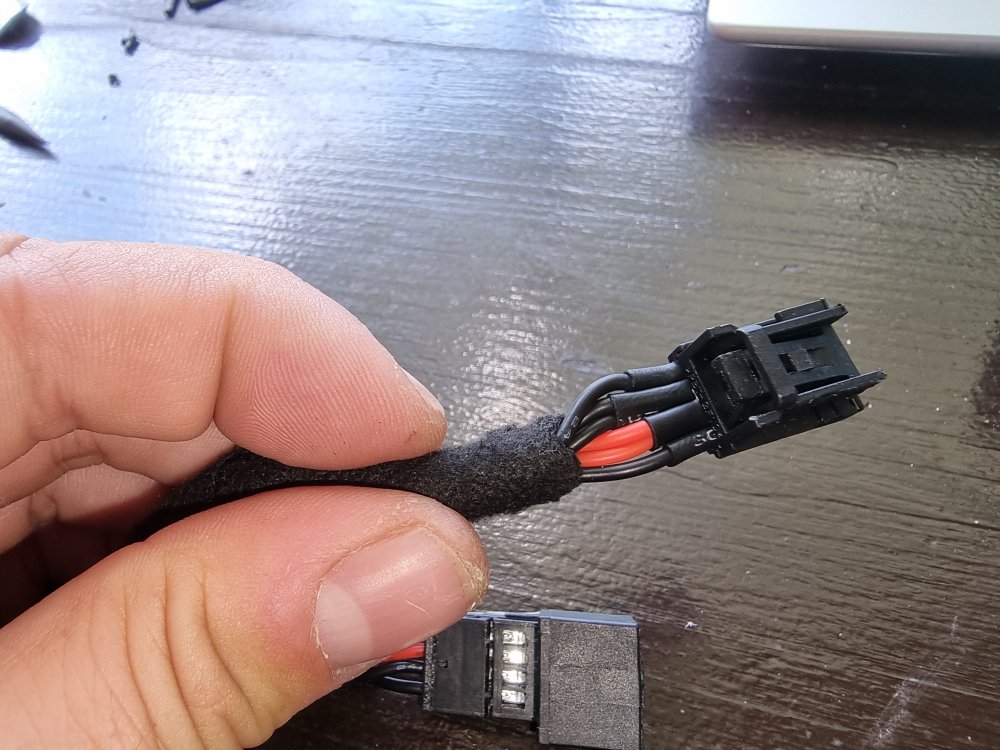
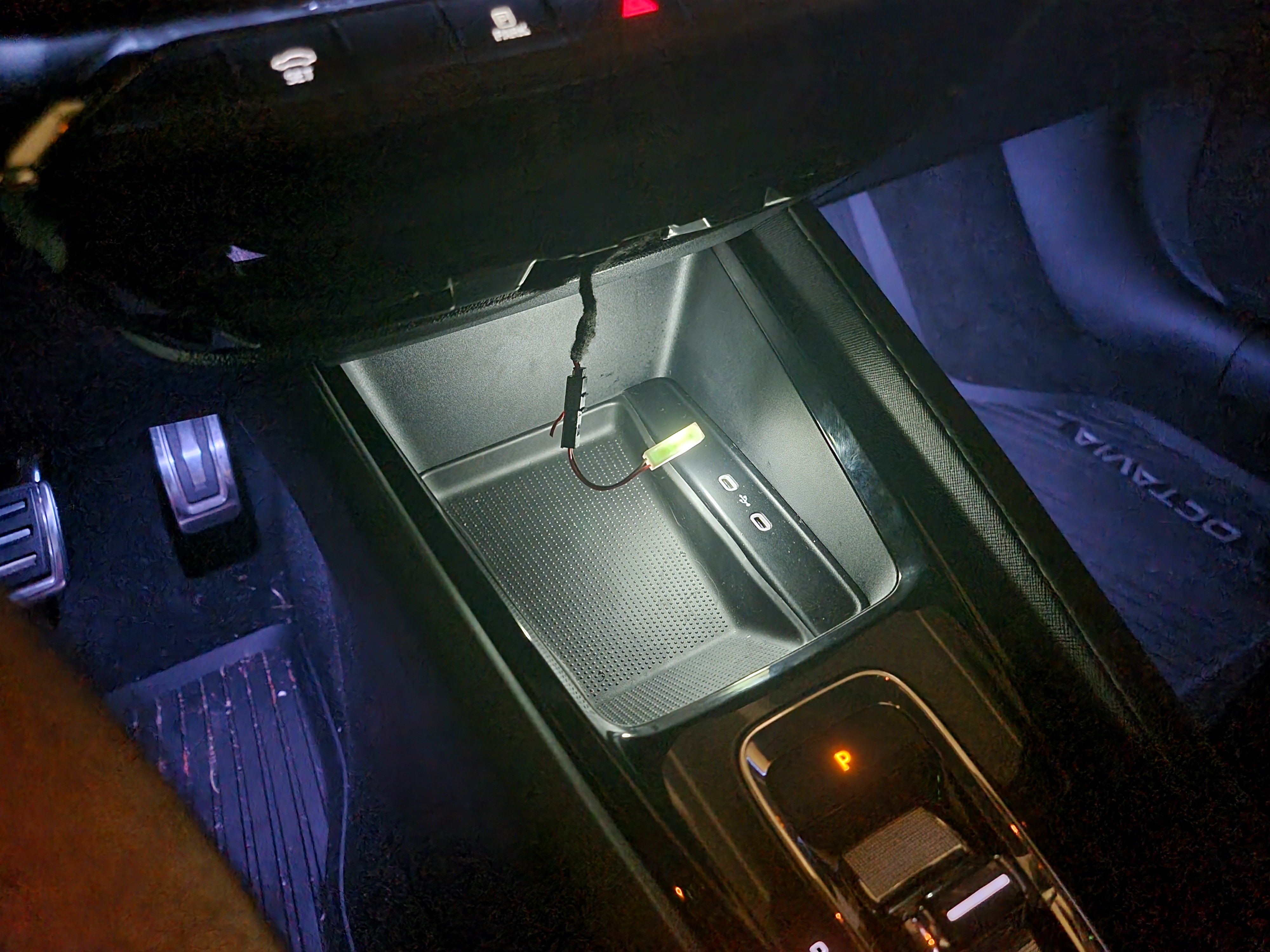
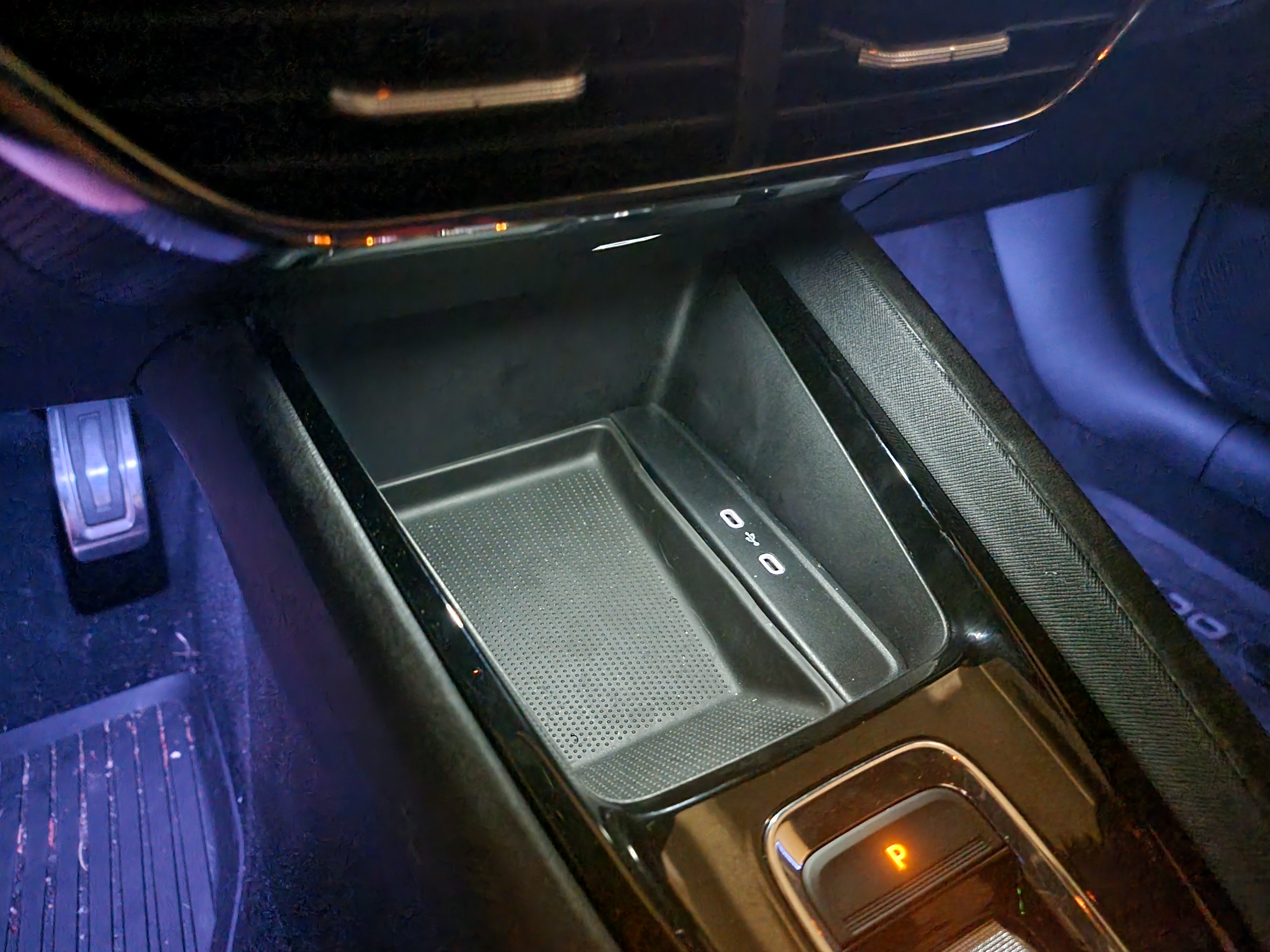
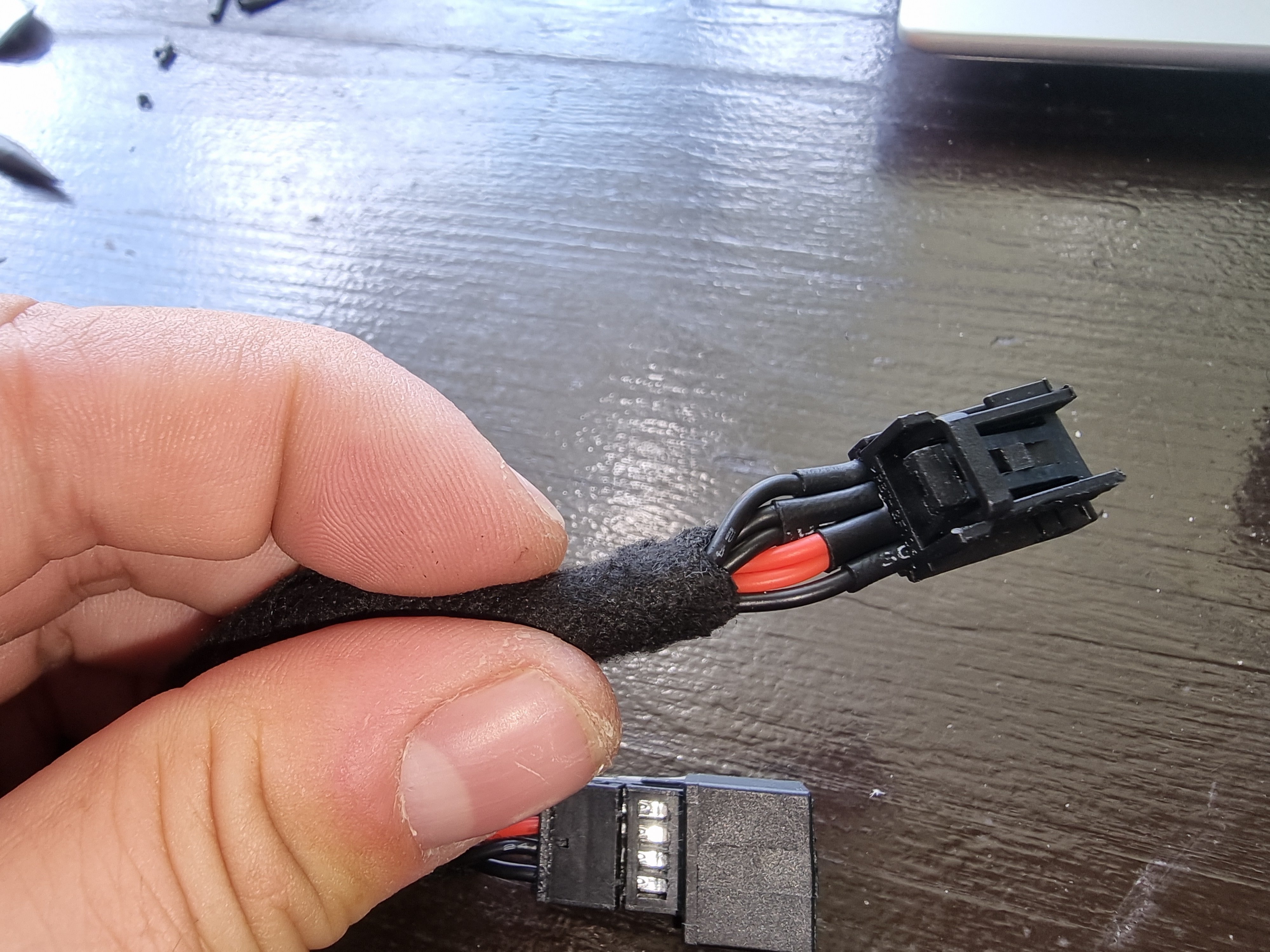
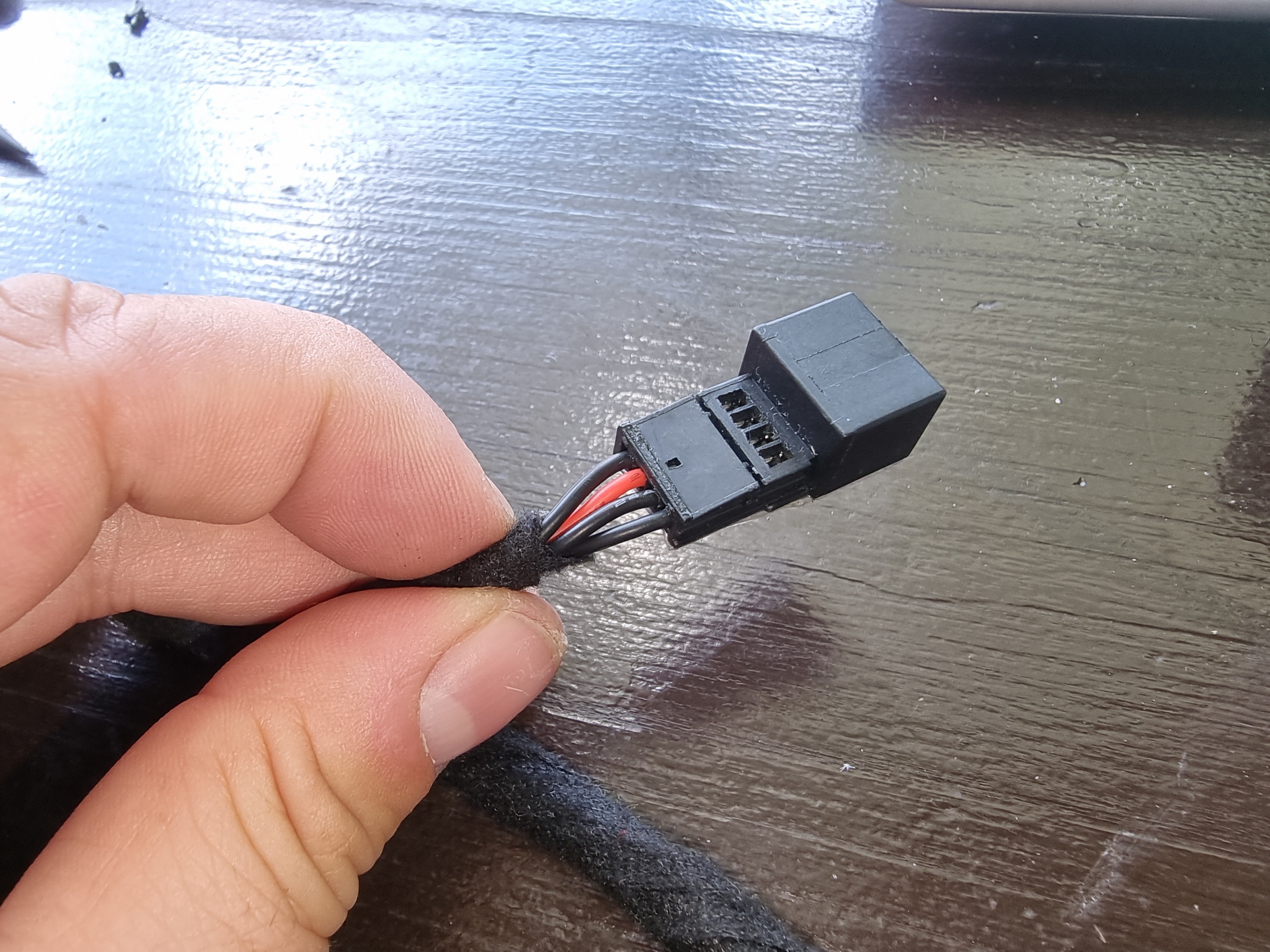
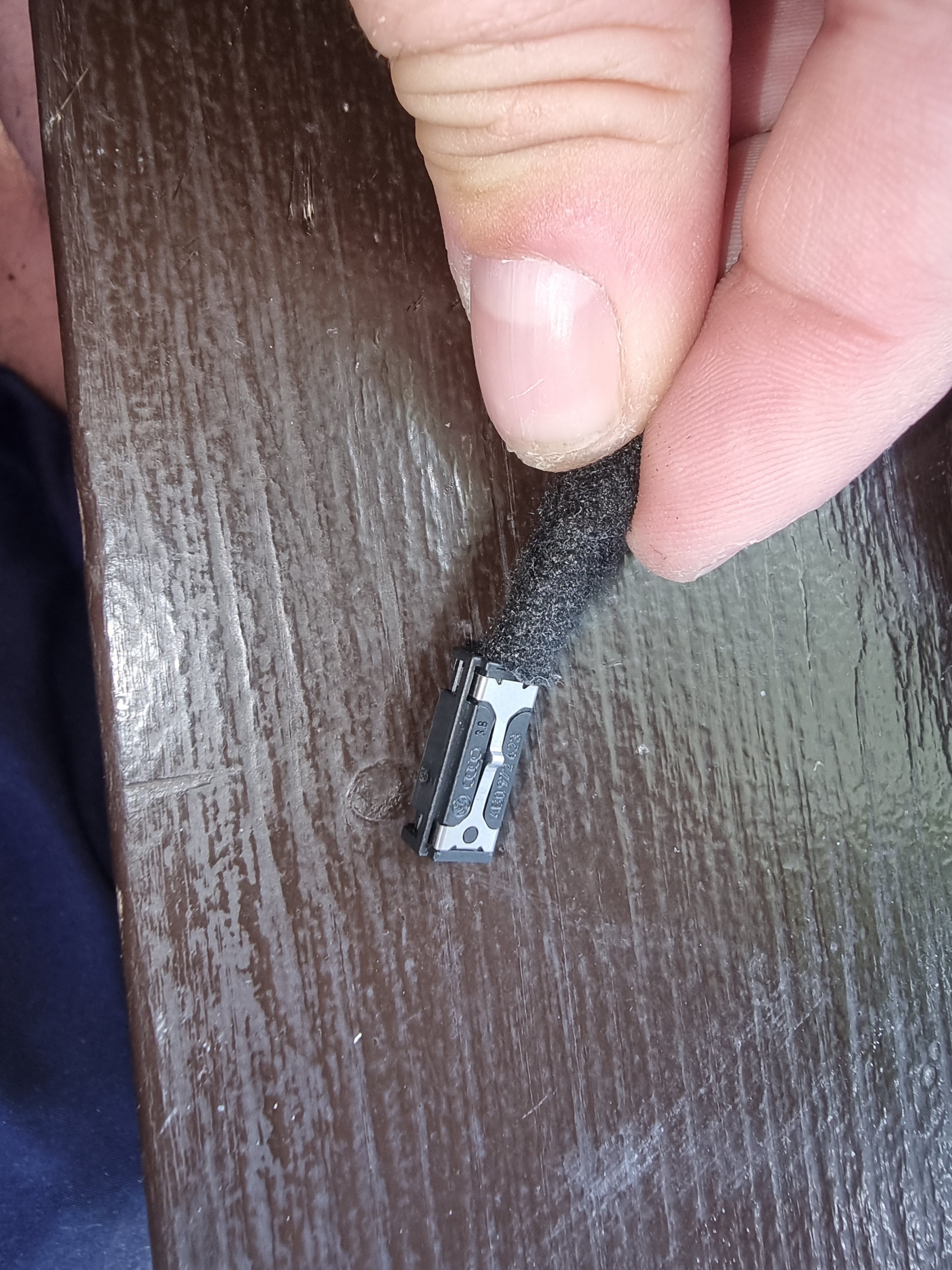
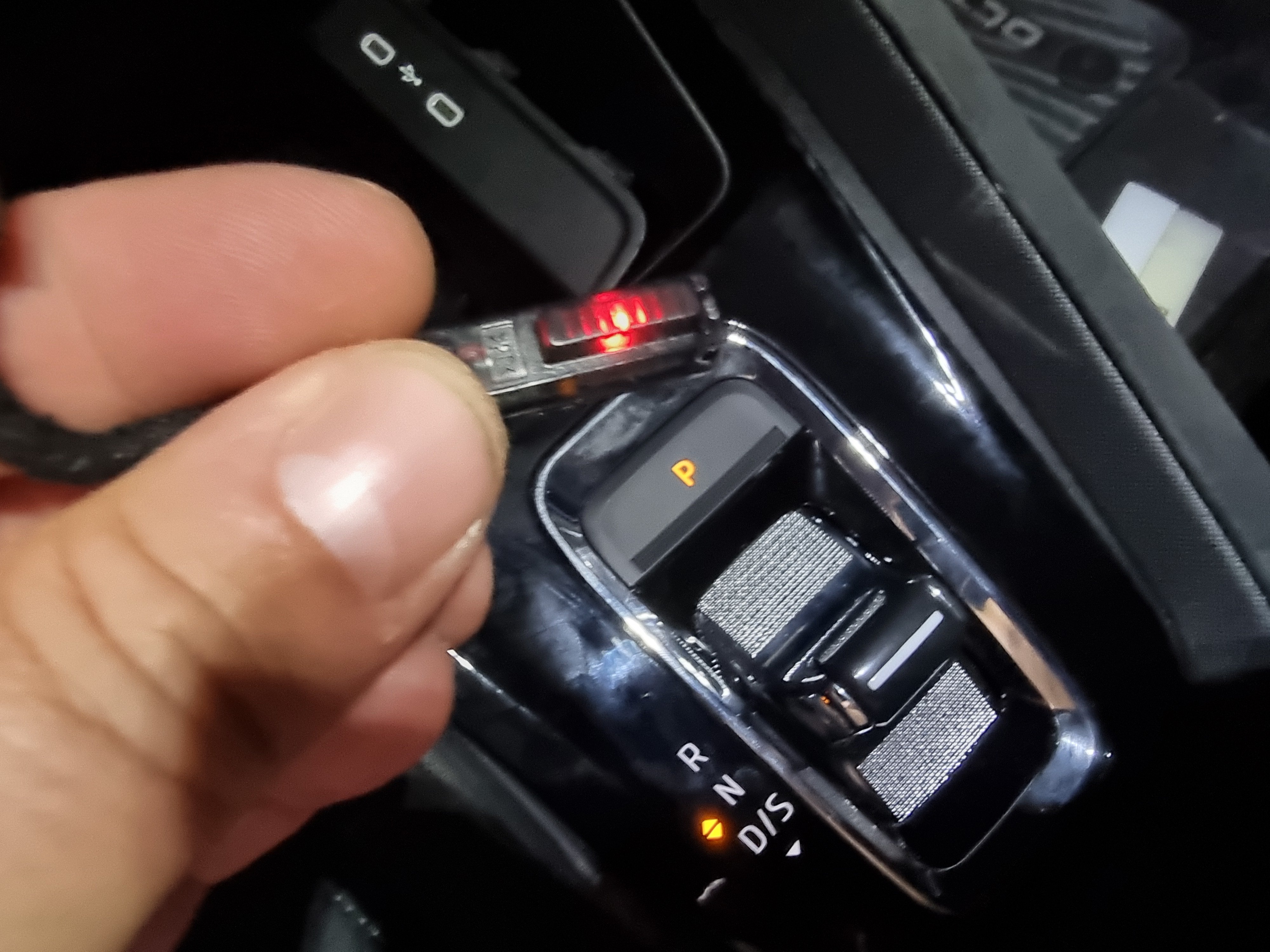
So Ive made an adapter taking it from the usb c lightening.. it is working perfectly.. but.. two different OEM Version came in red.. The red light isnt really visible.. and i want it in white.. looking for a solution..
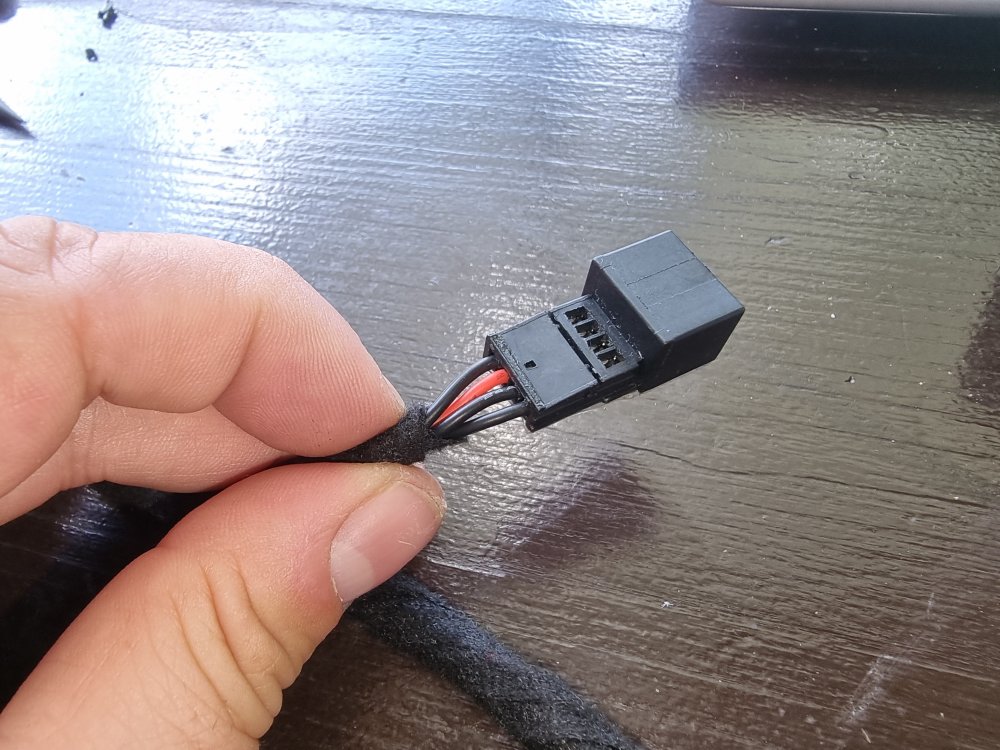
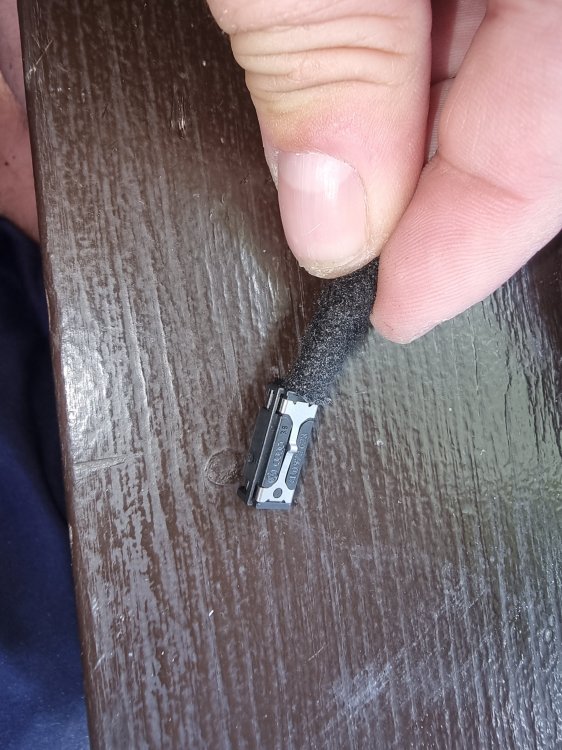
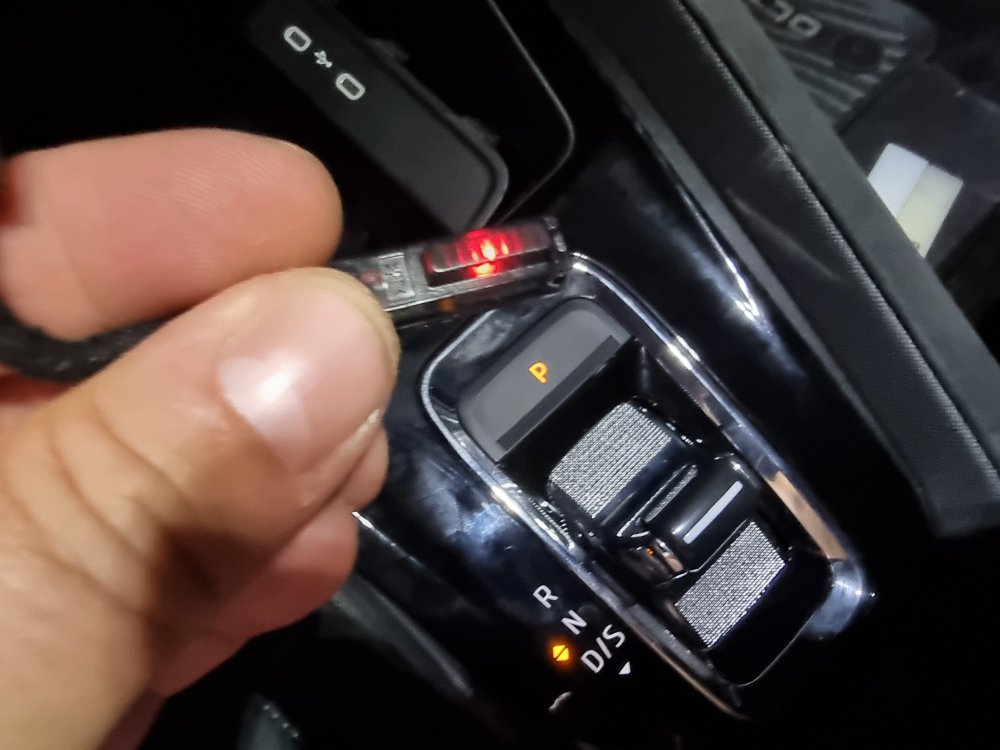
-
-
Not yet, tried to find out by myself what is the problem but no success till now.. and you?
-
Yes, mine is also from 03/2024, latest software..
-
I am having also probems with the gps since a week.. dont know why.. everything was working over a year.. The arrow moves, but kilometers away where i am.. than suddenly its working again.. as normal.. very strange
-
I made an adaper .. catching the light from the USB C Supply :) Didnt test it yet in the car but i am sure it will work. I will post pictures after testing.
-
Thank you a lot!
-
@Giannis20 Do you know how the glovebox lightening works? is there a switch? I bought the original 5E0919173A LED light for 20€.. it fits perfectly in the hole.. now i am thinking where i can put the LED on.. maybe glove box light? You have an idea? Thanks!
-
Where did you exactly put them?
-
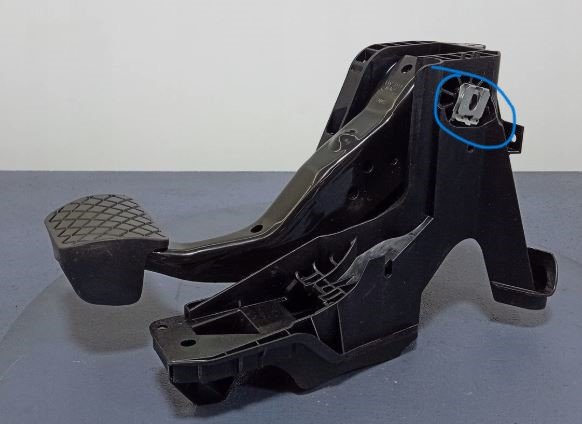
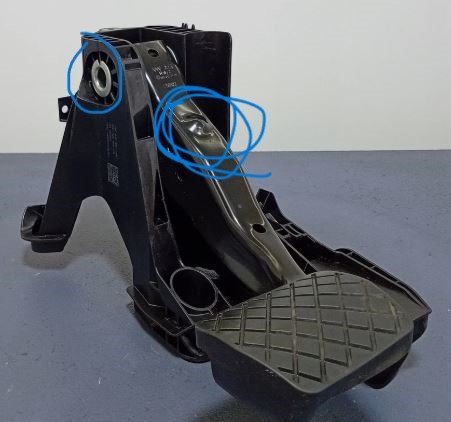
My brake pedal also made some noises.. I have sprayed some lube on this spots and its way better now You can also check if the pedal clonks back at this spot..
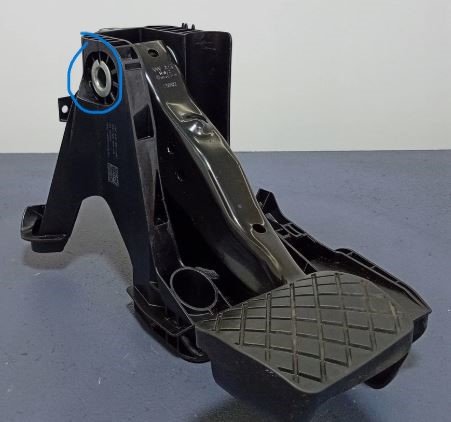
-
You can try to remove the side like on in this post described. The next trim should also be removable. Maybe you will get there.
-
I am trying to do the LED light at the central vent OEM style.. I ordered the unit for 20€ and will make a harness. Just thinking where to put it on.. maybe glove box light, but i have to investigate how the switch works..
-
No, not that hard :) Its a but tricky to put the unit into the cover but the rest is quite easy..
-
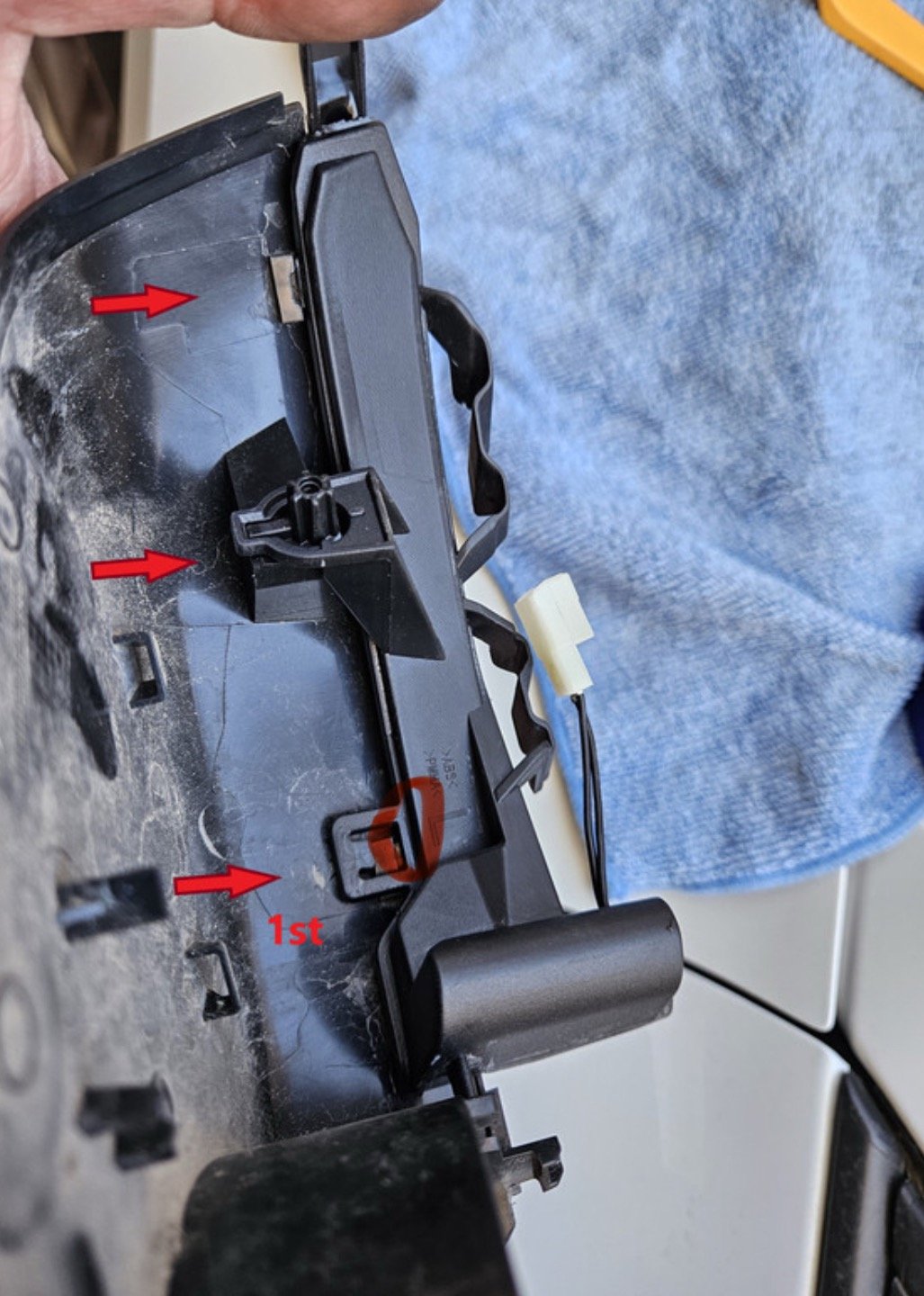
Haha okay thank you.. same as mine.. they messed up at the production ;-)There is a sign on the light unit.. 015 E 12345 or something like that. On my running lights it was upside down.. so when installed wrong pposition@Giannis20 is your E Sign in the correct position? :)I broke this little part 4x times.. on the originals and on the new ones.. xD .. So I ordered new running lights... they are on the way.. The running light units where also a little damaged on the edge.. so I hope the new ones are better.. I also recognized that the E sign was wrongly made.. so how its called.. upside down? Are yours in the right position? Thanks for the pic.. I started at the edge.. so on the outer part.. maybe that was the mistake..
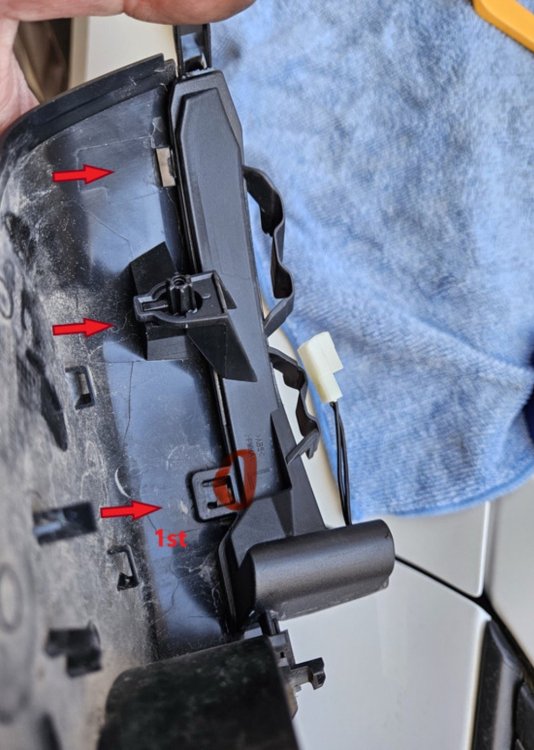 I mean to dissamble the indicator unit out of the cover..



Important Information
Welcome to BRISKODA. Please note the following important links Terms of Use. We have a comprehensive Privacy Policy. We have placed cookies on your device to help make this website better. You can adjust your cookie settings, otherwise we'll assume you're okay to continue.