# 2.0 tsi vrs
-
- 1 comment
- 199 views
-
- 3 comments
- 536 views
-
- 2 comments
- 886 views
-
- 8 comments
- 550 views
-
- 18 comments
- 2,710 views
-
- 5 comments
- 558 views
-
- 3 comments
- 1,726 views
-
- 8 comments
- 907 views
-
- 3 comments
- 969 views
-
- 3 comments
- 685 views
-
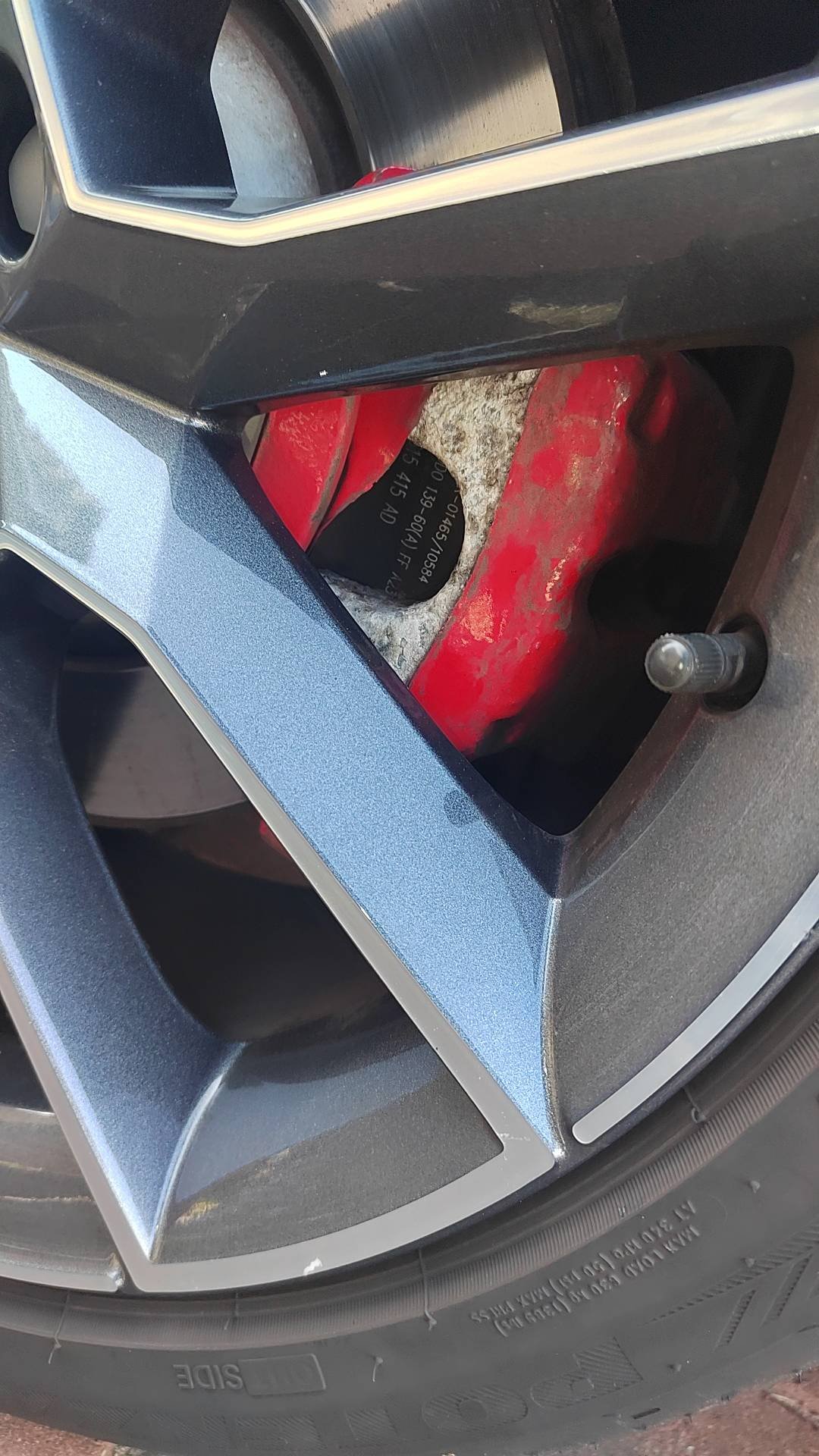
- rear calliper
- help
- information
- brakes
-
Tagged with:
- 14 comments
- 2,044 views
-
- 1 comment
- 827 views
-
- 33 comments
- 15,267 views
-
- 3 comments
- 620 views