Ripmax12345
Members
-
Joined
-
Last visited
Everything posted by Ripmax12345
-
I run PS5s all round on my Mk3 Octavia VRS. Fantastic tyre, can't fault it to be honest! Gets the power down just fine, and feels very stable at high speed whilst being reasonably quiet.
-
You'll want the PRO Pack (NextGen device and PRO VAG plan), no need for credits. The credits are only for the one-click-apps (which personally I would stay away from!) You can't do any coding/adaptations without the plan.
-
Hi, I unfortunately don't have enough posts to send you a PM. Can you open a PM with me? I am interested but wouldn't be able to collect it for a little while.
-
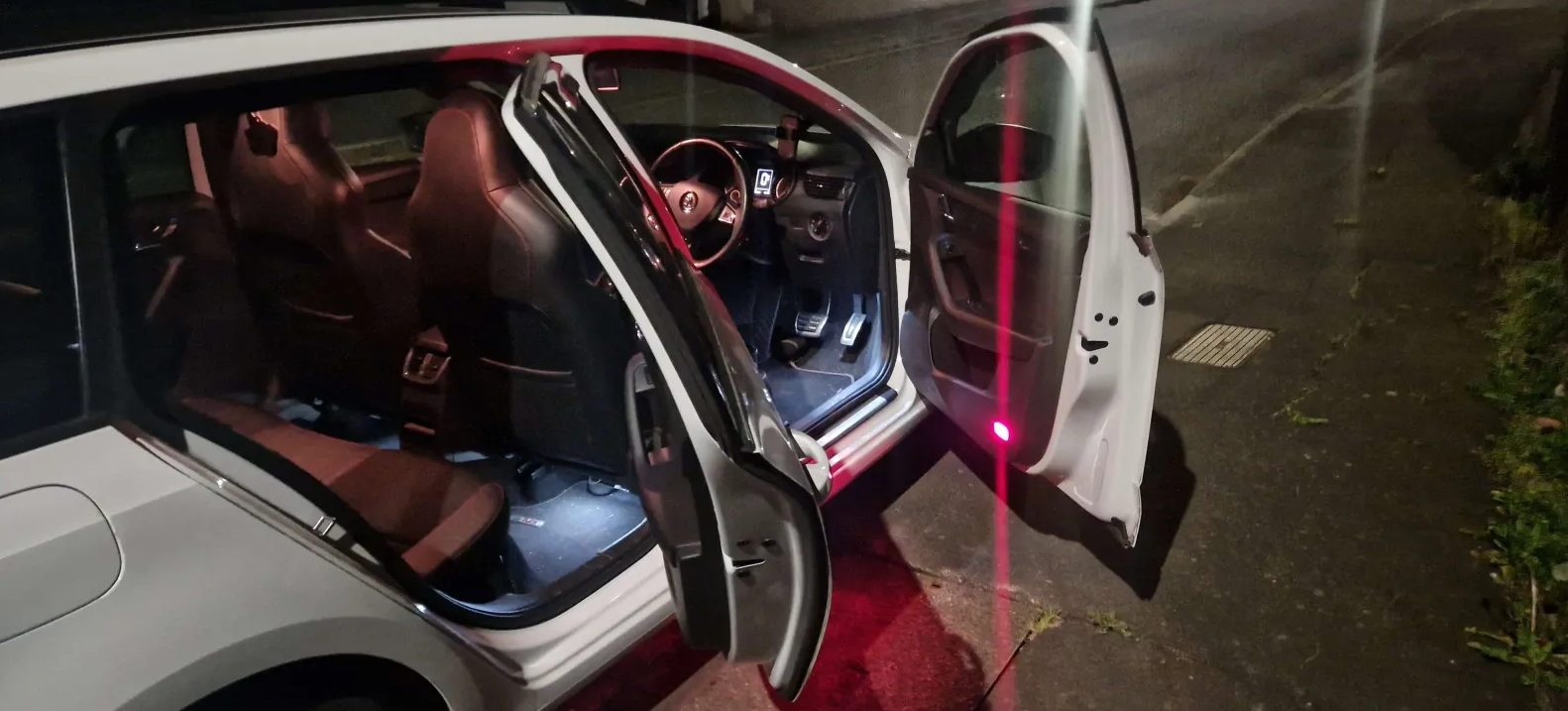
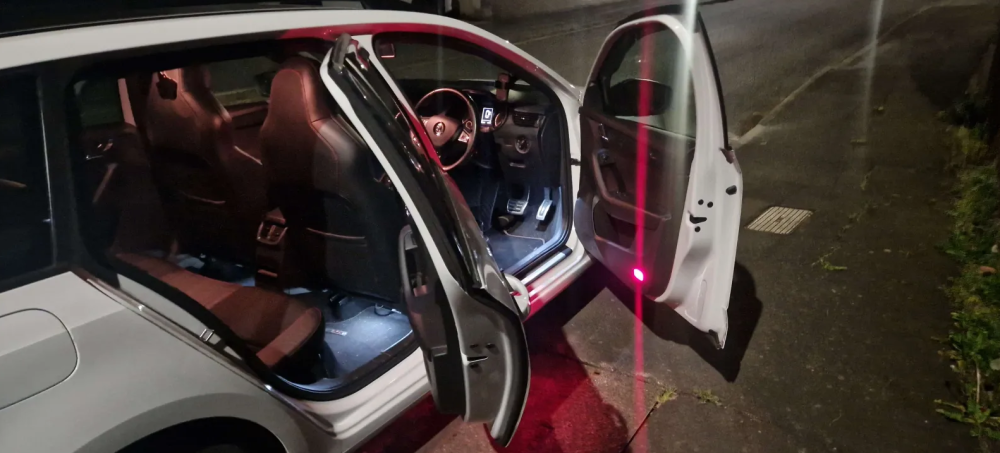
Hi all, This is sort of a combined question/success story post. I have just finished retrofitting the footwell lights to my pre-facelift MK3 Octavia VRS. Everything worked first time and the install was super straight forward. The coding was easy using OBDeleven, and I can control the brightness of the lights with a shiny new "Footwell lighting" option in my MIB unit! :) The lights come on full brightness when I open a door/remove the key, then gently fade down to their set brightness when the car starts (if the headlights are on). Definitely a worthwhile upgrade, it makes the car feel alot more premium, and only took me about 45 minutes to install! In case it helps anyone, here are the (great) resources I followed/used: https://www.aliexpress.com/item/32860199335.html - Footwell lighting kit (Arrived within 7 days, came with all nessecary connectors and cabling wrapped nicely in cloth tape) https://www.briskoda.net/forums/topic/306451-retro-fit-footwell-lights-octy-iii/page/2/#comment-3792172 https://www.youtube.com/watch?v=2upmPRgAFu4 (This one saved me so much time!) Picture attached of my car post-retrofit. Unsure whether to change the overhead lights to LED too, as the colour temperature mismatch bugs me! Anyway, onto the questions. I want to take this a step further, during my exploration through OBDeleven I noticed a few other options for background lighting, or door ambient lighting. I have seen pictures of other MK3 Octavias with light-strips in the door panels and such. I was wondering if anyone knew of the part numbers for these (The carbon trim inserts that are level with the door handle). I am keen to retrofit (almost) the entire ambient lighting system. I know the facelift cars with the MIB2+ units have a different BCM that can support RGB, however I have an MIB1 with only 1 channel control so i'd happily settle for the one colour. I know there are non-standard options out there such as a 3rd party RGB controller with an app on my phone, but i'm really not interested in that. I am a little obsessed with OEM+ modification/retrofitting.
-
I have managed to successfully get traffic sign recognition working, and my lane assist works great from factory. Not sure if this helps. Also bumping incase anyone can shed some light on this :)
-
Tried the optional bits and made no difference, still comes up with a fault.
-
Thank you but, this is exactly what i've done as above (minus the optional bits).
-
I have the dynamic bending lights, where the headlights follow the steering angle (if it makes any difference)
-
These are the exact coding steps I have taken: Module 09 - Central Long Coding From: Byte 02 - Lighting = Bi-Xenon headlights without light assist (PR 8IG/8IP+8G0) To: Byte 02 - Lighting = Bi-Xenon headlights with light assist (PR 8IG/8IP+8G1) Adapdation Meneusteuerung Fernlichtassistent = From "not present" to "present" Meneusteuerung Fernlichtassistent Werkseinstellung = From "not present" to "present" (tried with and without this, doesn't appear to make a difference) Module A5 - Driver Assistance Long Coding coding_Light_Assist = from "no_Light_Assist" to "High_Beam_Assist" Though interestingly having a little poke around now in Module A5 (driver assistance) long coding, byte 09. The headlight type is set to "Bi-xenon with DLA", the available options are Halogen, Bi-xenon, Bi-xenon with DLA and LED Headlights. I have never changed this value, and I took a full backup of everything before I changed anything, just cross referenced this to be sure. So either I DO have DLA capable headlights, or the car has maybe had a scuffed coding attempt in it's past?
-
Just went to try this again, same result. realised in my original post I said Dynamic Light Assist, that's not correct. it's just 'Light Assist', my understanding that the Dynamic version will block out portions of the headlight beam, which I am fairly sure my headlight unit's do not have that feature. However after coding I checked the faults and along with the "Fault: Light Assist" on the maxidot display, I get fault code U112300 databus error value received in OBDEleven. So it's like it a setting is incorrect somewhere and expecting a different value?
-
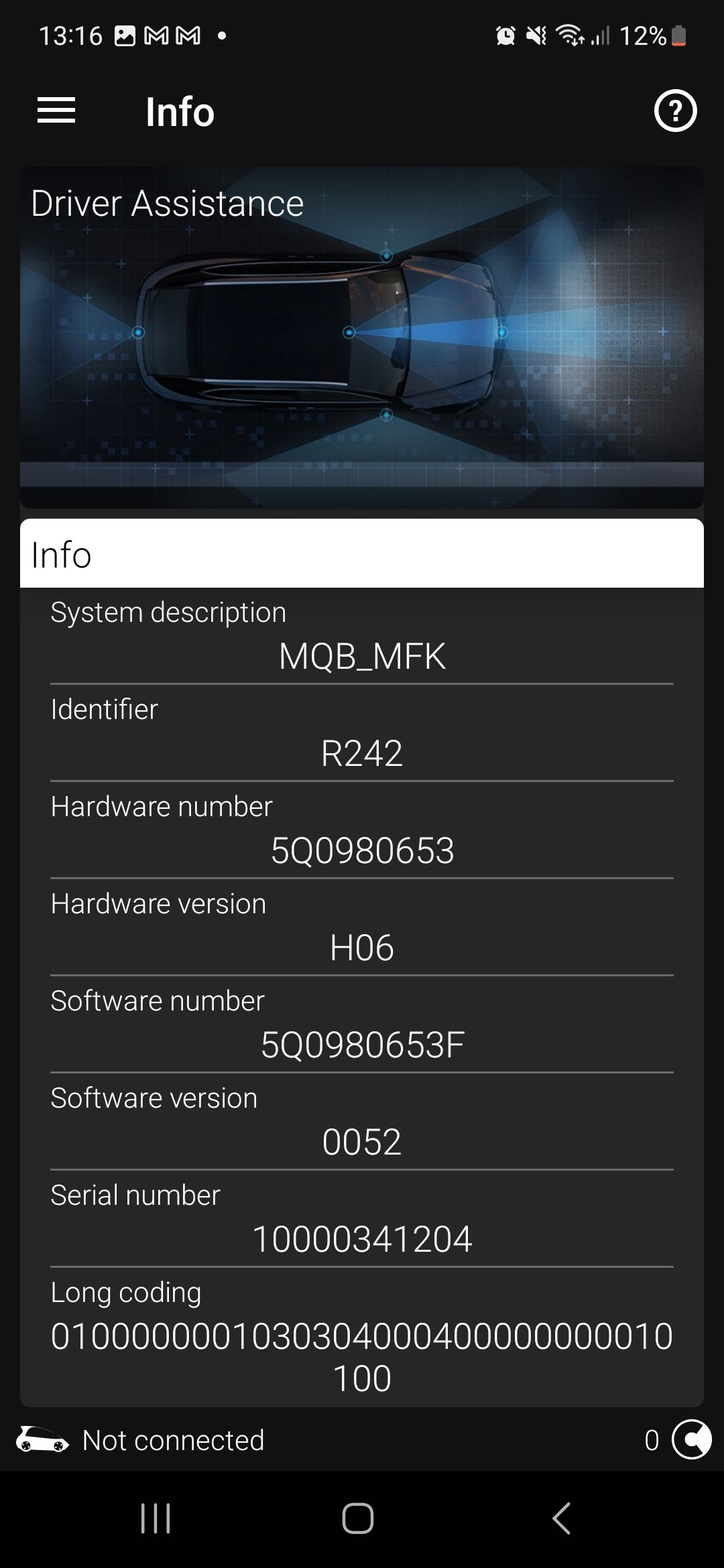
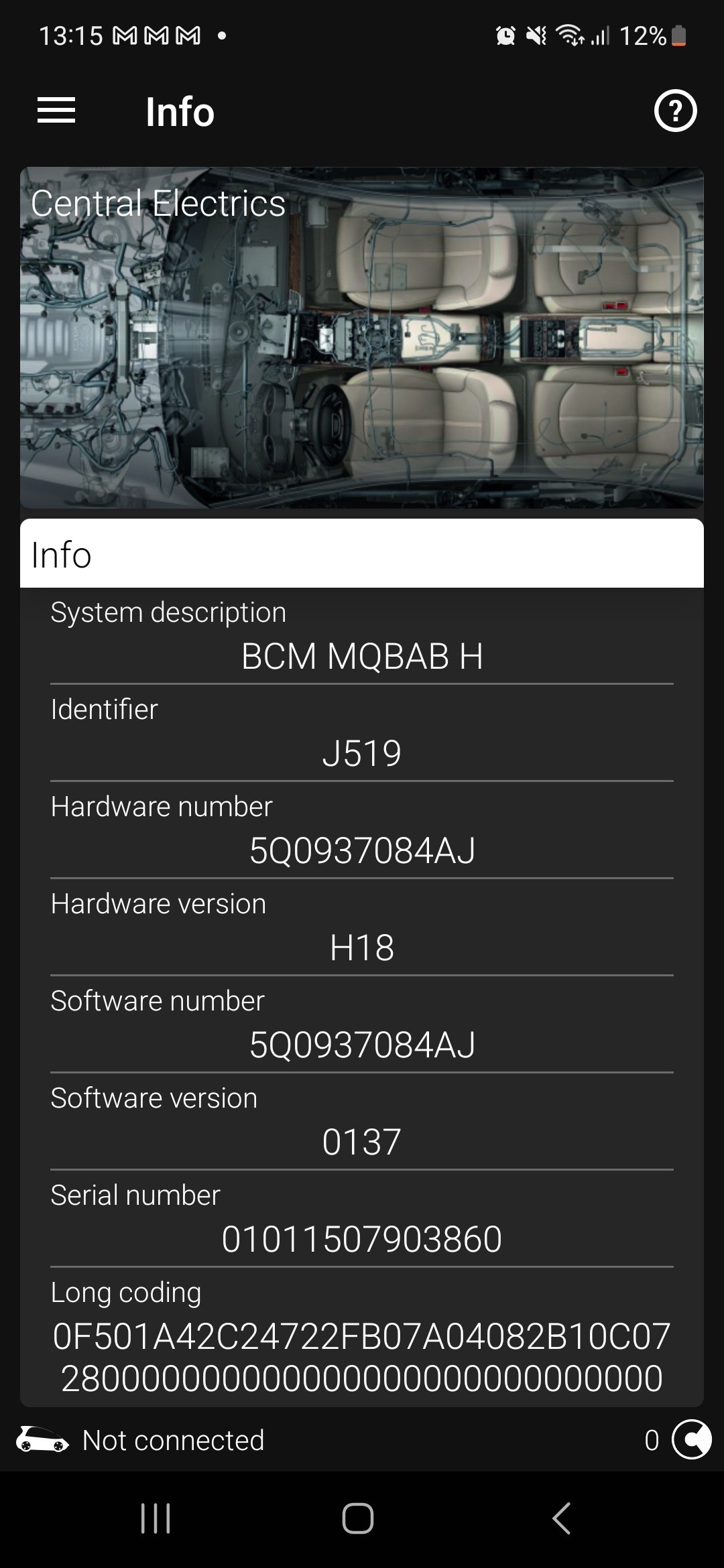
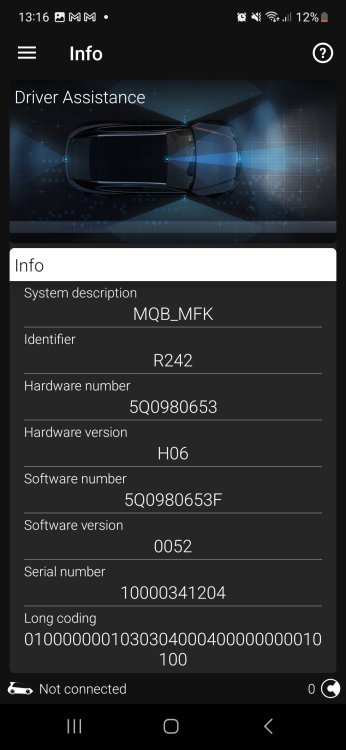
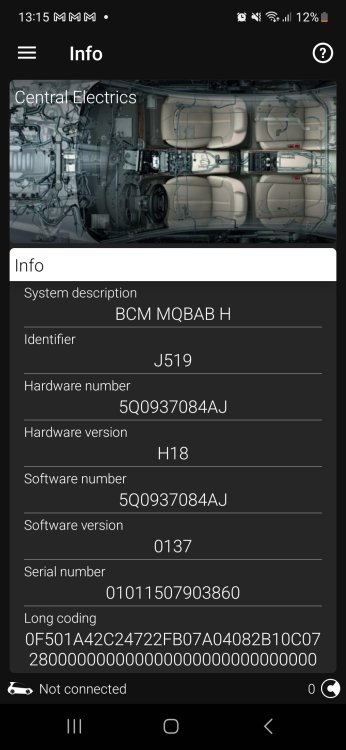
Here's the info pages from my 09 Central and A5 assistance modules. Sorry I am not totally sure how to do a full scan with OBDEleven Thanks :)
-
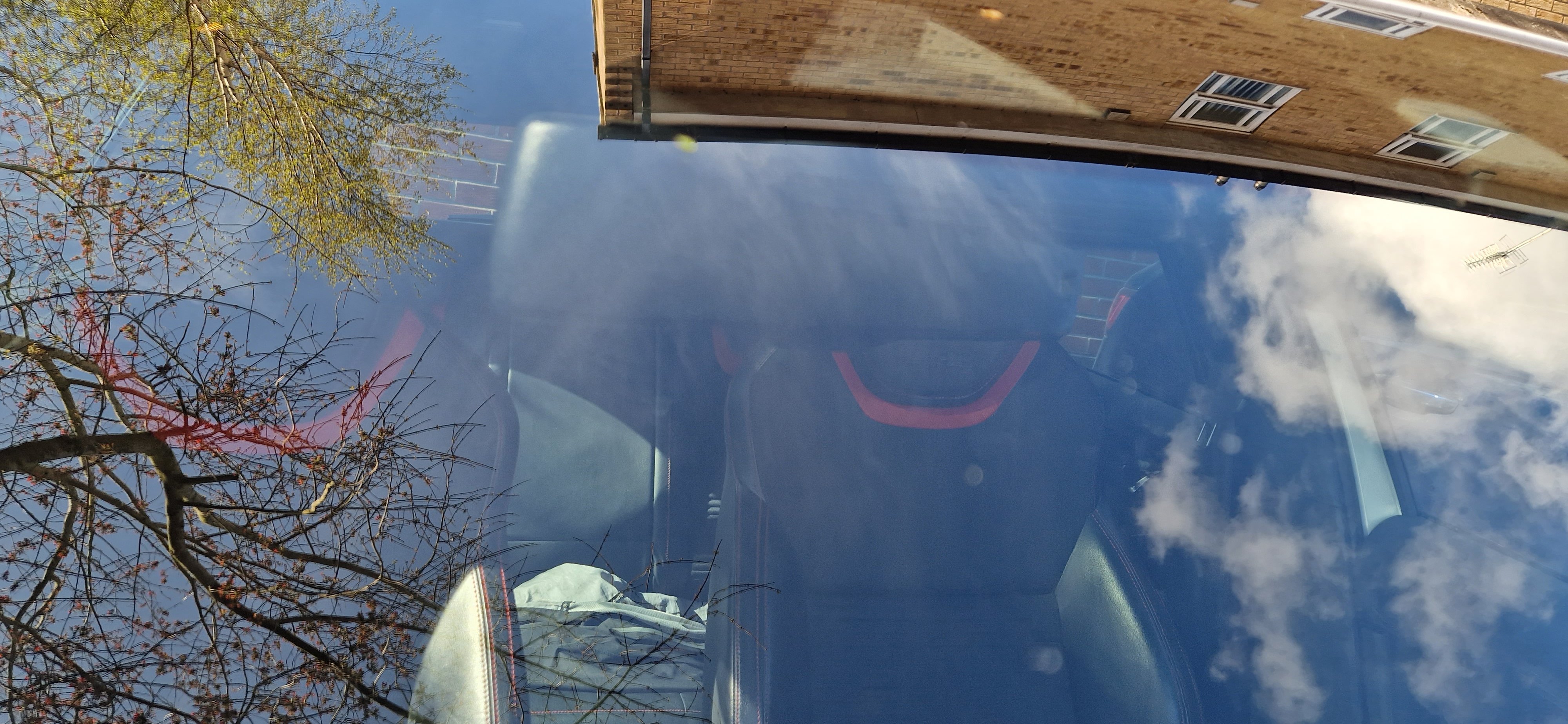
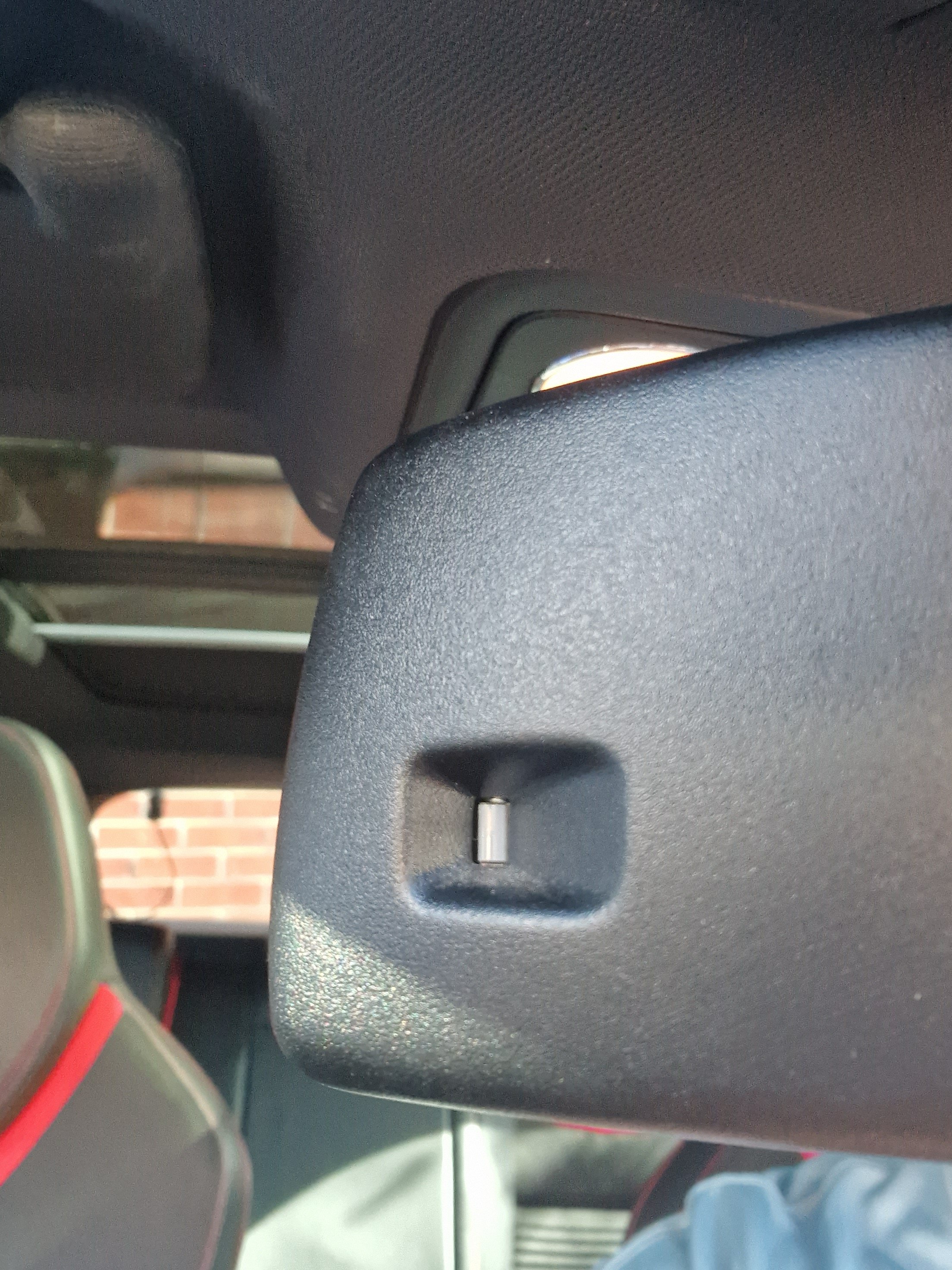
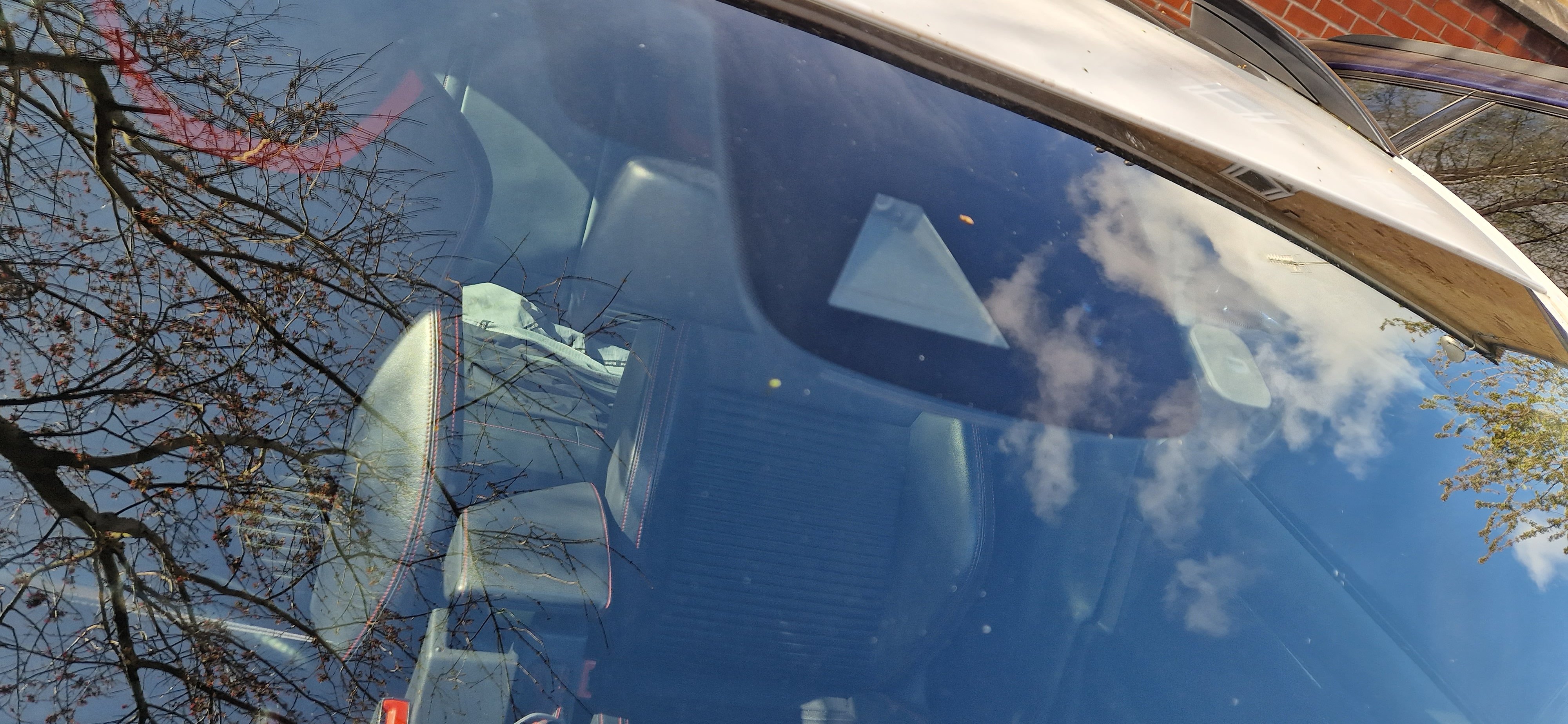
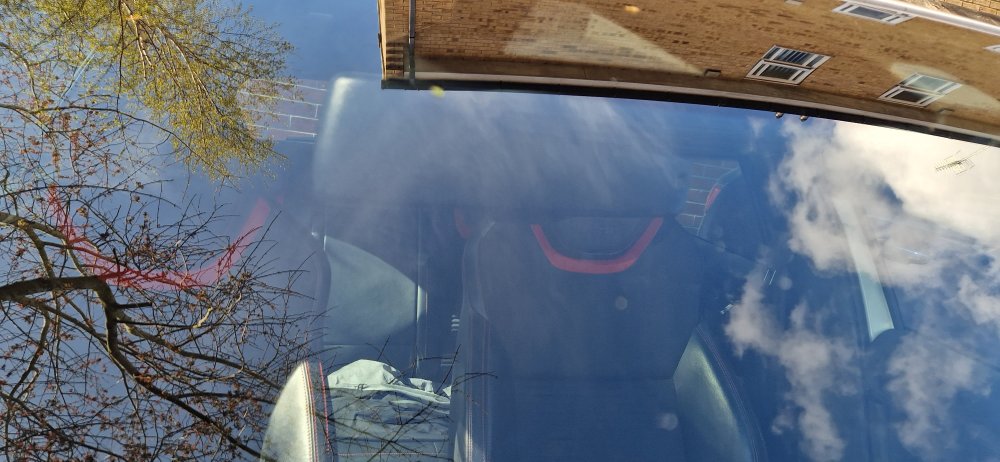
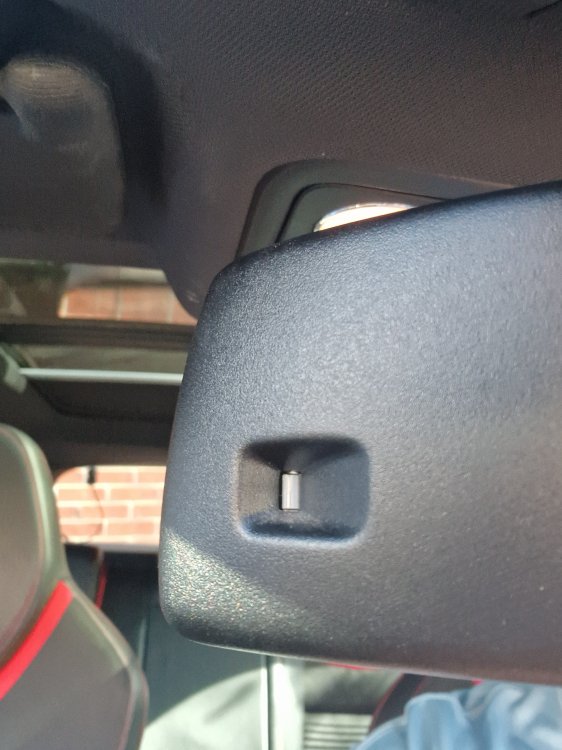
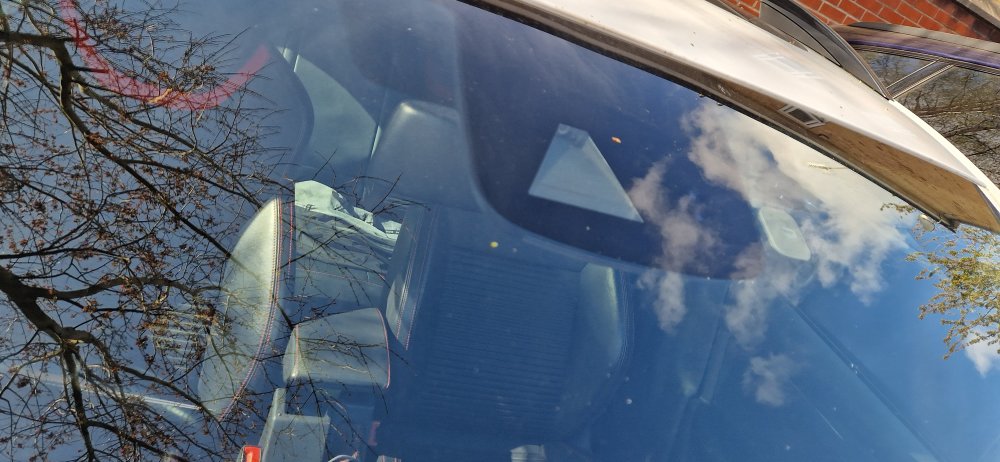
Ahh that would make sense. There's two sensors in the windscreen glass, then there is a small square on the back of the rearview mirror with a sensor inside, but not sure if it's the right one, pics attached.
-
Hi all, I have a 2015 Octavia VRs estate, 2.0TSI pre-facelift, with lane assist fitted (which works perfectly). MQB_MFK driver assistance module A5 I have been following the following two guides on how to enable high beam assist using VCDS (I am using obdeleven but the result is the same). https://www.briskoda.net/forums/topic/299424-octavia-iii-vcds-adaptations-tried-and-tested/page/2/#findComment-3821291 Also tried the additional step of changing the "ENG10578-ENG10901-Fernlicht_assistent-Erweiterte_Fernlichtsteuerung - AFS: BCM-Fernlicht Erweiterte_Fernlichtsteuerung auf "AFS: FLA: BCM-Fernlicht" setzen" from https://www.briskoda.net/forums/topic/455279-problem-enabling-high-beam-assist-vcds/#findComment-5115563 After completing the guide, the option for Dynamic Light Assist appears in the Light menu of the MIB. If I then push the stalk away from me, the HBA icon appears at the bottom for about half a second then an error pops up saying "Fault: Light assist". I have managed to reverse everything and put it back to how it was so no major dramas but I was wondering if anyone else had encountered this issue and knew how to resolve it? :)
-
Hi all, I've spent this morning calling around dealers and workshops, and googling but can't seem to find a definitive answer. My octavia is currently in bits on my driveway (intake manifold out!) due to having a leaky waterpump housing & stuck open thermostat. Before I commit to tearing down even more of the engine, does anybody know what the part number is for the whole waterpump/thermostat unit? Thanks
-
Ah yeah, I think you're right about the MIB version. A quick google images search shows the MIB2 has the larger screen. I should've checked that before! Damn, was hoping this could be an easy upgrade. Thank you!
-
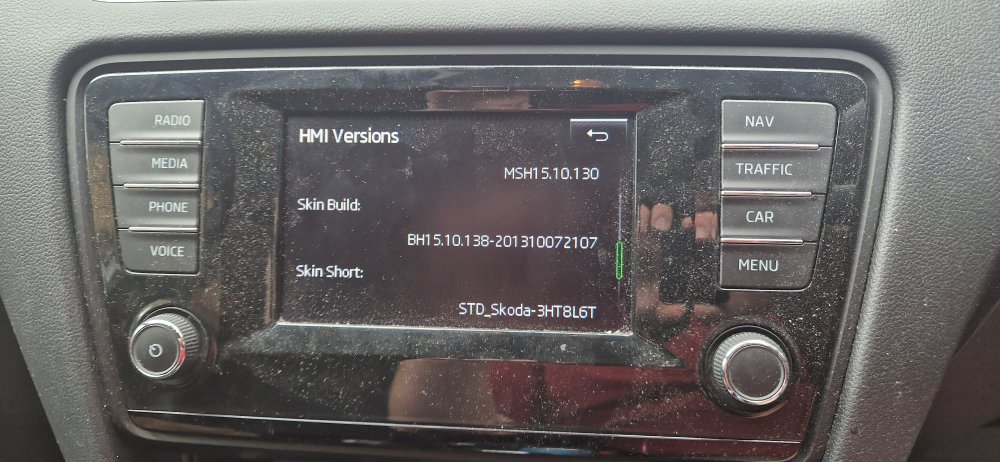
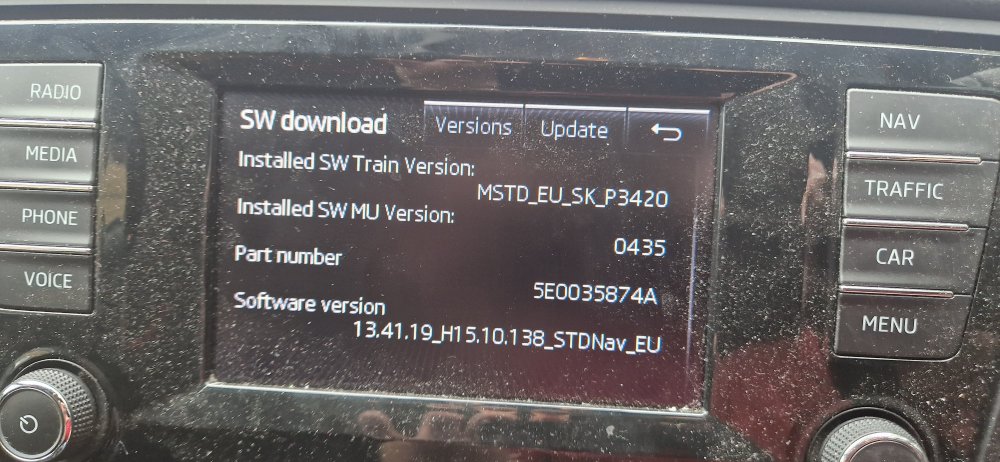
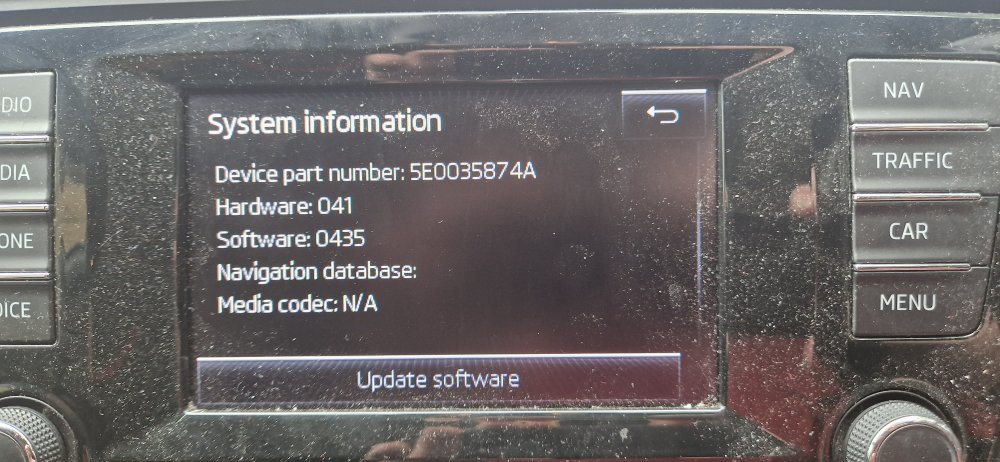
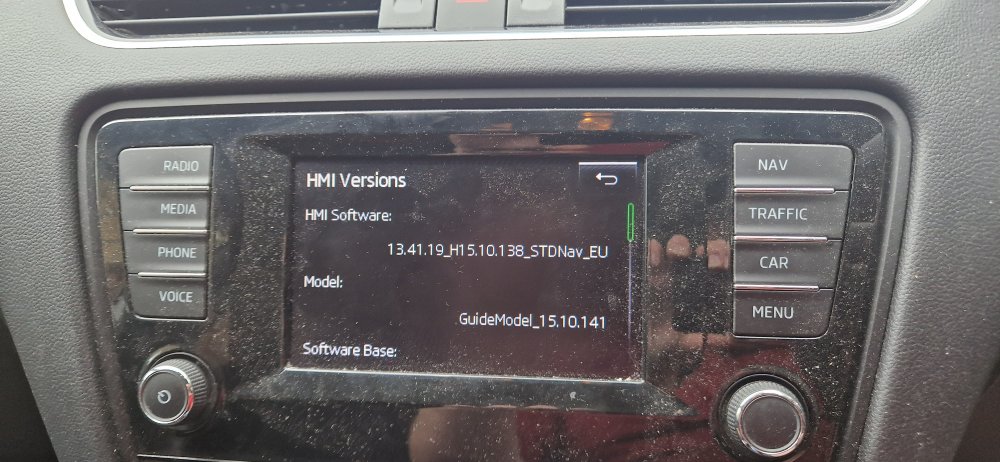
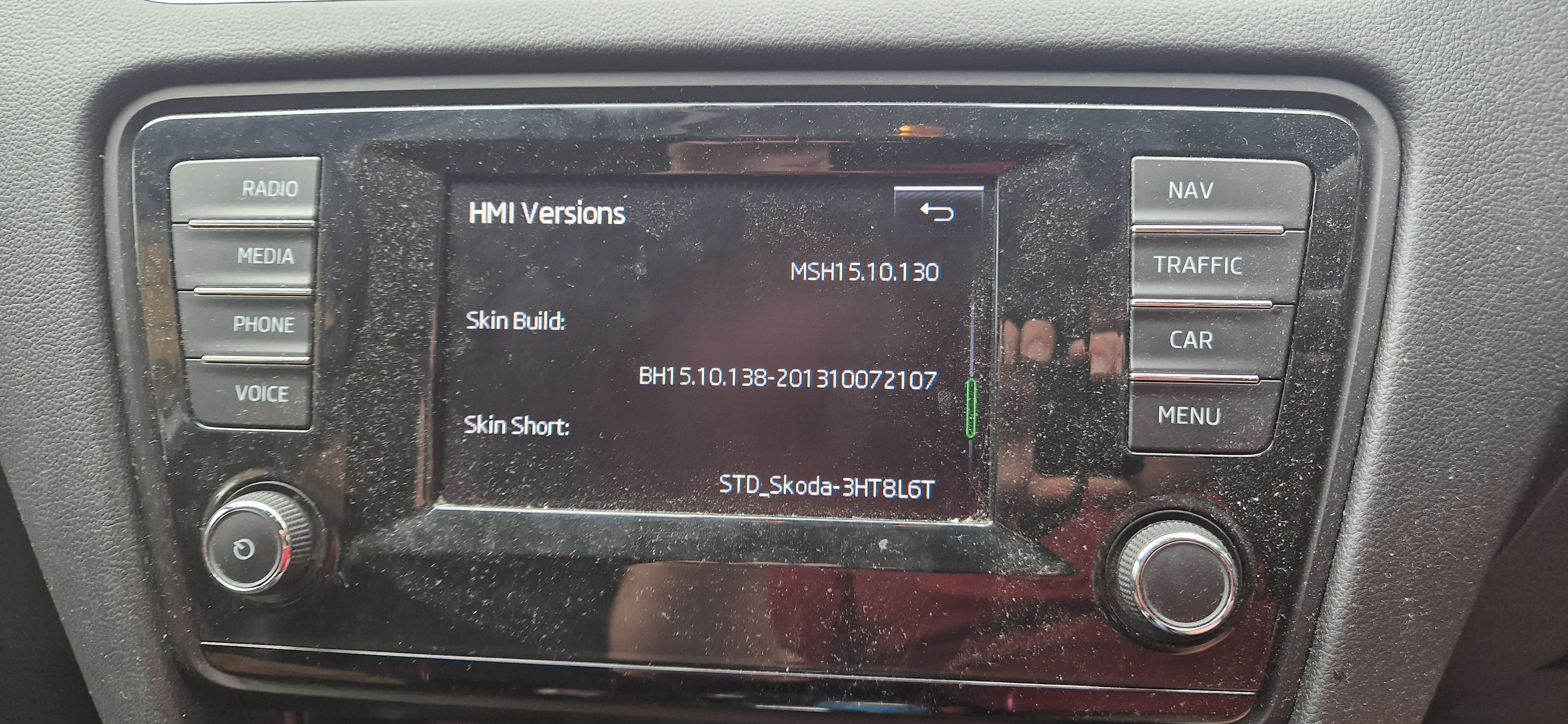
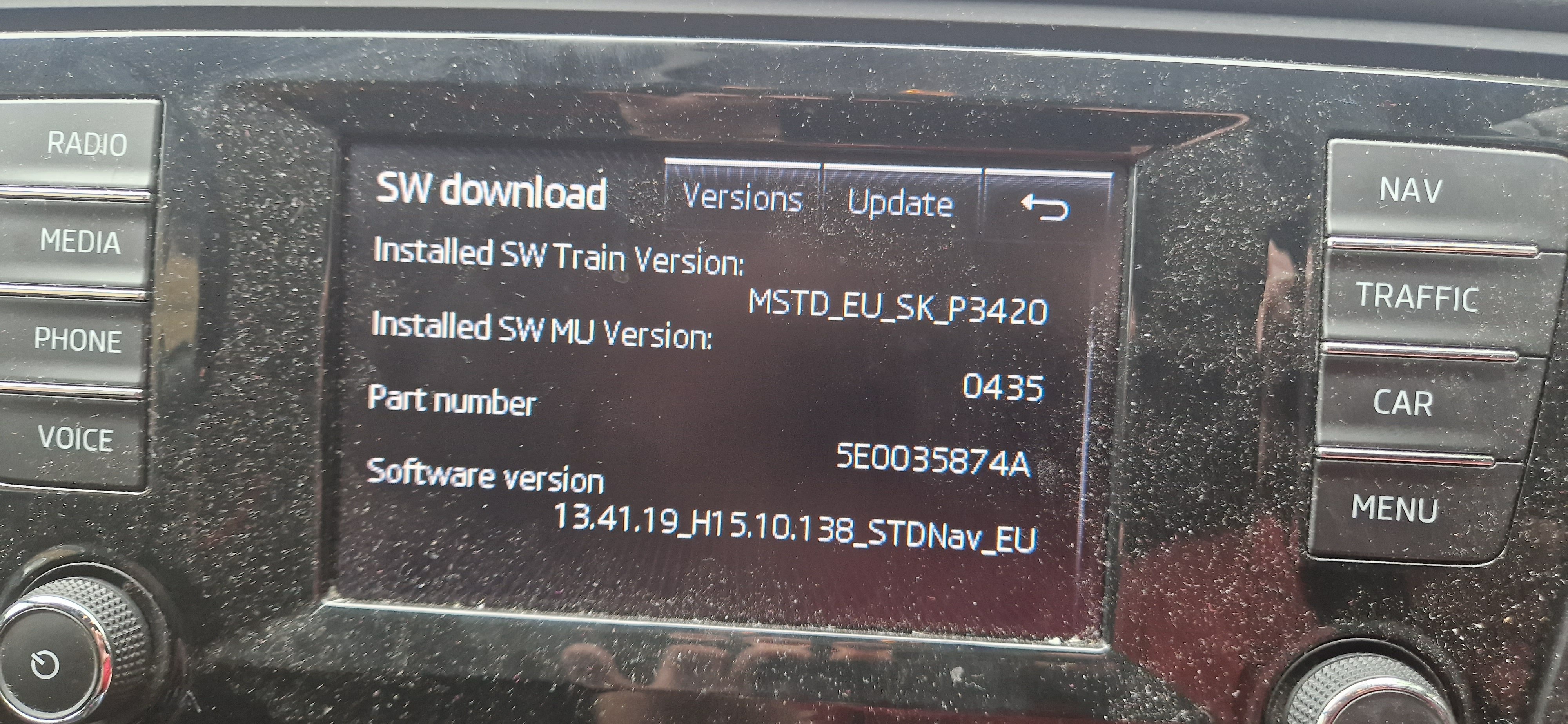
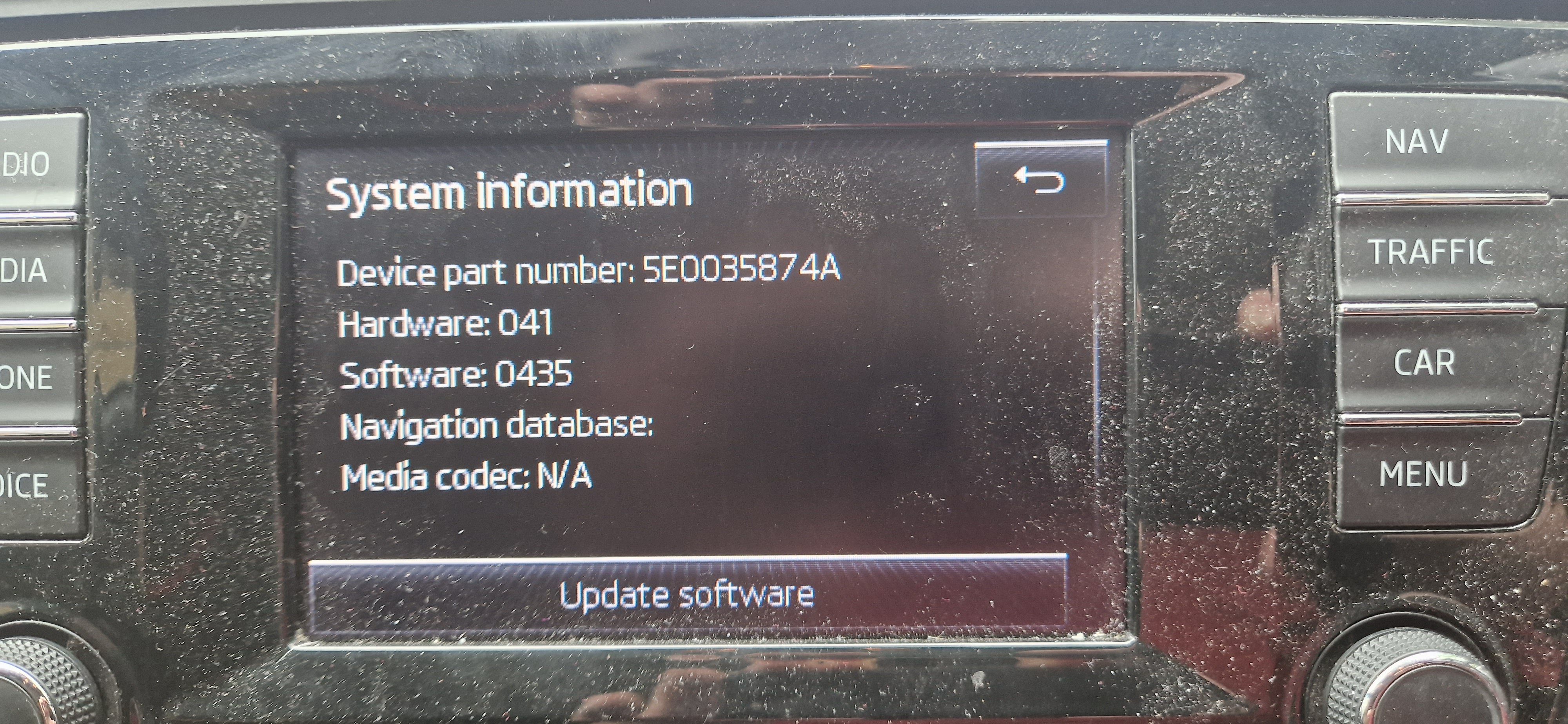
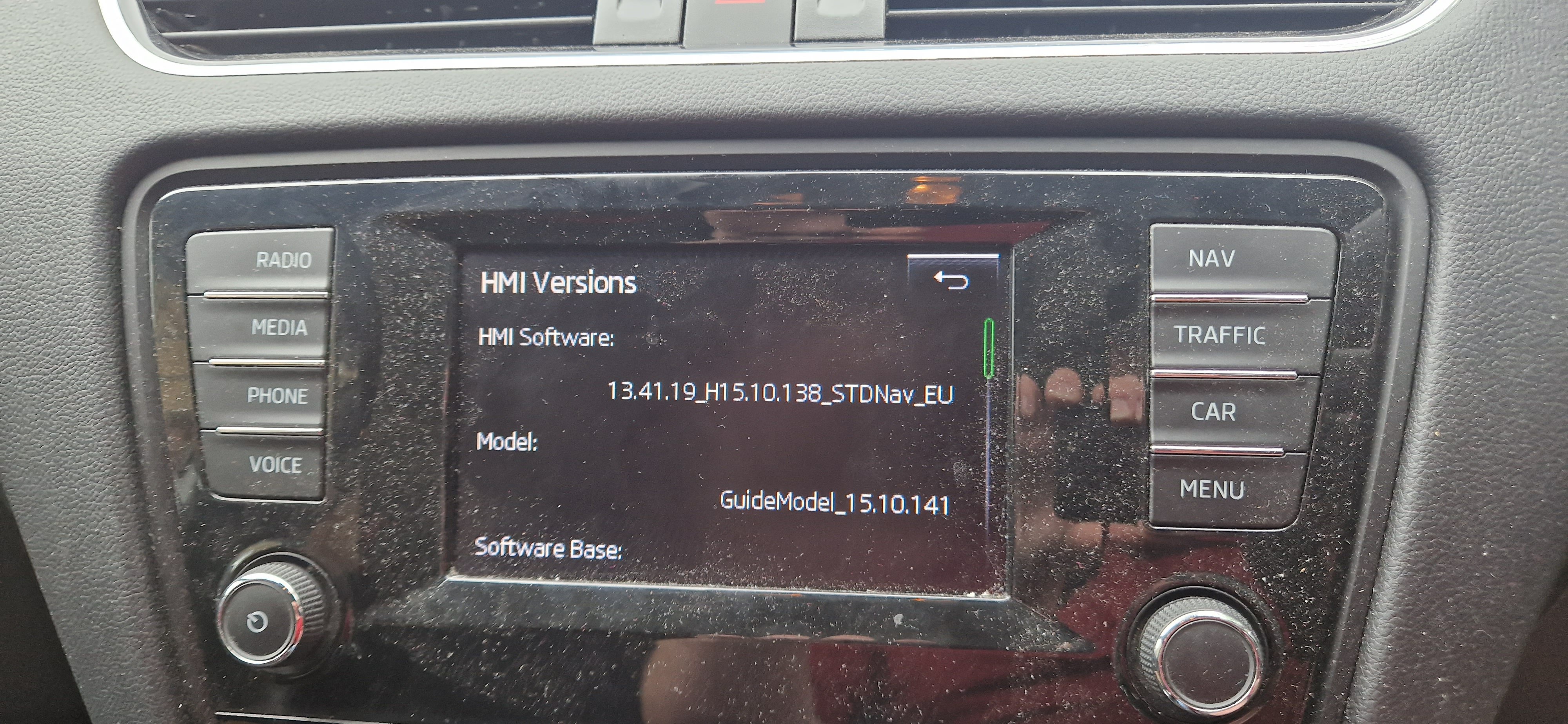
Hi all, I've been hopping between posts on here and haven't really been able to find a clear answer, so was wondering if somebody could shed some light for me! I have a 2015 Octavia 2.0TSi VRs Estate (pre facelift, with the single strip DRL, not the split "eyelash" style lights). It has the lane assist camera, Maxidot display and what i *think* is the MIB2 Amundsen unit. If I type my VIN into the Skoda Update portal (for the nav) it says Amundsen. Photos attached from the service menu (please excuse the dust!) I am reasonably experienced with VCDS adaptations/long coding, so was just more looking to see if enabling SmartLink for Android Auto was even possible on my unit. I have the USB port and AUX jack underneath the climate controls. I don't see the SmartLink option in the menu currently at all. EDIT: I should add that I had the nav SD card removed when taking these photos, so some information is missing.