




you553ph
Finding my way
-
Joined
-
Last visited
Everything posted by you553ph
-
-
I bricked mine , be careful ... you must look for someone who can modify EEPROM files and edit them with hexeditor than flash them again to the unit , but it's risky be careful
-
I'm looking for it , I just bricked my infotainement unit , so sad ... You must look for HEX editor and find someone who can modify your eeprom file , but it's risky
-
Hello , What was the problem please ? I think my swing is developing the same problem
-
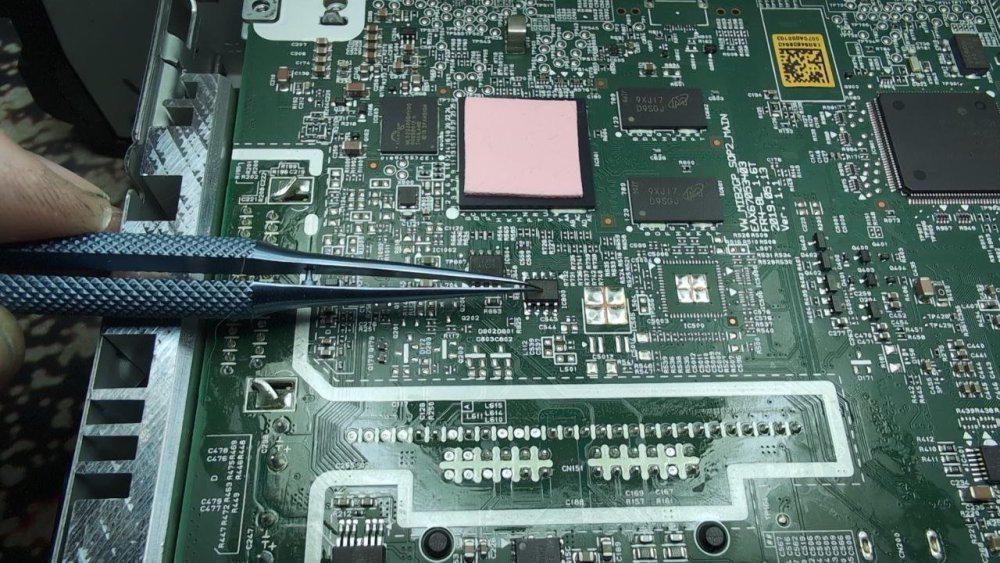
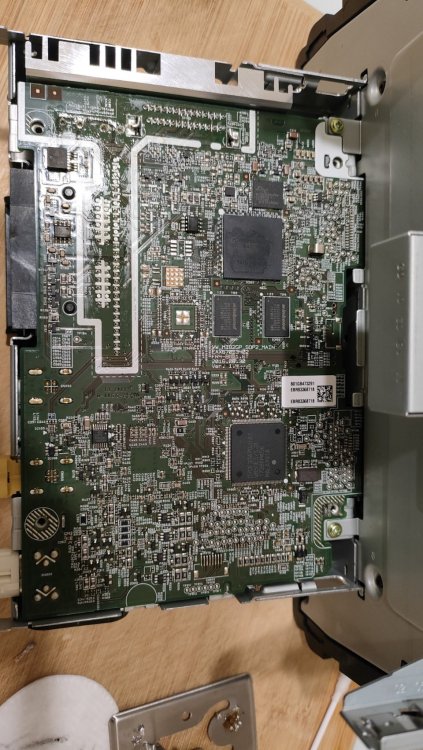
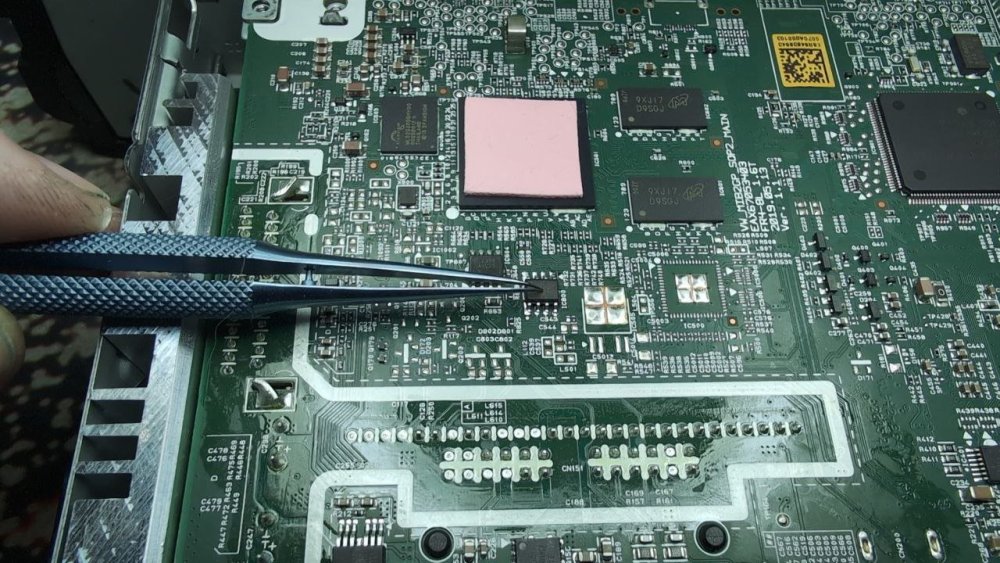
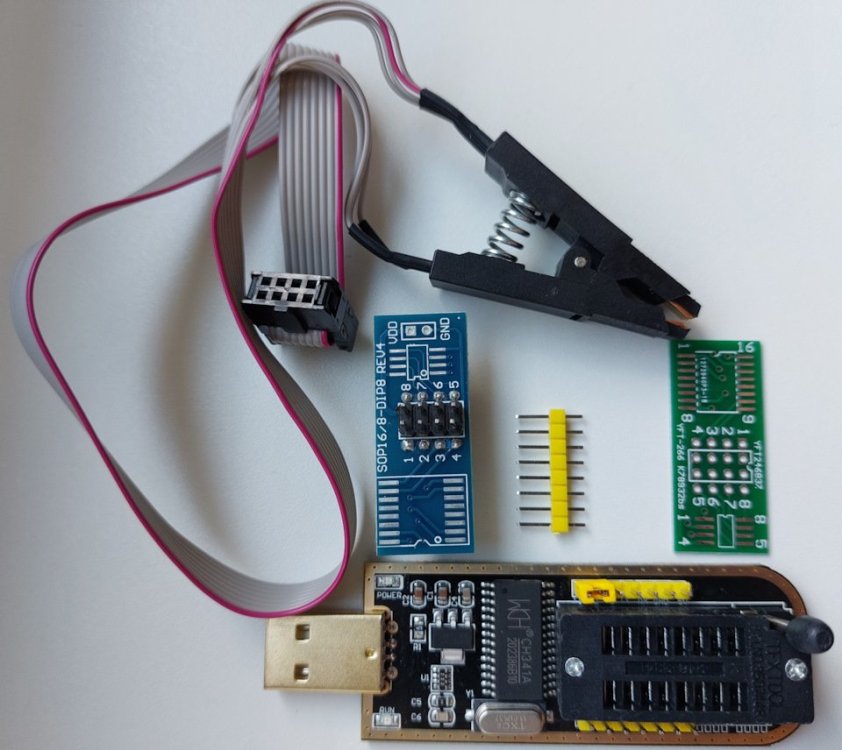
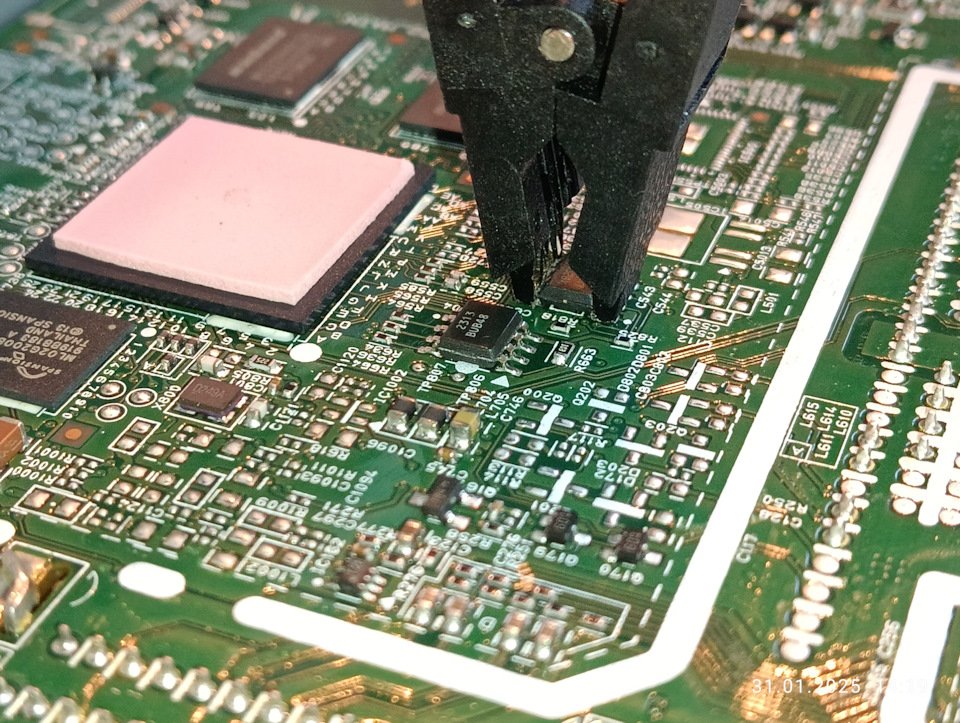
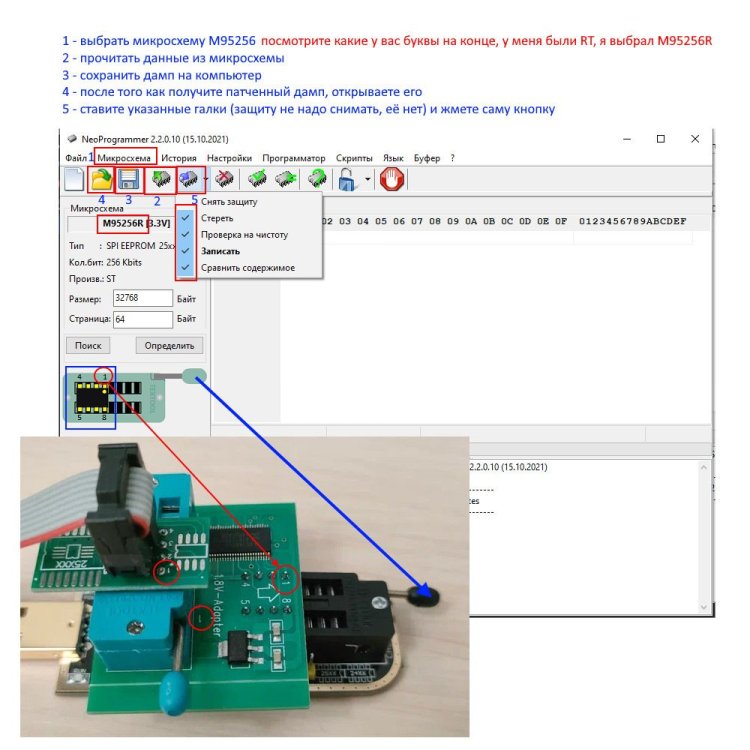
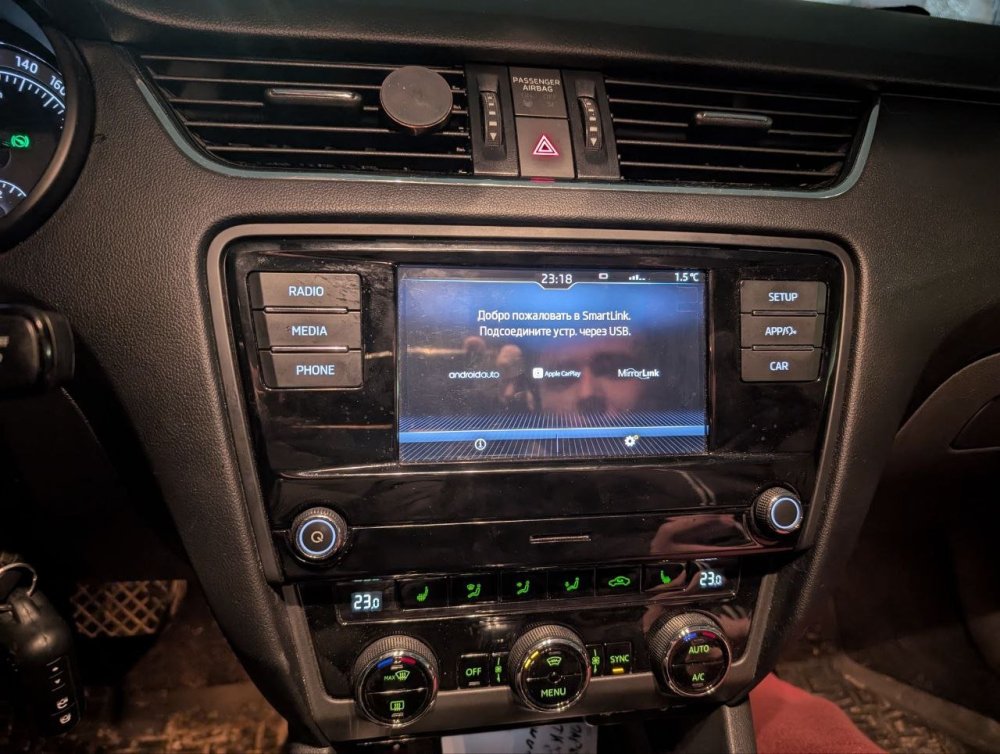
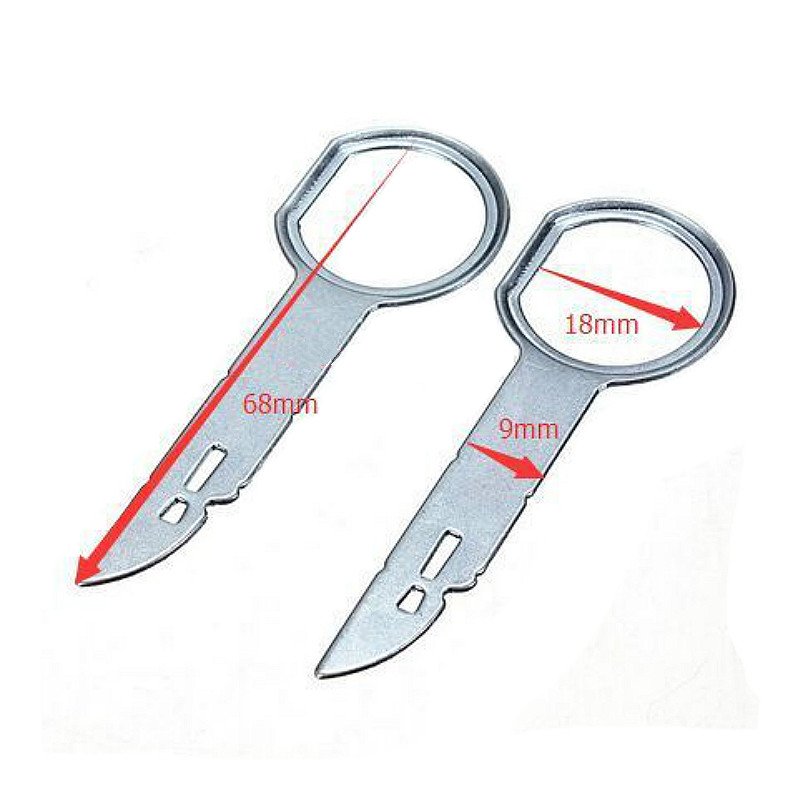
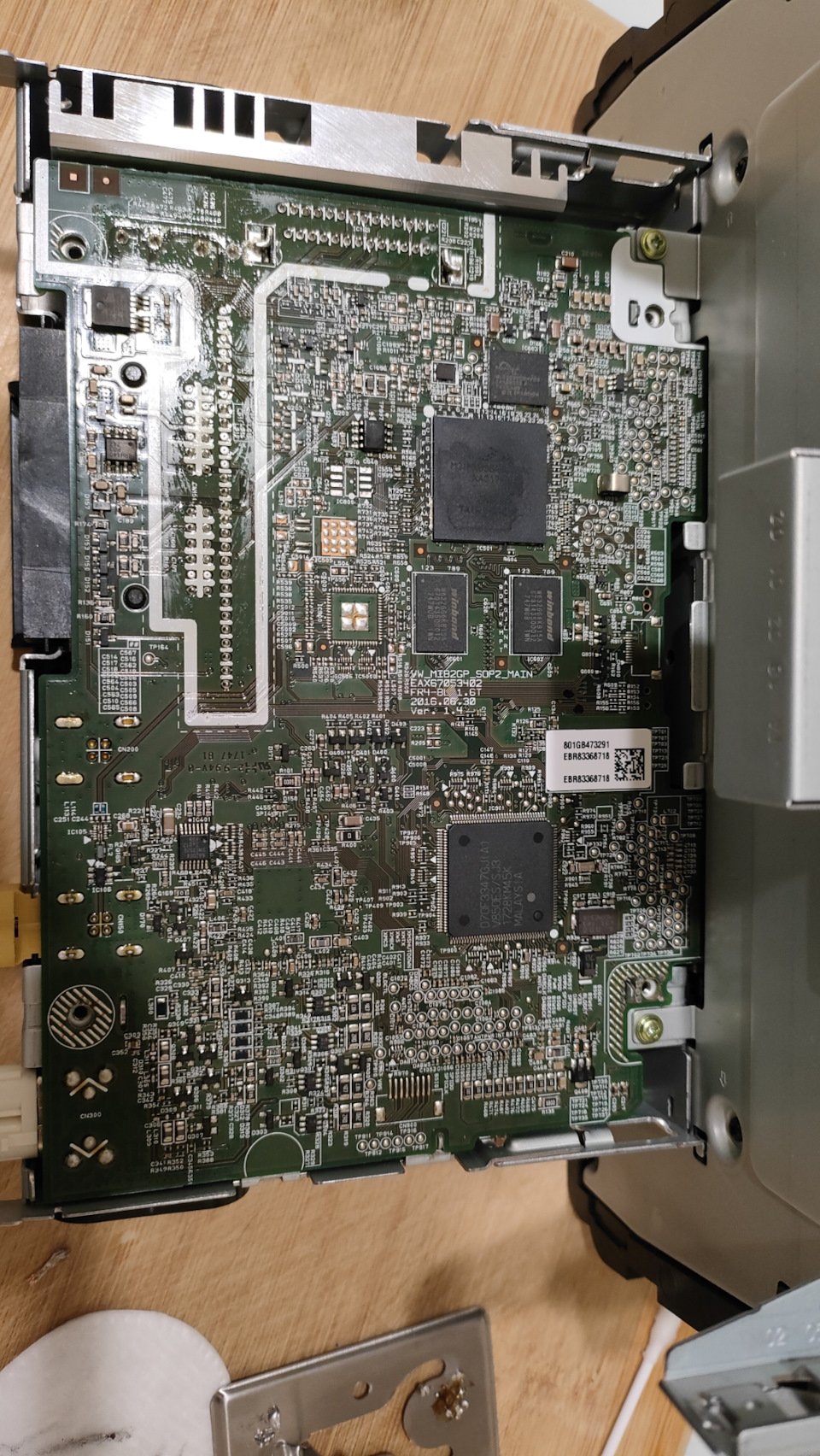
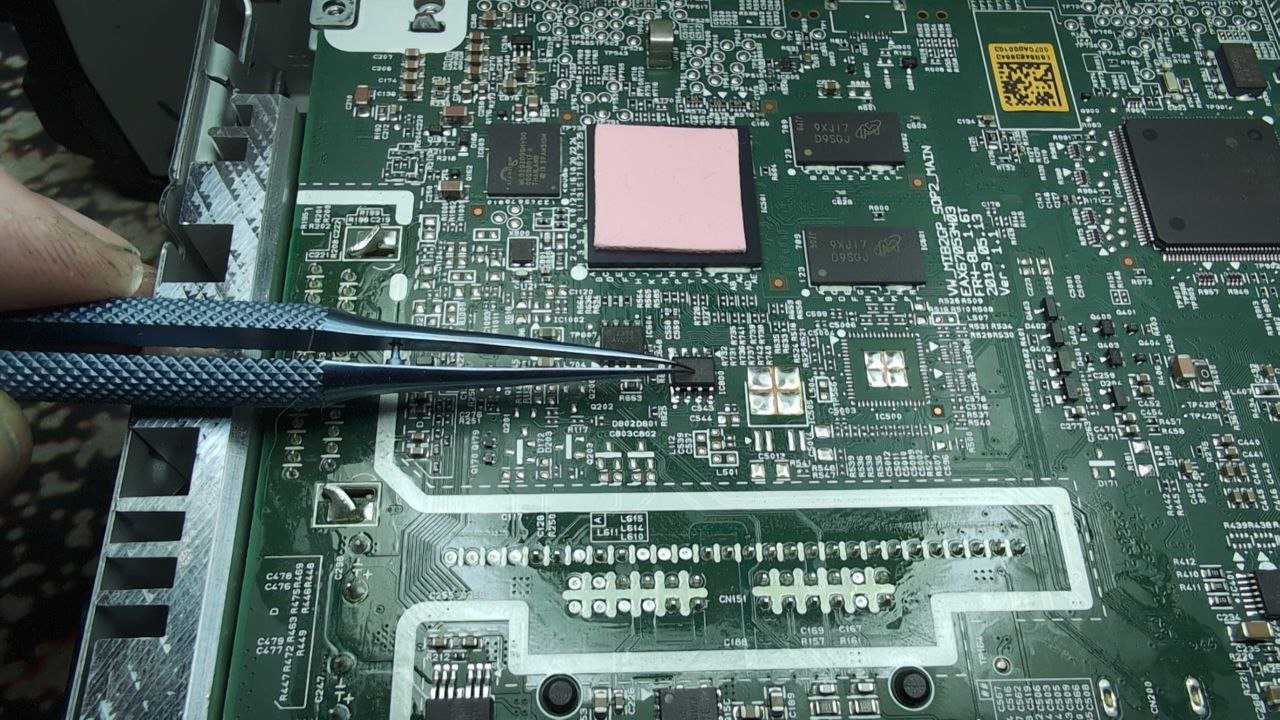
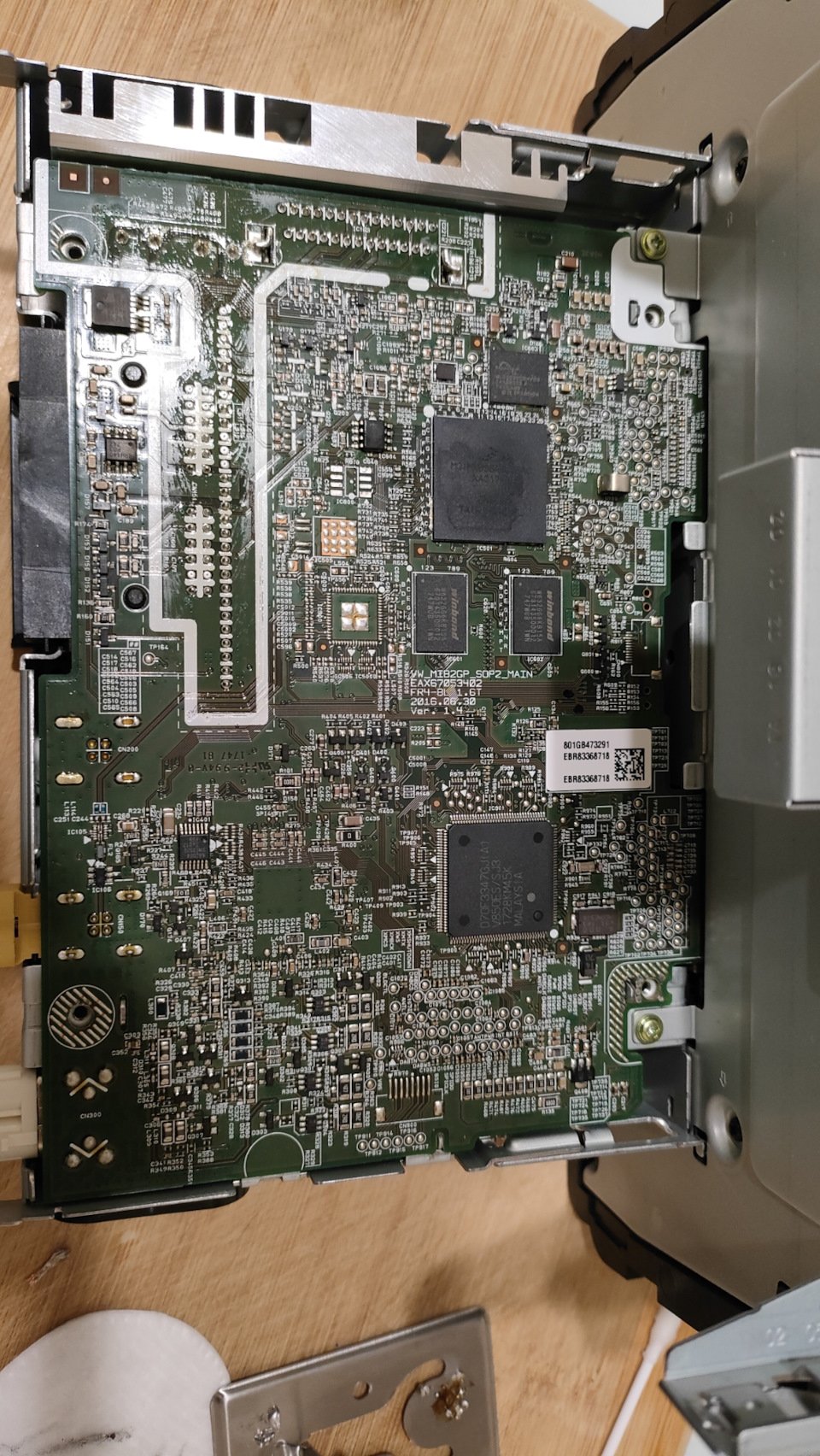
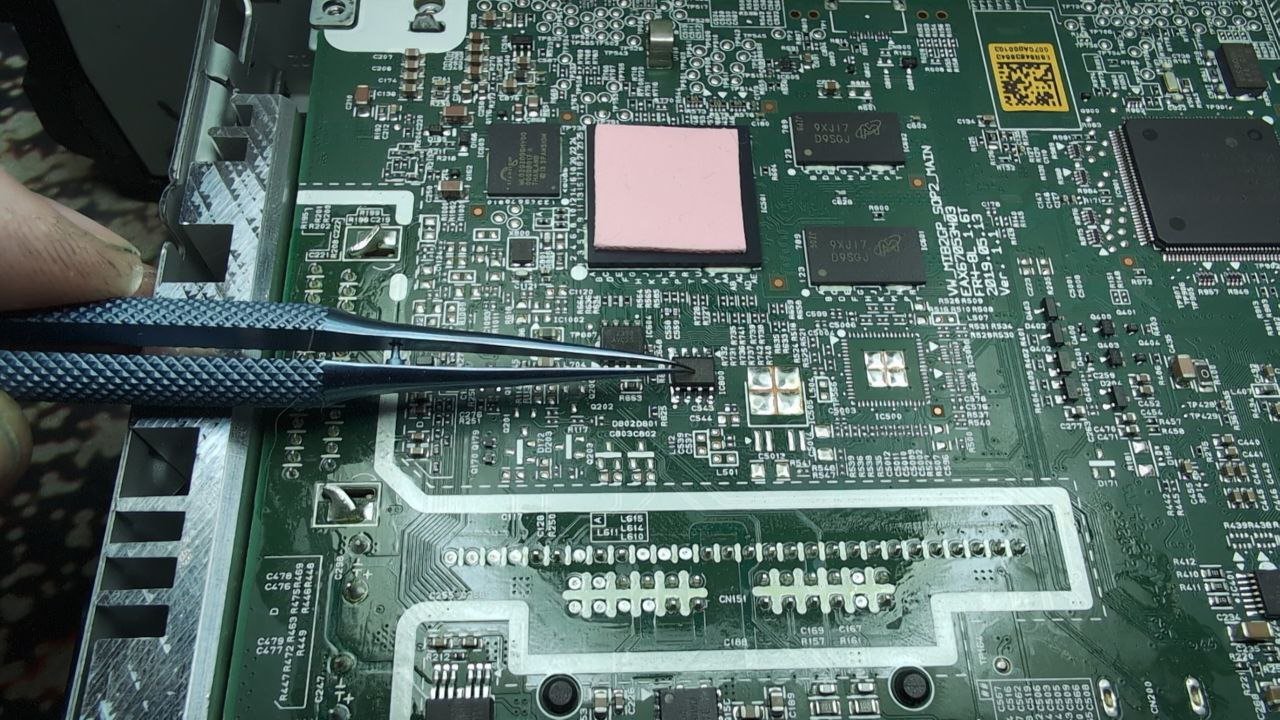
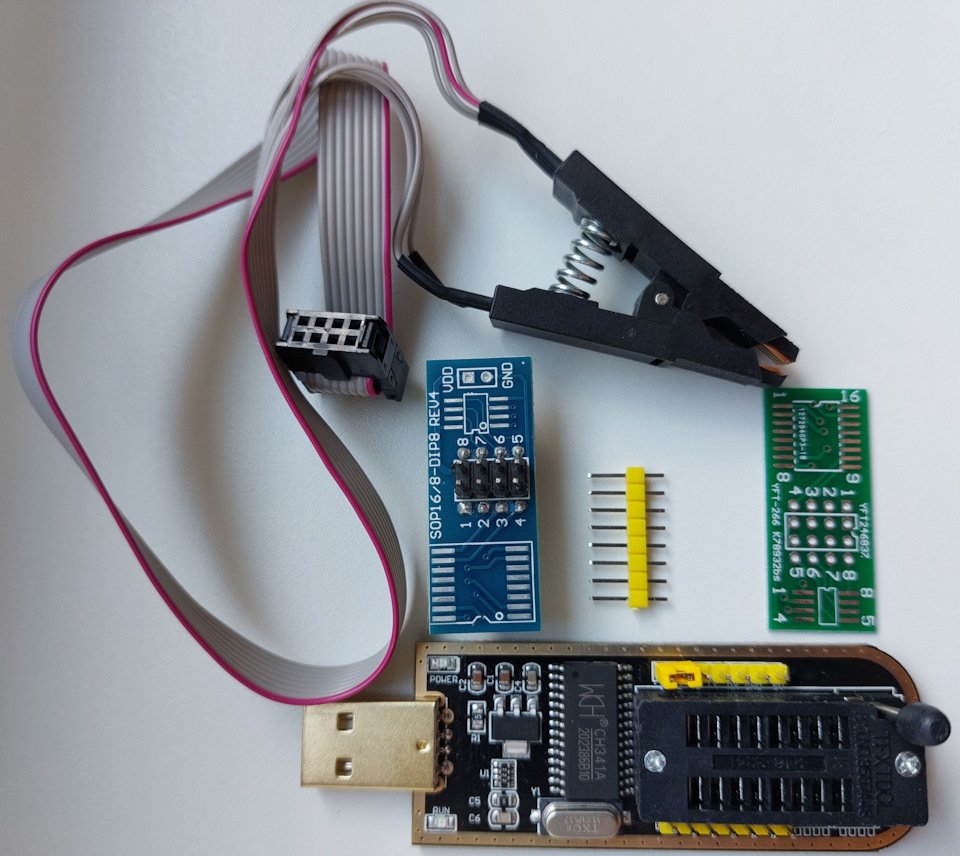
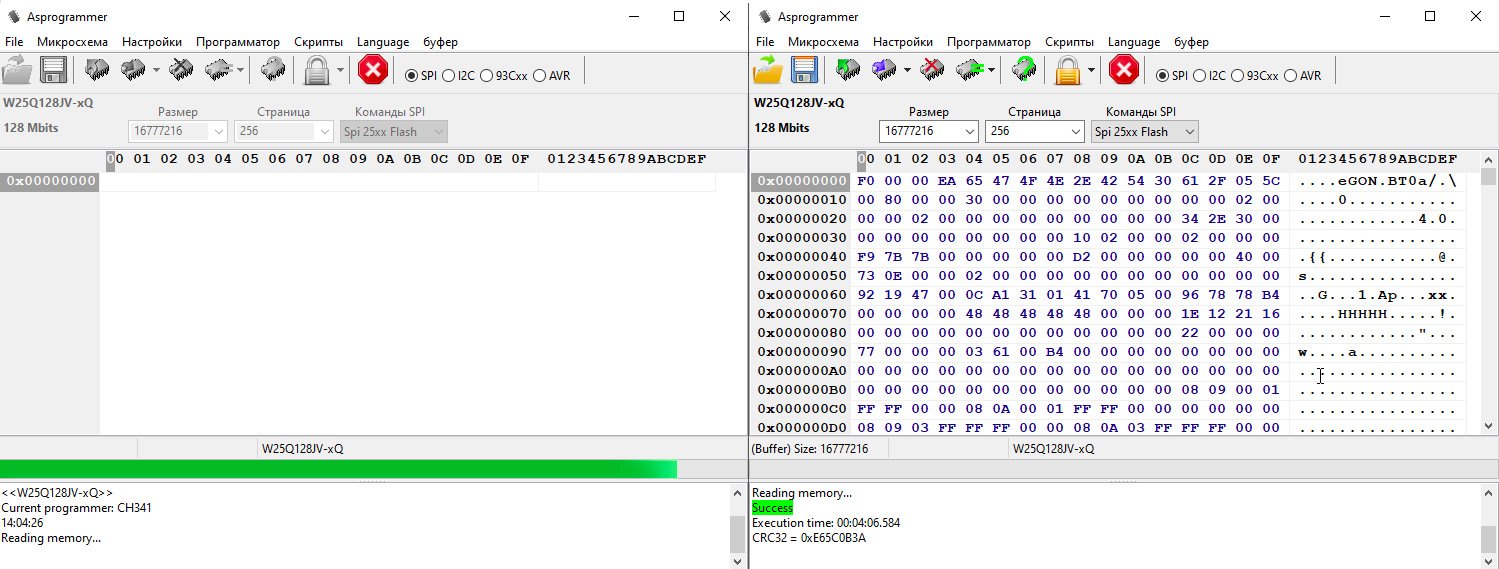
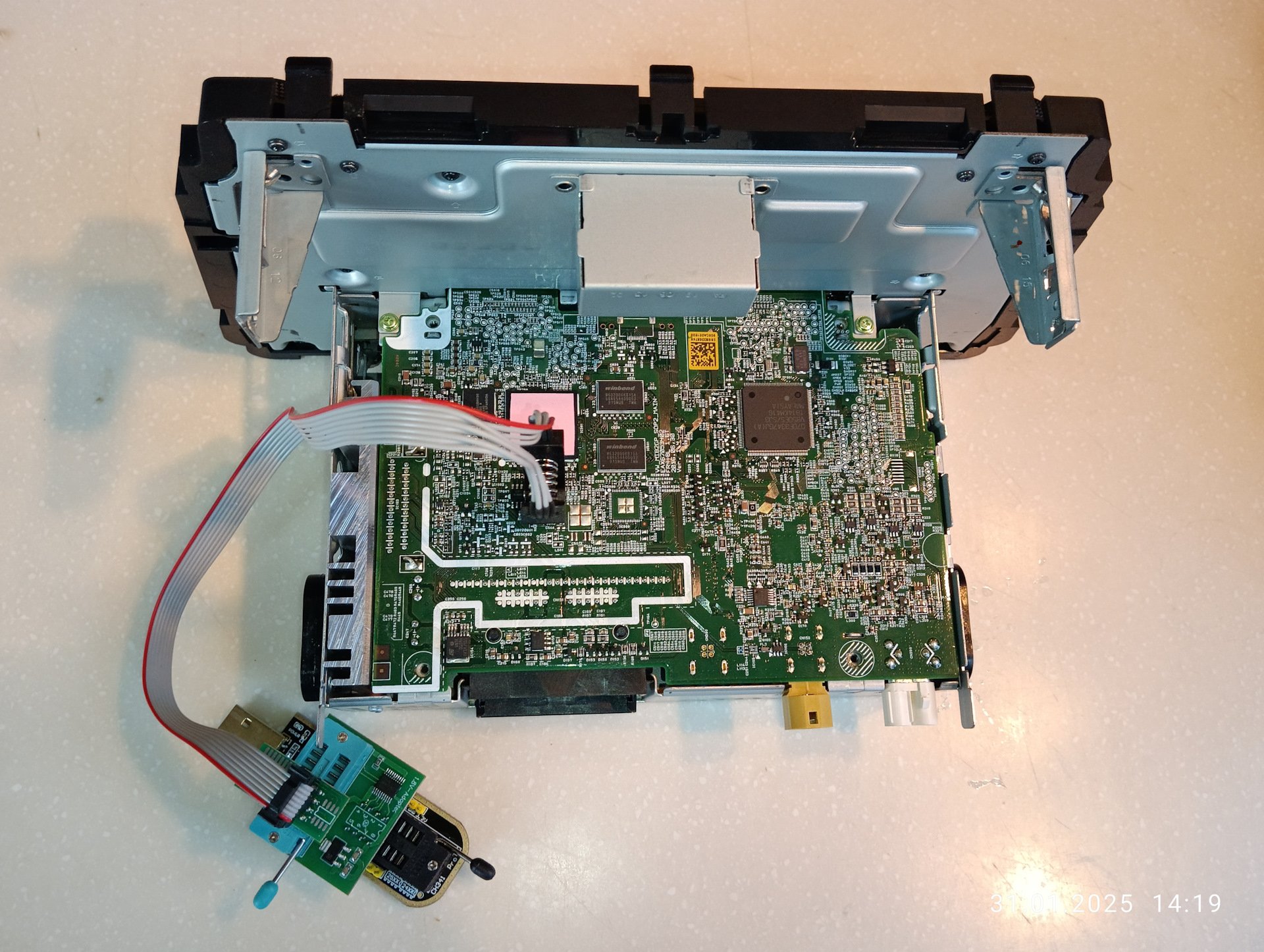
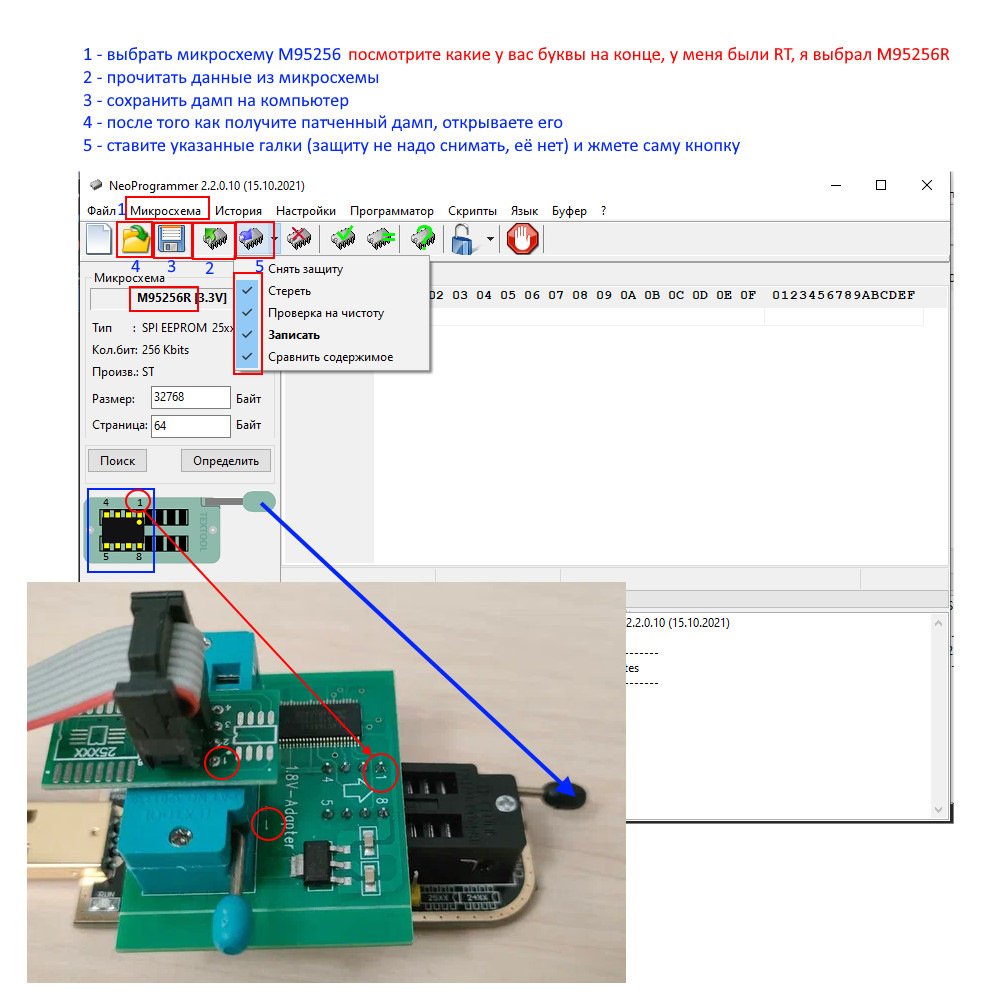
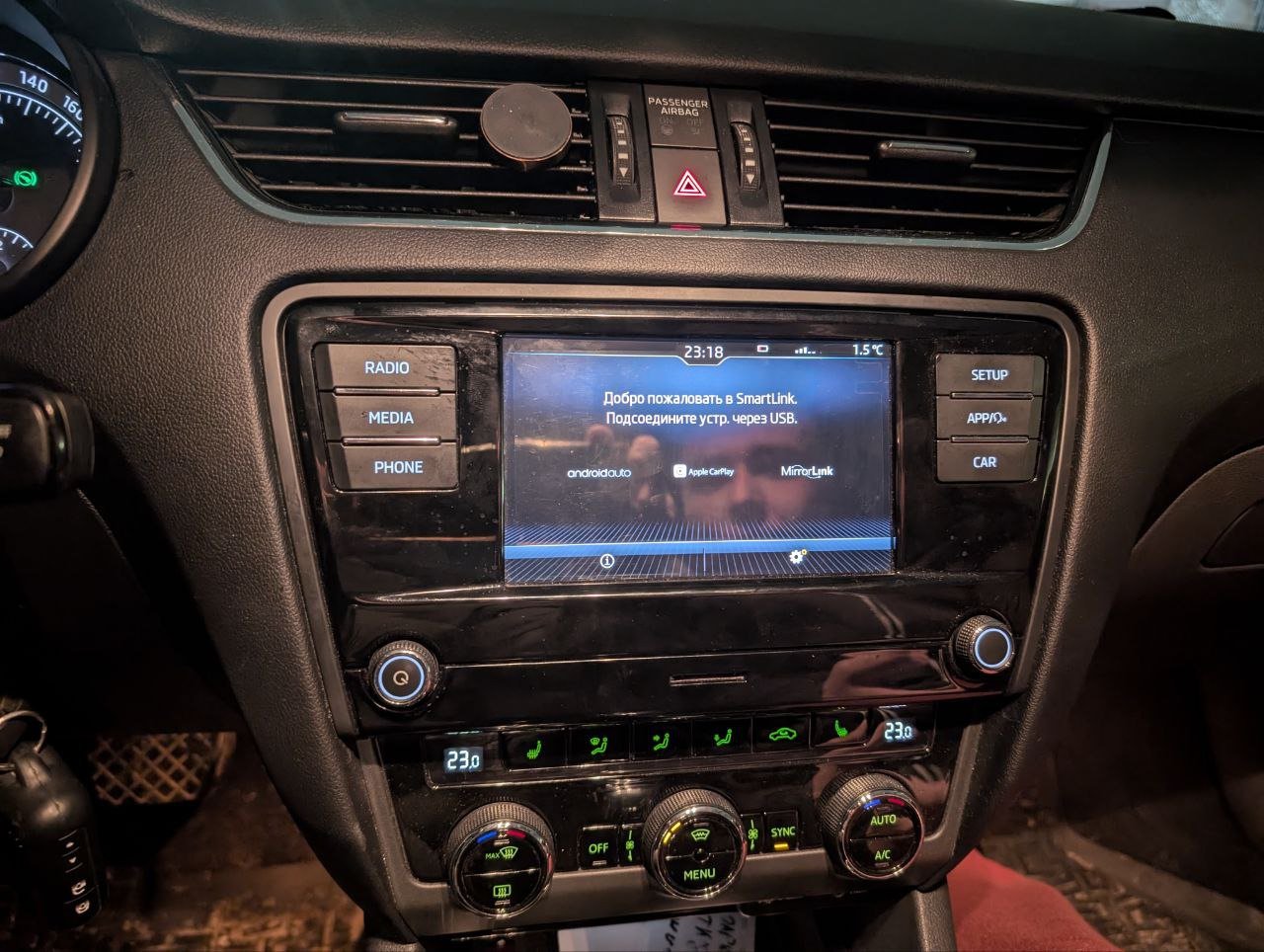
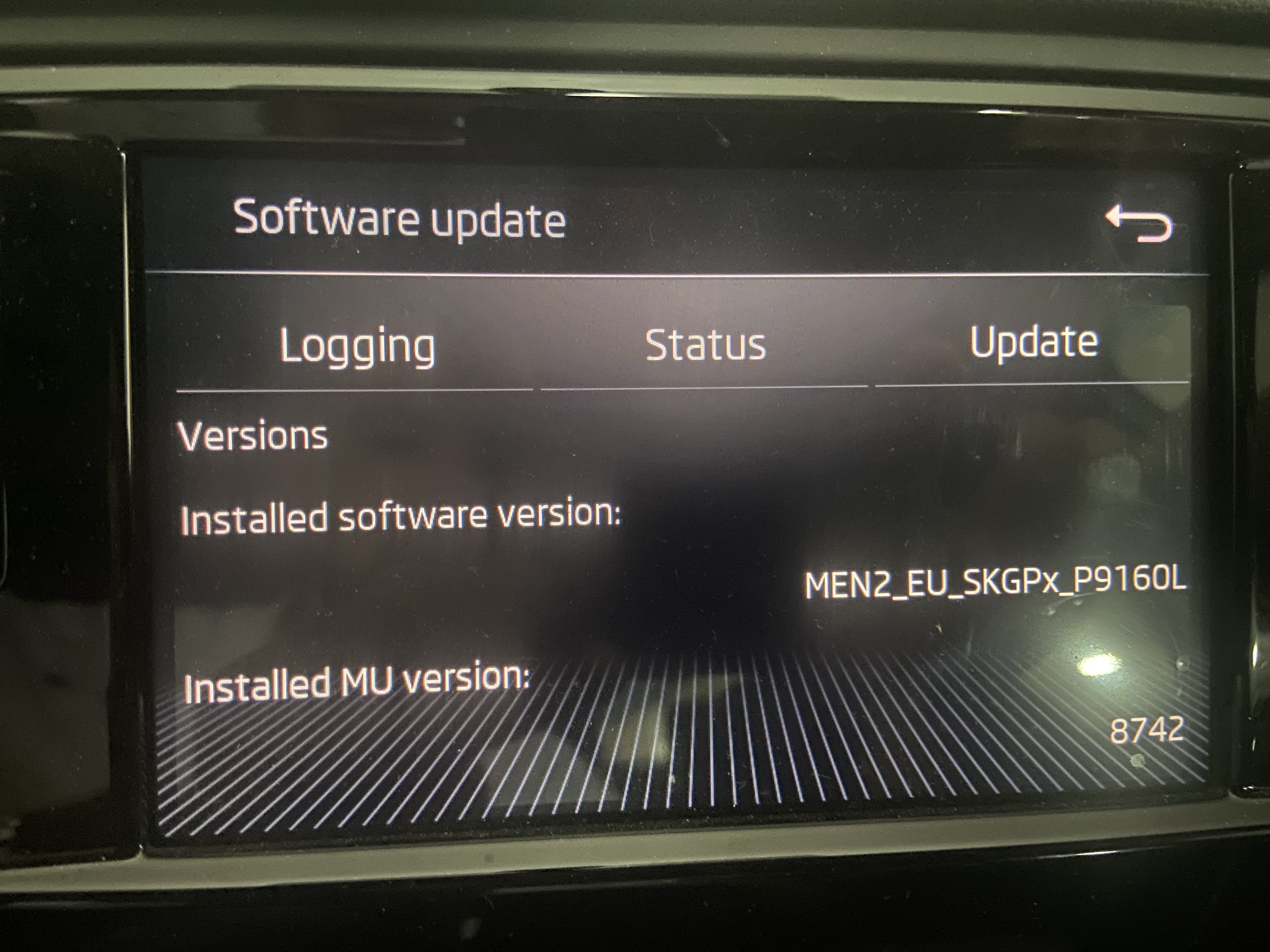
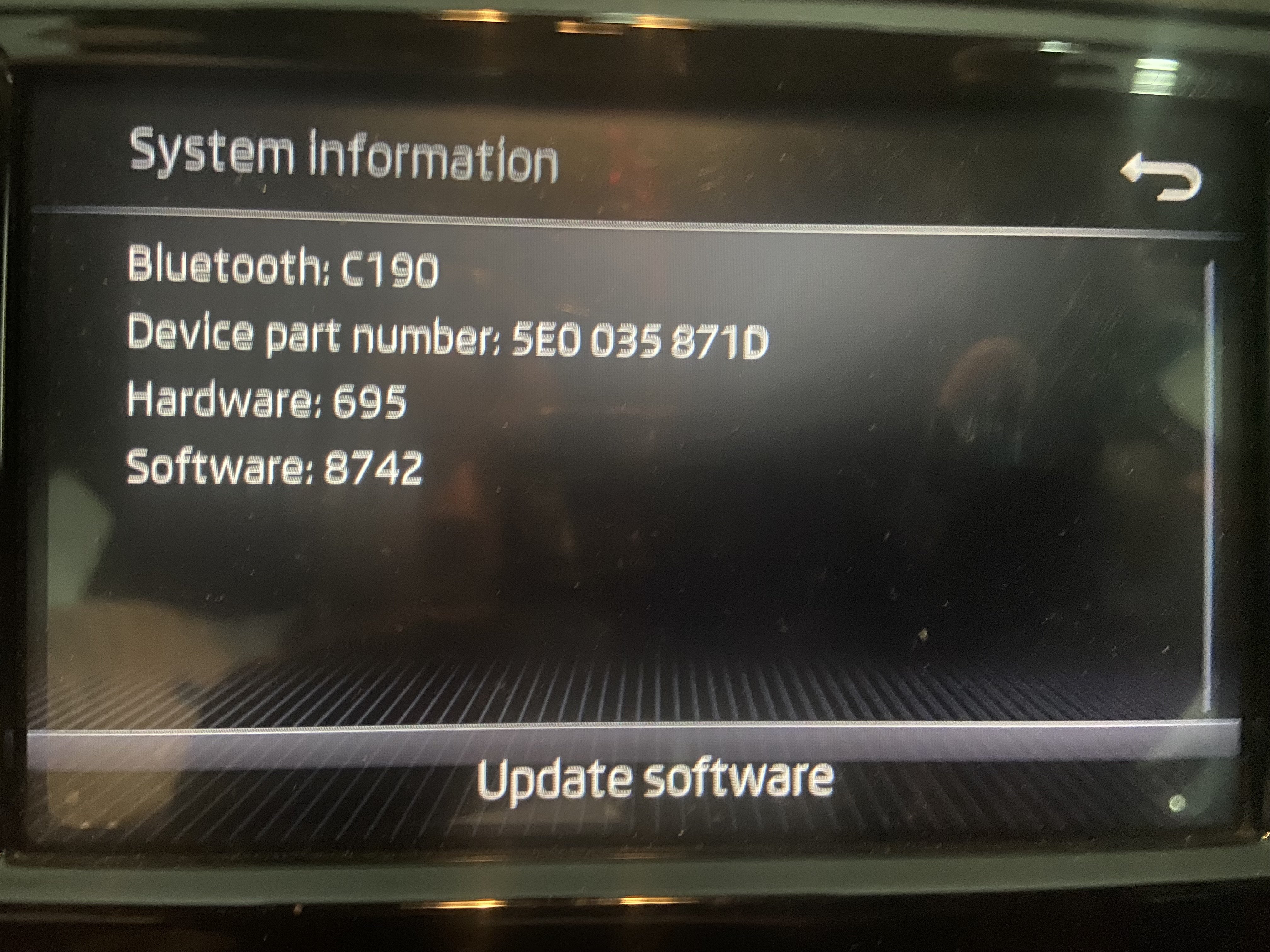
Salut , Note : Je vais écrire ce tutoriel en Français , merci de le traduire dans votre langue ! Activation de SMARTLINK (Carplay / android auto) sur SWING 3 (Skoda - Rapid - etc) DO IT AT YOUR OWN RISK 1 - Retirez l'unité à l'aide des clés spécifiques pour cela ou bien avec des bouts de carte bancaire que vous allez découper : Voici un exemple : Après cela il vous faut le démonter comme cela et localiser cette puce : Il faut lire le contenu de cette puce avec cet appareil CH341A Black (cherchez sur ALIEXPRESS) et cette application : ça donne ça : Il va falloir lire le contenu du eeprom , le patcher et le réecrire sur le swing ! Transferez moi le fichier .bin pour le patcher et faire un test ! Voici le resultat :
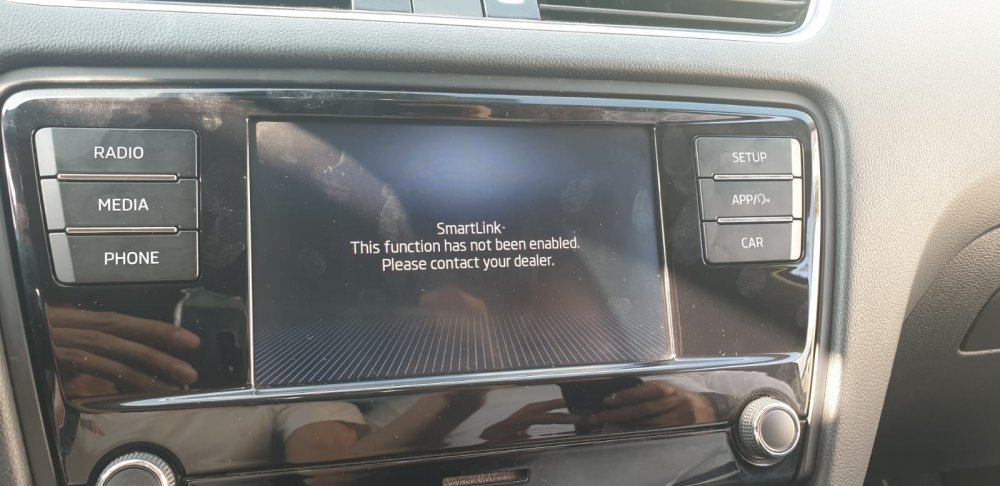

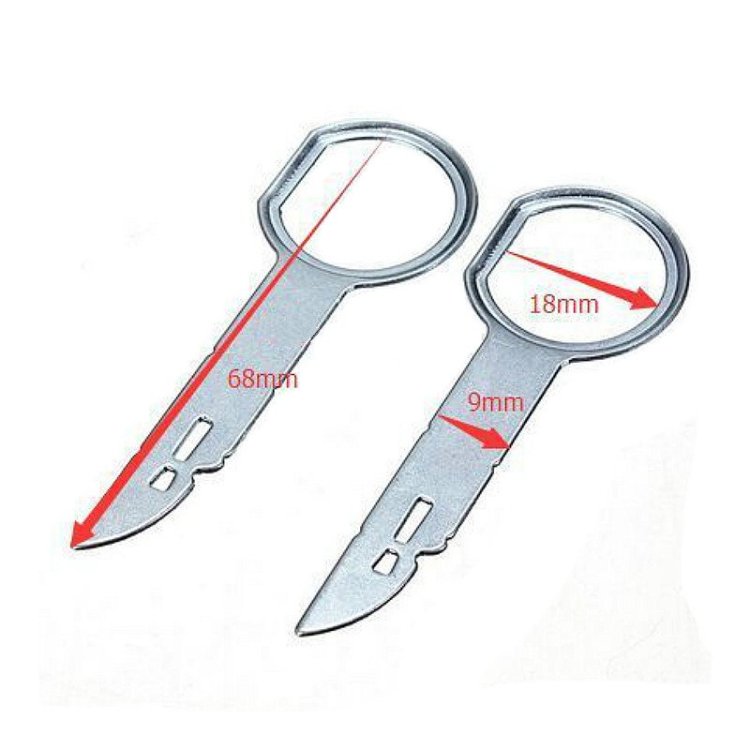
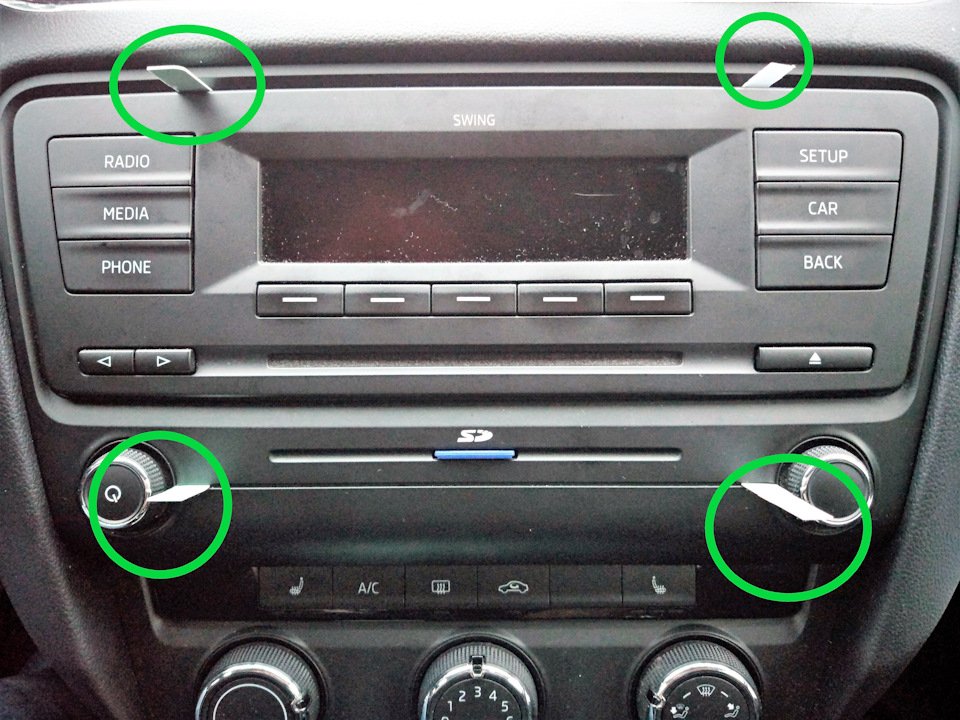
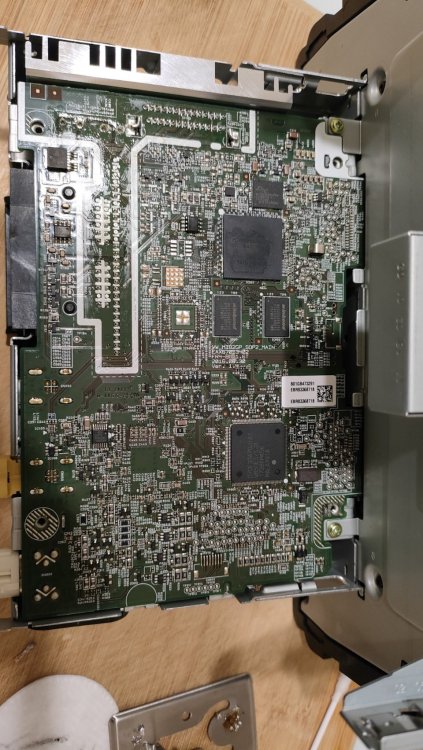
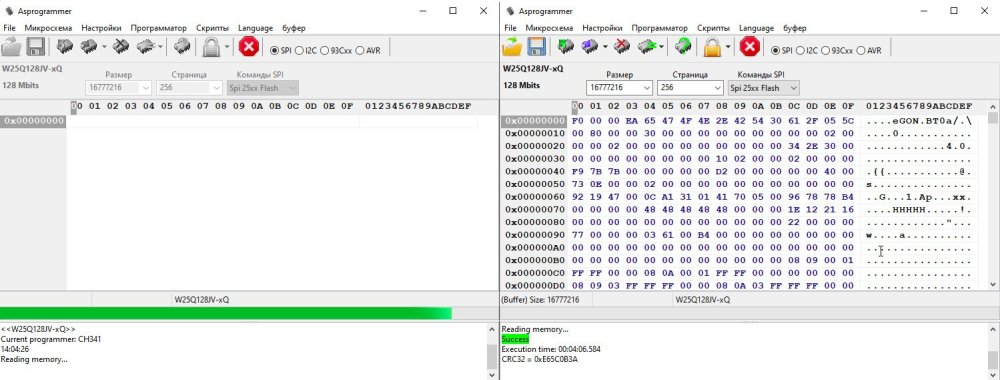
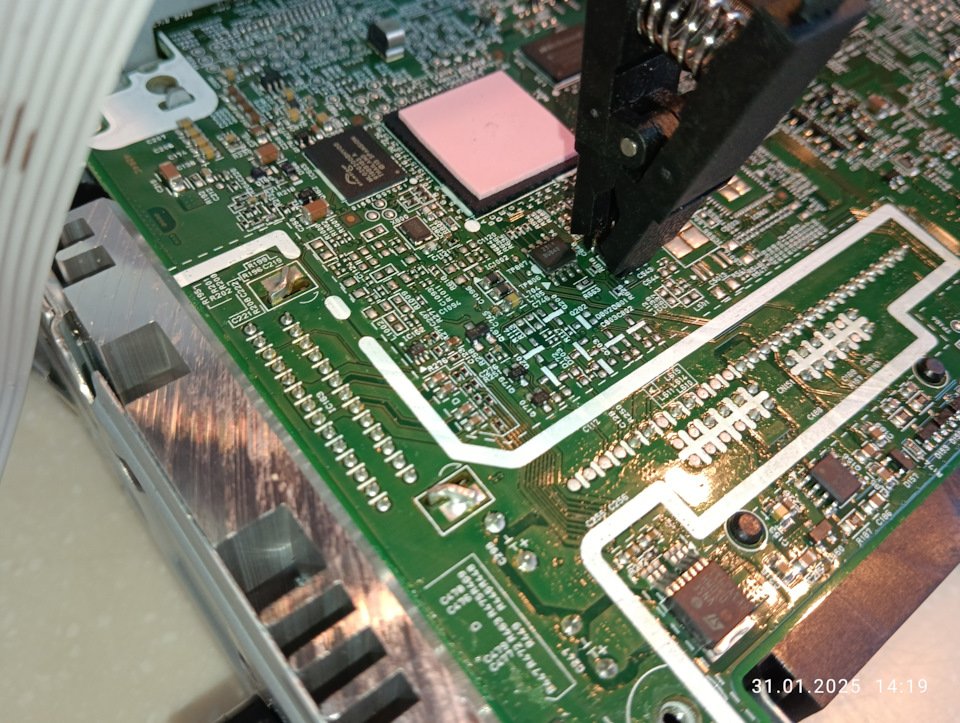
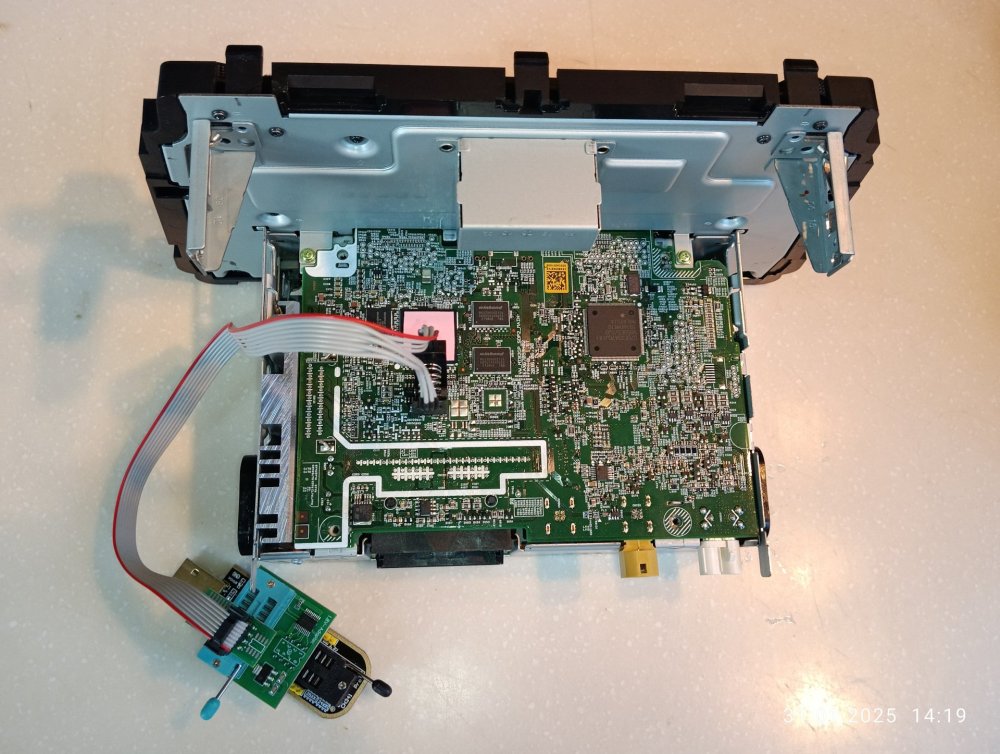
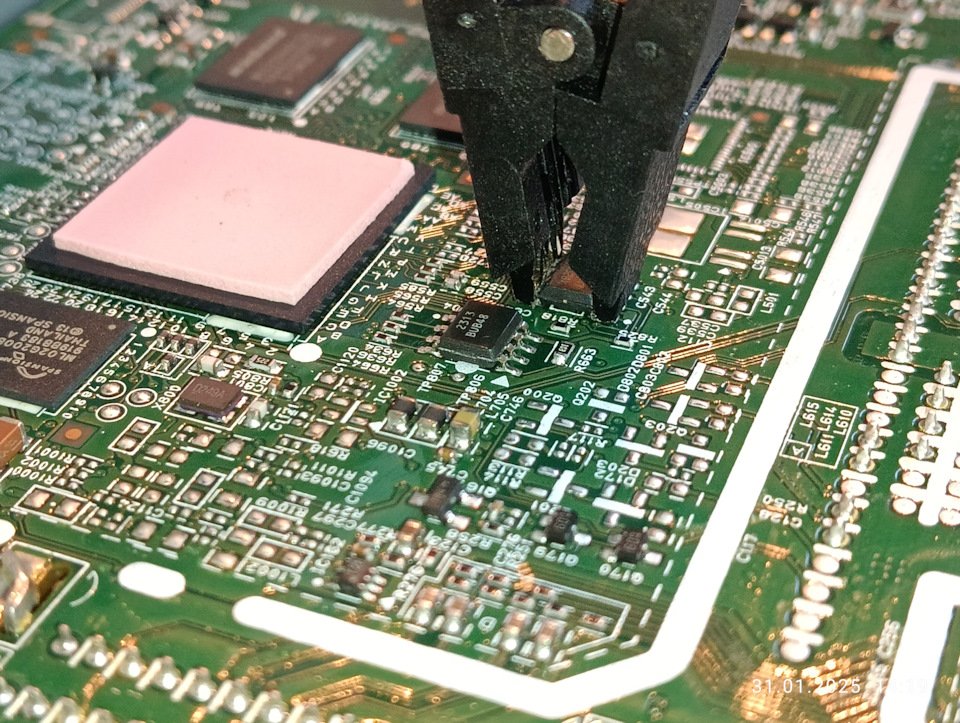
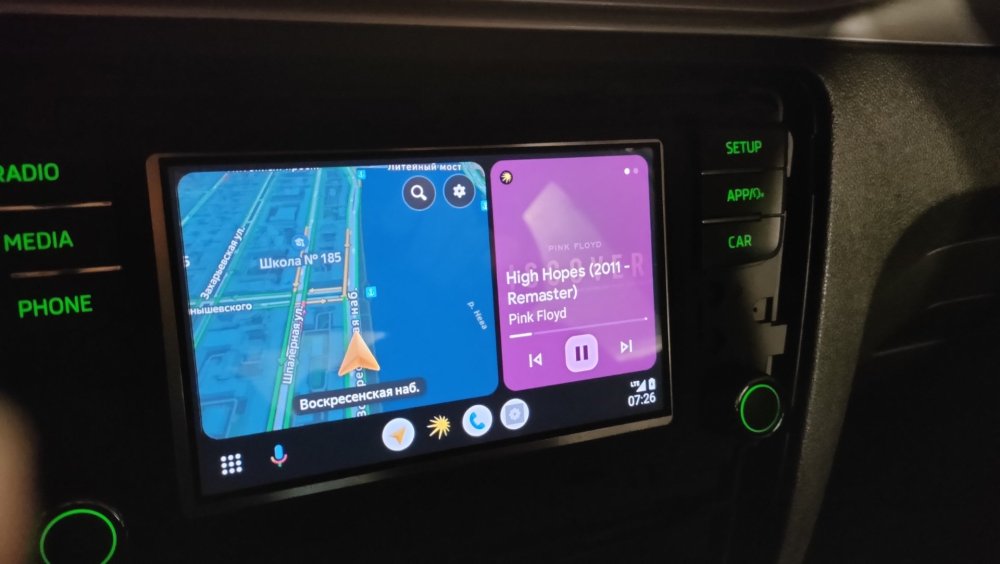 We need this :
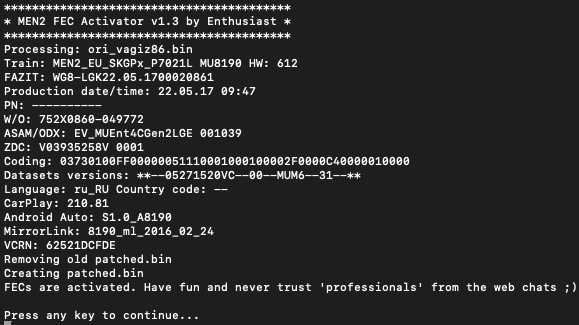 Salut je suis toujours à la recherche il y’a un mec en Serbie que j’ai contacté via whatsapp mais il ne veux pas aider ! malheureusement !
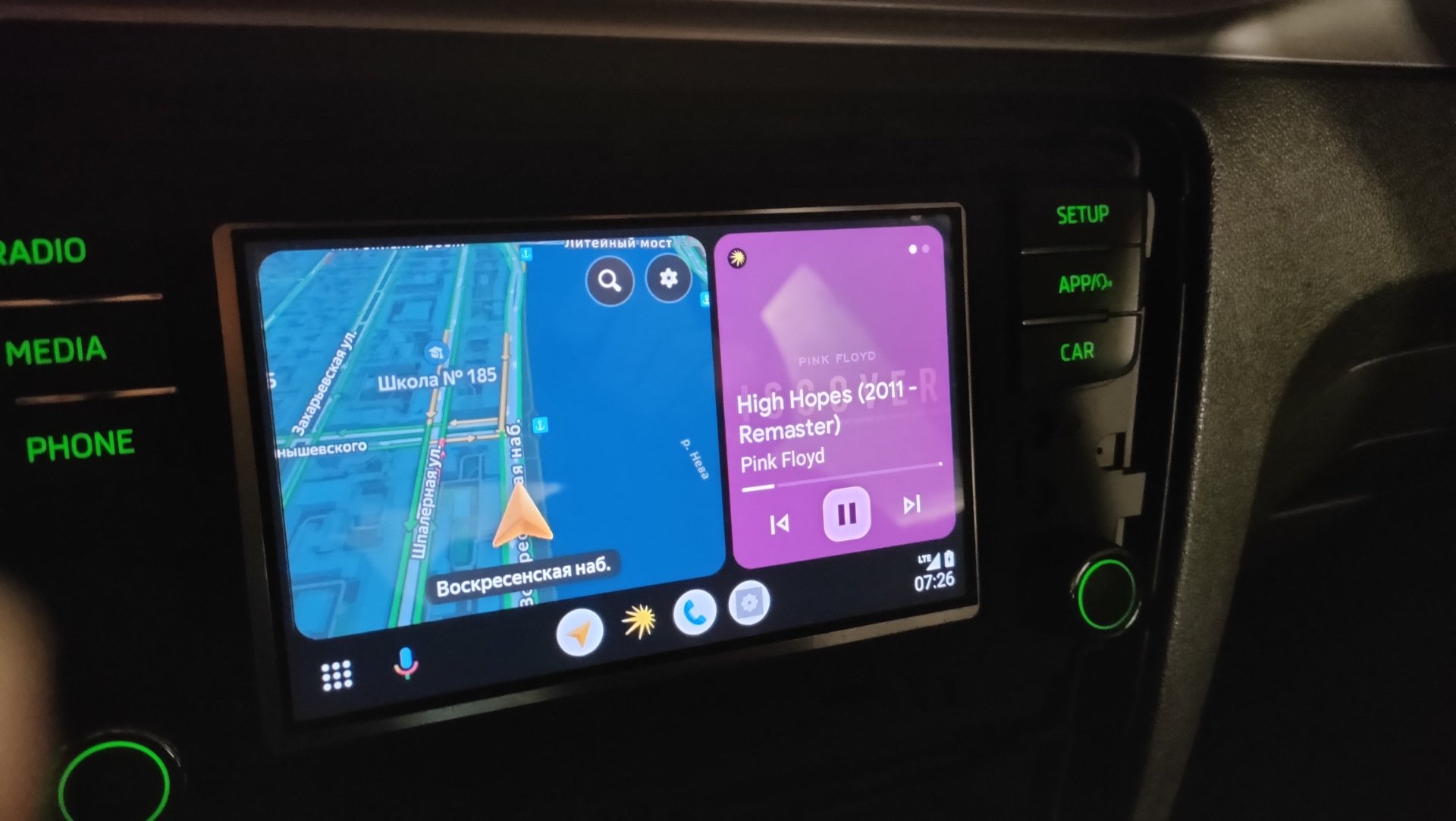
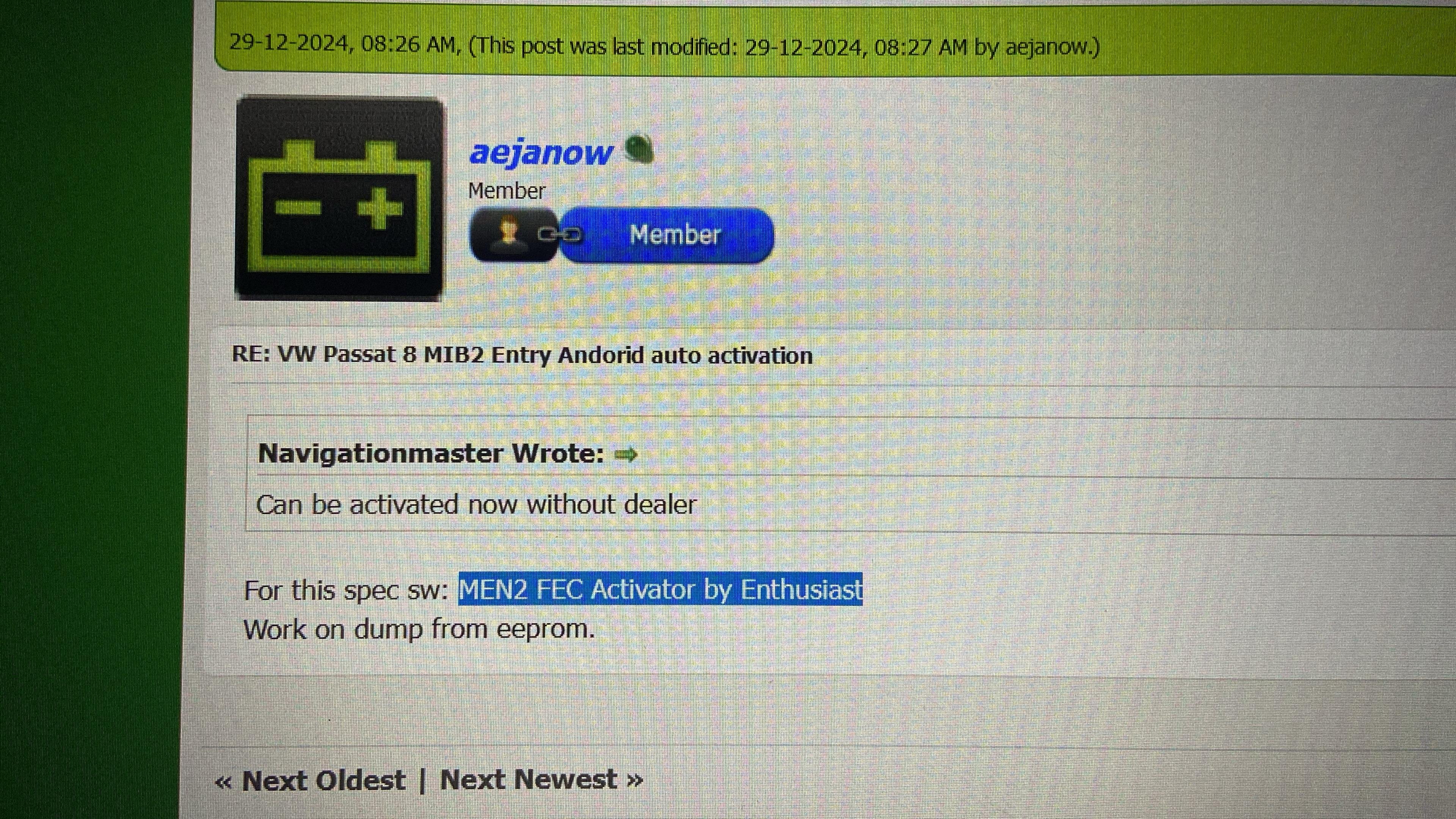
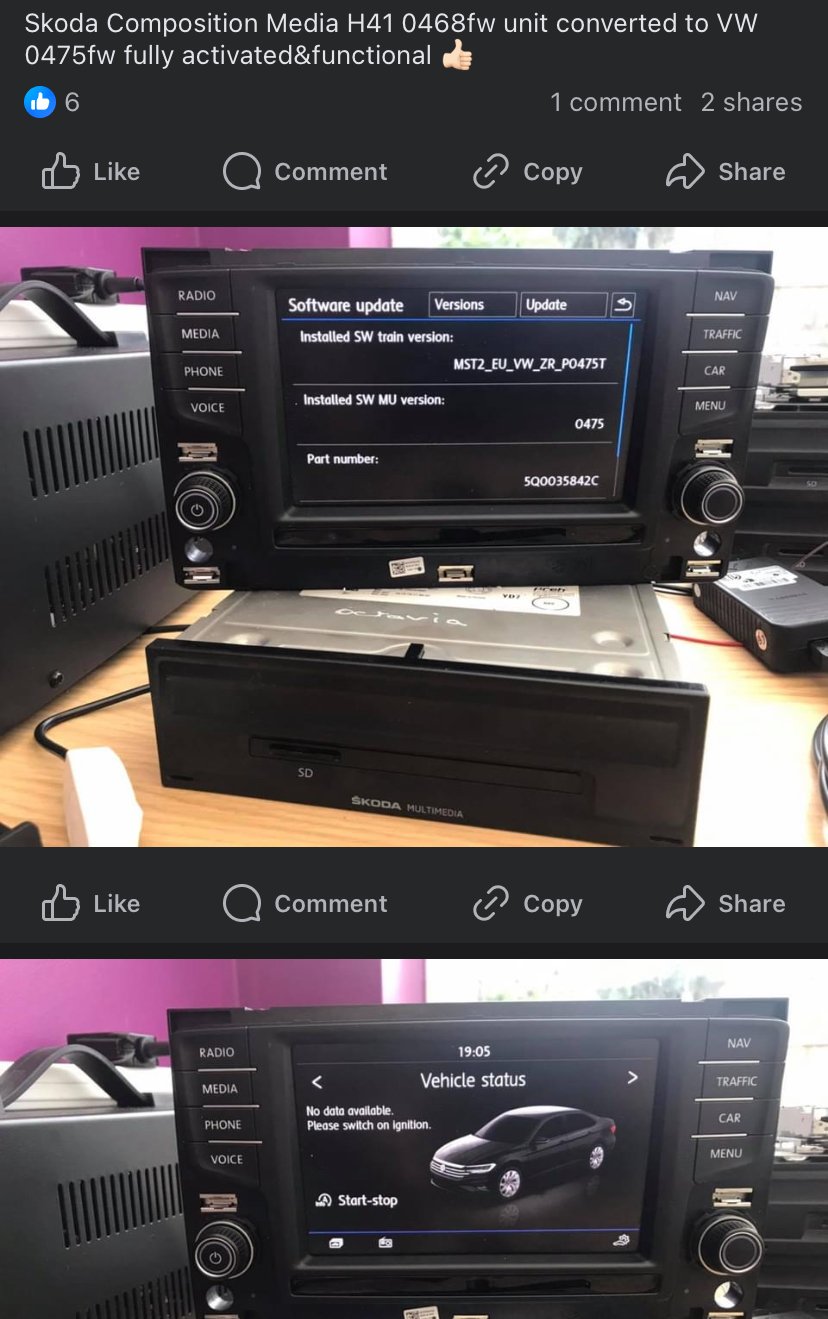
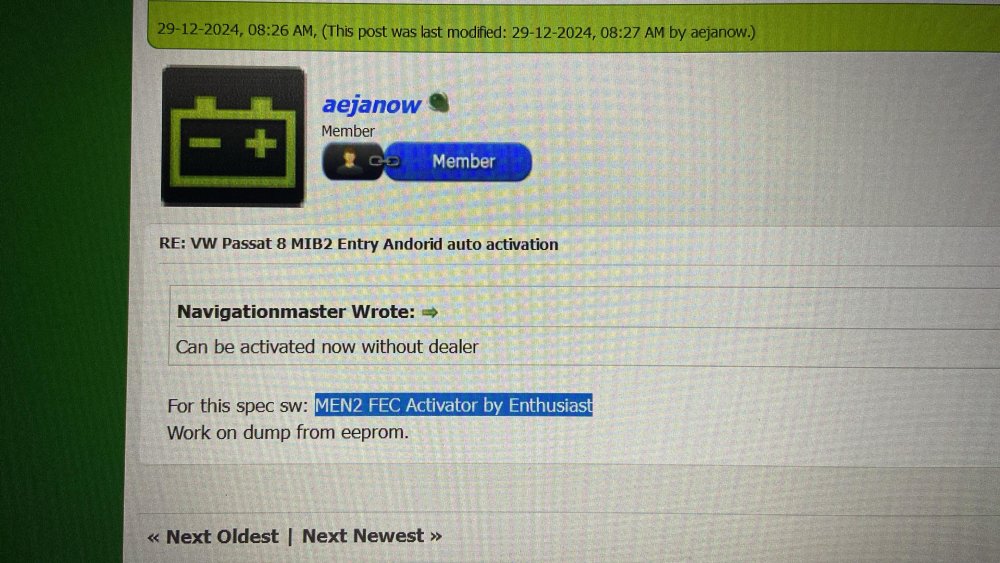 Hello guys , can I downgrade ? I need to test all MEN2 activators , need CARPLAY Thanks in advance for helpingNo worries , it’s not a scam , it’s a physical fix not online solution , you bring the car to him and activate the unit and pay , (i’m moroccan by the way) and swing can have carplay and android auto (we must search more = google : men2 mib2 activator by enthusiast)You can activate Carplay and Android Auto , but I'm still looking for the solution for free !!! Look at this instagram , a guy from Morocco can do it for : 100 dollar : https://www.instagram.com/ismailaccessoiresauto/?hl=frLook at this trick 😱 we can do it !!!
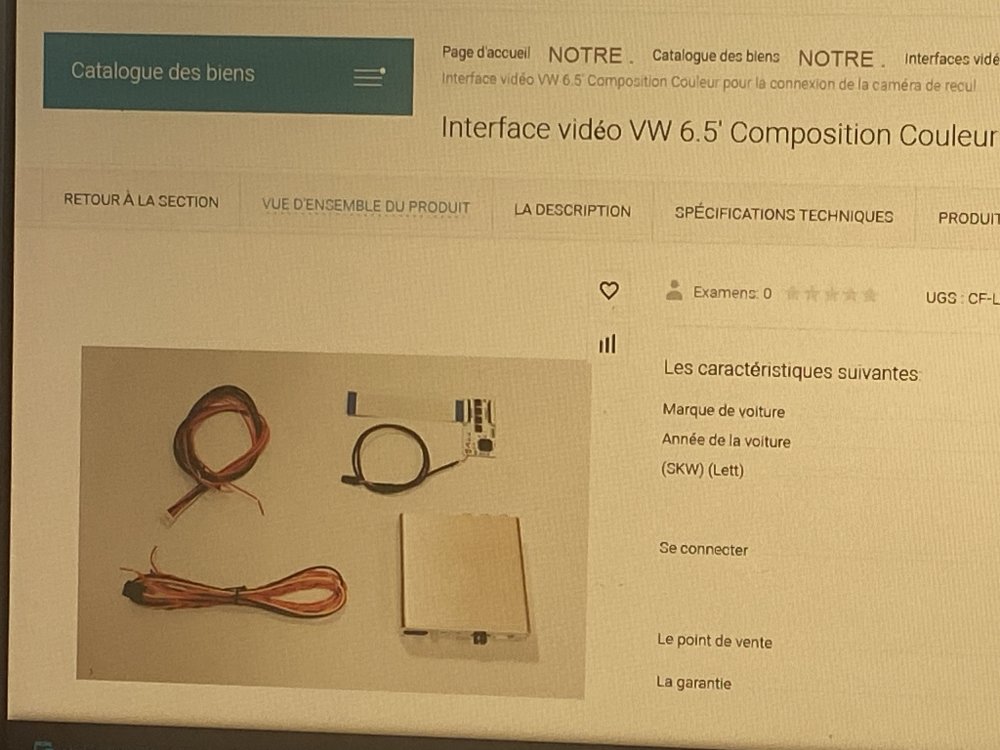
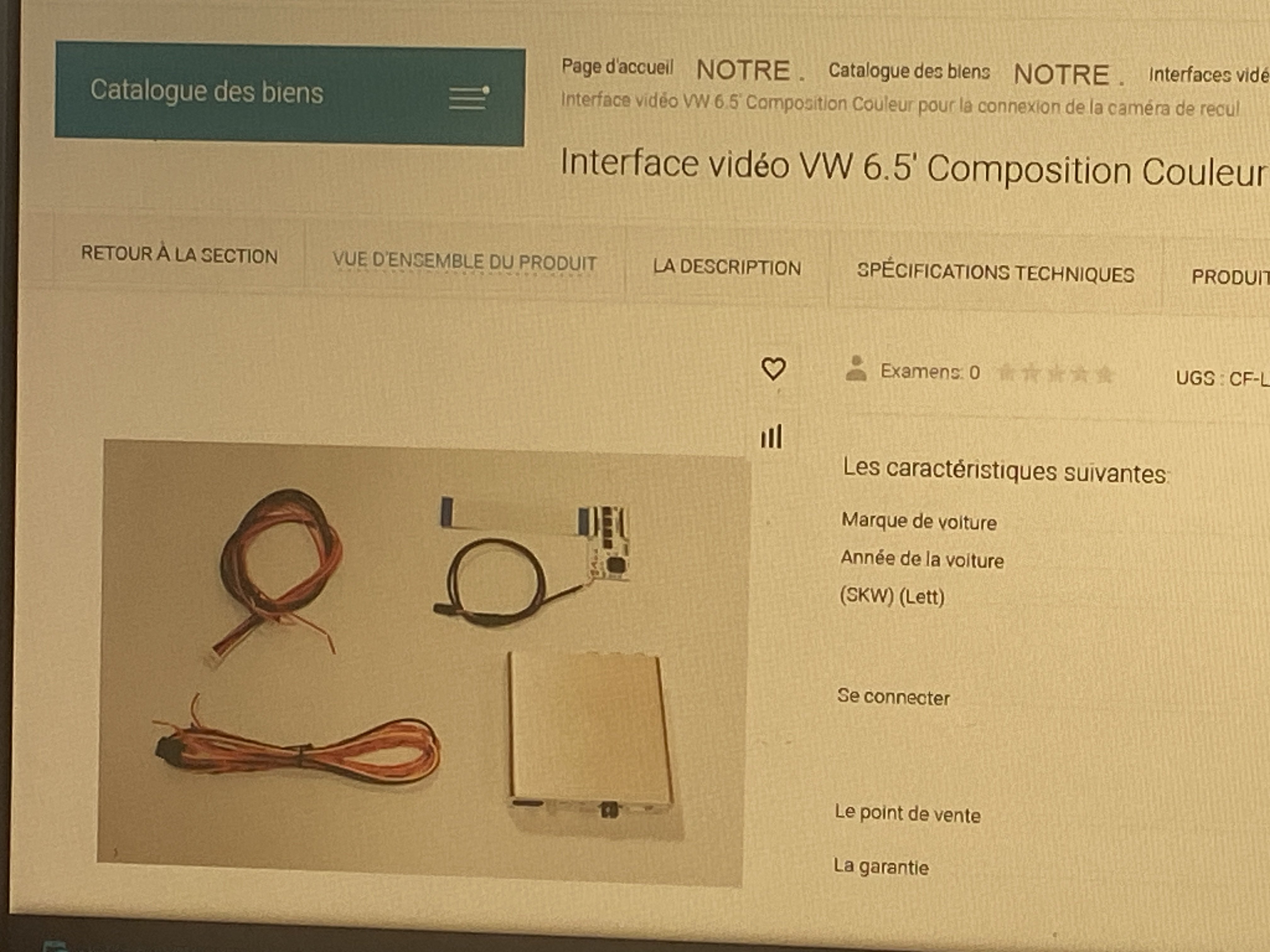
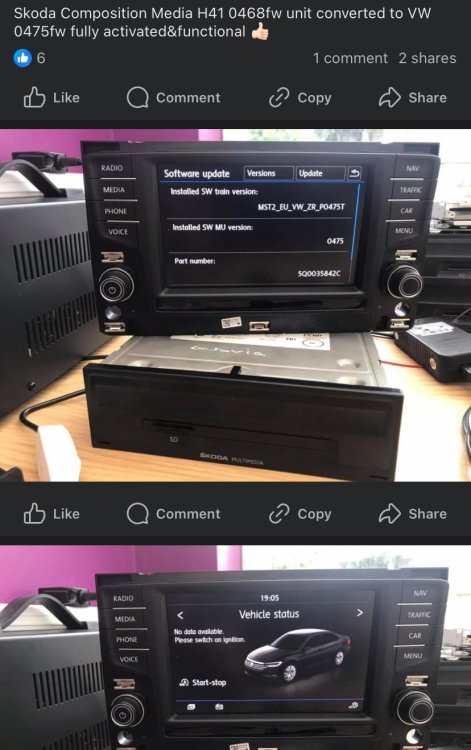 Hello Unfortunately your unit doesn’t support smartlink at all.I found this on another forum : to make the rear camera work you need this module : (((called : video interface)))
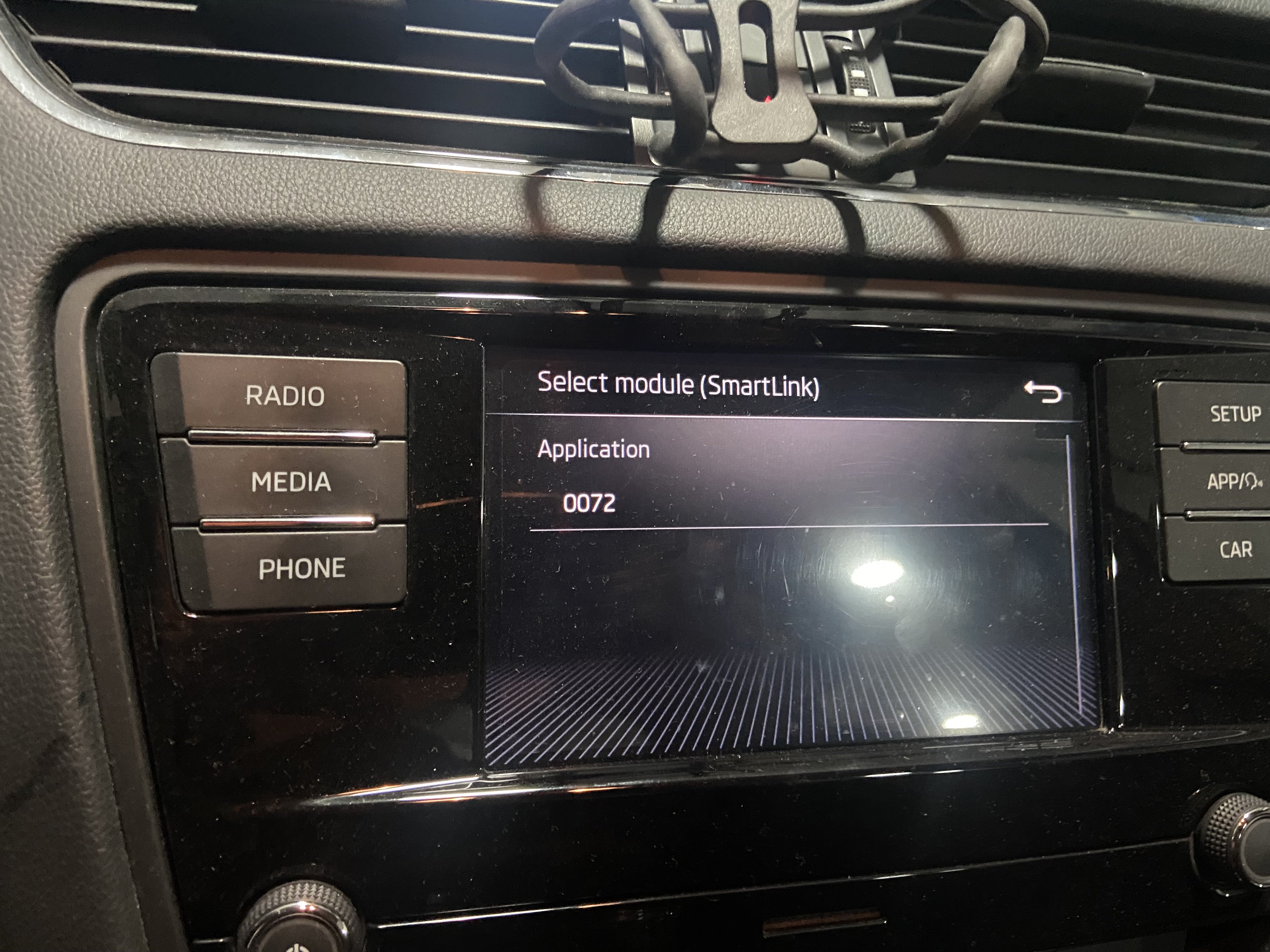
 Hello 👋 i just downloaded the last firmware for my swing 3 and noticed that the main update folder contains a folder named smartlink (the picture). The idea is if we can edit this file and save it then update we can get mirrorlink activated without licence key ! Is there anyone that have knowledge on this type of files ? (.bin) I tried to edit it on a hex editor but it’s kind of hard ! Hope we can do it together 🫡✨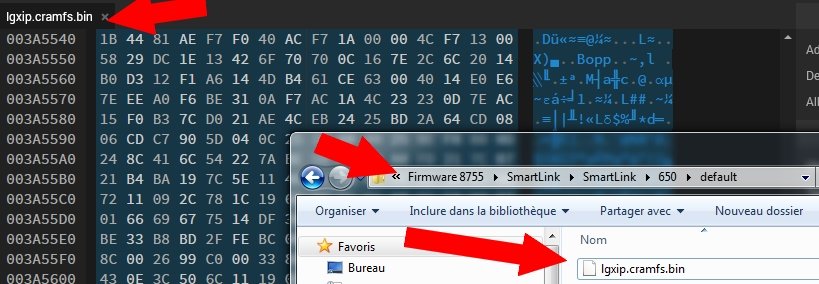
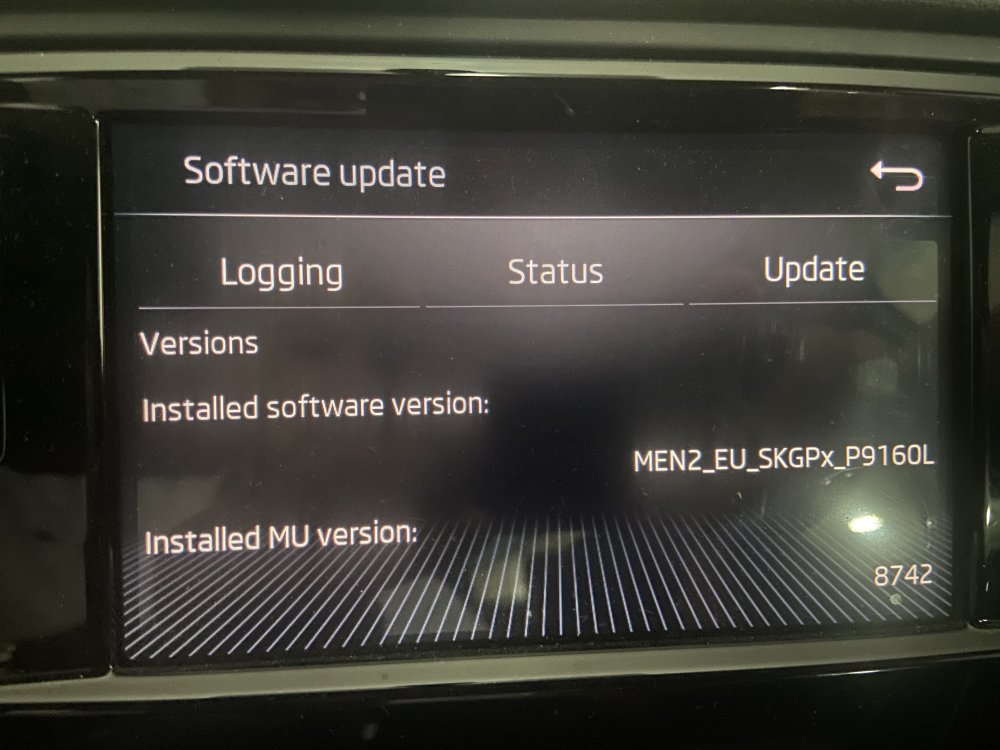
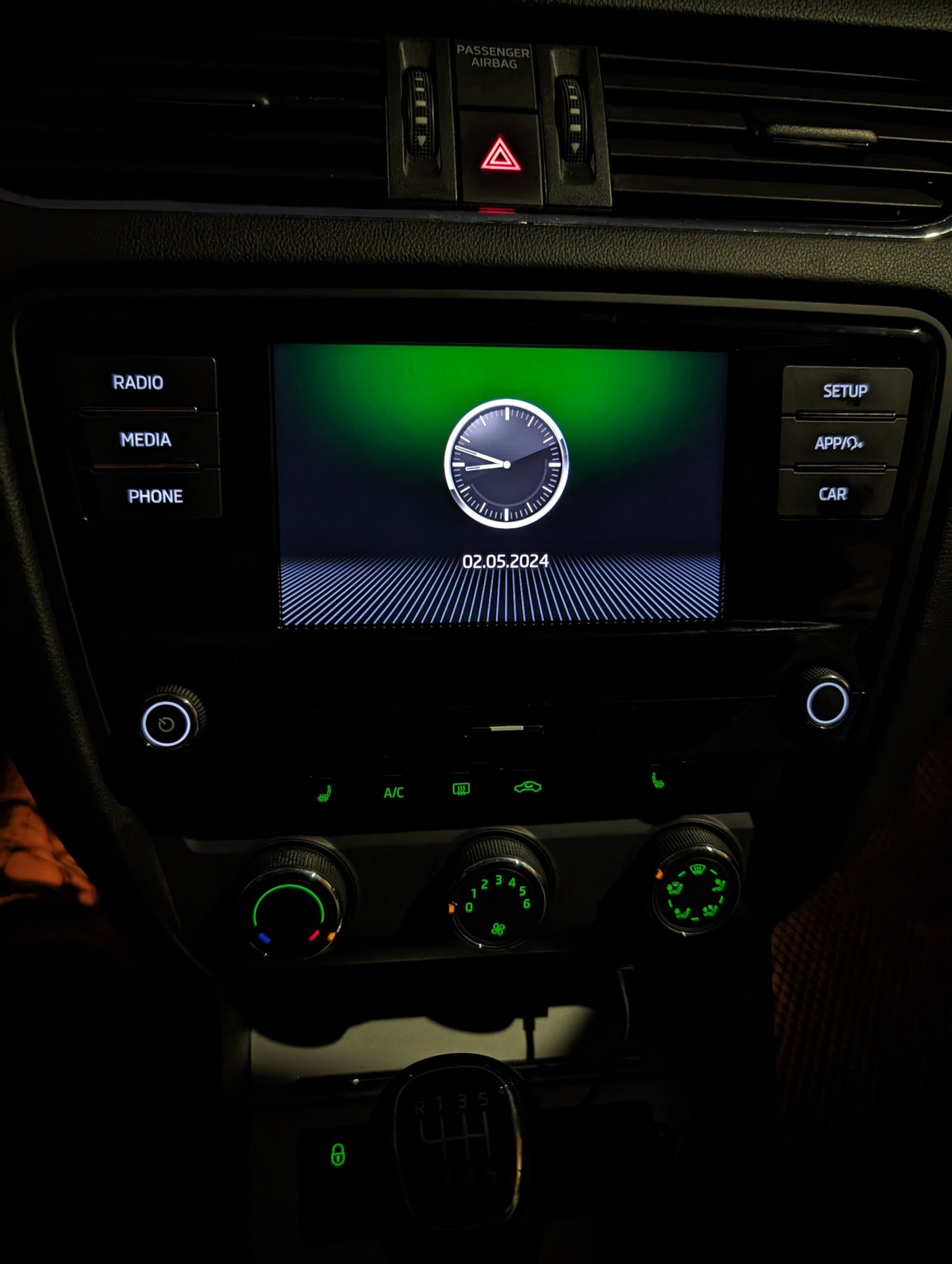
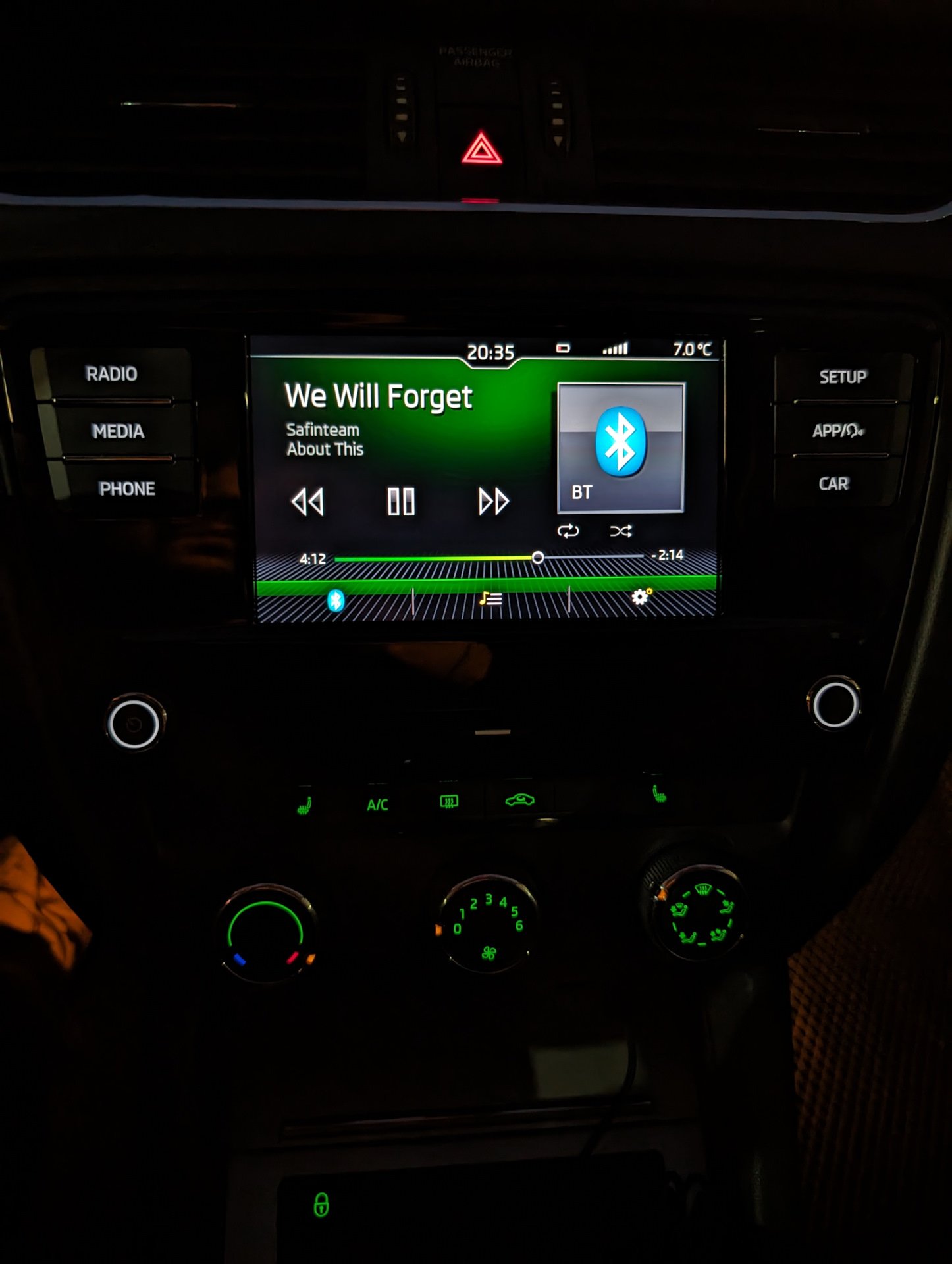
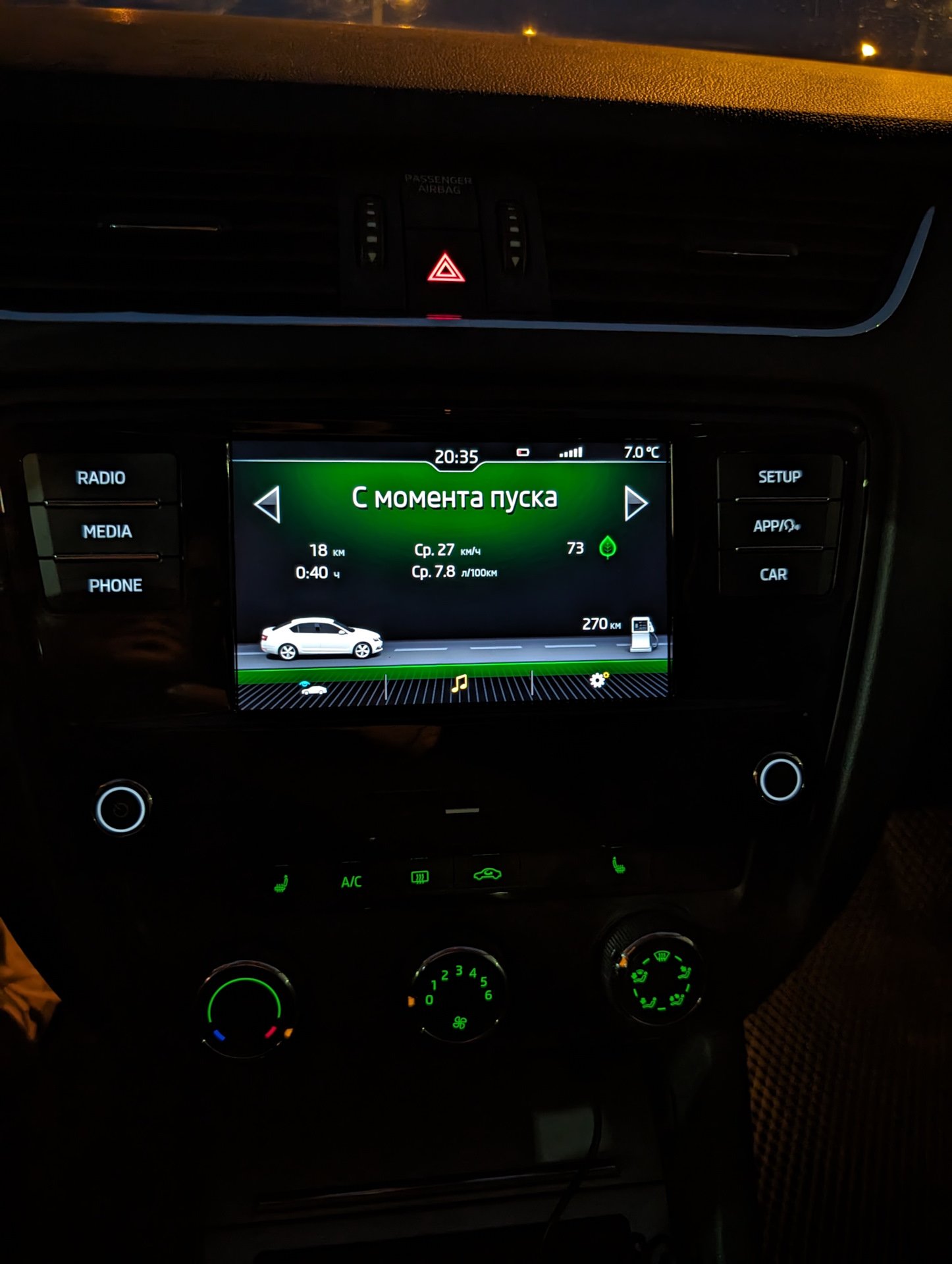
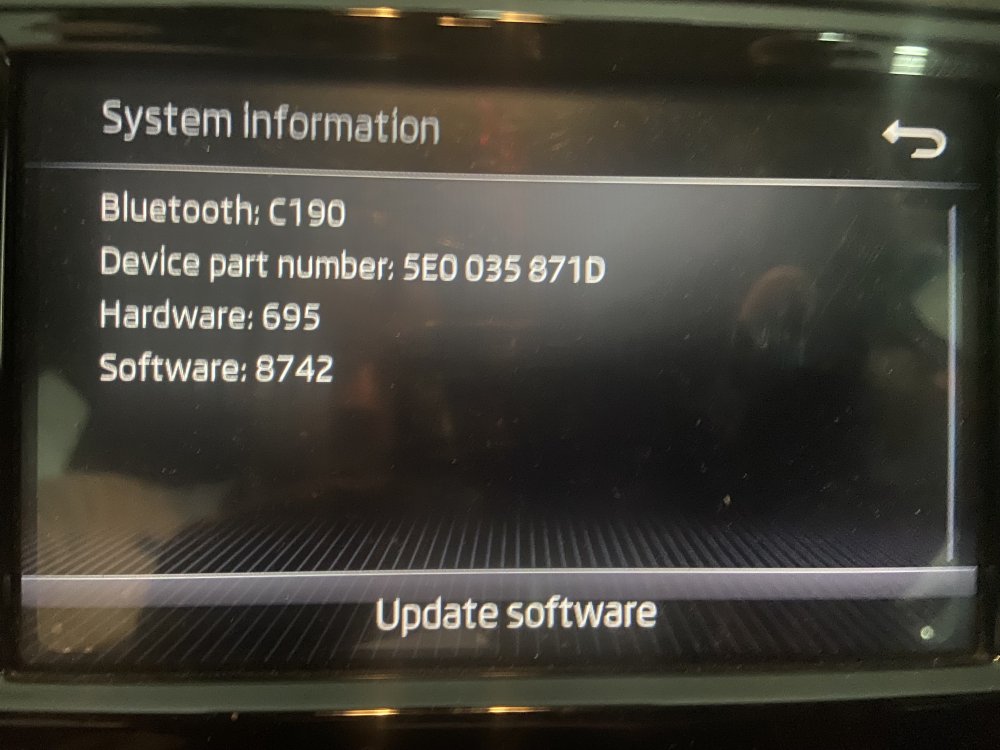 Hello members have you ever seen a swing with this themes ? 😱😱😱 How can I get this please 🙏 (and how can I activate carplay on my swing 😩) thanks !!!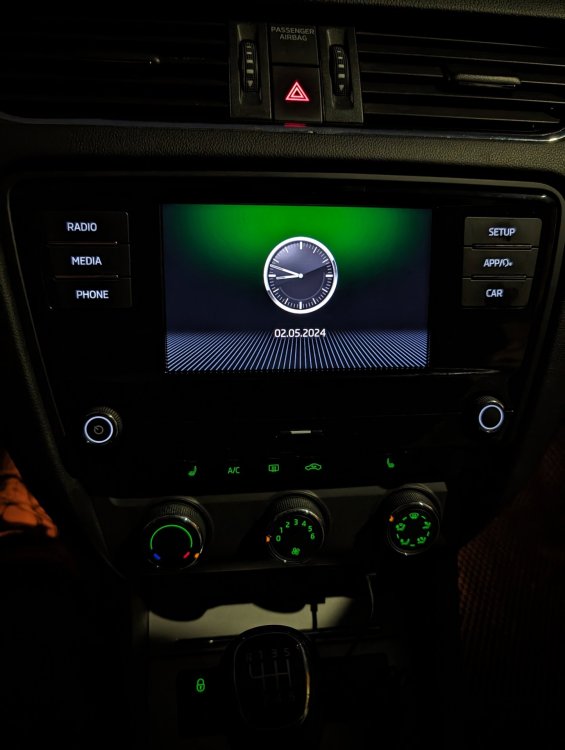
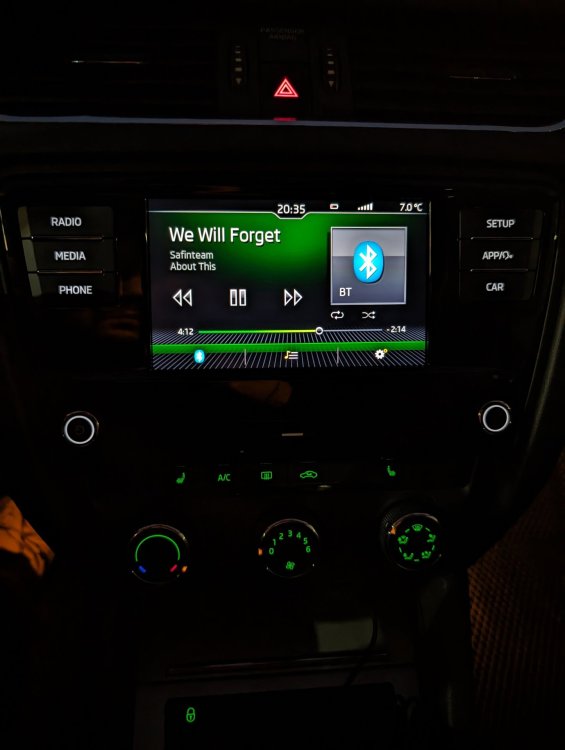
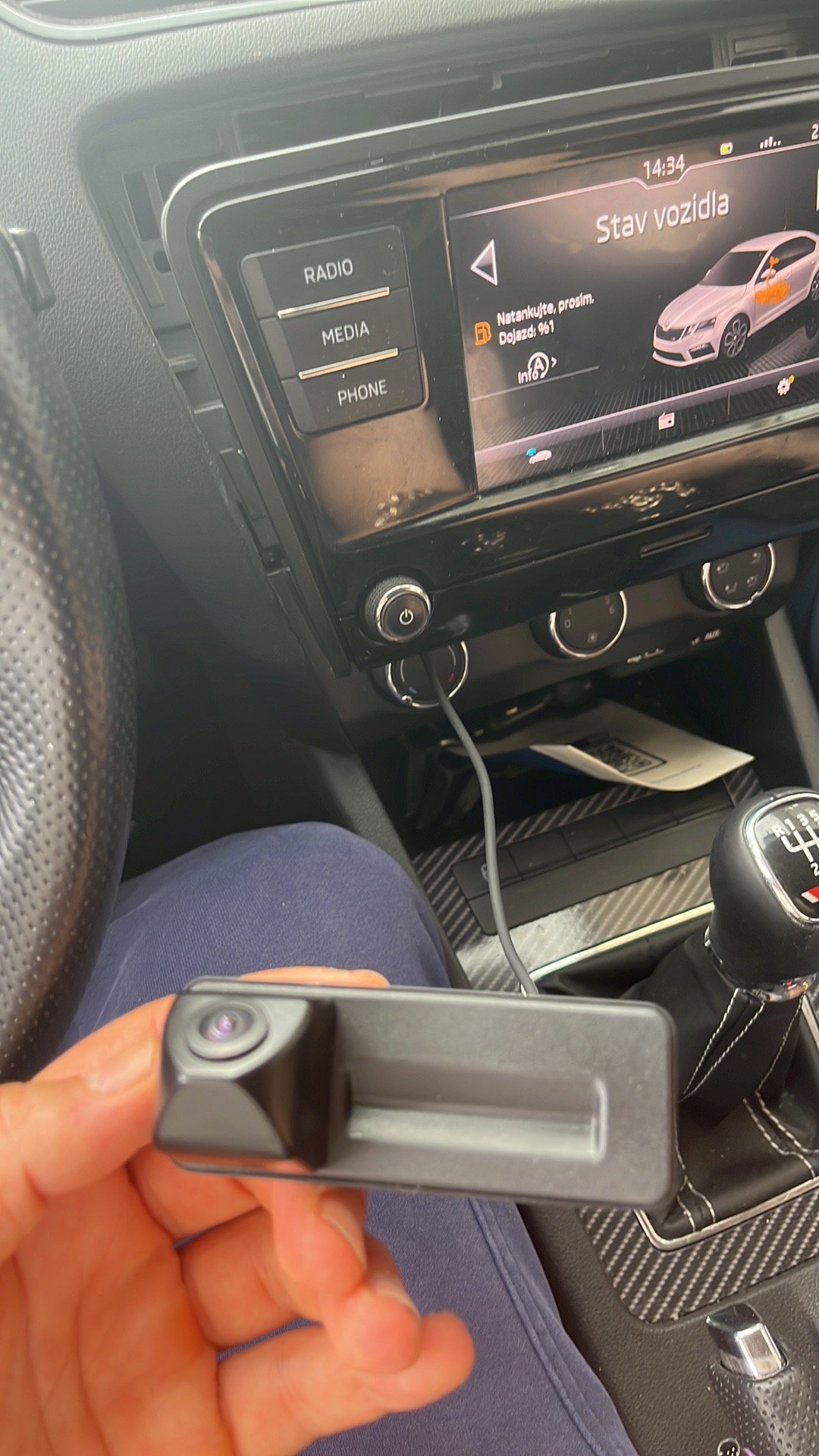
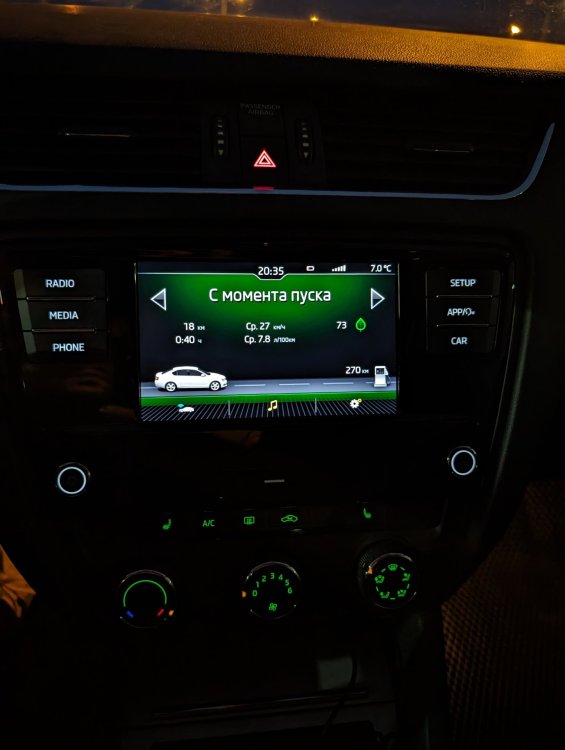 Thanks but i have a swing unit with nothing at the glovebox.Okey thanks ! hope it will work with my swing !!!Hello can you please send me the update 8755 ? Any solution for smartlink activation or hack ? thanks in advanceHi , have you tried a rear camera on this head unit ? I wanna order one ! thanks for answeringNo unit in the glovebox , but I think a member in this forum has successfully used this unit with a rear camera ! i’m still searching… thanks anyway !Where is the button to open trunk in this camera ???
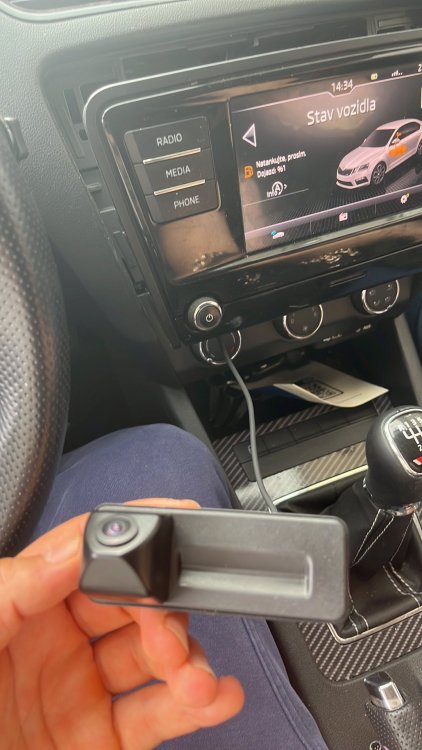 Thank you so much ! I have a last question, can I use this caera with this unit :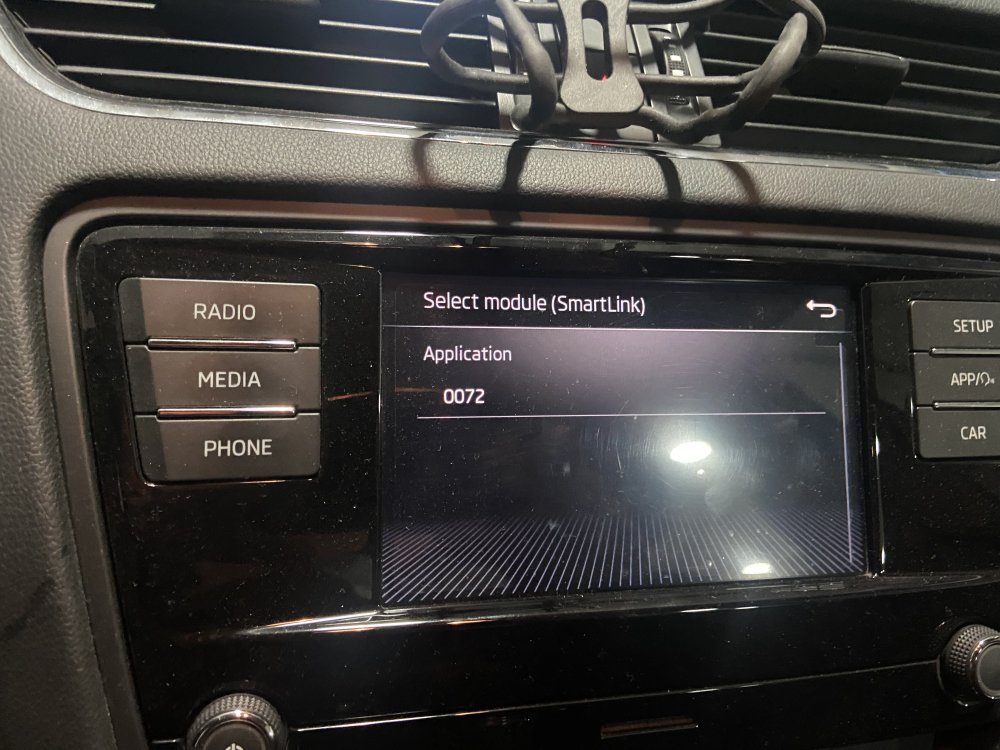



Important Information
Welcome to BRISKODA. Please note the following important links Terms of Use. We have a comprehensive Privacy Policy. We have placed cookies on your device to help make this website better. You can adjust your cookie settings, otherwise we'll assume you're okay to continue.
Account
Navigation
Configure browser push notifications
Chrome (Android)
- Tap the lock icon next to the address bar.
- Tap Permissions → Notifications.
- Adjust your preference.
Chrome (Desktop)
- Click the padlock icon in the address bar.
- Select Site settings.
- Find Notifications and adjust your preference.
Safari (iOS 16.4+)
- Ensure the site is installed via Add to Home Screen.
- Open Settings App → Notifications.
- Find your app name and adjust your preference.
Safari (macOS)
- Go to Safari → Preferences.
- Click the Websites tab.
- Select Notifications in the sidebar.
- Find this website and adjust your preference.
Edge (Android)
- Tap the lock icon next to the address bar.
- Tap Permissions.
- Find Notifications and adjust your preference.
Edge (Desktop)
- Click the padlock icon in the address bar.
- Click Permissions for this site.
- Find Notifications and adjust your preference.
Firefox (Android)
- Go to Settings → Site permissions.
- Tap Notifications.
- Find this site in the list and adjust your preference.
Firefox (Desktop)
- Open Firefox Settings.
- Search for Notifications.
- Find this site in the list and adjust your preference.