superb5335
Finding my way
-
Joined
-
Last visited
Everything posted by superb5335
-
-
-
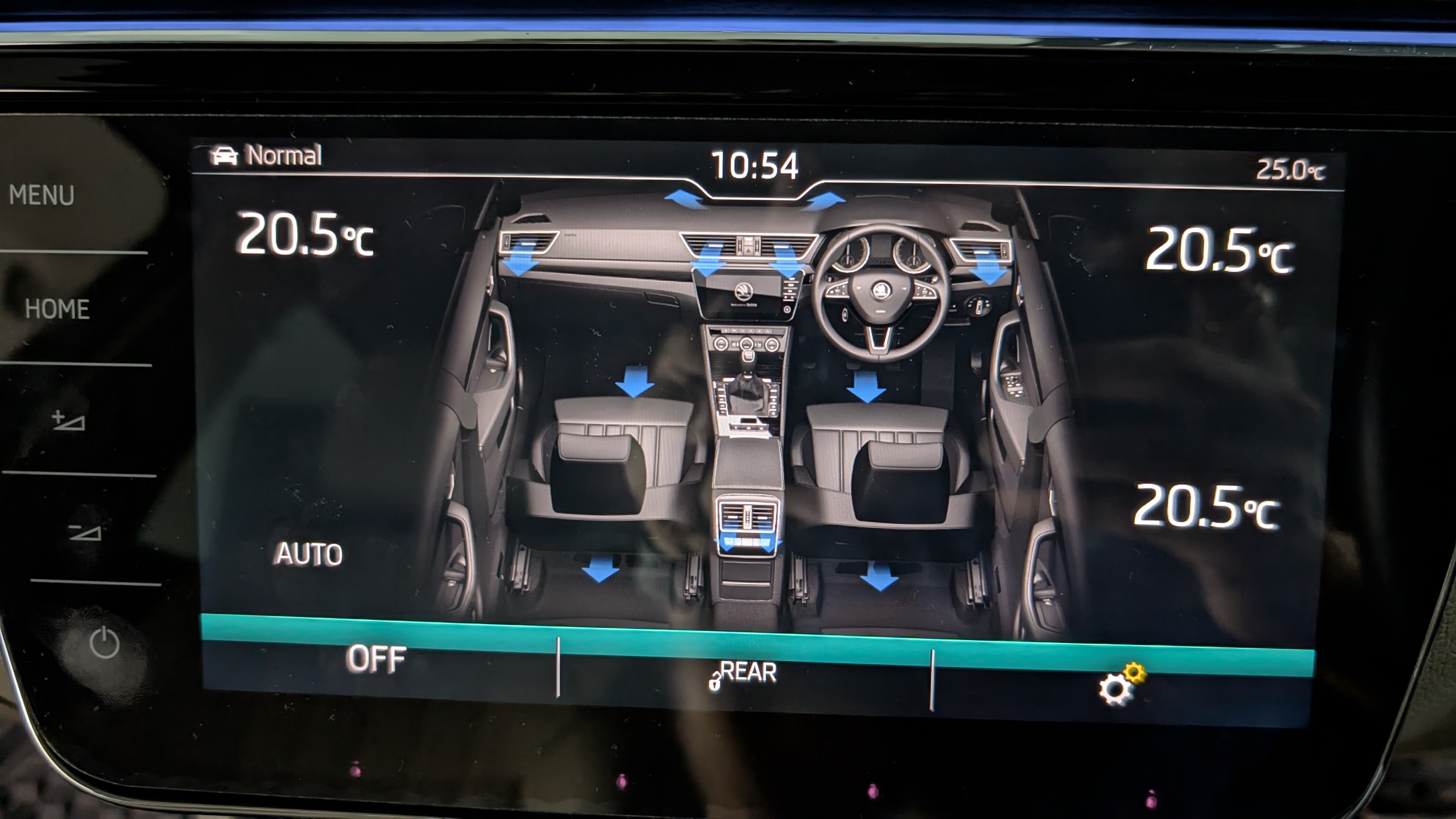
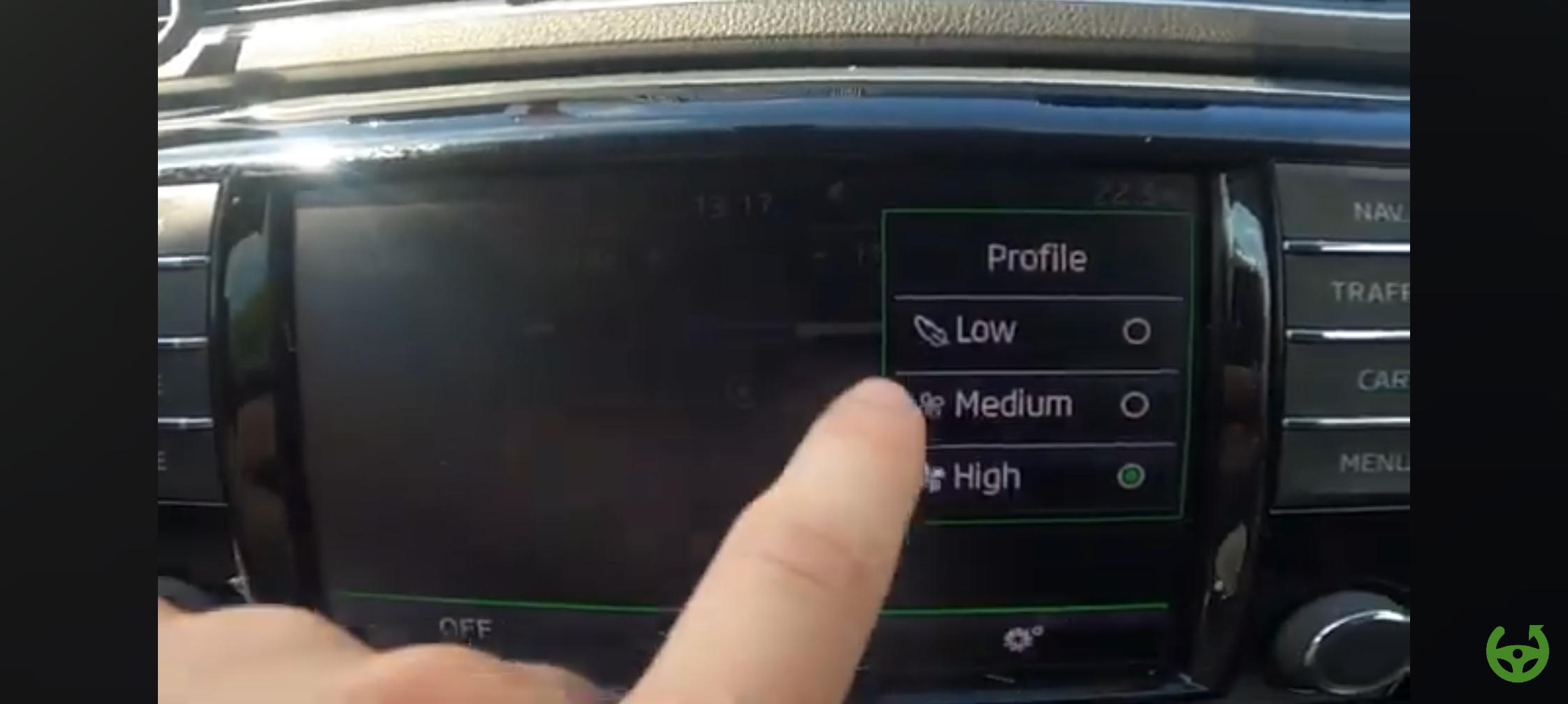
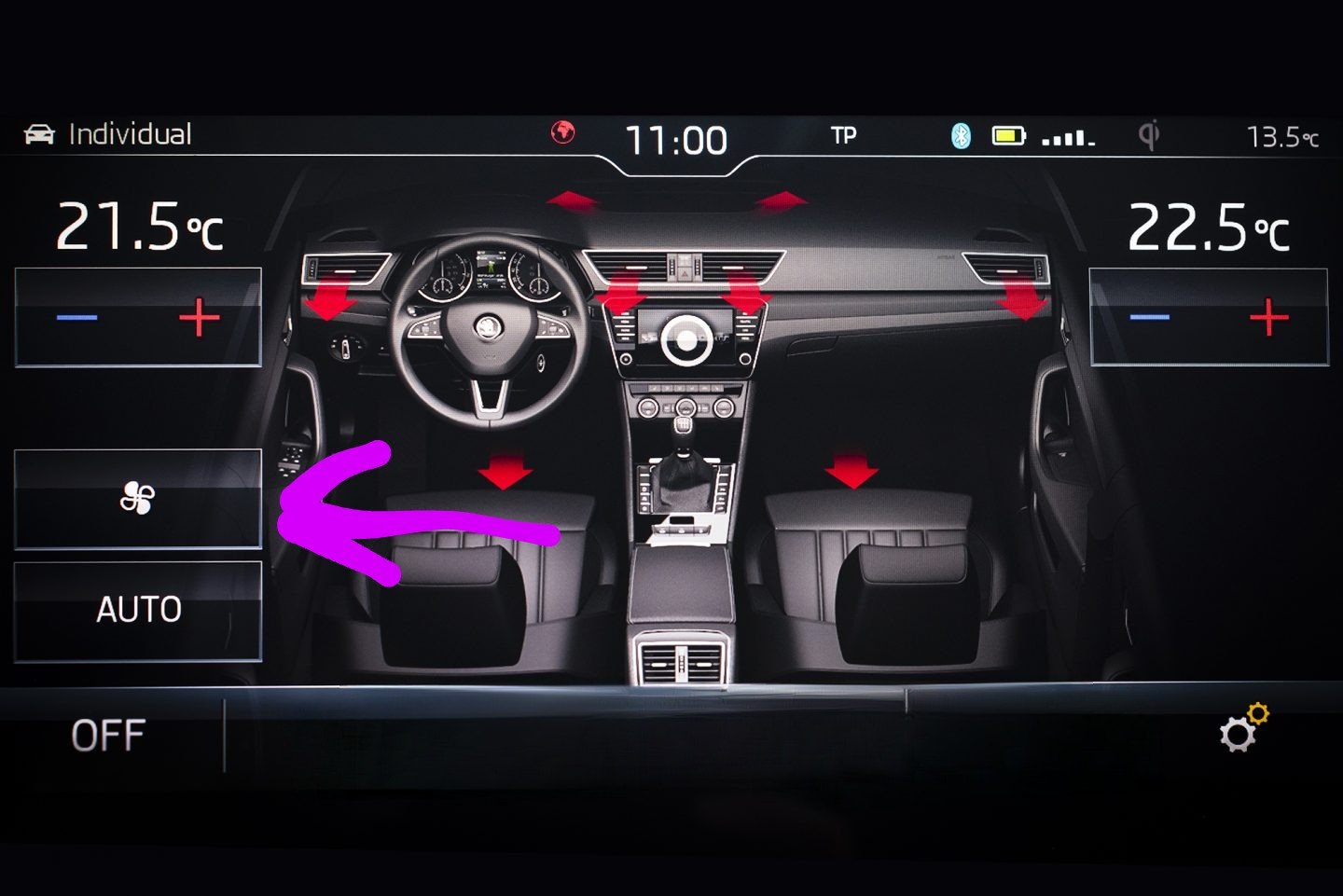
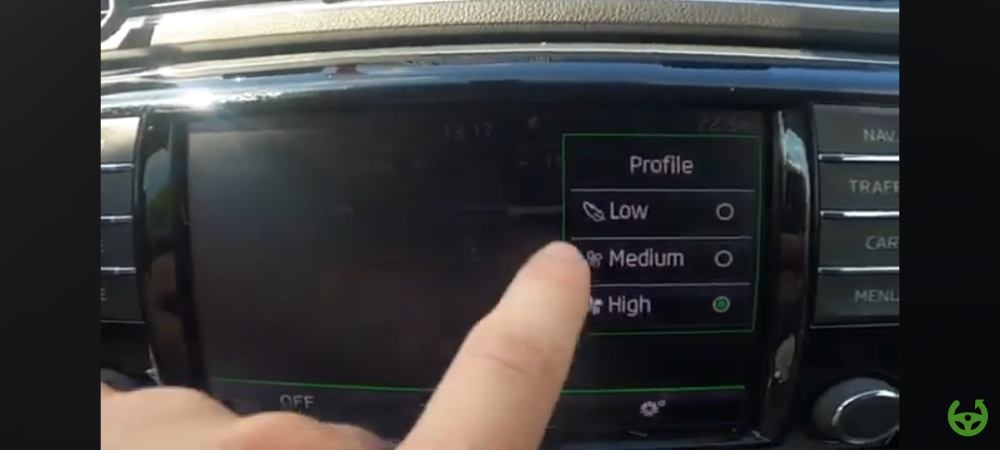
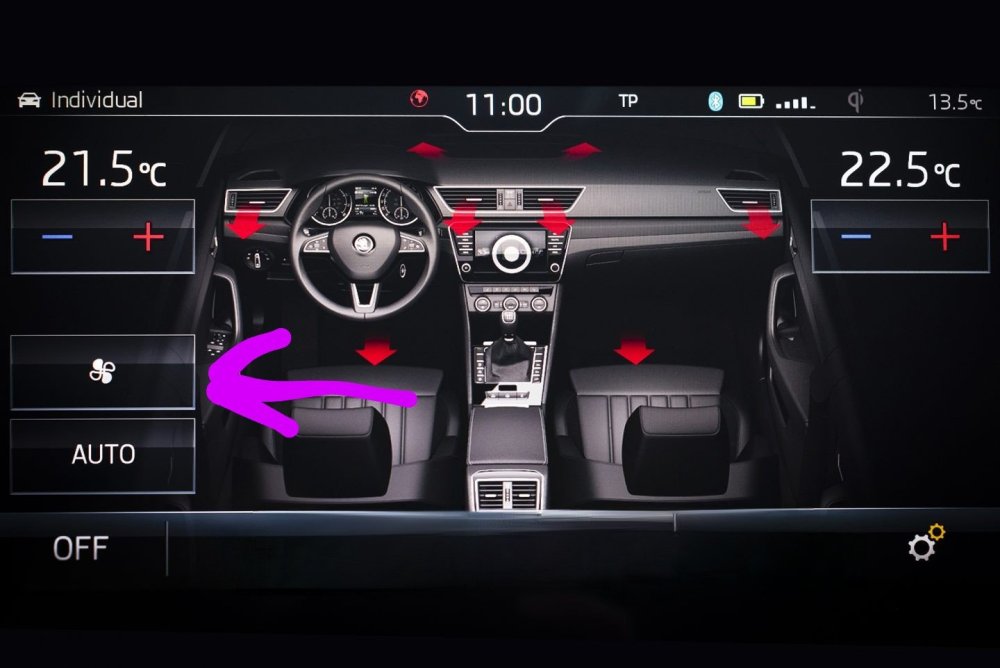
Hi, After upgrading to columbus Mib2.5 and virtual cockpit, pressing the menu button on AC module brings the menu for AC settings, but the profile option is gone. It was with fan symbol, in that there were 3 settings, 1.low 2.medium 3.High It's missing now. Also the sync option is missing on the screen.Any way to fix this.
-
I have ODIs , does any support few adaptations for the upgraded BCM. new BCM 5Q0937084DD. Need to activate ac profile. Also correct seat cooling and heating coding.
-
Where you been able to source the trim piece to cover the gap.
-
Is it possible to enable VC color change according to drive modes selected. Skoda superb 2017.
-
1.Present problem being faced is ambient light on doors work only If I open the doors. It turns off when ignition is turned on. Dashboard ambient/ footwell white are on always. 2.The seat cooling function if i turn on the menu appears and the turns off. 3.Boot unlock button near gear lever doesn't work. But boot opens with remote as well as on the button on boot. 4.AC Menu for Fan speed low mid high is gone.
-
TMBBKENP0GA3008_20211022T114408.xml
-
I have upgraded the mib 2.5 and VC also the gateway and BCM. Now I'm getting around 8 color in my 2016 skoda superb. Also colors in VC according to ambient color. But not able to get drive mode color in VC. LIKE green for eco Red for sports Blue for normal
-
The reverse camera issue to solved. Drl also solved. The present issue is boot open button near gear lever doesn't work. It works on the keyfob. Also ambient lights turns on when I open the doors and it turns off when the doors are closed, how to fix this problem. One more requirement is how to enable driver mode color change in virtual cockpit.
-
Hi, I just upgraded my gateway and BCM of skoda superb. Upgraded ones Gateway:- 3Q0907530L BCM :- 5Q0937084DD The problem being faced 1.left side drl not turning on 2.ambient light on passenger side dash and all four doors not working. 3. Reverse camera and reverse lights not working. What could be reason for this.
-
Is it possible to increase MY16 3 colors to 10 with matching MFD.
-
Did changing the gateway solve the VC menu problem, also does it cha ge the color in VC according to drive modes.