Santisilver
Finding my way
-
Joined
-
Last visited
-
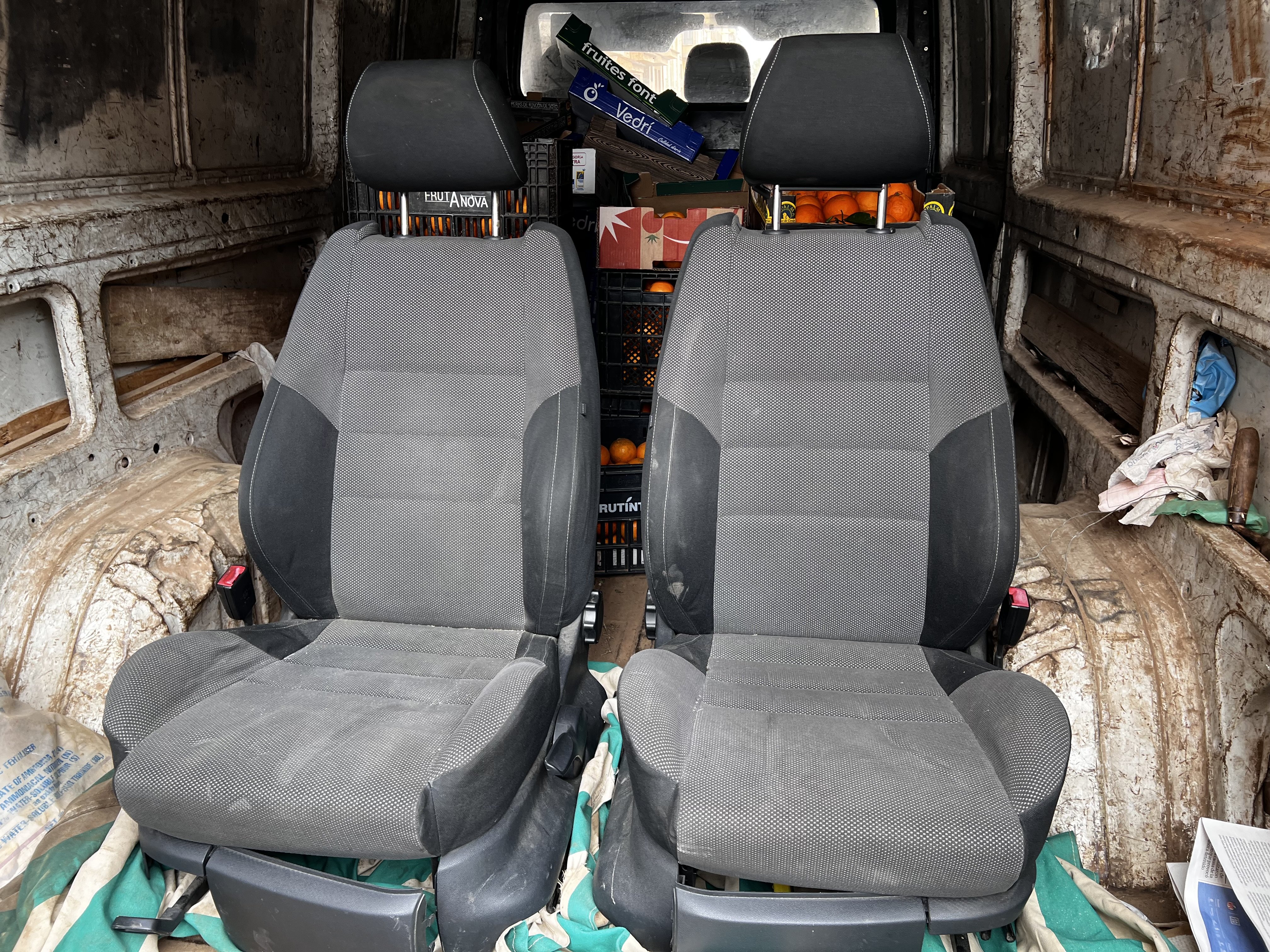
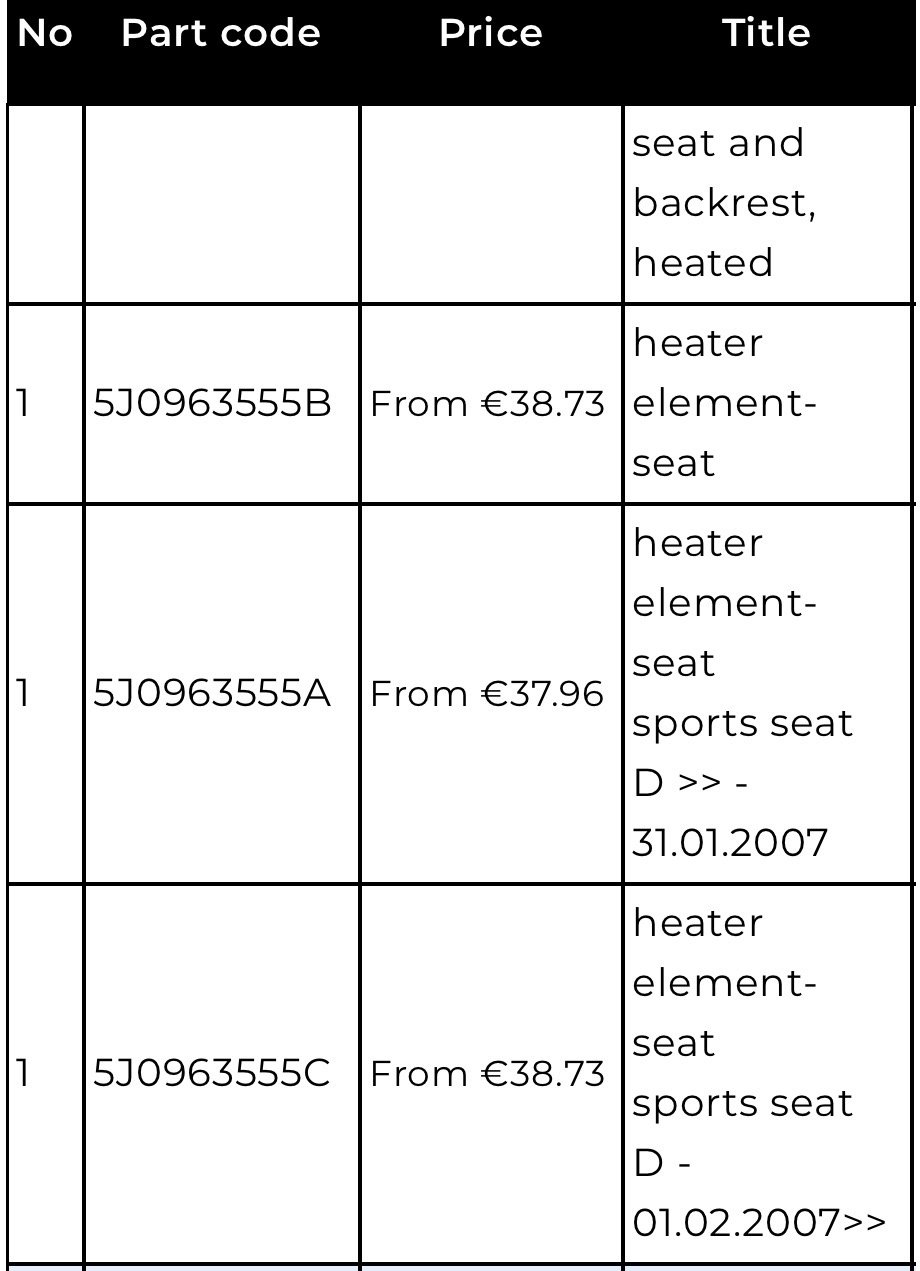
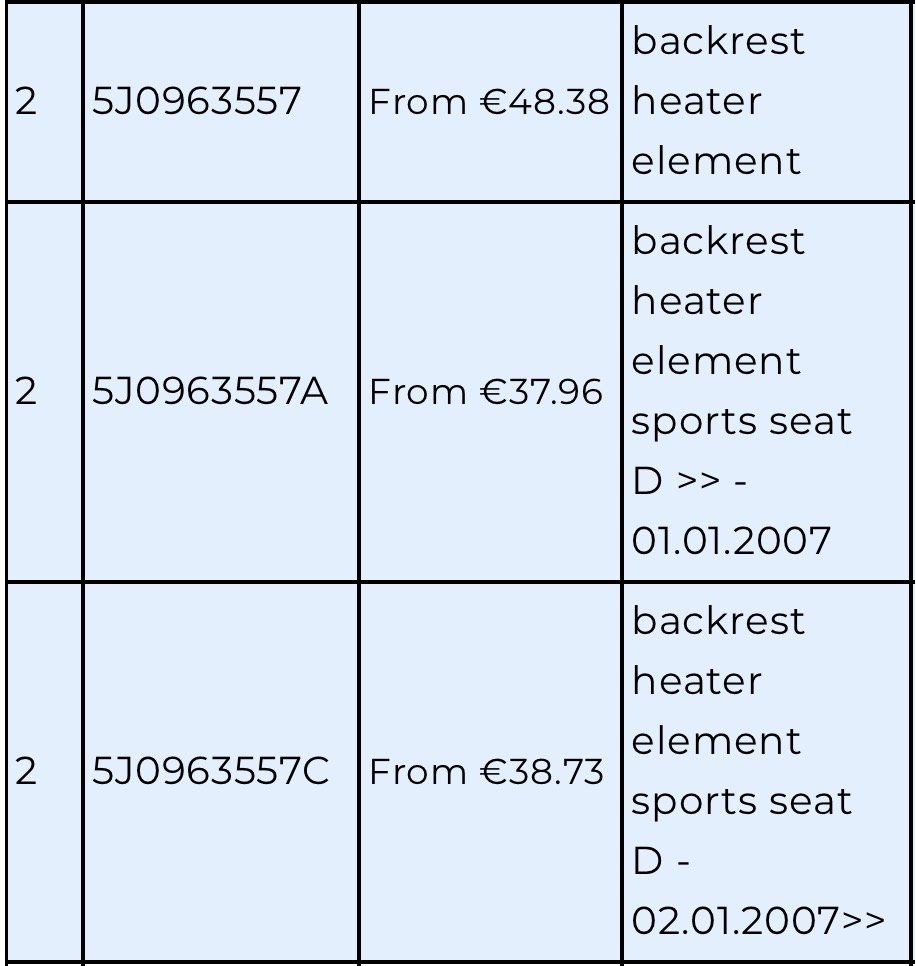
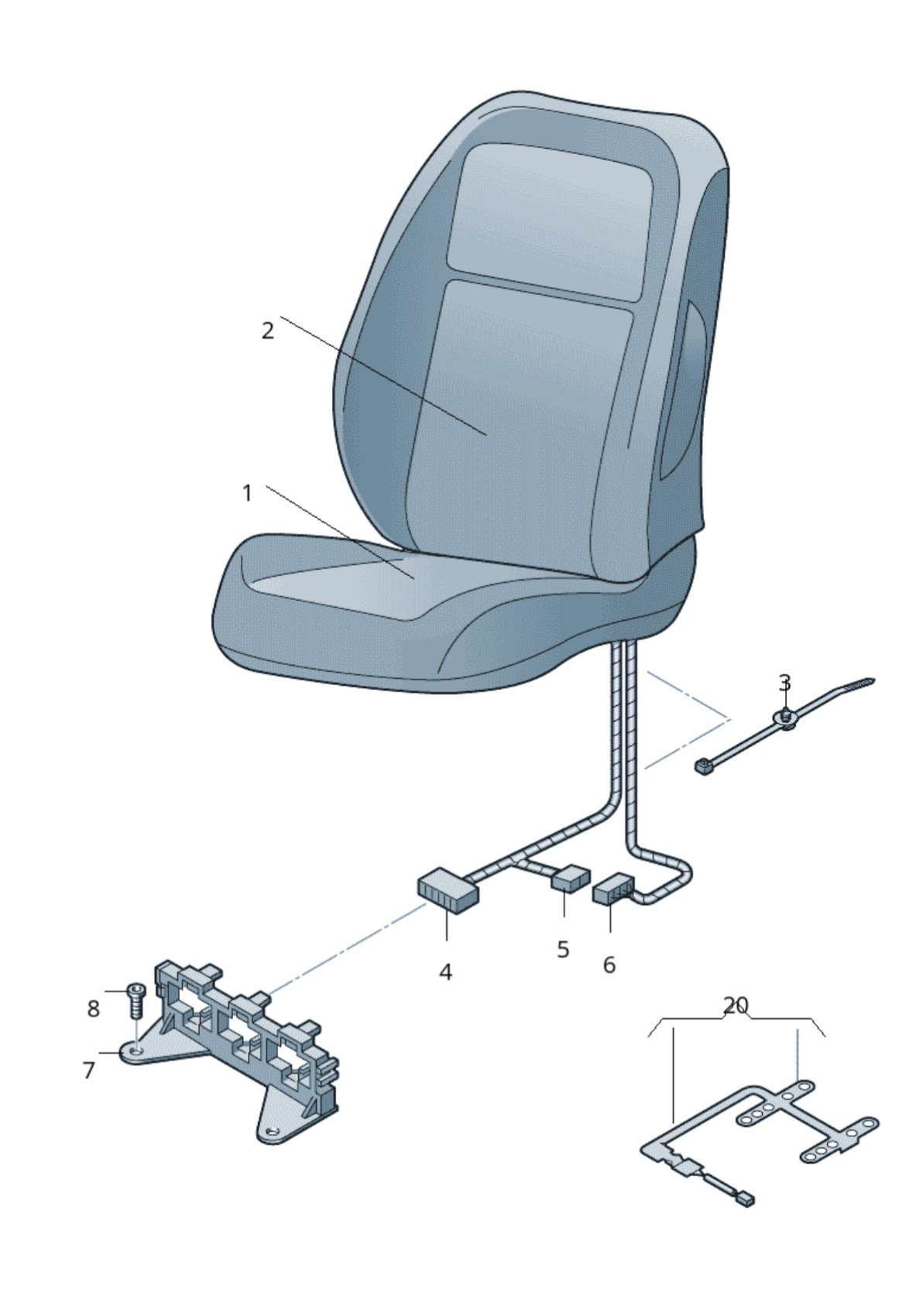
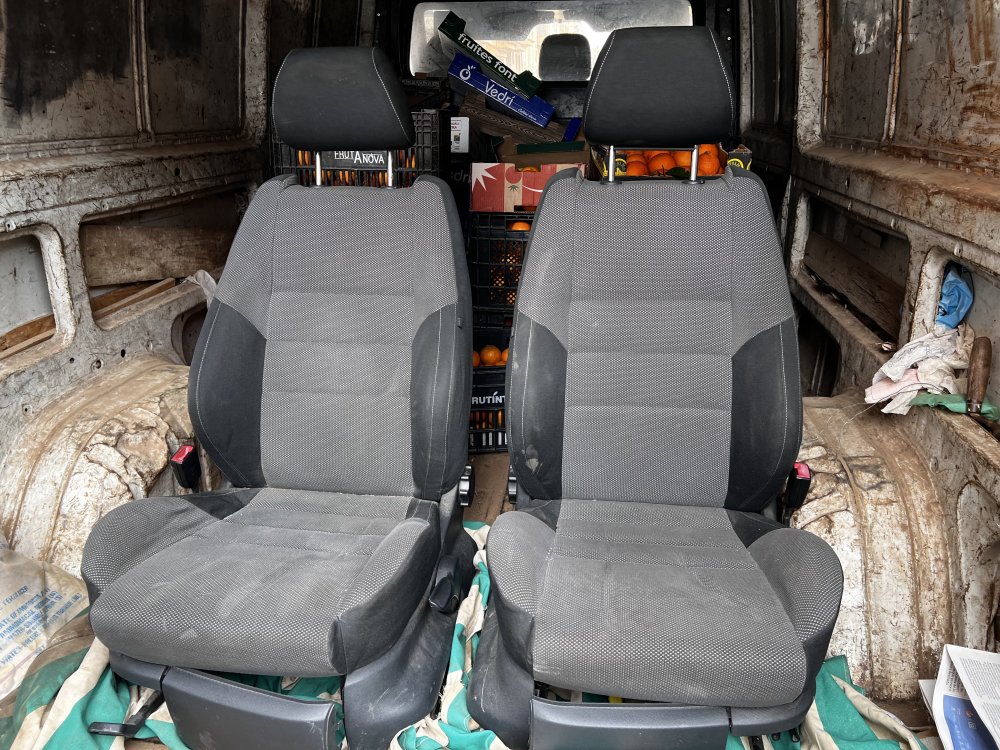
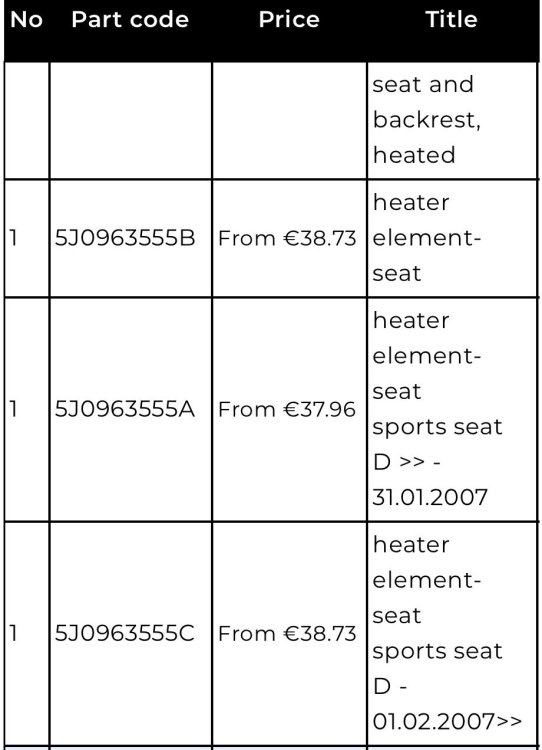
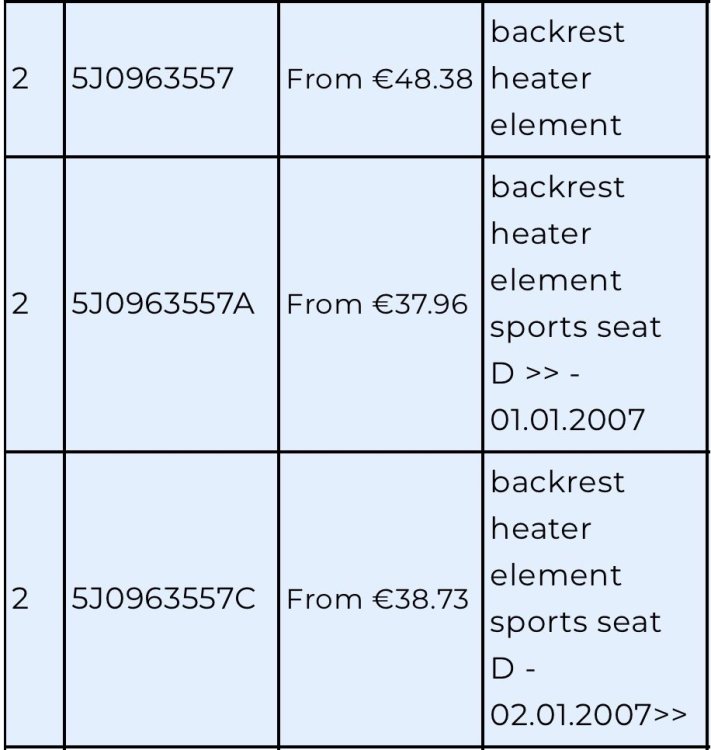
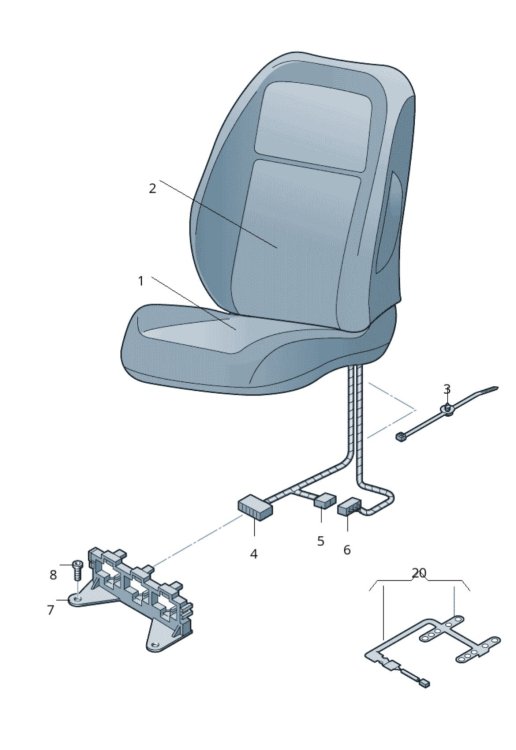
Hi! I was looking for a seat replacement for my second hand daily that purchased last year. On my web browsing journey I found a full Monte Carlo interior in great condition and I didn’t doubt that it was a great opportunity. They just need a good wash and ready to rock. The only bad side is that I would like to keep the heating feature, very used where I leave. So here I am, looking for the right OEM article numbers. This is what I found in LLL parts as original article numbers: Bottom part 5J0963555A 5J0963555C Backrest part: 5J0963557A 5J0963557C Both are numbers for sports seats. Which are the right ones? Do I need anything else apart of the heating elements? My head says no, but better to ask. Anything to suggest? Some pictures of the front seats and references Thanks in advance!
-
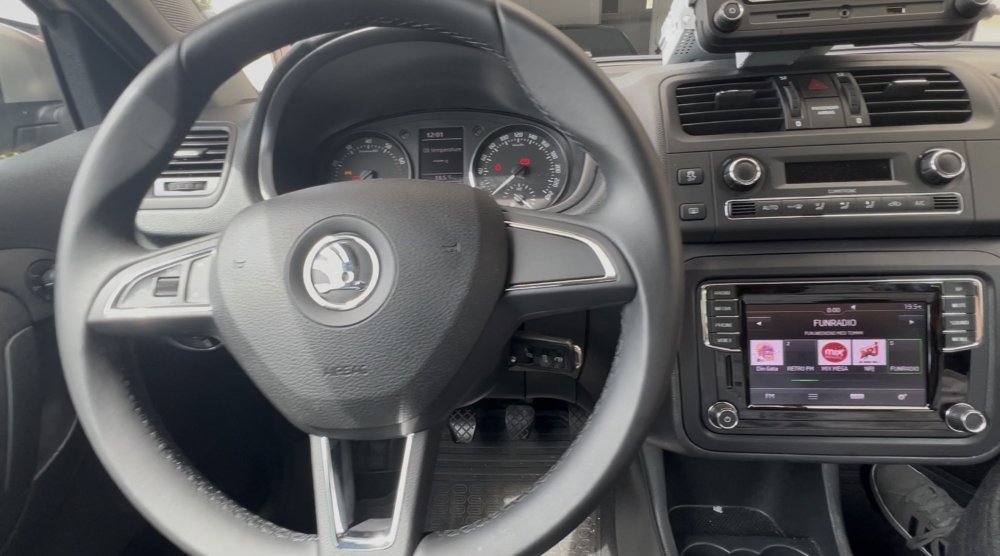
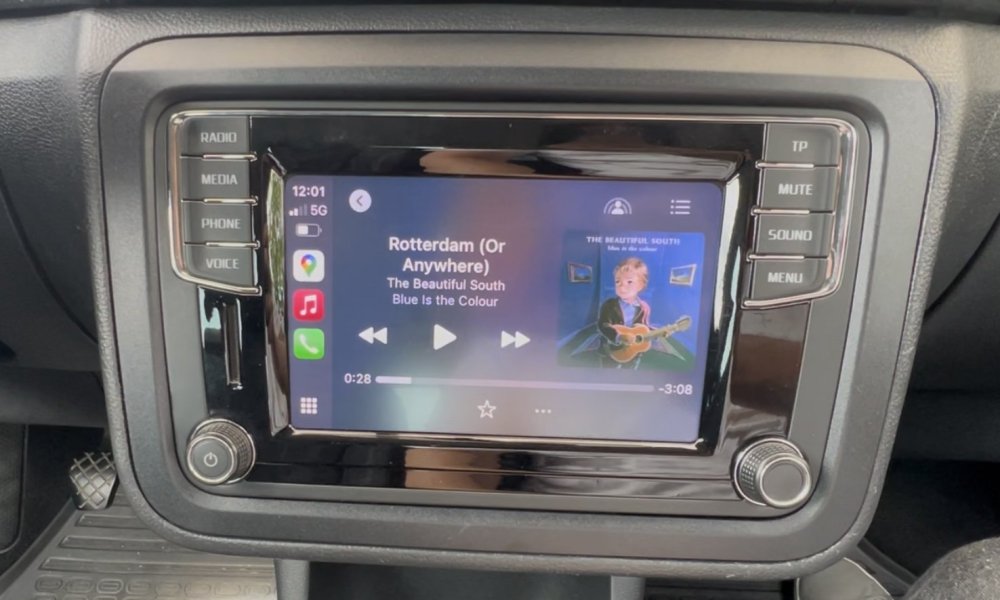
Oh hell… it looks complex. I may have to live with it since normally I have CarPlay there. Maybe doesn’t worth it on a daily car. But so far is great that you are posting the solution here and might help others with a clear explanation. That is very much appreciated.
-
Thank you for the very clear explanation with pictures. Can this be done with vagcom or OBDeleven? Or do I need a more skilled software?
-
Hi, did any of you fixed this? Just got mine. Works great except the clock and my OCD is killing me. I read that lots of VAG cars started to hav ethe issue like if after 10 years something goes wrong.
-
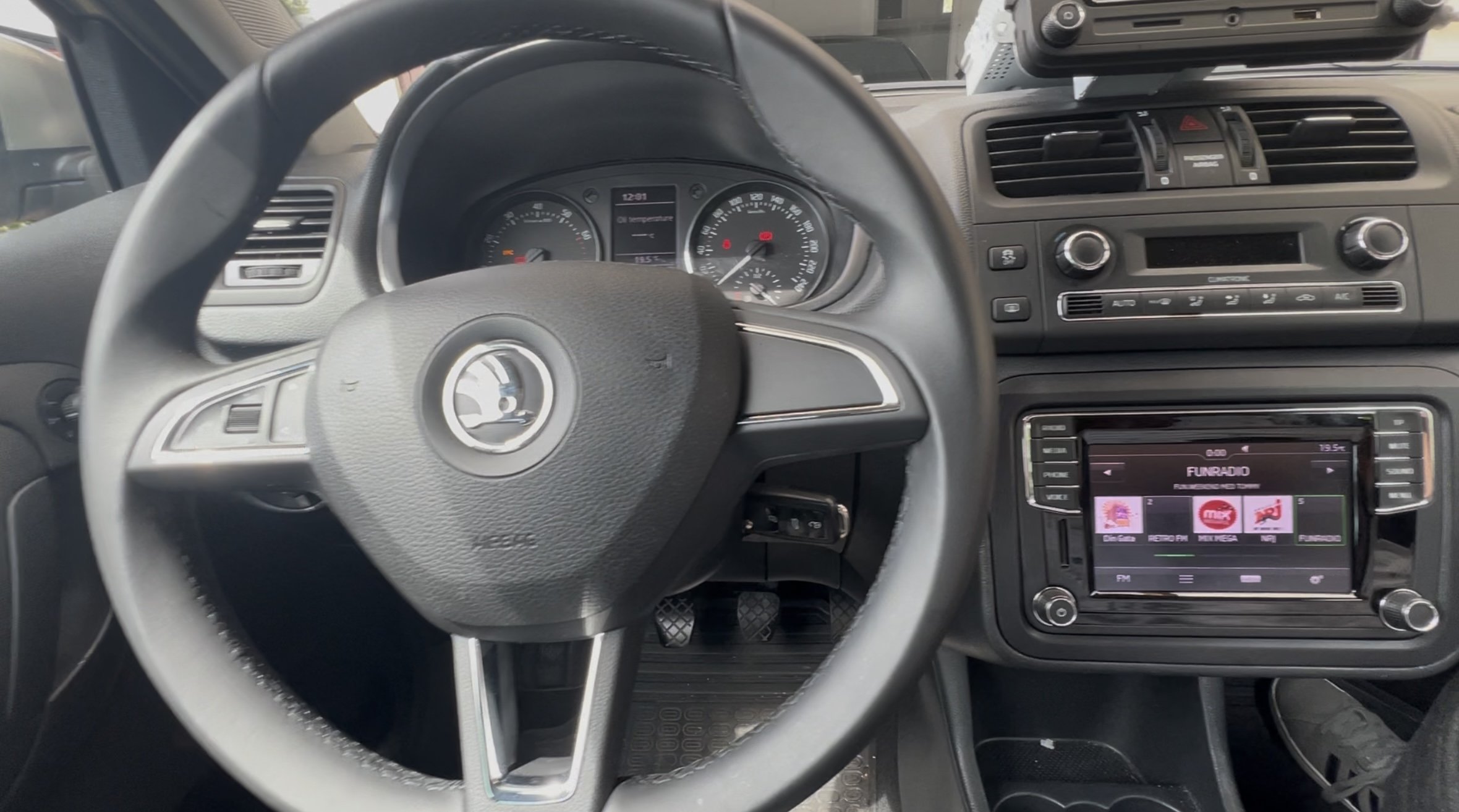
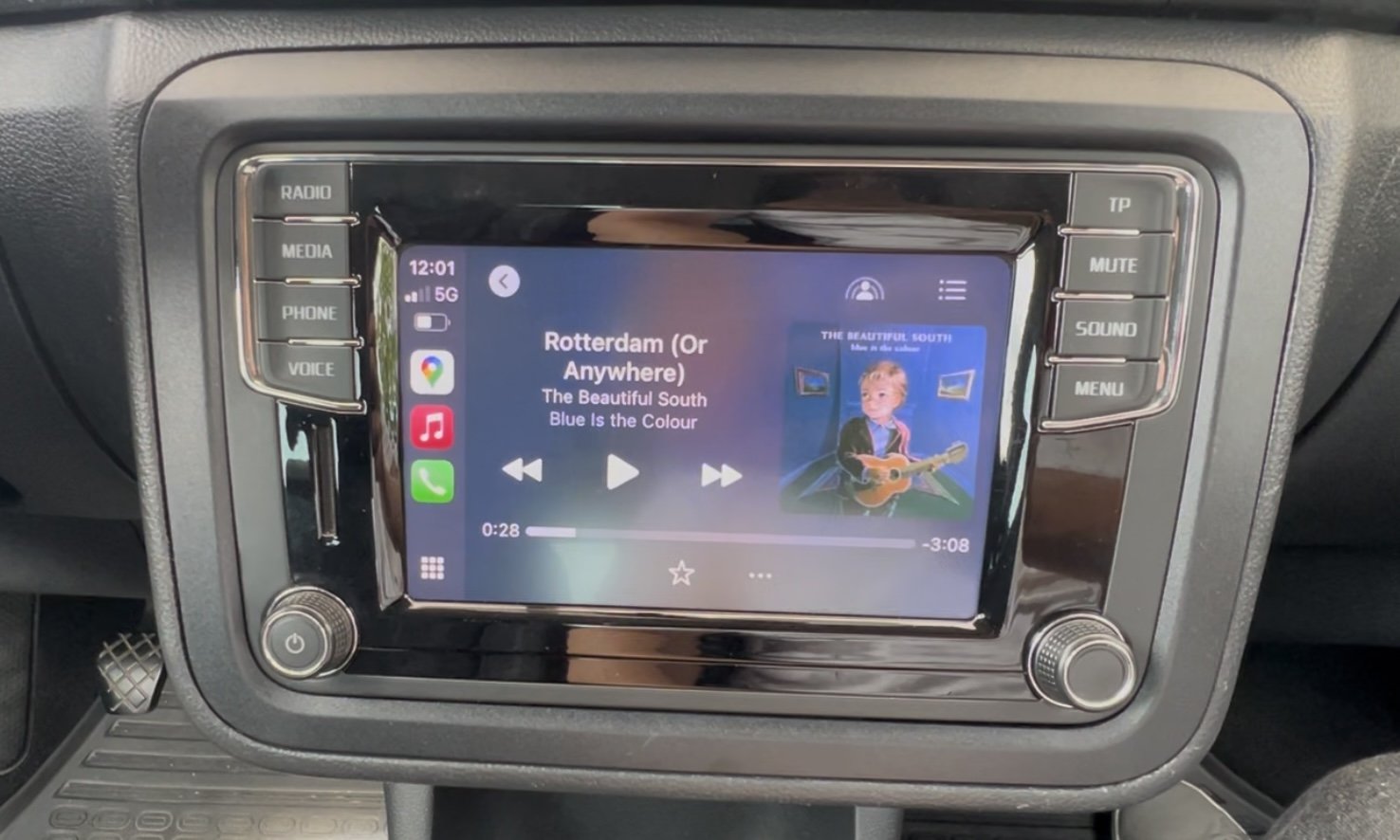
Just installed the MIB STD2 in my 2014 skoda Fabia mk2. Everything works great, except something that I knew it might happen… the damn clock on the head unit is not reflecting the cluster time. Lots of info around but no clear solution. The issue is reported as the problem 00:00 to briefly 6:28 time issue
-
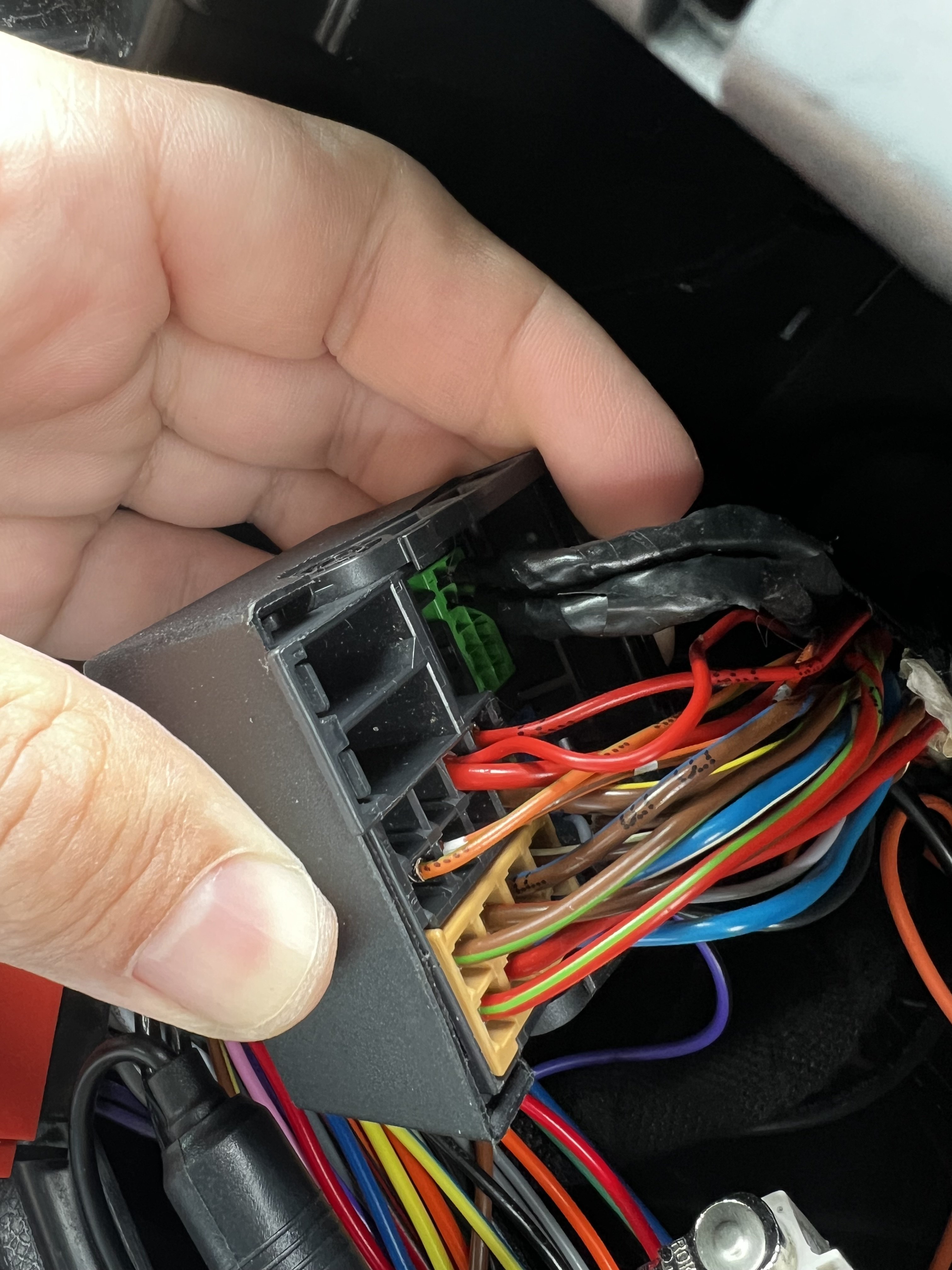
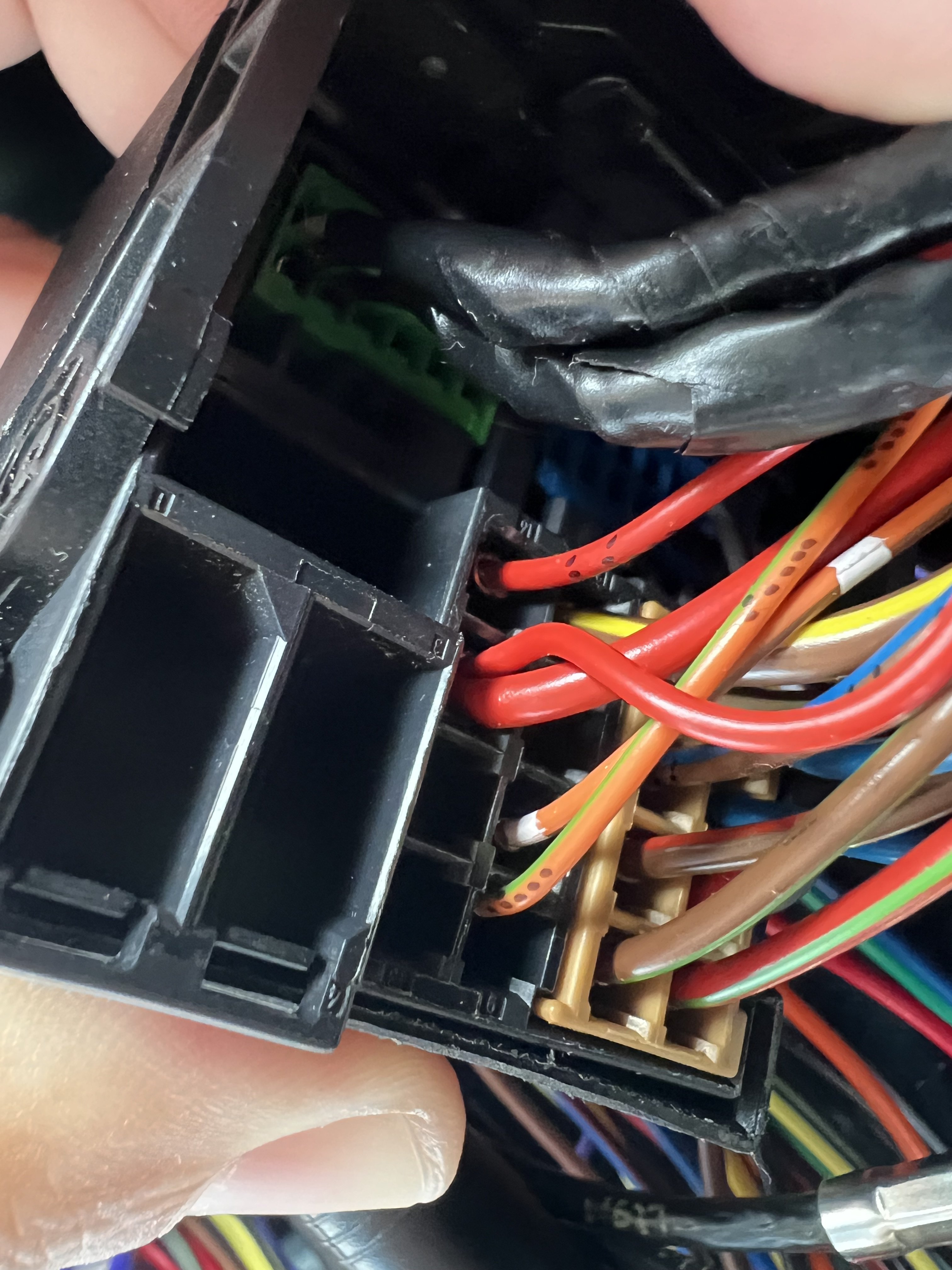
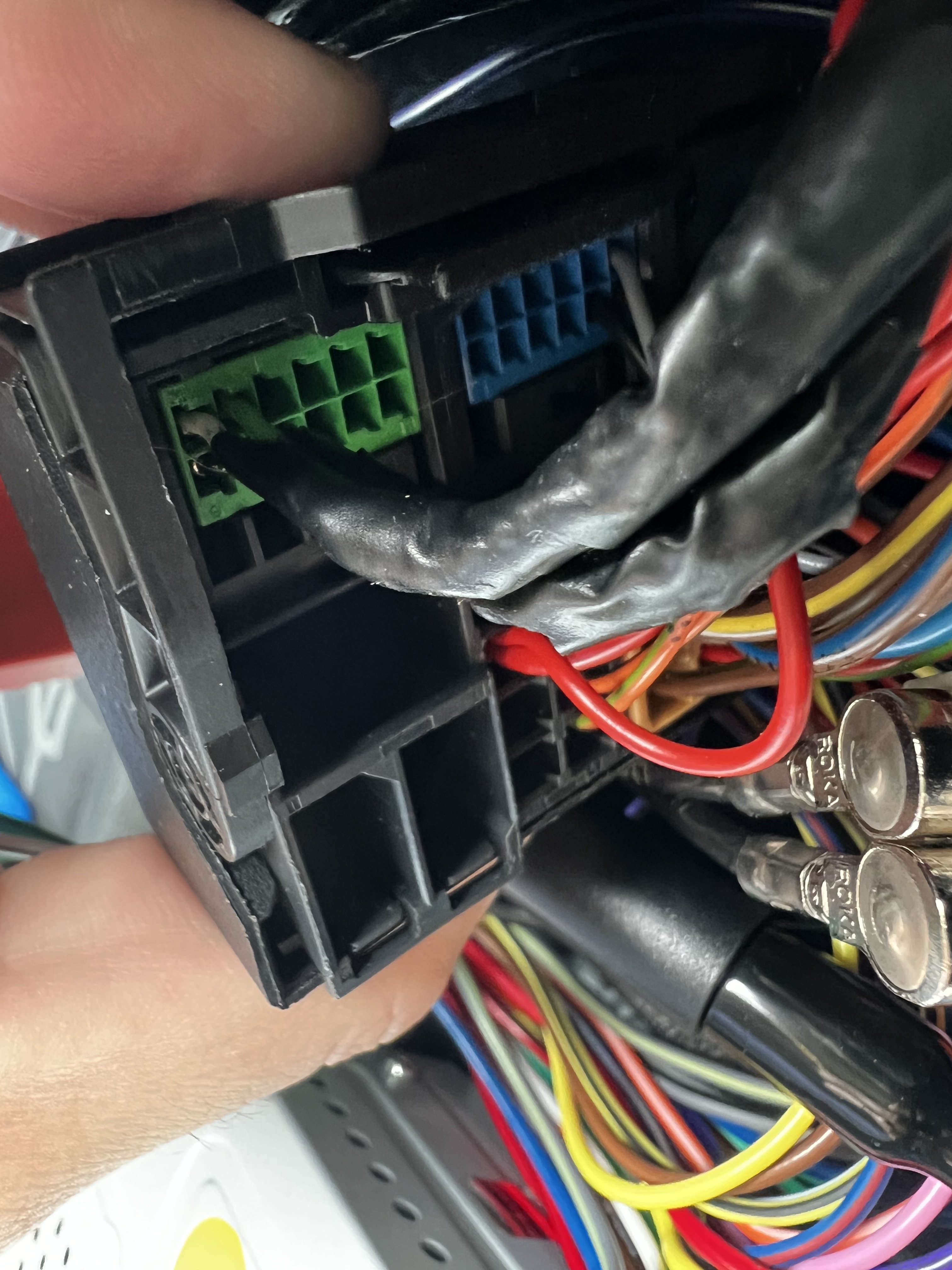
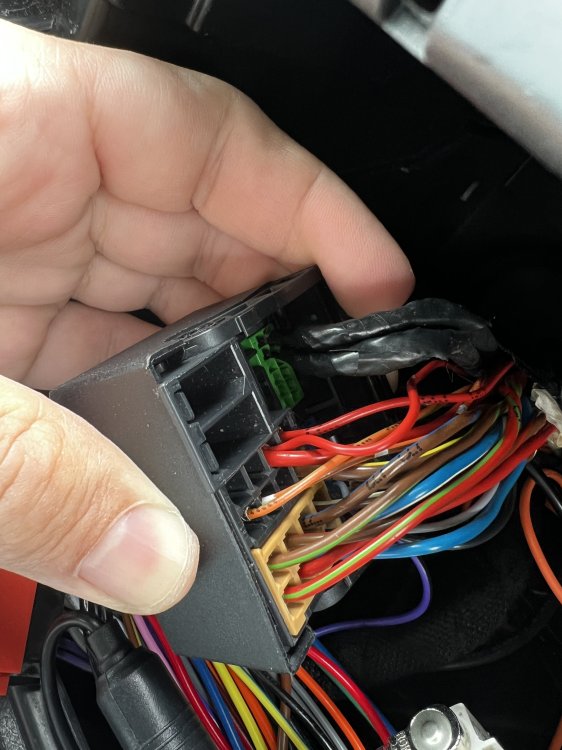
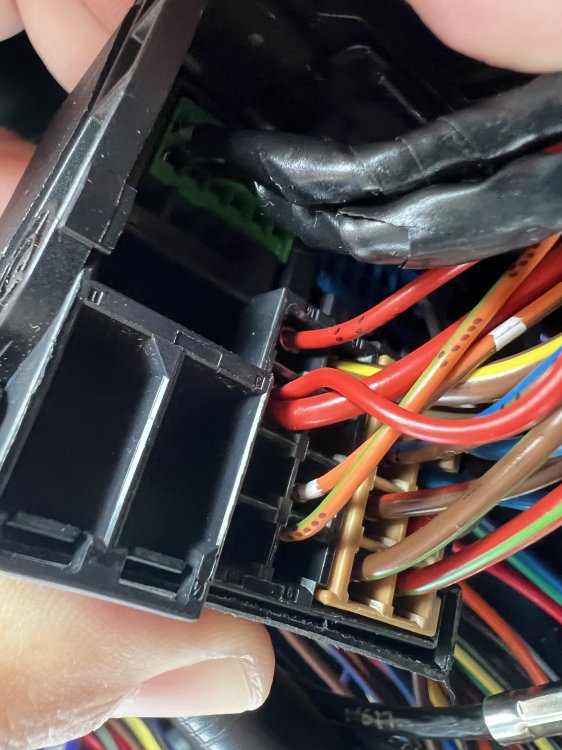
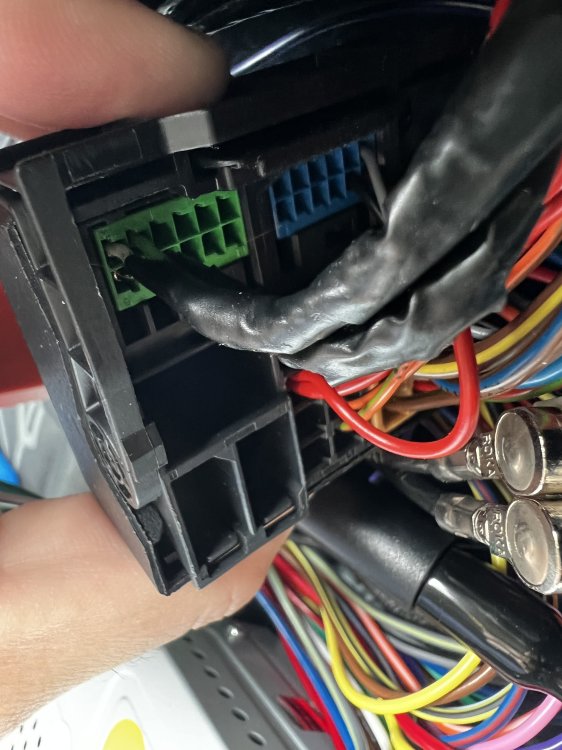
Hi @pab567 This is the picture of the green rear part of the harness
-
Thanks, Regarding the Microphone connection, is an easy procedure? Read some discussion here but the back and forth conversation as my lack of knowledge didn’t suggested me that is the same case for me. Here is my VIN code: TMBJM65J8F3015544
-
These accessories: I have microphone (my car has the Bluetooth module under the seat) will the system work as before when I install MIB std2? Rear parking sensor. Will I see in screen the car and sensors changing color with proximity? Steering wheel controls. Will they work properly? USB adapter, I have already.
-
Santisilver changed their profile photo
-
Thanks for the reply. Will I face any problem in terms of accessories I have or will all work smoothly? Second, do you sell any unit?
-
I meant a Swing radio, sorry
-
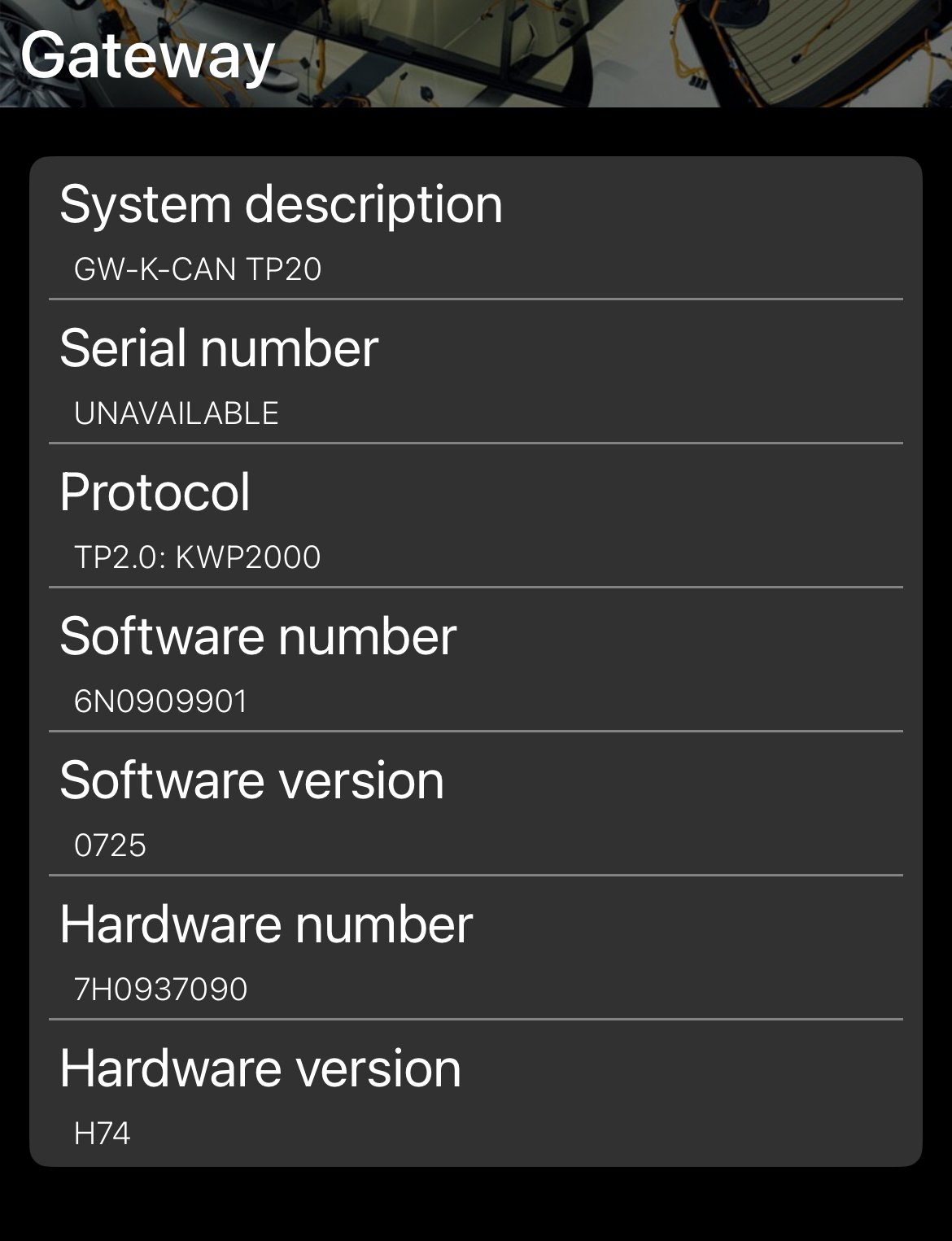
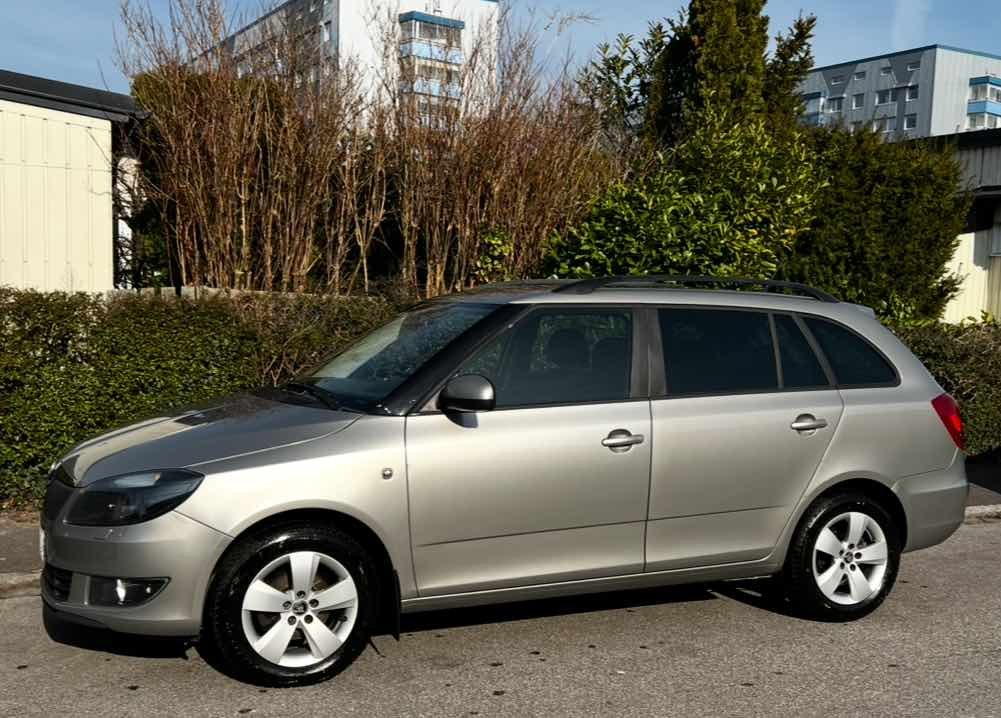
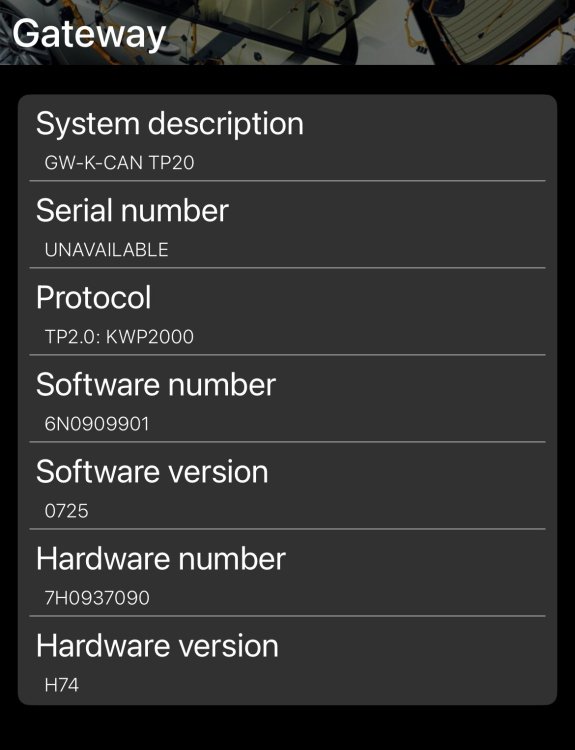
Hi @pab567 , I have been searching options to install an MIB STD2 in my car. It is a Skoda Fabia mk2 (5j) year 2014. I see that many people had installed in octavia, superb, but nothing regarding the little one from the brand. My car has originally a Bolero, left steering wheel controls, rear parking sensors and bluetooth module under the seat for calls. Is my gateway supporting this update? (what I read here... module 5F ready) What do I need for installation or is it just plug&play. I guess a 40 to 52 pin adaptor. Saw some options in the market but also open if you can offer me a good solution as well. I trust a lot what you are doing here. This is my gateway info Thanks in advance
-
Hope I don´t disturb... Did you have any battery drain issues? I have purchased an RCD880 that is basically a 330 with new front and I see lots of threads about this topic. Thanks in advance!
-
All very valid points. Disconnecting the battery takes 0,5 minutes and it can save a big headache. Not big fan of Chinese crap but I always prefer closest look to OEM look rather than aftermarket good brands. Call me crazy. i have an excellent experience with another leisure car I have (Porsche 987 Boxster). There was a development between a Porsche fan and a Chinese company to have a good head unit that can fit 987 and 997. It fits the original design, buttons, and includes wireless CarPlay etc etc. excellent add that even works if you have the Bose speaker system. i learnt the lesson and better go with something better in the skoda. found this interesting unit, RCD880 PRO. It is basically an original RCD330 chassis with new front. So it’s a real plug&play. you keep the VAG software style, even the screens for parking sensors. positive is that this unit has a rear USB to plug the wireless CarPlay adaptor. Yes, it’s more expensive. But it’s OEM software inside. https://www.ebay.co.uk/itm/126649070188?_skw=rcd880+skoda&itmmeta=01JKBVVXFXNMV60286KXVX3A40&hash=item1d7cdf726c%3Ag%3AYaoAAOSwcfpm0E7m&itmprp=enc%3AAQAJAAAA8HoV3kP08IDx%2BKZ9MfhVJKnPmiBPdzppMK%2FtLJRHxn3w6deYV%2B0SeXobG9xv0H6bZDza6324q9loCU8xfD7g0leGaGW%2F6NdD2itLKwAaScSdewGQXkv0udR445HCEqoHyFcZDU7rMJ7Xog%2F1st8wXk%2BhWpW51qALbDWksxYCWiyqrqdX%2Fy%2FeY0DC%2BUKcrUa5u7%2Fz6%2FeBYYtO25D3dsCOdRgjGAzj144SGfgVoFThC%2BRqhEMUEBTllD%2FKo8%2Bdzphbn0SSLTQtCaFLjfkIKys9Kx3bhtCnvH0Bro6wKhs58nGZXrOy%2Bd7ItFTqeEPG7EiFEQ%3D%3D|tkp%3ABFBMzNjv-5pl&LH_BIN=1&LH_ItemCondition=3
-
I am aware of that and could live with them, but the issue here was that radio had no power
-
Update. FIXED. my early guesses confirmed it. At some point when unplugging the Chinese head unit, voltage went higher than expected to the plug in the gateway. That was the reason why there was no communication. happy to have the car back with the radio working but also with some issues it had since I bought it last October. Wiring on the 2 front door were completely destroyed, now is al fixed and all buttons and door lock working. time to send back the cheap radio and search something better.