SkodaOctaviaIV
Members
-
Joined
-
Last visited
Everything posted by SkodaOctaviaIV
-
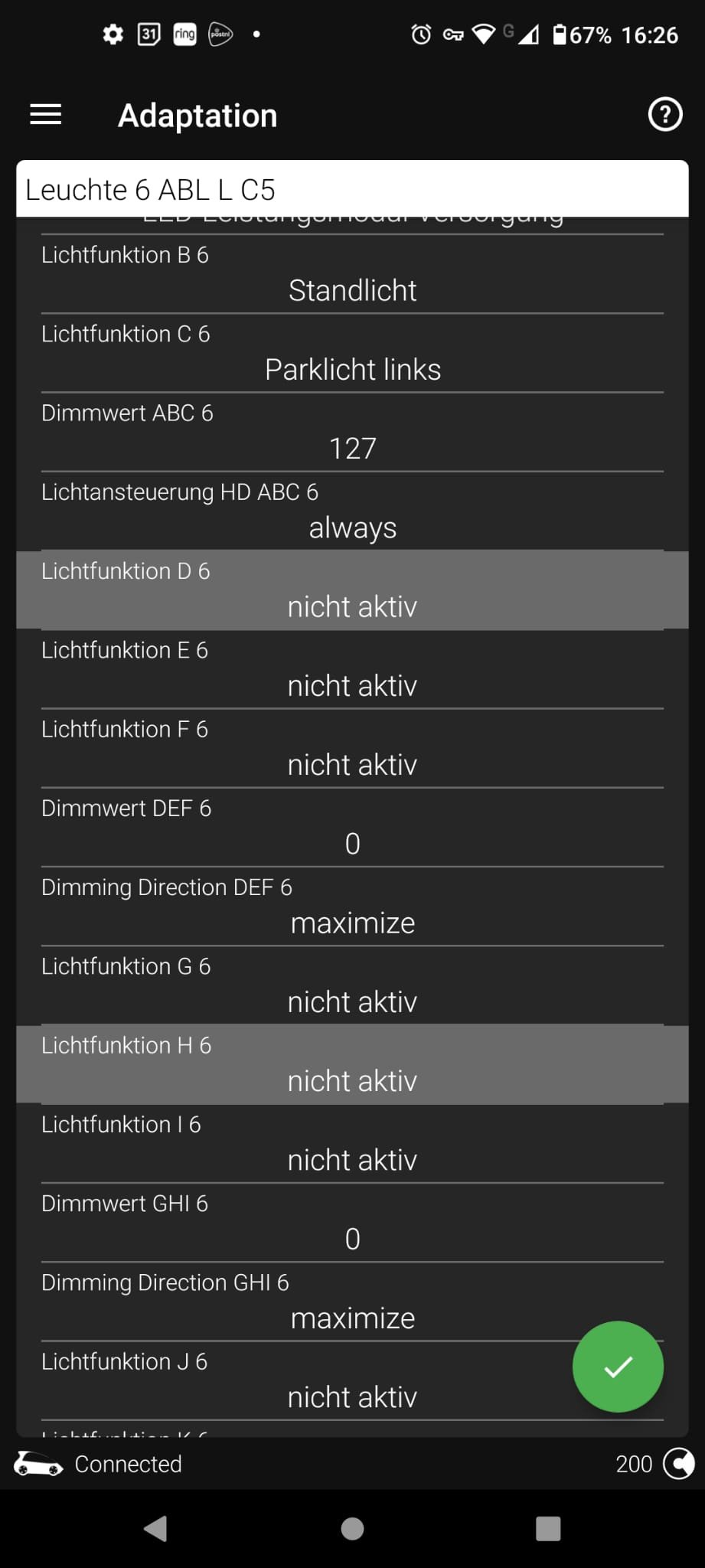
Is Lichtfunktion B6 or C6 the one to change or? (since the rest are factory set to 'inactive')
-
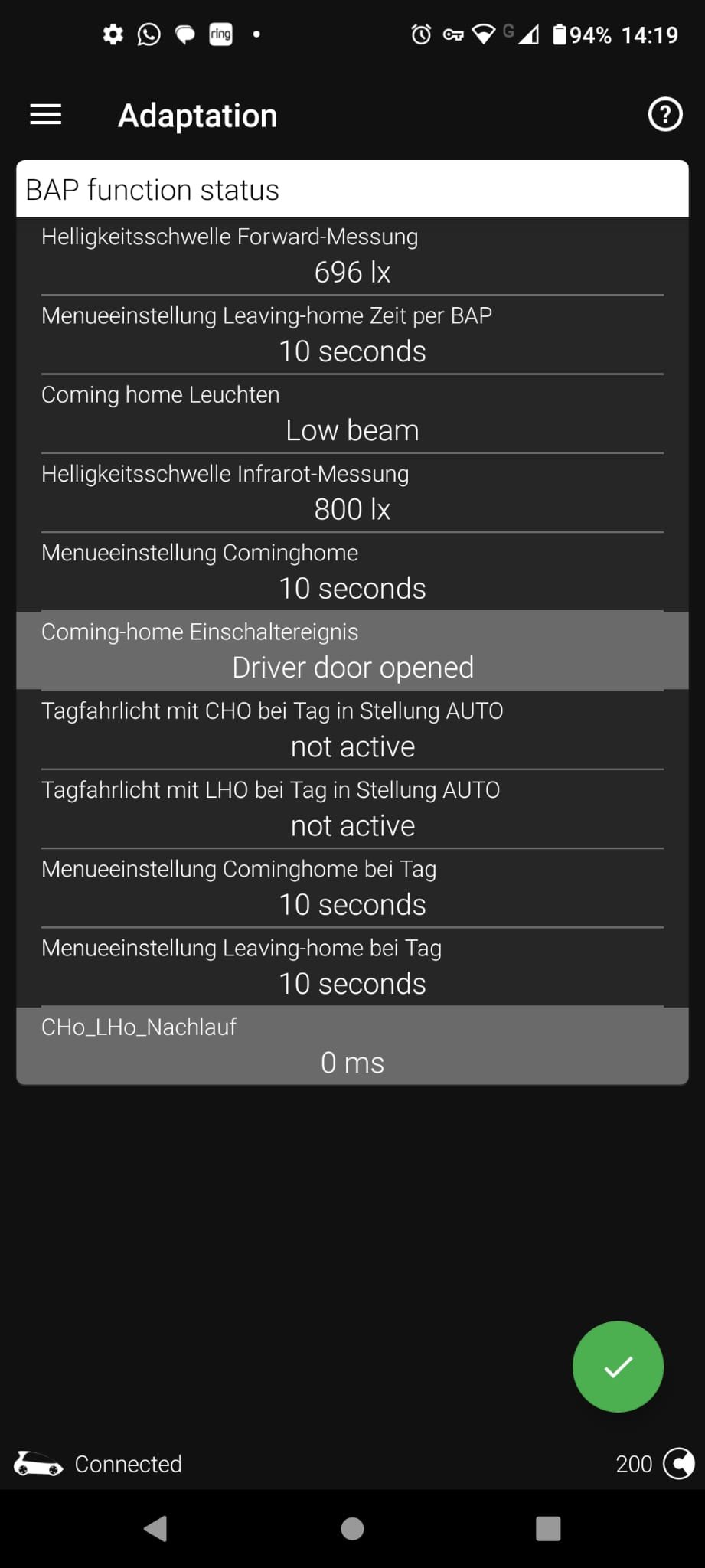
Thanks! If I interpret the document correctly, these two lamps are under discussion for the 'coming / leaving home' scenario: Question remains: How to link these lights to the 'coming home' feature? I mean, supposedly (I did not try) I can switch them OFF, but this should only be activated to OFF in the case for the 'coming / leaving home' scenario? Can you please explain or at least provide a hint where exactly to set this to 'inactive' only for the 'coming / leaving home' feature?
-
Of course it is obviously clear for you which of these are the two to make changes, to me (and for sure for many others as well) it is not so clear... Depicted options are in German language with unclear abbreviations...
-
Don't be such a **** brother. Coding professionally here as a job and for over 15 years using VCDS in VAG cars. Recently had to switch to ODBeleven due to extra security layer enabled (SFD) in the software. I used to make changes with bits, not to half English/German coding descriptions full with (to me) weird abbreviations...
-
Come over to The Netherlands one day (for an holiday or so) and I code them free of charge for you... No problem 👍
-
Yes, this has been successfully activated in my Skoda Octavia IV using OBDeleven Pro: Standard ACC (Adds an additional option in menu of metering display) Control unit 13 Long coding Cruise control mode Set to: Activated
-
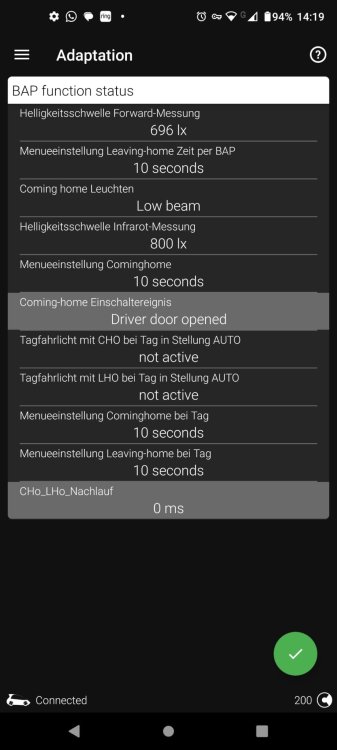
What you actually mean is that after you checked yourself, these options are simply not present in the section you stated they could be found. Be honest dude. We all make mistakes, don't we? You know what? I prove it to you brother: There are no options named "channel for low beam left" and "channel for low beam right" present at all.
-
🤣🤣🤣🤣🤣
-
I have searched for these two suggested entries, but I was not able to find them? In the sub-menu to set the Fog Lights for "Coming-home-leuchten", there are no option named "channel for low beam left" and "channel for low beam right" present? Where exactly can I find these?
-
Do you have the screenshot of which parameters to change exactly for the left en right low beam?
-
Thanks for the directions. Let me try that this evening. I will provide feedback on the results later on. Do you also have a solution perhaps in mind for the issue I wrote above for the Scandinavian daylight settings?
-
Hi all, I have enabled "Coming home with fog lights" via long coding/adaptation on my Skoda Octavia IV with the OBDeleven pro tool. I do see the fog lights activated when arriving at home, but at the same time the headlights are still active as well. How to code these headlights to 'off' and only have the fog-lights active for "Home coming"? Please your advice? Another question: I enabled via long coding/adaptation daylight savings in Scandinavian mode. I see the option "daylight saving" in the Infotainment screen, and can use the slider to switch the functionality 'on' or 'off'. So far so good. But how the lights are actually activated during daytime is a mystery for me. I do not see an additional option added to the lights menu (when lights are activated via the button next to the door) and when button is set to AUTO, the daylights in the Scandinavian way lights are not activated during daytime. (just no lights are activated when driving in sunlight). Maybe I do not fully understand this new functionality? Please your advice?
-
That is a pity. Thanks for your reply, much appreciated!
-
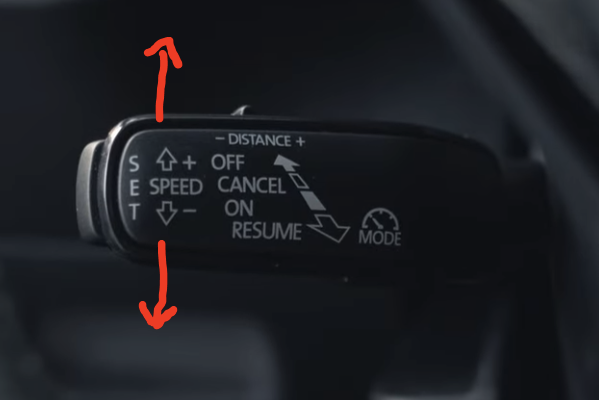
Thanks for your instructions, much appreciated. However, I would like to have 5KM steps instead of 1KM, is this code-able? Surely it must be, as the cars in the UK have the "5" as standard value available? That might very well be the case, but I would like to use a 5KM/h setting instead of 10KM/h...
-
I am looking for a solution in coding for this ADD up/down steps to change from 10KM/h to 5KM/H as well. Are there any coding solutions available?
-
How to change these ACC up/down steps from 10KM to 5KM by coding? Anyone please?
-
No problem. But how exactly? How can I change the speed from 10KM to 5 or 1KM? Please your instructions?
-
For which request was this reply / instructions meant?
-
Dear forum users, To lower the ADD (flipper-handle up/down) 10KM steps back to 5 or 1KM, who can share the coding for this change, please? (Skoda Octavia IV 2020)
-
I had to add the security code first, next it worked as per your instructions. Thank you!
-
I would like to have the extra option on the metering display to select the normal CC. How to activate such? PS: I have ACC in the metering menu present, just not normal CC...
-
Up to which year of make this functionality does work / VR cluster can be enabled?
-
I would love to enable the Engine button heartbeat. However, the highlighted entries below could not be found in ODBeleven for my Skoda Ocatvia IV 2020 when searched with the word "lights" : Adaptation _ _ Control unit: B7 Access Startsystem Interface _ _ Name: DeveloperCoding: Search lights _ _ Values: _ _ _ ZATillumination_concept_mybeat_clamp58xt: _ _ _ _ _ _ Old value: Not activated _ _ _ _ _ _ New value: activated _ _ _ ZATillumination_modus_mybeat_clamp58xt: _ _ _ _ _ _ Old value: Not activated _ _ _ _ _ _ New value: activated Please advice?
-
Enabling standard CC does not work/show in my 2020 Skoda Octavia 2.0 TDI.... ODBEleven encounters an error, without explaining what went wrong (App encountered an error")". Any more details on how to activate this option please?
-
From this thread, first message 4 pages back is the source.