diegoiua
Finding my way
-
Joined
-
Last visited
-
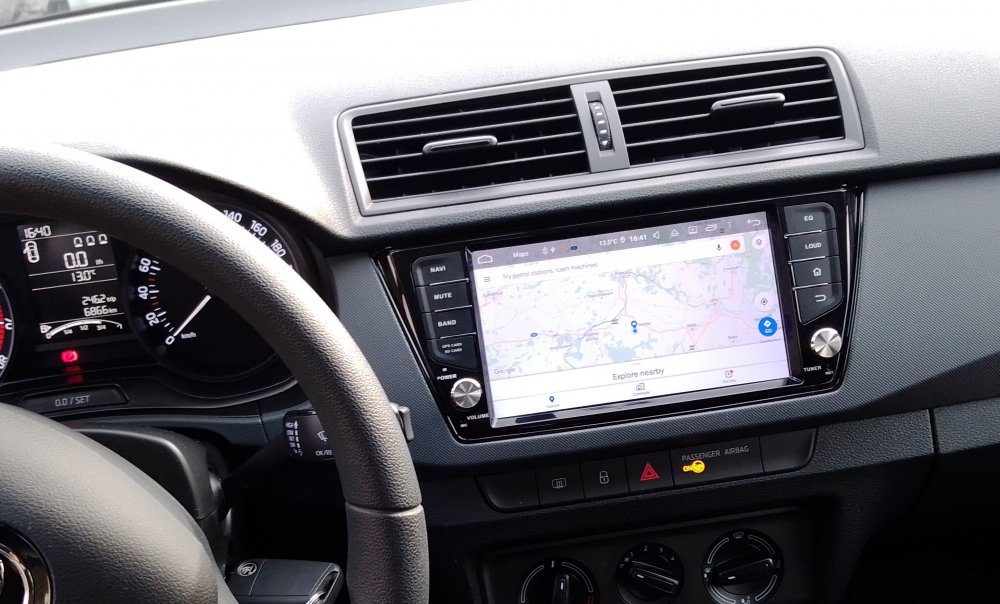
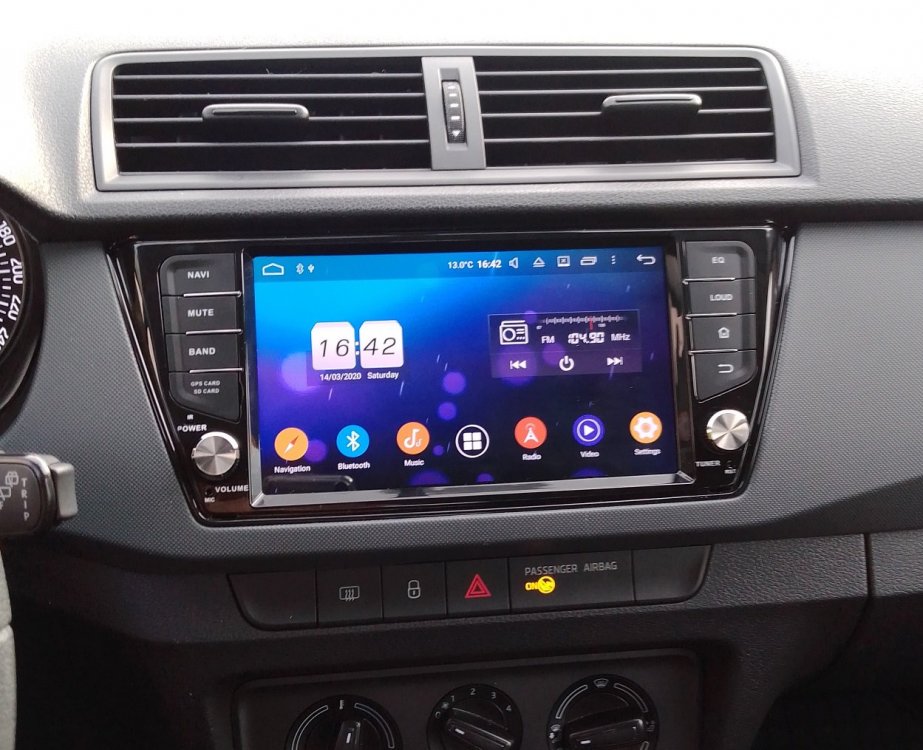
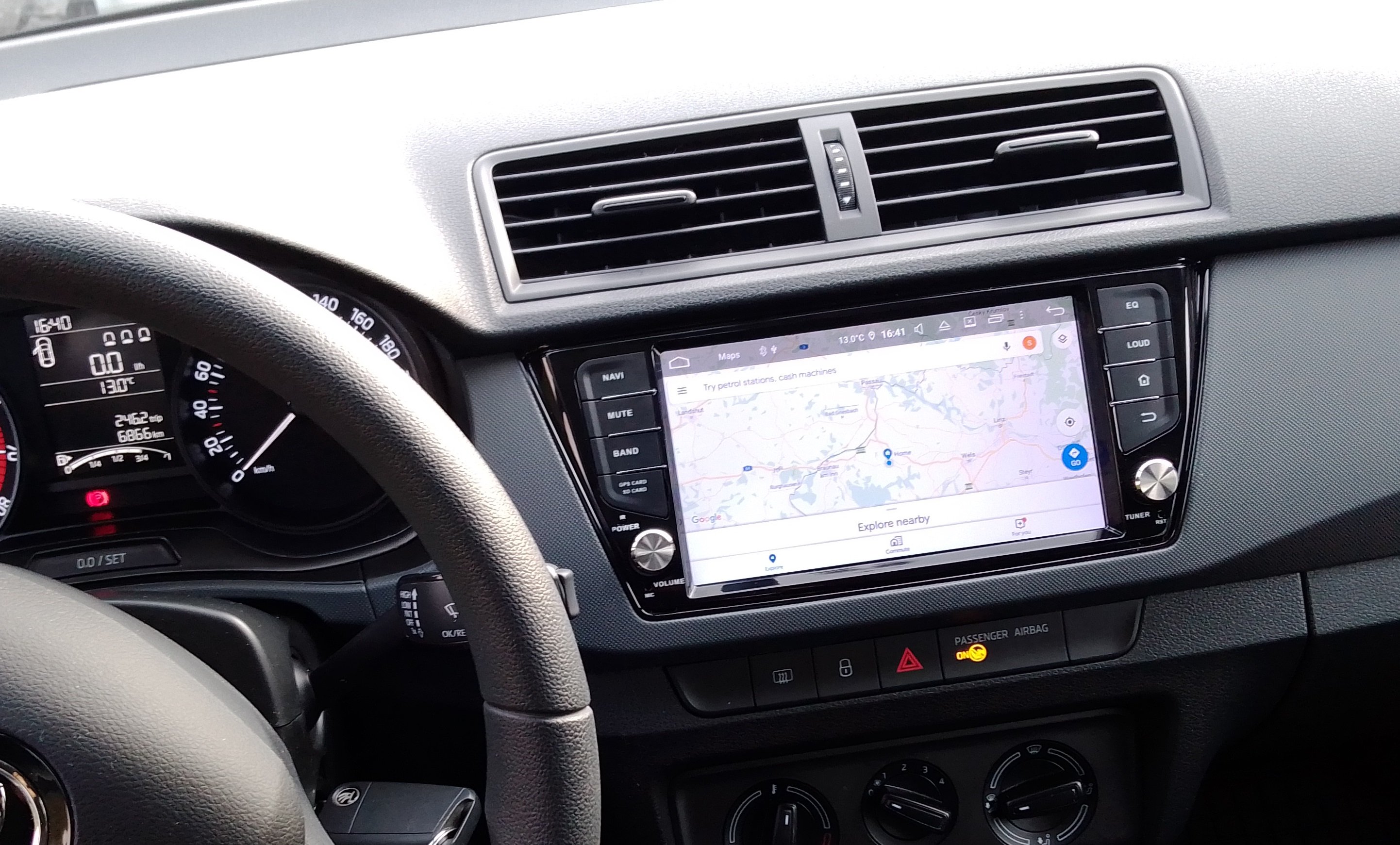
Hi everyone, recently I've bought one of these Chinese Android radios for the Fabia mk3 from my wife, so that she can get navigation and, most importantly, rear view camera :). After creating myself the removal tools for the original radio as these were not provided with the Chinese one, I proceeded to install the new one with the cables provided. The radio comes of course with the Can-Bus emulator box. I mus comment as well that the radio was provided with two ISO adaptors, one for "Golf IV" versions and another for "Passat" versions. I installed it the first time with the Golf VI version, although I was not sure which one was the right one. Anyway, before installing it I've noticed that both the radio and the can-bus box were drinking the main current from the same yellow cable, and there was no second red cable as usual (the one that you should disconnect if you do not want the radio to suck your battery when the car is turned off). So I assumed that by default either the radio was shutting off the current automatically (via can-bus) or the source of current was shut-off by the car. Fool of me, on this first installation I haven't checked the current consumption with the car turned off, and as the car has been stopped some days due to the quarantine, when we tried to start it again, the battery was dead. So after some internet research, I've found out that the in the new VAGs there is no longer 2 current lines arriving to the ISO adaptor, but only one which is always fed with current, independently of the position of the key. The shut-off of the original car radio happens through the can-bus signal. This means, that the original radio is always sucking some current to keep the minimum systems alert (turn on/off thru can-bus). I haven't measured the original one, but I guess the current drain has to be minimal, perhaps less than 100mA, otherwise the battery would be dead pretty soon as well. After the research, I proceeded to install again the radio with the second cable provided (the "Passat" version), to try again and, this time, measure the drain current, which happened to be 200mA. I'm afraid I can't say if at the first installation (with the Golf VI cable) the drain current was the same, as I haven't had time to check both cables, but I shall assume that the current drain was either the same or higher, and it was enough to kill the battery after 4-5 days. So I looked around to see if there was any power cable close to the radio to check if it was shut-off when I remove the ignition key so I can bridge the original ISO connector installation with a shut-off current source. The only thing close to the radio with enough current was the cigarette lighter, but this one as well is not shut-off with the key removal. Therefore here my request for some help: Does anybody know if there is any way to shut-off this current line adding some extra circuitry perhaps (a can-bus activated relay for instance)? If the first option sounds too complex, does anybody know any current source line that I can take, perhaps directly from the fuse-box, that can handle the 2-5 Amps of the radio and it's being shut-off when removing the ignition key? By the way, apart from this issue, the radio works pretty damn well and the integration with the dashboard is perfect. I couldn't try the functioning of the steering-wheel controls as my wife's Fabia doesn't have them, but I guess it should work as the radio does show other can-bus info, like the open doors. Thanks in advance and stay healthy! Cheers, Diego