bigreddognz
Members
-
Joined
-
Last visited
-
The emergency braking is a real pain, mine does it occasionlly backing out of the driveway (downhill angle) and also backing into the (narrow, but not excessively so) garage. You can turn off the sensors from the screen while in reverse, however it has the annoying side effect of also turning off the reversing camera! But I learnt to drive with mirrors and they still work!
-
Turn off the car with your foot on the brake and car automatically selects Park and activates the Handbrake. Really useful, just need to remember other vehicles you drive don't work the same... 🤦♂️
-
Correct - works with my (Android) and partners (iphone) - doesn't matter which is running the Android Auto/Car Play, if the other phone rings it will come up on the display.
-
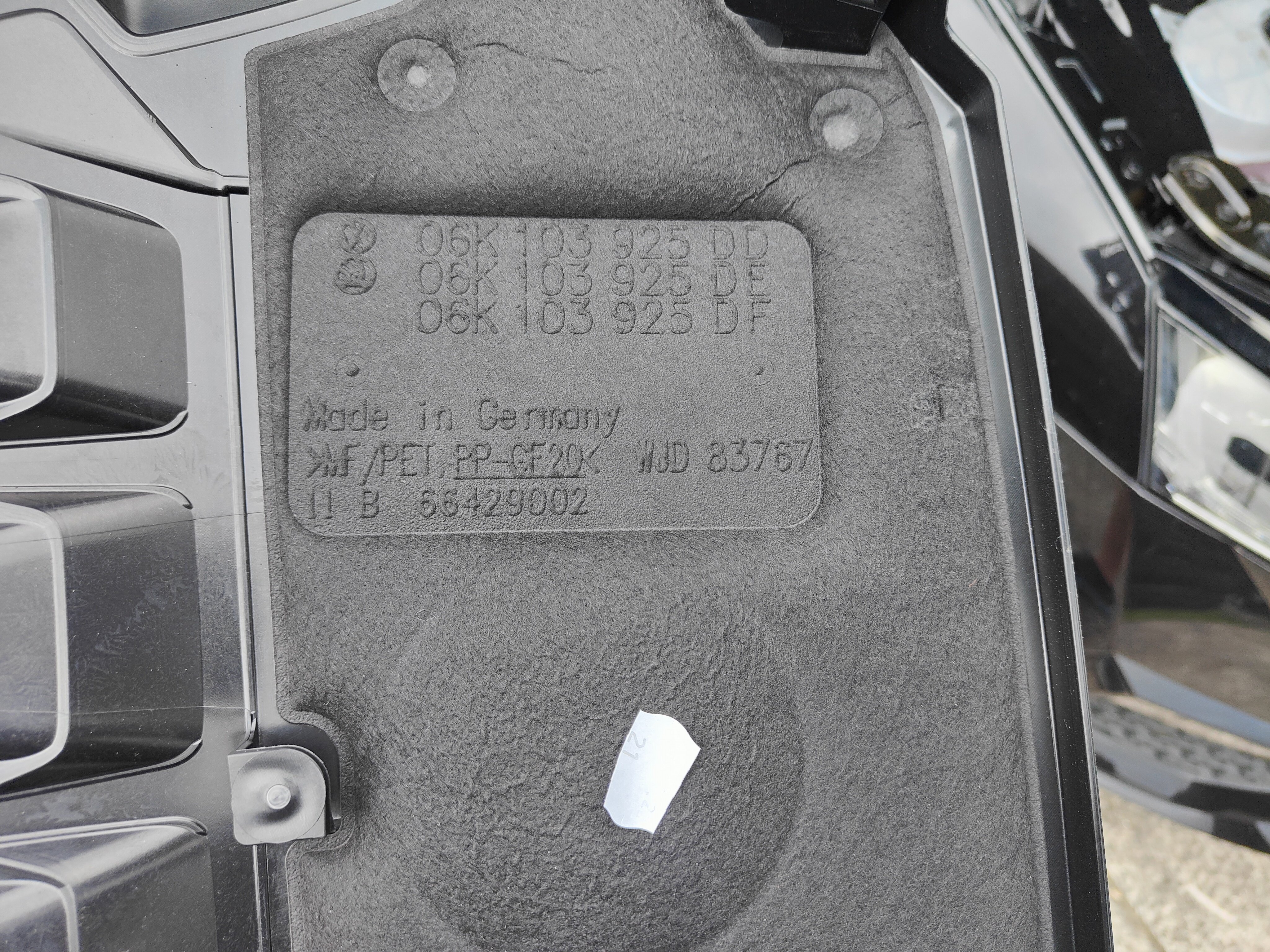
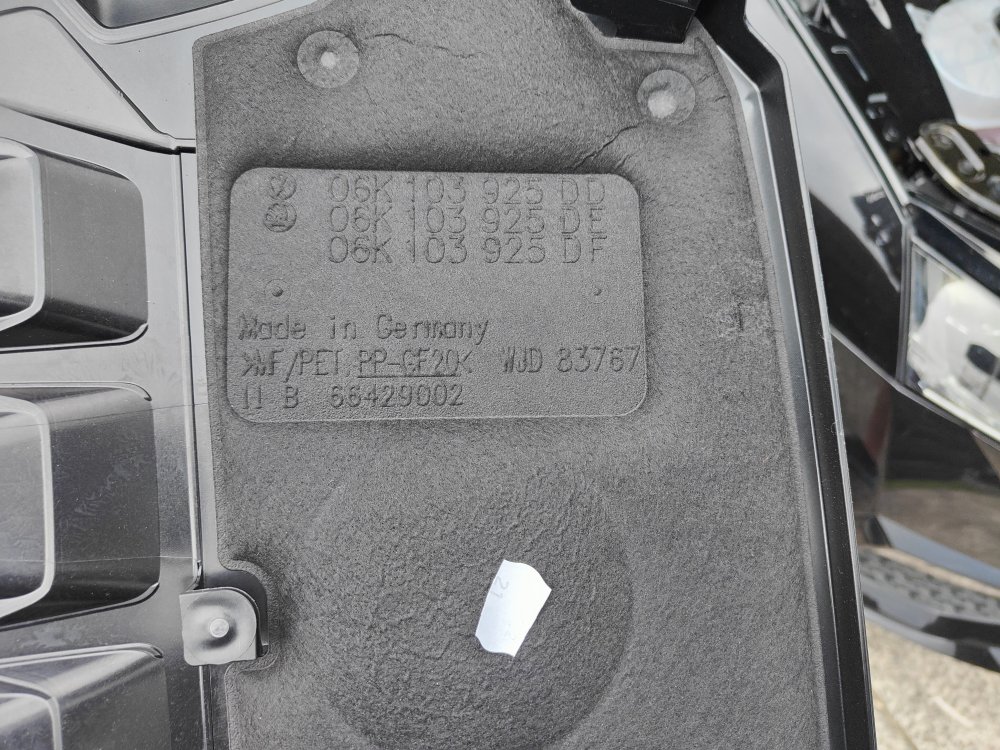
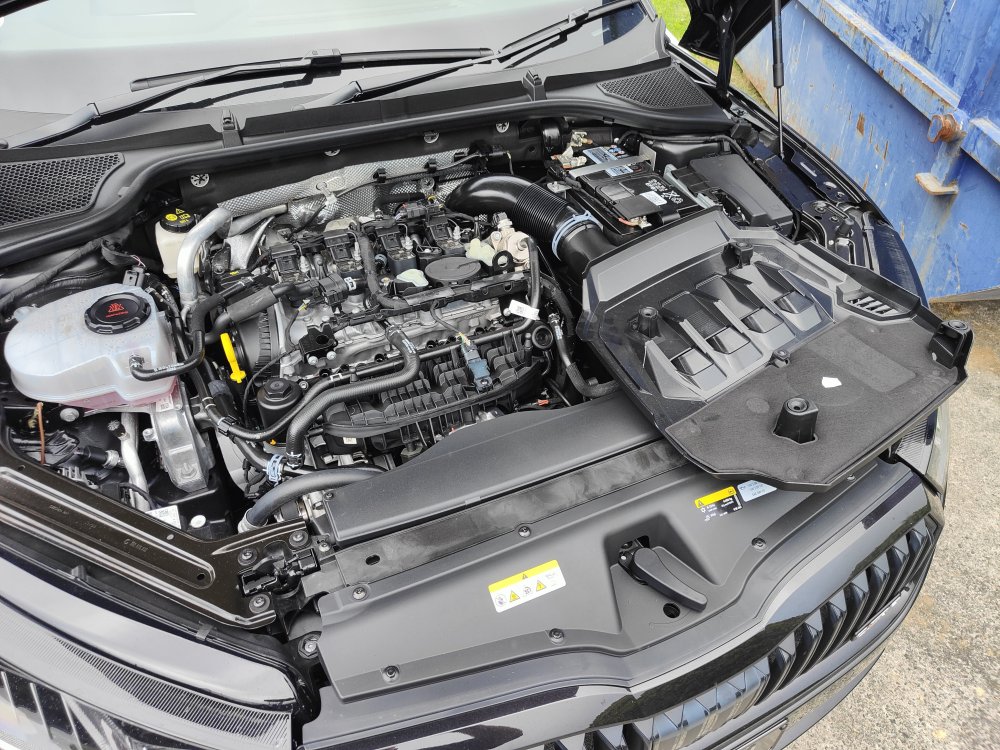
Ok.... So it turns out the cover comes off relatively easily 😳 and goes back on easily. See attached for part numbers, can confirm cover fits my partners Kodiaq RS that had the cover removed on the recall. 👍
-
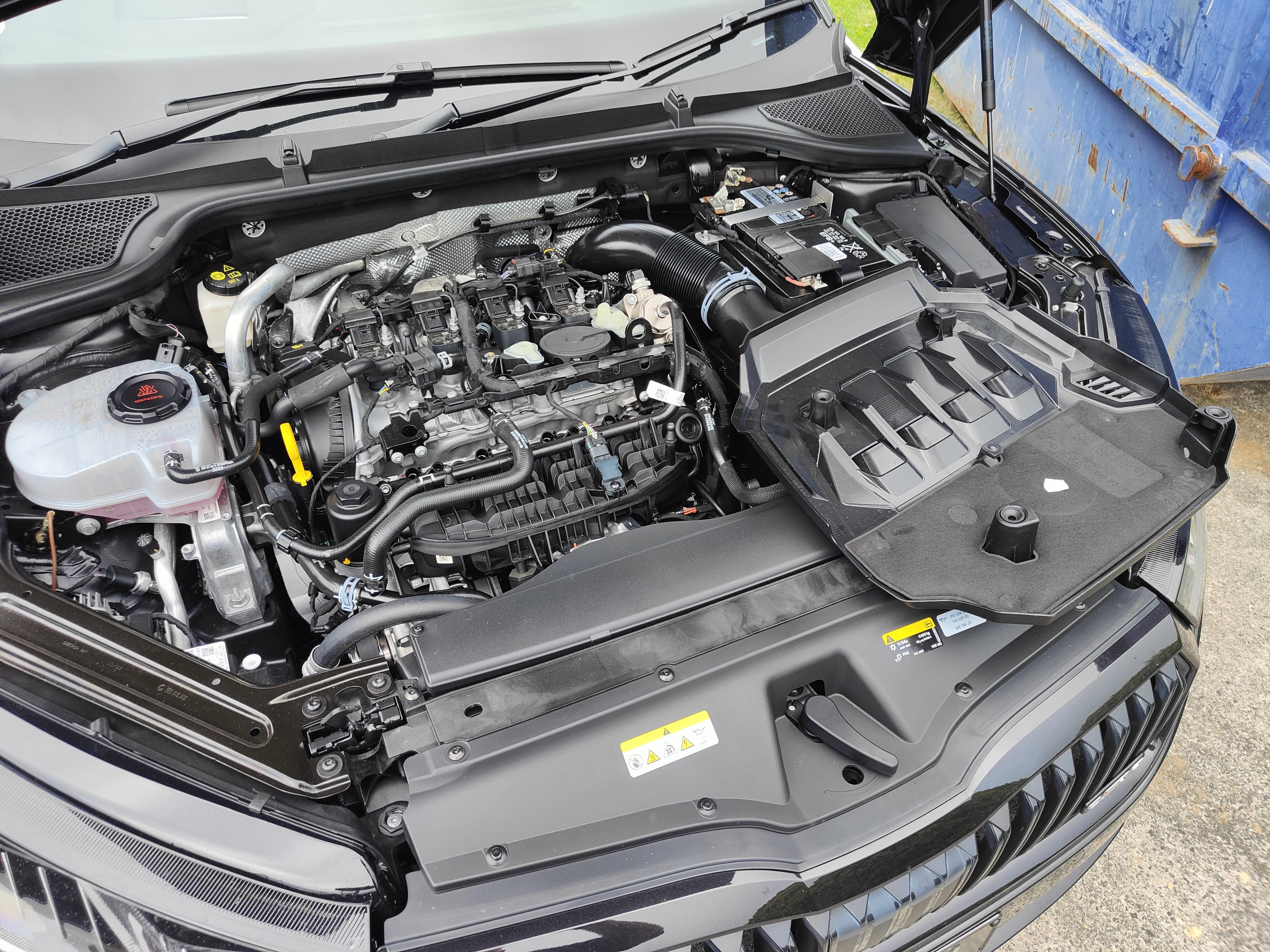
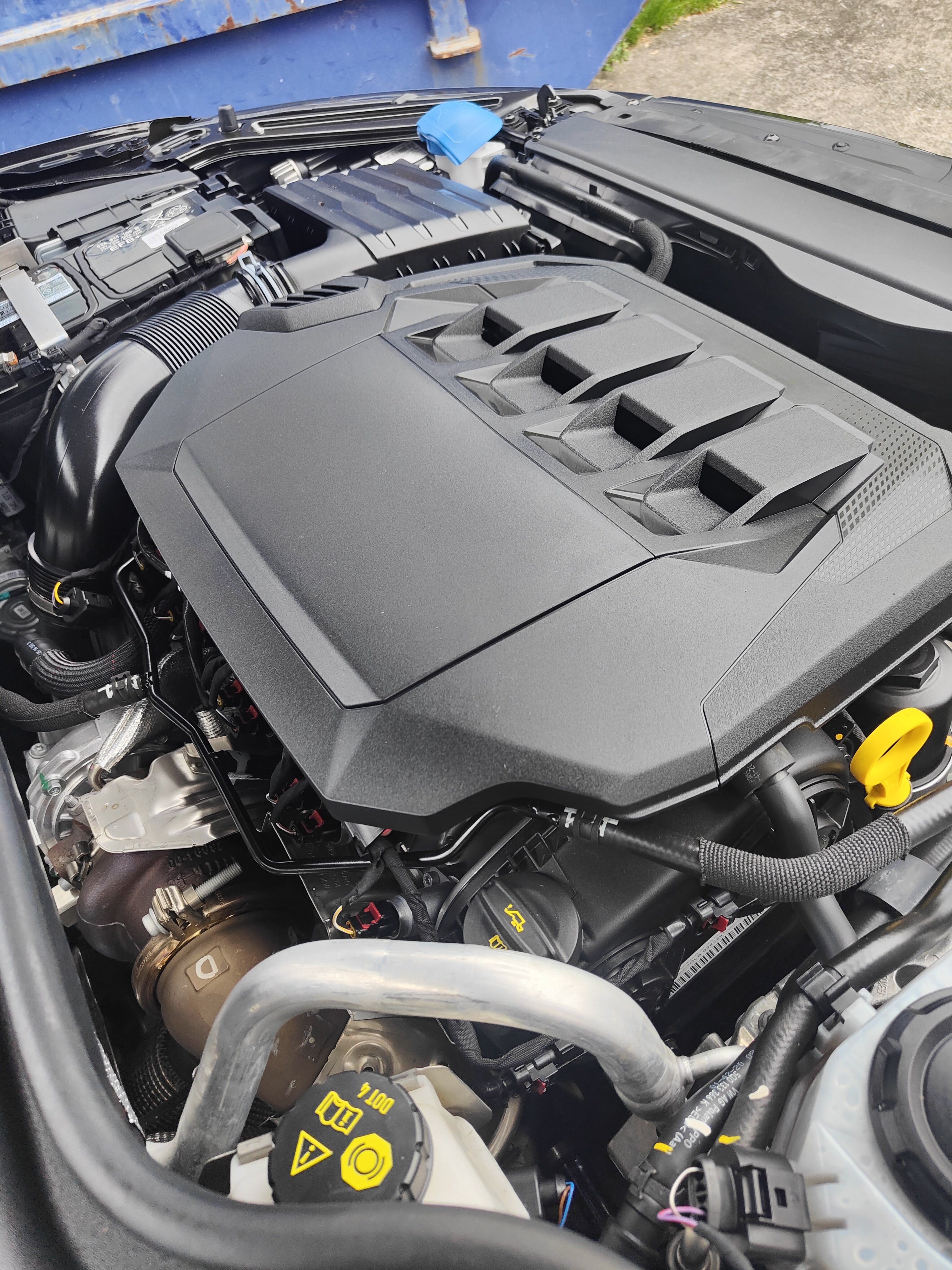
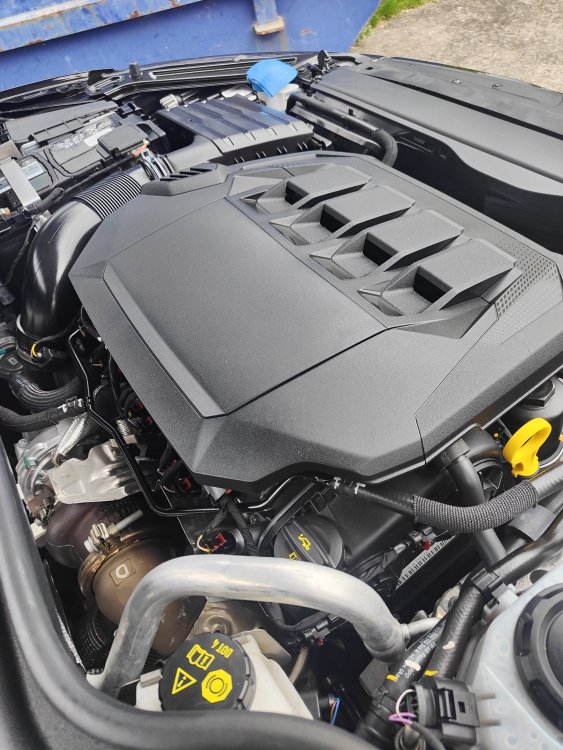
Definitely the 2.0 petrol engine - all documentation here just show it as 180kw - but 180=245 same same. I've had a bit of a look and can't see a part number, I'm guessing I would need to remove it to find that - but I'm not that keen to do this! Also about to go to the south island (NZ) for 10 days so don't have a lot of time to go poking around. Have attached another pic from the drivers side (RHS) A-pillar looking towards the front of the car - hard to see but the four slots are actually holes, not just for "looks". Bit of history on the car - was ordered July 2021 and apparently built early 2022 then parked up for several months while waiting for door panels, arrived in NZ middle of October, so assume it was finished end of August or sooner ish?
-
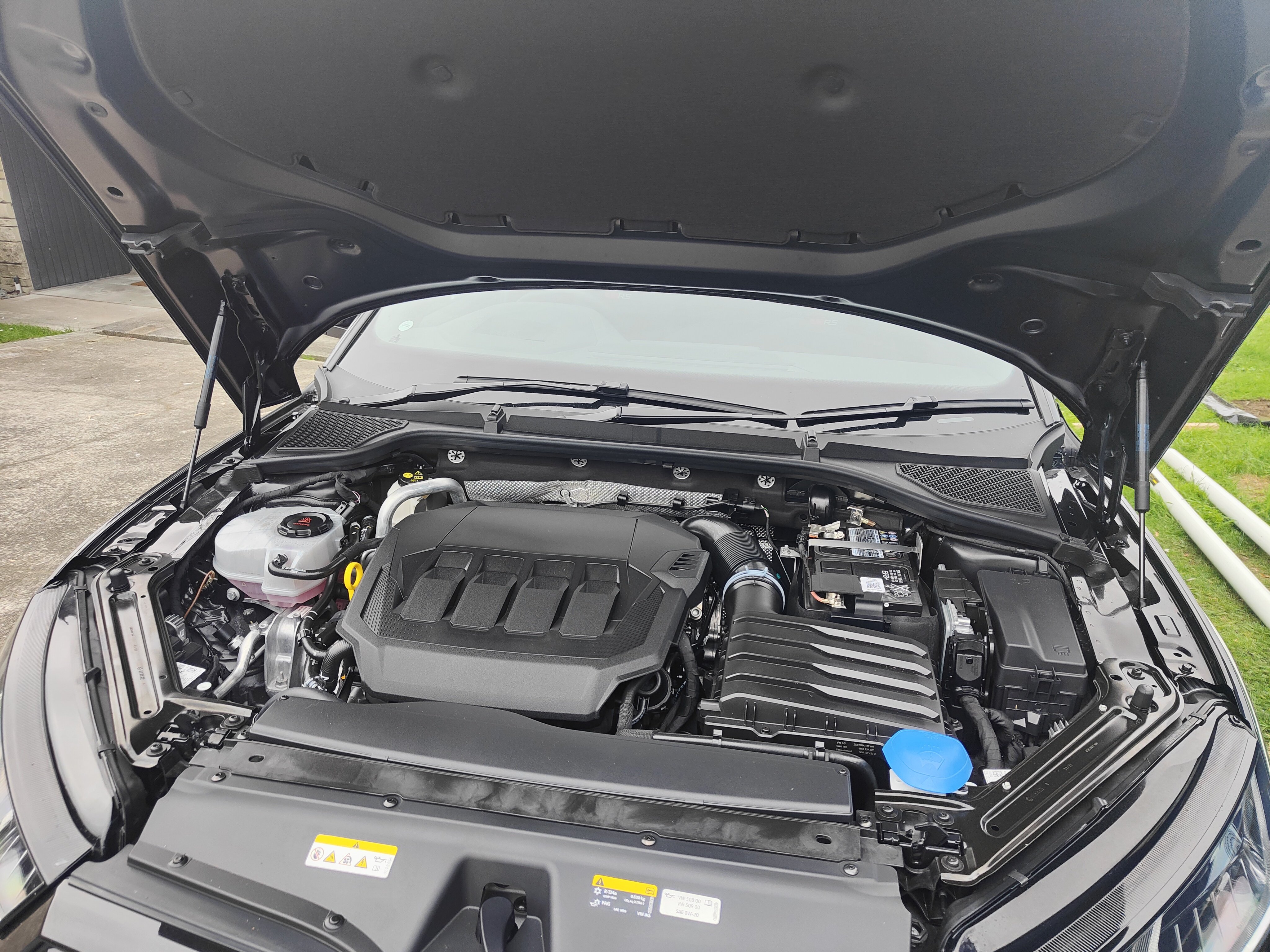
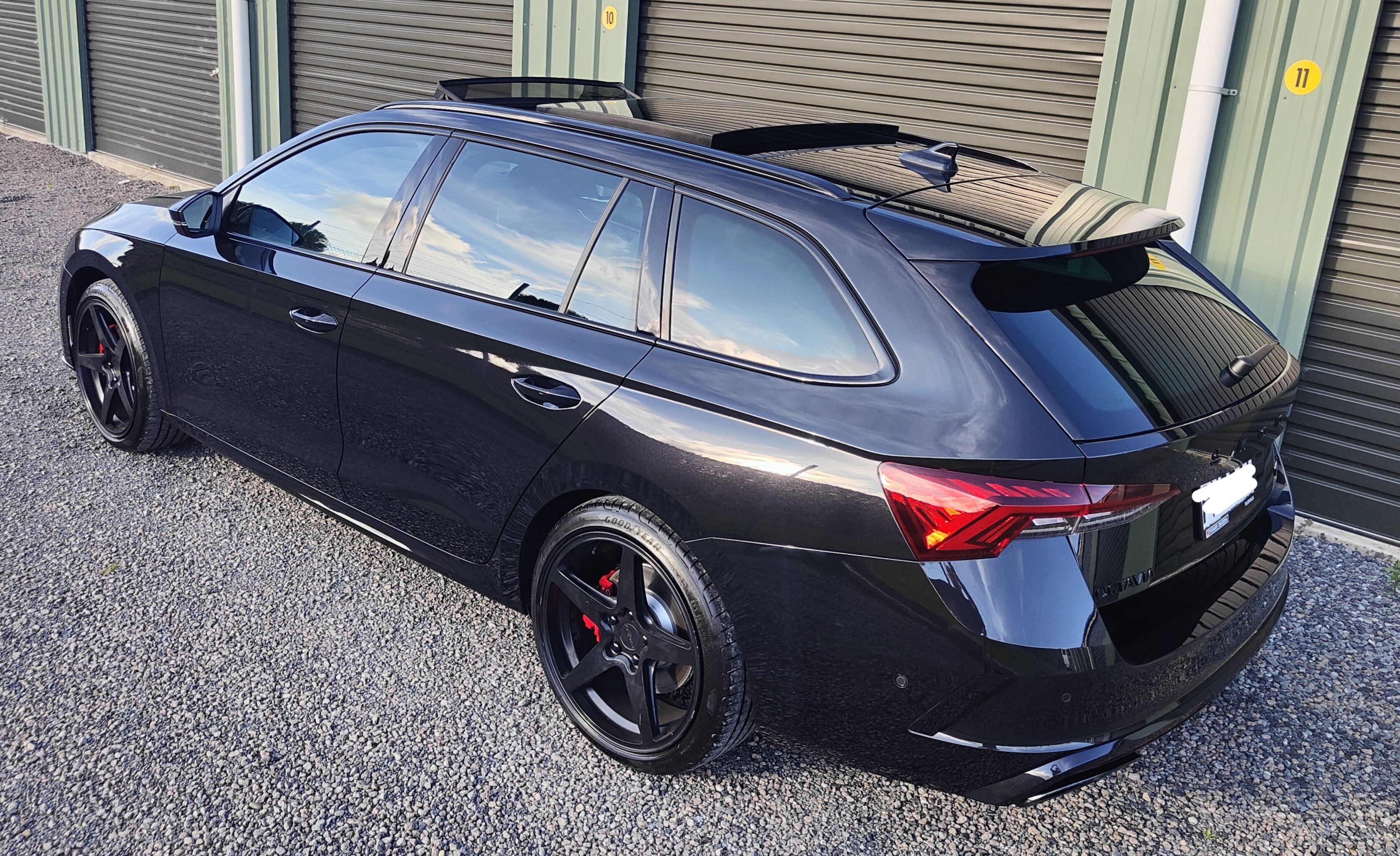
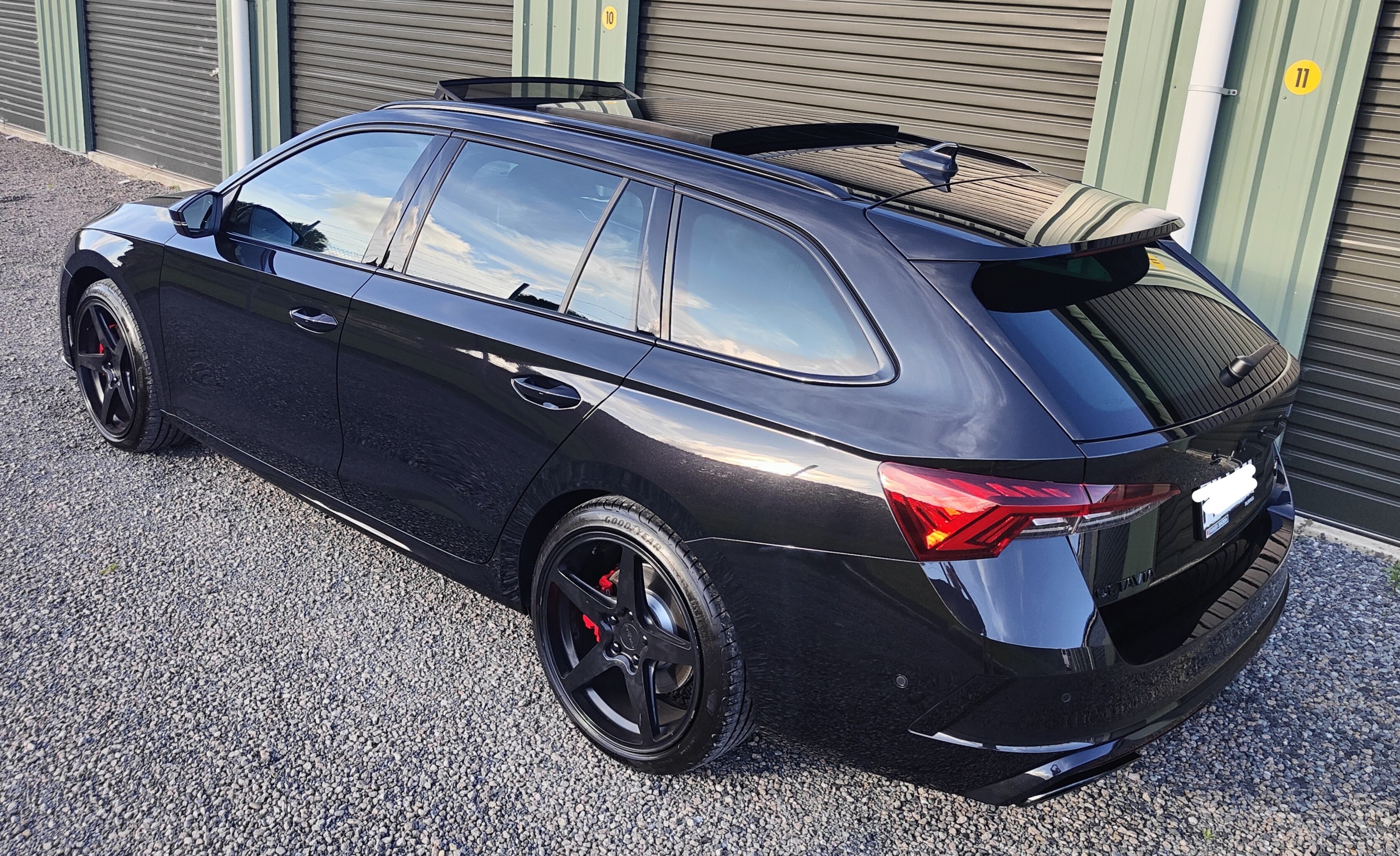
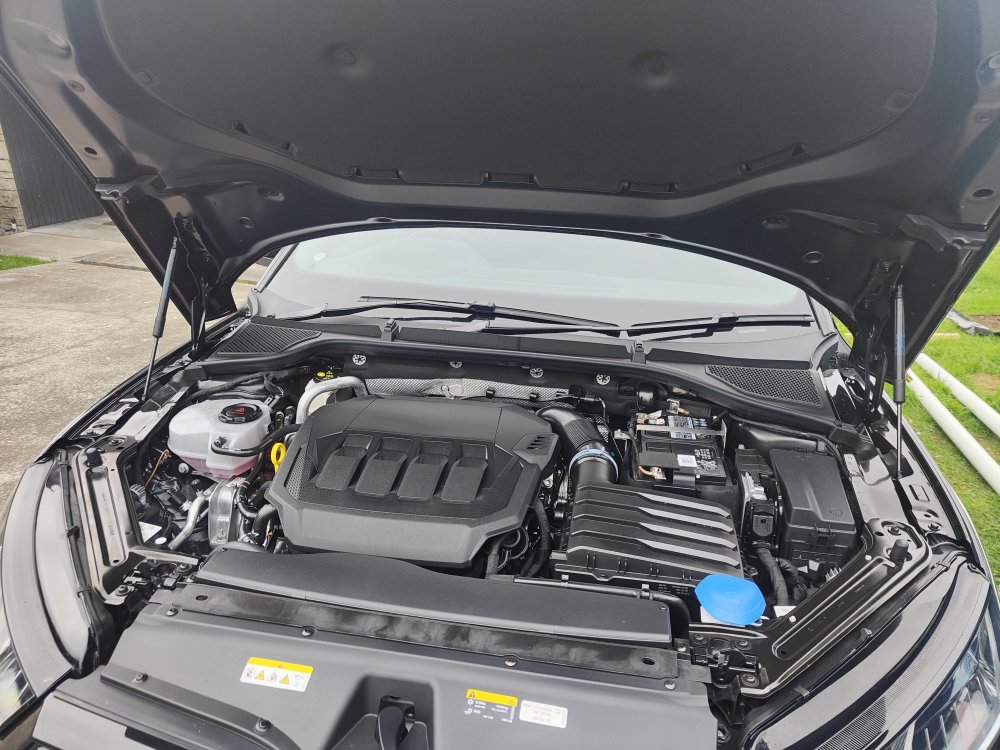
Finally home with the car in daylight and no rain.... See pic.
-
All NZ Skoda's are TSI
-
My car that was delivered this week (but that included 6-8 weeks in a boat) has an engine cover! I've just looked for the webpage to check recalls by VIN and can't find it so not sure whether they've just done a bad pre delivery or if they have a new part fitted ? Edit: The website https://recall.skoda-auto.com/004/en-com tells me there are no relevant recall campaigns for my vehicle. But then it says that about my partners Kodiaq that has already had the engine cover removed... 🤷
-
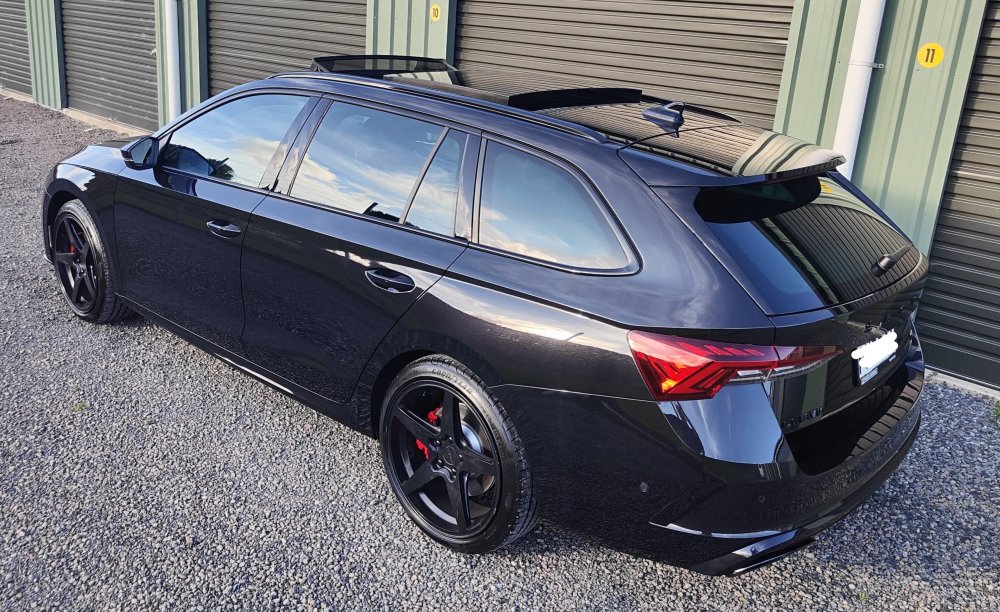
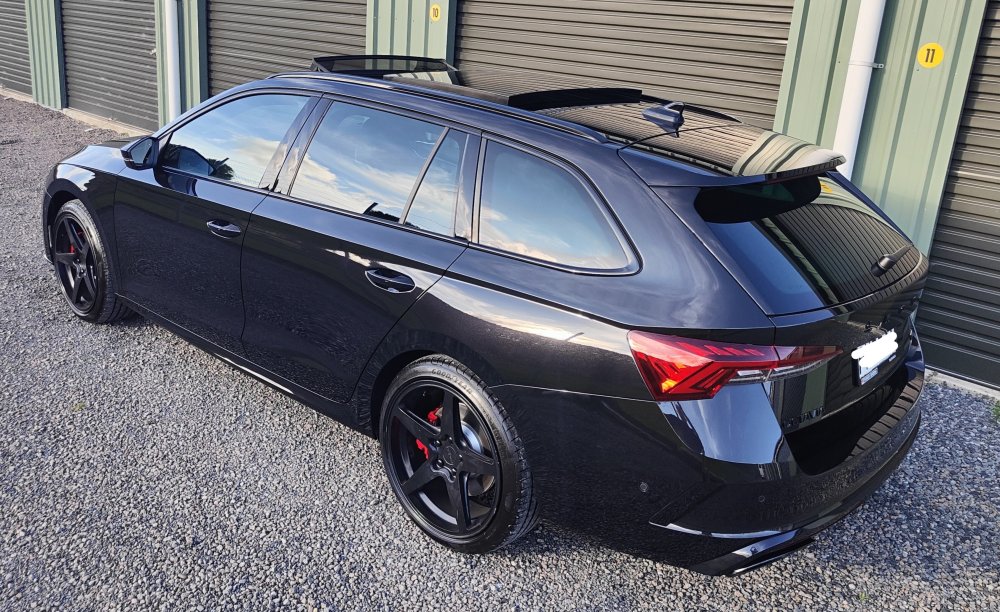
Only took 474 days (since July 2021) Black RS, panorama roof, Canton, RS Plus pack (DCC, front assist). Wheels swapped and since photo just got new black personalised plate fitted instead of the standard white plate. New front badges on their way to replace the chrome also...
-
After 474 days (since July 202.... finally have my car: Black RS, panorama roof, Canton, RS Plus pack (DCC, front assist). Have updated the spreadsheet
-
If you reset the boot (in any position) and you find you are still getting intermittent loud aggressive beeping then there is a fault so take it back to the dealer. They replaced the "Boot Control Module" on ours and it has solved the problem all of the time.
-
Had a call from the dealer today - car apparently is on a boat and should be at the dealer mid-late October. (have updated spreadsheet) Will make it about 16 months from order to arrival - compared to last car ordering in 2013/2014 which took 4 months.
-
Forgot to update this. Car was in at the dealer for both this aggressive beeping and also the virtual pedal only working intermittently. They replaced the "boot control module" (may not be actual name) after talking with Skoda NZ and this has solved both problems (so far - touch wood).
-
Thanks for the reply, have tried that several times. Sometimes works for a while... until it doesn't. Sometimes doesn't make a difference at all. Also I find it interesting that the 2022 Kodiak electric motors are much more resistant to moving the bootlid manually than the ones in my 2020 Octavia.. but then my Octavia doesn't do the aggressive beeping so... 🤷♂️
-
Ours doing this also, anyone had a solution? Is booked in at the dealer in a few weeks